Facility teams are being asked to keep more equipment running with fewer experienced technicians, and much of the knowledge they need sits in unread manuals, unsearchable work orders, and the heads of people nearing retirement. An AI facility copilot targets that gap. It reads your own documents and maintenance history, then answers a technician's question in plain language with sources attached. This guide covers six use cases that work today and the guardrails that keep answers trustworthy, and you can book a demo to see it.
FM Labor Solutions · AI Copilot
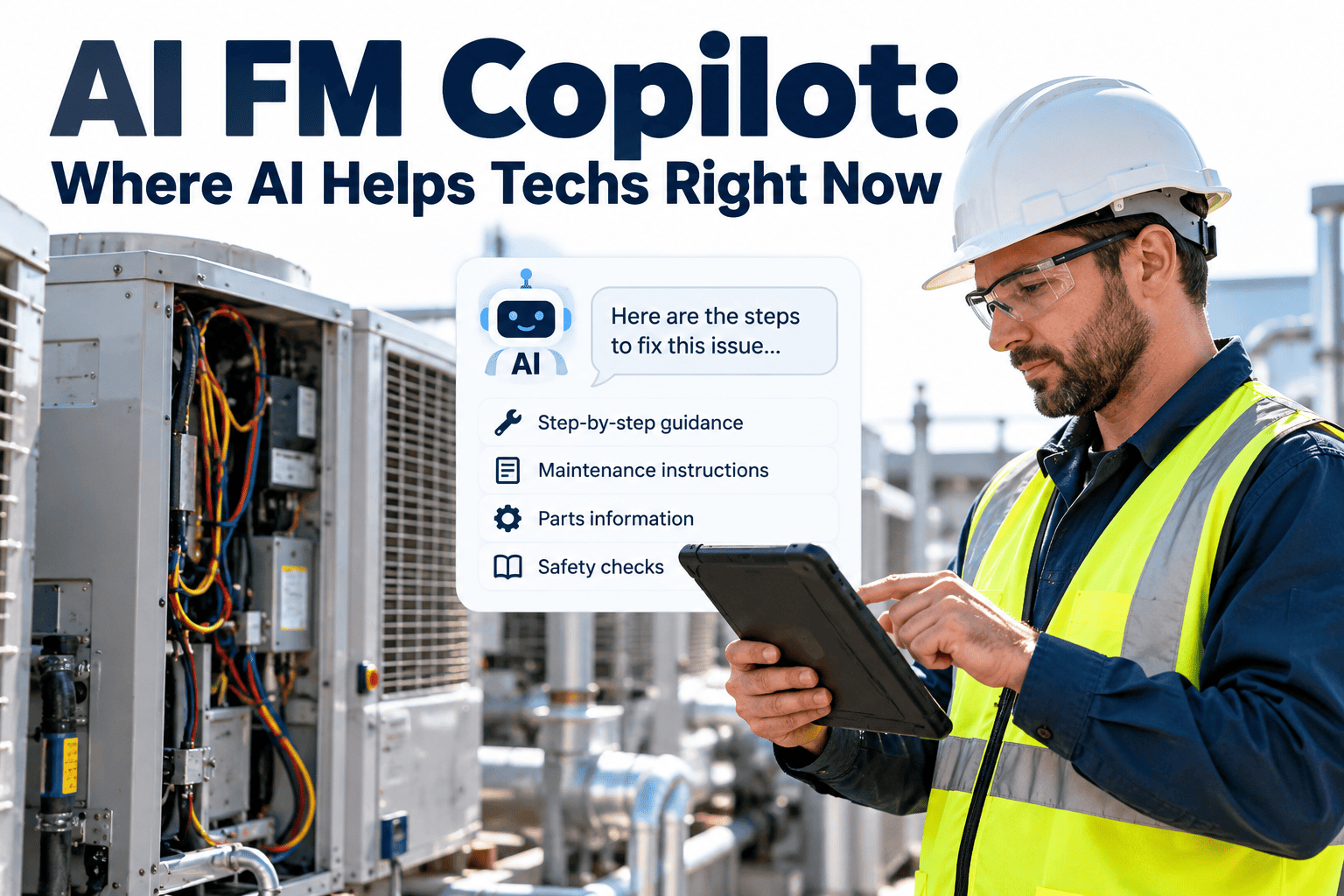
AI FM Copilot: Where AI Helps Facility Technicians Right Now, Not in Five Years
A copilot does not replace a technician. It finds the manual page, the past repair, and the next diagnostic step in seconds, so skilled people spend their time fixing equipment instead of hunting for information.
Illustrative example, not real data
Technician
RTU-12 keeps tripping on high head pressure. What did we do last time?
Copilot
Three similar work orders exist on this unit and its sister units. The most common fix was cleaning the condenser coil and replacing the fan capacitor. The manual section on high-pressure lockout is linked below, and two matching capacitors are in stock at the main storeroom.
Sources: three work orders, the OEM manual, the inventory record
The Problem
Why Facility Teams Are Turning to AI Now
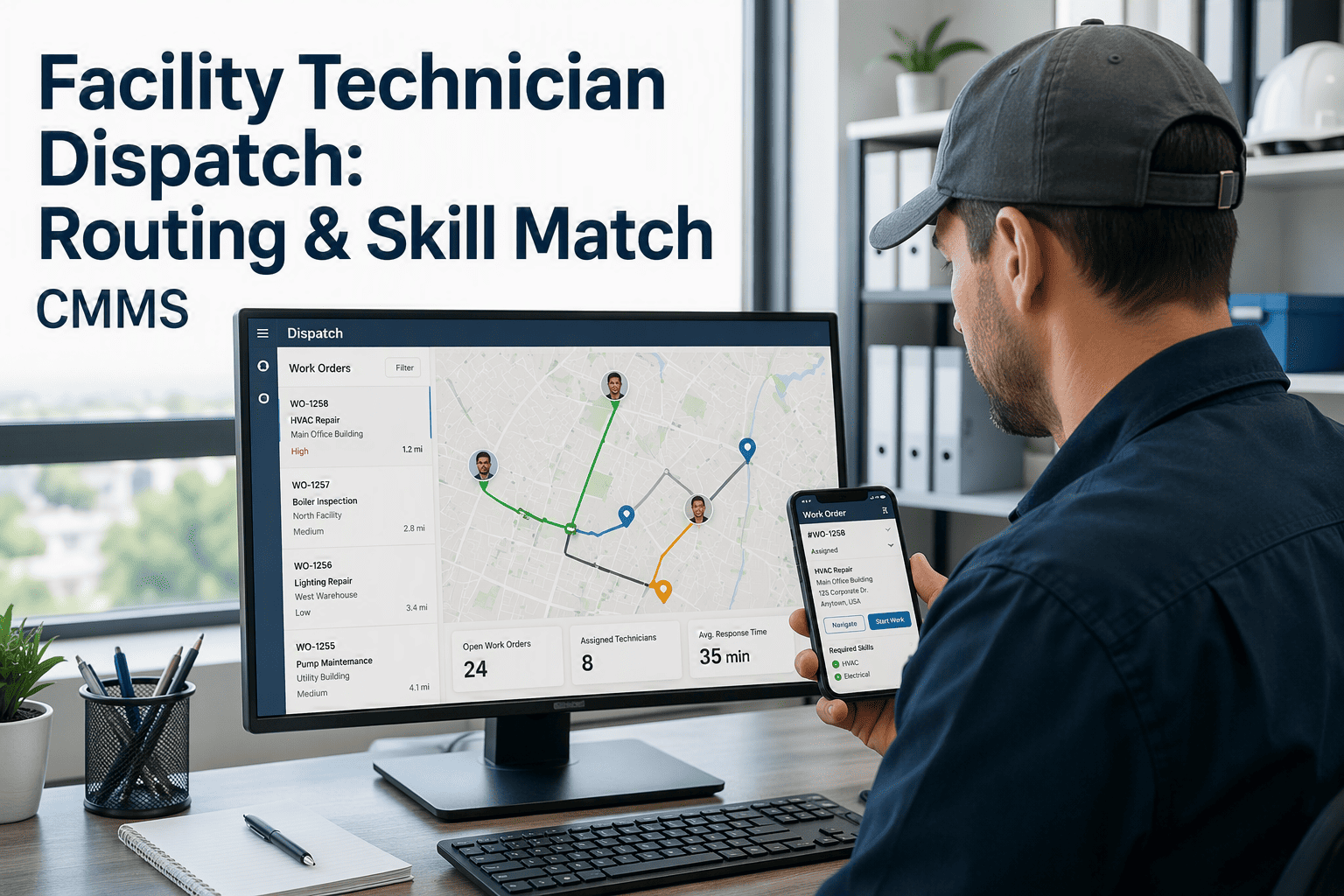
Experienced technicians retire, hiring takes months, and newer staff must diagnose unfamiliar equipment on their own. Here is how a single callout changes when information is one question away.
Without a copilot
Moment
With a copilot
A vague ticket reaches the wrong trade or the wrong asset.
Dispatch
A plain-language request becomes a structured work order with the asset matched.
The technician arrives and searches for the model and manual.
Arrival
Asset details and the relevant procedure open before the technician reaches the site.
Diagnosis relies on memory or a phone call to a senior colleague.
Diagnosis
Past fixes on the same and sister assets appear with links to the original records.
A second trip is needed because the part was not on the van.
Parts
Likely parts and current stock are known before the job starts.
Steps are skipped or done from memory.
Repair
An ordered checklist with safety reminders guides the work, and the technician stays in control.
Close-out notes say "fixed" and nothing more.
Close-out
Rough notes become a clear summary that helps the next person.
Definitions
What an FM Copilot Is, and What It Is Not
The word copilot is used loosely, so it helps to separate it from neighboring tools. What matters is which data the tool reads and whether a person stays in charge of the outcome.
| Tool type | Data it uses | What it does | Main limitation |
|---|
| Generic chatbot | General internet knowledge | Answers broad questions | Knows nothing about your equipment and can guess |
| FM copilot | Your assets, work orders, manuals, procedures, and inventory | Answers questions and drafts records with sources | Quality depends on the records behind it |
| Predictive analytics | Sensor and building automation data | Flags equipment likely to fail | Needs sensors and does not explain the repair |
| Rules-based automation | Fixed triggers and schedules | Creates tasks on set conditions | Cannot interpret free-text problems |
Six Use Cases
Six Places AI Helps Facility Technicians Today
Each use case below follows the same pattern: the technician supplies context, the AI retrieves or drafts, a person checks, and a record is produced. None of them requires the AI to act alone.
Use case 1: Find the right manual page in seconds
Input
A plain-language question plus the asset ID.
AI does
Searches manuals, service bulletins, and internal procedures, then returns the relevant section with a link.
Human checks
Confirms the model and revision match the installed asset.
Output
The procedure opens at the right step, not on page one of a long PDF.
Use case 2: Surface past repairs on the same and sister assets
Input
A symptom and the asset it occurred on.
AI does
Matches the symptom against work order history and summarizes what was done and what worked.
Human checks
Decides whether an old fix still applies after later changes to the equipment.
Output
A short history with links to the source work orders.
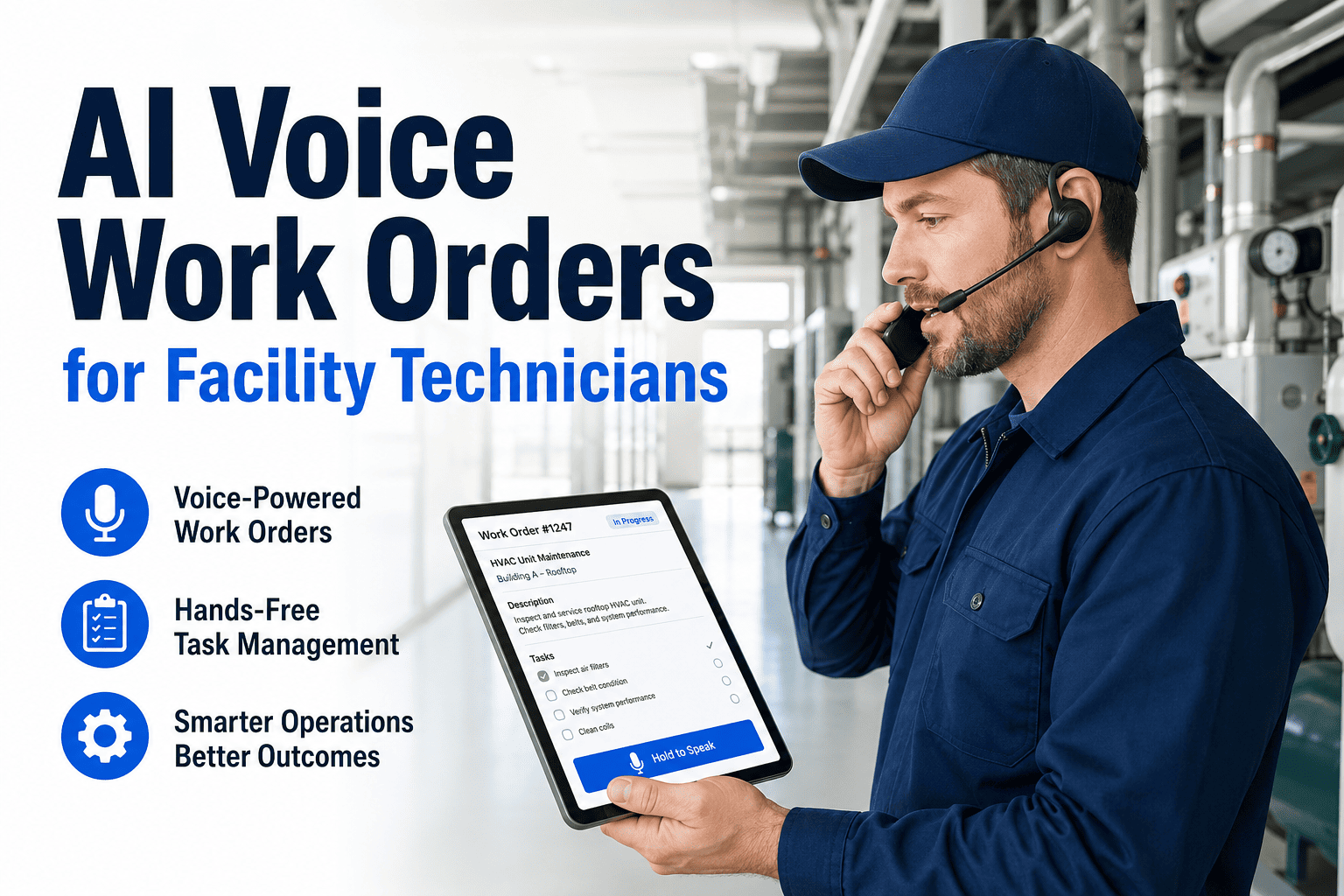
Use case 3: Draft work orders from plain descriptions or voice notes
Input
A description such as "loud grinding from pump 2 in the basement plant room".
AI does
Proposes the matching asset, trade, priority, problem code, and a suggested job plan.
Human checks
Reviews the draft and submits it.
Output
A complete, consistent work order instead of a vague ticket.
Use case 4: Guide troubleshooting one step at a time
Input
A fault code or symptom and the equipment type.
AI does
Suggests ordered checks drawn from manuals and past fixes, with lockout and safety reminders from your own procedures.
Human checks
Performs each check, applies judgment, and decides when to stop or escalate.
Output
A structured checklist with findings recorded against the asset.
Use case 5: Summarize close-out notes and shift handovers
Input
Rough notes, parts used, and photographs.
AI does
Turns them into a clear closing summary and a list of open items for the next shift.
Human checks
Edits and approves the summary before it is saved.
Output
Consistent, searchable history that improves the next diagnosis.
Use case 6: Find parts and check stock
Input
The asset and the failed component.
AI does
Identifies the part number from bills of materials and manuals, then checks stock across storerooms.
Human checks
Verifies fit and approves substitutions.
Output
A reserved part or a drafted purchase request tied to the work order.
Start with the records your copilot will depend on
Build a clean asset register, capture better work order history, and give technicians a mobile workflow that produces data worth searching.
Prompting
How Technicians Should Ask: Weak Questions and Strong Ones
A copilot answers better when the question names the asset, the symptom, and what has already been tried.
Strong
CHW-P2 in plant room B has a grinding noise from the drive end since this morning, and it had a vibration alarm last week. What were the previous repairs, and which bearing is fitted?
Strong
AHU-07 supply air is well above setpoint with the chilled water valve fully open. What checks should I run, and have we seen this before?
Strong
What is the part number for the condenser fan capacitor on RTU-12, and do we have one in stock?
Honest Limits
Where AI Does Not Help Yet
No records, no answers.A copilot cannot diagnose equipment that has no history, manuals, or asset details in the system.
Safety-critical decisions.Electrical isolation, confined space entry, gas work, and life safety decisions stay with qualified people and formal procedures.
Physical senses.AI cannot feel a hot bearing, smell a burnt winding, or notice a loose fitting on a walk-through.
Messy data.Duplicate assets, blank close-out notes, and inconsistent codes produce weak answers, however good the model is.
Failure prediction without sensors.Forecasting failures needs condition data. A copilot alone reads history, it does not measure equipment.
Trust
Guardrails: Grounded, Cited, and Approved
Three habits separate a useful copilot from a risky one, and each can be checked during a pilot.
Grounded
Answers come from your documents and records, not general web knowledge, so advice matches your equipment.
Cited
Every answer links to the source work order, manual page, or record so the technician can verify it in seconds.
Approved
AI drafts and suggests. People approve work orders, safety steps, and closures before anything is committed.
- Respect roles, so technicians see only the sites and records they are permitted to see.
- Keep an audit trail of questions asked and answers given.
- Give users a simple way to flag a wrong answer, and review flagged answers regularly.
- Retire outdated manuals and procedures so the copilot never cites them.
Vendor Questions
Security and Privacy Questions to Ask Before You Deploy
Maintenance records reveal how your buildings work, so treat any AI feature like any other system that holds operational data.
- Where is our data stored, and can we choose the region?
- Is our data kept separate from other customers' data?
- Is our data used to train models that other customers can access?
- Can access follow our existing roles and site permissions?
- Are questions, answers, and approvals logged for audit?
- Can we export or delete our data, including any indexes built from it?
Data Readiness
What the Copilot Reads, and What Breaks Without It
| Source | What it enables | Quality needed | What breaks without it |
|---|
| Asset register | Matching questions to the right equipment | Unique IDs, model and serial numbers, locations | Answers about the wrong asset |
| Work order history | Past-repair lookup and pattern spotting | Clear problem and cause notes, consistent codes | Empty or misleading history |
| Manuals and OEM documents | Procedure retrieval | Current revisions, searchable text, linked to models | Outdated instructions |
| Job plans and SOPs | Guided steps and safety prompts | Reviewed and version-controlled | Steps that contradict site policy |
| Parts inventory | Part lookup and stock checks | Accurate counts, parts linked to assets | Suggestions for parts you do not have |
| Sensor and building alerts | Context on recent equipment behavior | Points mapped to specific assets | Alerts that cannot be tied to equipment |
Oxmaint brings asset records, work order history, preventive maintenance job plans, inspections, inventory, and mobile workflows into one system, so AI-assisted workflows have organized records to draw on. You can
start a free trial and begin building that foundation today.
Knowledge Capture
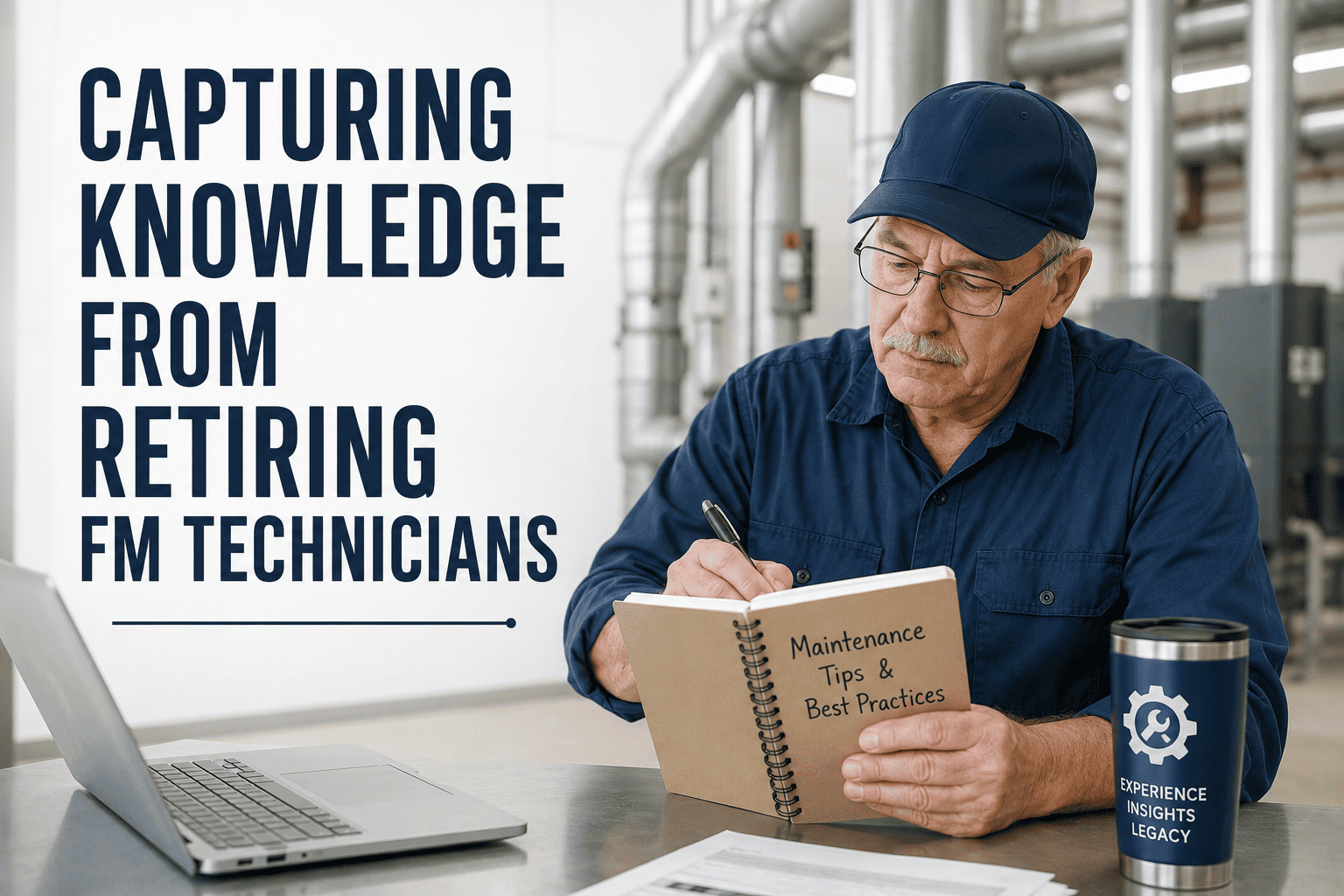
Capture Expert Knowledge Before It Walks Out the Door
A copilot can only share what has been written down. Use senior technicians' remaining time to record what they know, tied to asset types rather than buried in a document.
Look-alike faults
Which faults on this asset class look alike but have different causes?
Order of checks
What do you check first, and what do you leave until last?
Early warnings
Which sounds, smells, or readings tell you something is wrong before an alarm does?
Parts you always carry
Which spares do you keep on hand for this unit, and why?
Common shortcuts
Which shortcut do new technicians take that causes trouble later?
Where to store it
Attach the answers to job plans and asset types so they appear at the point of work.
Measurement
How to Measure Whether a Copilot Is Helping
Record a baseline for each measure before rollout, then compare after 60 to 90 days on the same site and trade.
Time to find the right procedure
Sample a set of jobs and time how long technicians take to locate the correct manual section.
First-time fix rate
Share of jobs completed without a return trip for parts or information.
Repeat visits
Work orders reopened on the same asset for the same fault within 30 days.
New technician ramp time
Time until a new hire completes routine jobs without escalation.
Record completeness
Share of closed work orders with cause, action, and parts filled in.
Backlog age
Average age of open work orders, which should fall as admin time shrinks.
Rollout
A Four-Stage Rollout That Builds Trust
Teams that start small and expand only after technicians trust the answers tend to keep the tool in use. Skipping straight to automation is where most enthusiasm is lost.
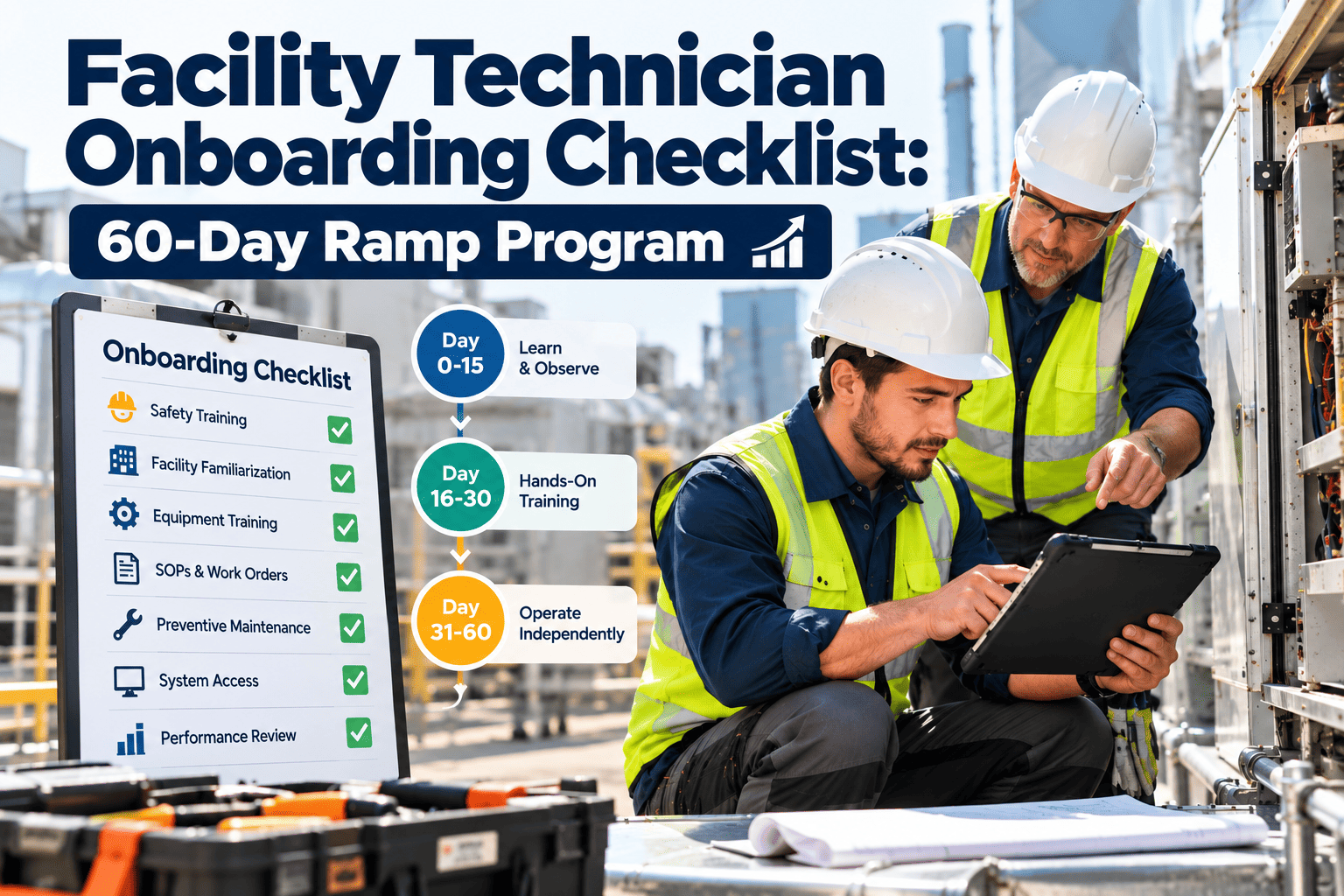
Stage 1: One trade, one site
Pick a single trade such as HVAC at one site. Clean the asset register and attach current manuals.
Stage 2: Read-only assistance
Let technicians ask questions and view answers with sources, while the system writes nothing.
Stage 3: Draft mode
Add work order drafts and close-out summaries that people review before saving.
Stage 4: Scale and review
Extend to more trades, review flagged answers monthly, and retire weak sources.
In Practice
Three Short Scenarios: A Copilot in the Working Day
After-hours callout
An on-call technician gets an alert at night. The copilot summarizes similar past events, shows the safe shutdown steps from your procedure, and confirms whether the spare is in the on-site store. The technician decides whether to repair or make safe until morning.
First weeks on the job
A new technician scans an unfamiliar unit and asks what maintenance is due and what has gone wrong before. The answers arrive with sources, so fewer questions interrupt senior staff.
Monday backlog review
A supervisor asks for open high-priority work orders by building and any repeat faults. The summary becomes the agenda for the team meeting, and every item links back to its record.
Common Questions
AI FM Copilot: Frequently Asked Questions
What is an AI FM copilot?
It is an assistant that reads your assets, manuals, and work order history, then answers technician questions with sources.
Will an AI copilot replace facility technicians?
No. It speeds up finding information and drafting records, while people still diagnose, repair, and make safety decisions.
What data does a copilot need to work well?
A complete asset register, useful work order history, current manuals, and reliable inventory records.
Can a copilot give wrong answers?
Yes, which is why answers should cite sources and people should approve actions.
Book a demo to see how sources are shown.
Where should a small FM team begin?
Clean up assets and work order records first, then pilot on one trade.
Start free to organize your records.
Give every technician a senior colleague's memory
Organize assets, work orders, manuals, and inventory in one maintenance system, and put reliable information in every technician's hands.