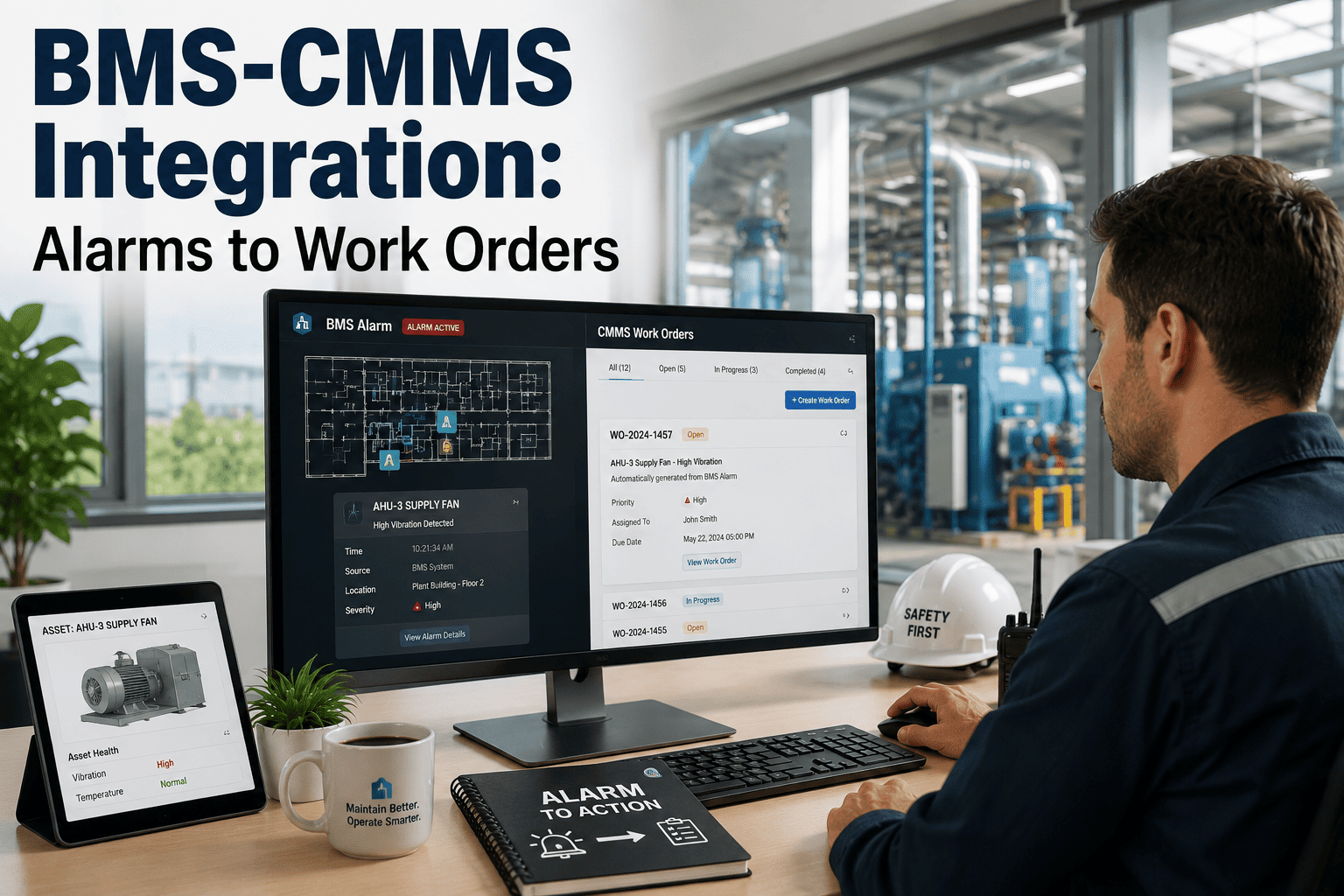
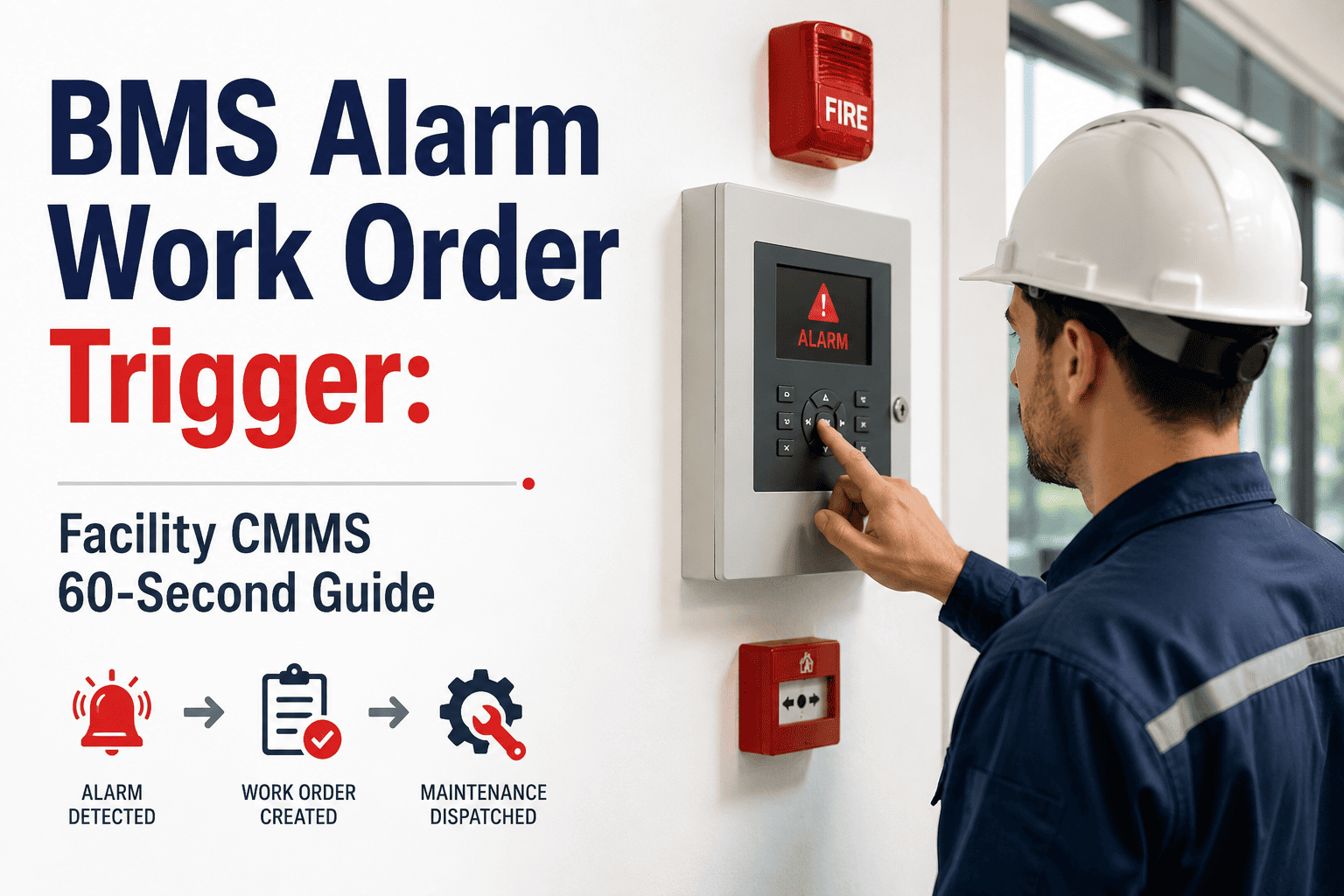
Building management systems generate thousands of alarms every week — zone temperature exceedances, chiller faults, AHU pressure deviations, fire damper signals, and VAV box failures. The problem is not a lack of data. The problem is that 80% of those alarms silently expire without triggering a work order, because BMS platforms and CMMS platforms have never spoken to each other. Technicians miss the alert. Supervisors do not know it fired. The fault escalates into an equipment failure or comfort complaint. OxMaint's BMS integration converts every configurable alarm into a prioritized, asset-linked work order — with severity, location, and recommended action already populated — so nothing slips through the gap between detection and response. Book a demo to see how buildings are eliminating the alarm-to-action gap entirely.
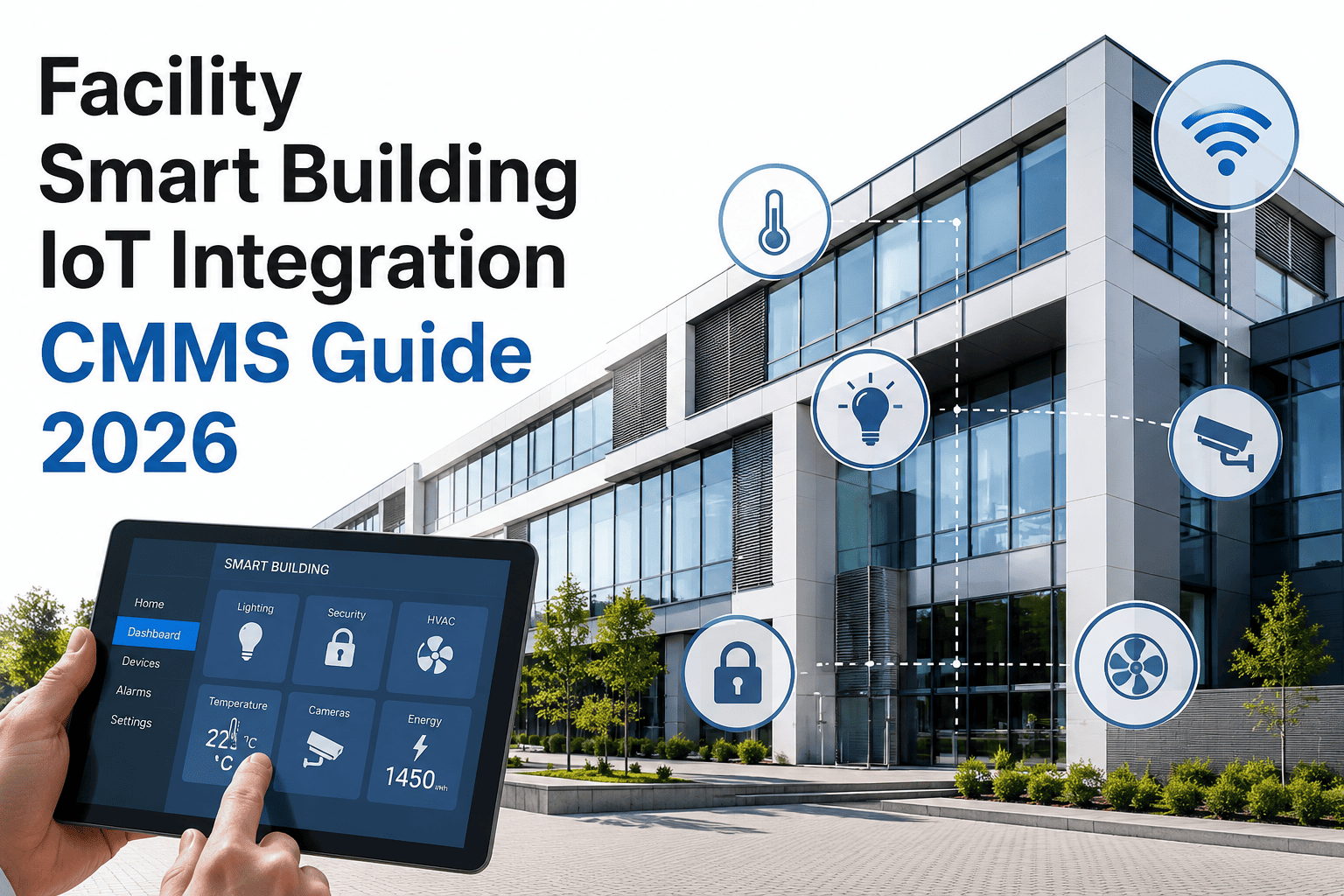
Smart Building / IoT Integration
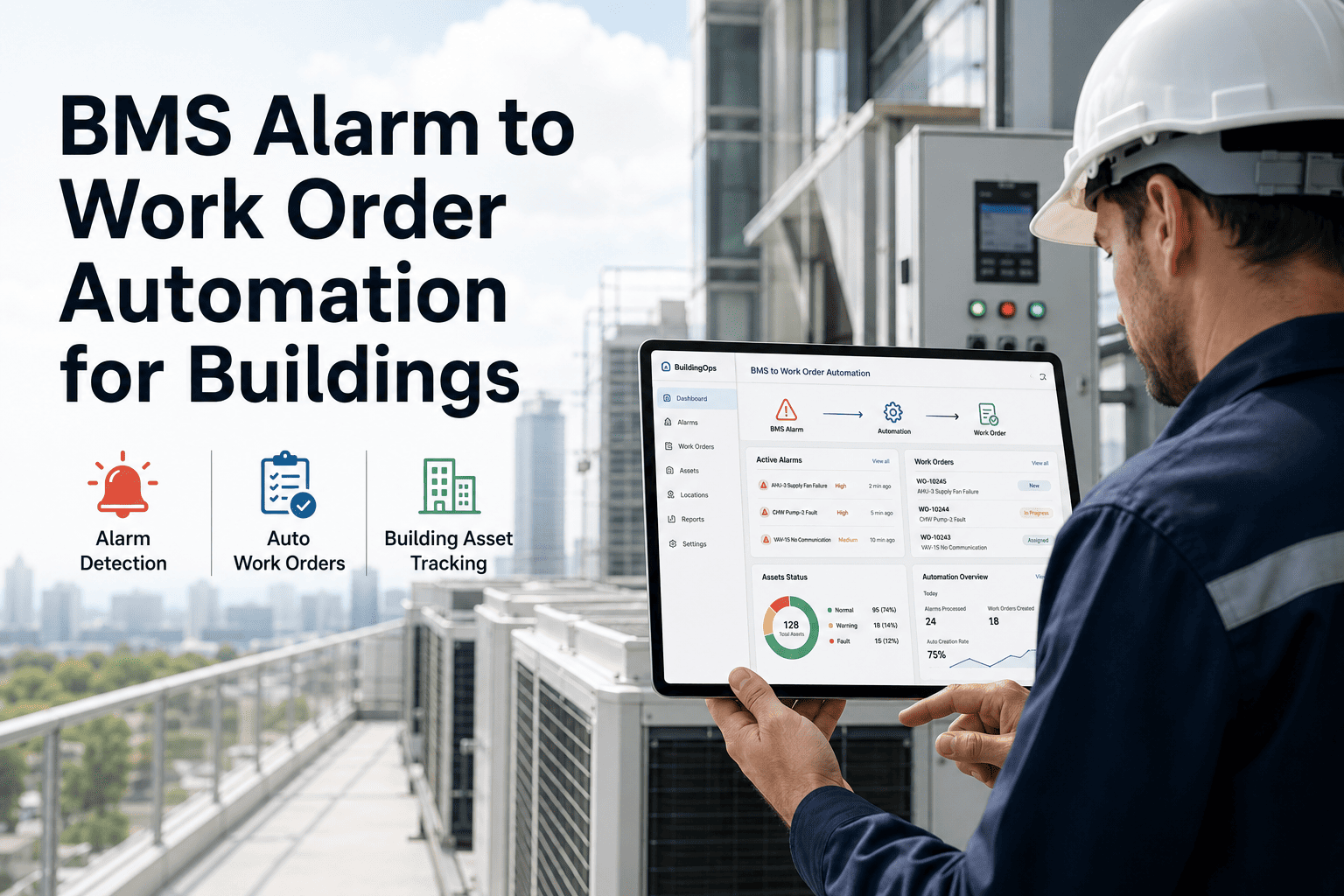
BMS Alarm to Work Order Automation for Buildings
When your BMS fires an alarm, a work order should already exist. OxMaint closes the gap between detection and response — automatically, for every configured alarm type.
The Alarm-to-Action Gap: By the Numbers
80%
of BMS alarms never generate a work order in facilities without integration
47 min
average delay from BMS alarm to technician assignment in manual workflows
3.4x
higher equipment repair costs when alarms are acted on after 2+ hours vs. immediately
Anatomy of an Auto-Generated Work Order
Asset
Chiller Unit 2 — B2 Plant Room
Alarm Type
Condenser Water Temp High — 14.2°C above setpoint
Location
Floor B2, Zone 4 — Building North Wing
Recommended Action
Inspect condenser coil for fouling. Check cooling tower flow rate.
Assigned To
HVAC Tech — J. Sharma (On shift, 80m away)
SLA Response
45 minutes (Critical SLA)
Alarm Types OxMaint Converts to Work Orders
HVAC Alarms
Zone temp, supply air pressure, AHU fault, VAV failure, chiller trip
Electrical & Power
UPS low battery, panel overload, generator test fail, circuit breaker trip
Fire & Life Safety
Damper position fault, smoke detector status, sprinkler tamper signal
Plumbing & Utilities
Water pressure drop, pump failure, leak sensor trigger, flow meter anomaly
Elevator & Vertical Transport
Door fault, load sensor warning, motor overtemperature, recall activation
Custom IoT Sensors
Any threshold-based sensor — vibration, CO2, humidity, occupancy anomaly
BMS Alarm Response: Manual vs. Automated
| Step |
Manual Process |
OxMaint Automation |
| Alarm fires |
BMS console logs it — nobody watching |
Work order created in 0.4 seconds |
| Asset identification |
Technician checks BMS console manually |
Asset record attached automatically |
| Priority assignment |
Manager judgment, often delayed |
Alarm severity maps to WO priority instantly |
| Technician dispatch |
Radio or phone call — 20–45 min |
Mobile push to nearest qualified tech |
| Work order documentation |
Manually created post-facto or skipped |
Pre-populated, linked to alarm event log |
Close the Gap Between Alarm and Action
Every second between alarm and work order is time your equipment is operating outside spec.
Expert Perspective
BMS platforms are incredibly capable at detection but almost universally weak at action. The alarm sits in a log, and the gap between logging and response depends entirely on whether someone is watching a screen. Automated alarm-to-work-order conversion is the missing link — it transforms the BMS from a monitoring system into an actual maintenance driver. Buildings that implement this see response times drop by over 60% in the first month.
BE
Building Automation & Energy Systems Consultant
Smart Building Integrator, 16 years in BMS/CMMS convergence projects
Frequently Asked Questions
Which BMS platforms does OxMaint integrate with?
OxMaint integrates with major BMS platforms including Siemens Desigo, Johnson Controls Metasys, Honeywell EBI, Schneider Electric EcoStruxure, and generic BACnet/Modbus-compliant systems. For custom or legacy systems,
book a technical demo where our integration team will assess your specific BMS architecture and confirm connection options within the first session.
Can alarm-to-work-order rules be filtered to avoid nuisance alarm spam?
Yes. OxMaint lets you configure alarm thresholds, persistence windows, and category filters before a work order is generated. For example, a temperature exceedance that resolves within 3 minutes can be logged but not actioned, while a 15-minute sustained deviation automatically creates a work order.
Sign up to access the alarm rule configuration interface and set your nuisance filter parameters.
Does the work order include the full alarm history and asset maintenance record?
Yes. Every auto-generated work order links to the asset's full maintenance history, previous alarm events for the same fault code, and any active preventive maintenance schedules. Technicians arrive with context — they can see whether this is a first-time alarm or the sixth recurrence this month — enabling root cause investigation rather than symptomatic repair.
Book a demo to see the full work order detail view.
What happens when multiple BMS alarms fire simultaneously for the same asset?
OxMaint applies alarm correlation logic to group simultaneous or closely timed alarms from the same asset into a single work order, preventing technician dispatch duplication. The work order lists all active alarm codes so the technician investigates the full fault picture in one visit rather than responding to each alarm as a separate job.
Your BMS Already Knows. Now Let It Act.
Connect OxMaint to your building management system and turn every alarm into an assigned, tracked work order.