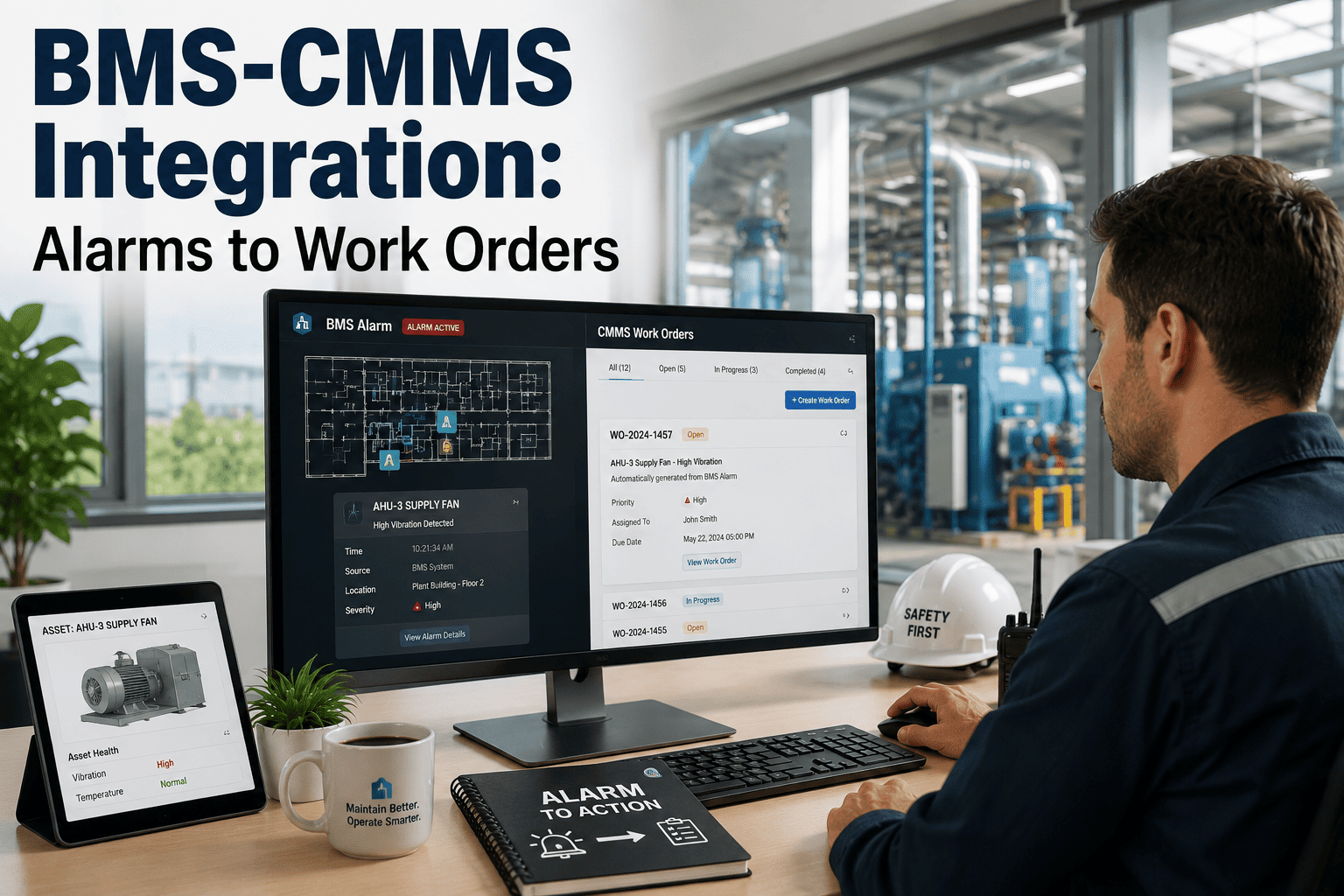
Most BMS investments sit disconnected from the maintenance execution systems that turn building data into action. A building with 18,000 BMS data points and no CMMS integration has excellent visibility and no systematic response. The technical decisions made when connecting these systems — which integration pattern, how alarms are normalised, where the OT/IT boundary sits — determine whether the integration delivers measurable outcomes or becomes an expensive data pipeline to nowhere. Sign in to OxMaint to begin your BMS connectivity assessment — or book a demo to see BMS-CMMS integration configured for your building's protocol and infrastructure.
Technical Architecture Guide · Smart Buildings 2026
BMS Integration with CMMS: Architecture and Best Practices
Integration patterns, protocol selection, data normalisation, alarm filtering, and implementation sequence — the technical architecture guide for connecting building management systems to CMMS platforms.
$28.6B
BMS market in 2026, growing 24.7% YoY — CMMS integration unlocks the next value layer
4–8 wks
Integration timeline for modern BMS with documented point databases and API connectivity
25–40%
Reduction in unplanned HVAC downtime reported after BMS-CMMS integration deployment
60–80%
Work order volume reduction after alarm suppression rules are tuned vs. raw alarm routing
System Roles
BMS vs. CMMS vs. IoT Platform — What Each Layer Does
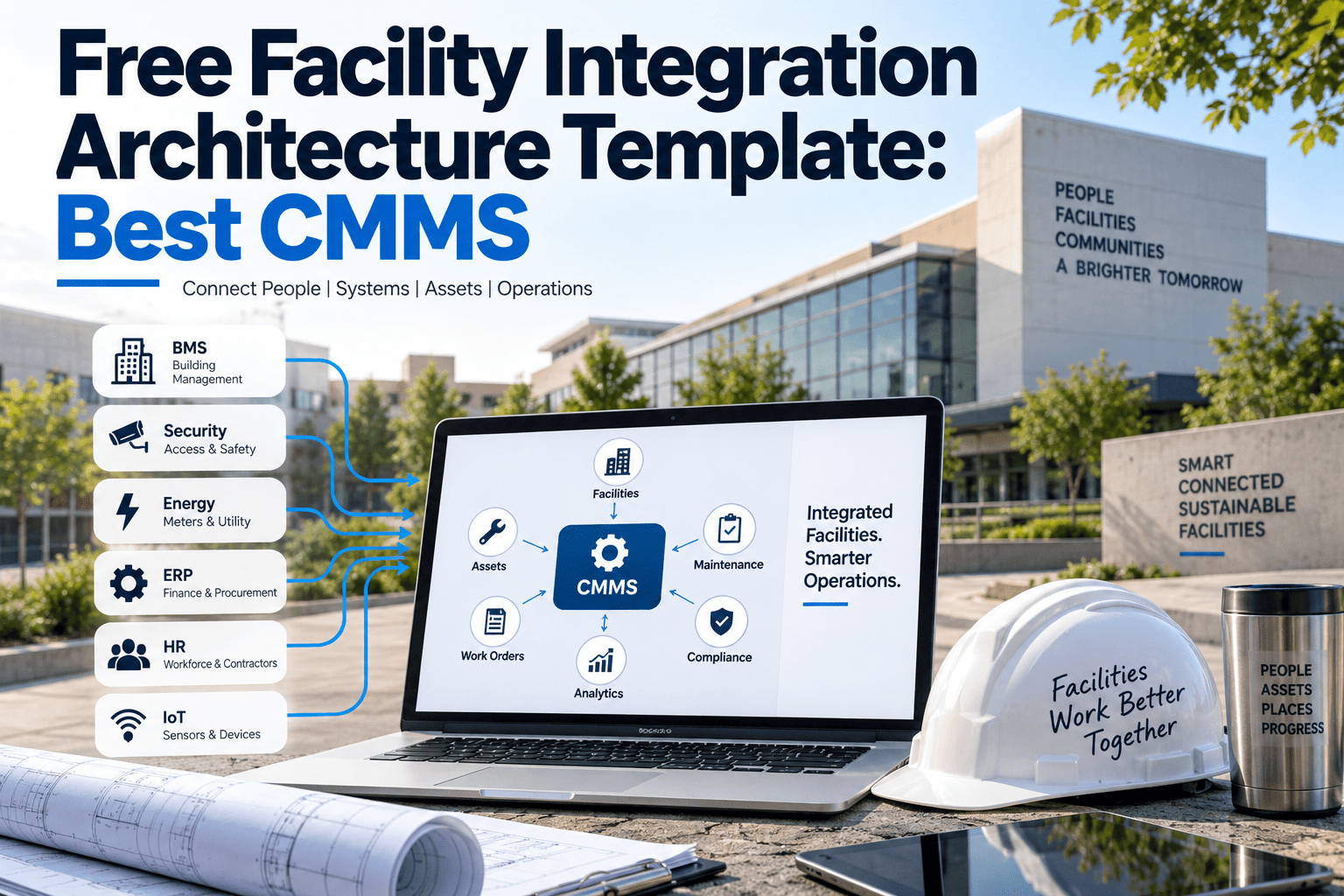
Procurement and engineering teams frequently conflate these three system types. Understanding the distinct role of each is a prerequisite for integration architecture that delivers value. Sign in to OxMaint — its native IoT architecture combines the translation and action layers without requiring separate middleware.
Layer 1 · BMS / BAS
Building Management System
Does
Monitors and controls HVAC, lighting, electrical, fire safety, and access through field sensors and controllers. Generates real-time data: temperatures, pressures, equipment states, fault codes, and alarm events.
Cannot
Create and route maintenance work orders. Track repair history. Manage parts inventory. Produce compliance documentation. Coordinate contractor dispatch.
Siemens Desigo · Honeywell EBI · JCI Metasys · Schneider EcoStruxure · Tridium Niagara
Layer 2 · CMMS
Maintenance Management System
Does
Manages maintenance execution — work order creation, technician assignment, asset history, PM scheduling, compliance documentation, and cost tracking. System of record for everything done to maintain physical assets.
Cannot
Monitor building sensor data in real time. Detect equipment fault conditions autonomously. Read BACnet or Modbus data points natively without an integration layer.
OxMaint · IBM Maximo · Infor EAM · eMaint · Limble · MaintainX
Layer 3 · IoT Middleware
IoT / Translation Platform
Does
Translates between building automation protocols (BACnet, Modbus, MQTT) and application APIs. Aggregates data from multiple sources, normalises it, and routes events to downstream systems including CMMS platforms.
When needed
Required when the CMMS does not natively speak building automation protocols. IoT-native CMMS platforms like OxMaint eliminate this layer entirely for BACnet/IP, Modbus TCP, REST API, and MQTT connections.
Tridium Niagara · SkySpark · AWS IoT · Azure IoT Hub · Google Cloud IoT
Integration Patterns
Three Architecture Patterns — Selecting the Right One
Pattern selection is driven by BMS infrastructure maturity, CMMS native protocol capability, and IT/OT network topology. The right pattern minimises integration cost, failure points, and ongoing maintenance burden. Book a demo to run a connectivity assessment for your facility.
Native Protocol Integration
BMS Controllers
→
IoT-Native CMMS (OxMaint)
The CMMS reads BACnet/IP, Modbus TCP, or MQTT data directly from BMS controllers. No middleware. OxMaint connects as a read-and-subscribe client — no changes to BMS programming, no additional software licences. Lowest latency, fewest failure points, lowest integration cost.
Requires: BMS with BACnet/IP or Modbus TCP enabled · CMMS with native protocol client
Middleware Bridge
BMS Controllers
→
IoT Platform
→
CMMS REST API
An IoT platform (Niagara, SkySpark, Azure IoT) translates BMS protocol data and pushes events to the CMMS via REST API. Required when the CMMS lacks native protocol support. Adds software licence cost and an additional failure point that must be monitored and maintained.
Requires: IoT platform licence · CMMS with REST API · Additional infrastructure maintenance
Protocol Gateway for Legacy BMS
Legacy BMS
→
Protocol Gateway
→
Pattern A or B
Proprietary or pre-IP legacy systems (BACnet MS/TP, Modbus RTU, LON, proprietary) require hardware gateways to convert signals into IP-accessible streams before Pattern A or B can be applied. Gateway hardware typically costs $500–$2,000 per controller. Legacy infrastructure is not a barrier — it is an engineering problem with established solutions.
Requires: Gateway hardware per controller · Point mapping from legacy addresses to standard registers
Protocol Reference
BMS Protocols — Where Each Fits in the Integration Architecture
| Protocol |
Transport |
Common Deployment |
OxMaint Support |
Integration Note |
| BACnet/IP |
Ethernet / IP |
Commercial HVAC, Siemens, Honeywell, JCI, Schneider — dominant for new commercial construction globally |
Native — Pattern A |
Most interoperable; preferred for new integrations |
| BACnet MS/TP |
RS-485 serial |
Field devices, older VAV controllers, legacy floor-level systems not yet upgraded to IP |
Gateway-assisted |
Requires IP gateway; then Pattern A applies |
| Modbus TCP |
Ethernet / TCP |
Chillers, boilers, VFDs, power meters, mechanical plant room equipment |
Native — Pattern A |
Simple register model; fast to implement |
| Modbus RTU |
RS-485 / RS-232 |
Legacy field devices, older chillers, energy meters — pre-IP era equipment still in service |
Gateway-assisted |
Serial wiring required; convert to TCP via gateway |
| REST API / Webhooks |
HTTP/HTTPS |
Cloud-native BAS, Tridium Niagara 4, new Schneider and Honeywell cloud-supervised installations |
Native — Pattern A |
Lowest implementation complexity; push events directly |
| MQTT |
TCP/IP |
IoT sensor networks, edge gateways, smart building sensor deployments supplementing BMS |
Native — Pattern A |
Lightweight; ideal for high-frequency sensor data streams |
Implementation
4-Phase Implementation Sequence
The most time-consuming phase is fault code library development — not the technical protocol connection. Understanding this upfront prevents schedule overruns. Sign in to OxMaint to access pre-built fault code libraries for Siemens, Honeywell, JCI, and Schneider platforms that accelerate Phase 2.
01
BMS Point Database Audit and Network Security Review
Export the complete BMS point list — all monitored objects, data types, engineering units, and current alarm configurations. Identify which points are relevant to maintenance triggering versus BMS-internal control variables. Concurrently, define the OT/IT boundary: the CMMS should operate in read-only mode relative to the BMS — subscribing and reading only, no write or command capability. Network segmentation between BMS controllers and the CMMS integration server (dedicated VLAN or DMZ) is the standard security posture.
Book a demo to review OxMaint's IT/OT security architecture.
Output: Categorised point inventory · OT/IT boundary documented · Security controls defined
02
Fault Code Library and Work Order Template Development
Map each BMS alarm class to a CMMS work order template: priority tier, required trade and technician qualification, diagnostic checklist, standard parts kit, and expected resolution time. This phase typically consumes 40–60% of total integration effort — and is the difference between an integration that generates context-rich, actionable work orders and one that floods technicians with raw alarm codes. OxMaint provides pre-built libraries for major BMS platforms.
Sign in to access pre-built fault code libraries.Output: Complete fault code library · Work order template per alarm class · Priority and routing rules
03
Alarm Suppression Rules and Technical Connection
Configure suppression rules before going live: alarms that clear within N minutes; equipment in a maintenance window; duplicate faults with an open work order. Without suppression, raw alarm routing generates 10–20× too many work orders and produces alarm fatigue faster than the manual triage it replaces. Most buildings reduce actionable work order volume by 60–80% after suppression rule tuning. Then execute the technical connection — configure OxMaint as a BACnet client, define the point subscription list (maintenance-relevant points only), and verify by simulating BMS alarm conditions and confirming correct work order output.
Book a demo to see suppression rule configuration.Output: Suppression rules tested · Point mapping verified · Alarm-to-work-order simulation passed
04
Go-Live Monitoring and 30-Day Tuning
Go live with monitoring — track work order volume, alarm-to-work-order rate, suppression hit rate, and technician response time for the first 30 days. Expect to tune: suppression durations that are too short create duplicates; fault code templates routing to the wrong trade create reassignment delays; priority thresholds set too low flood the P1 queue. The integration is production-ready when work order volume is predictable, technicians find the pre-populated context useful, and the reactive-to-planned ratio is trending downward.
Sign in to monitor go-live metrics in OxMaint.Output: 30-day performance report · Tuning adjustments documented · Integration accepted as production
Native BACnet. Native Modbus. Native REST API. No Middleware Required.
OxMaint connects to your BMS as a read-only client — no changes to BMS programming, no additional software licences, no middleware layer to maintain. Pre-built fault code libraries for Siemens, Honeywell, JCI, and Schneider. Deployable in 3–6 weeks for modern systems.
Technical Questions
Engineering and Facilities Teams Ask These
Does BMS-CMMS integration require changes to the existing BMS configuration?
No. OxMaint connects as a read-and-subscribe client — it reads alarm states, sensor values, and trend data without writing to or modifying any BMS programming, control logic, or setpoints. The only BMS-side requirement is enabling BACnet/IP (or the applicable protocol) and confirming OxMaint's integration server has network access to the BMS supervisor layer. Your controls contractor does not need to be involved.
Book a demo to run a connectivity assessment for your specific BMS platform.
What cybersecurity controls are required when connecting BMS (OT) to a CMMS (IT)?
Network segmentation between BMS controllers and the CMMS integration server is the minimum control — typically a dedicated integration VLAN or DMZ with firewall rules permitting only outbound data from the BMS supervisor to OxMaint, not inbound commands. The CMMS must operate in read-only mode. No write or command capability from the CMMS to the BMS. BMS controller and gateway firmware should be current. The Niagara Framework vulnerability history illustrates why unsegmented IT/OT connectivity is a material risk.
Sign in to review OxMaint's IT/OT security documentation.
How is BMS point data normalised when naming conventions vary across manufacturers?
BMS point naming varies by manufacturer and programmer — a supply air temperature might be labelled "SAT", "Supply_Air_Temp", or "AHU_01.SAT" depending on the platform. OxMaint's integration layer performs normalisation at the translation step: mapping raw point names to a consistent asset field taxonomy (Asset → Component → Measurement → Unit) regardless of how the BMS labels the originating point. The mapping is documented and versioned — BMS point name changes do not silently break asset data records.
Book a demo to see point normalisation in practice.