A chiller alarm can mean a dirty filter screen or an imminent compressor loss, and the display often does not say which. Technicians who respond the same way to every alarm either waste time on minor warnings or reset a serious fault and make it worse. This playbook sorts common commercial chiller alarms by severity, then gives likely causes, first actions, and escalation points. Pair it with chiller maintenance tracking software so every event, reset, and repair stays on the asset record.
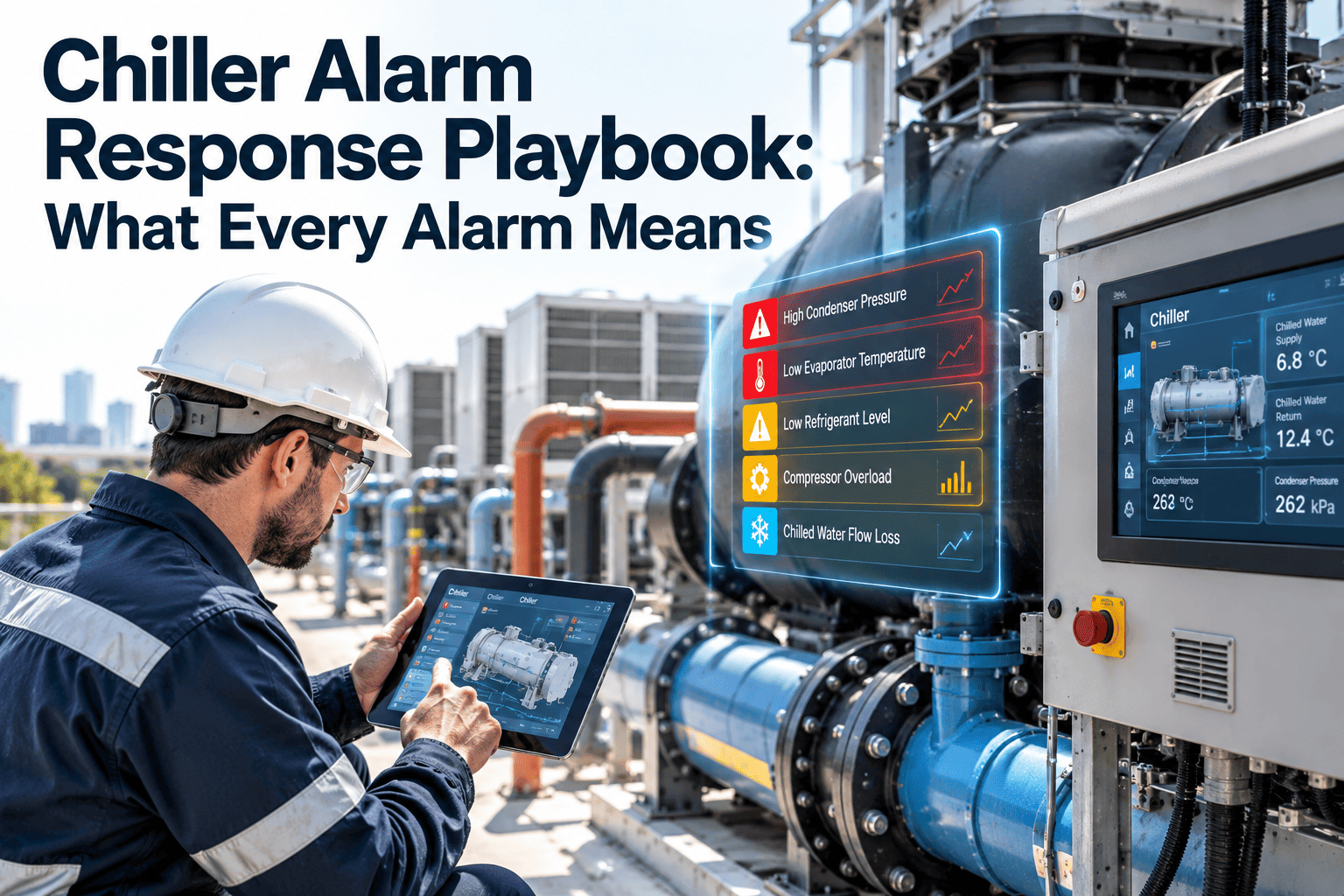
Chiller Alarm Response Playbook: What Every Alarm Means
Advisory, cutout, or safety shutdown? Use a consistent response for the 30 alarms facility teams see most, from low chilled water flow to high discharge pressure.
Read the alarm class before the alarm text
Trane, York, Carrier, and other controllers use different names and codes. Look up exact codes in your unit manual; the categories below are common to all of them.
- Advisory or informational: a condition is drifting but the chiller keeps operating normally.
- Warning: the controller may limit capacity or unload the compressor to protect the machine.
- Cutout or trip: the chiller stops and may restart automatically when the condition clears.
- Latching safety shutdown: the chiller stays off until someone diagnoses and manually resets it.
Do not repeatedly reset a safety lockout to keep cooling. Repeated restarts on a real fault can damage compressors, motors, and tubes.
The first ten minutes
Record
Capture the alarm text, code, time, and operating readings before clearing anything.
Assess load
Check building impact, standby chillers, and critical spaces that depend on cooling.
Check basics
Verify power, flow, water temperatures, condenser conditions, and recent maintenance.
Decide
Correct a simple cause, or escalate if the fault is electrical, refrigerant, or repeated.
Advisory and warning alarms
| Alarm | Likely cause | First action | Escalate when |
|---|---|---|---|
| Low chilled water flow | Closed valve, pump issue, clogged strainer | Confirm pump running, valves open, clean strainer | Flow stays low with pump on |
| Low evaporator temperature | Low load, flow drop, setpoint issue | Verify flow and setpoint | Freeze protection trips |
| High condenser pressure warning | Fouled tubes, warm tower water, fan fault | Check tower, condenser flow, approach | Pressure keeps rising |
| High approach temperature | Tube fouling or scaling | Log readings, plan cleaning | Approach exceeds baseline trend |
| Oil pressure or level warning | Low oil, filter restriction, heater fault | Inspect level and oil heater | Pressure differential falls |
| Sensor out of range | Failed or disconnected sensor | Check wiring and compare with a reference | Sensor drives protection logic |
| Communication loss | Network or module fault | Check cable, power, addresses | Controls cannot report status |
| Filter or drier maintenance due | Service interval reached | Create scheduled work order | Pressure drop is abnormal |
| Capacity limited by current | High amps, low voltage, high lift | Check supply voltage and condenser conditions | Limit persists at low load |
| Purge or leak monitor alert | Air or noncondensables entering | Review purge run time | Purge activity rises |
Cutout and trip alarms
| Alarm | Likely cause | First action | Escalate when |
|---|---|---|---|
| Chilled water flow switch open | Pump off, valve closed, faulty switch | Verify actual flow before bypass checks | Flow is normal but trip repeats |
| Condenser water flow loss | Tower pump or valve issue | Check pump status and isolation valves | Trip recurs after restart |
| Low evaporator pressure | Low refrigerant, low flow, dirty tubes | Check flow, subcooling, load | Suspected leak |
| High discharge pressure trip | Condenser fouling, fan or tower fault | Inspect condenser side first | No obvious external cause |
| Motor overcurrent | Overload, voltage issue, mechanical drag | Check voltage and phase balance | Any burning odor or breaker trip |
| Phase loss or imbalance | Utility or wiring problem | Measure incoming voltage | Imbalance continues |
| Starter or drive fault | Drive trip, contactor issue, cooling fan fault | Read drive fault history | Fault repeats |
| Low oil differential | Oil pump, filter, or leak issue | Stop restart attempts, inspect oil system | Bearing damage possible |
| Surge detection | Low load, high lift, guide vane issue | Review load and condenser conditions | Surge repeats |
| Power interruption restart lockout | Utility dip or transfer | Verify stable power, follow restart delay | Multiple events occur |
Safety lockout alarms
| Alarm | Likely cause | First action | Escalate when |
|---|---|---|---|
| Freeze protection lockout | Low flow or very low leaving temperature | Confirm flow and sensor accuracy | Always involve service before restart |
| High pressure cutout | Severe condenser restriction | Inspect cooling water and fans | Mechanical switch actuated |
| Compressor motor winding high temperature | Overheating or refrigerant cooling loss | Allow cooldown, check cooling supply | Repeated occurrence |
| Bearing high temperature | Lubrication or mechanical problem | Inspect oil system | Vibration or noise is present |
| Vibration high | Imbalance, wear, or loose components | Stop unit and inspect visually | Reading confirmed |
| Refrigerant leak detected | Leak or monitor fault | Ventilate and follow refrigerant safety plan | Any confirmed leak |
| Emergency stop activated | Manual stop or safety circuit | Identify who and why | Cause unknown |
| Control power or board failure | Supply or module fault | Check control voltage and connections | Boards unresponsive |
| Starter short circuit | Electrical fault | Isolate and lock out | Immediately involve electrician |
| Repeated fault lockout | Underlying issue not corrected | Review alarm history | Manufacturer service needed |
Only qualified personnel should work on electrical and refrigerant systems. Follow lockout procedures, local regulations, and manufacturer instructions.
Put the playbook in your technicians' hands
Store alarm procedures with each chiller, launch a work order from the field, and keep a complete fault history.
Reset rules that protect equipment
Do
- Photograph or log the alarm screen first
- Reset only after the cause is understood
- Check standby capacity before troubleshooting
- Use manufacturer-approved restart delays
Do not
- Bypass safeties to keep cooling
- Reset a lockout several times in a row
- Ignore a repeating advisory
- Adjust setpoints without recording the change
Escalation matrix
Turn alarms into maintenance intelligence
- Link to the asset: every event belongs to one chiller record with model, refrigerant, and service history.
- Use failure codes: classify causes so recurring problems become visible.
- Trigger preventive work: convert approach trends into tube cleaning tasks before summer peak.
- Track parts: keep flow switches, sensors, and oil filters on the shelf.
- Prove compliance: retain leak checks and inspection records for audits.
Chiller alarm FAQs
Can I clear an alarm and restart immediately?
Only for known, minor causes. Serious lockouts need diagnosis before reset.
Why does the same alarm keep returning?
The root cause is usually uncorrected. Review the history in a work order demo.
Are alarm codes universal?
No. Names and numbers differ by manufacturer, model, and controller version.
What data should I record?
Alarm text, time, temperatures, pressures, amps, flow, and actions taken.
How do I schedule follow-up work?
Create corrective tasks in Oxmaint linked to the chiller.
Respond faster, document better, restart safely
Build a chiller response process where every alarm has a procedure, an owner, and a record.