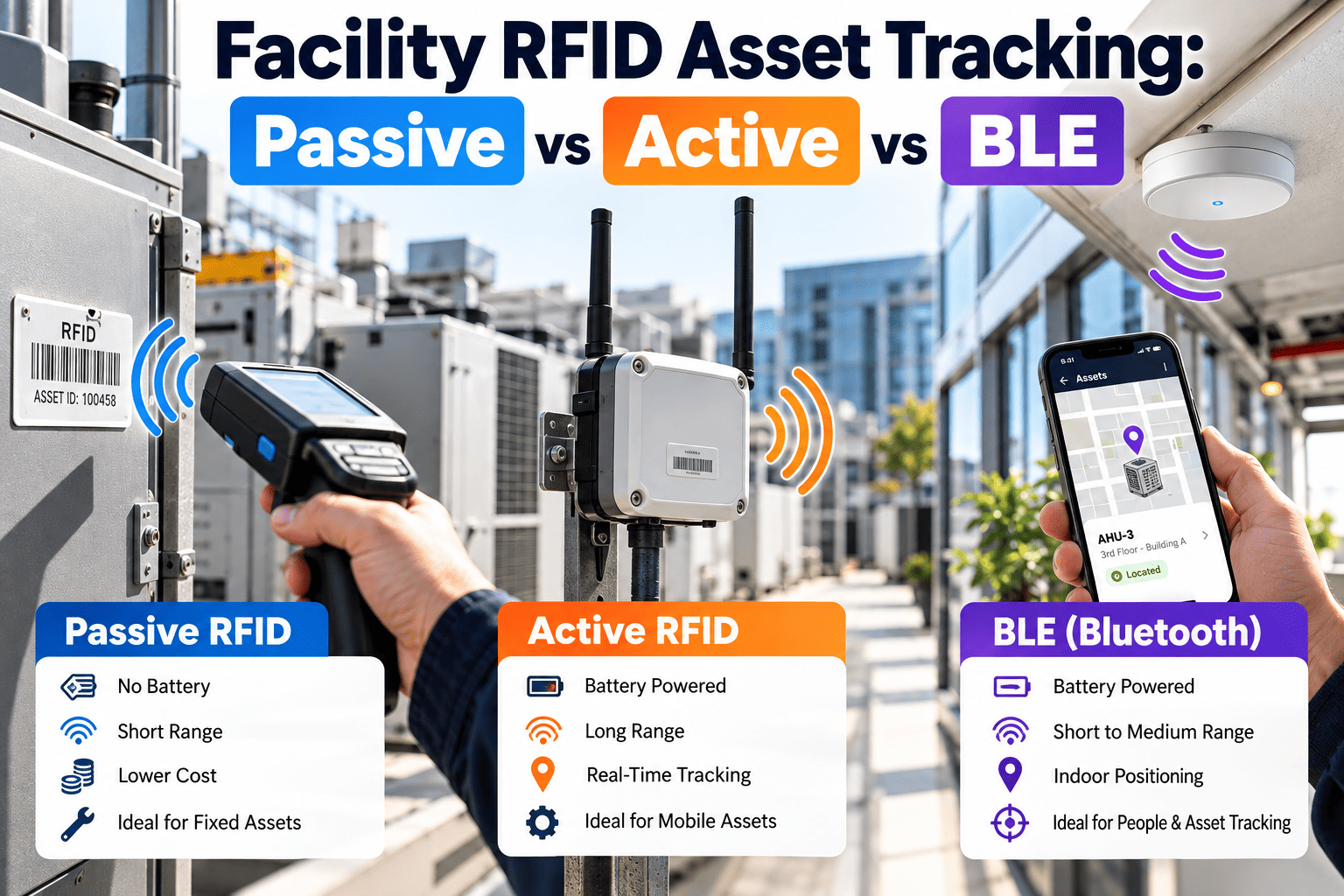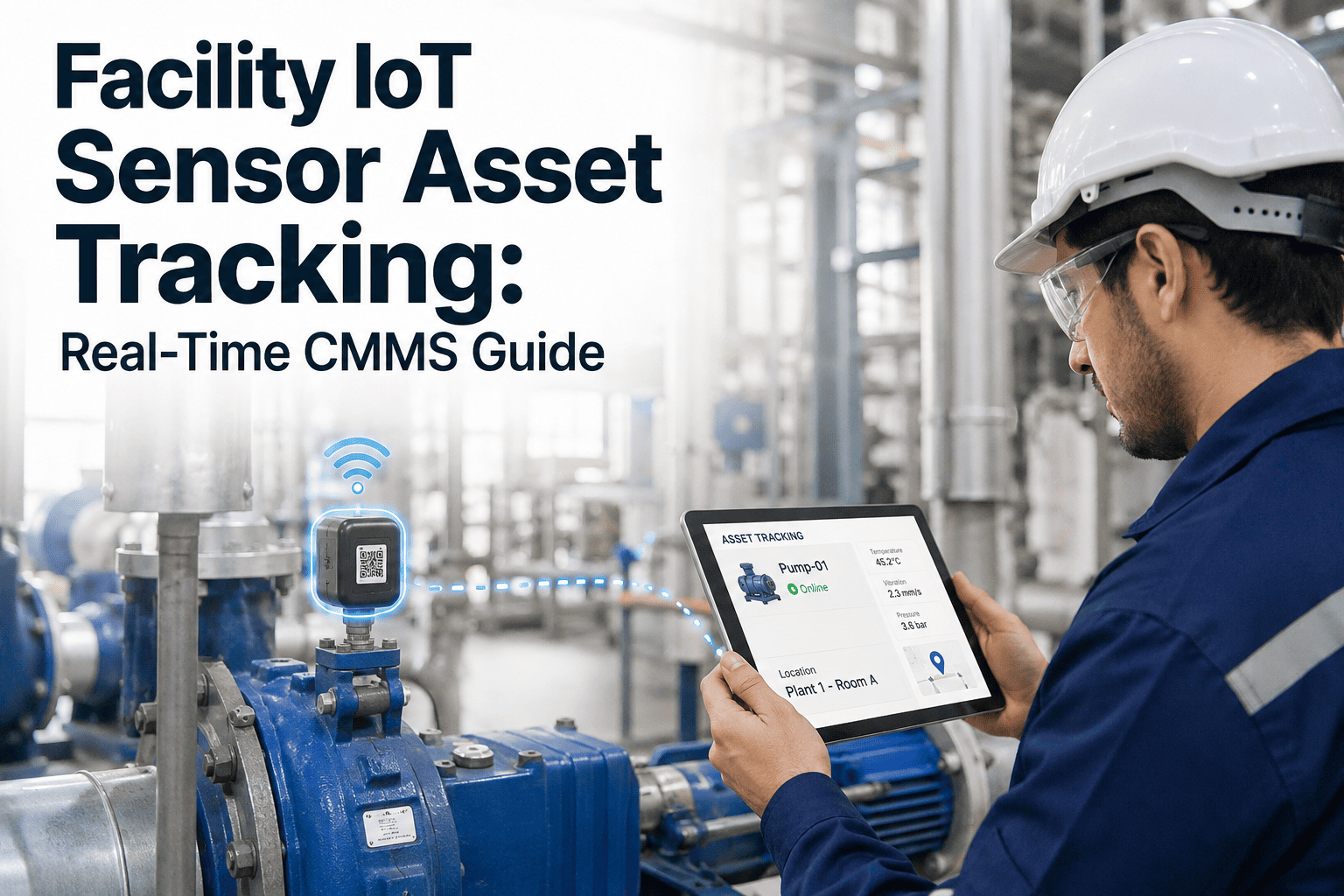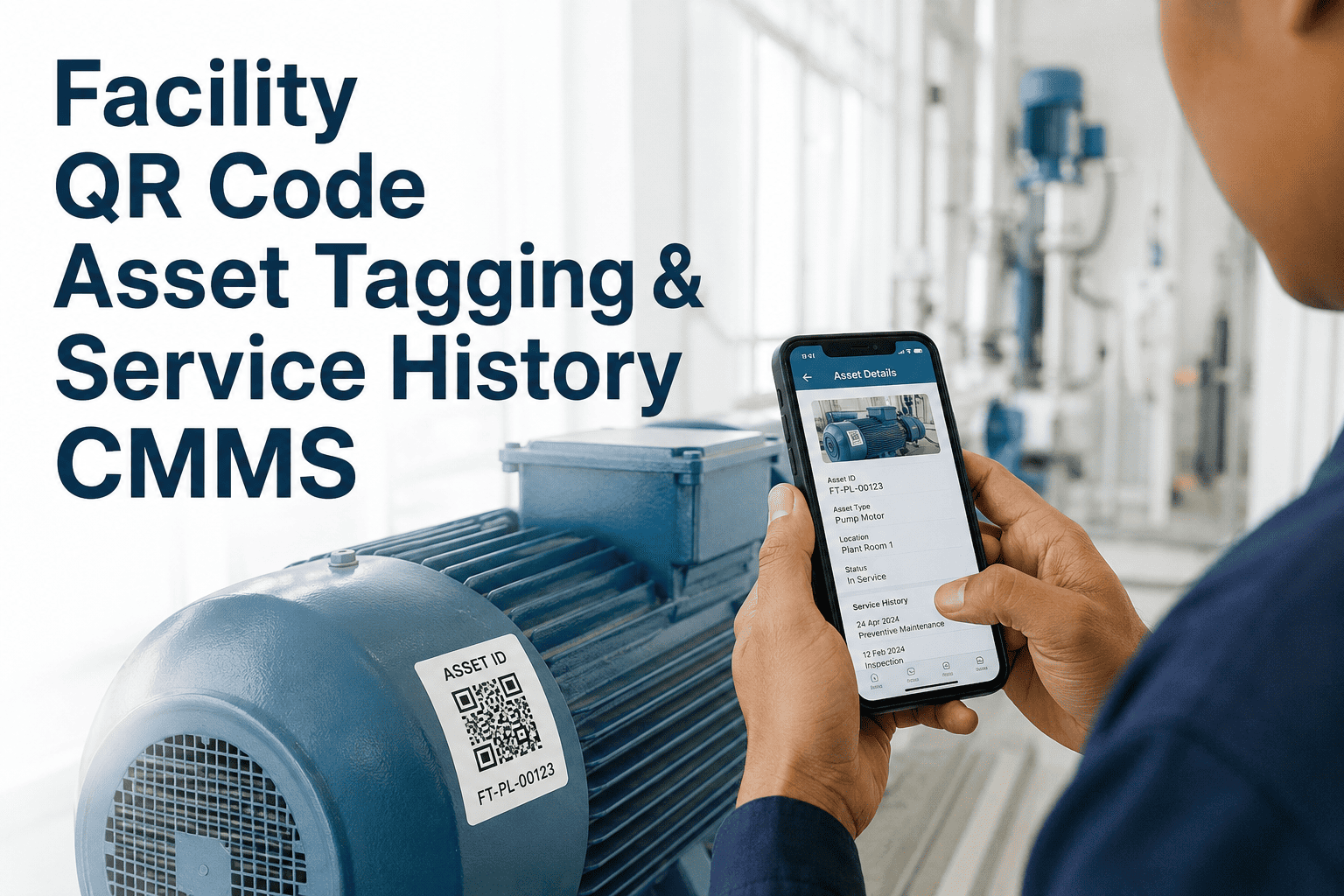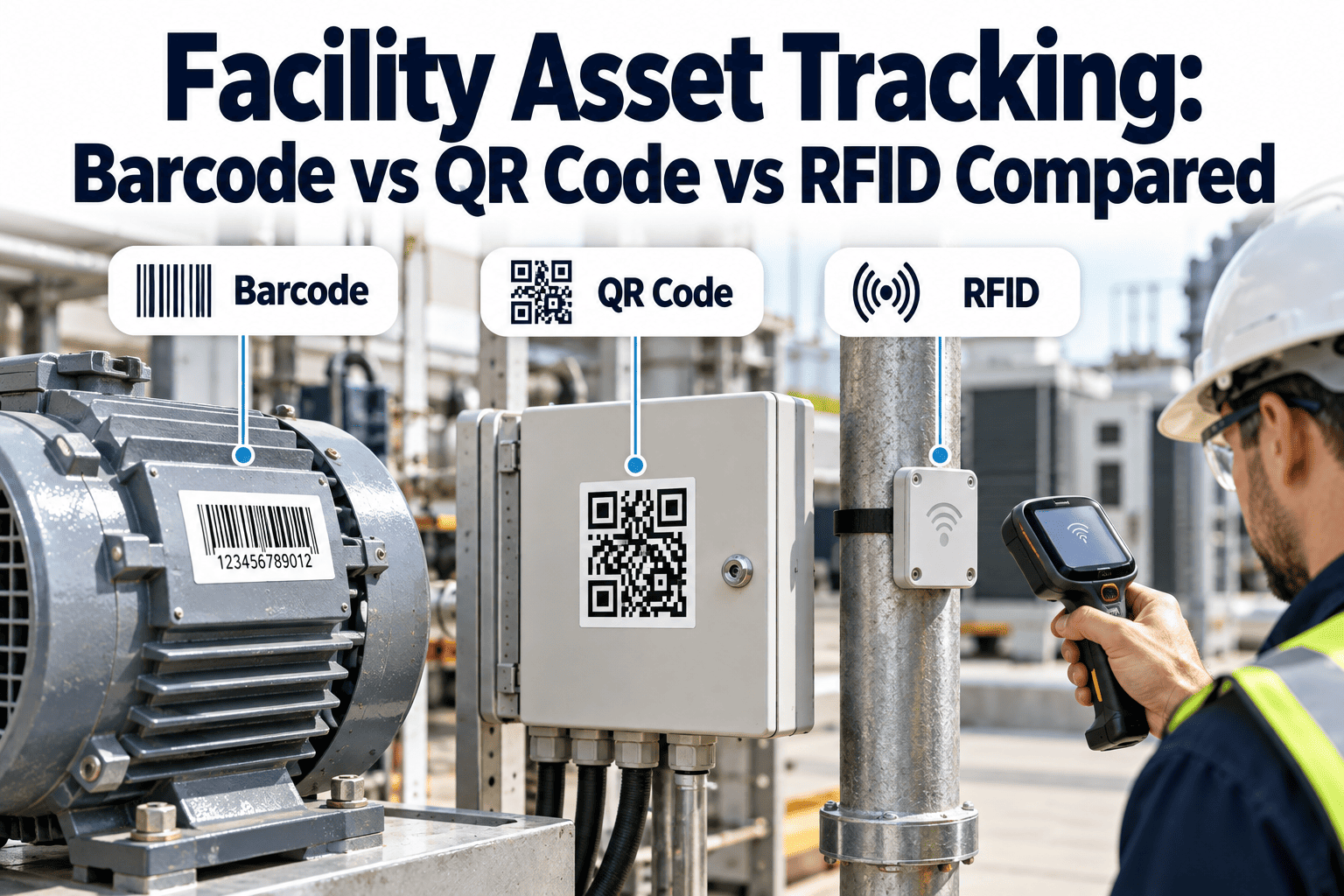
Most facilities do not fail at asset tracking because they picked the wrong technology. They fail because tags peel off, scans do not match the asset record, or the tag type does not suit the equipment it sits on. Barcodes, QR codes, and RFID each solve a different part of the problem. This comparison covers cost, range, durability, and read behavior, and shows how Oxmaint asset tracking software connects any of them to work orders and history.
Facility Asset Tracking: Barcode vs QR Code vs RFID Compared
Choose the tag by the job it has to do and the surface it has to survive. The comparison below shows how the three technologies rank on the four factors that decide most facility deployments.
Start With the Job the Tag Must Do
Tag technology is a means to an end. Define which of these three jobs you need before comparing prices.
Side-by-Side Comparison
The table covers the attributes that most often decide facility deployments. Scroll sideways on small screens.
| Attribute | Barcode | QR code | RFID, passive UHF | RFID, NFC |
|---|---|---|---|---|
| Typical tag cost | Cents per printed label | Cents per printed label | Tens of cents for standard inlays, several dollars for on-metal tags | Tens of cents to a few dollars |
| Reader hardware | Scanner or phone camera | Phone camera or scanner | Dedicated handheld or fixed reader, typically the largest cost | NFC-capable phone or handheld |
| Practical read range | Centimeters to about a meter | Centimeters to about a meter, depends on code size | Roughly one to six meters indoors, longer in ideal conditions | A few centimeters |
| Line of sight | Required | Required | Not required | Not required, but must be very close |
| Bulk scanning | No | No | Yes, many tags per sweep | No |
| Damage tolerance | Poor for linear codes, better for Data Matrix | Built-in error correction, from about 7 to 30 percent damage | Tag can fail electronically, but no printed surface to scuff | Similar to UHF |
| Metal and liquid | Unaffected by material | Unaffected by material | Detuned by metal and liquid unless on-metal rated | Needs on-metal or spacer designs |
| Governing standards | ISO/IEC 15417, ISO/IEC 16022 | ISO/IEC 18004 | EPC Gen2, ISO/IEC 18000-63 | ISO/IEC 14443, ISO/IEC 15693 |
How Each Tag Survives Real Facility Conditions
Environment causes more tag failures than technology does. Match the material and format to where the asset actually sits.
| Environment | Barcode | QR code | RFID |
|---|---|---|---|
| Rooftop and outdoor units | Fair Needs UV-stable polyester with overlaminate | Good Error correction tolerates fading | Good Use encapsulated on-metal tags |
| Hot, oily mechanical rooms | Fair Choose high-temperature label stock | Good Larger modules stay readable when dirty | Fair Check the tag's rated temperature |
| Bare metal equipment | Good Metal plates or etched codes last longest | Good Etched or laser-marked plates | Poor Standard tags fail, on-metal tags required |
| Wash-down and kitchens | Fair Chemical-resistant overlaminate | Fair Same material limits apply | Good Sealed tags handle moisture well |
| Above ceilings and behind panels | Poor Must be visible to scan | Poor Must be visible to scan | Good Reads without visual access |
Which Tag for Which Asset Class
These starting recommendations reflect typical facility conditions. Always confirm with a pilot on your own equipment.
| Asset class | Starting recommendation | Reason |
|---|---|---|
| Rooftop units and air handlers | Engraved or metal-backed QR plate | Fixed, visible, outdoors or in hot spaces, and scanned at the unit during service |
| Chillers, boilers, pumps, motors | Metal QR or Data Matrix plate, on-metal RFID optional | Large, accessible, and heat-exposed, so durable printed codes outperform paper |
| Fire and life-safety equipment | Required inspection tag plus QR or barcode | Authority rules may require physical tags, and a scan adds a timestamped record |
| Portable tools and test instruments | UHF RFID or barcode | Items move between rooms and benefit from check-out and audit sweeps |
| IT, AV, and office equipment | Barcode or UHF RFID label | Large volumes, frequent moves, and periodic inventory counts |
| Concealed equipment above ceilings | Passive RFID plus recorded location | Cannot be seen, so a visual code alone would not help |
A Decision Flow You Can Follow in Five Minutes
Scan Any Tag and Land on the Right Asset Record
A Tiered Tagging Strategy That Controls Cost
Few facilities use only one technology. A tiered approach applies the cheapest tag that meets each asset's need.
Total Cost of Ownership: Beyond the Price of the Tag
Tag price is usually the smallest part of the budget. Compare the full cost list before you commit.
| Cost component | Barcode and QR | RFID |
|---|---|---|
| Tags or labels | Low per unit, with durable plates costing more than paper | Higher per unit, and notably higher for on-metal designs |
| Printing or encoding | Standard label printer | RFID-capable printer or encoder in addition to a label printer |
| Reading hardware | Existing smartphones in many cases | Dedicated handheld or fixed readers, often the biggest line item |
| Application labor | Similar for both, dominated by cleaning surfaces and locating each asset | Similar, plus time to test read performance on each asset class |
| Replacement over time | Labels fade and scuff, so budget for a refresh cycle | Fewer surface failures, but tags can fail electronically |
Standards and Data Design: Keep the Identifier Portable
Whatever tag you choose, encode a short, permanent identifier and keep the details in the software. That keeps your data usable if you change tag type later.
Three data rules that prevent rework
- Never encode a vendor-specific web address that you cannot control. If the domain changes, every tag becomes useless.
- Print the ID in human-readable text beside every code so a damaged tag can still be typed in.
- Issue IDs from one register only, so two buildings never carry the same number.
Label materials at a glance
- Polyester with a permanent adhesive suits most indoor equipment and offers good chemical and abrasion resistance.
- Polyimide stock handles higher temperatures near boilers, ovens, and exhaust equipment.
- Anodized aluminum or stainless plates, engraved or laser-marked, are the long-life choice for outdoor and heavy-duty assets.
- Encapsulated on-metal RFID tags pair a read range with a rugged housing for metal equipment.
Print Quality and Code Size: Making Codes Scan on the First Try
A code that scans in the office often fails on a dusty unit in a dim mechanical room. These practices raise first-pass read rates.
- Size the code for the scanning distance. A common rule of thumb is a code width of about one tenth of the distance it will be read from.
- Keep a clear blank border, called a quiet zone, around every code so scanners can find its edges.
- Use high contrast and matte finishes, since glossy overlaminates create glare under work lights.
- Choose a higher error-correction level for QR codes in dirty areas, accepting a denser pattern in exchange for more damage tolerance.
- Avoid tight curves such as small pipes, which distort the pattern. Use a flat plate or a strap-mounted tag instead.
Where facility tagging is heading
- Smartphone cameras and NFC have made low-cost scanning available to every technician without special devices.
- On-metal RFID tags have improved, which is opening RFID to more mechanical equipment than a few years ago.
- Standards-based identifiers make it easier to move asset data between systems without retagging.
- Portfolios that standardize on one identifier format across every building find audits, transfers, and acquisitions far easier to manage.
Run a Pilot Before You Tag the Whole Portfolio
A two-week pilot on one building answers most open questions and prevents expensive reprints.
What Happens After the Scan
The scan is the beginning of the workflow, not the end. Oxmaint supports mobile work orders, preventive maintenance schedules, inspections, and reporting from the same asset record.
Common Tagging Mistakes and Better Practice
When None of the Three Is Enough
Some assets need live location rather than a scan-based record. Battery-powered Bluetooth beacons and other real-time location systems can follow high-value mobile equipment, such as portable medical or test devices, continuously.
- They cost more per asset and need batteries, so reserve them for items where finding the asset fast has clear value.
- They complement rather than replace a QR or barcode ID, because the maintenance record still needs one permanent identifier.
- Most facilities never need them for fixed building equipment, which is well served by a durable printed code.