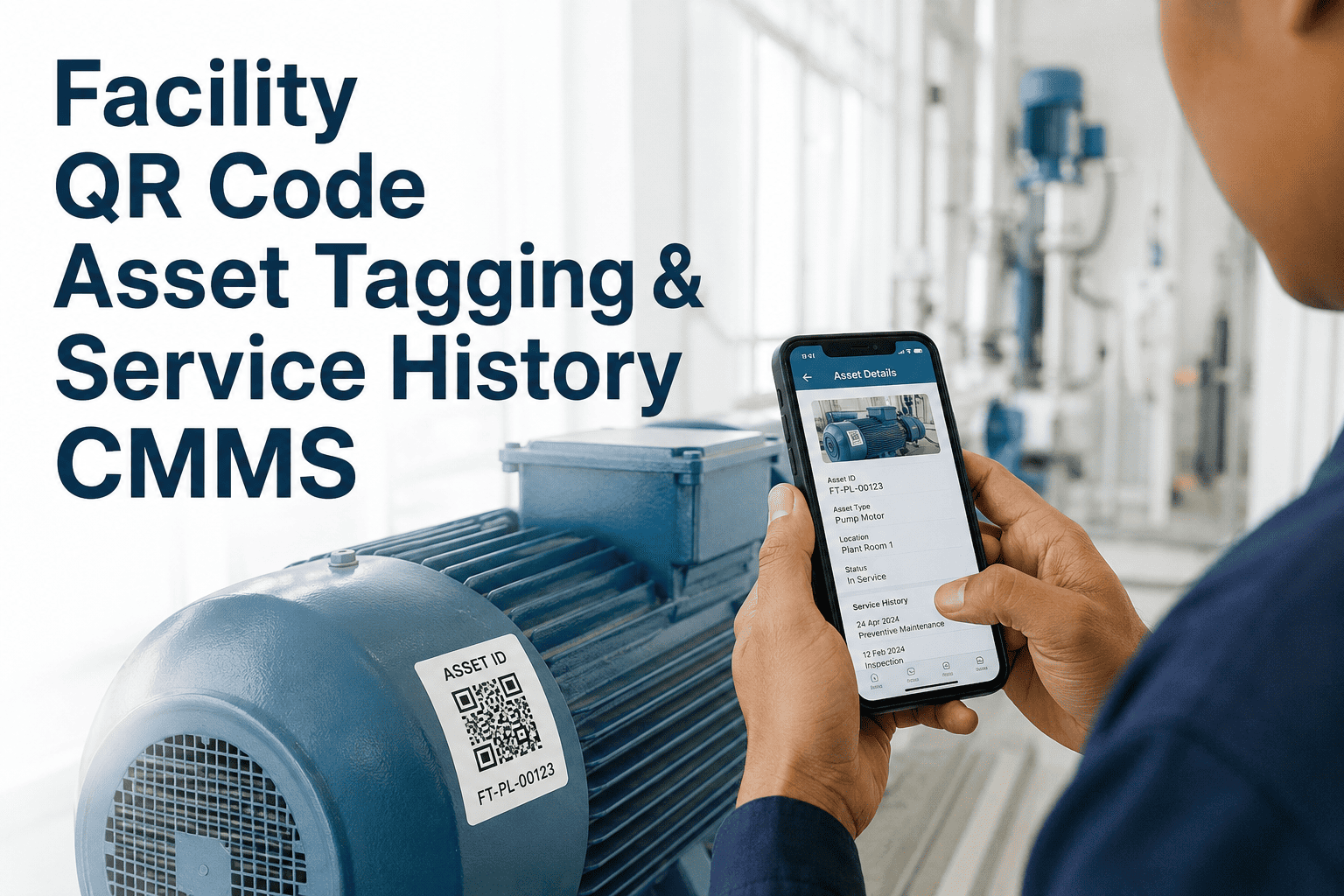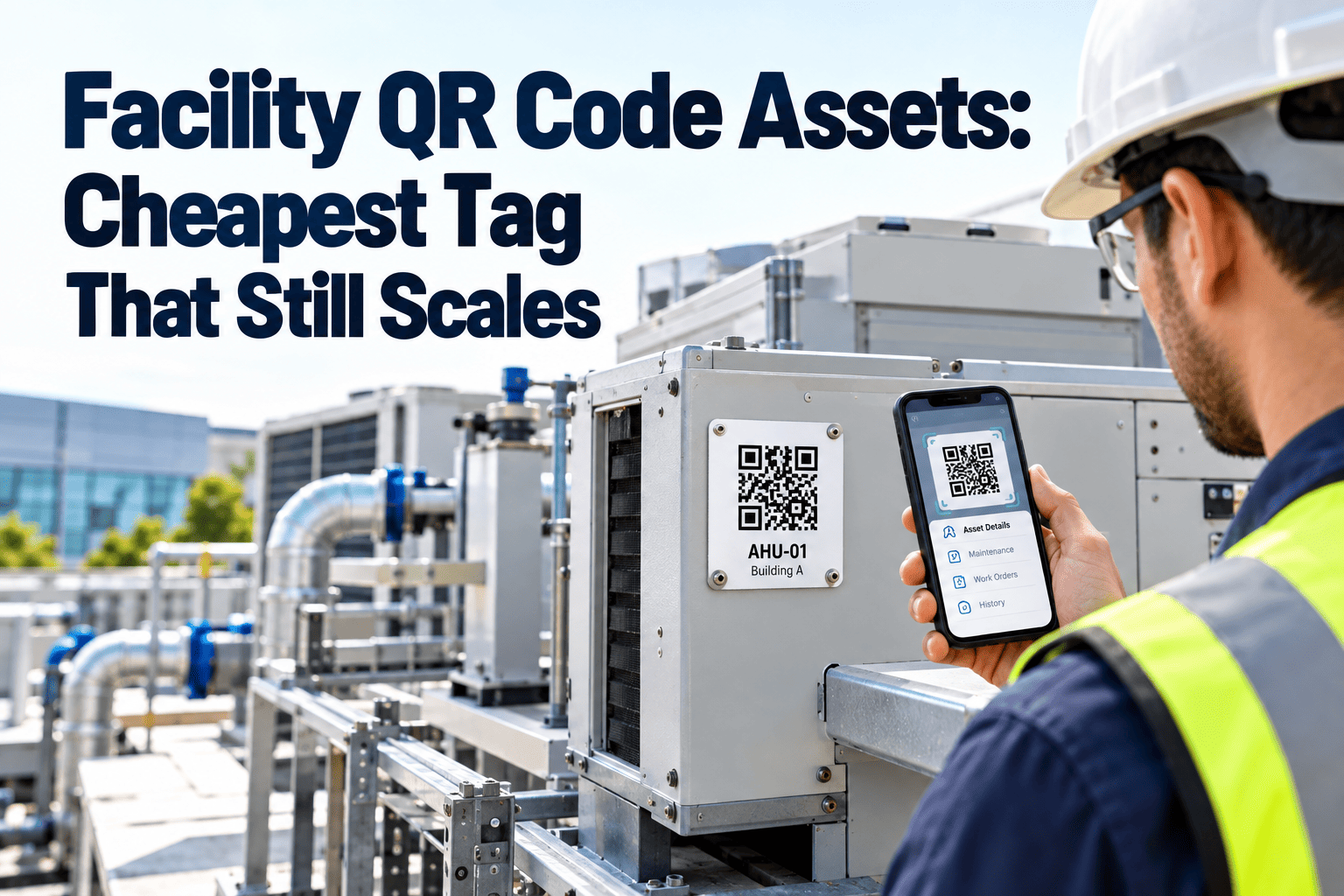
Every maintenance program depends on knowing exactly which asset a technician is standing in front of. In many facilities that still means reading a faded nameplate or searching a spreadsheet on a phone. QR codes fix that at a very low cost per asset, because labels print in-house and the scanner is the phone every technician already carries. This guide covers label materials, print resolution, sizing, placement, and the mobile scan flow, and you can start a free trial to link labels to live asset records.
Facility QR Code Assets: The Cheapest Tag That Still Scales
Why QR Codes Win the Cost-Per-Asset Test
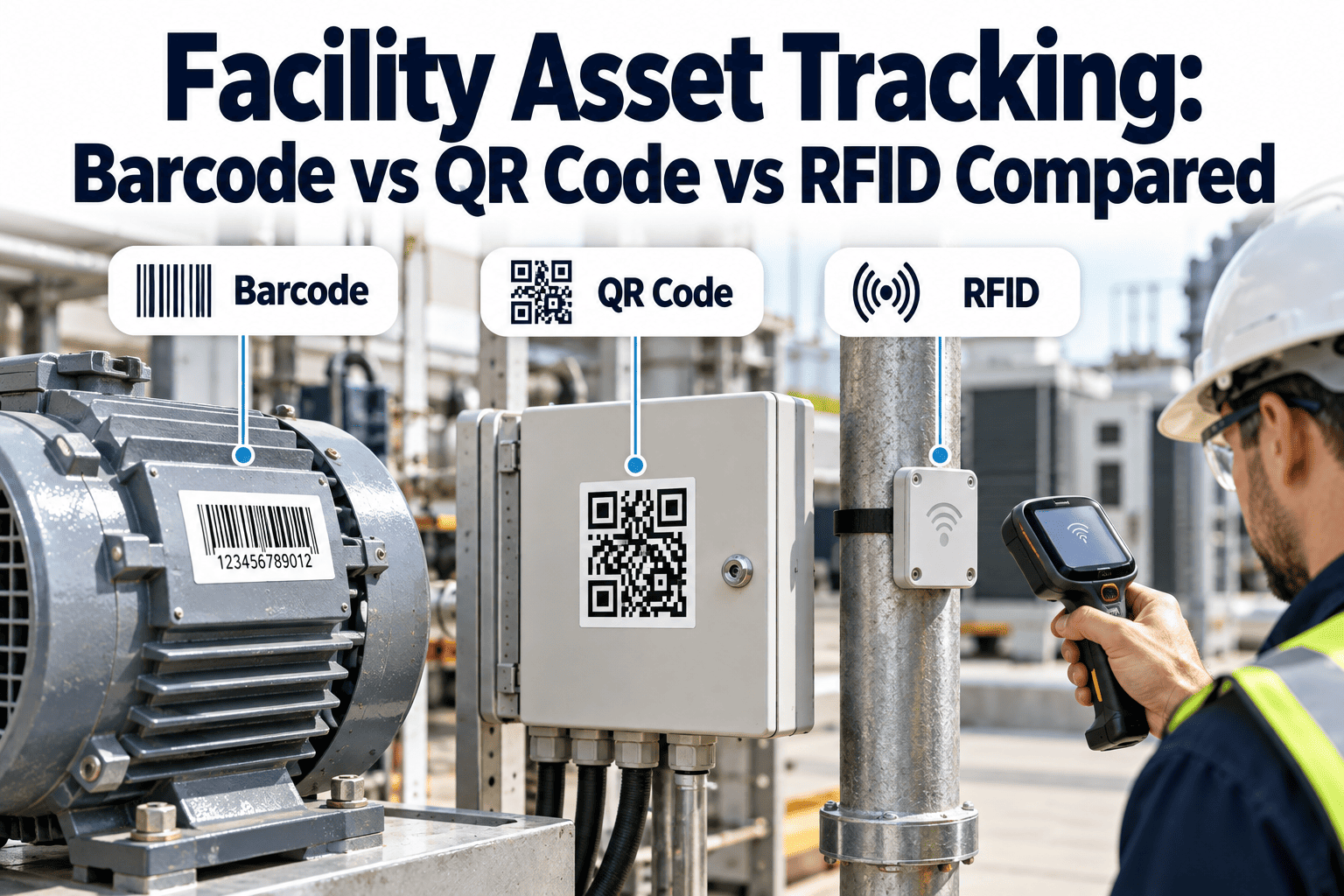
Every tagging technology can identify an asset. The difference is what each one costs to deploy across thousands of assets and what equipment it needs to read them.
| Technology | Relative tag cost | Reader | Line of sight | Bulk scanning | Best facility use |
|---|---|---|---|---|---|
| QR code | Lowest | Phone camera or app | Required | No | Asset lookup, inspections, work requests |
| 1D barcode | Low | Scanner or phone app | Required | No | Inventory bins and existing barcode stock |
| NFC tag | Moderate | Phone tap | Close contact | No | Tap-to-log at hard-to-read locations |
| Passive RFID | Higher | Dedicated reader | Not required | Yes | Large audits and high-value mobile equipment |
| Bluetooth beacon | Highest per unit | Phone or gateway | Not required | Continuous | Live location of moving assets |
What Goes Inside the Code, and How Big It Must Be
ISO/IEC 18004 defines the QR symbology. A smaller payload means fewer modules, which means a larger, easier-to-scan module at any given label size. Encode a short, stable URL or asset ID and keep the actual record in your maintenance system.
| Symbol version | Modules | Byte capacity at level Q | Label size with quiet zone at 0.5 mm per module |
|---|---|---|---|
| Version 1 | 21 x 21 | 11 | 14.5 mm |
| Version 2 | 25 x 25 | 20 | 16.5 mm |
| Version 3 | 29 x 29 | 32 | 18.5 mm |
| Version 4 | 33 x 33 | 46 | 20.5 mm |
| Version 5 | 37 x 37 | 60 | 22.5 mm |
Asset ID Naming: What to Print Beside the Code
The code gets scanned, but the printed ID is what people say aloud, write on tickets, and type when a label is damaged. Keep it short, structured, and permanent.
| Segment | Example | Purpose |
|---|---|---|
| Site | HQ | Separates buildings, campuses, or stores |
| Location | B2 | Building or floor, for quick orientation |
| System | HVAC | Groups assets by discipline |
| Type and sequence | AHU-003 | A unique number that never changes |
Error Correction: Pick the Level That Matches the Room
QR codes carry built-in redundancy, so a scuffed or partly covered label can still scan. Higher levels survive more damage but need a larger symbol for the same payload.
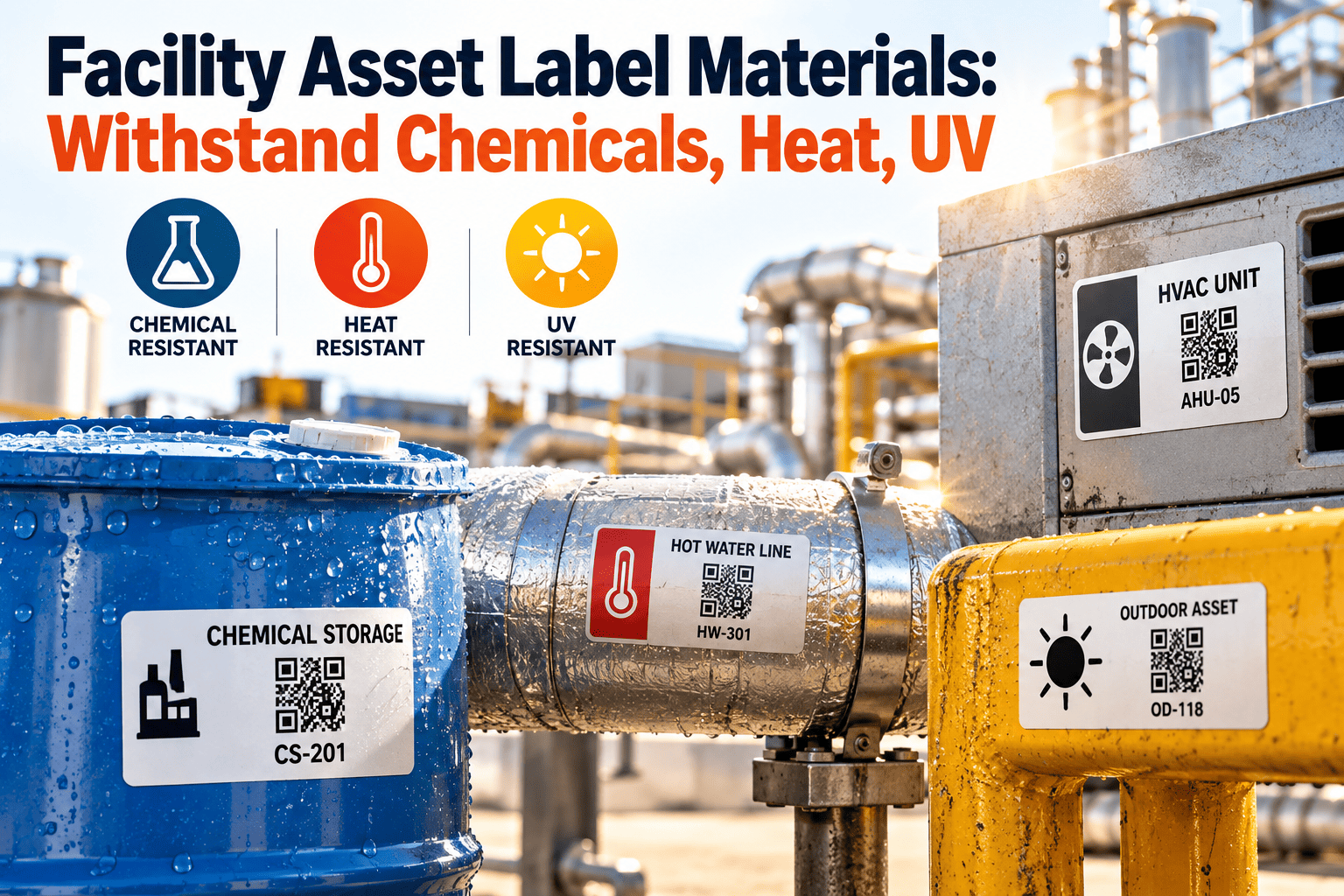
Label Material by Environment
| Environment | Suggested construction | Why it matters |
|---|---|---|
| Offices and dry corridors | Matte polyester or synthetic label, permanent adhesive | Plain paper tears, yellows, and lifts at the corners |
| Mechanical rooms with oil, humidity, and cleaning | Polyester with resin ribbon and clear overlaminate | Resin ribbons resist solvents and abrasion better than wax |
| Outdoors and rooftops | UV-stable polyester or vinyl, or an engraved metal tag | Sunlight fades ordinary print, so test before a full run |
| High-heat boilers and steam lines | Polyimide label or metal tag on a standoff | Ordinary adhesives fail, so confirm the temperature rating |
| Wash-down and chemical areas | Chemical-resistant polyester with overlaminate | Verify against the actual cleaning chemicals used |
| Rough, dusty, or textured surfaces | Aggressive adhesive, or a tag fixed with rivet or cable tie | Powder coats and low-energy plastics need adhesion testing |
Print Resolution, Size, and Contrast: The Spec Sheet
Choosing a Label Printer and Ribbon
The printing method decides how long a label stays readable. Match the ribbon to the label stock, since a resin ribbon on paper wastes money and a wax ribbon on polyester wipes off.
| Method | How it works | Durability | Use for |
|---|---|---|---|
| Direct thermal | Heat darkens coated stock, no ribbon | Fades with heat, light, and abrasion | Temporary tags only |
| Thermal transfer, wax ribbon | Heat transfers wax onto paper labels | Moderate, smears with solvents | Dry indoor labels |
| Thermal transfer, wax-resin ribbon | Blended ribbon on coated or synthetic stock | Good scratch and moisture resistance | General facility labeling |
| Thermal transfer, resin ribbon | Resin onto polyester or polyimide | Best chemical, heat, and abrasion resistance | Mechanical rooms and outdoor use |
| Laser-engraved metal | Marking burned into anodized or stainless metal | Permanent under harsh conditions | Critical or long-life assets |
Placement Rules That Make Scans Work the First Time
Place labels here
- On the asset body, at a consistent position for each equipment class
- On flat, clean, dry surfaces that were degreased before application
- Where a technician can scan without removing guards or panels
- At access hatches for ceiling and above-ceiling equipment, in addition to the unit itself
- Out of direct glare from lights and windows
Avoid these spots
- Removable covers that can be swapped between machines
- Curved, ribbed, or seamed surfaces that distort the symbol
- Areas next to hot pipes, exhaust, or heavy vibration
- Locations that get painted over during routine refurbishment
- Hidden faces of the asset that require moving equipment to reach
Six Everyday Uses of an Asset QR Label
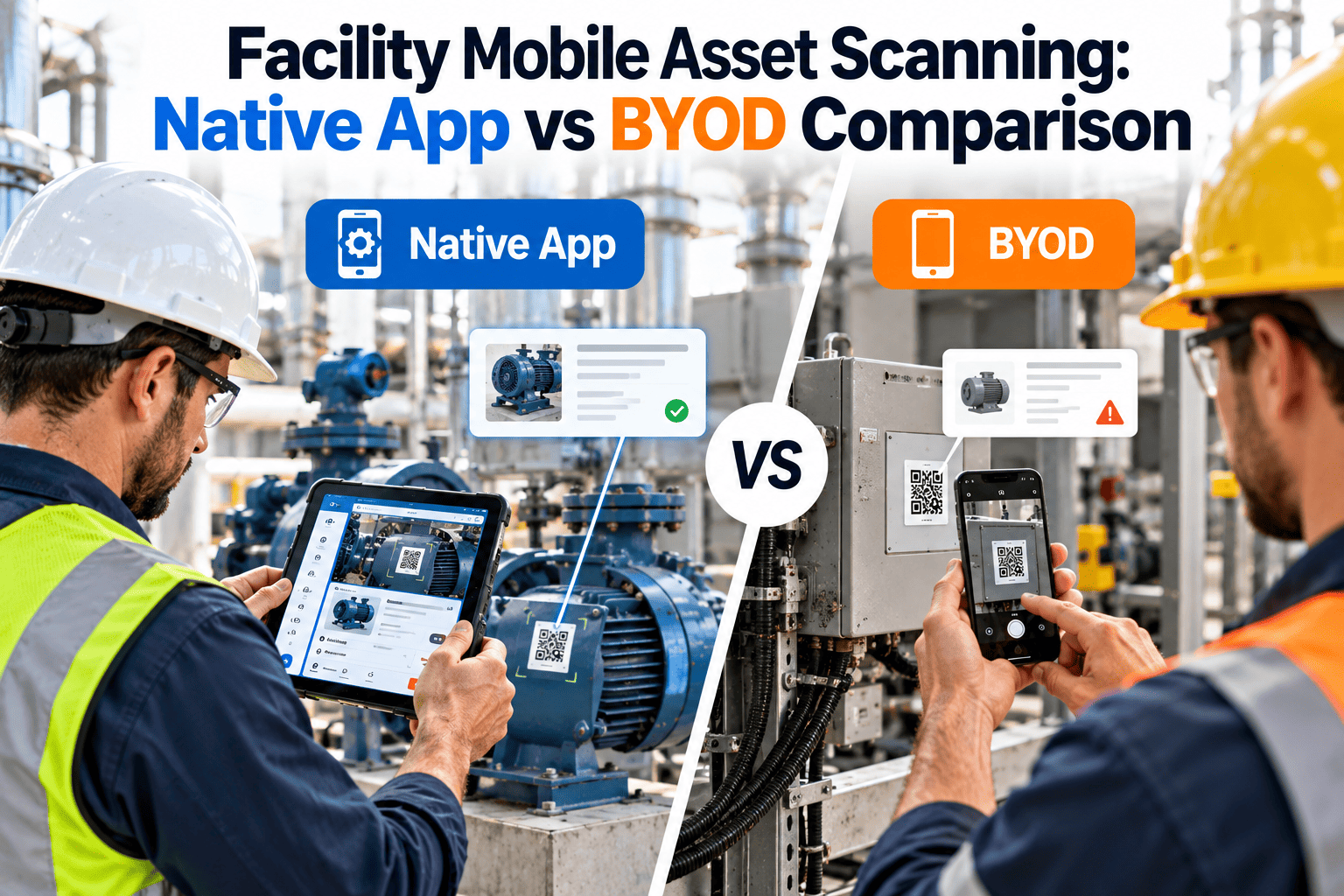
The One-Scan Workflow on a Technician's Phone
Tag One Building, Then Scale
Common Label Failures and Their Fixes
| Symptom | Likely cause | Fix |
|---|---|---|
| Code will not scan indoors | Glossy finish reflecting lights, or low contrast | Switch to a matte finish and dark print |
| Label peels at the edges | Dirty surface or low-energy plastic | Degrease, choose a suitable adhesive, and round the corners |
| Print fades within months | Direct thermal stock or wax ribbon in a harsh area | Move to resin ribbon on polyester |
| Scan opens the wrong asset | Duplicate ID or swapped label | Enforce unique IDs and audit a sample regularly |
| Phone struggles to focus | Symbol too small for the scan distance | Enlarge the symbol or shorten the payload |
| Code smudges after cleaning | Non-resistant print or no overlaminate | Add overlaminate and test against the cleaning chemicals |
Label Lifecycle: Inspect, Replace, Retire
QR Labels for Recurring Compliance Inspections
Life safety and comfort equipment such as fire extinguishers, emergency lighting, eyewash stations, and defibrillators usually need documented periodic checks. A QR label turns each check into a timestamped record.
Paper tag and clipboard
- Initials on a tag can be missed or backfilled
- Records must be collected and re-keyed later
- Missed items are found only when someone reviews the sheets
Scan-based inspection
- Each scan proves the technician reached the asset
- Results save straight to the asset record
- Overdue checks show on a dashboard before an audit
Security and Data Integrity for Printed Codes
Where QR Codes Fall Short
QR is enough when
- Assets are fixed in place and visited individually
- Technicians already carry smartphones or tablets
- Cost per asset matters across a large portfolio
- Labels are visible and reachable
Consider RFID or NFC when
- You must audit thousands of items quickly
- Assets sit inside enclosures or above ceilings
- Conditions destroy printed labels quickly
- High-value equipment moves between sites
Budgeting a QR Code Program
Labor is usually the largest line, because someone must locate each asset, clean the surface, apply the label, and verify the scan.