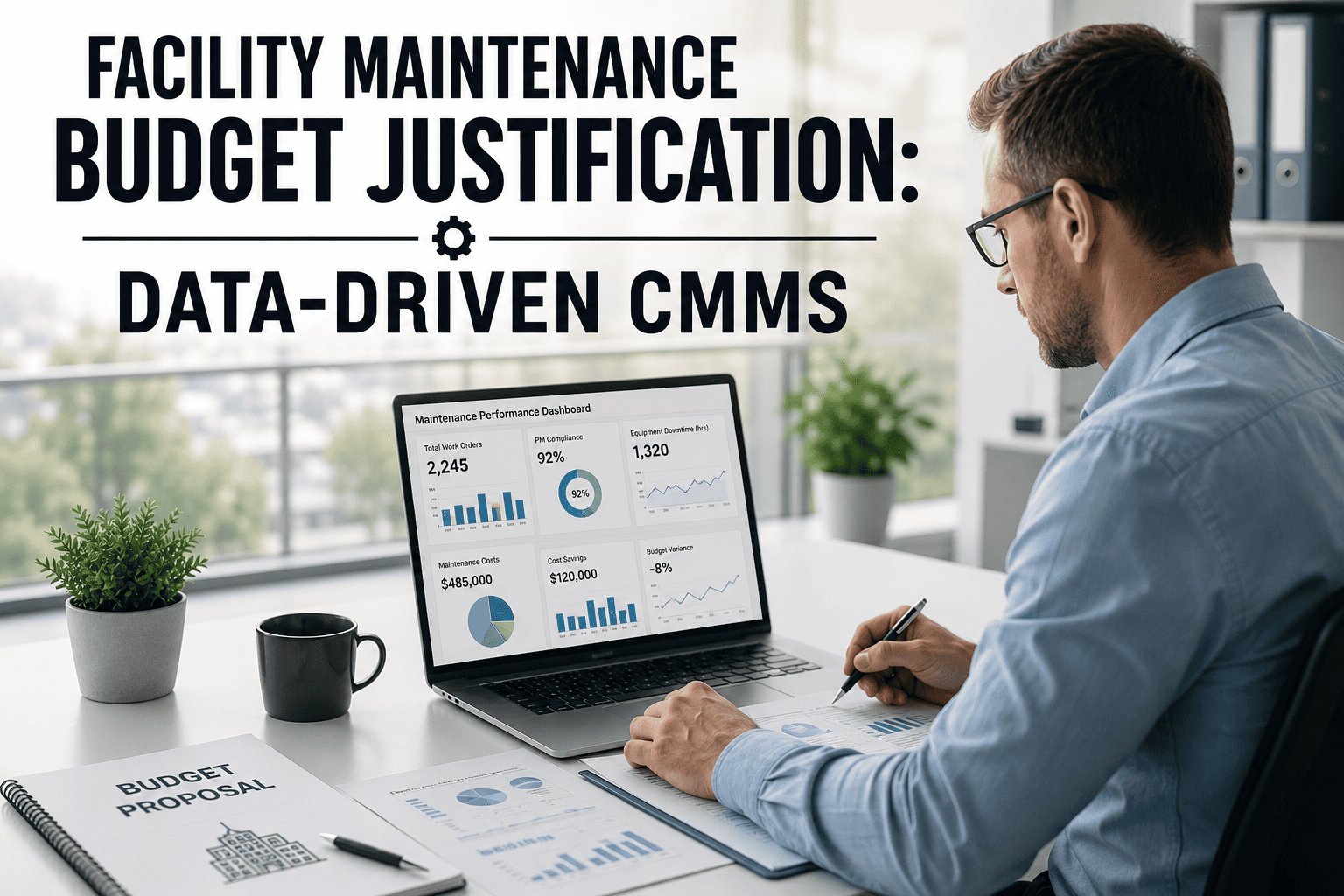
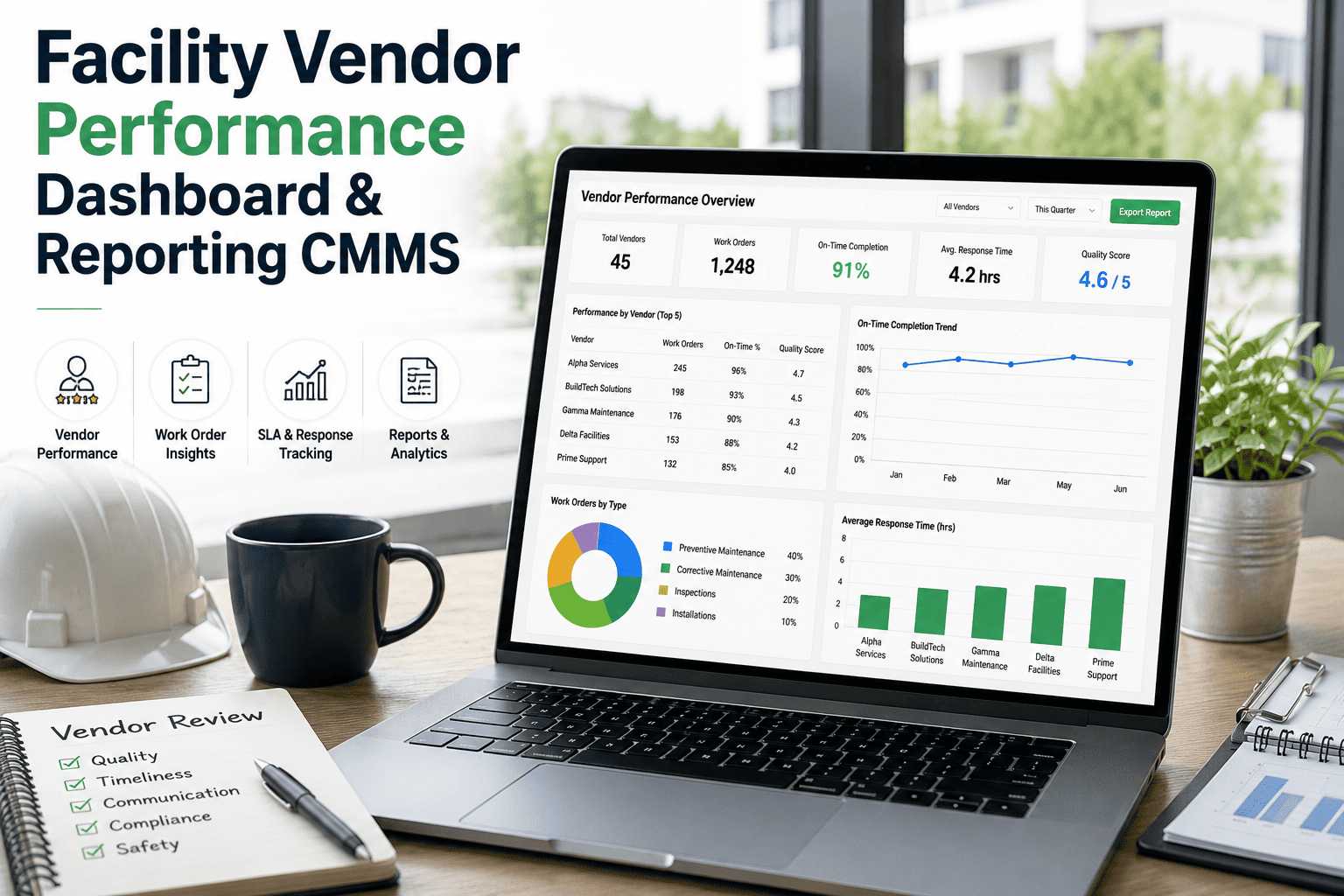
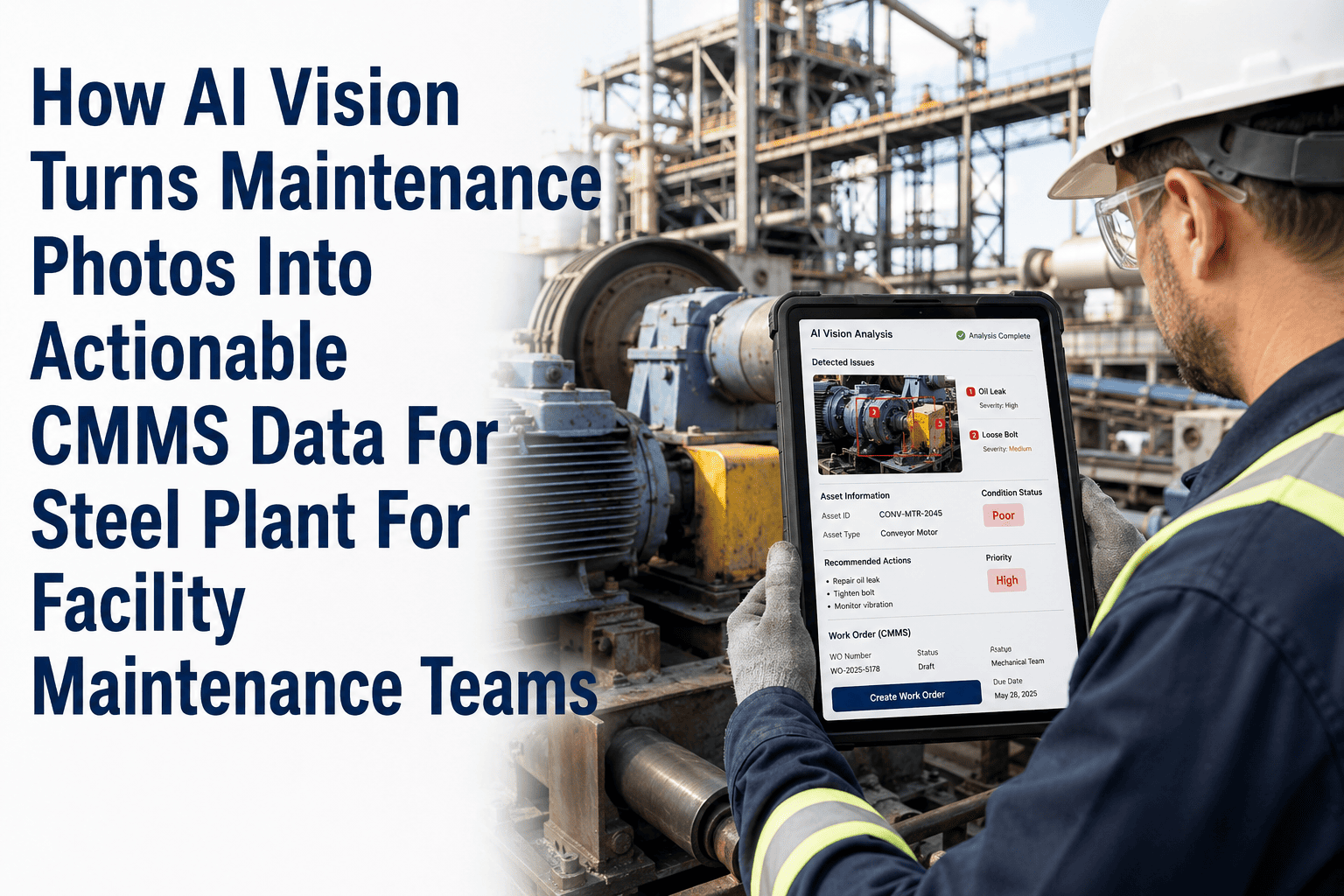
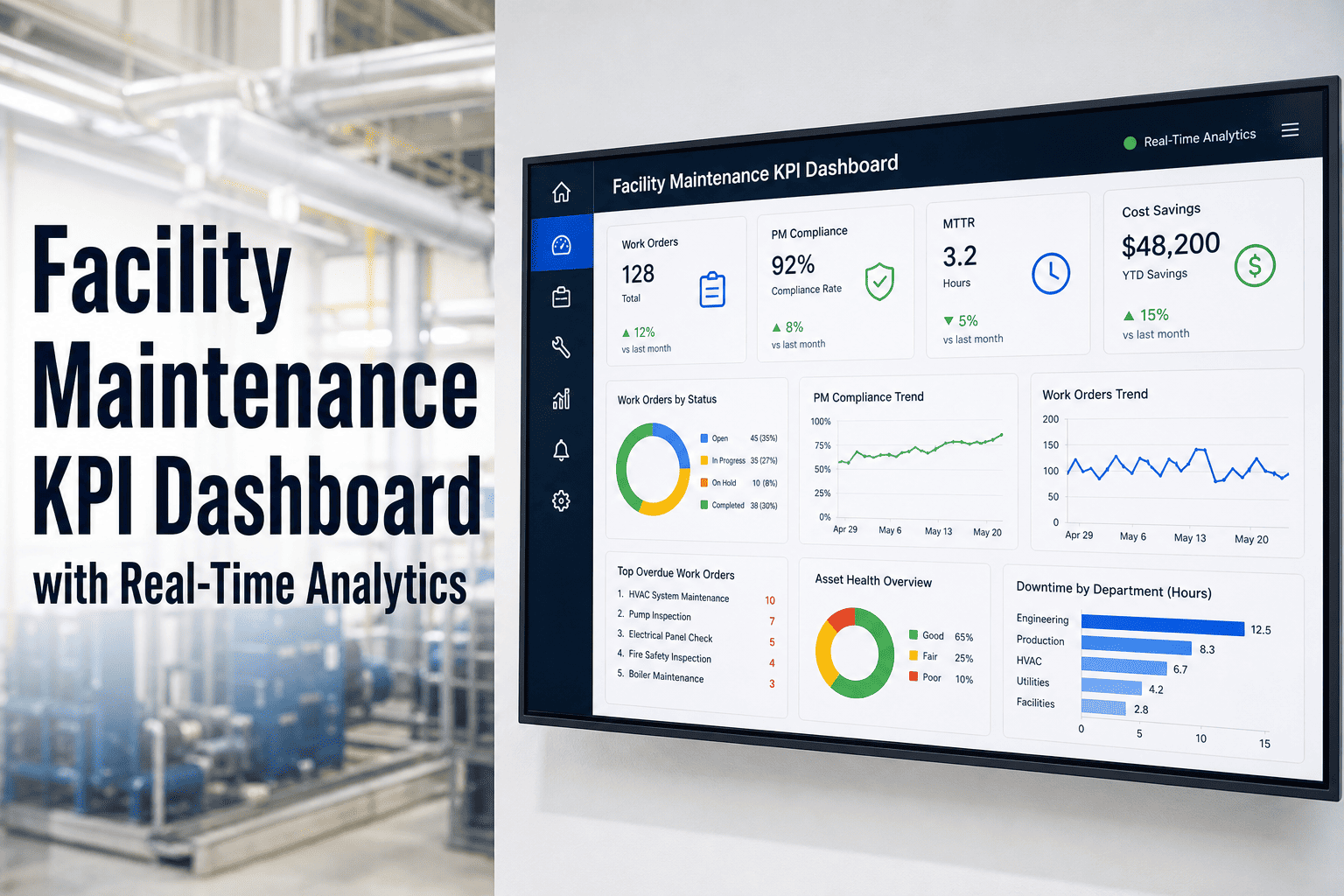
Most maintenance teams sit on years of work order data, asset histories, and failure logs — yet fewer than 30% actually use that data to make decisions. The gap between collecting maintenance records and extracting business intelligence from them is where millions in preventable costs hide. Facilities that bridge this gap using CMMS analytics platforms cut unplanned downtime by up to 50% and reduce maintenance spending by 25%, turning their maintenance department from a cost center into a strategic asset.
CMMS Data Analytics: Turning Maintenance Data into Business Intelligence
Build dashboards, track trends, and use maintenance analytics to drive strategic facility decisions — from work order patterns to predictive asset insights.
Why Raw CMMS Data Alone Is Not Enough
Your CMMS captures thousands of data points every week — work order completion times, parts consumption, technician hours, asset failure codes, and downtime logs. But without analytics layered on top, that data sits in spreadsheets and databases doing nothing. The difference between a reactive maintenance team and a strategic one is not the data they collect — it is how they analyze and act on it. Sign up for Oxmaint to transform raw maintenance records into actionable dashboards.
Data Without Context Creates Noise
A work order count tells you nothing unless it is segmented by asset type, failure mode, priority level, and technician. Analytics tools contextualize raw records so you see patterns — which equipment fails most, which shifts generate the most emergency calls, and where labor hours concentrate.
Spreadsheets Cannot Scale
Facilities managing 500+ assets generate data volumes that exceed what manual spreadsheet analysis can handle. Automated CMMS dashboards refresh in real-time, surface anomalies instantly, and allow drill-down from portfolio-level views to individual asset histories in seconds.
Delayed Insights Cost Real Money
When failure trend reports arrive monthly instead of daily, you are always reacting to yesterday's problems. Real-time analytics flag degradation trends the moment they emerge — converting days-late reactive decisions into weeks-early preventive actions.
of maintenance professionals use preventive maintenance as their primary strategy — yet fewer than 35% spend a majority of their time on scheduled tasks. CMMS analytics close this execution gap by automating schedule compliance tracking and flagging overdue PMs before they become emergency work orders.
Five Analytics Pillars Every Maintenance Team Needs
Effective CMMS analytics is not a single dashboard — it is a layered system that serves different decision-makers at different time horizons. Here are the five analytics categories that transform maintenance data into business intelligence.
Work Order Analytics
Track completion rates, average resolution time, backlog age, and work type distribution. Identify whether your team spends more hours on reactive emergencies or planned PMs — and shift the ratio toward planned work.
Asset Performance Metrics
Monitor MTBF, MTTR, overall equipment effectiveness (OEE), and asset health scores. Spot the 20% of assets causing 80% of your downtime and prioritize capital replacement decisions with data, not guesswork.
Cost Intelligence
Break down maintenance spend by asset, category, labor vs. parts, and planned vs. unplanned. Surface cost-per-unit trends that justify repair-vs-replace decisions and support annual budget forecasting.
Labor & Technician Productivity
Measure wrench time vs. travel time, work orders per technician, and skill-based task allocation. Optimize crew scheduling by matching workload demand curves with available labor capacity.
Predictive & Trend Analysis
Use failure history patterns, degradation curves, and sensor data correlations to forecast when assets will need intervention. Move from calendar-based PM to condition-based triggers that cut unnecessary maintenance by 30%.
Reactive vs. Analytics-Driven Maintenance
The operational gap between facilities running on gut instinct and those running on CMMS analytics is measurable across every performance indicator. Book a demo to see how Oxmaint closes this gap for your facility.
| Performance Area | Reactive Approach | CMMS Analytics-Driven | Impact |
|---|---|---|---|
| Unplanned Downtime | 25+ incidents/month | 5-8 incidents/month | 68% Reduction |
| PM Compliance | 45-60% | 92-98% | Near-Perfect |
| Mean Time to Repair | 4-8 hours | 1.5-3 hours | 55% Faster |
| Maintenance Spend | Unpredictable, over-budget | Forecasted, within 5% | 25% Savings |
| Decision Speed | Weekly/monthly reports | Real-time dashboards | Instant Access |
| Parts Inventory Accuracy | 60-70% | 95%+ | No Stockouts |
Building Your CMMS Dashboard: Four Essential Views
A well-designed analytics dashboard serves four audiences simultaneously — frontline technicians, maintenance managers, operations directors, and executive leadership. Each view pulls from the same CMMS data but presents it at the right level of detail for the decision at hand.
Technician View
Today's assigned work orders, parts availability status, asset history at point-of-work, and mobile-friendly checklists. Keeps field teams focused on execution without needing to query the back office.
Manager View
PM compliance rates, backlog trends, technician utilization, and weekly cost summaries. Enables daily prioritization and resource reallocation without waiting for monthly reporting cycles.
Operations View
Asset availability scores, production impact metrics, downtime cost tracking, and cross-facility benchmarking. Connects maintenance performance directly to production output and revenue impact.
Executive View
Total cost of ownership trends, capital replacement forecasts, compliance audit readiness, and maintenance-to-revenue ratios. Provides the business case data leadership needs for budget approvals and strategic planning.
How Oxmaint Turns Data into Decisions
Oxmaint is built for maintenance teams that need analytics without the complexity of a standalone BI platform. Every work order, asset record, and inspection log feeds into automated dashboards that surface the insights that matter. Sign up free and start building your first dashboard in under 30 minutes.
Automated KPI Dashboards
Pre-configured views for MTBF, MTTR, PM compliance, work order aging, and cost-per-asset update automatically as work orders close. No manual report generation required.
Trend Detection Alerts
Oxmaint flags when an asset's failure frequency accelerates, when parts consumption spikes, or when a specific failure mode begins clustering. You get alerts before patterns become problems.
Cost Attribution Engine
Every dollar spent on maintenance is automatically tagged to the asset, location, work type, and cost category. Generate repair-vs-replace analysis reports with one click instead of hours of spreadsheet work.
Compliance Reporting
Audit-ready reports for OSHA, EPA, and industry-specific regulations pull directly from inspection records and PM completion logs. Demonstrate compliance history instantly during audits.
Most of your waste is invisible — hidden in reactive maintenance, excess inventory, and manual processes. A CMMS with strong analytics makes it visible, and once you can see it, you can eliminate it.
-- Plant Operations Director, Fortune 500 Manufacturer
Your Maintenance Data Has a Story. Are You Reading It?
Every work order, every failure log, every parts receipt contains intelligence your team can use to reduce costs, extend asset life, and eliminate surprises. Oxmaint gives you the dashboards, alerts, and analytics to read that story — and act on it before problems escalate.