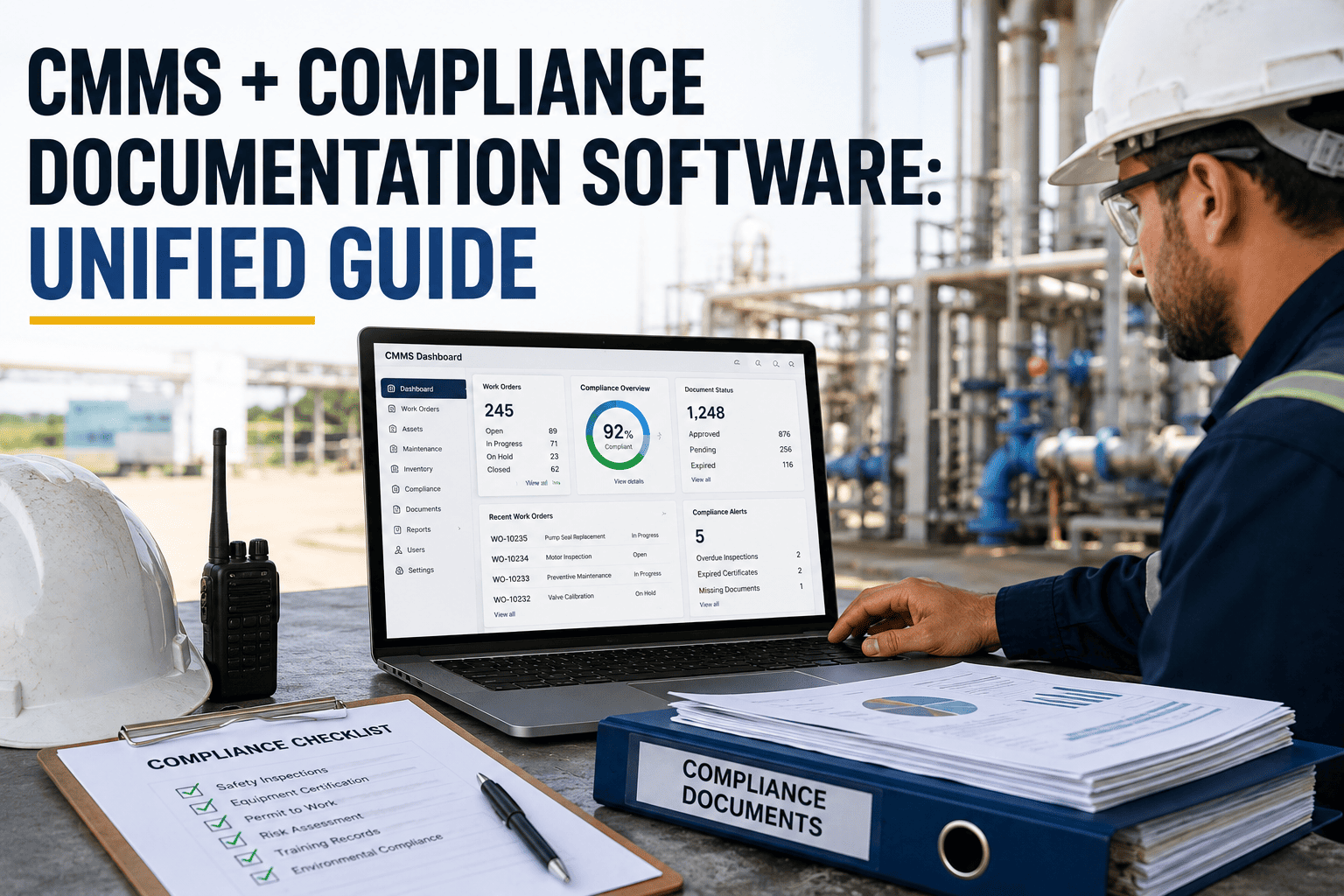
When a Joint Commission surveyor pulls a random work order from eighteen months ago and cannot find the technician's signature, the calibration date, or the corrective action tied to it, the finding gets written on the spot — not because the maintenance was skipped, but because the paperwork could not prove it happened. Facility teams juggling OSHA logs, NFPA fire-system tests, ADA accessibility checks, and preventive maintenance schedules across five different binders, spreadsheets, and shared drives relive this exact moment every audit cycle. The real gap is almost never the maintenance itself; it is the disconnect between the work that was actually performed and the document trail that proves it happened, on time, by a qualified person. Compliance documentation software fused directly into a CMMS closes that gap by capturing every inspection, signature, and corrective action inside the same record as the asset it belongs to, so nothing has to be reconstructed after the fact. Start a free trial and see what a single, audit-ready system of record looks like for your facility.
Why Compliance Documentation Falls Apart in the First Place
Documentation gaps rarely happen because a facility team is careless. They happen because compliance evidence and maintenance work live in different places, created by different people, on different schedules. A technician finishes a repair and closes the work order in the CMMS in thirty seconds. The same technician then has to remember to also fill out a separate paper form for the fire marshal, a separate spreadsheet row for the accessibility audit, and a separate email to the quality manager about the corrective action. Every one of those extra steps is a point where a record can be forgotten, filled in late, or filled in inaccurately from memory days after the work was actually done. Multiply that across dozens of technicians and hundreds of assets, and the "documentation problem" an auditor eventually finds was really a process problem that started months earlier, one skipped form at a time.
The Real Cost of Disconnected Compliance Records
Most facilities do not have a maintenance problem. They have a documentation problem that only becomes visible the day an inspector walks in. Preventive maintenance gets logged in the CMMS. Fire and life-safety tests get logged on a paper form in a binder near the panel. ADA accessibility checks live in a spreadsheet someone updates twice a year. Corrective actions from the last finding are tracked in email threads that nobody can search. By the time an auditor asks for proof that a specific piece of equipment was inspected on a specific date by a qualified technician, the answer requires pulling from four systems and hoping nothing is missing. That scramble is expensive even when nothing is technically wrong, because the hours spent reconstructing records are hours not spent on the maintenance work that actually keeps a facility safe. Oxmaint replaces that scramble with one record per asset that carries the work order, the compliance checklist, the technician's digital signature, the timestamp, and every prior corrective action in a single, exportable history. Book a demo to see your own asset list turned into audit-ready records.
Your Next Audit Will Ask for Proof, Not Promises. Will You Have It in Seconds?
One platform for preventive maintenance, digital inspections, e-signatures, and compliance reporting — mapped to the standards your facility is actually measured against.
How Oxmaint Unifies CMMS and Compliance Documentation
Oxmaint is not a CMMS with a compliance module bolted on afterward. Every work order, checklist, and inspection is built compliance-first, so the record you need for an auditor is the same record your technician already created while doing the work.
Both capabilities run on the same underlying asset record, which is what makes the difference during an actual audit. An inspector does not need to be walked through a separate compliance system, taught a second login, or handed a binder that was assembled the week before the visit. They see the same dashboard your maintenance team uses every day, filtered down to exactly the evidence their standard requires, with a history that goes back as far as your data does.
Implementation Roadmap
Facilities move from scattered records to a single compliance-ready system of record in about three weeks, with no service interruption and no dedicated IT project required. The rollout is intentionally sequenced so field crews are never asked to run two systems at once — by the time mobile devices go live, the standards mapping and checklists behind them are already finished, so day one in the field looks and feels like day one hundred.
Standards Oxmaint Helps You Document Against
Compliance documentation is only useful if it speaks the language of the standard being audited, which is why a generic export rarely satisfies a specialist reviewer. Oxmaint's report templates and checklists are structured around the frameworks facility teams are measured against most often, so the fields an inspector expects to see are already the fields your technicians filled in while doing the work, not a reformatted version created afterward for the meeting.
Oxmaint vs Other CMMS Platforms
Most CMMS platforms were built for work order management first, with compliance features added later as a paid add-on or a manual export. That ordering matters when an audit is on the line, because a bolted-on module tends to store compliance data separately from the maintenance record it is supposed to prove — reintroducing exactly the fragmentation Oxmaint was built to remove. The table below compares how the leading platforms handle the capabilities facility compliance teams ask about most.
Swipe to view full comparison table
| Capability | Oxmaint | MaintainX | UpKeep | Fiix (Rockwell) | Limble CMMS | IBM Maximo | Hippo (Eptura) |
|---|---|---|---|---|---|---|---|
| Audit Trail & E-Signatures | Built in, every record | Add-on tier | Limited fields | Configurable | Add-on tier | Full (complex) | Limited fields |
| Standard-Mapped Report Templates | JC, OSHA, NFPA, ADA ready | Generic exports | Generic exports | Custom build | Generic exports | Configurable | Generic exports |
| Document Version Control | Automatic, tamper-evident | Manual upload | Manual upload | Enterprise tier | Manual upload | Full | Manual upload |
| Corrective Action Tracking | Linked to original finding | Basic task | Basic task | Configurable | Basic task | Full workflow | Basic task |
| Offline Mobile Inspections | Full offline + sync | Online only | Limited offline | Limited offline | Limited offline | Limited | Online only |
| Multi-Site Compliance Dashboard | Built in, real time | Basic multi-site | Basic multi-site | Enterprise tier | Basic multi-site | Enterprise | Basic multi-site |
| Deploy Time | 2–3 weeks | 2–3 weeks | 2–4 weeks | 4–12 weeks | 1–2 weeks | 6–18 months | 2–6 weeks |
What Changes After Go-Live
The clearest signal that unified compliance documentation is working is not a single successful audit — it is the change in how a team behaves in the months between audits, when nobody is watching. Compliance rates climb because the checklist is the same screen the technician already opens to close the work order. Preparation time drops because the report is a query, not a project. The numbers below reflect what facilities typically see within the first two full quarters of running Oxmaint.
Stop Reconstructing Records the Night Before an Audit.
Every inspection, signature, and corrective action lives in one place from the moment the work is done — searchable, exportable, and mapped to the standard that matters.
Data Security
Compliance evidence is only as trustworthy as the system storing it, which is why the same rigor applied to documentation standards is applied to the platform itself. Records are encrypted, access is restricted by role, and every change is logged with enough detail to satisfy both an internal quality reviewer and an external regulator asking the same question in different words.
Frequently Asked Questions
How is compliance documentation different from a regular CMMS work order?
Can Oxmaint generate reports mapped to Joint Commission, OSHA, or NFPA requirements?
What happens to older paper or spreadsheet records during migration?
Does the mobile app work without internet during an inspection?
How long does it take to become audit-ready after go-live?
The Next Inspector Will Not Wait While You Search for Proof.
Bring maintenance and compliance documentation into one system your team already uses every day — free to start, live in weeks, not months.