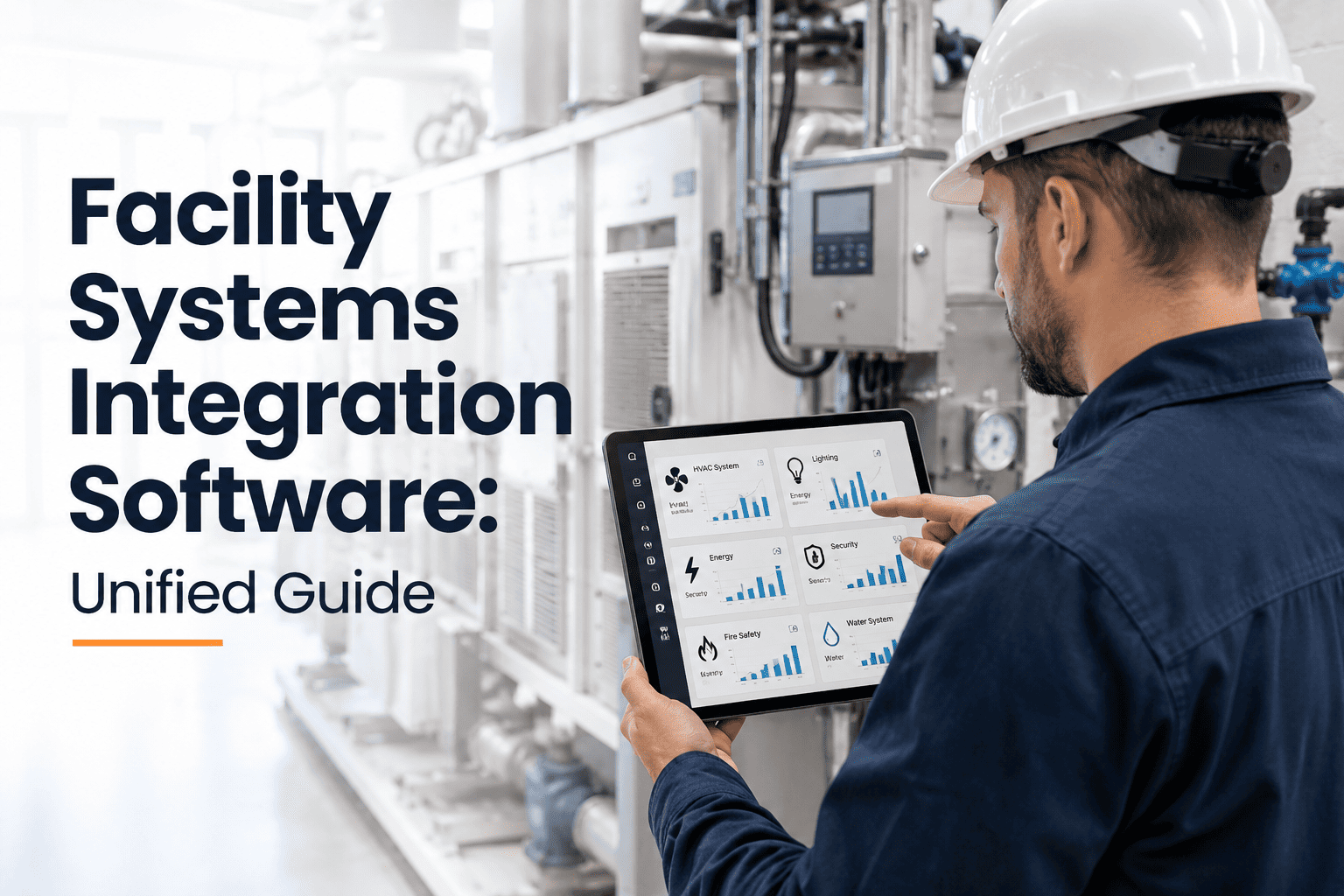
Most facilities aren't short on data — they're drowning in it, just not in one place. The BMS knows the chiller cycled twice overnight, the IoT sensor knows the vibration spike on line three, the utility meter knows the demand charge just tripped a threshold, and none of those systems ever talk to the CMMS that actually dispatches a technician. So the fault sits there, fully documented across three dashboards, until someone happens to notice it manually. Facility systems integration software exists to close exactly that gap, turning scattered telemetry into a single stream that triggers real maintenance action instead of another ignored alert. Before you evaluate a fourth disconnected dashboard, it's worth seeing what a genuinely unified workflow looks like by having a short conversation with our integration team.
One Platform for BMS, IoT, CMMS, and Compliance Data
Facility integration software connects your building automation, sensor networks, and maintenance workflows so a fault detected anywhere in the stack automatically becomes a prioritized, trackable work order — not a dashboard alert nobody opens.
What Siloed Systems Actually Cost You
Every extra system a fault has to travel through before reaching a technician is another place it can quietly disappear. Facility teams running BMS, IoT, and CMMS as separate tools tend to hit the same set of failures on repeat, and the pattern is rarely a single dramatic outage — it is usually dozens of small missed signals that compound into one expensive breakdown. A vibration trend that climbs steadily for three weeks, a setpoint that drifts a few degrees at a time, a meter reading that creeps upward every shift: none of these look urgent in isolation, which is exactly why they get missed when nobody is responsible for watching all three feeds at once.
Why Adding Another Dashboard Doesn't Fix It
The instinctive response to too many disconnected systems is often to buy one more system to watch all of them — an analytics layer, a reporting tool, a new dashboard that pulls from everything. In practice this just adds a fifth screen for someone to remember to check, without changing who is responsible for acting on what it shows. The fix that actually holds up over time is not another viewing surface, it is a workflow that removes the decision of whether to act at all. When a fault crosses a defined threshold, the system should not display it for a human to notice later; it should already be a work order sitting in a technician's queue with the relevant sensor history, asset record, and priority attached. That is the difference between visibility and integration, and it is why facilities that add dashboards without changing the underlying workflow tend to see the same missed-alert pattern repeat within a year.
How the Integration Layer Connects Your Stack
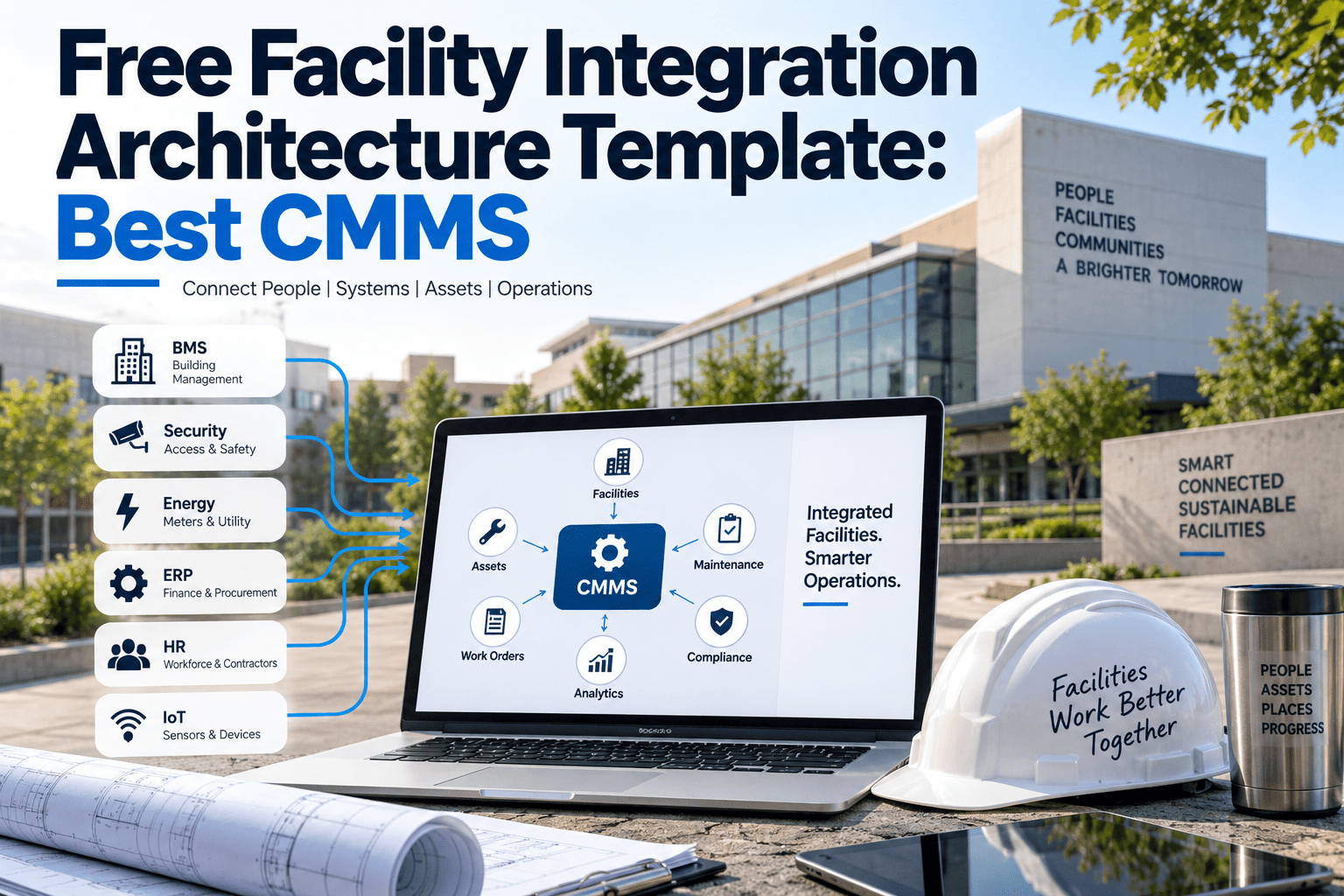
Rather than replacing your BMS, meters, or sensors, the platform sits above them, translating everything into one language the maintenance team can act on. Each layer below has a distinct job, and the value comes from how cleanly they hand data off to the one above — a sensor reading that stays a sensor reading is just noise, but the same reading routed through a rules engine and landed on a technician's dispatch screen becomes a resolved problem instead of a missed one.
Integration Capabilities Across Your Systems
Different source systems bring different data, and the integration layer treats each one differently based on what it can contribute to a maintenance decision. A BMS alarm and a vibration sensor reading are not interchangeable signals, so the platform weighs each source by what it actually predicts, rather than treating every alert as equally urgent.
| Source System | Data Captured | Maintenance Impact |
|---|---|---|
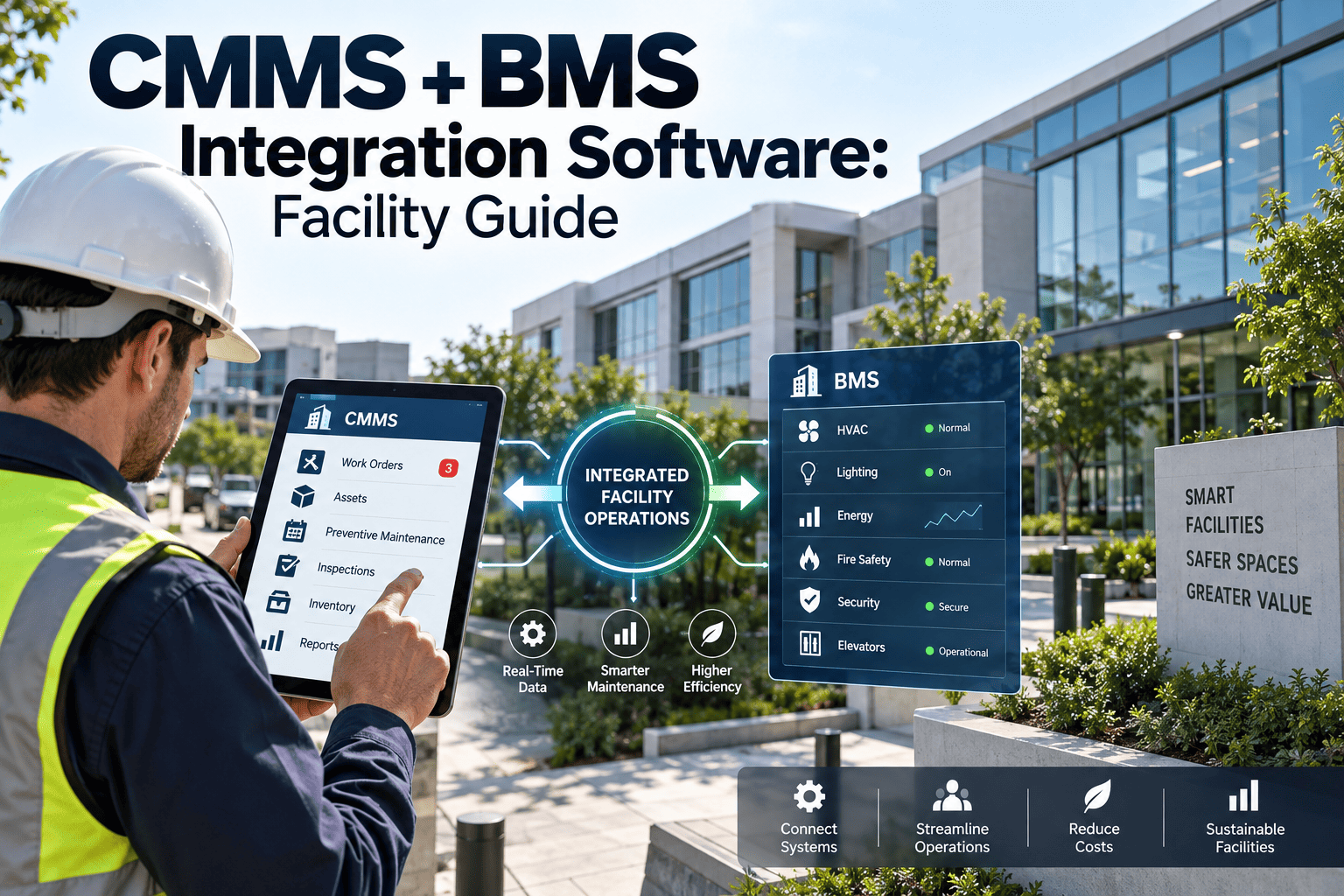
| Building Management System | Setpoints, HVAC runtime, alarm states | Auto-generates work orders on threshold breach |
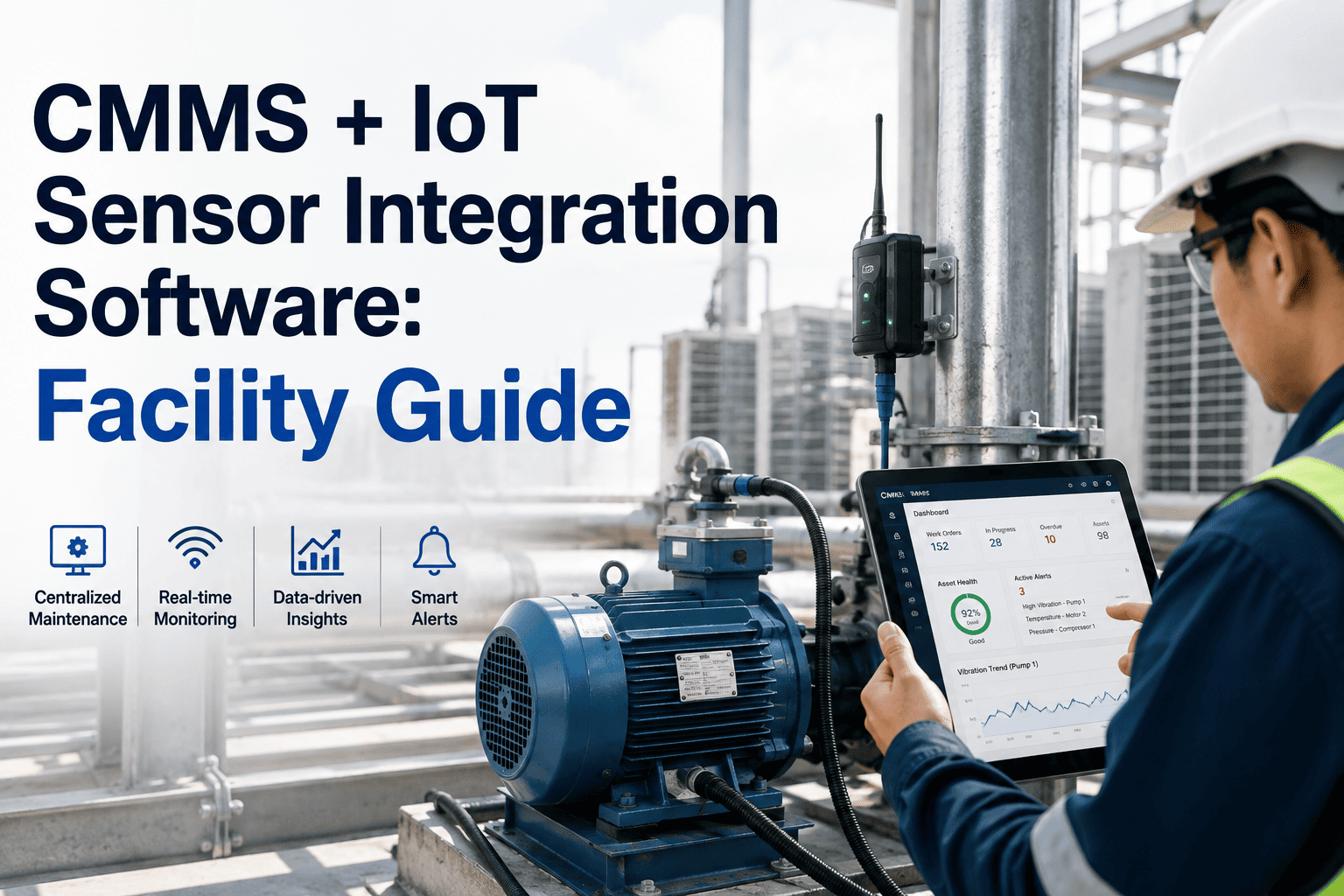
| IoT Condition Sensors | Vibration, temperature, pressure trends | Feeds predictive failure scoring per asset |
| Smart Utility Meters | Live kWh, water, and gas consumption | Flags demand spikes tied to specific equipment |
| CMMS Work History | Repairs, parts usage, technician notes | Grounds every alert in actual asset condition |
| Access & Occupancy Systems | Room and zone usage patterns | Aligns HVAC and lighting schedules to real use |
Rolling Out Integration Without Downtime
Facility integration is deployed in stages, so operations continue running normally while each connection is validated before the next is added. Most teams start with the systems generating the most missed alerts, prove the fault-to-work-order flow on that subset, and only then expand connection by connection until the full portfolio reports through one dashboard.