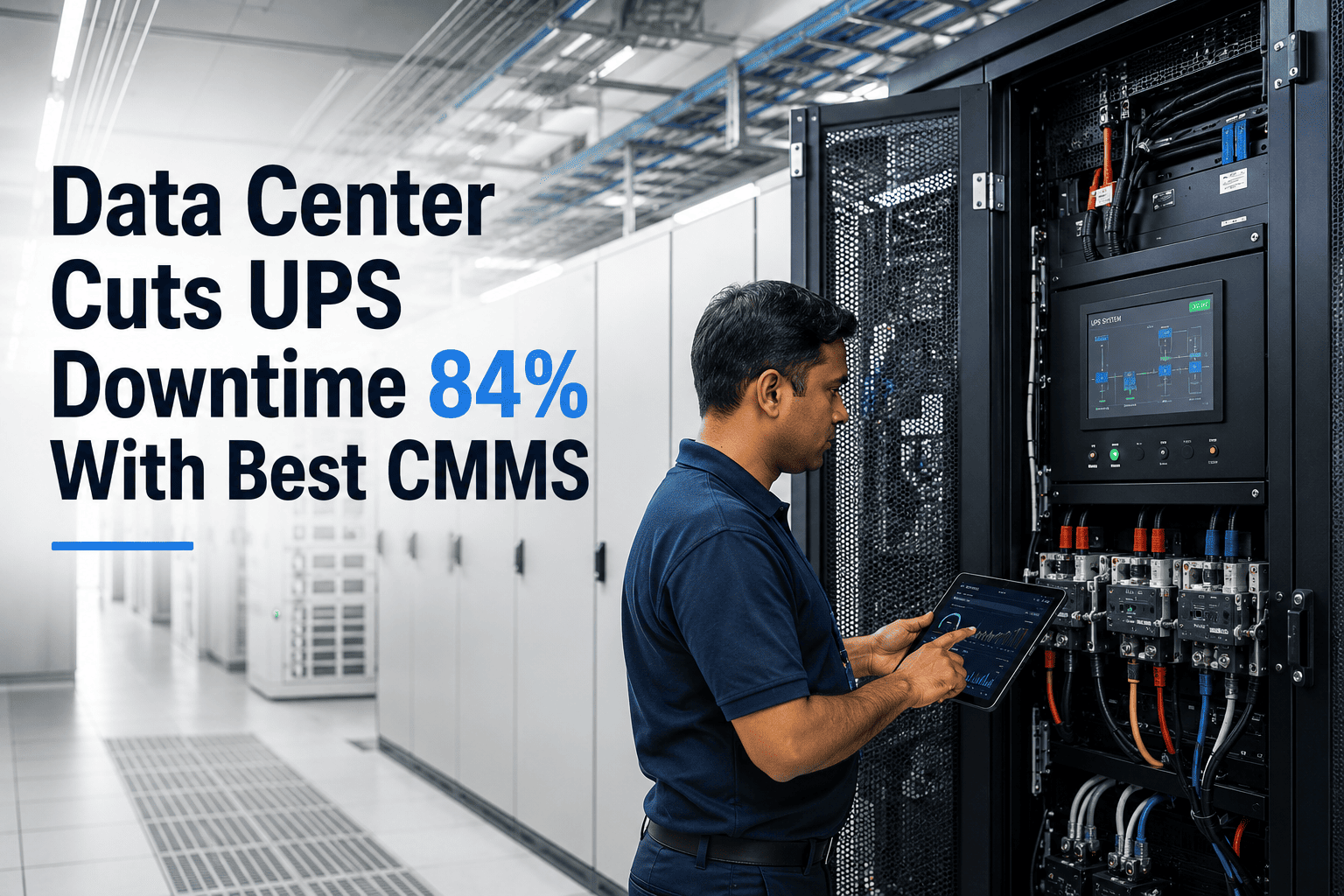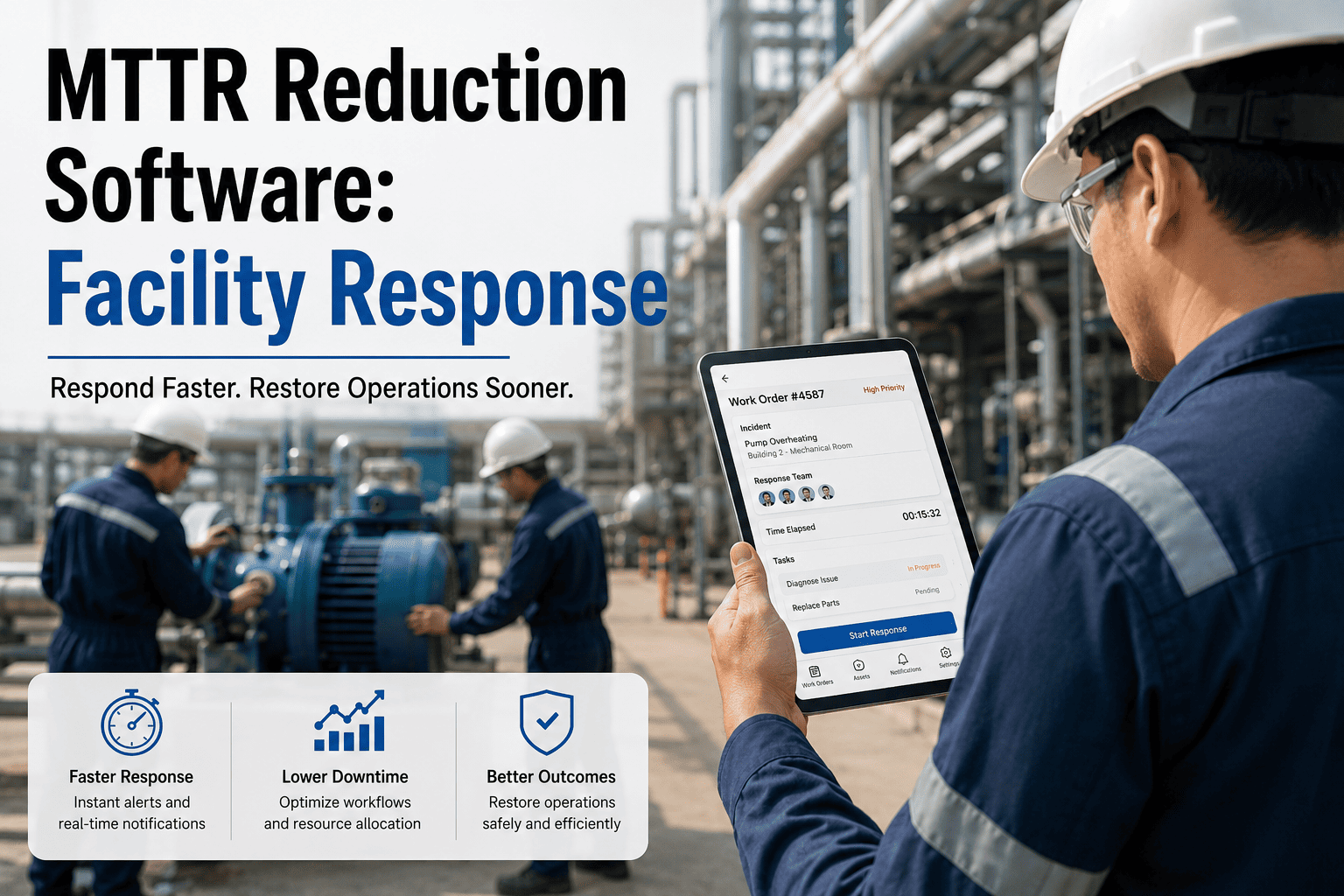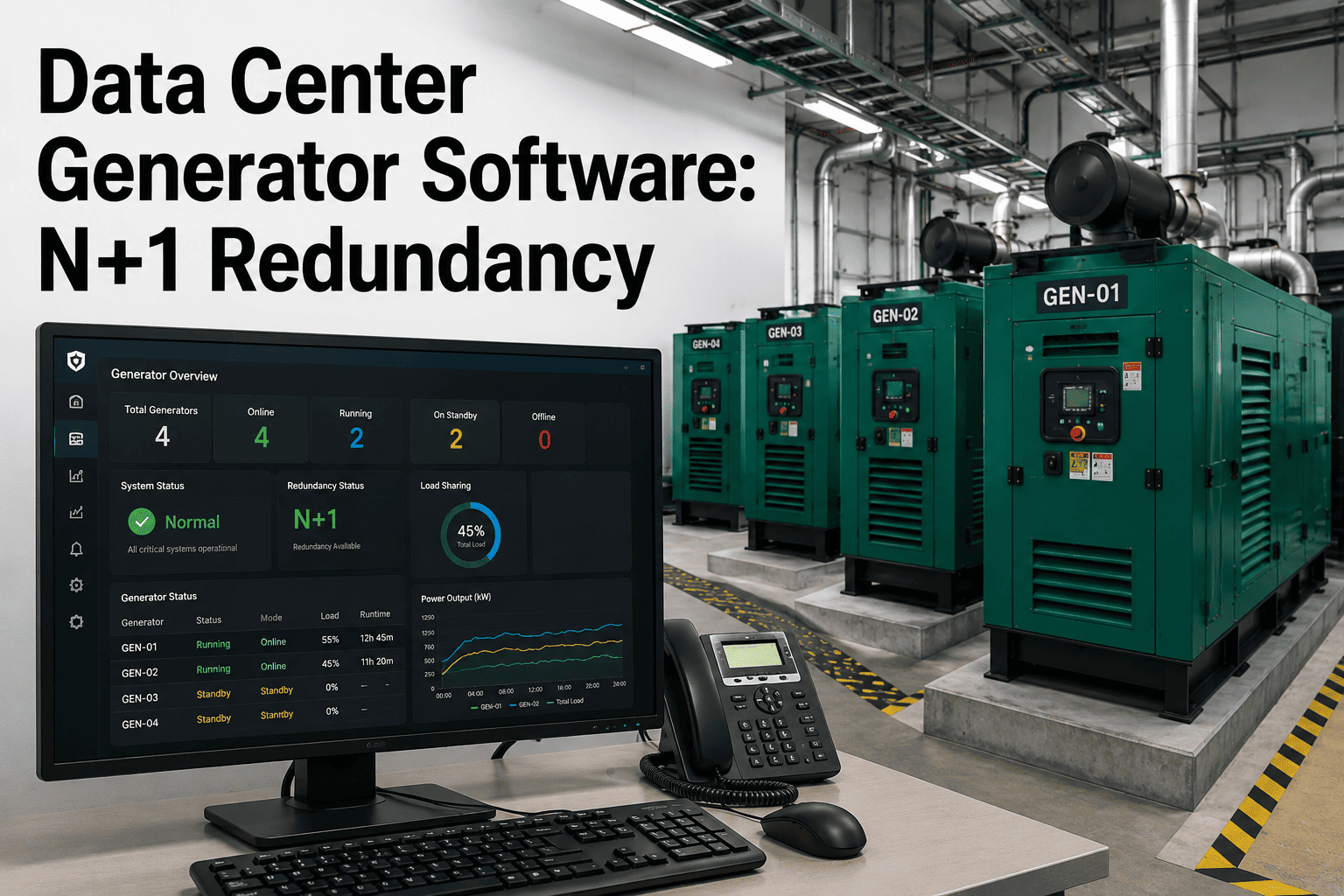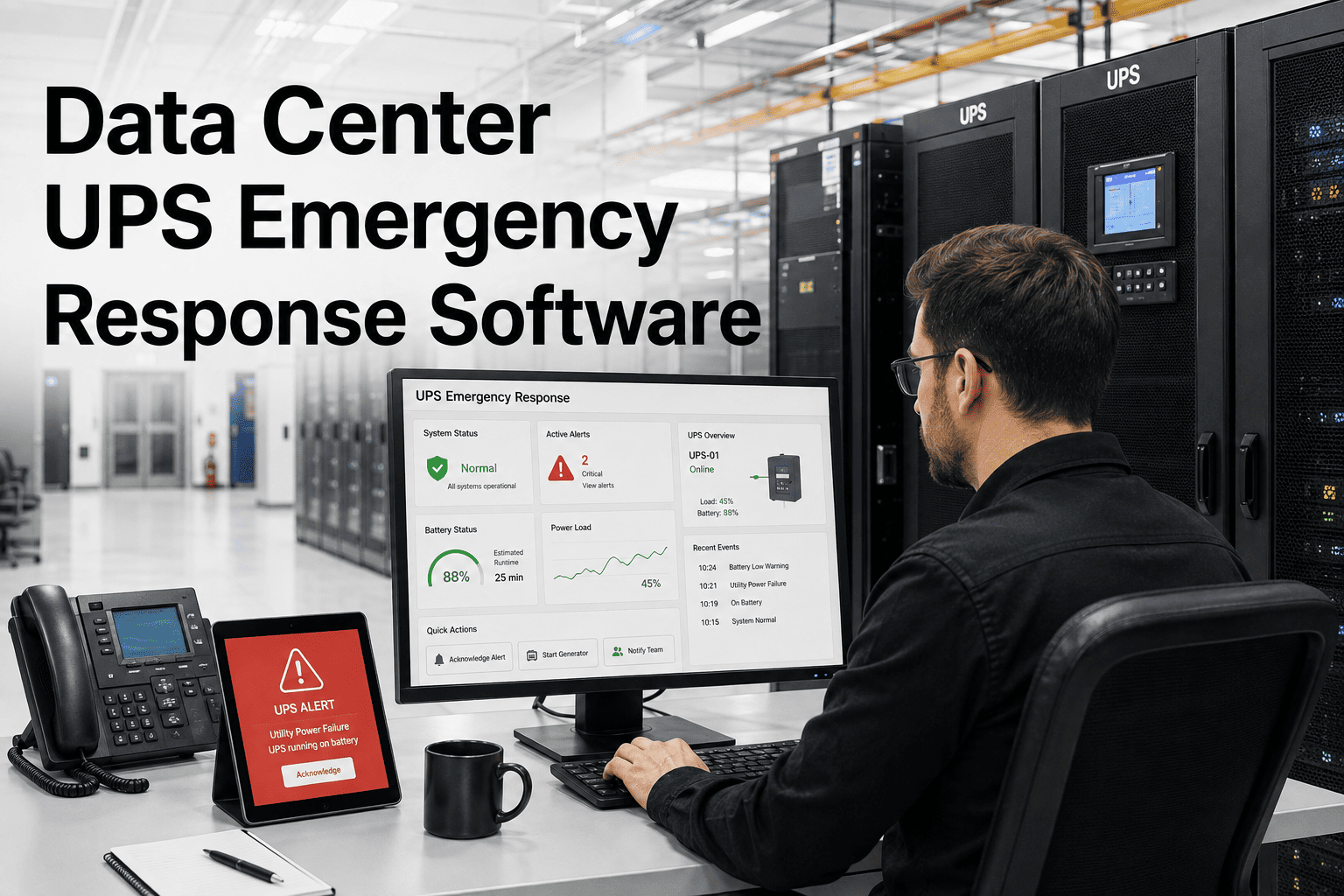
A UPS alarm fires at 2 a.m. Battery string degraded, load still riding the inverter, and the on-call phone buzzes with an alert that looks identical to the false one from three weeks ago. Ninety seconds pass while someone decides whether this is routine or the start of a cascading outage. Data center downtime runs close to $9,000 a minute, and power failures — most often triggered by the UPS itself — remain the single biggest cause of unplanned outages. The gap between alarm and action is where that cost gets created, and it is exactly where OxMaint's data center UPS emergency response software closes in.
Data Center Power Resilience · UPS Emergency Response
Every UPS Alarm Is A Countdown. OxMaint Turns Detection Into Dispatch Before The Load Rides Batteries Alone.
Automated on-call escalation, spare parts routing, and a timestamped response record for every UPS event — built for facility and critical infrastructure teams who cannot afford to guess during a power event.
$9,000
Estimated cost per minute of data center downtime, with power events the leading driver
45%
Share of impactful data center outages caused by power issues, most often a UPS failure
1 in 5
Operators reporting a major outage that cost more than $1 million, two years running
58%
Human-error outages traced to staff not following the established procedure under pressure
The Real Failure Point
A Contained UPS Event And A Cascading Outage Are Separated By Minutes, Not By Equipment
The UPS itself rarely causes the outage that makes headlines. What causes it is the gap between the alarm firing and a qualified technician acting on the right information — battery runtime, load percentage, and which spare module sits on which shelf. Facilities that lose that race are not running worse hardware. They are running the emergency on memory and phone calls instead of a system built for the first ten minutes.
Without A UPS Emergency Workflow
Alarm lands in a shared inbox or pager with no clear owner · technician checks runtime and load manually on the unit display · spare battery module location is a phone call away · decisions during the event go unrecorded · root cause review starts from memory once everyone has moved on.
With OxMaint
Alarm auto-creates a prioritized work order with runtime and load attached · escalation fires automatically if the primary on-call misses it · spare parts and shelf location surface inside the same work order · every action is timestamped from alarm to resolution · root cause workflow launches the moment the event closes.
OxMaint · UPS Emergency Response
Stop Losing The First Ten Minutes Of Every UPS Event To Confusion
Connect your UPS fleet once, and every future alarm becomes a work order with an owner, a countdown, and a documented outcome.
Inside The First Response
From UPS Alarm To Restored Redundancy — What Happens Inside OxMaint
Step 01
Alarm Triggers An Instant Work Order
A battery fault, load transfer, or runtime warning from the UPS creates a prioritized work order automatically, carrying that asset's full service history with it.
Step 02
On-Call Escalation Starts The Clock
The primary on-call technician is notified immediately. If there is no acknowledgment inside the configured window, the alert escalates automatically to the backup.
Step 03
Spare Parts And Runtime Surface Together
Battery runtime, load percentage, and the nearest spare module or capacitor with its shelf location appear inside the same work order the technician is already looking at.
Step 04
Technician Response Is Logged In Real Time
Every step the technician takes — arrival, diagnosis, part swap, load restoration — is timestamped from a mobile device, with no separate report to fill in afterward.
Step 05
Post-Event Root Cause Closes The Loop
Closing the work order triggers a root cause workflow, and the full alarm-to-resolution timeline rolls automatically into that asset's MTTR history.
Where The Minutes Actually Go
Manual UPS Response Versus OxMaint
Response Point
Manual Or Spreadsheet Process
With OxMaint
Alarm acknowledgment
Waits until someone notices the pager or email
Auto-routes to on-call with a running SLA timer
Escalation if missed
Depends on a colleague noticing no response
Automatic escalation to the named backup technician
Spare module location
Phone calls to the warehouse or the vendor
Inventory count and shelf location inside the work order
Battery runtime remaining
Checked manually on the UPS front panel
Surfaced automatically alongside the alert
Incident documentation
Written up after the fact, if it happens at all
Timestamped automatically from alarm to close
MTTR trend by asset
Estimated from memory, rarely tracked over time
Calculated automatically per asset and per site
Built For The Event, Not Just The Equipment
What OxMaint Automates During A UPS Emergency
Instant Work Order Creation
A UPS alarm signal converts straight into a prioritized work order, carrying the asset's maintenance and incident history with it so nobody starts from zero.
Tiered On-Call Escalation
If the primary technician does not acknowledge within the configured window, the event escalates automatically to a secondary or site manager — no manual follow-up required.
Spare Parts Routing
Critical spares — battery modules, capacitors, fans — are linked to each UPS asset with live quantity and shelf location, retrievable from inside the active work order.
Runtime And Load Visibility
Battery runtime and current load percentage sit next to the work order, so the responding technician knows exactly how much time is left before deciding anything.
Mobile Technician Response
Technicians work from a mobile app with offline access to the procedure, checklist, and parts list, so a weak signal in the electrical room never stalls the response.
Automated MTTR Reporting
Once a work order closes, the full alarm-to-resolution timeline compiles automatically into MTTR reports broken down by asset, by site, and by failure type.
The OxMaint Response Standard
What A UPS Emergency Looks Like On OxMaint
Under 2 min
Average time from alarm to an assigned technician once automatic escalation is active
Zero
Missed escalations, since the backup on-call is notified automatically after the response window closes
One Place
Spare part location, quantity, and asset history in a single work order screen
14 Days
From free trial to a live UPS emergency workflow running across your fleet
Frequently Asked Questions
What triggers a UPS emergency work order in OxMaint?
Any UPS alarm — battery fault, load transfer, low runtime warning — routed into OxMaint auto-generates a prioritized work order tied to that asset's history. Start a free trial to connect your fleet.
How fast does escalation happen if the on-call technician doesn't respond?
You set the response window per site or per criticality level. If the primary technician has not acknowledged the alert when it closes, OxMaint escalates automatically to the named backup.
Can OxMaint show spare parts location during an active UPS event?
Yes. Battery modules, capacitors, and fans linked to the UPS asset appear inside the active work order with live quantity and shelf location, so the technician is not calling around mid-event.
Does OxMaint work with our existing UPS monitoring or BMS system?
OxMaint accepts alert signals from most monitoring and building management platforms and converts them into work orders. Book a demo to review your specific setup.
How does OxMaint calculate MTTR for UPS incidents?
MTTR is calculated from the timestamped record every work order already captures — alarm time, acknowledgment, arrival, and resolution — broken down automatically by asset and by site.
Live In 14 Days · No Implementation Fees
The Next UPS Alarm Is Coming. Make Sure It Lands On A System, Not A Guess.
Automatic escalation · spare parts routing · timestamped response records · MTTR tracking per asset — running across your fleet before the next event hits.