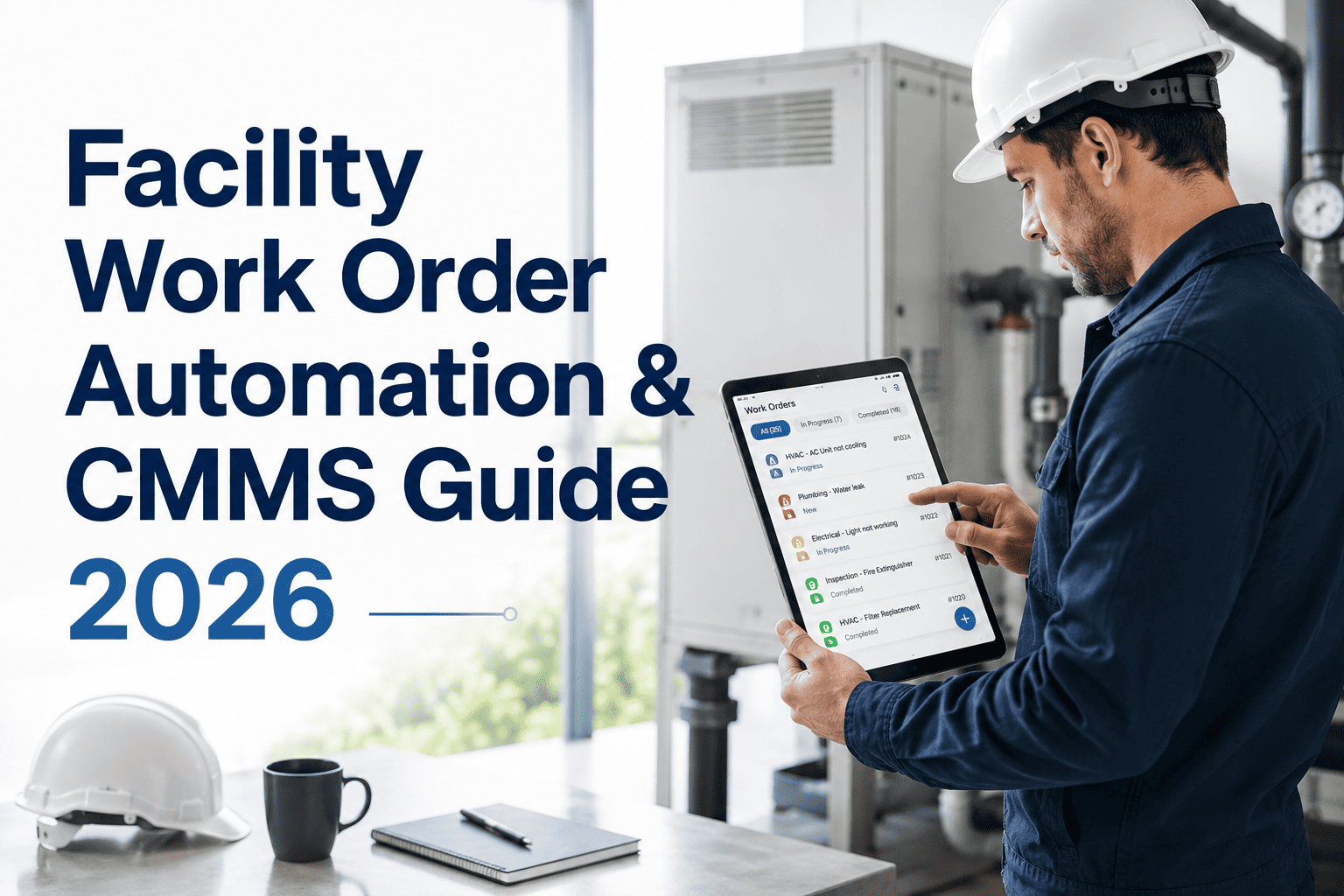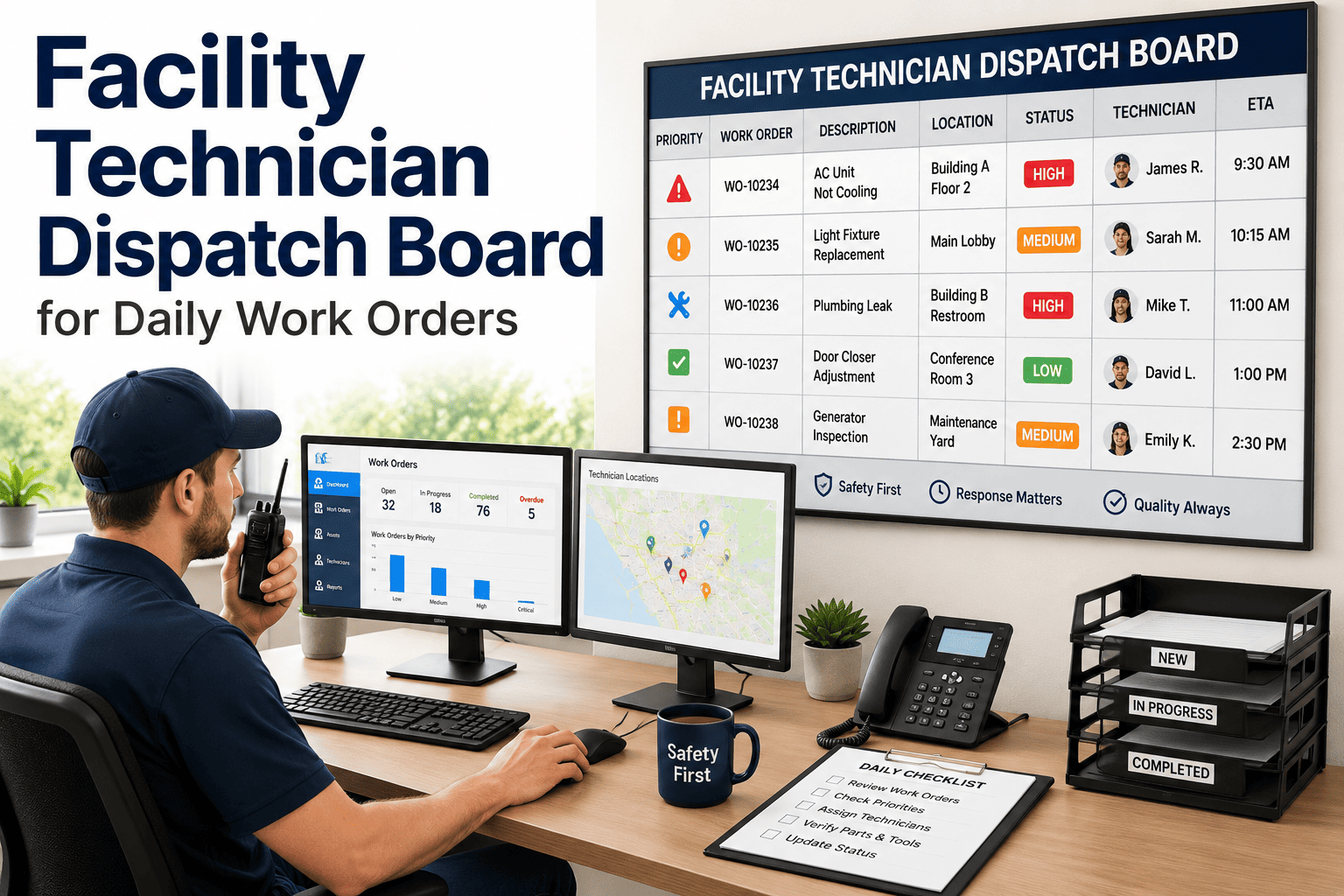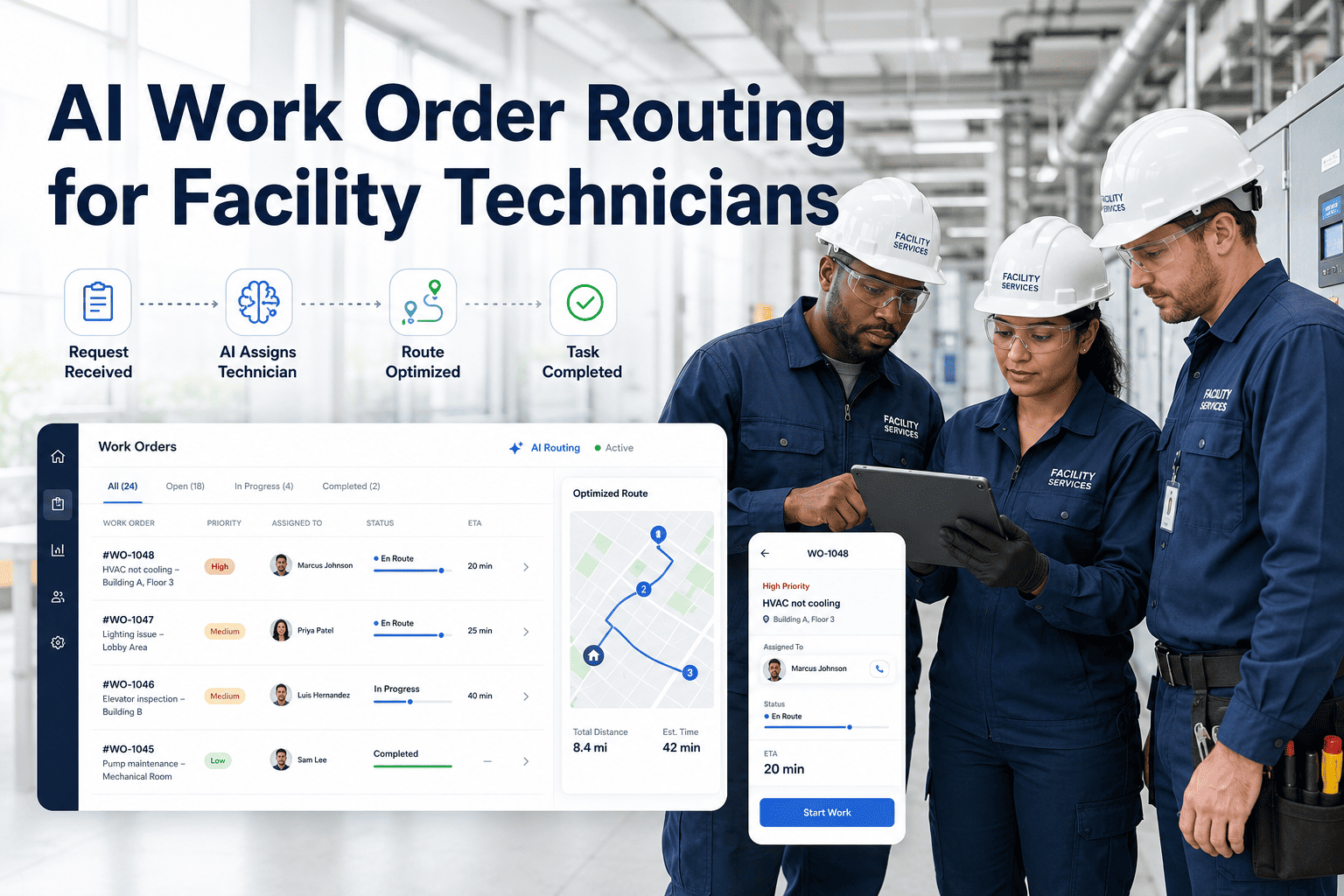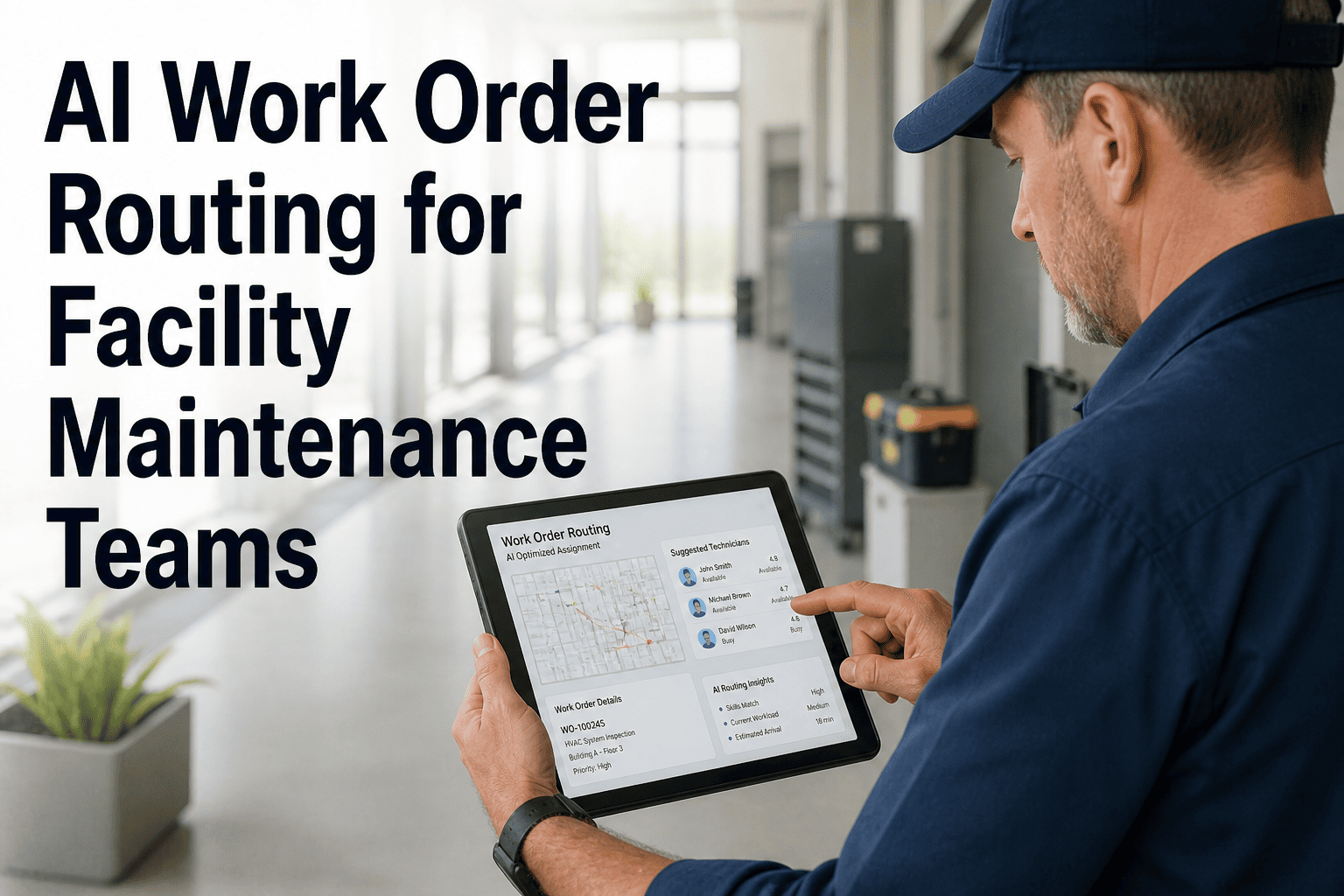
An inspector finds a dripping valve, a cracked light fitting, and a noisy fan belt in a single walk through a plant room. Three defects, three trades, and in many buildings three separate phone calls or a long email that someone must read and sort by hand. Every manual hand-off adds delay, and every misrouted job adds a second trip. Routing rules let the system do the sorting the moment a defect is logged, sending each work order to the right trade and technician. This guide covers how to design those rules, and how Oxmaint inspection and work order software can carry a defect from the checklist to the correct person's mobile queue.
Defect-to-WO Routing: Auto-Assign to the Right Trade and Tech
Every defect has a trade, a location, a severity, and a skill requirement. Capture them at the point of inspection and let routing rules turn them into an assigned work order.
What goes wrong when defects are routed by hand
Manual routing depends on one person's knowledge and attention. It works on a quiet day and breaks on a busy one.
Manual hand-off
- Defect reports wait in a mailbox until someone sorts them
- The wrong trade attends and has to refer the job on
- Safety defects sit behind routine ones in a shared list
- Skilled technicians are busy while others are idle
- Nobody can say how long routing takes
- Rules live in one dispatcher's head
Rule-based routing
- Work orders exist and are assigned within moments of the finding
- The right trade is selected from the defect type
- Severity sets the order in each technician's queue
- Workload and availability are checked before assignment
- Routing time is measurable and improvable
- Rules are written down, reviewed, and shared
Defect categories mapped to trades
Start with a clean category list on the inspection form. The category is what most routing decisions hang from, so it should be easy to pick correctly.
| Defect category | Example findings | Primary trade | Often needs |
|---|---|---|---|
| Plumbing and drainage | Leaking tap, slow drain, running cistern, damaged pipe lagging | Plumber | Water isolation, wet-area access |
| HVAC and ventilation | Noisy fan, dirty filter, drain tray overflow, thermostat fault | HVAC technician | Plant room access, refrigerant certification for some tasks |
| Electrical and lighting | Failed luminaire, damaged socket, tripping circuit, exposed wiring | Electrician | Isolation and lock-out procedure |
| Fire and life safety | Blocked exit, faulty emergency light, damaged fire door | Fire systems or general technician | Compliance notification and recorded sign-off |
| Building fabric | Ceiling tile damage, cracked wall, door hardware, flooring hazard | General maintenance or carpenter | Height access, protection of occupied areas |
| Vertical transport | Lift noise, door fault, level misalignment | Lift contractor | Contract call-out, lift out-of-service notice |
| Grounds and external | Paving defect, drainage blockage, damaged fencing, lighting outage | Grounds or general technician | Weather window, traffic control |
The layers of a routing rule
Good routing is a short stack of questions asked in a fixed order. Each layer narrows the choice until one person or queue remains.
- TradeDefect category selects the trade group. This is the first and most important filter.
- Site and zoneBuilding, floor, or zone narrows the pool to technicians covering that area.
- Skill and certificationTasks that need a licence, such as electrical isolation, reach only qualified people.
- Severity and prioritySafety-critical items may skip the queue and alert the on-call lead directly.
- Shift and availabilityAssign to someone working now, or to the next shift's queue if the job can wait.
- Workload balanceAmong equal candidates, favor the person with the lightest open workload.
Send every defect to the right person first time
Move from inspection finding to assigned work order without a manual sorting step.
Edge cases every routing design must handle
Simple rules cover most defects. A few awkward cases decide whether the system is trusted.
Multi-trade defects
A leak above a ceiling needs a plumber for the pipe and a general technician for the tile. Create linked work orders so each trade has a clear scope and the job closes only when both are done.Unclear category
When the inspector cannot tell the cause, route to a triage queue staffed by a senior technician, who reclassifies and reassigns within a short target.Safety-critical findings
Exposed live parts, blocked exits, and gas smells should trigger immediate notification and a defined make-safe action, not a standard queue assignment.Warranty and contract work
Assets under warranty or a service contract should route to the coordinator who manages the supplier, with the contract reference attached.No qualified person on shift
Define a fallback: next shift queue for routine work, on-call contact for urgent work, and an approved contractor for emergencies.Tenant-controlled areas
Where access depends on a tenant, route to the coordinator who arranges entry, then to the technician once a window is confirmed.Sample routing rules written in plain language
Write each rule as a sentence a supervisor could read aloud. If a rule cannot be said simply, it is probably too complicated to maintain.
Balancing automation with human judgment
Automate
- Routine, well-understood defect types
- Assignment by trade, zone, and shift
- Notification of the assigned technician
- Linking inspection photos and notes
Keep human review for
- Unclear causes and unusual findings
- Safety-critical decisions
- Contractor selection and approvals
- Disputes over priority or ownership
Rolling out routing rules in stages
- Clean the categoriesReduce the defect list to categories inspectors can choose without debate.
- Map trades and zonesRecord who covers which areas and what each person is qualified to do.
- Pilot on one siteRun the rules for a few weeks, and review every reassignment for lessons.
- Tune and extendAdjust rules, add edge-case handling, and expand to further buildings.
Routing KPIs that show whether rules are working
Time to assign
Minutes from defect logged to technician assignedReassignment rate
Work orders moved to a different trade or person after first assignmentFirst-time-correct routing
Jobs completed by the originally assigned tradeTriage queue volume
Defects needing manual classification, as a share of totalWorkload spread
Difference in open jobs between similar techniciansDefect to start time
Hours from finding to work starting, by severityHow Oxmaint supports defect-to-work-order routing
Oxmaint is maintenance management software. It connects inspections, work orders, and technician workflows, while you define the trades, zones, and rules that fit your buildings.
Digital inspections
Inspectors log defects on mobile with category, severity, photos, and notes at the point of finding.Work order creation from findings
Turn a recorded defect into a tracked work order so nothing stays in a report.Assignment and scheduling
Assign work to technicians and teams and schedule against availability.Asset and location records
Link each defect to the exact asset and area, which helps choose the right trade.Mobile work queues
Technicians see their assigned work, update status, and close jobs from the site.Compliance records
Keep sign-off, notes, and photos for safety-related defects as an auditable trail.Skills and certification gates
Some tasks may only be done by people with specific qualifications. Routing rules should enforce that automatically, not rely on the dispatcher remembering.
| Task type | Qualification gate | Who may be assigned | Evidence kept |
|---|---|---|---|
| Electrical repair on live or isolated circuits | Licensed or authorized electrician | Named electricians only | Isolation record and test results |
| Refrigerant handling | Refrigerant handling certification | Certified HVAC technicians | Certificate reference and quantities recorded |
| Work at height | Height safety training and equipment checks | Trained technicians with current checks | Training date and equipment inspection |
| Confined space entry | Entry training and permit system | Trained team with a permit holder | Signed permit and gas test log |
| Fire system work | Competence for the specific system | Qualified fire systems staff or contractor | Service report and impairment notice |
Coverage design: zones, shifts, and backups
Routing can only choose among the people the coverage plan provides. Check the plan before blaming the rules.
Zone ownership
Assign each building or floor a primary technician per trade and a named backup, so a defect always has a home even during leave.Shift patterns
Record which trades are on each shift. If the plumber only works days, night plumbing defects need a clear urgent route or a deferral rule.Cross-trained staff
General technicians who can handle simple tasks across trades reduce handoffs. List what each person can safely do on their own.Surge arrangements
Agree which contractors cover peaks and emergencies, with response times, so overflow work does not stall in a full queue.Workload balancing that stays fair
Automatic balancing helps when it is transparent. It causes resentment when technicians suspect it favors some people.
Fair balancing practice
- Count open hours of work, not just the number of jobs
- Consider travel between sites in the load
- Share the rules with the team in plain language
- Allow supervisors to adjust for training and leave
Warning signs
- One person always receives the hardest jobs
- Technicians swap jobs informally to avoid rules
- Open work piles up for those with rare skills
- Priority work is skipped to keep loads even
More sample rules for contractors and special cases
Reading reassignment data
Every reassignment is a small piece of feedback on the rules. Review them in a regular rhythm and act on the patterns.
- Group by reasonWrong trade, wrong zone, missing skill, or unavailable person.
- Find repeatsLook for categories that move again and again between trades.
- Fix the causeRename a category, add a rule, or adjust coverage for that area.
- Recheck next monthConfirm the reassignment rate for that category has fallen.
What inspectors should capture so routing works
Rules are only as good as the information they receive. A few quick habits at the point of inspection prevent most misrouted jobs.
- A clear photoOne wide shot for location and one close shot for the defect, so the technician arrives with the right tools.
- The exact asset or roomPick the asset tag or room from the list instead of typing, which keeps zone rules reliable.
- Category and severityChoose the closest category and rate severity using the written criteria, not a guess.
- A short factual noteDescribe what was seen, such as dripping every few seconds, rather than a conclusion about the cause.
- Make-safe actionRecord any barrier, isolation, or sign placed, so the next person knows the current state.
- Access notesNote keys, permits, or tenant contact needed, so access blockers appear at assignment time.
Running a one-site pilot before wider rollout
A short pilot exposes the awkward cases cheaply. Decide in advance what success looks like, so the review is about evidence and not impressions.
Capture a baseline
Before switching rules on, note how long assignment takes today and how often jobs move between trades. Without a baseline, improvement cannot be shown.Run alongside the old method
For the first weeks, let the dispatcher compare the automatic assignment with what they would have chosen, and note every difference with a reason.Hold short feedback sessions
Ask technicians where the rules sent them wrongly. They often see category and zone problems long before reports do.Agree exit criteria
Set a target for time to assign and reassignment rate, and expand to other sites only when the pilot meets it for a sustained period.Defect routing FAQs
Do we need many rules to get started?
No. Begin with trade by category and add zone and shift rules as you learn. A short rule set that people trust beats a complex one nobody maintains.
What if an inspector picks the wrong category?
The receiving technician or triage lead reclassifies it, and the reassignment is counted. Frequent corrections show where the category list needs simplifying.
How are urgent defects handled differently?
Urgent and safety-critical findings bypass the normal queue and alert a defined person right away. Routine items follow the standard rules.
Can contractors receive routed work too?
Yes, through a coordinator who manages outside suppliers and keeps the record updated. Oxmaint work orders hold both in-house and vendor jobs.
How do we review the rules over time?
Hold a monthly review of reassignments and aged jobs. Book a demo to see the reporting options.
Turn every finding into assigned work
Give inspectors, dispatchers, and technicians one clear path from defect to completed repair.