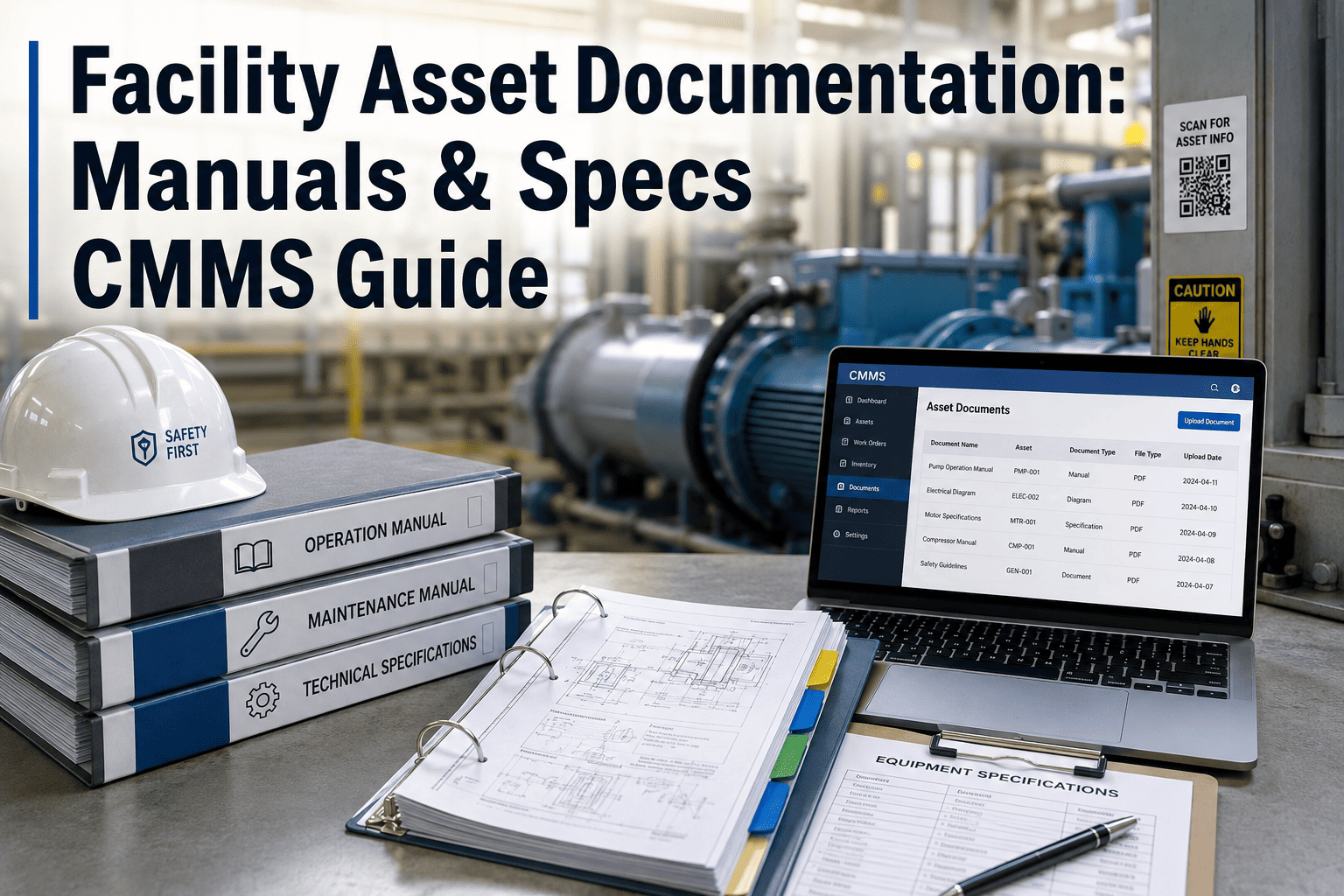
A building is handed over, the ribbon is cut, and the facilities team inherits a pile of binders, a USB drive of unnamed files and drawings that do not match what is on the ceiling. Within months, technicians are tracing pipes by hand and chasing manufacturers for manuals. The cost of that gap lands on maintenance for the whole life of the asset. Setting digital handover requirements early, and loading the results into a maintenance system built for asset records, closes that gap before it opens.
Facility As-Built Documentation: Digital Handover Standards
What drawings, O&M manuals, warranties and asset data every project must deliver, and how to accept them.
Where Handover Information Gets Lost
Information is rarely missing because nobody created it. It is lost because nobody defined who delivers it, in what format, and by when.
What the Gap Costs Operations
- Technicians spend site visits locating valves, panels and isolation points.
- Warranty claims fail because install dates and serial numbers were never recorded.
- PM schedules cannot be generated until someone creates the asset list.
- Renovations proceed on drawings that no longer reflect the building.
- Insurers and auditors ask for records that cannot be produced quickly.
The Standards Behind Digital Handover
You do not need to invent a handover specification. Several established standards cover most of what an owner should ask for.
| Standard or method | What it covers | How an FM team uses it |
|---|---|---|
| COBie | Structured spreadsheet or data format for facility, space, type and component information | Source for the asset register and PM planning |
| ISO 19650 series | Information management across the project and asset lifecycle | Frames owner requirements and delivery responsibilities |
| IFC (ISO 16739) | Open model exchange format | Keeps model data readable without proprietary software |
| Owner information requirements | Owner-defined questions the data must answer | Written into the contract before design starts |
| Local codes and permits | Fire, life safety and inspection records | Evidence for authorities and insurers |
Use these as a base, then tailor them to your portfolio. A short, enforceable requirement beats a long one nobody checks.
What a Complete Handover Package Contains
Group deliverables so reviewers can confirm each one against a checklist rather than reading everything.
- Architectural, structural, mechanical, electrical and plumbing as-builts
- Riser and single-line diagrams
- Model in an open format where one was produced
- Manufacturer, model and serial number
- Install date and location
- System membership and parent relationships
- Operation and maintenance manuals by equipment
- Recommended PM tasks and intervals
- Spare parts and consumables lists
- Warranty start and end dates
- Provider contact and claim procedure
- Exclusions and conditions
- Test and balance reports
- Functional test results
- Open issues and agreed close-out dates
- Fire and life safety certificates
- Inspection and permit sign-offs
- Training attendance records
How COBie Data Maps to Your Asset Register
COBie organizes handover data into related sheets. Knowing how each one lands in your CMMS makes the import predictable.
| COBie sheet | Typical content | CMMS destination |
|---|---|---|
| Facility, Floor, Space | Building, level and room hierarchy | Location hierarchy |
| Type | Equipment model, manufacturer, warranty terms | Asset class and model template |
| Component | Individual installed items with serial and location | Asset records |
| System | Groupings such as a chilled water loop | Parent and child asset links |
| Job and Resource | Maintenance tasks and skills | PM templates and labor assignments |
| Spare | Recommended parts | Inventory and parts-to-asset links |
| Document | Manuals, drawings, certificates | Attachments on asset or type |
Insist on a sample COBie file early in construction. Errors found at the first sample are cheap to fix. Errors found at handover are not.
Acceptance Gate: Do Not Sign Until These Pass
Treat data like any other deliverable. Link final payment or practical completion to documented acceptance.
Paper Handover vs Digital Handover
- Searched manually, often by one long-serving person
- Out of date after the first modification
- Warranty details buried in contract appendices
- PM plans written from scratch after opening
- No link between document and asset
- Searchable by asset, location or system
- Updated through work orders and change records
- Warranty dates trigger reminders
- PM templates generated from asset type
- Every document attached to the item it describes
Writing the Requirement into the Contract
Handover quality is decided long before the building is finished. The contract is where you set expectations.
Clauses Worth Including
- A named data template and file format for all asset information.
- A staged delivery schedule with data drops at design freeze, mid-construction and pre-handover.
- Naming and tagging rules that match your existing asset register.
- Responsibility for updating drawings after field changes.
- A retention or completion condition linked to accepted data.
- A defects period during which data corrections remain the contractor's duty.
Staged Delivery Timeline
Warranty Records That Actually Get Used
A warranty is only valuable if someone notices it is about to expire. Capture the details as data, not as a clause inside a PDF.
- Start date, end date and what triggers the start, such as substantial completion.
- Provider, contact and the claim method.
- Maintenance conditions that keep the warranty valid.
- Reminder dates ahead of expiry so defects are logged in time.
Linking warranty status to the asset record means a technician sees it the moment a work order is opened.
Measuring Handover Quality
How Oxmaint Fits After Handover
Oxmaint gives the delivered data an operating home, so the handover investment keeps paying off.
- Asset management with location and system hierarchies that mirror delivered data.
- Preventive maintenance schedules built from asset types and manufacturer recommendations.
- Work orders that carry history, documents and warranty status.
- Mobile inspections to verify delivered data during the first months.
- Inventory links between assets and recommended spares.
- Reports that show how complete and current the asset record is.
To see how a delivered COBie file loads into a working register, request a short demo.