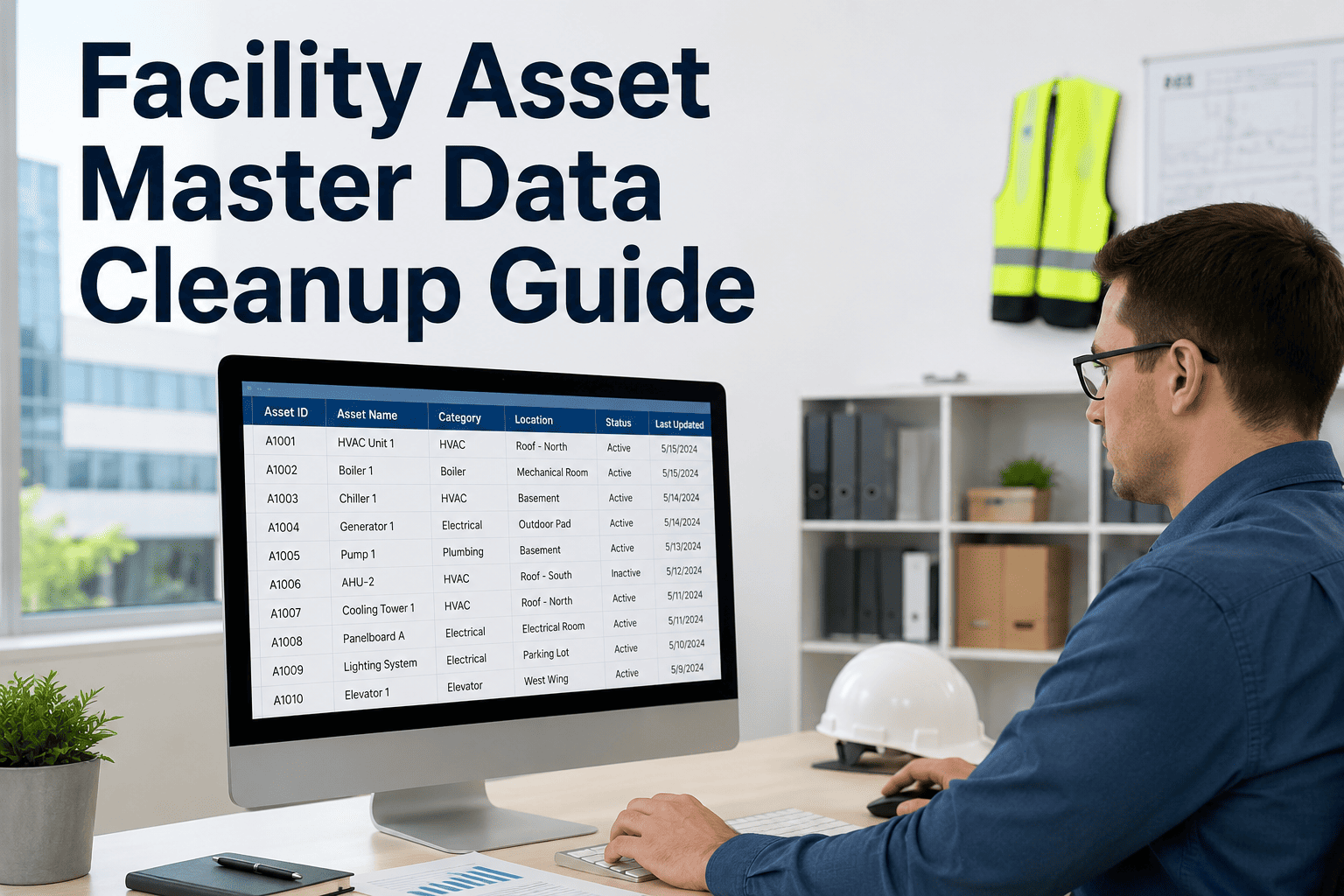
Dirty asset data is the root cause of most CMMS failures — PM schedules running on retired equipment, analytics built on duplicate records, and work orders routed to the wrong location. OxMaint's asset management platform gives facility teams the tools to audit, deduplicate, and standardize asset records so every downstream workflow — AI, reporting, and scheduling — works correctly from day one. Book a 30-minute demo to see how the platform supports structured data cleanup across a multi-building portfolio, or start free and run your first asset audit today.
ASSET DATA QUALITY · CMMS · CHECKLIST
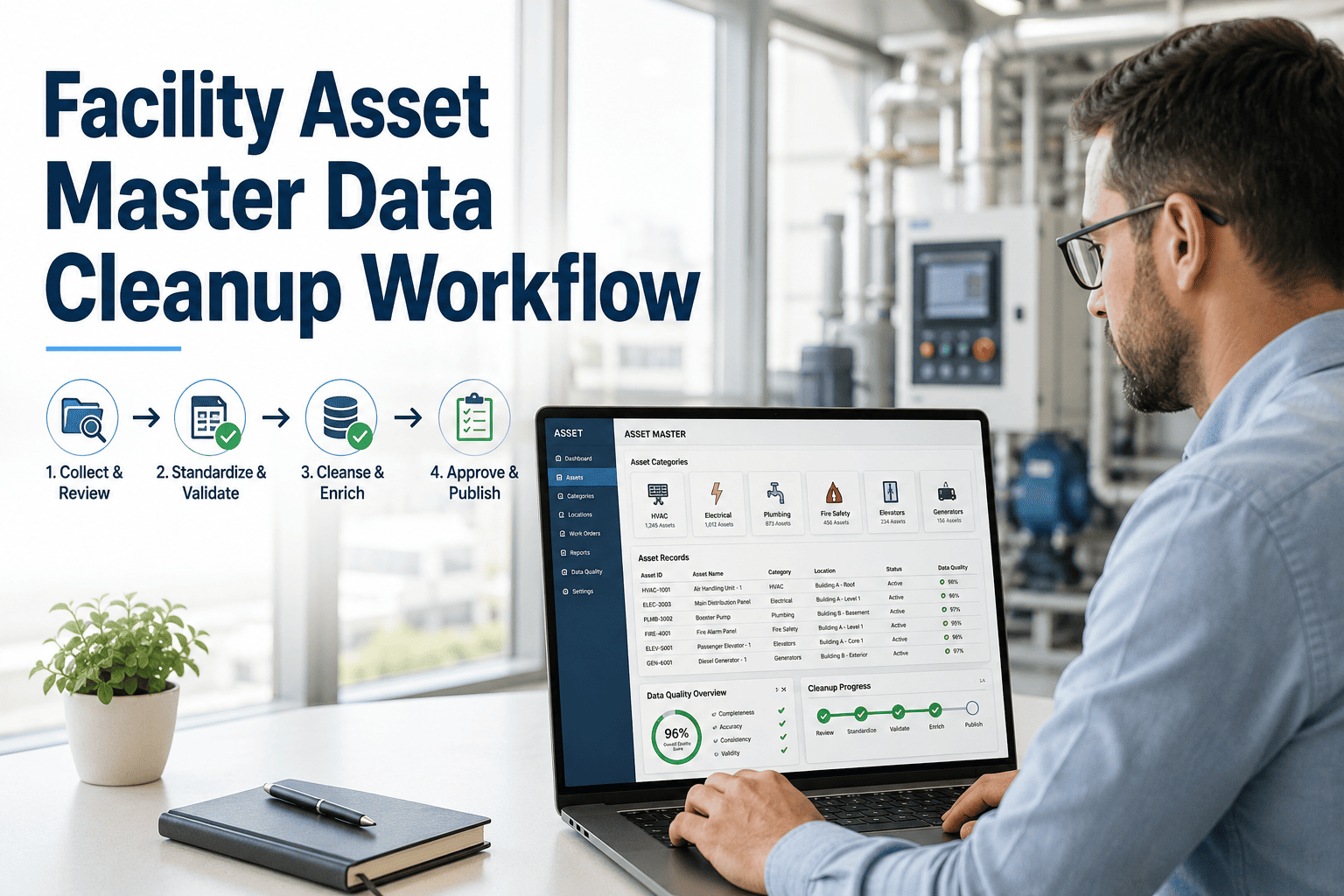
Facility Asset Master Data Cleanup Workflow
The step-by-step process for auditing, deduplicating, and standardizing facility asset records — so PM schedules run on correct intervals, reports reflect reality, and AI maintenance tools have the data quality they require.
41%
of CMMS asset records contain at least one critical data error on initial audit
3x
faster PM schedule setup when asset data meets minimum quality standards
68%
of repeat work orders trace back to assets with incomplete or misclassified records
WHY DATA CLEANUP COMES FIRST
What Happens When Asset Records Are Wrong
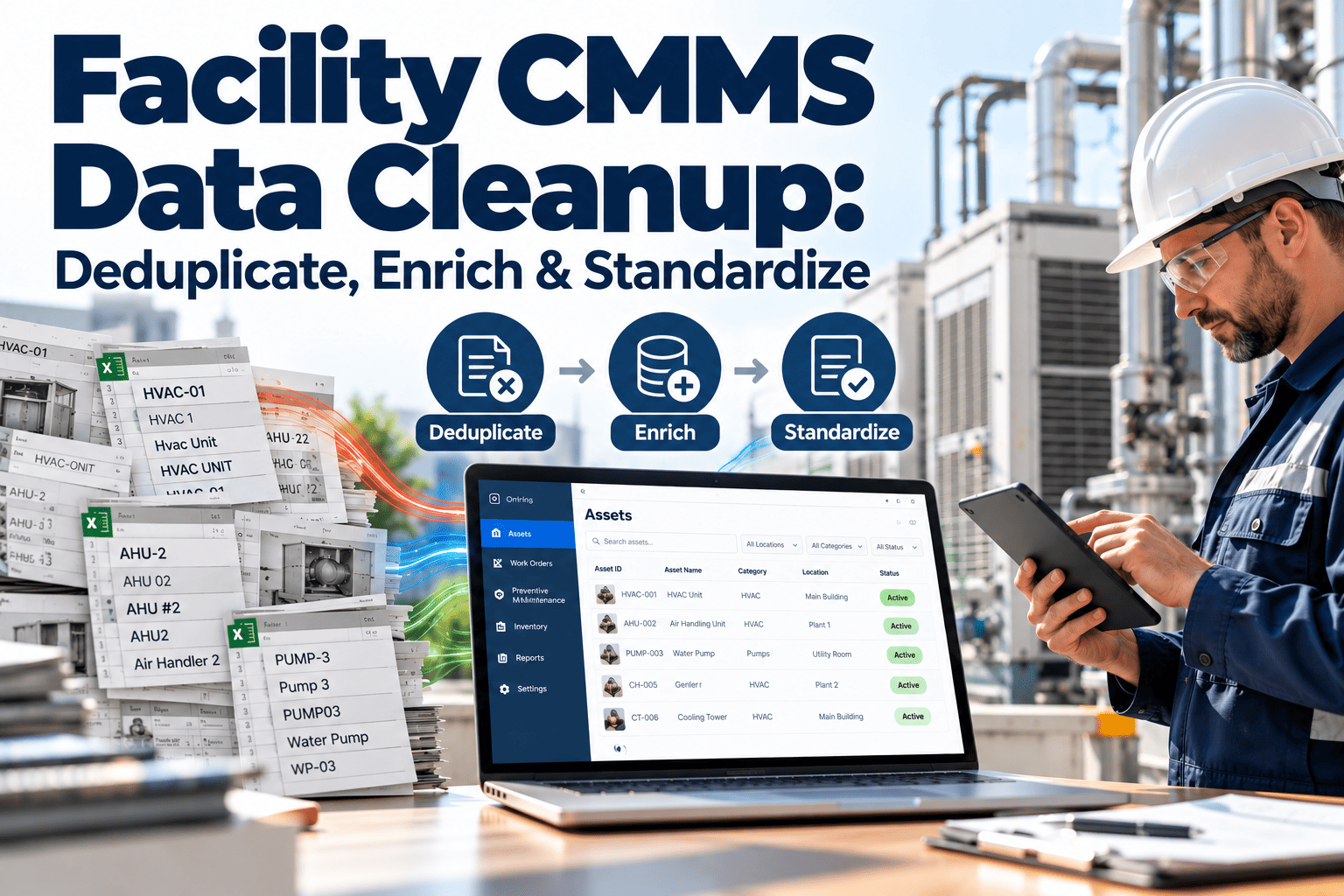
Most facilities inherit asset data from multiple sources — previous CMMS migrations, spreadsheets, hand-written equipment logs, and BMS exports. Each source introduces inconsistencies. The result is a portfolio where the same air handler appears under three different names, a retired boiler still has open PM schedules, and half the HVAC units are missing installation dates.
| Data Error Type |
Typical Prevalence |
Impact on Operations |
Impact on AI / Reporting |
| Duplicate asset records |
12–22% of records |
Work orders misrouted, double PM scheduling |
Analytics count same asset twice, skews KPIs |
| Missing location data |
18–35% of records |
Technician cannot find equipment |
Location-based reports and routing fail |
| Retired assets still active |
8–15% of records |
PMs generated for non-existent equipment |
PM compliance rate artificially deflated |
| Inconsistent naming / ID |
25–40% of records |
Search and QR scan fails to pull correct record |
AI models cannot match work orders to assets |
| Missing asset class / category |
15–28% of records |
PM templates cannot auto-assign |
Class-level benchmarking unavailable |
THE CLEANUP WORKFLOW
Four Phases From Raw Data to Production-Ready Asset Master
Phase 1
Audit & Inventory
Week 1–2
Export complete asset list from current system — all records, all statuses, all fields
Flag records with missing Asset ID, Name, Location, or Asset Class
Identify assets with no PM schedule attached and no work order in past 24 months
Cross-reference physical walkthrough against asset list — mark discrepancies
Output: Audit report with error count by type and by building
Phase 2
Deduplication
Week 2–3
Run duplicate detection on name + location + serial number combinations
For confirmed duplicates, merge work order and PM history to the surviving record
Archive retired duplicates — preserve history, remove from active PM scheduling
Establish naming convention rules for all asset classes going forward
Output: Deduplicated asset list with standardized naming applied
Phase 3
Enrichment
Week 3–5
Fill missing location fields — building, floor, room for every active asset
Assign asset class and criticality rating to all unclassified records
Add install date and expected lifecycle for assets flagged for capital planning
Verify make, model, and serial number for all HVAC, mechanical, and electrical assets
Output: Enriched records meeting minimum data quality threshold for PM setup
Phase 4
Validation & Governance
Week 5–6
Import cleaned records into OxMaint and run platform validation checks
Set mandatory fields — enforce required data at work order creation
Train team on naming conventions and data entry standards for new assets
Schedule quarterly data quality review — flag records added without required fields
Output: Production-ready asset master with governance rules in place
MINIMUM DATA QUALITY STANDARDS
Threshold Required Before Enabling AI and Analytics
Required
Unique Asset ID
Format: [AssetClass]-[Floor]-[Zone]-[Sequence]. Every asset must have one and only one active ID in the system. Duplicates must be resolved before AI work order routing is enabled.
Required
Location Hierarchy
Building, floor, and room or zone must all be populated. Location is used by AI triage to assign the nearest qualified technician and by reports to filter by building or campus segment.
Required
Asset Class & Category
Used to auto-assign PM templates, set default inspection checklists, and group assets for benchmarking. Every asset must be assigned to one of the platform's standard class taxonomies.
Recommended
Criticality Rating
Criticality drives work order priority, escalation thresholds, and AI-recommended PM intervals. Assets without a criticality rating default to Medium, which may under-prioritize critical infrastructure.
Recommended
Install Date
Required for AI lifecycle scoring, capital replacement forecasting, and warranty tracking. Facilities with install dates populated see 2.4x more accurate replacement budget projections in capital planning reports.
Recommended
Make / Model / Serial
Enables parts catalog matching, OEM manual linking, and failure pattern analysis across the asset class. Serial number is essential for warranty claim documentation and contractor service validation.
Audit Your Asset Data Before Your Next CMMS Rollout
OxMaint's bulk import, duplication detection, and mandatory field enforcement make asset data cleanup a structured workflow, not a manual spreadsheet marathon.
EXPERT REVIEW
Facilities Data & CMMS Implementation Expert
Principal Consultant — CMMS Implementations and Asset Data Strategy, 18 Years
In every enterprise CMMS rollout I have led, data cleanup takes longer than the platform deployment itself — and that is the correct order of priority. Organizations that invest 4–6 weeks in structured asset data cleanup before go-live deploy 60–70% faster and spend 80% less time on post-launch corrections. The single most impactful step is deduplication before migration. Importing dirty data into a new system does not fix the data — it just creates an expensive problem in a better-looking interface. Run your audit first, resolve your duplicates, set your naming convention, and then migrate. The platform will reward you with accurate reports, correctly-scheduled PMs, and AI features that function as designed from day one.
FREQUENTLY ASKED
Asset Data Cleanup — Common Questions
How do we identify duplicates when asset names are inconsistent across buildings?
Fuzzy matching on name plus location plus serial number catches most duplicates even when names are inconsistent. OxMaint's bulk import tool flags probable duplicates automatically during import, reducing the manual review burden significantly. For records without serial numbers, use make-model-floor combinations as a matching key. Teams that complete deduplication before import typically resolve 85–95% of duplicates in a single review session rather than discovering them as work order routing problems post-launch.
Sign up free to test the import and duplication detection tools on a sample of your asset list.
What do we do with asset records that have incomplete history — no work orders, no PM data?
Treat records with no activity in 24 months as candidates for retirement or re-verification. Physical walkthrough is the only reliable way to confirm whether an asset is still installed and operational. If it exists and is active, add a first work order noting current condition and use that as the history start point. If it was removed, archive the record with a decommission date rather than deleting it — historical records matter for capital planning and lifecycle cost analysis.
Book a demo to see how OxMaint handles asset archival and reactivation workflows.
How long does a realistic asset master data cleanup take for a 10-building portfolio?
A 10-building portfolio with 500–1,500 active assets typically requires 4–6 weeks for full cleanup using the phased workflow above, assuming one part-time data coordinator and physical walkthrough access. The primary time variable is how complete the original data source is — portfolios with existing CMMS data clean up 40–50% faster than those starting from spreadsheets or paper records. OxMaint's structured import templates reduce data preparation time by giving teams a single, validated format to work toward from the start.
How do we prevent the asset data from degrading again after cleanup?
Governance rules set inside the CMMS are the most reliable long-term solution. OxMaint allows administrators to mark specific fields as required at work order creation — a technician cannot close a work order on an asset that is missing location or asset class. Mandatory fields at the data entry point prevent the slow accumulation of incomplete records. Supplementing this with a quarterly data quality report — showing records added without required fields — gives the facilities manager visibility to address gaps before they compound across a full year.
OXMAINT · ASSET MANAGEMENT · DATA QUALITY
Clean Data. Correct Schedules. Analytics That Actually Work.
OxMaint gives facility teams the import tools, validation checks, and governance controls to build an asset master that supports AI, accurate reporting, and PM scheduling that runs on the right intervals.