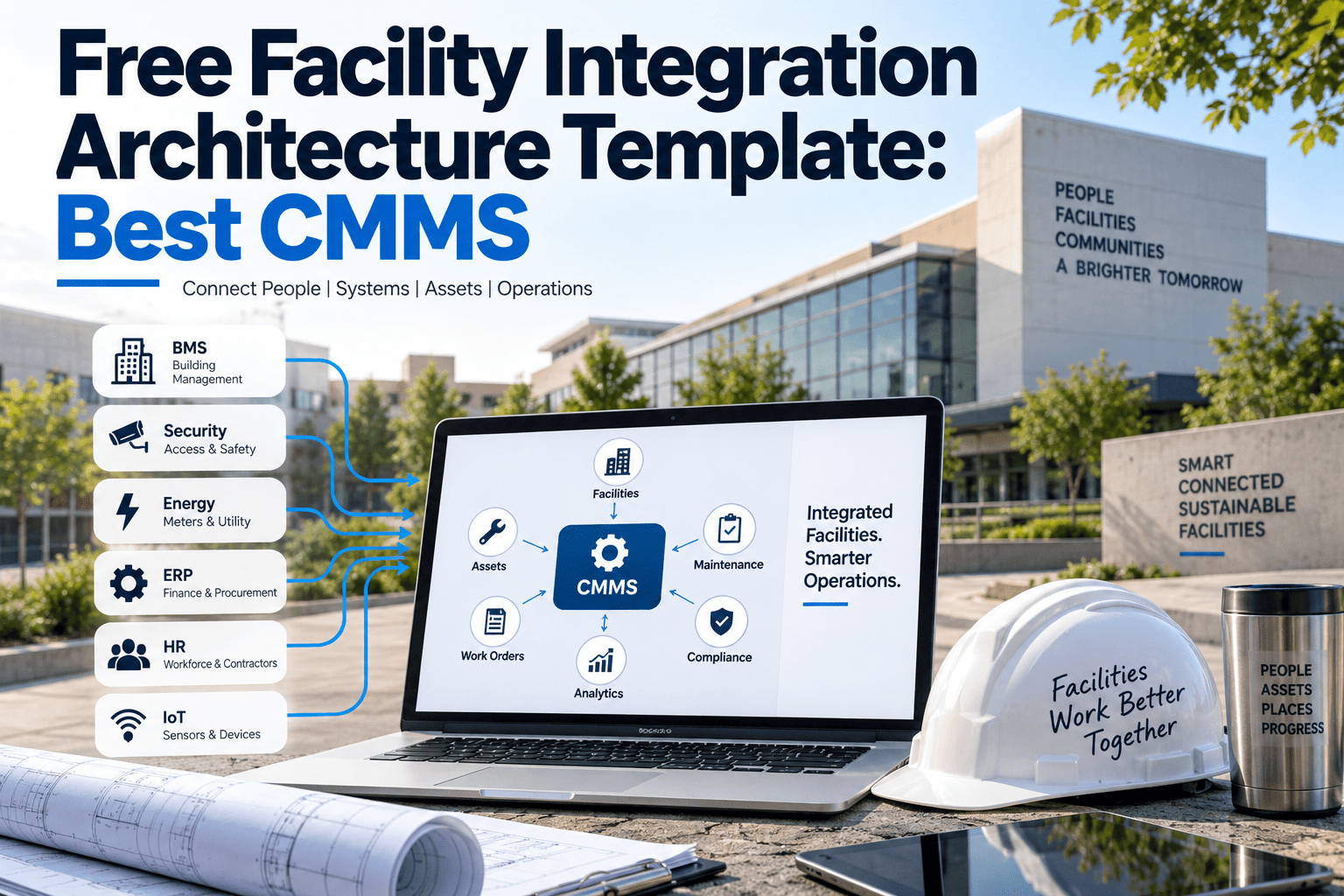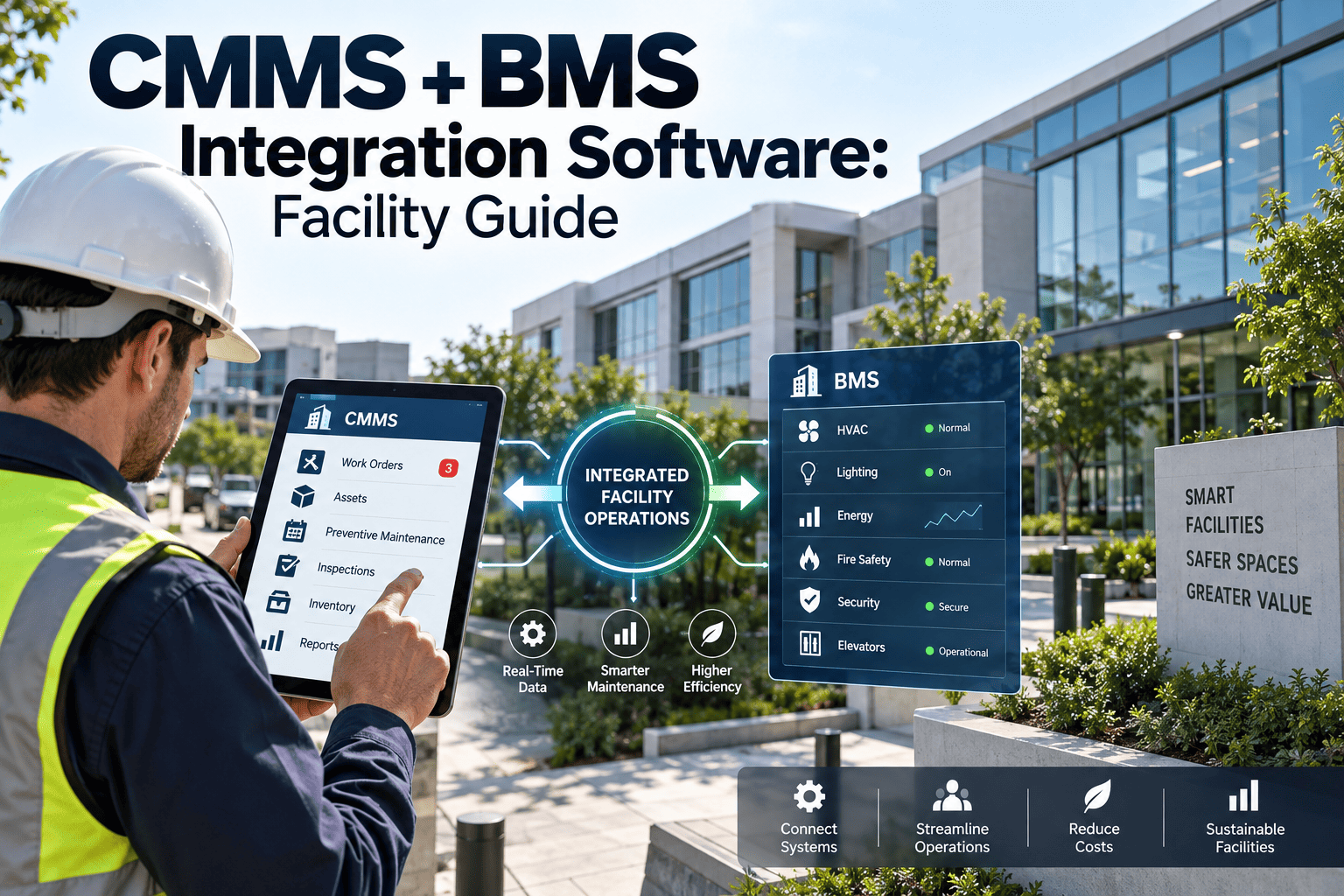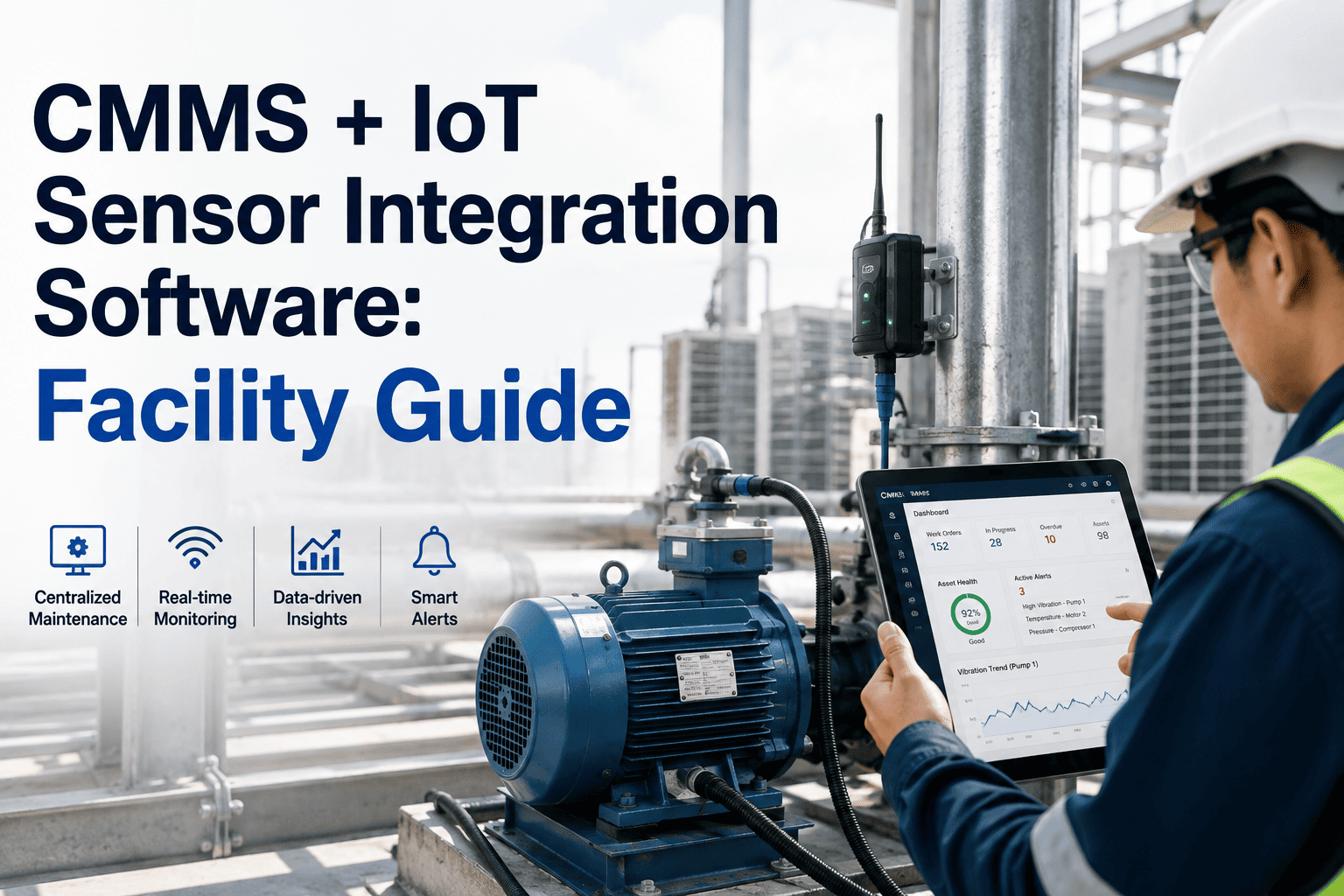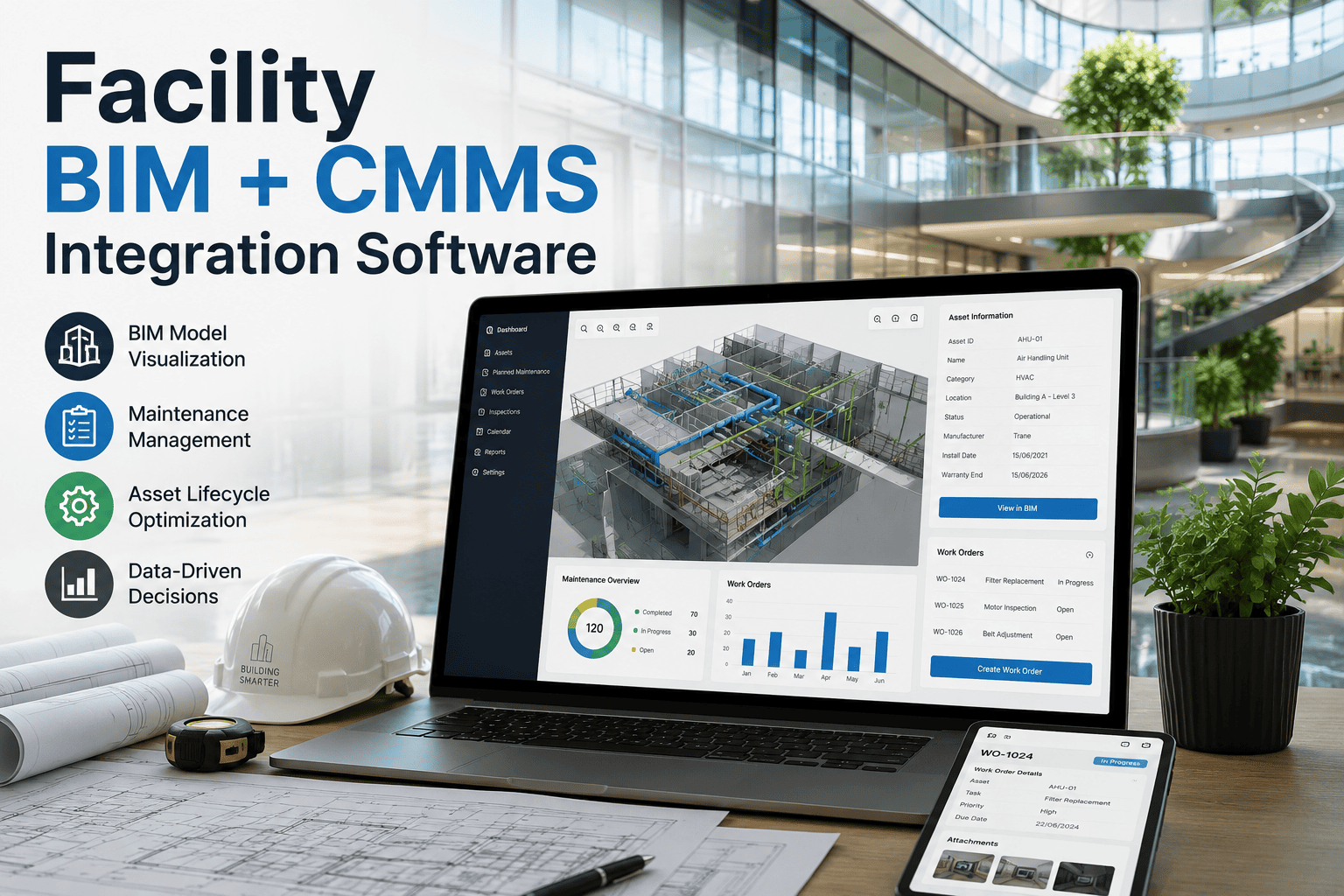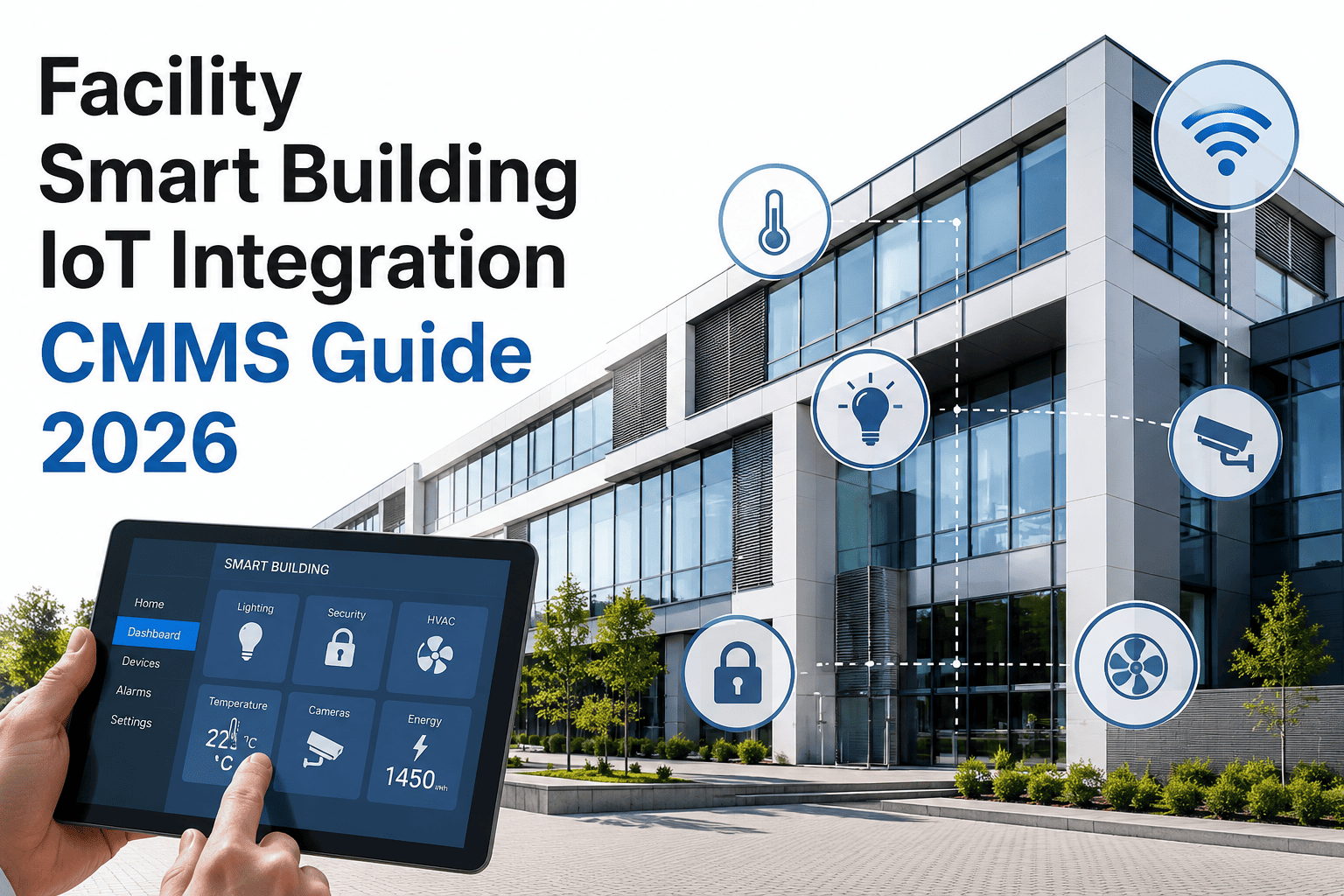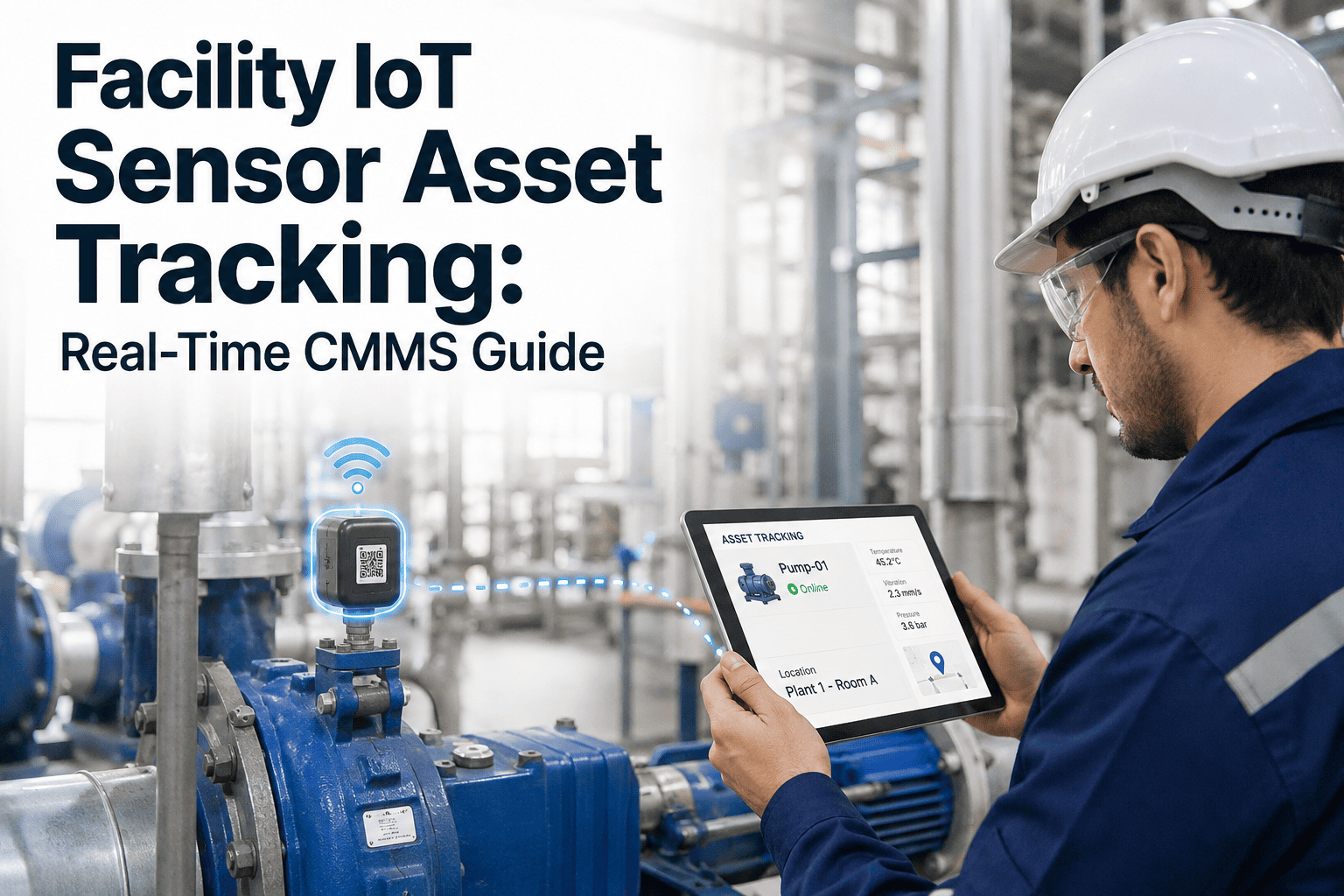
A CMMS go-live rarely fails because the software itself is broken — it fails because the connections around it were never tested as a system. A BMS point that maps to the wrong asset, an IoT sensor feed that silently stops updating, a work order sync that duplicates records between two platforms: none of these show up until real data starts flowing, and by then the maintenance team is already relying on the numbers to plan their week. Integration testing exists to catch exactly this class of failure before go-live rather than during it, when the cost of a fix is measured in engineering hours instead of missed preventive maintenance and duplicated dispatches. This guide walks through the unit, integration, and UAT stages an ISTQB-aligned test plan uses for a facility rollout, and shows where Oxmaint's integration workflow fits into a go-live plan that doesn't bleed data or downtime in its first week.
Facilities · CMMS / BMS / IoT · Integration Testing
Facility Integration Testing: Before Go-Live, Every Time
A CMMS that has never been tested against the live BMS and IoT feeds it depends on is a CMMS running on faith. Integration testing closes that gap with a structured sequence of unit, integration, and user acceptance tests before the switch is ever flipped in production.
What's Actually At Stake
The Cost Of Skipping Integration Testing
Facility teams that go live without a formal integration test plan tend to discover problems in the worst possible order — after data has already been acted on, a preventive maintenance schedule has already been missed, or a technician has already been dispatched twice for the same fault.
Duplicate or lost work orders between CMMS and BMS during the sync window, causing missed PMs or double-dispatched technicians
IoT sensor feeds silently stop updating, so dashboards keep showing the last known value as if it were current
Cosmetic mapping errors — an asset tag or location field mismatched — that confuse reporting without affecting operations directly
The likelihood of each of these increases sharply when integration is tested for the first time in production rather than in a staged environment beforehand, since production is also the moment the maintenance team is least prepared to absorb a surprise.
Three Stages, In Order
Unit, Integration, and UAT
An ISTQB-aligned test plan moves through three distinct stages, each catching a different class of defect. Skipping a stage doesn't save time — it just moves the defect it would have caught into production, where the same fix now costs far more in technician hours and lost trust in the system.
-
01
Unit Testing
Each individual connection point is tested in isolation — a single BMS tag mapping, a single IoT sensor feed, a single API endpoint — confirming it sends and receives data correctly on its own before it is combined with anything else. This stage catches configuration errors, wrong data types, and mapping mistakes at their cheapest point to fix, well before they have a chance to interact with any other part of the system.
-
02
Integration Testing
Once individual connections pass on their own, they are tested together as a system — verifying that a work order created in the CMMS correctly triggers the right BMS alarm acknowledgment, or that a sensor threshold breach correctly opens a work order without creating a duplicate. This is where timing issues, sync conflicts, and data format mismatches between systems surface, and it is typically the stage that takes the longest to fully clear.
-
03
User Acceptance Testing (UAT)
Facility technicians and supervisors run real-world scenarios in a staging environment — closing a work order from a mobile device, checking that an alarm shows up correctly on the dashboard — confirming the integration behaves correctly for the people who will actually use it daily, not just for the systems exchanging data behind the scenes. Feedback from this stage often reshapes workflows the technical team never anticipated.
Specific Things To Test
Test Cases By Connection Type
| Connection | Test Case | Failure Caught |
|---|---|---|
| BMS Alarm Feed | Trigger a test alarm and confirm a work order is created within the expected window | Silent alarm drops, delayed sync |
| IoT Sensor Stream | Disconnect a sensor briefly and confirm the platform flags it as offline rather than showing stale data as current | Silent sensor failure masking a real issue |
| CMMS-to-CMMS Sync | Create a work order in each direction and confirm no duplicate record is generated in either system | Duplicate dispatch, conflicting statuses |
| Asset Mapping | Spot-check a sample of assets against the source system to confirm names, tags, and locations match exactly | Reporting against the wrong asset |
| Mobile Work Order Closure | Close a work order from a mobile device offline, then reconnect and confirm the sync completes correctly | Data loss during a lost connection |
| Historical Data Migration | Compare a sample of migrated work order and asset records against the legacy system record by record | Incomplete or corrupted migration on cutover |
Where Failures Actually Originate
Root Causes Behind Most Integration Defects
Integration defects rarely trace back to the CMMS or the BMS being broken in isolation — they trace back to assumptions made about how the two systems would behave together that were never actually verified until real data exposed the gap.
Mismatched Data Formats
A BMS exports a timestamp in one format while the CMMS expects another, or a sensor reports in different units than the platform assumes, producing silently wrong values instead of an obvious error that would otherwise get caught quickly.
Untested Failure Paths
Teams test that data flows correctly when everything works, but rarely test what happens when a connection drops mid-sync, a sensor goes offline, or an API call times out — exactly the conditions most likely to occur during normal operation over months of continuous use.
Undocumented Point Mappings
BMS point lists change as buildings are renovated or re-commissioned, and a mapping built against an outdated point list quietly routes data to the wrong asset without any error being thrown, so the mistake only surfaces once someone notices the numbers don't add up.
Skipped Load Testing
A test environment with a handful of sample sensors behaves very differently from production with thousands of live points reporting simultaneously, and sync delays or dropped records often only appear under that real volume once the system is under genuine daily load.
Getting The Environment Right
Building A Staging Environment That Actually Mirrors Production
A staging environment that doesn't resemble production in scale, data volume, and network conditions will pass tests that production then fails — which defeats the purpose of testing in the first place and gives a false sense of readiness heading into go-live.
- Match data volume, not just data structure. Load the staging environment with a realistic number of assets, sensors, and historical work orders rather than a handful of sample records, since volume-related sync delays and timeouts rarely appear at small scale and only emerge once the system is handling real production traffic.
- Use a copy of real point mappings. Import the actual current BMS point list and asset register rather than a simplified test set, so mapping errors that only occur with real-world naming inconsistencies and legacy point labels are caught before go-live rather than after.
- Simulate network conditions technicians will face. Test mobile work order closure over a weak or intermittent connection, not only over a stable office network, since field conditions in mechanical rooms and rooftops are where offline sync defects actually surface first.
- Isolate staging from production data. Confirm test transactions in staging cannot write back into the live production system, since a leak in either direction can corrupt real maintenance records during testing and undermine confidence in the go-live itself.
Don't Test In Production
A Staging Environment Costs Less Than One Bad Go-Live
Every hour spent testing integrations in staging is an hour that doesn't turn into missed PMs or duplicate dispatches in week one. Sign up for Oxmaint to run BMS and IoT integration tests in a staging workspace before your team ever touches the production system, and catch mapping and sync issues while they're still cheap to fix.
What Rigorous Testing Actually Buys
The Payoff Of Testing Before, Not During, Go-Live
The value of a structured test plan is easiest to see in what it prevents rather than what it produces — there is no dashboard metric for the outage that never happened, but facility teams that have been through a poorly tested go-live recognize the difference immediately, usually after living through the alternative firsthand.
-
Clean Data From Day One
Reports and dashboards built on tested mappings and verified sync behavior are trustworthy from the first day of production use, rather than needing a retroactive cleanup once mapping errors surface weeks into the rollout.
-
No Lost Maintenance History
A sync conflict discovered and fixed in staging never has the chance to overwrite or duplicate real work order history, preserving the reliability data a facility depends on for MTBF and MTTR reporting long after the go-live date has passed.
-
Technician Trust In The System
A go-live where alarms and work orders behave as expected from the start builds technician confidence in the platform, while a rocky rollout with visible glitches makes staff distrust the system for months afterward, undoing much of the value the new platform was meant to deliver.
Planning Backward From Go-Live
A Realistic Testing Timeline
Integration testing takes longer than most go-live plans budget for, mostly because defects found at each stage need to be fixed and re-tested before moving to the next one — a cycle that compounds if the fix for one defect introduces a new one elsewhere.
Connection points configured and unit-tested individually against source systems
Integration testing across systems begins in a staging environment mirroring production
UAT sessions run with actual technicians and supervisors on realistic daily scenarios
Go-live, with a defined rollback plan and a monitoring window for the first data cycle
Before You Flip The Switch
Go-Live Readiness Checklist
A short readiness review against this list before the go-live date catches the gaps most integration failures actually trace back to, and takes far less time than untangling a data problem after production is already live.
- ✓Every BMS point and IoT sensor feed has passed an individual unit test against its source system
- ✓Integration tests confirm work orders sync correctly in both directions without duplication
- ✓UAT has been run by actual technicians, not only by the implementation team
- ✓A rollback plan exists in case the go-live needs to be reversed within the first days
- ✓A monitoring window is scheduled for the first full data cycle after go-live, not just the first hour
- ✓Historical data migration has been spot-checked record by record against the legacy system before cutover
Frequently Asked
Facility Integration Testing Questions
What is the difference between unit and integration testing?
Unit testing checks a single connection point in isolation, such as one BMS tag mapping. Integration testing checks that multiple connections work correctly together as a full system, which is where most cross-platform defects actually surface.
How long should integration testing take before a CMMS go-live?
A realistic plan budgets four to six weeks across unit, integration, and UAT stages, though the exact timeline depends on how many BMS points and IoT sensors are being connected and how many defects each stage surfaces along the way.
Who should be involved in UAT for a facility system?
Actual technicians and supervisors who will use the system daily, not only the implementation team — they surface usability and workflow issues that a purely technical test plan misses. Book a demo to see a staging environment built for this.
What happens if an integration defect is found after go-live?
A defined rollback plan and a monitoring window for the first full data cycle let a team catch and correct the issue quickly, which is why both belong in the go-live plan itself rather than being treated as an afterthought.
Can integration testing be done without a separate staging environment?
It's possible but risky, since testing directly in production means any defect found is already affecting live data. Sign up for Oxmaint to test BMS and IoT integrations in an isolated workspace first.
Test First · Go Live Once
Every Connection Deserves A Test Before It Carries Real Data
Unit tests catch configuration errors. Integration tests catch cross-system conflicts. UAT catches what only a technician using the system daily would notice. Oxmaint's integration workflow supports all three stages in a staging environment before your data ever reaches production, so the first day of go-live looks like week twelve instead of week one.