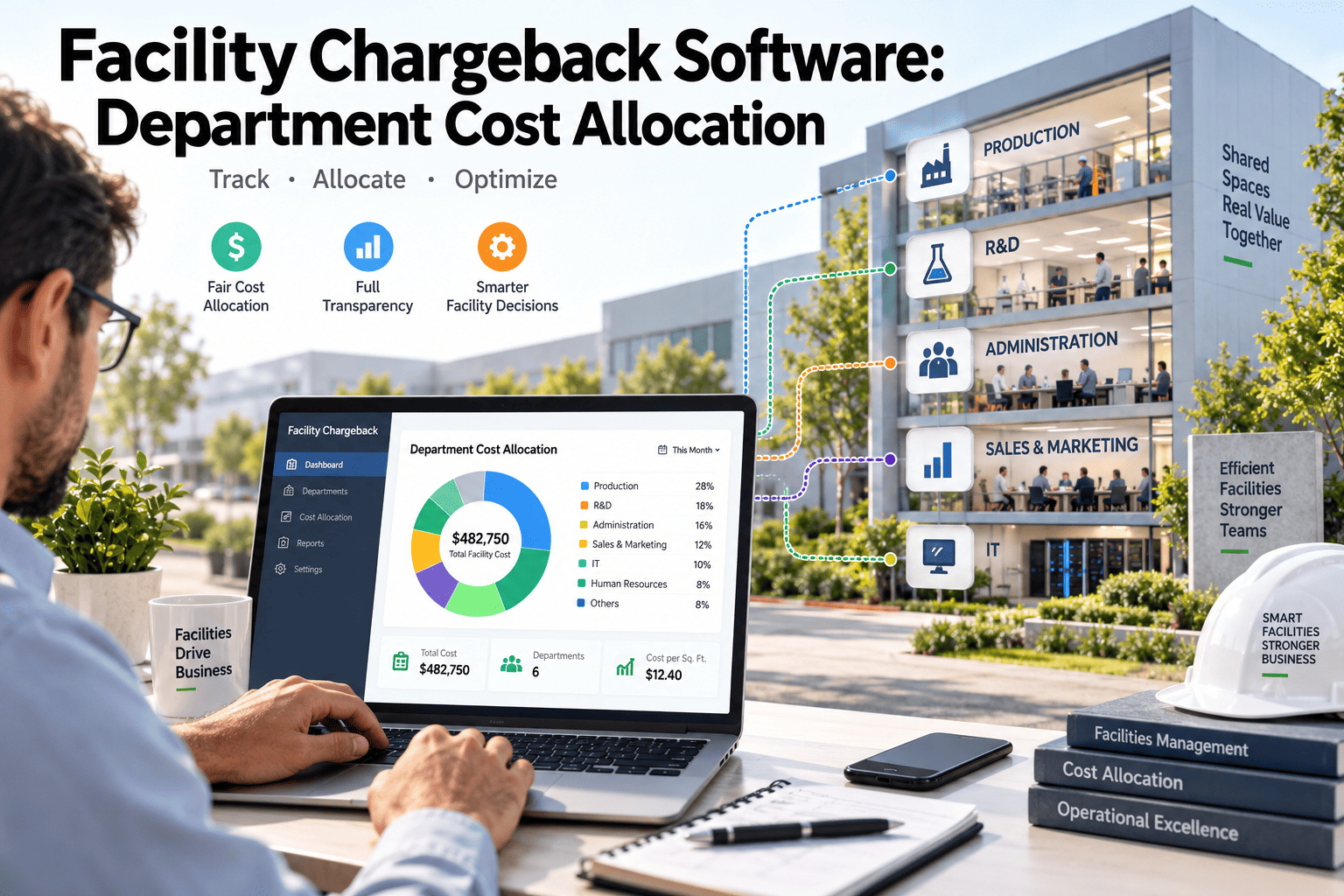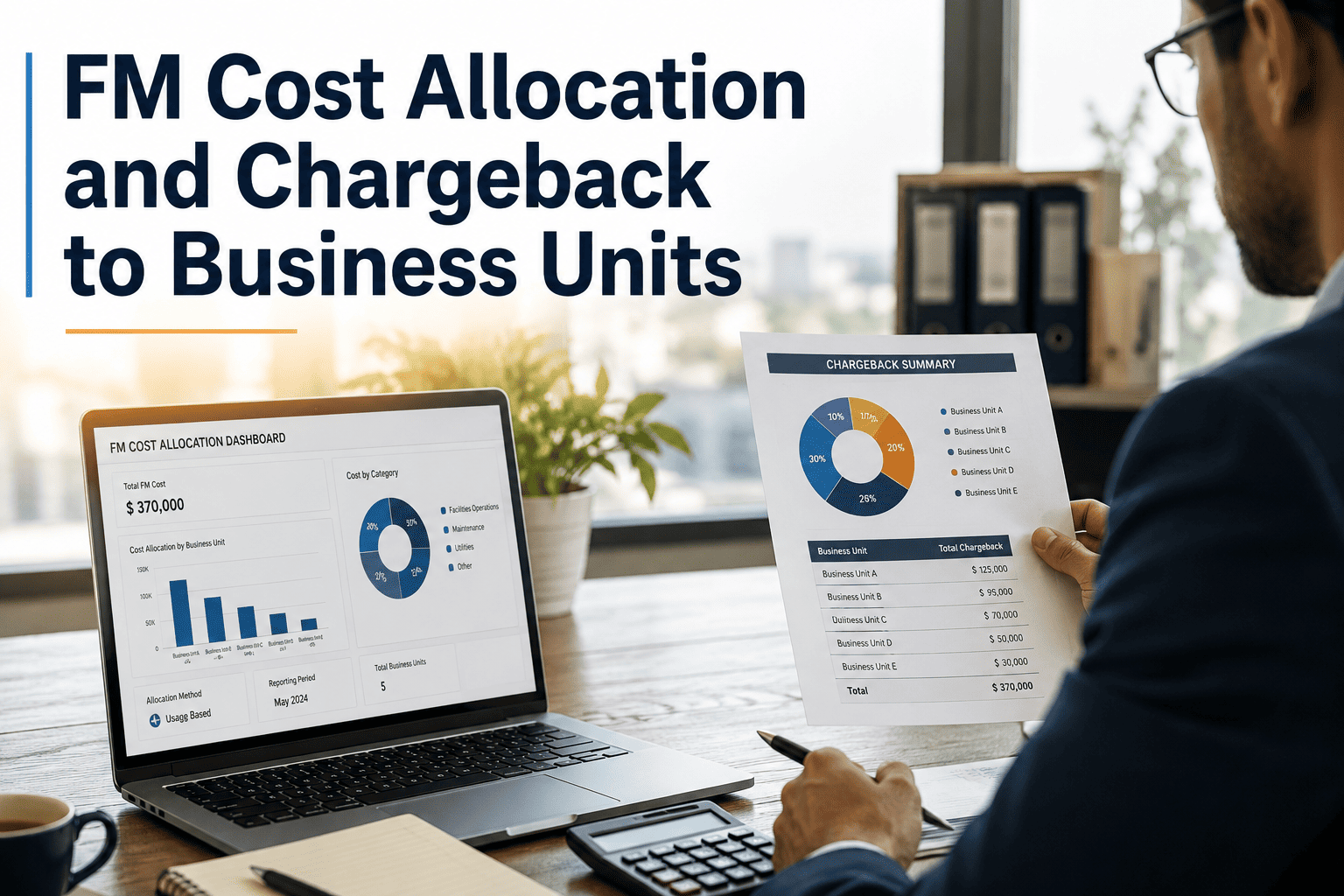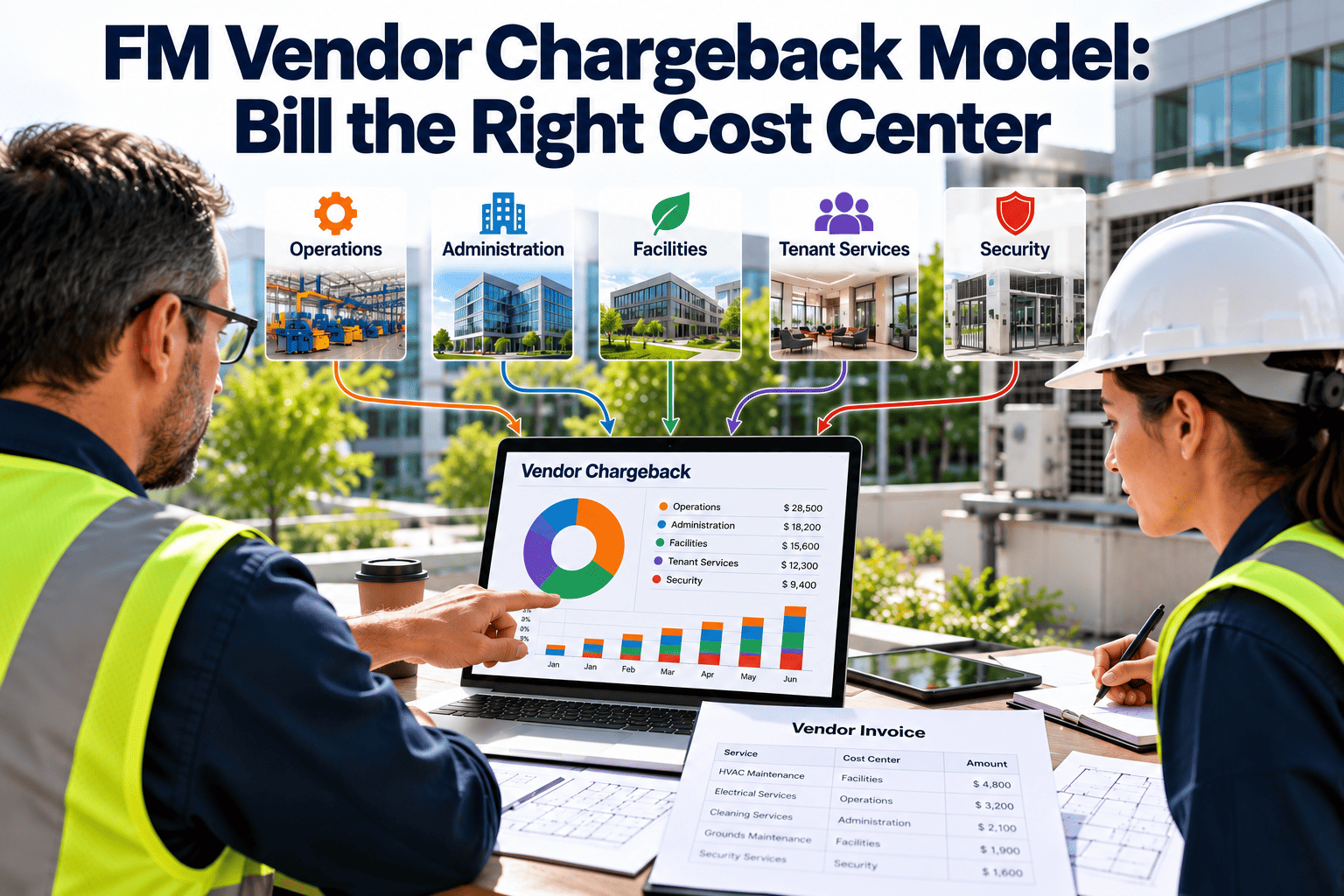
A single vendor invoice often covers several buildings, departments, and tenants, yet it lands in one budget line. The cost center that happens to receive the bill absorbs charges generated elsewhere, while heavy users pay nothing extra. Over time that cross-subsidy distorts budgets, hides the true cost of each site, and weakens every cost-saving conversation. A defined chargeback model fixes the routing, and work order cost tracking in a CMMS supplies the evidence behind each allocation.
FM Vendor Chargeback Model: Bill the Right Cost Center
Allocate vendor charges to the business unit, building, or tenant that actually generated them, using rules that finance can audit and operations can defend.
How cross-subsidy builds up without anyone deciding it
Nobody chooses cross-subsidy. It emerges from default routing, where the invoice is approved by whoever manages the contract.
- Facilities budgets overrun while business units report suspiciously low occupancy costs.
- Sites with chronic equipment problems look no different from well-maintained ones.
- Tenant or department leaders have no reason to report issues early or reduce avoidable calls.
- Business cases for upgrades are weak because the real cost of the old asset is spread out of sight.
Sort every vendor charge before allocating it
Allocation fails when everything is treated as shared. Separate charges by how directly they can be traced.
| Cost pool | Definition | Allocation approach | Example source |
|---|---|---|---|
| Direct | Work performed for one identifiable cost center | Charge directly, no splitting | Corrective work order on one tenant suite |
| Shared by building | Services serving a whole building or site | Split among occupants by agreed driver | Lift maintenance, common-area HVAC |
| Shared by portfolio | Services spanning many sites | Split by site using a portfolio driver | Contract management fee, helpdesk |
| Fixed contract fee | Recurring retainer or management charge | Allocate monthly by fixed percentage | Annual service agreement fee |
| Non-allocable | Owner-level or capital-related cost | Hold in central facilities budget | Capital repairs, compliance upgrades |
Five allocation methods and when each fits
The best driver is the one that tracks cost causation and is simple enough to explain in a single sentence.
| Method | Driver | Best for | Watch out for |
|---|---|---|---|
| Direct work order coding | Cost center on each work order | Reactive and project work | Requires disciplined coding at request time |
| Floor area share | Occupied square meters or feet | Building-wide services | Ignores intensity of use |
| Headcount share | Assigned staff numbers | Office-based services | Headcount data goes stale quickly |
| Asset-based share | Number or value of assets served | Equipment-heavy sites | Needs a clean asset register |
| Usage share | Metered or logged consumption | Energy-linked or process services | Meter coverage and data gaps |
Selecting a method for each cost pool
Can the work be traced to one cost center?
Is there a usage measure you already capture?
Is the cost tied to physical space?
Is the cost a flat fee?
Is nothing defensible?
Put the right cost on the right budget
A hypothetical shared-service allocation
The figures below are invented to show the arithmetic. Replace them with your own contract values and drivers.
| Step | Calculation | Result |
|---|---|---|
| Shared lift maintenance charge | Hypothetical monthly invoice line | 1,000 units of currency |
| Driver chosen | Floor area occupied by each tenant | Tenant A 600 sq m, Tenant B 300 sq m, Tenant C 100 sq m |
| Share calculation | Each area divided by the 1,000 sq m total | 60%, 30%, 10% |
| Allocated charge | Share applied to the invoice line | 600, 300, 100 units of currency |
| Direct callout | One reactive visit for Tenant B only | Charged to Tenant B directly, outside the shared pool |
Keeping direct work out of the shared pool is what prevents the quiet subsidy described earlier.
A close process that finance and facilities can both run
Collect
Match
Allocate
Report
Rules that keep the model credible
- Written allocation policy
- State every driver, the reason for it, and the review date. Cost center owners should be able to read it in minutes.
- Single owner
- Name one role accountable for the model, usually in finance with facilities as the data steward.
- Annual review
- Update area, headcount, and asset data once a year, and avoid mid-year rule changes that cause disputes.
- Dispute window
- Give owners a short period to challenge charges, with a documented resolution path.
- Audit trail
- Every allocated amount links back to invoice lines and work orders, with the user who coded it.
Four common challenges and a clean response
“That call was not ours.”
“The driver is unfair.”
“We cannot see the detail.”
“Why am I paying for shared cost?”
Checklist for a chargeback-ready work order record
How Oxmaint supports cost center allocation
A chargeback model only runs smoothly when cost data is captured where the work happens, not reconstructed at month end.
- Work orders and asset records that carry location and ownership information.
- Inventory and parts usage tracked against each job.
- Preventive maintenance schedules, so recurring costs are predictable by owner.
- Dashboards for spend by building, vendor, and category.
FM vendor chargeback FAQ
Is a chargeback model worth it for a small portfolio?
Often yes, if different departments or tenants use services unevenly. Start with direct coding before adding shared drivers.
Should shared costs be charged at all?
Only where a defensible driver exists. Otherwise, hold them centrally and report them transparently.
How accurate must the coding be?
Accurate enough to withstand a challenge. Required cost center fields at request time reduce later corrections.
Can a CMMS produce chargeback statements?
It can supply the work order and cost data behind them. Book a demo to see cost reporting by site and vendor.
How do we introduce chargeback without conflict?
Run a shadow period showing owners their allocated costs before billing begins. Start free to test reports.
A phased rollout that avoids a big-bang change
Introducing chargeback in one step invites resistance. Phasing the rollout lets owners learn the model before money moves.
Show, do not bill
Bill direct costs
Add shared drivers
Review and refine
What each group needs from the model
- Finance
- Clean, reconcilable figures, consistent rules, and an audit trail from statement back to invoice line.
- Business unit leaders
- Clear explanation of charges, visibility of what drives them, and ways to influence future cost.
- Facilities managers
- A process that does not add heavy admin, and recognition that central costs are held separately and honestly.
- Tenants or departments
- Statements that show location, date, and reason for each charge, with a quick route to query anything unclear.
- Vendors
- Clear invoicing instructions, such as requiring a site and cost center reference on every invoice.
Getting vendors to bill in a way you can allocate
Allocation is far easier when invoices arrive pre-split. Build this into the contract and the onboarding pack.
- Require a separate invoice line for each site, building, or cost center.
- Ask for work order numbers on every invoice line so charges link to records.
- Separate labor, materials, and subcontractor cost where possible.
- Specify the invoicing cycle and cut-off date to match your month-end close.
- Reject invoices that cannot be matched, and track the volume as a vendor quality measure.
What a useful cost center statement contains
| Statement element | Purpose | Detail to include |
|---|---|---|
| Summary by category | Shows reactive, preventive, project, and shared cost at a glance | Totals and share of cost center spend |
| Direct work orders | Gives owners proof of what was done for them | Date, location, description, labor, and parts |
| Shared allocation | Explains how central costs reached the statement | Pool name, driver, share, and amount |
| Trend view | Helps owners spot rising or unusual cost | Rolling months or quarters by category |
| Query route | Keeps disputes short | Contact, deadline, and process for correction |
Statements that arrive with detail attached produce fewer disputes than summaries that demand trust.
How chargeback changes decisions, and what to watch
Benefits to expect
- Owners see the cost of avoidable callouts
- Upgrade cases use real maintenance cost data
- Underused space or equipment becomes visible
- Vendor spend is tied to named budgets
Risks to manage
- Owners may delay reporting faults to save budget
- Disputes over drivers can consume time
- Excess admin can outweigh insight
- Safety-critical work must never wait on cost debates
Five errors that damage trust in the model
Over-engineering the drivers
Changing rules mid-year
Hiding the central pool
Ignoring timing differences
Allocating without data quality checks
Handling the difference between work and billing
Facility work often straddles reporting periods. Agree a simple rule with finance and apply it every month.
| Situation | Option A | Option B | Consideration |
|---|---|---|---|
| Work completed, invoice pending | Accrue at estimated cost | Wait for invoice | Accrual gives owners a timelier view but needs correction later |
| Invoice covers multiple months | Allocate across service months | Charge when received | Spreading suits recurring fees |
| Credit note issued | Reverse in the original period | Credit in the current period | Original period is cleaner for audit trails |
| Disputed invoice | Hold from allocation | Allocate and adjust later | Holding prevents repeated corrections |
Is the chargeback model working?
- Share of cost directly coded
- The higher the share charged directly, the less the model depends on drivers. A rising share usually signals better coding discipline.
- Dispute count and resolution time
- Falling disputes show that statements are clear. Long resolution times suggest weak evidence or unclear ownership.
- Variance to budget by owner
- Large unexplained variances may signal either coding errors or genuine cost problems worth investigating.
- Month-end close time
- Allocation should fit inside your close timetable without heroic effort.
Keeping allocation inputs current
- Review floor areas and occupancy after every fit-out or lease change.
- Update headcount or desk figures on a fixed date each year.
- Confirm that asset ownership by cost center is current in the register.
- Archive outdated drivers with the date they were replaced.