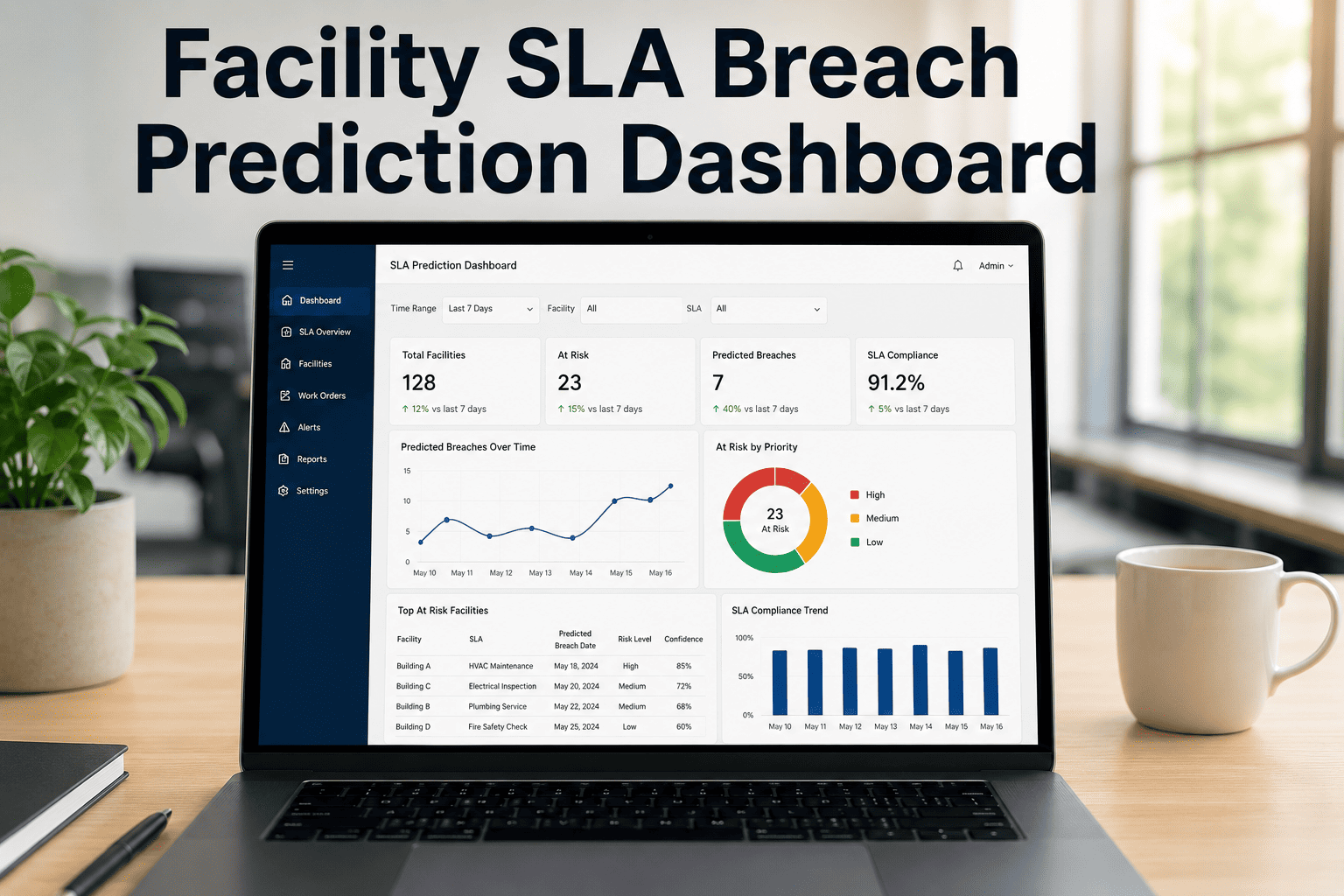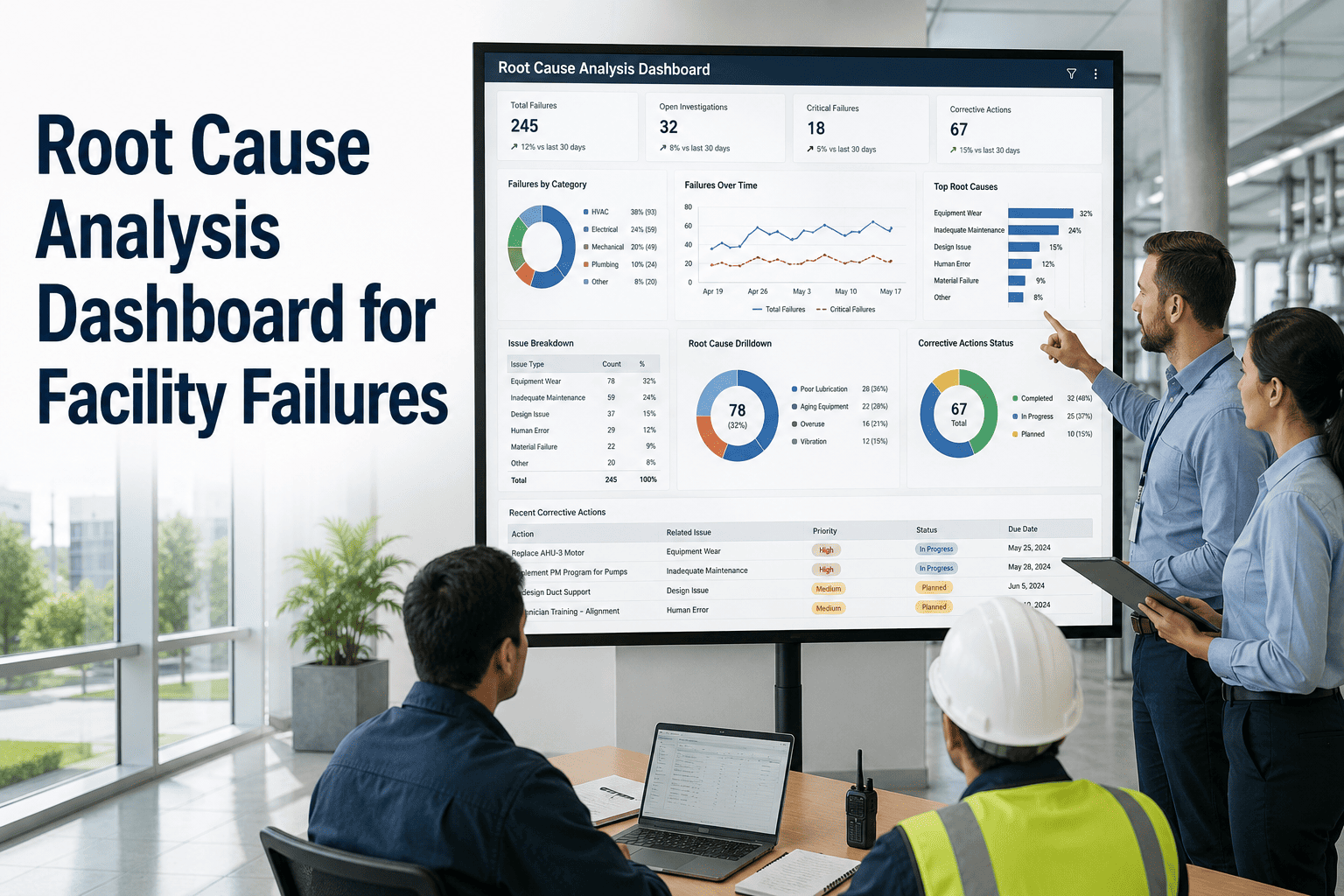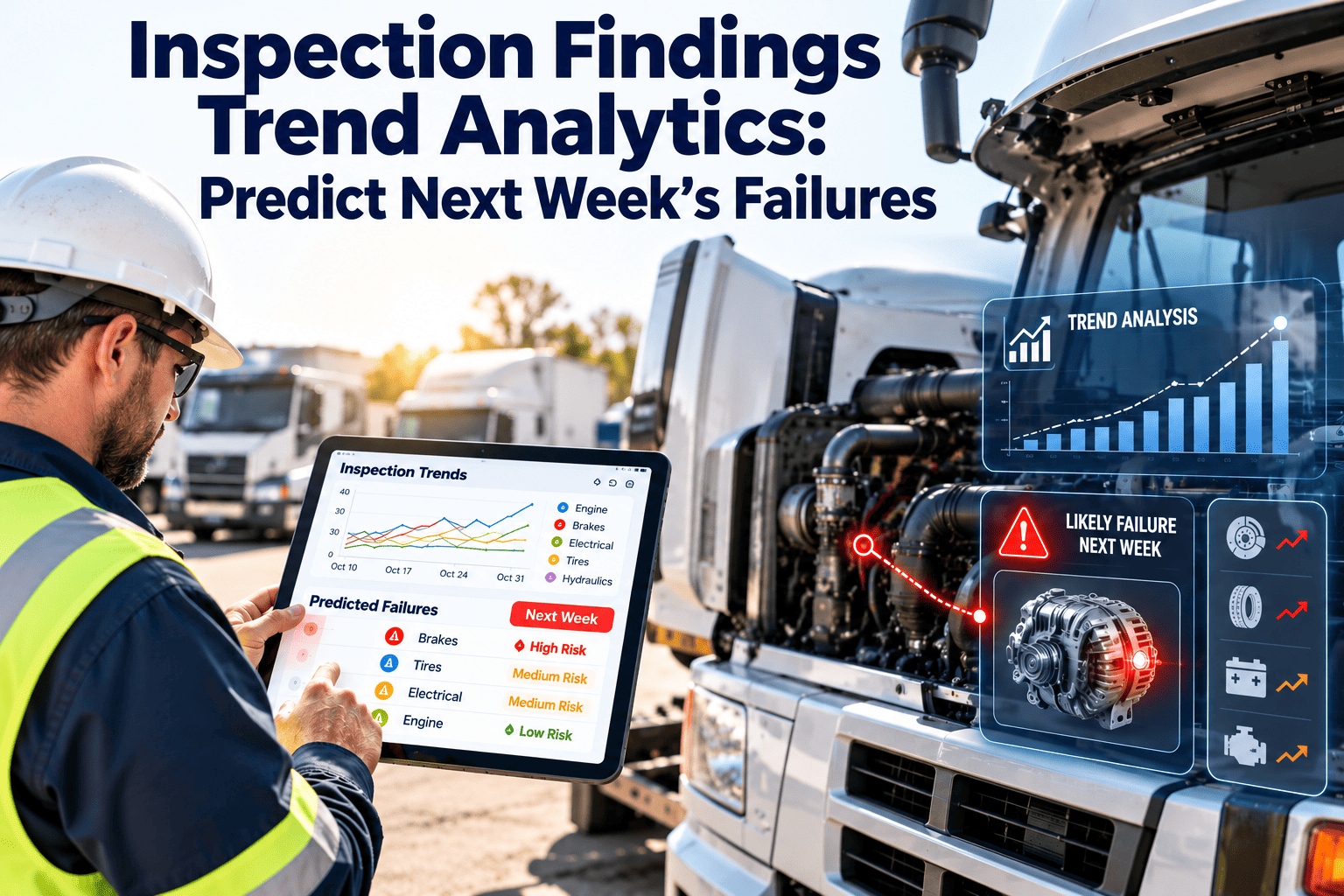
Every inspection round produces a pile of findings: a weeping valve in the plant room, an emergency light that failed its test, a roof drain blocked again. Read one at a time, these are just tasks. Read as a trend, they are an early forecast of which assets will fail next week, which buildings are drifting, and which defects keep coming back. Inspection findings trend analytics turns routine rounds into that forecast, and maintenance management software keeps findings, work orders, and asset history connected so the trend is always current.
Your inspection findings already know what fails next week
Recurring defect detection, spike alerts, and asset heat maps help commercial facility teams act on patterns in inspection data before a small finding becomes an outage, a tenant complaint, or a compliance gap.
Why single findings hide the real story
Most facility teams collect plenty of inspection data. The gap is that findings are closed one by one and never compared with each other.
What a single finding tells you
- One asset needs one fix today
- One inspector saw one condition
- One work order can be closed
- No view of how often it happened before
What the same findings tell you as a trend
- Which assets fail repeatedly and why
- Which building or floor is degrading fastest
- Whether a vendor fix actually held
- Where inspection effort should move next
Four ways the gap shows up on site
- The same rooftop unit is written up every few weeks and every fix is treated as new.
- A cluster of plumbing findings on one riser is logged as five separate jobs.
- Inspectors use different wording, so identical defects never group together in reports.
- Managers see overdue counts but not the age or recurrence behind them.
What every finding must carry to be trendable
Analytics is only as good as the record behind it. Six fields make findings comparable across inspectors, sites, and months.
Asset link
Tie the finding to a specific asset record, not a free-text room name.Defect code
Pick from a short controlled list such as leak, corrosion, noise, or failed test.Severity
Use a consistent scale for safety, tenant impact, and asset risk.Location
Record building, floor, and zone so geographic clusters can appear.Evidence
Attach photos and notes captured on the mobile device during the round.Resulting work order
Link the finding to the job that fixed it, so outcomes can be measured.Why a controlled defect list matters
If one inspector writes "leaking" and another writes "drip at joint," a report cannot count them together. A short, agreed code list is the cheapest analytics upgrade a facility team can make.
Four trend patterns worth watching
Not every trend means the same thing. Each pattern points to a different cause and a different first action.
Same asset, same defect, again
- Looks like: repeat findings on one asset within a short window
- Often means: a repair treated the symptom, not the root cause
- First action: open a root cause review before the next repair
A sudden jump above the normal baseline
- Looks like: finding counts climb sharply for one system or site
- Often means: weather event, process change, or a missed maintenance cycle
- First action: verify with a targeted walk-through within days
A slow climb that never trips an alarm
- Looks like: severity or frequency creeping up over many weeks
- Often means: age-related wear or a deferred preventive task
- First action: review the preventive schedule and spare parts
Findings bunched in one place
- Looks like: many defect types concentrated on one floor or riser
- Often means: a shared upstream cause such as water ingress or power quality
- First action: inspect the common system feeding that zone
Setting rules that catch spikes without alert fatigue
Good spike rules compare today with a recent baseline, not with a fixed number. A busy campus and a small office should not share one threshold.
| Rule type | Example starting point | Suggested response |
|---|---|---|
| Weekly count vs rolling average | Count exceeds the 8-week average by a set margin | Flag on the dashboard and notify the system owner |
| Repeat on same asset | Same defect code logged three times in a defined window | Raise a root cause task for the supervisor |
| Severity escalation | Two or more high-severity findings in one zone in one week | Schedule a targeted inspection |
| Failed re-inspection | Defect returns after the work order was closed | Reopen the job and review the repair method |
| Missed inspection | A scheduled round is skipped on a critical system | Alert the manager and reschedule |
Treat thresholds as starting points
The values above are examples, not standards. Tune them against your own history, review false alarms monthly, and tighten rules only where the cost of a miss is high.
Reading an asset heat map
A heat map puts systems on one axis and time on the other, so hot spots are visible in seconds. The example below uses sample counts to show the layout.
What this sample tells a manager
- HVAC is climbing steadily across six weeks, which suggests a drift or a failing component class.
- Roofing peaked in week 4 and fell, which fits a weather event followed by repairs.
- Lifts are flat, so inspection time can be redirected elsewhere.
Three useful heat map cuts
- By system over time, to see which discipline is deteriorating.
- By building and floor, to find geographic clusters.
- By asset age band, to test whether older equipment really drives the findings.
Turn your next inspection round into a forecast
Capture findings on mobile, link them to assets and work orders, and let trends surface on their own. See how it works with your own inspection types.
A weekly cadence that keeps trends actionable
Analytics only pays off when someone reviews it on a fixed schedule. A light weekly rhythm is usually enough.
Trend review
Check last week's heat map, spike flags, and repeat-defect list with the supervisors.Targeted rounds
Send inspectors to the zones and systems the trends flagged.Root cause huddle
Review any asset with repeat failures and agree on a deeper fix.Adjust the plan
Change preventive frequencies or inspection checklists based on what was found.Verify and close
Confirm that flagged items have work orders, owners, and due dates.KPIs that show whether trend analytics is working
Track a small set of measures and review them against your own baseline rather than an industry average.
| KPI | How to calculate | What it reveals |
|---|---|---|
| Repeat defect rate | Findings repeating on the same asset divided by total findings | Quality of repairs and root cause work |
| Findings per inspection | Total findings divided by completed inspections | Condition trend and inspector consistency |
| Finding-to-work-order conversion | Findings with a linked work order divided by total findings | Whether findings turn into action |
| Mean time to close | Average days from finding to completed job | Response speed by priority |
| Inspection completion rate | Completed rounds divided by scheduled rounds | Reliability of the data itself |
| Early-catch count | Issues fixed before any tenant complaint or outage | Value delivered by the trend program |
From findings as chores to findings as intelligence
Most teams already do the hard part, which is walking the building. The change is in what happens to the data afterward.
- Findings stored in notes, photos, or spreadsheets
- Reports show counts but not recurrence
- Repeat failures treated as new jobs
- Trends noticed only after an outage
- Inspection effort spread evenly everywhere
- Findings captured against assets with defect codes
- Dashboards show repeats, spikes, and drift
- Root cause triggered by recurrence rules
- Trends reviewed weekly, before failure
- Inspection effort focused where data points
How Oxmaint supports inspection trend analytics
Oxmaint connects the pieces trend analytics depends on, so the same record carries a finding from the walk-through to the closed job.
- Mobile inspections: inspectors record findings, photos, and notes on site against the correct asset.
- Work order generation: a failed inspection item can create a corrective work order with priority and owner.
- Asset history: every finding and repair stays on the asset, which makes repeat defects visible.
- Preventive scheduling: recurring inspections and tasks run on a calendar you can adjust as trends emerge.
- Dashboards and reports: track open findings, aging, and completion rates for managers and owners.
- Compliance records: keep a dated trail of what was found, when, and how it was resolved.
Start with one system
Pick the system with the most reactive calls, standardize its defect codes, and review the trend for a month. Expand once the team trusts the numbers.
Data problems that quietly distort inspection trends
Trend charts look authoritative even when the data behind them is uneven. These are the distortions that most often mislead facility teams.
| Problem | How it distorts the trend | Practical fix |
|---|---|---|
| Different inspectors, different standards | One person reports everything, another reports only serious items, so counts reflect habits rather than condition | Calibrate with joint walk-throughs and a written severity guide |
| Changing checklists | New questions create an artificial spike in findings | Log checklist version changes and annotate charts |
| Skipped or late rounds | A quiet week may simply be a missed week | Track completion rate beside finding counts |
| Free-text defect descriptions | Identical problems never group together | Use a short controlled defect list with an other option |
| Findings not linked to assets | Repeat failures cannot be detected | Require an asset selection before submission |
Normalise before you compare
Compare findings per inspection or per hundred assets inspected, not raw counts. A larger building will always produce more findings than a smaller one.
Five ways to slice findings so patterns appear
The same data answers different questions depending on how it is grouped. Build these views once and revisit them weekly.
- By system and subsystem: shows whether the problem is HVAC overall or one air handler type.
- By building, floor, and zone: reveals clusters caused by shared risers, roofs, or electrical feeds.
- By asset age band: tests whether older equipment really drives findings or whether newer installations hide poor workmanship.
- By inspector or shift: separates real condition change from reporting style.
- By season or weather event: distinguishes predictable seasonal load from true degradation.
Look for what changed, not only what is high
A system with a steady high count may be well understood and managed. A system whose count doubled this month deserves the next walk-through.
Trend records as evidence of reasonable care
Regular inspections for fire protection, lifts, pressure systems, and electrical safety are often required by local rules. Trends show how you respond to what those inspections find.
- A dated finding, a linked work order, and a verified closure form a clear chain of action.
- Trend views show regulators and insurers that recurring issues are noticed and escalated.
- Gaps in inspection completion are visible, so they can be corrected before an audit does it for you.
Check your own obligations
Inspection frequencies and record retention rules differ by jurisdiction and building type. Confirm requirements with your authority having jurisdiction or compliance adviser.
A practical path to your first trend report
You do not need a long project. A focused month is enough to produce a first useful trend view.
Week 1: choose scope
Pick one building or one system and list the inspections already performed.Week 2: standardize
Agree on defect codes, severity levels, and asset naming with the inspectors.Week 3: capture
Run rounds on mobile so every finding is tied to an asset and a work order.Week 4: review
Build the first heat map, list repeat assets, and agree on three actions.Inspection trend analytics, answered
How much inspection history do we need before trends are useful?
Eight to twelve weeks of consistent data gives a usable baseline for most systems. Start now and refine the rules as history grows.
Can paper checklists feed trend analytics?
Only with heavy re-keying. Digital capture through Oxmaint links findings to assets automatically.
What is the difference between a spike and a recurring defect?
A spike is a jump in volume across a system or site. A recurring defect is the same issue returning on one asset.
Do small facility teams benefit from heat maps?
Yes. Even a few buildings show which systems consume the most attention. You can book a demo to see it with your own data.
How do we avoid too many alerts?
Use rolling baselines, limit rules to critical systems first, and review false alarms monthly before adding more.
Stop reading findings one at a time
Give your inspectors a faster way to capture findings and give your managers the trends to act on them. Start with one system and expand from there.