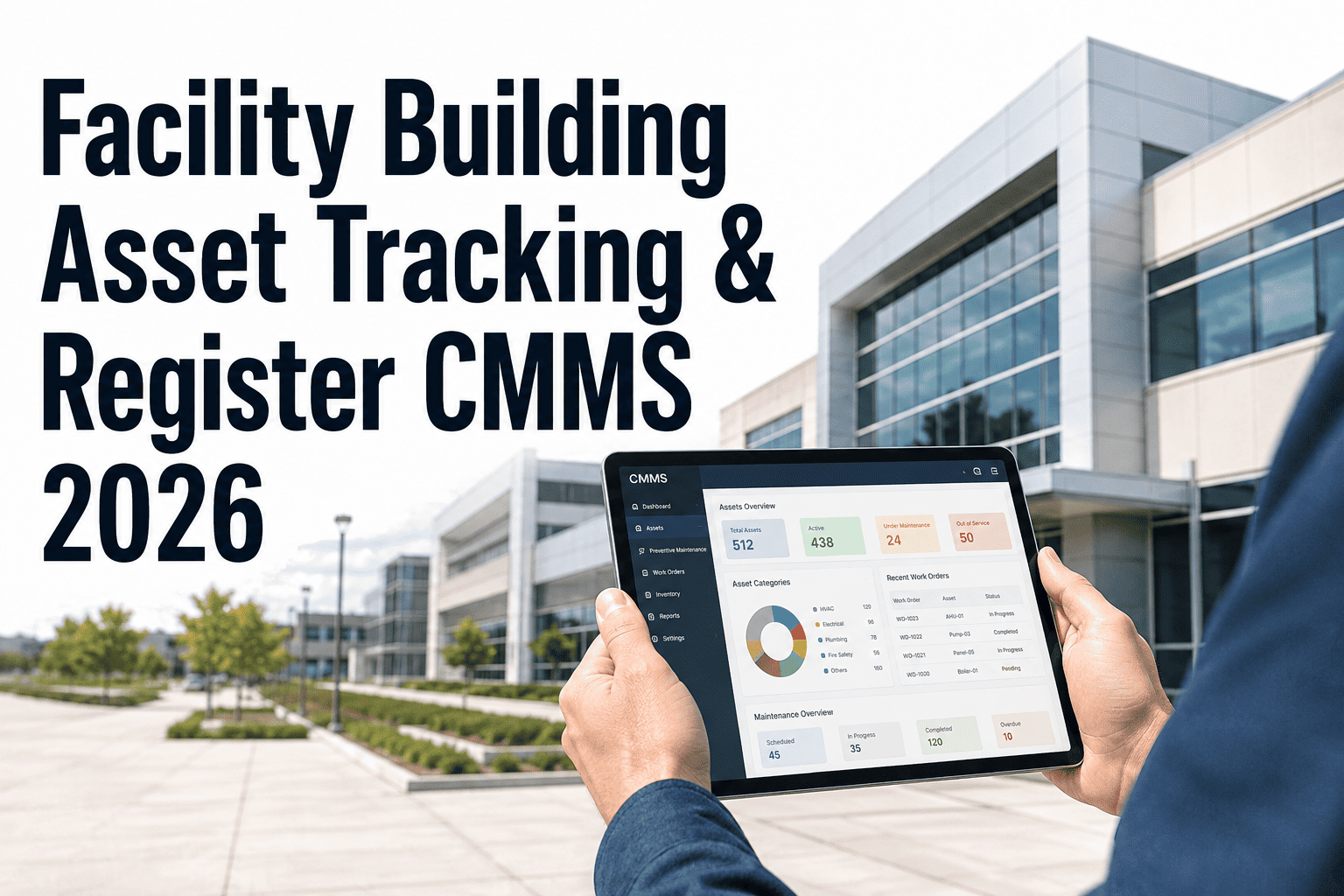
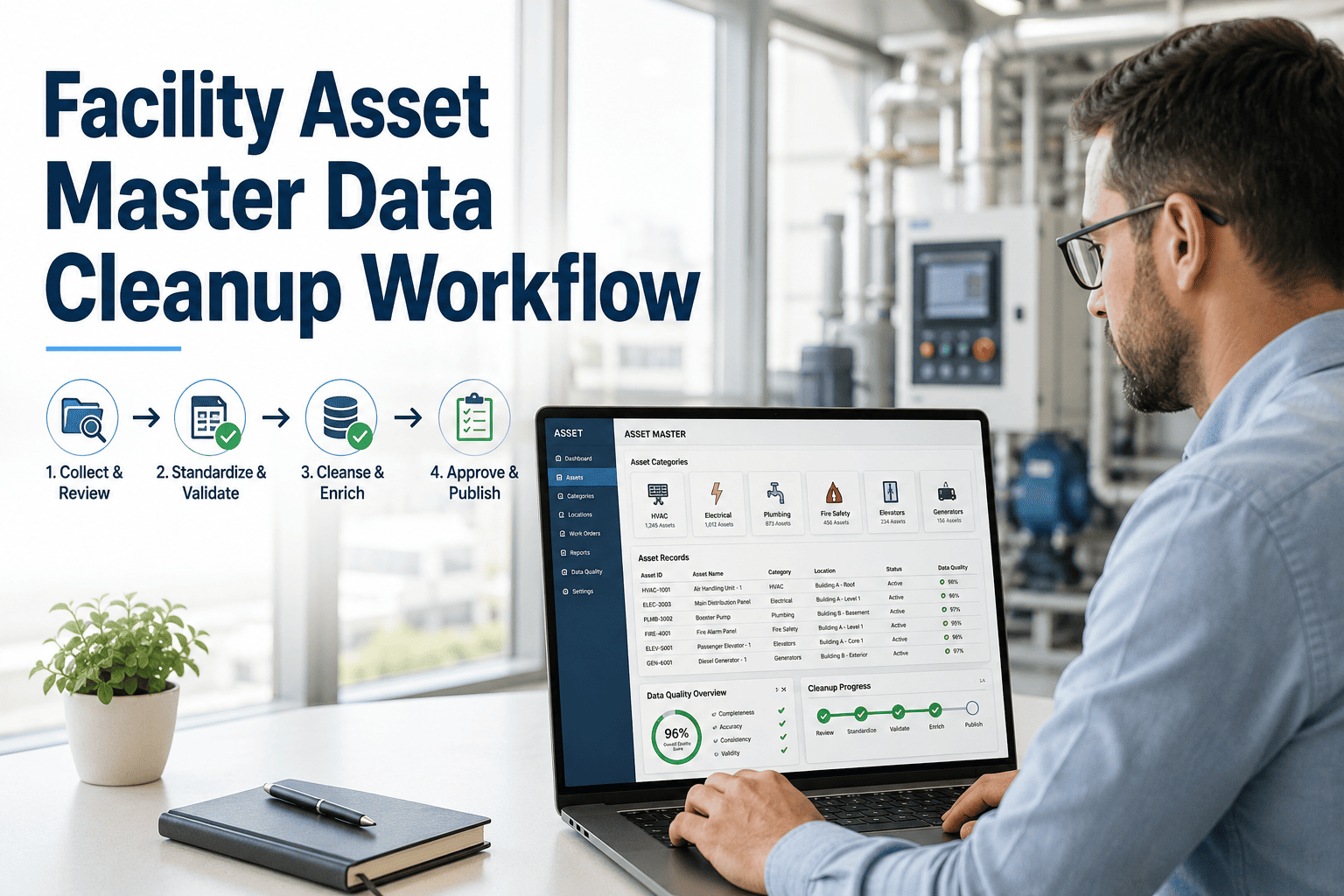
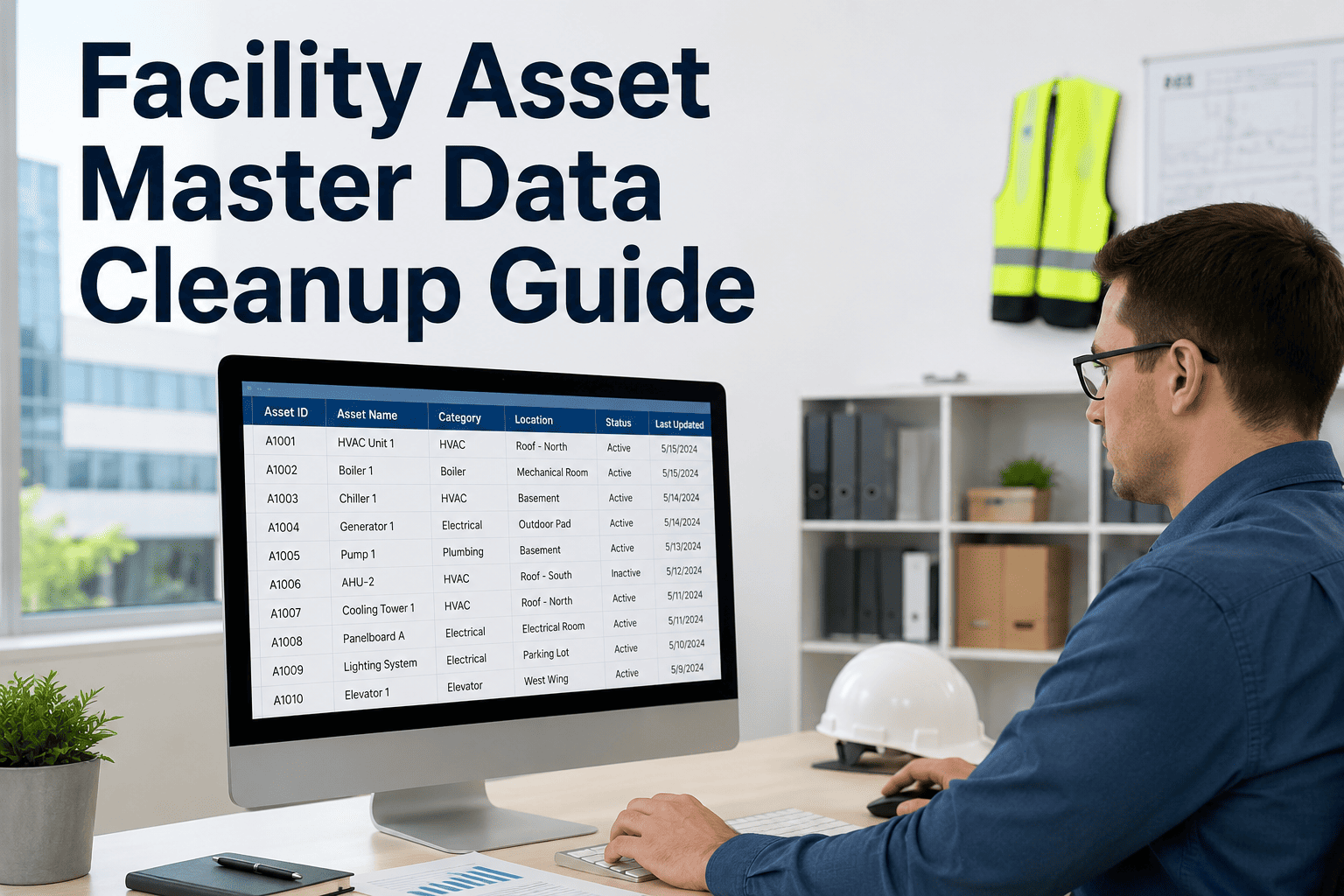
Before QR codes can speed up maintenance, every asset needs a clean record to scan into — and most facilities start with data that is incomplete, duplicated, or years out of date. OxMaint's asset management platform gives you the tools to build that foundation, tag every asset class, and connect scans to full maintenance history from day one. Book a demo to see the rollout workflow, or start a free account and begin tagging your highest-priority assets today.
QR CODE REQUESTS · ASSET DATA QUALITY · CHECKLIST
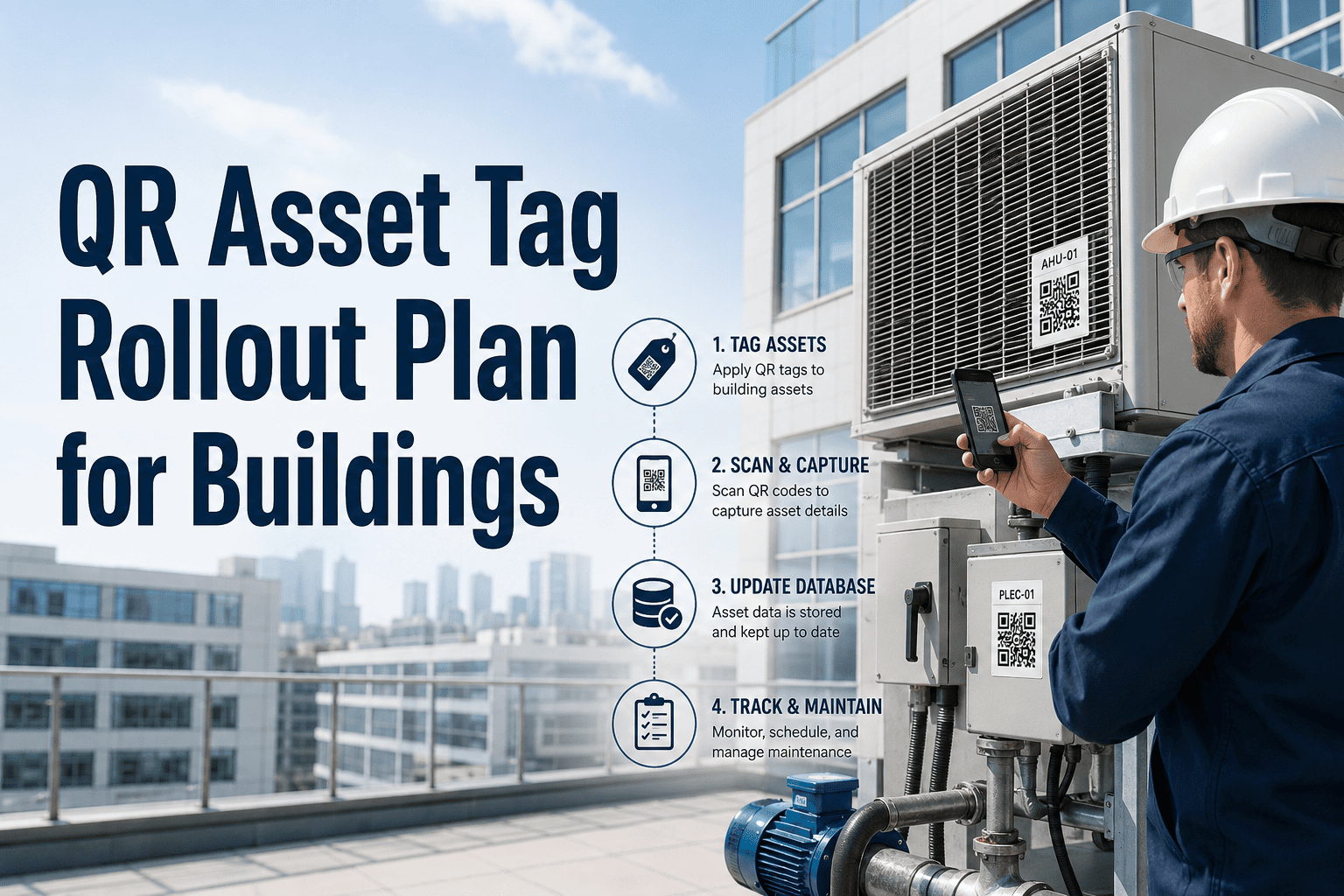
QR Asset Tag Rollout Plan for Buildings
A step-by-step checklist for tagging HVAC units, pumps, electrical panels, fire systems, elevators, and rooms — with the asset data standards that make every scan actually useful.
Asset Management
Preventive Maintenance
P1 Priority
ROLLOUT SCOPE
HVAC UnitsPhase 1
Pumps & MechanicalPhase 1
Electrical PanelsPhase 2
Fire SystemsPhase 2
ElevatorsPhase 3
Rooms & SpacesPhase 3
BEFORE YOU START — ASSET DATA PREREQUISITES
A
Asset master data exists in a central system (CMMS, spreadsheet, or BMS export)
B
Each asset has a unique ID, location, and asset class assigned
C
Duplicate and retired asset records have been removed from the active list
D
At least one PM schedule or inspection frequency is defined per asset class
PHASE 1 — HIGH CRITICALITY ASSETS
HVAC Units and Mechanical Equipment
HVAC and pumping equipment represents your highest maintenance cost and failure risk. Start here. These assets typically have the richest service history and the most to gain from instant-access QR lookup at the equipment.
Physical walkthrough — inventory every HVAC unit, AHU, FCU, chiller, cooling tower
Facilities Manager
Asset ID, location, make/model, serial number
Verify PM schedule exists for each unit — frequency, checklist items, assigned technician
PM Coordinator
PM interval, last service date, next due date
Generate QR codes in OxMaint, print on weatherproof labels (minimum 1.5" x 1.5")
CMMS Admin
Asset ID linked, location confirmed in system
Affix QR tags to equipment — visible access panel, not obstructed by insulation or covers
Lead Technician
Tag placement photo captured and linked to asset record
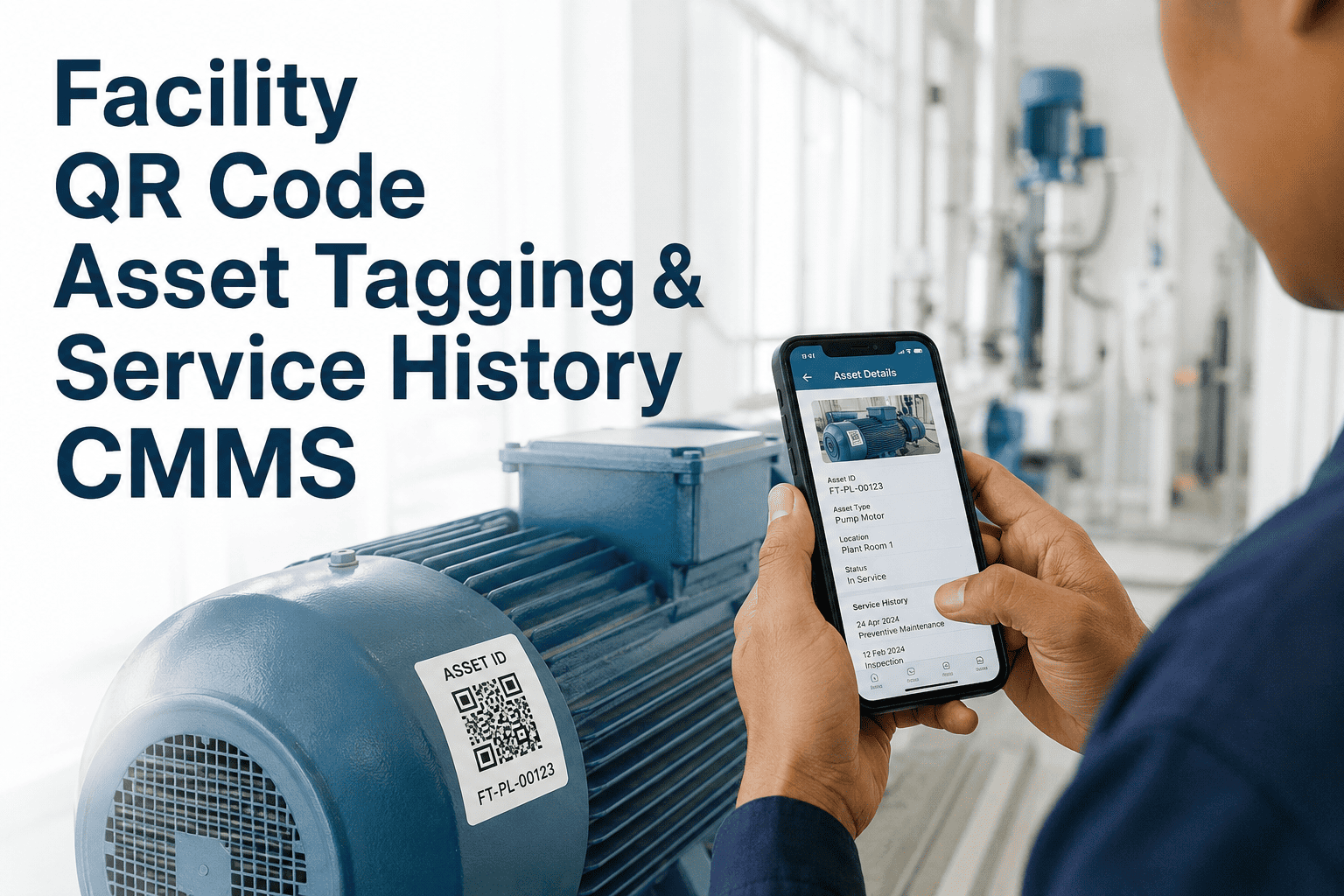
Test scan from mobile app — confirm asset record loads with correct PM history
Field Technician
QR verified live, any data gaps flagged for cleanup
PHASE 2 — SAFETY AND ELECTRICAL
Electrical Panels and Fire Life Safety Assets
Electrical and fire safety assets require compliance documentation at every service visit. QR tags here pay off fastest in audit readiness — every inspection scan creates a timestamped, evidence-backed record automatically.
Map all electrical panels by floor and room — include switchgear, MCC, and distribution panels
Chief Engineer
Panel ID, voltage, amperage, year installed, floor/room
Catalog fire assets — sprinkler heads, fire alarm panels, extinguishers, suppression systems
Safety Coordinator
Asset type, inspection frequency, compliance code reference
Link compliance checklists to each fire asset — include AHJ inspection requirements
CMMS Admin
Inspection form, code reference, due date
Apply QR tags to panel doors and fire equipment enclosures — confirm scan pulls compliance checklist
Lead Technician
Scan-to-checklist flow verified by inspector
Ready to Start Your QR Rollout?
OxMaint generates, manages, and connects QR codes to full asset histories, PM schedules, and compliance checklists — with no tagging software beyond a printer and the app.
PHASE 3 — VERTICAL TRANSPORT AND SPACES
Elevators and Room-Level QR Deployment
Register each elevator and escalator as a separate asset — include OEM, model, and state inspection ID
Facilities Manager
Elevator ID, state cert number, inspection due date
Deploy room-level QR tags for space-based service requests — restrooms, conference rooms, lobbies
Facilities Coordinator
Room ID, floor, building, default request category
Test tenant/occupant scan flow — QR on room wall scans to request form, not internal CMMS record
CMMS Admin
Public-facing form configured, routes to correct queue
ASSET DATA STANDARDS
What Every Tagged Asset Record Must Contain
| Data Field |
Required |
Example Value |
Impact if Missing |
| Asset ID (unique) |
Yes |
AHU-3F-NW-01 |
QR code cannot be generated or linked |
| Asset Name |
Yes |
Air Handling Unit — 3rd Floor North Wing |
Technicians cannot confirm asset identity |
| Location (Building / Floor / Room) |
Yes |
Tower A / Level 3 / Room 314 |
Work orders routed to wrong site or floor |
| Asset Class / Category |
Yes |
HVAC — Air Handling Unit |
PM template cannot be auto-assigned |
| Make / Model / Serial |
Recommended |
Carrier 39M / Model 39MN / SN-884521 |
Parts ordering and warranty tracking fail |
| Install / Warranty Date |
Recommended |
Installed: 2018-04 / Warranty exp: 2023-04 |
Lifecycle replacement planning unavailable |
| Criticality Rating |
Recommended |
Critical / High / Medium / Low |
Work order priority cannot be auto-set |
EXPERT REVIEW
Facilities Asset Data Specialist
Asset Manager — Large Commercial and Institutional Portfolio, 15 Years Experience
The most common reason QR rollouts fail is not the technology — it is starting with bad asset data. Teams print 500 QR codes and discover 30% of their asset IDs are duplicates or point to retired equipment. The fix is simple but tedious: deduplicate and validate your asset master before generating a single tag. Teams that invest two weeks in data cleanup before rollout achieve full deployment in 6–8 weeks. Teams that skip it spend months troubleshooting misrouted scans. OxMaint's asset import tools flag duplicates automatically, which removes most of the friction if you start the cleanup inside the platform.
FREQUENTLY ASKED
QR Asset Tag Rollout — Common Questions
What type of QR label works best for mechanical rooms and outdoor equipment?
For mechanical rooms and rooftop equipment, use polyester or polycarbonate labels rated for industrial environments — standard paper labels degrade quickly with heat, moisture, and UV exposure. Minimum size recommendation is 1.5" x 1.5" for reliable scan distance with standard smartphone cameras. OxMaint generates print-ready QR PDFs directly from the platform, sized for standard label sheets.
Sign up free to generate and print your first set of asset tags without any additional software.
Can we deploy QR codes before all our asset data is fully cleaned up?
You can phase the rollout by criticality and clean up data progressively — but every asset that gets a QR tag must have at minimum a unique ID, name, location, and asset class. Without those four fields, the scan creates more confusion than it solves. A practical approach is to complete Phase 1 assets (HVAC and mechanical) with clean records first, then use the rollout window for Phases 2 and 3 to clean remaining data.
Book a demo to see how OxMaint's bulk import and data validation tools support phased rollout.
What happens when a QR-tagged asset is replaced or decommissioned?
In OxMaint, retiring an asset marks it inactive in the system — the old QR code is invalidated and returns a clear message if scanned. The full maintenance history is preserved and searchable but does not appear in active work order queues. When the replacement asset is added, a new QR code is generated and the asset record captures the replacement relationship, keeping lifecycle data intact for lifecycle cost analysis and capital planning purposes.
Can building occupants or tenants use the same QR codes to submit service requests?
For room-level and common-area assets, OxMaint supports a public-facing scan flow that routes tenant requests into the maintenance queue without giving occupants access to the internal CMMS record. This is configured separately from the technician workflow — the same physical QR tag routes to different interfaces based on whether the scanner is logged into the platform. Tenant-facing forms can be customized with your building's branding and request categories.
Start a free account to configure your tenant request portal.
OXMAINT · QR CODE REQUESTS · ASSET MANAGEMENT
Tag Every Asset. Know Every History. Close Every Work Order Faster.
OxMaint's QR asset system connects physical equipment to complete maintenance records — PM schedules, work order history, compliance checklists, and parts data — all accessible from a phone scan at the equipment.