Office buildings lose an average of 23 billable hours per month chasing down maintenance requests through email chains, phone calls, and sticky notes. OxMaint's QR Code Maintenance Request Portal turns any wall, desk, or equipment into an instant reporting station — employees scan, submit, and get updates without ever calling the helpdesk.
QR Code Requests · Office Buildings · Facility Management
Stop Chasing Maintenance Requests. Let Employees Scan & Report.
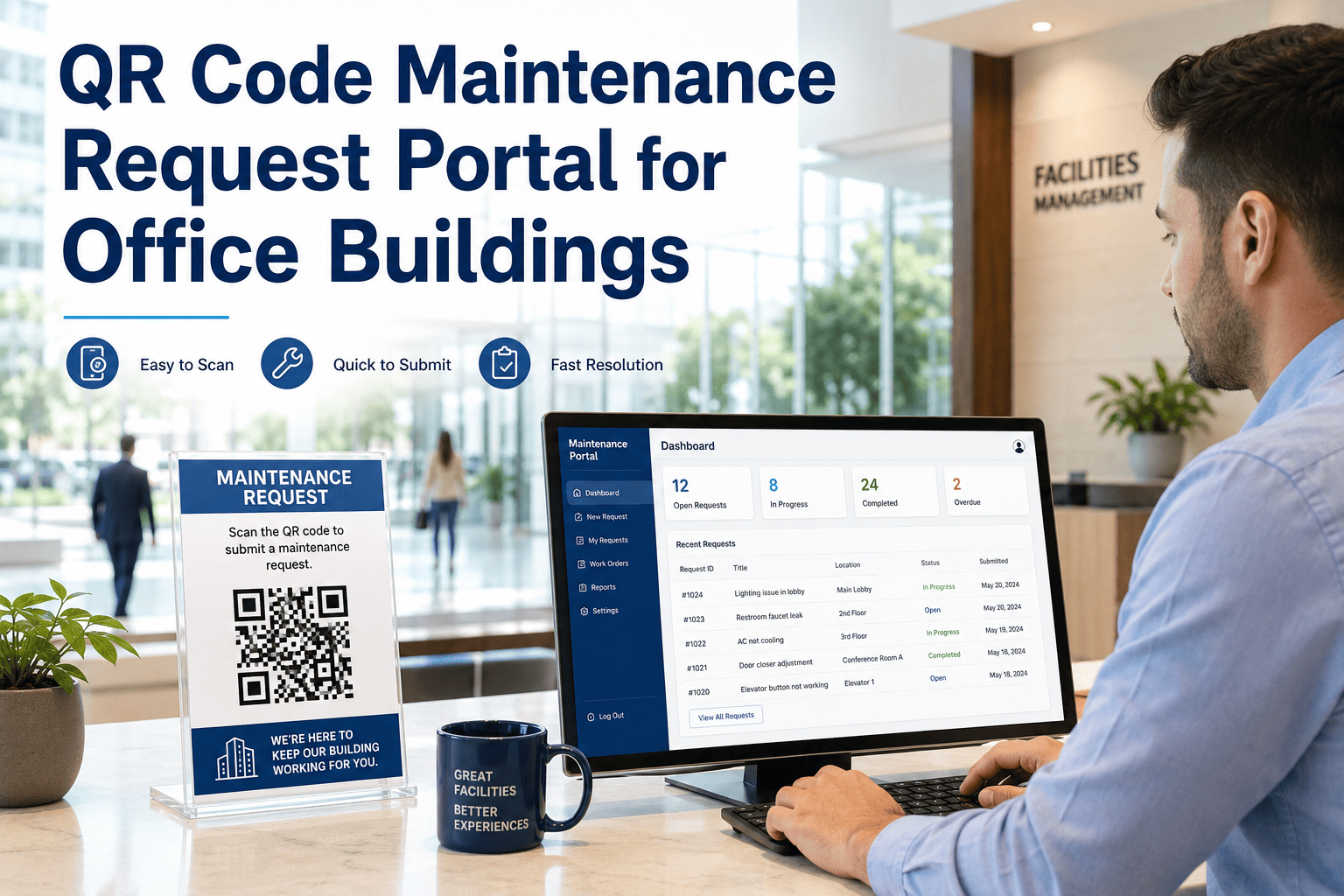
Place a QR code on any asset, restroom, HVAC unit, or common area. Employees scan with their phone, submit the issue in under 30 seconds, and your team receives a structured work order — automatically.
4
Tech Assigned & Notified
5
Issue Resolved & Logged
67%
of maintenance issues go unreported when submission requires calling or emailing
28 sec
average time to submit a QR-based request vs 8+ minutes via email or phone
3.4x
more requests captured when QR codes are placed at point-of-issue locations
41%
reduction in repeat complaints when employees can track their request status live
Where QR Codes Work Best
Every Building Zone, Covered Instantly
R
Restrooms
Report soap dispensers, leaks, or hygiene issues the moment they're noticed — without tracking down a number to call.
H
HVAC Units
Tag every unit with a QR code linked to its asset history. Reports go straight to the right technician with full specs attached.
L
Lighting & Electrical
Burned-out lights and tripped breakers get reported from the exact location — no floor guessing, no back-and-forth.
E
Elevators & Lobbies
High-traffic areas deserve fast response. QR codes turn every visitor and employee into an eyes-on-the-ground reporter.
C
Conference Rooms
AV issues, broken chairs, or room temperature complaints get captured and routed before the next meeting starts.
S
Safety Hazards
Spills, loose handrails, and fire equipment faults get immediate priority routing with photo evidence attached on the spot.
Before vs After
What Changes When You Deploy QR Codes
| Metric |
Without QR Portal |
With OxMaint QR Portal |
| Time to submit a request |
8–15 minutes (email/phone) |
Under 30 seconds |
| Request capture rate |
33% of actual issues |
Up to 91% captured |
| Work order accuracy |
Low — verbal descriptions, wrong locations |
High — GPS-tagged, asset-linked, photo-attached |
| Dispatcher workload |
Manual intake, sorting, and routing |
Auto-routed to assigned technician |
| Employee follow-up calls |
Frequent — no visibility into status |
Near zero — live status updates sent |
| Audit trail for compliance |
None or scattered |
Full timestamped record per asset |
Ready to turn every wall into a maintenance helpdesk?
See exactly how OxMaint QR codes work in a live walkthrough built around your building type and team size.
Expert Perspective
What Facility Professionals Say
"The single biggest gap in facility management is the space between when an issue occurs and when it gets logged. QR-based reporting collapses that gap entirely. Buildings that deploy point-of-issue reporting see a 60 to 80 percent increase in early-stage defect capture — which directly reduces emergency repair frequency and tenant dissatisfaction scores."
"We moved to QR-based submission across six office towers and the first thing our FM team noticed wasn't the volume of requests — it was the quality. Location-tagged, photo-attached, asset-linked. The dispatcher finally had enough information to dispatch correctly on the first call."
FAQ
Questions About QR Maintenance Portals
Do employees need to install an app to use the QR request portal?
No app download is required. Employees scan the QR code with any smartphone camera and the request form opens directly in their mobile browser. They can add a description, attach a photo, and submit in under 30 seconds. This zero-friction approach is one of the main reasons QR portals dramatically increase reporting rates compared to email or phone-based systems.
Try the portal yourself at OxMaint.
How are QR codes linked to specific assets or locations in the building?
Each QR code in OxMaint is generated from your asset registry and pre-linked to a specific asset ID, location, floor, and zone. When an employee scans the code on an HVAC unit or restroom, the work order is automatically populated with that asset's full history, prior repair records, and assigned technician — so the dispatcher and the field tech always have context before they even arrive on site.
Book a demo to see the asset linking workflow.
Can we customize the request form fields for different building zones?
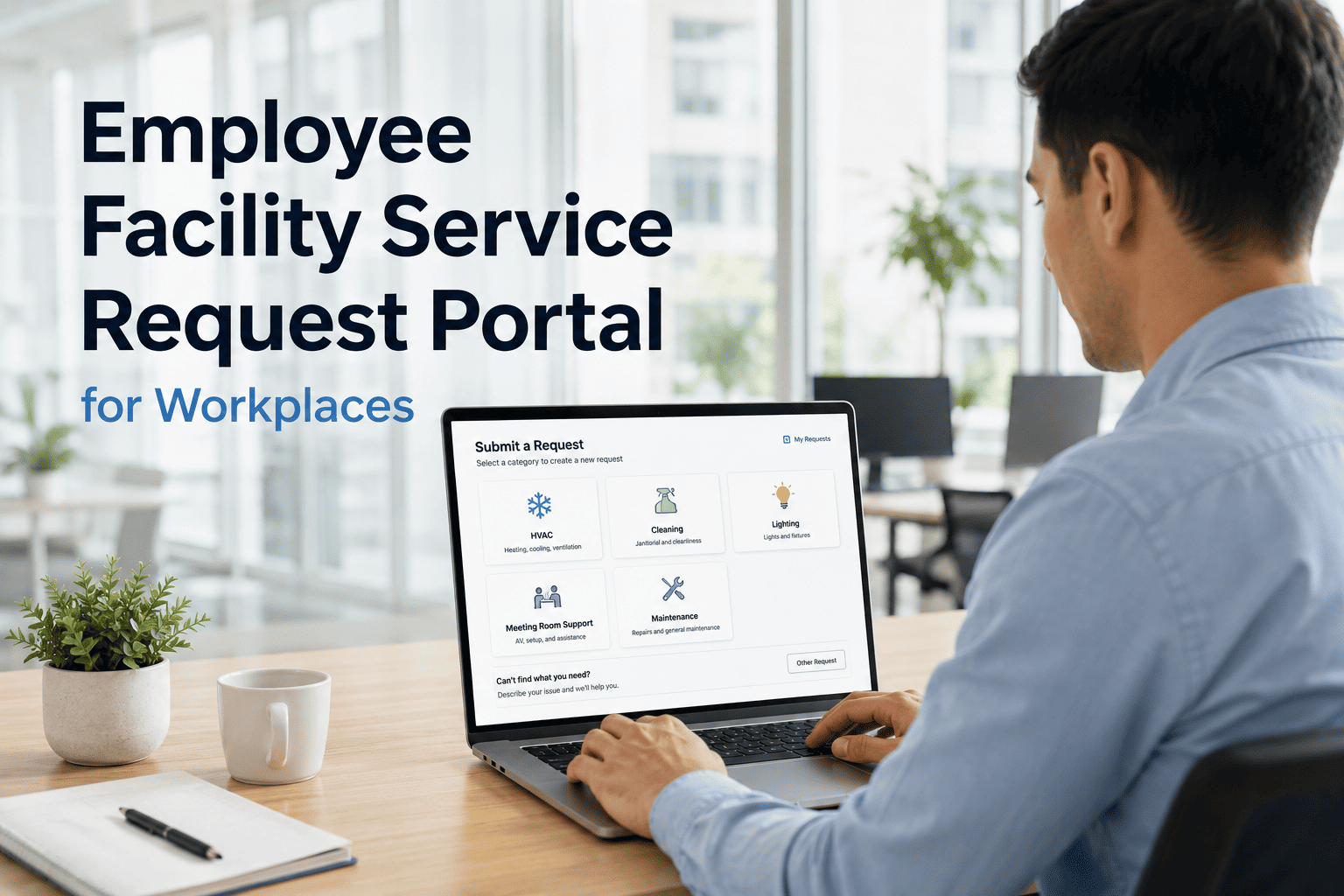
Yes. OxMaint allows you to configure different form templates per asset type or location category. A restroom QR code can prompt for hygiene, plumbing, or safety issue types; a conference room code can surface AV, furniture, or temperature options. Structured input means better-routed work orders and far less back-and-forth between dispatchers and employees trying to clarify vague submissions. Custom priority rules can also be set per zone — for example, safety issues in lobbies automatically escalate to urgent status.
What happens after an employee submits a request — how do they know it's being handled?
OxMaint sends automated status updates to the submitter at each stage: when the work order is created, when a technician is assigned, when work begins, and when the issue is resolved. This eliminates the follow-up calls that consume dispatcher time and frustrate employees who have no visibility into what's happening. The full audit trail is stored per asset, giving facility managers a documented history for compliance, insurance, and capital planning purposes.
Free Trial · No Credit Card · QR Codes Ready Day One
Your next unreported issue is already happening. Make sure it gets captured.
Deploy QR codes across your building, connect them to your asset registry, and start receiving structured work orders before the week is out.