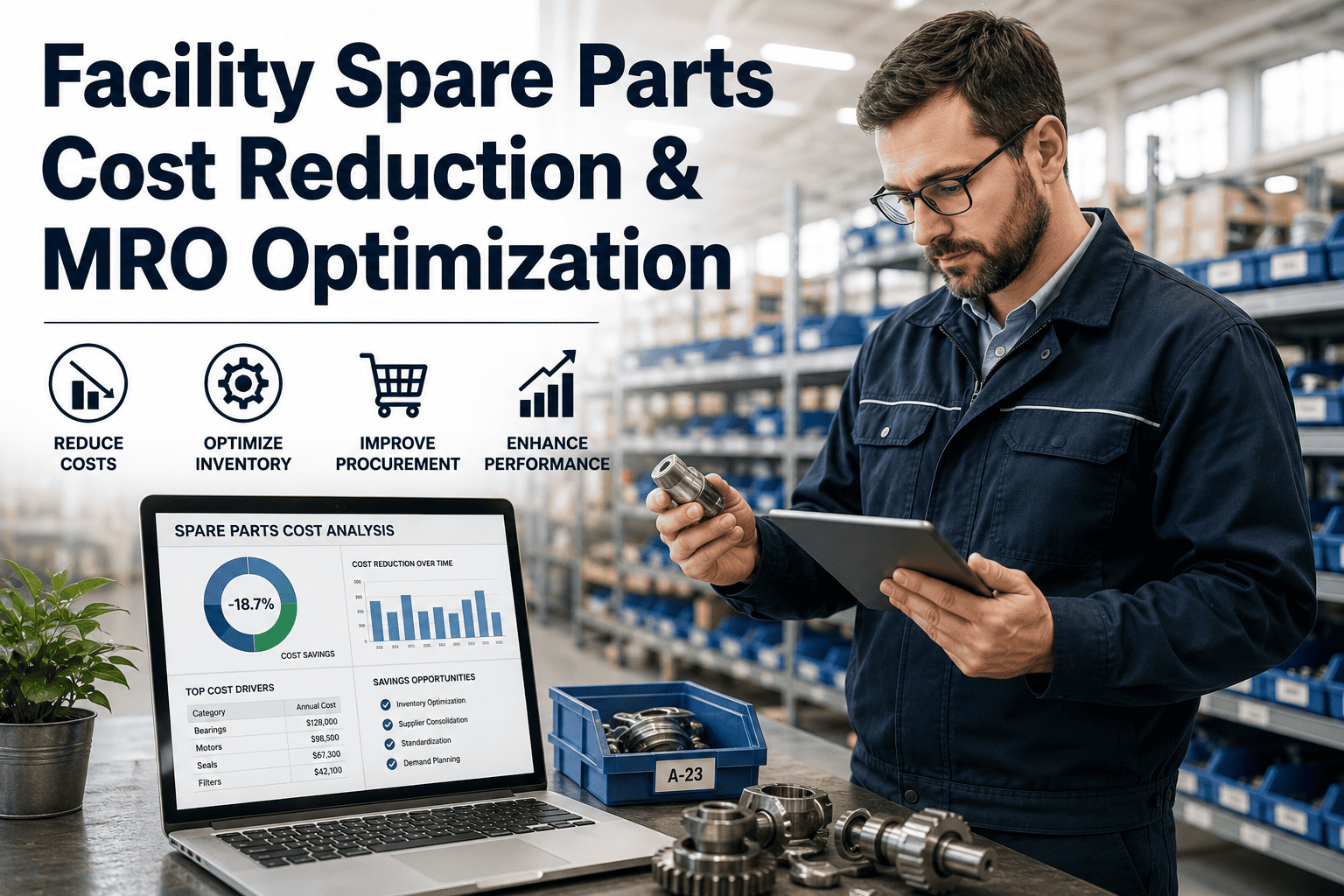
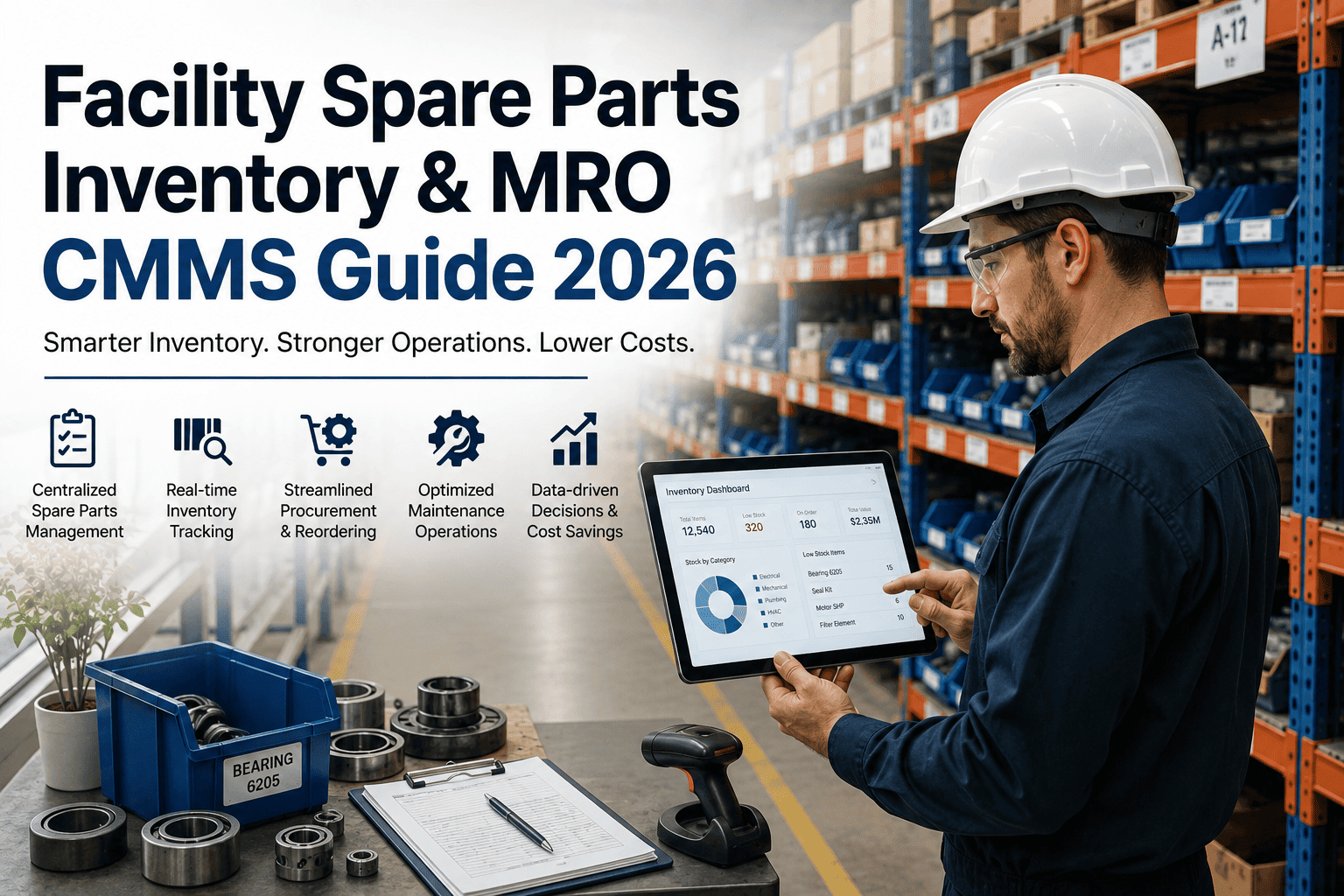
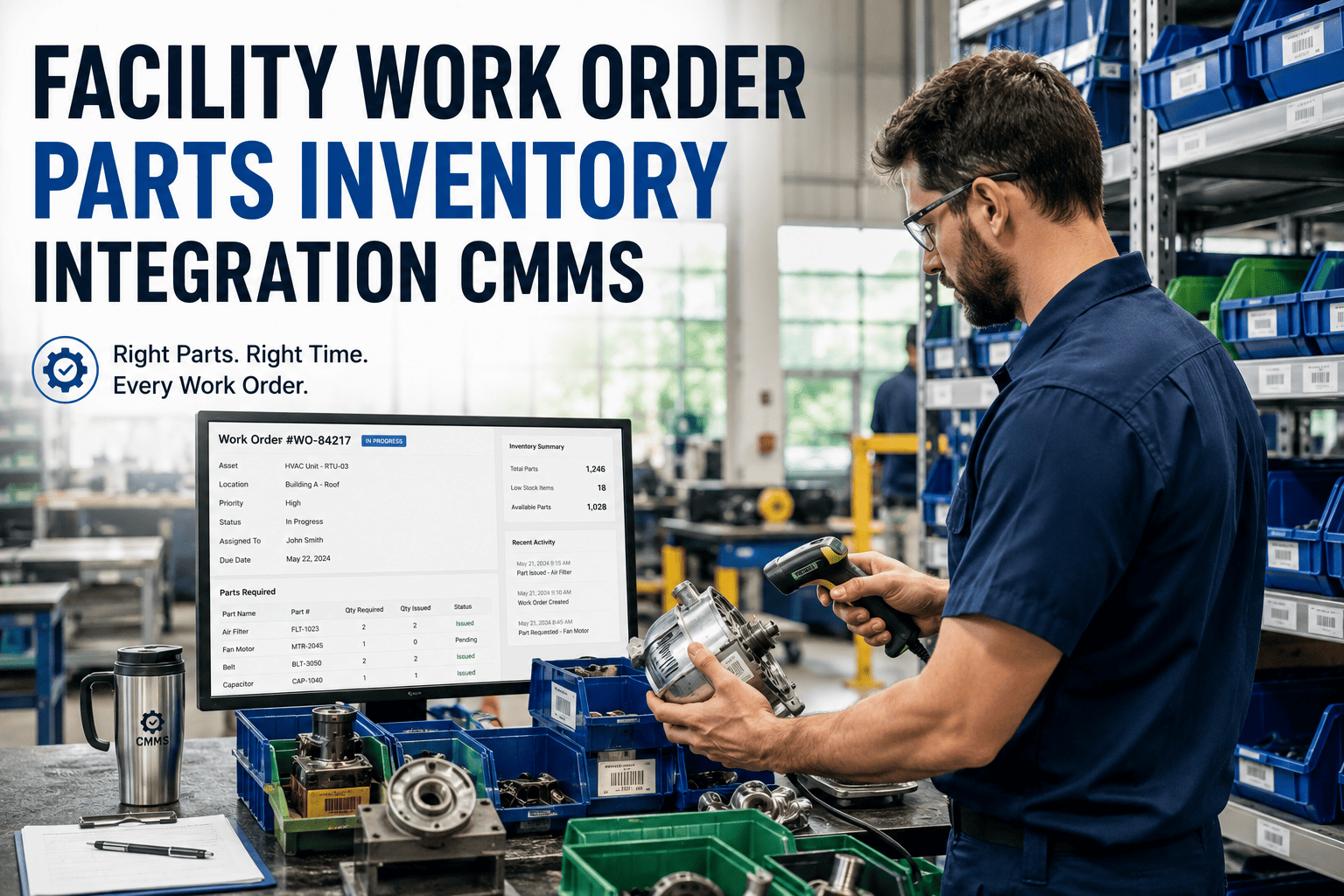
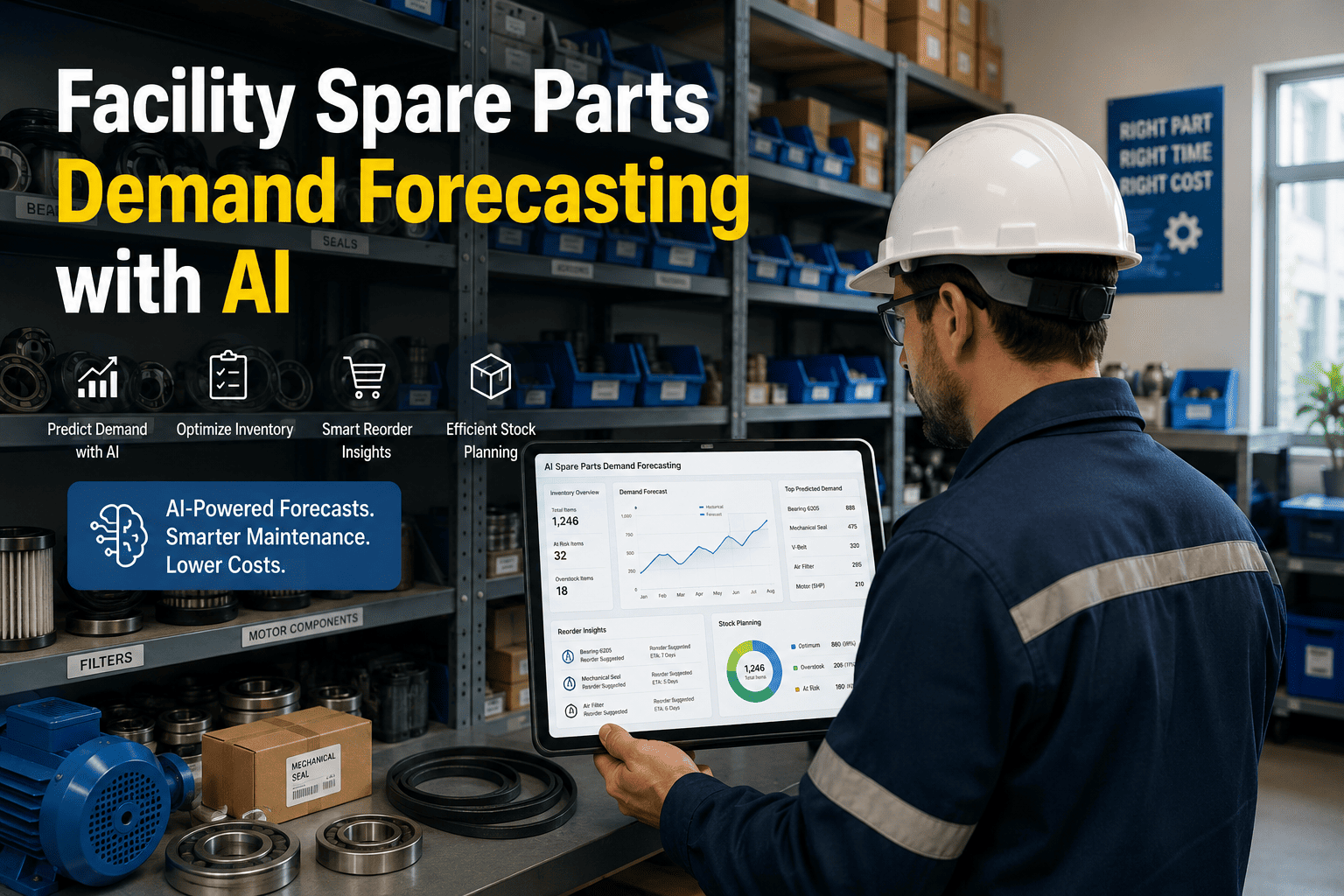
Every maintenance team has experienced the same moment: a technician opens a work order, heads to the storeroom, and the part isn't there. Production stops. An emergency order goes out at 3× the normal price. The repair that should have taken two hours takes two days. This happens not because the part was never stocked — it was — but because nobody knew the bin was empty until it mattered. Sign up for Oxmaint to connect your parts catalog directly to work orders and automate reorder triggers before stockouts happen — or book a demo to see inventory management in action.
The Two Failures That Cost Maintenance Teams the Most
Spare parts management fails in exactly two ways — and most facilities are suffering from both simultaneously. Overstocking ties up working capital in parts that sit for months or years, accumulating carrying costs of 20–30% annually. Understocking forces emergency orders at 2–4× standard price and causes the production stops that make maintenance look expensive. A CMMS eliminates both by replacing gut-feel ordering with data: actual usage rates, real lead times, and automated triggers that fire before the bin hits zero. Sign up for Oxmaint to start tracking consumption and setting intelligent min/max levels across your entire parts catalog.
How CMMS-Driven Inventory Management Works
The reorder point formula is simple: Reorder Point = (Average Daily Usage × Lead Time in Days) + Safety Stock. What makes it hard in practice is that most teams do not have clean data on any of those three inputs. A CMMS builds that data automatically — every work order that consumes a part updates consumption history, every purchase order updates lead time records. Book a demo to see how Oxmaint turns your work order history into real reorder intelligence.
Key Metrics Your Storeroom Should Be Tracking
| KPI | What It Measures | Target Benchmark | Red Flag |
|---|---|---|---|
| Inventory Accuracy | CMMS records vs. physical count match rate | ≥95% | Below 80% — phantom inventory driving false stockouts |
| Service Level (Fill Rate) | Parts requests filled from existing stock | 95–97% | Below 90% — chronic stockouts and emergency orders |
| Inventory Turns | How often stock is consumed and replenished | Depends on criticality | Very low turns — overstocking and obsolete stock |
| Emergency Order % | Rush purchases as share of total orders | Below 5% | Above 15% — demand forecasting and min/max failure |
| Carrying Cost % | Annual holding cost as % of inventory value | 20–30% | Above 35% — overstocked, slow-moving inventory |
| Obsolete Inventory % | Parts with zero usage in 12–24 months | Below 5% | Above 10% — dead stock draining working capital |
Connect Your Parts Catalog to Every Work Order — Automatically
Oxmaint links spare parts to assets, tracks consumption from closed work orders, fires reorder alerts before bins hit zero, and generates purchase requests to approved vendors without manual intervention.
Frequently Asked Questions
By setting reorder points calculated from actual usage data and real supplier lead times — not gut feel. Dynamic safety stock adjusts for demand variability. Maximum stock limits prevent over-ordering. This balanced approach reduces inventory by 25–35% while maintaining 98%+ parts availability. Sign in to set up min/max levels in Oxmaint for your parts catalog.
ABC classifies parts by value and criticality: A-items are high-value or mission-critical (tight stock control, dedicated safety buffer), B-items are moderate, C-items are low-cost consumables (order in bulk, less oversight). Without classification, you spend the same attention on a $3 O-ring as a $3,000 bearing — an inefficiency that compounds across thousands of SKUs.
Rolling cycle counts — counting a portion of the storeroom on a regular schedule — outperform annual wall-to-wall inventories because errors are caught and corrected continuously. A-class parts monthly, B-class quarterly, C-class semi-annually is the standard cadence. This keeps inventory accuracy above 95% without disrupting operations. Book a demo to see Oxmaint's cycle count workflow in action.
Yes. Oxmaint provides a centralized parts catalog across all connected facilities, with site-specific stock levels and locations. Managers can view global inventory and flag inter-site transfer opportunities before placing external purchase orders — reducing duplication and emergency freight between locations that already have stock of the needed part.
Stop Discovering Stockouts at the Worst Possible Moment
Oxmaint's CMMS inventory module connects your parts catalog to work orders, automates reorder triggers, and gives every technician real-time visibility into what is in stock — before they walk to the storeroom.