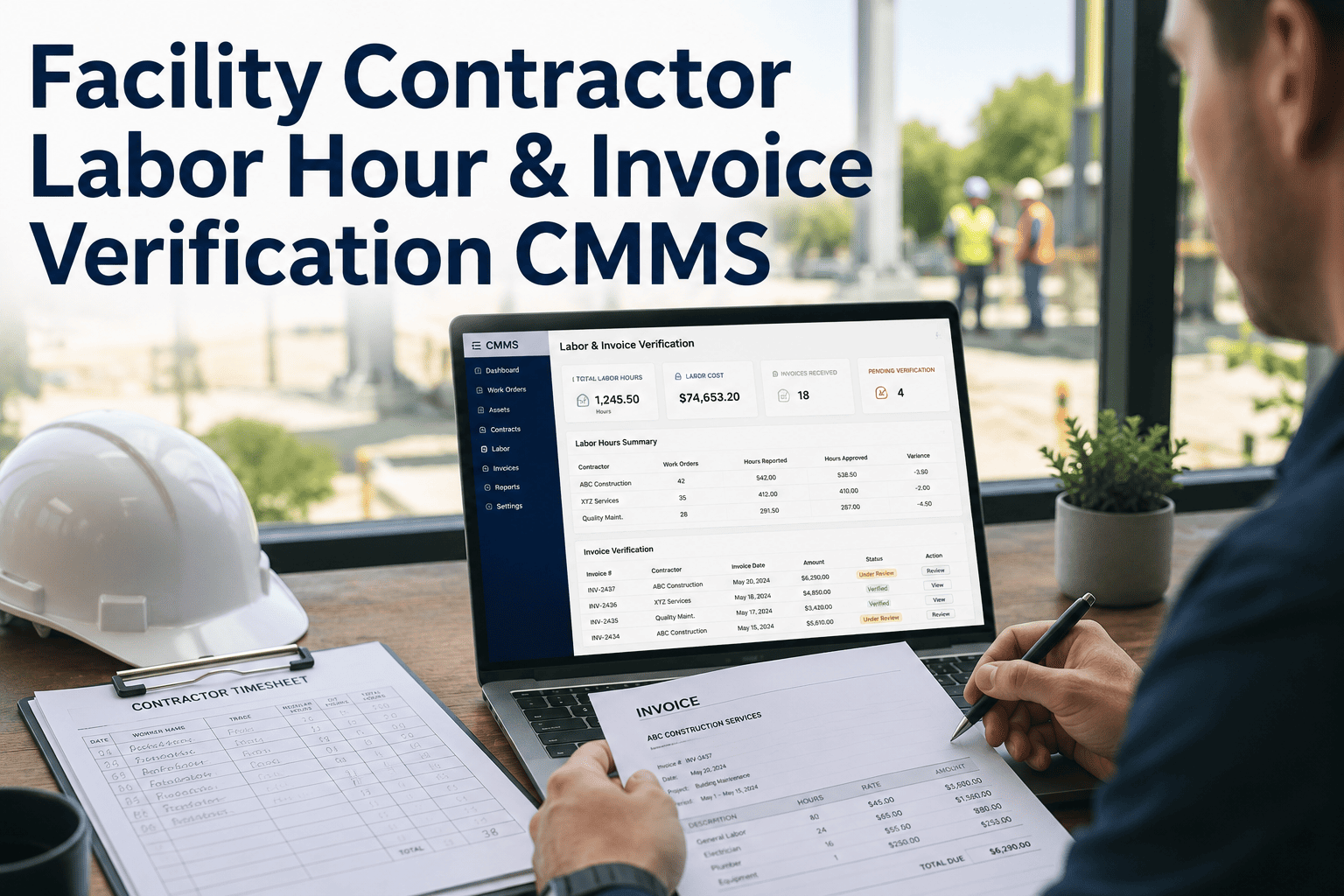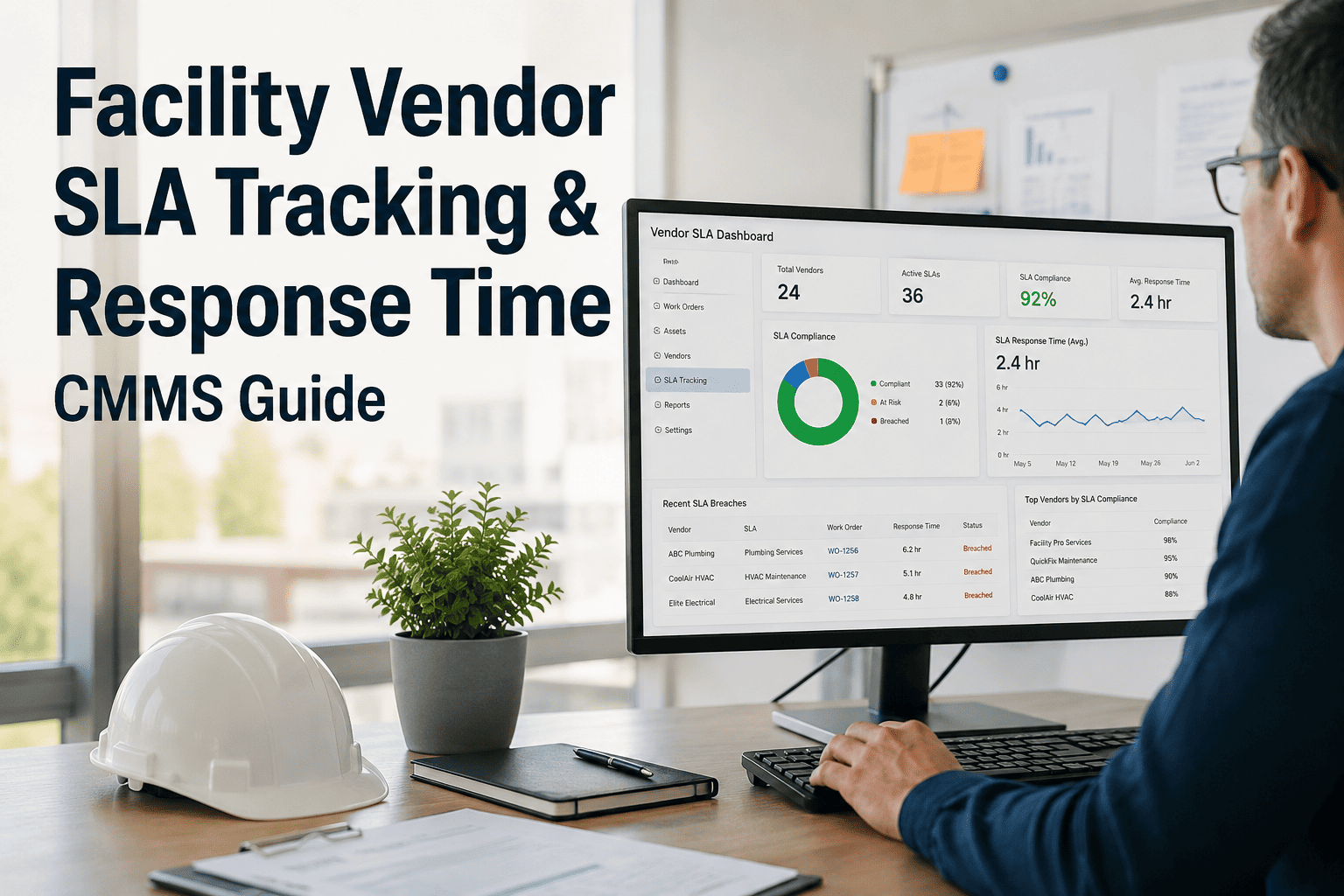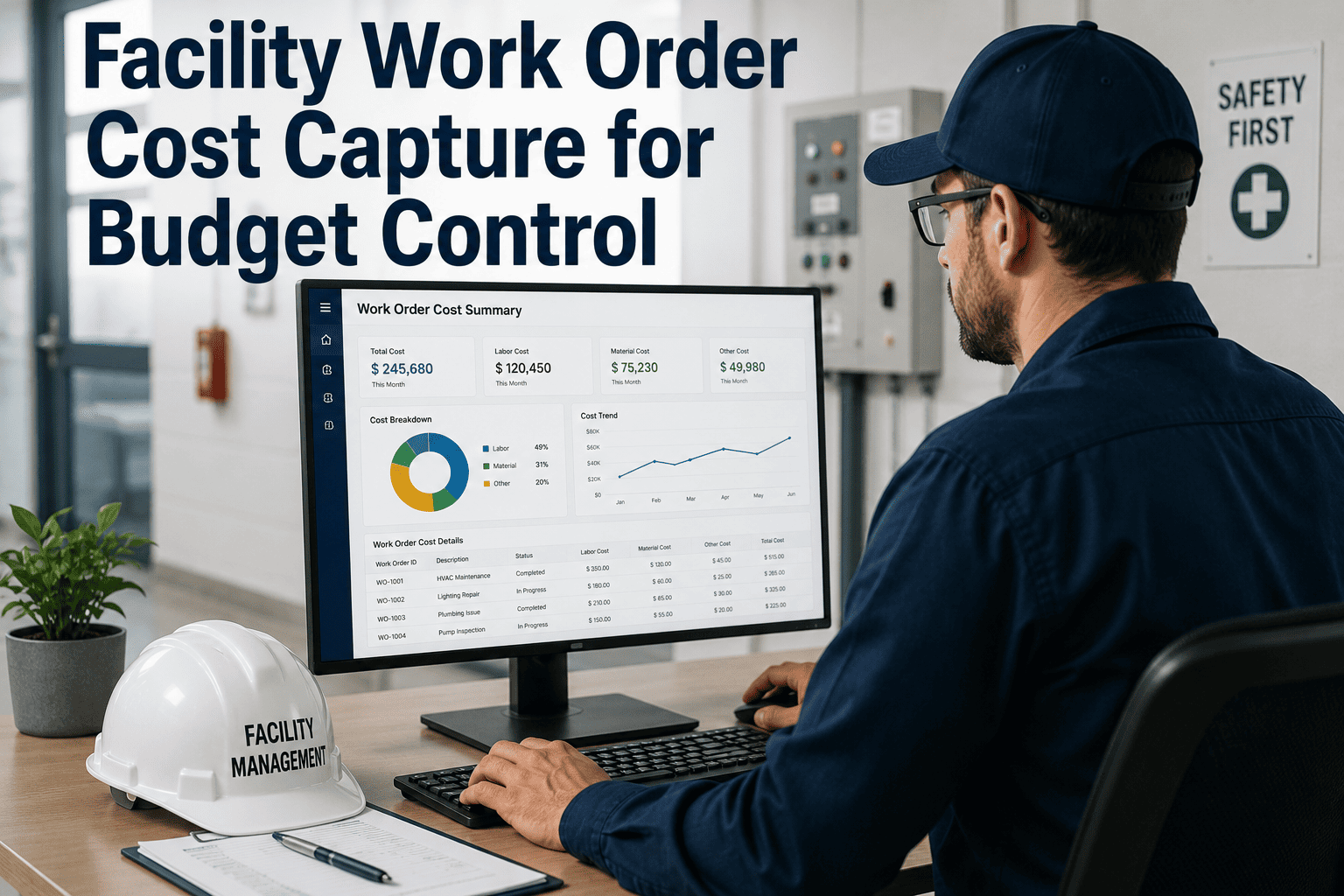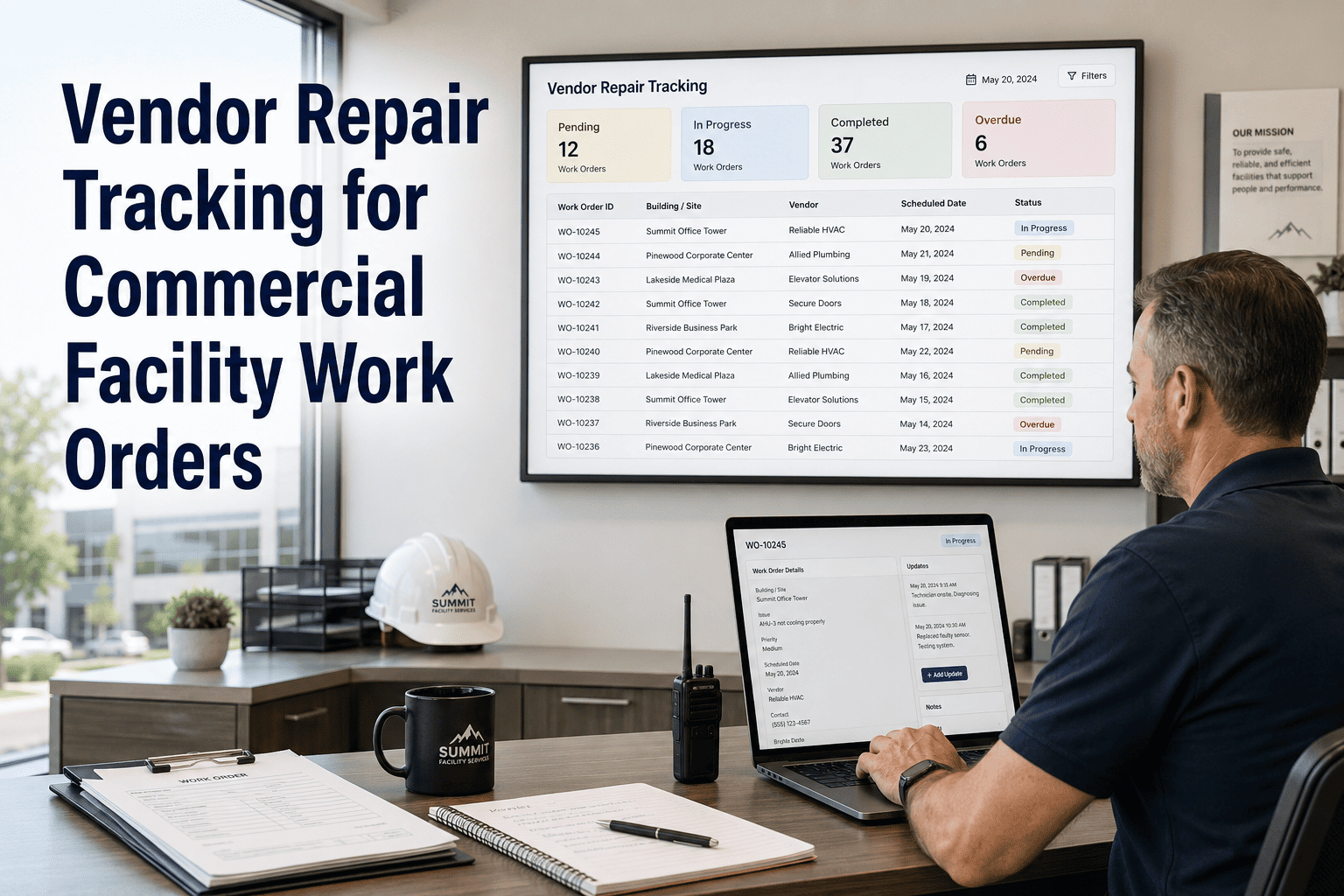
Every maintenance KPI that involves cost, effort or duration depends on two inputs: the hours technicians record and the parts they charge to the job. When those entries are rounded, batched at the end of the week or copied from the schedule, the resulting numbers look precise but are not. Wrench time, MTTR, cost per asset and budget variance all inherit the error. This guide sets out practical capture standards for labor, parts and documentation, and how a mobile CMMS workflow supports them.
WO Time and Materials Capture: Get the Numbers Right
Capture time, parts and findings at the moment of work. Clean entries make every downstream KPI usable.
Why poor capture quietly breaks your reporting
| KPI or decision | How bad capture distorts it | Business consequence |
|---|---|---|
| Wrench time | Travel and waiting are lumped into job time | Productivity looks higher than it is, hiding planning problems |
| MTTR | Start and stop times are guessed or rounded | Repair speed is misjudged and training needs are missed |
| Cost per asset | Parts and hours land on the wrong work order | Replace-or-repair decisions use the wrong history |
| Planning accuracy | Actual hours copied from estimates | Estimates never improve |
| Budget variance | Late or batched entries post to the wrong period | Overspend appears suddenly instead of gradually |
| Contractor billing | No internal record to check invoices against | Disputes are hard to resolve |
Labor capture standards
Use device timestamps for start and stop
Time entered at the job from a phone or tablet beats time reconstructed at the end of the shift.
Record each technician separately
A two-person job should show two labor lines, not one line with doubled hours.
Code travel and waiting apart from work
Use separate categories so wrench time and delay causes can be measured.
Exclude breaks and pauses
Pause the clock for breaks, and when the job is interrupted for emergency work, switch orders cleanly.
Set one rounding policy
Choose a consistent increment, state it in writing and apply it to every crew.
Enter time the same day
Memory fades quickly. Same-day entry keeps hours and periods accurate.
Materials capture standards
Stocked parts
- Issue from the storeroom against a work order number
- Record quantity, part number and unit cost
- Return unused items with a return transaction
- Reconcile counts on a schedule
Non-stock purchases
- Reference the purchase order or card receipt
- Attach to the specific work order and asset
- Capture supplier name for repeat sourcing
- Flag items that should become stocked
Contractors and rentals
- Log hours, rate and invoice reference
- Record on-site arrival and departure
- Capture equipment rental days and cost
- Keep the scope next to the cost
Capture time and parts at the job, not at the end of the week
Oxmaint supports mobile work orders, labor and parts entry, and inventory tracking so costs land on the right asset the first time.
Documentation that turns a record into evidence
Weak completion entry
Usable completion entry
Minimum fields at completion
- Failure code
- Cause code
- Action taken
- Readings or test results
- Photos where useful
- Follow-up needed
A weekly capture audit
Find zero-hour orders
List completed jobs with no labor lines.
Check round numbers
Many entries ending in the same figure suggest estimates, not measurements.
Compare actual to planned
Identical values across many jobs are a warning sign.
Match parts to stock
Confirm issues align with inventory movements.
Review late entries
Track entries made days after the work, by crew.
Common reasons technicians skip capture and how to remove them
| Barrier | What helps |
|---|---|
| Entry takes too long | Short mobile forms, pick lists and defaults for common jobs |
| Poor signal in plant rooms | Offline capture that syncs when connection returns |
| No visible use of the data | Share how the numbers changed staffing, parts and planning decisions |
| Fear of being judged by hours | Use time data to fix process delays, not to punish individuals |
| Unclear rules | One page of capture standards and a short onboarding session |
What the software can and cannot do
Supports the standards
Oxmaint work orders can hold labor, parts and notes against an asset, with mobile access for entry at the job. Inventory tracking links parts to orders, and reports let supervisors review hours and cost by asset, crew or period.
Needs your discipline
No system can make a technician record honestly. Clear rules, simple forms and visible use of the data matter more than any single feature.
Rollout steps
- Publish one page of capture rules
- Configure categories for travel, waiting and work
- Pilot with one crew
- Run the weekly audit
- Expand once entries are trusted
A practical set of time categories
| Category | Definition | Why keep it separate |
|---|---|---|
| Hands-on work | Time actively doing the repair, inspection or PM task | The base for wrench time and repair duration |
| Travel | Moving between locations or to the storeroom for the job | Shows how site layout and routing affect productivity |
| Waiting for parts | Idle because materials are not available | Points to stock levels and planning gaps |
| Waiting for access or approval | Idle because of locked areas, permits or sign-off | Highlights coordination problems outside the crew |
| Safety preparation | Lockout, permits, toolbox briefings and setup | Makes necessary overhead visible, not hidden in job time |
| Administration | Entering notes, photos and closing paperwork | Shows the true cost of documentation and the case for simpler forms |
A technician's day with mobile capture
Start of shift
Review the assigned list and confirm parts for each job before leaving the shop.
Arrive and start
Tap start on arrival, so travel ends and job time begins with a real timestamp.
Work and log parts
Scan or select parts as they are used and note any delay with a reason code.
Finish and document
Stop the clock, add cause, action and a photo while still at the asset.
End of shift check
Confirm nothing is left open, and return unused parts through the storeroom.
Handling the awkward cases
| Situation | Recommended rule |
|---|---|
| Emergency interrupts a planned job | Pause the first order, start the emergency order and resume after. Do not split time by estimate. |
| One visit covers several small tasks | Log time against each order as the work happens, or split by a pre-agreed rule and note it. |
| A helper joins part way through | The helper logs their own start and stop on the same order. |
| Travel between sites | Record it under a travel category, charged to a route or the first job as policy states. |
| On-call callout | Capture arrival, work and departure separately, with the call time noted for pay rules. |
| Supervising a contractor | Log supervisor time on the same order and keep it distinct from contractor hours. |
KPIs that clean capture makes trustworthy
Wrench time
Hands-on time divided by total paid time. It requires travel, waiting and administration to be recorded separately.
Planning accuracy
Compares estimated and actual hours and parts. It only improves when actuals are measured, not copied.
Cost per asset
Adds labor, parts and contractor cost by asset. It supports repair-or-replace decisions.
Mean time to repair
Uses true start and finish times, and should exclude hold periods unless you deliberately include them.
Reactive versus planned labor
Depends on the work type being set at creation and on hours landing on the right order.
Parts first-time availability
Measures how often a job started with every part on hand. Wait reasons feed this directly.
Rules for setting and enforcing your capture policy
Write it down
- One page covering time, parts and notes
- Examples of good and poor entries
- A stated rounding increment
- A named owner for questions
Make it easy
- Defaults for common job types
- Pick lists in place of free text
- Offline entry for basements and plant rooms
- Short forms for routine PM
Close the loop
- Share reports built from the data
- Recognize crews with strong records
- Coach privately on gaps
- Review the policy each year
Capture quality is a habit that supervisors shape every day. Look at a few records each week, ask a technician about one entry and say thanks when the detail is good. Small, regular attention does more than an annual reminder.
Keeping parts records reconciled
| Check | How often | What it catches |
|---|---|---|
| Issues versus work orders | Weekly | Parts taken without a work order number, or charged to the wrong job |
| Returns processed | Weekly | Unused parts left in vans, inflating job cost |
| Cycle counts | Monthly by category | Stock differences caused by missing transactions |
| Non-stock purchases | Monthly | Repeated one-off buys that should become stocked items |
| Vehicle stock | Quarterly | Unrecorded consumption and obsolete items |
Link parts data to planning
When parts are charged to the right work order and asset, the history shows which components fail repeatedly and what a typical repair consumes. Planners can then build better job plans and stock levels, which reduces waiting time in future jobs.
Checking contractor hours against your own records
Before the work
- Issue a work order with a defined scope
- Agree rates, minimum charges and travel terms
- Require check-in at the site
- Confirm who will verify completion
During the work
- Record arrival and departure times
- Note any change in scope as it arises
- Capture photos of completed work
- Keep your own supervisor notes
When the invoice arrives
- Match hours to the on-site record
- Check parts against the work order
- Query unexplained extras promptly
- Post the final cost to the order
Why internal records matter
An invoice with no internal record behind it is difficult to challenge. Even simple arrival and departure times, logged by your own supervisor, give you a basis for discussion and protect both sides from misunderstandings.
First 30 days: a rollout plan for better capture
Agree the standards
Review the one-page policy with supervisors and planners, and fix categories, rounding and hold reasons before anyone is trained.
Pilot with one crew
Choose a crew that is open to change, collect their feedback on forms and fix friction points quickly.
Run the audit
Check round numbers, zero-hour orders and late entries, then share the findings with the crew without blame.
Expand and report
Extend to other crews, publish the first reports built from clean data and show what decisions they supported.
Expect a dip before the gain
Entry times may rise slightly while people learn the forms. Give the change a few weeks and compare data quality, not speed. If entries stay burdensome, simplify the form rather than relaxing the standard.
Frequently asked questions
Why does time capture affect so many KPIs?
Wrench time, MTTR, cost per asset and budget variance all use recorded hours and parts. If entries are estimated, each of those figures inherits the error.
Should travel time be recorded on the work order?
Record it as a separate category, not as hands-on work. That keeps wrench time honest and shows where logistics cost effort.
How should parts be charged to a job?
Issue stocked parts against the work order number, and attach purchase references for non-stock items. Oxmaint supports inventory tracking tied to work orders.
How can I tell if hours are being guessed?
Look for round numbers, identical actual and planned hours and late entries. A weekly audit of these patterns usually exposes the problem.
Can I try mobile capture with a small crew first?
Yes. Pilot with one crew and review results before expanding. You can book a demo to plan the rollout.
Make every hour and part on a work order count
Reliable KPIs start with reliable entries. Oxmaint gives technicians a simple way to record labor, parts and findings where the work happens.