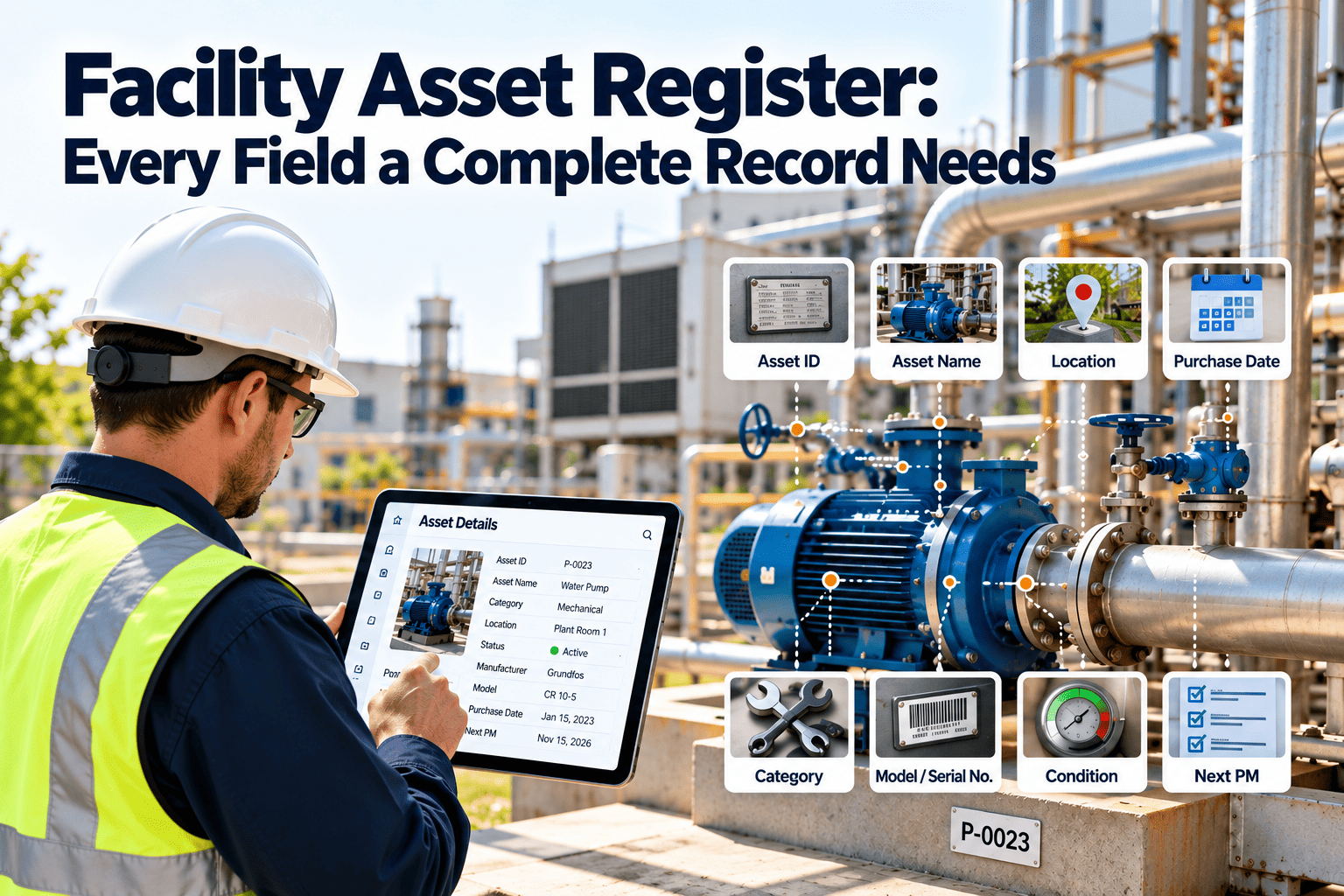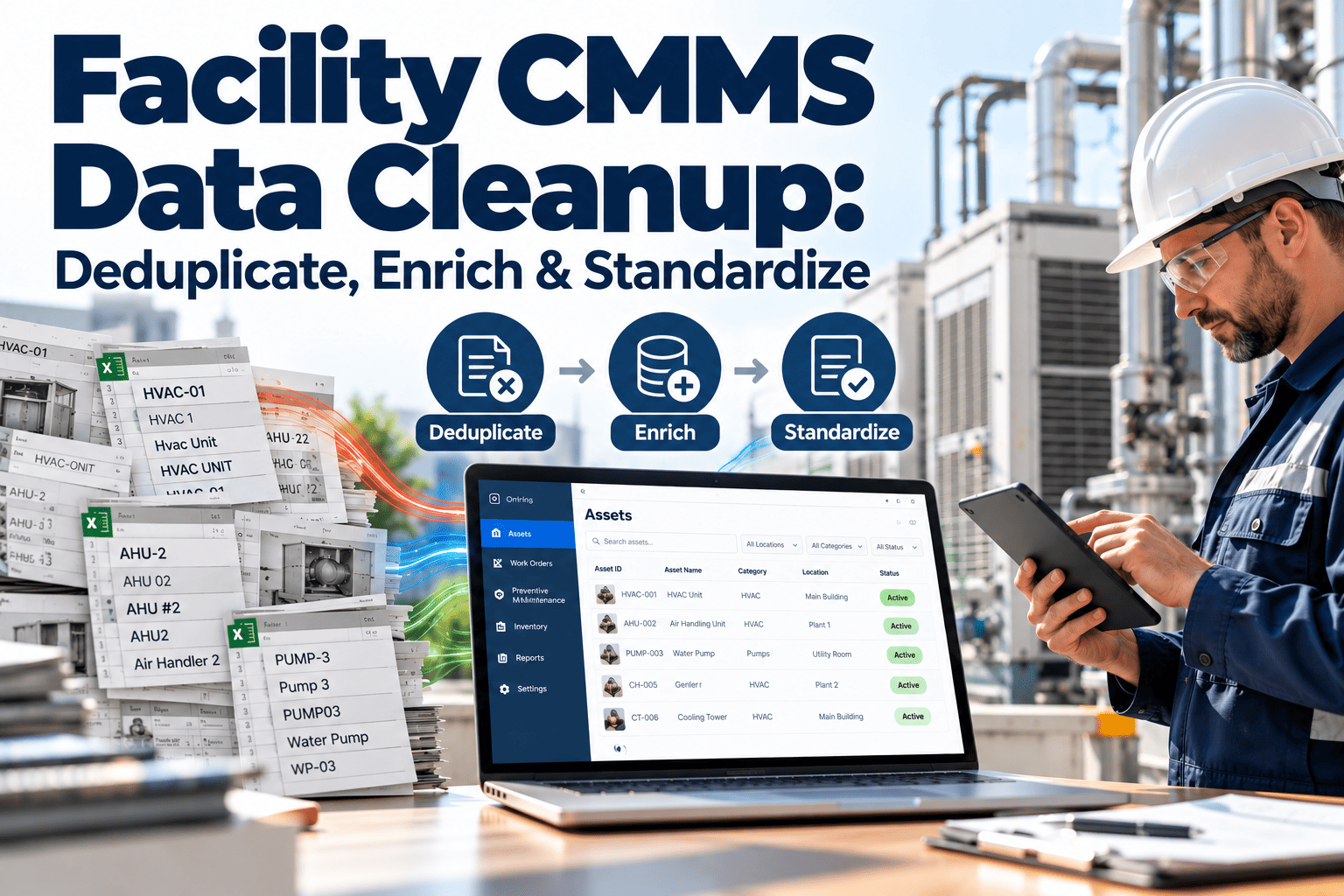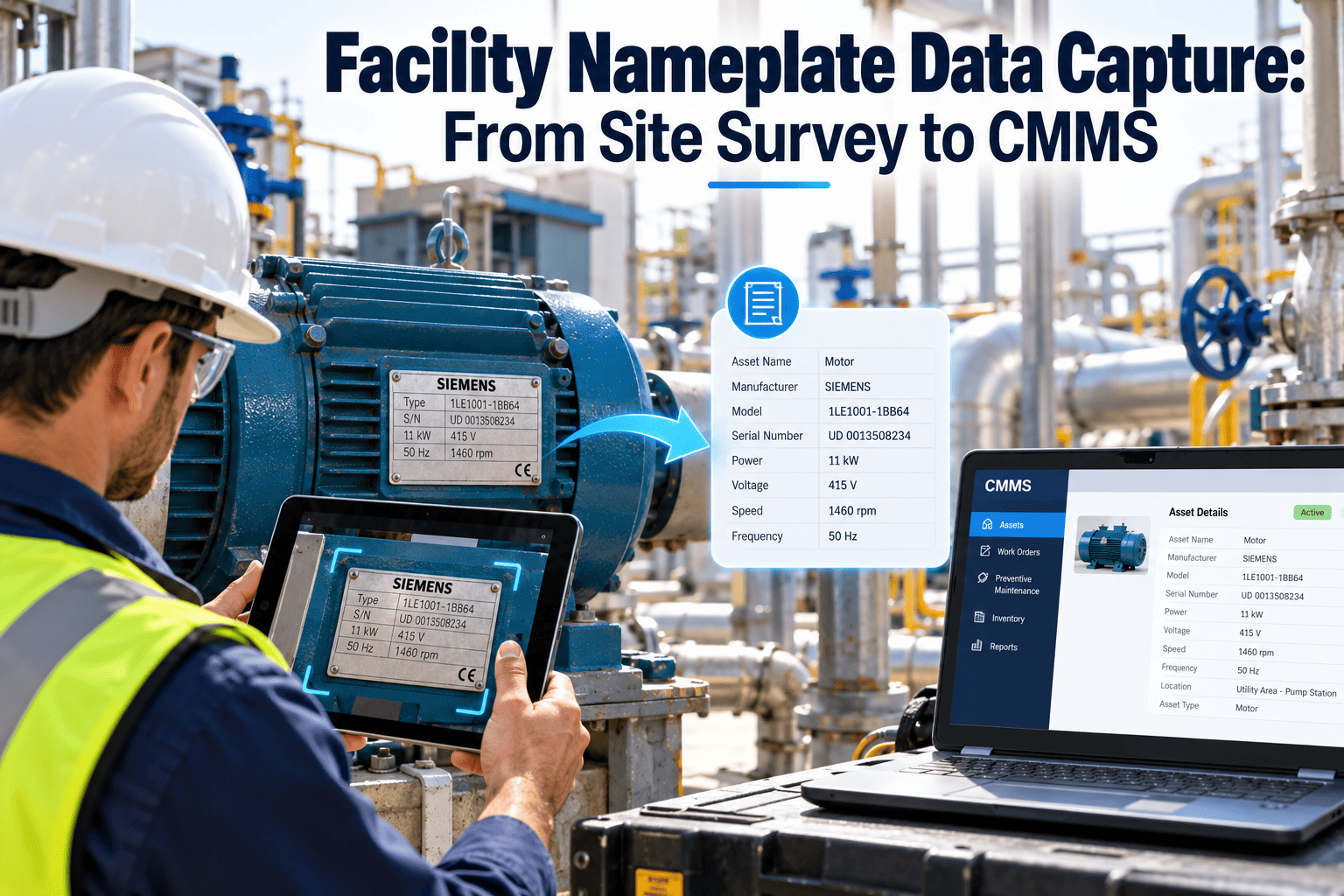
Every preventive maintenance interval, spare part order, and warranty claim starts with one small metal plate. When that plate is photographed badly, typed from memory, or skipped during a site survey, the CMMS record is wrong from day one. Facility teams then spend years correcting it one work order at a time. A disciplined nameplate capture process fixes the problem at the source, and a modern maintenance management platform makes it practical for surveys of any size.
Facility Nameplate Data Capture: From Site Survey to CMMS
Stop re-keying motor, pump, chiller, and air handler specs by hand. Capture each nameplate once, validate it on site, and load clean asset records into your CMMS with the fields your PM program actually needs.
The nameplate is the only specification that travels with the equipment
Drawings get lost, O&M manuals go missing, and original contractors change. The plate on the machine stays.
When nameplate data is wrong
- PM tasks are assigned to the wrong asset class
- Replacement motors are ordered with the wrong frame or voltage
- Warranty claims stall because the serial number cannot be verified
- Energy audits rely on guessed horsepower and efficiency values
- Technicians distrust the CMMS and go back to paper notes
When nameplate data is complete
- PM templates attach automatically by equipment type
- Spare parts and stocked motors match what is actually installed
- Warranty, age, and expected service life are traceable
- Capital planning starts from verified install data
- Technicians open the asset record and find what they need
Five stages from walking the building to a usable asset register
Most survey problems come from skipping a stage, usually validation. This is the sequence that keeps data clean.
-
1
Define the field standard
Decide which fields are mandatory per equipment class before anyone enters a mechanical room. -
2
Tag and locate
Assign a unique asset ID, attach a barcode or QR label, and record building, floor, and room. -
3
Photograph and transcribe
Take a straight-on nameplate photo, then confirm each field against the plate on the device. -
4
Validate before leaving
Required fields, unit formats, and duplicate serial checks run while the technician is still at the asset. -
5
Import and activate
Load records into the CMMS, link PM templates, and flag exceptions for follow-up visits.
Which nameplate fields to capture, and why each one earns its place
Capturing everything on every plate wastes survey time. Tier the fields by how directly they affect maintenance decisions.
| Tier | Fields | Maintenance use |
|---|---|---|
| Tier 1: identity | Manufacturer, model number, serial number, manufacture date | Warranty checks, parts lookup, age calculation |
| Tier 2: electrical | Voltage, phase, frequency, full load amps, horsepower or kW | Breaker and cable checks, motor replacement, amp-draw baselines |
| Tier 3: mechanical | RPM, frame size, service factor, enclosure, bearing designation where shown | Lubrication planning, drive alignment, like-for-like replacement |
| Tier 4: process | Refrigerant type and charge, capacity, flow, head, pressure rating | Refrigerant compliance, performance trending, safety relief checks |
| Tier 5: reference | Insulation class, efficiency, certification marks, wiring diagram code | Energy audits, code review, troubleshooting |
Motor nameplate fields, decoded for survey crews
NEMA MG-1 defines the information a motor manufacturer should place on the plate. These are the entries surveyors meet most often.
Beyond motors
Chillers, boilers, and packaged rooftop units carry different plates. Look for refrigerant type and charge, minimum circuit ampacity, and maximum overcurrent protection on HVAC equipment, and pressure and capacity ratings on vessels and pumps.
Turn your next site survey into a clean asset register
Capture plates on a phone, validate fields on site, and import verified records with photos attached.
Manual entry, photo capture, and OCR compared
No single method suits every plate. Weathered, painted, or awkwardly placed plates often need a human decision.
| Method | Strength | Weakness | Best used for |
|---|---|---|---|
| Typed on site | Fast for short plates | Transcription slips on long model and serial strings | Simple assets with few fields |
| Photo only | Permanent visual proof | Data still has to be keyed later | Inaccessible plates, later review |
| Photo plus typed fields | Proof plus structured data | Slower per asset | Critical and warranty-relevant assets |
| Photo with OCR assist | Reduces typing on long strings | Glare, rust, and curved plates cause misreads | High-volume surveys with human confirmation |
Rule for OCR output
Treat OCR as a draft, not a final value. A technician should confirm the model number, serial number, and electrical ratings before the record is accepted.
Seven reasons plates are hard to read, and the fix for each
Mechanical rooms are not photo studios. Plan for the conditions your crews will actually face.
Paint over the plate
Photograph at a low angle with a torch, and record that the plate is painted over.Glare on metal
Shift the angle, shade the plate, and take two shots from different sides.Plate faces a wall
Use a small mirror or phone on a pole, and log it as a mirrored read.Missing plate
Record the asset with an unverified flag. Look for secondary tags, then the manufacturer.Faded engraving
Take a raking-light photo and mark fields as partially legible.Energized equipment
Follow site electrical safety rules and use photos from a safe distance. Never remove guards to read a plate.Multiple plates
Capture the unit plate and each component plate as child assets of one parent.Validation rules that catch errors before they reach the register
Most bad data is not random. It follows a handful of predictable patterns that simple rules can flag.
- RequiredBlock save when manufacturer, model, or serial number is empty on any critical asset.
- FormatStandardize units such as volts, amps, and horsepower so one field never mixes kW and HP.
- DuplicateWarn when a serial number already exists, which often means the same asset was surveyed twice.
- RangeFlag a three-phase motor with a single-phase voltage, or amps far outside the typical range for its horsepower.
- DateManufacturers encode dates differently in serial numbers, so store the decoded date and the decoding note.
- PhotoRequire at least one legible plate image for equipment that carries warranty or safety obligations.
How a survey flows across a multi-building site
A repeatable rhythm keeps crews from duplicating work or missing rooms.
Preparation
Build location hierarchy, load existing equipment lists, print or prepare asset tags, and brief crews on the field standard.Room-by-room capture
Scan the tag, photograph the plate, complete required fields, and record condition and access notes.Exception review
A lead reviews flagged records, missing plates, and duplicates before the next day begins.Activation
Attach PM templates, set criticality, and schedule follow-up visits for unverified assets.What clean nameplate data lets your CMMS do
Capture is only worthwhile if the data drives work. These are the workflows it unlocks in Oxmaint.
Asset management
Searchable records with manufacturer, model, serial number, location, and plate photo in one place.Preventive maintenance
Templates assigned by equipment class, with intervals adjusted for motor size and duty.Work orders
Technicians see the specs they need on the job, so fewer trips to check the plate.Inventory
Link spares such as belts, filters, and motors to the equipment that uses them.Reporting
Age, manufacturer, and failure trends across the portfolio for capital planning.Four ways to know your nameplate data is trustworthy
Track these figures against your own baseline each quarter. Targets should come from your site, not from generic benchmarks.
Before you close out a mechanical room
Run this list at the door of each room. It takes a minute and prevents return visits.
- Every piece of equipment has a unique tag that scans correctly
- Each plate has a legible photo, or a recorded reason it does not
- Manufacturer, model, and serial number are confirmed on site
- Electrical ratings are entered in standard units
- Parent and child assets are linked, such as a pump and its motor
- Location is recorded to room level
- Safety issues or access problems are noted for the supervisor
Nameplate capture questions, answered
Which nameplate fields are most important for a CMMS?
Manufacturer, model, and serial number come first, then electrical ratings and capacity. Start with the free trial to configure field templates.Is OCR accurate enough to skip manual checks?
No. Glare, rust, and curved plates cause misreads, so confirm key fields on site before saving.What if a plate is missing or unreadable?
Create the record with an unverified flag, capture secondary identifiers, and schedule a follow-up with the manufacturer or contractor.Should I survey every asset or only critical ones?
Start with critical and warranty-bound equipment, then expand by risk. A short demo can help plan phases.How do I handle equipment replaced after the survey?
Update the existing record, keep the old plate photo in history, and recapture the new plate during the work order.Standardize how each nameplate value is recorded
Two technicians can read the same plate and enter it differently. A short format guide removes that variation before it reaches the register.
| Field | Recommended entry | Typical error |
|---|---|---|
| Voltage | Record every printed rating, for example both values on a dual-voltage motor | Entering only the voltage currently wired |
| Power | Keep the printed unit and store a converted value in a separate field | Mixing horsepower and kilowatts in one column |
| Serial number | Copy exactly as printed, with no added spaces or dashes | Confusing the letter O with zero, or I with 1 |
| Frequency and phase | Store as separate fields, such as 60 Hz and three-phase | Combining them into free text |
| Refrigerant | Use the designation printed on the plate and the stated charge with its unit | Recording the charge without a unit |
| Manufacture date | Store year and month, plus how the date was derived | Treating the install date as the manufacture date |
Dual and multi-rating plates
When a plate lists more than one rating, capture all of them and note which is in service. A wrong assumption here is a common cause of mismatched replacement orders.
Getting a trustworthy age from a nameplate
Age drives replacement planning, but plates present dates in very different ways.
- Some plates print a manufacture date directly, while many encode it inside the serial number
- Decoding rules differ by manufacturer and can change between product generations
- Store the decoded date together with the method used, so another person can check it
- Manufacture date, ship date, and install date are three different facts, and each affects warranty differently
- A replaced motor on an older machine has its own, younger date, so give it a separate child record
- When warranty is at stake, confirm the date with the manufacturer or distributor in writing
Common survey mistakes and what to do instead
These patterns appear in almost every first-time survey. Briefing crews on them is cheaper than cleaning the register later.
Habits that cause rework
- Photographing from a distance so text is unreadable
- Capturing the motor but skipping the pump or fan it drives
- Leaving optional fields blank without a reason
- Entering data back at the desk from memory
- Letting each crew invent its own naming style
Habits that hold up
- Close, level photos with the whole plate in frame
- Parent and child records linked at the time of capture
- A reason code such as painted over or not present
- Validation and confirmation at the asset
- One shared field guide and picklists for every crew
How nameplate values shape preventive maintenance decisions
Each captured field should connect to a maintenance task, a spare part, or a compliance check. If it does not, question whether it needs capturing.
Planning a survey across many buildings
Scale exposes weaknesses in the process. A few planning choices keep a big survey from stalling.
- Survey by risk first, covering life-safety, process-critical, and warranty-bound equipment before everything else
- Pilot in one building to test the field guide, tags, and photo quality before committing the full crew
- Sample-check a portion of each technician's records every week to catch drift early
- Keep a list of assets that could not be accessed, with the reason, so they are not forgotten
- Agree who may open panels or enclosures, and follow site electrical safety procedures on every visit
- Plan for hand-over, so the team that will maintain the data has seen how it was captured
Put every nameplate to work in your CMMS
Give your crews a mobile capture workflow that turns a site survey into verified, searchable asset records.