AI Automated Work Orders: Zero-Touch Fleet Maintenance
By Jack Miller on April 10, 2026
A maintenance supervisor at a cold storage distribution center in Dallas walked into a Monday morning to find that a compressor unit had been throwing fault codes since Saturday night — but no work order had been created, no technician had been dispatched, and no one knew until the night shift operator mentioned it in passing at the 6 AM handover. The fault had been sitting in the SCADA alarm log for 38 hours. Every hour that passed, refrigerant pressure was climbing toward the automatic shutdown threshold. The supervisor created a work order manually, called in an HVAC tech on overtime, and spent the rest of Monday explaining to the operations director why a weekend fault had become a Monday morning crisis. The problem was not the machine — it was the gap between the fault signal and the work order. OxMaint AI automated work orders close that gap permanently — every sensor fault, PLC alarm, and OBD fault code generates a prioritized, technician-assigned work order in OxMaint in under 30 seconds, with parts pre-checked and the asset history attached.
Sensor Fires. Work Order Creates. Technician Dispatched — Zero Human Input.
PLC alarms, OBD fault codes, IoT sensor thresholds — every fault signal becomes a prioritized, assigned work order in OxMaint in under 30 seconds
Dallas compressor fault sat unactioned — no auto work order, SCADA alarm buried in logs
<30 sec
OxMaint AI work order creation time — from sensor fault to assigned, prioritized work order in the technician's queue
78%
Reduction in fault-to-dispatch response time at US facilities using OxMaint automated work orders vs manual creation
Six Trigger Sources That Feed OxMaint Automated Work Orders
A manual work order system depends on a human noticing a problem and acting on it. An automated work order system creates the work order the instant the data signals the problem — regardless of the hour, the shift, or whether anyone is watching the screen. OxMaint connects to six trigger sources that generate work orders automatically with zero manual input required.
Every PLC fault code wired to OxMaint via API generates a work order within 30 seconds — pre-populated with asset ID, fault code description, and priority class. Response time drops from an average of 45 minutes (manual dispatch) to under 8 minutes at connected US facilities.
IoT Sensor Threshold Breach
Temperature, vibration, pressure, current, flow
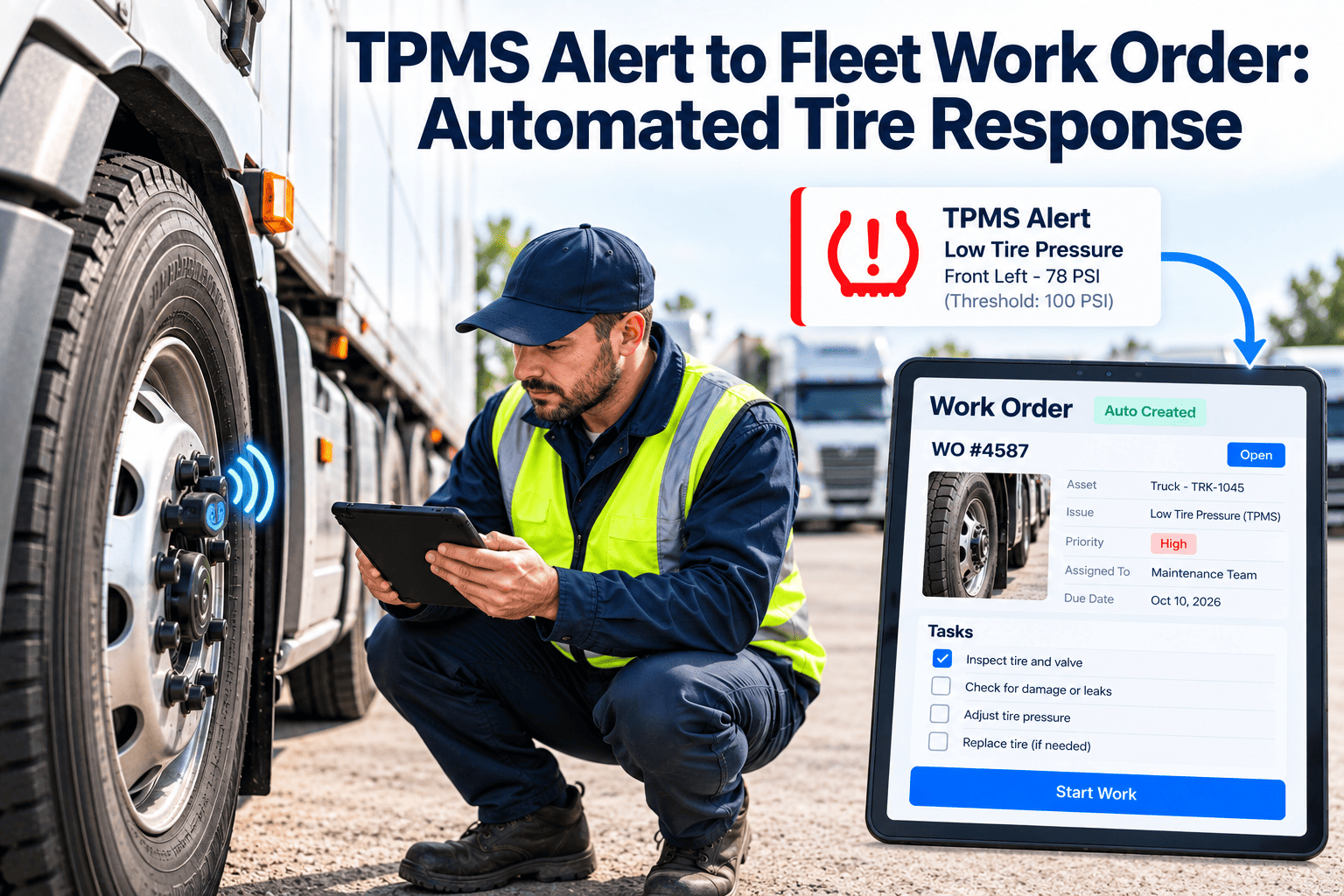
IoT sensors transmit continuous readings to OxMaint. When any parameter crosses a configured threshold — bearing temperature above 85°C, vibration above 12 mm/s, pressure below minimum — a work order is created with the sensor reading, asset record, and the 24-hour trend attached for the attending technician.
OBD Vehicle Fault Code
Fleet vehicles, forklifts, mobile equipment
OBD-II and J1939 CAN bus fault codes from fleet vehicles and mobile equipment feed OxMaint in real time. A check engine code on a delivery vehicle at 11 PM creates a work order assigned to the morning technician before the driver has finished his post-trip inspection — eliminating morning surprise breakdowns.
PM Calendar & Meter Auto-Trigger
Scheduled maintenance — calendar, mileage, hours
Preventive maintenance work orders generate automatically when calendar dates, engine hours, mileage, or cycle counts reach configured thresholds — no dispatcher action required. The work order includes the PM task list, required parts, estimated labor, and the assigned technician based on skill match and availability.
AI Camera Vision Alert
Visual defect detection — leak, damage, PPE violation
AI cameras at inspection stations, yard entry points, and high-wear areas detect visual faults — fluid leaks, worn conveyor belts, damaged load securement, missing guards — and generate OxMaint work orders with the camera image attached and fault location marked. No human in the loop until the work order hits the technician's queue.
Mobile Technician Fault Report
Point-of-work discovery — QR scan, photo, fault type
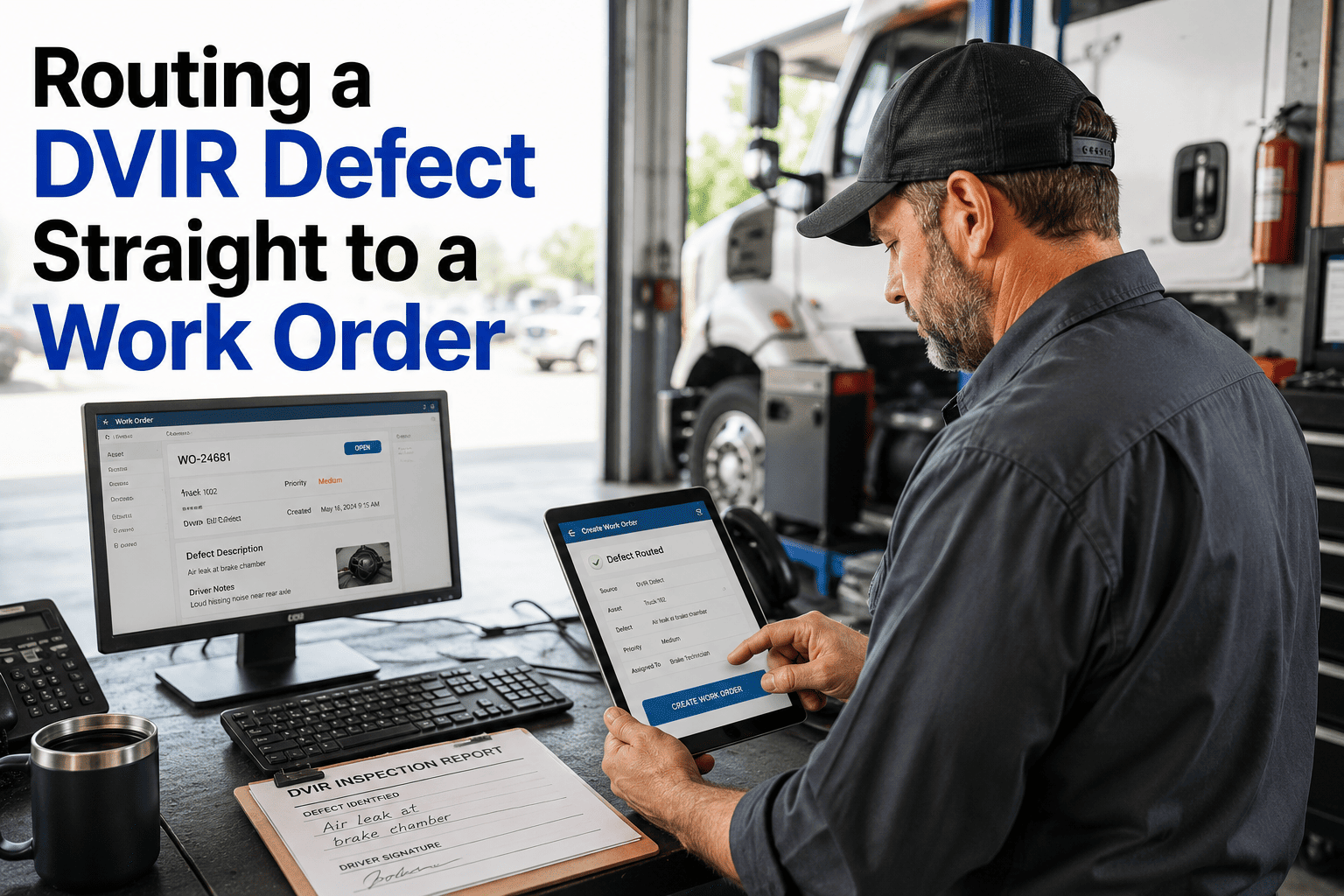
Any technician can raise a corrective work order by scanning an asset QR code, selecting fault type, and adding a photo — from the floor, in the field, or from a vehicle cab. Work order reaches the supervisor approval queue in under 30 seconds and routes automatically to the next available qualified technician.
OxMaint — AI Automated Work Orders
Every Fault Signal Becomes a Work Order. Zero Manual Steps.
Six trigger sources. Smart prioritization. Parts pre-checked. Technician assigned. All in under 30 seconds.
Manual Work Orders vs AI-Automated — The Response Time Gap
The cost of manual work order creation is not the 5 minutes it takes to type it — it is the 38 minutes between the fault occurring and a human noticing it, plus the 12 minutes to create the order, plus the 8 minutes to find and assign the right technician, plus the 15 minutes of parts checking. OxMaint AI eliminates every manual step in that chain.
Manual WO Process
Human-noticed, manually created, phone-dispatched
Fault-to-work-order creation time
38–90 min avg
Work order data completeness
62% avg — missing parts, history
Overnight / weekend fault response
Next shift — avg 8+ hours
Annual undetected fault cost — 100-asset site
$62K–$140K
Rule-Based Alerts
Threshold alerts — manual WO creation still required
Fault-to-work-order creation time
12–30 min avg
Work order data completeness
75% — still manual fields
Overnight / weekend fault response
Alert sent — action depends on on-call
Annual undetected fault cost — 100-asset site
$28K–$60K
OxMaint AI Auto-WO
Zero-touch — fault to assigned WO in <30 seconds
Fault-to-work-order creation time
<30 seconds
Work order data completeness
98%+ — AI pre-populates all fields
Overnight / weekend fault response
Instant WO + technician alert, 24/7
Annual saving vs manual process
$44K–$110K
Technology Stack Behind OxMaint AI Work Order Automation
OxMaint AI automated work orders are powered by four connected technology integrations that transform raw fault signals into fully populated, intelligently prioritized, correctly assigned maintenance actions — in under 30 seconds from signal to queue. Connect your existing systems to OxMaint and activate zero-touch work order generation from day one.
PLC & SCADA Integration
OxMaint connects to Siemens, Allen-Bradley, Schneider, and Honeywell PLCs via OPC-UA and Modbus — and to SCADA systems via API. Every alarm or fault code maps to a pre-configured work order template in OxMaint. When the PLC fires, the work order is created, prioritized, and assigned before the SCADA operator has acknowledged the alarm on screen.
AI Predictive Analytics — Pre-Failure WO
OxMaint AI analyses IoT sensor trends and identifies assets approaching failure 7–21 days in advance — automatically creating a scheduled predictive work order before the fault threshold is reached. The technician receives a predicted failure work order with supporting sensor data, asset history, and recommended parts — weeks before the breakdown that would have created an emergency reactive order.
AI Camera Vision — Auto Work Orders
AI cameras at dock doors, yard entry points, and production lines detect visual defect conditions and create OxMaint work orders with the image attached, the defect type classified, the asset location identified, and the urgency pre-scored. Visual-triggered work orders arrive on the technician's mobile with a photo of exactly what needs fixing — zero interpretation required.
AI Digital Twin — Intelligent Prioritization
OxMaint AI digital twin ranks incoming work orders by production impact, asset criticality, parts availability, and technician proximity — before any human has seen the order. Critical assets get Priority 1 assignments; non-critical faults with available parts are scheduled optimally. The right technician with the right parts arrives at the right asset in the shortest possible time.
"Before OxMaint, our night shift supervisor created work orders on a clipboard and handed them to the day shift lead at 6 AM. Critical faults waited an average of 7 hours for a work order. After OxMaint automated work orders went live, our average fault-to-dispatch time dropped to 6 minutes — including at 3 AM on a Sunday."
— Maintenance Director, Cold Storage Distribution Center · 340 assets · Texas, USA
Frequently Asked Questions
Q1Which PLC and SCADA systems does OxMaint connect to for automated work order generation?▼
OxMaint connects via OPC-UA, Modbus TCP, and REST API to Siemens TIA Portal, Allen-Bradley (Rockwell), Schneider EcoStruxure, Honeywell Experion, and most major SCADA platforms. Custom integrations are available for proprietary systems. Each fault code maps to a configurable work order template in OxMaint.
Q2Can OxMaint AI assign the work order to the right technician automatically without a dispatcher?▼
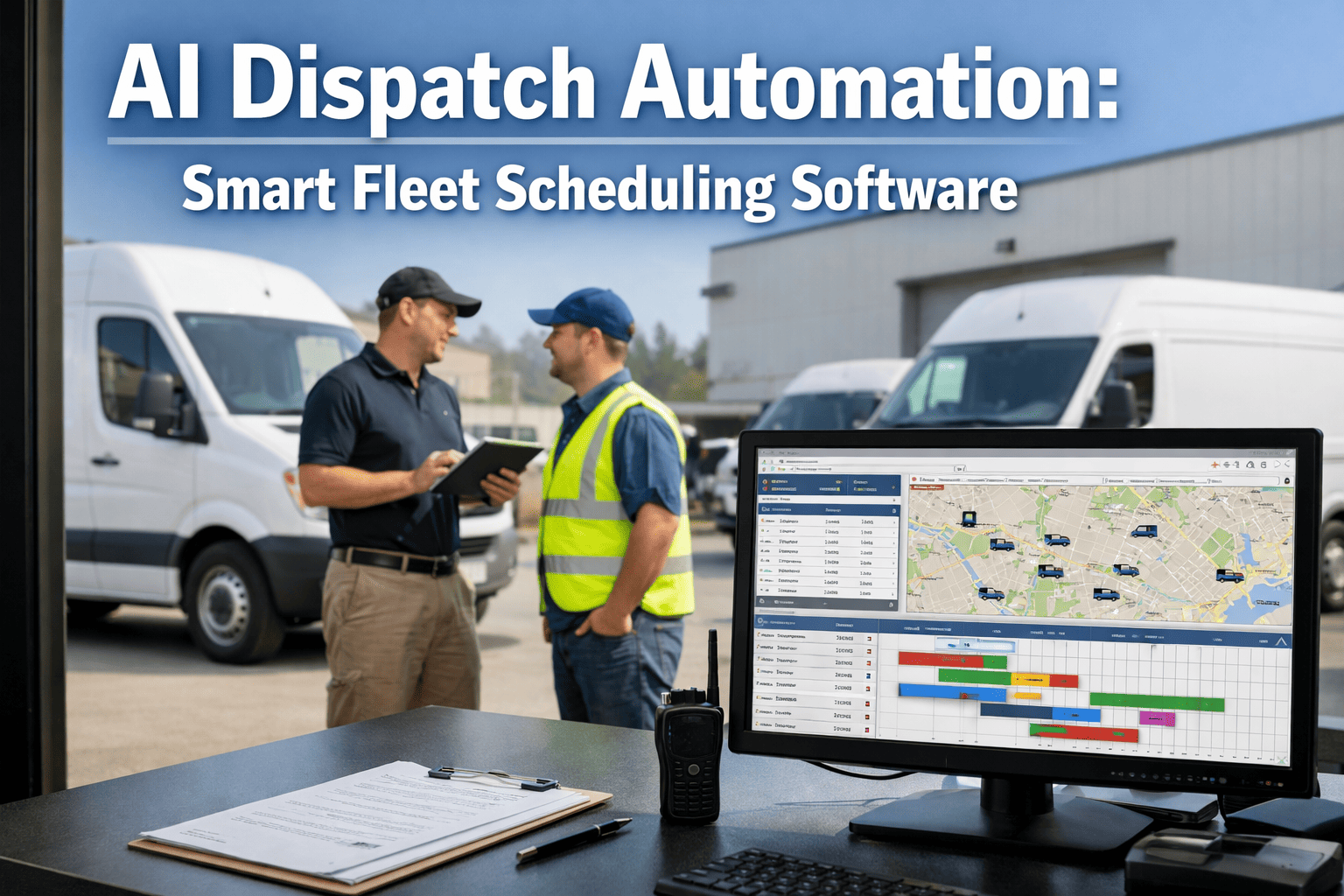
Yes — OxMaint AI matches every auto-created work order to the nearest available qualified technician based on skill, certification, current workload, and GPS location. Assignment is instant and automatic. Supervisors can review the assignment queue and override at any time — but most fleets find override rates below 4% after 30 days.
Q3Does OxMaint check parts availability before creating and assigning a work order?▼
Yes — OxMaint cross-references the fault type against the required parts list and checks current storeroom inventory before the work order is created. If parts are out of stock, the work order is flagged with a parts request and a suggested alternative vendor — the technician never arrives at a job with no parts.
Q4How does OxMaint prevent duplicate work orders from the same fault generating multiple alerts?▼
OxMaint applies a configurable deduplication window per asset — repeated alarms on the same asset within a set time window (default 15 minutes) are consolidated into a single work order with escalating priority, not separate orders. This prevents technician queues being flooded by a single chattering sensor.
Q5Can technicians raise manual work orders alongside automated ones in the same system?▼
Yes — OxMaint supports both automated work orders from sensor integrations and manual work orders raised from the technician's mobile app or supervisor dashboard. All work orders, regardless of source, flow through the same priority queue, assignment engine, and completion workflow.