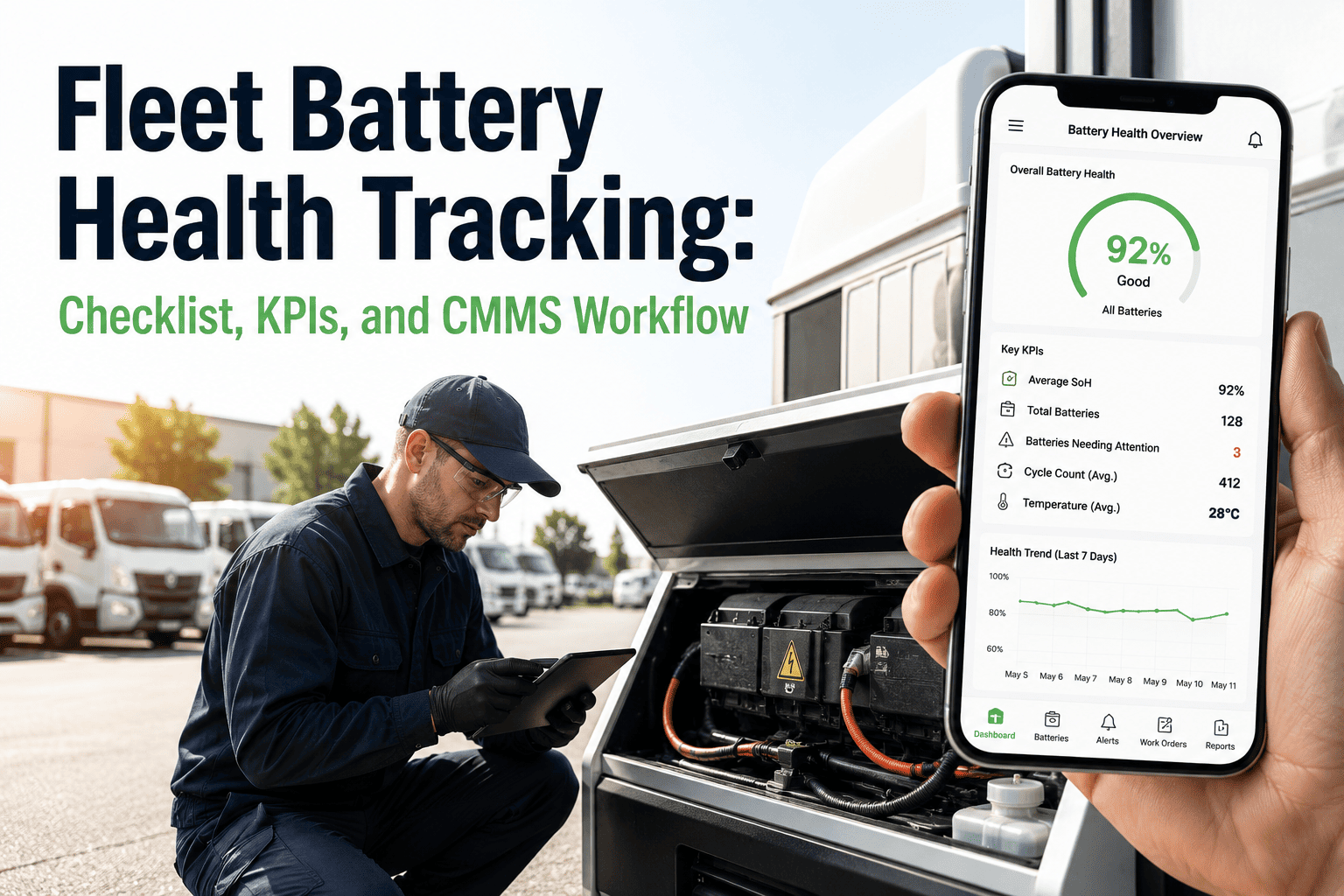
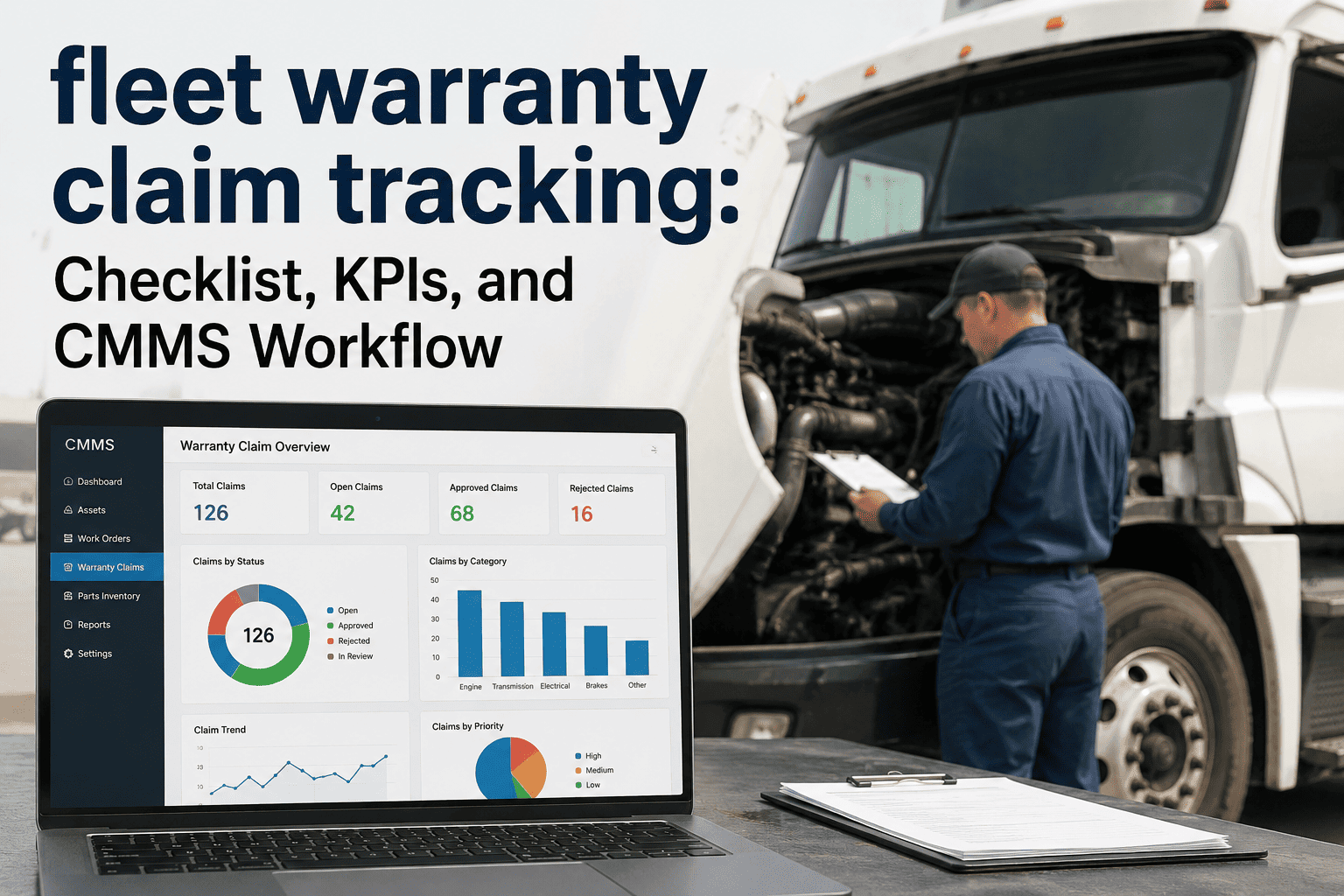
Battery failures account for nearly 30% of all unplanned fleet breakdowns, and the root cause is almost never the battery itself. It is the absence of a structured maintenance workflow that tracks every battery from installation to disposal, ensures inspections happen on schedule, and gives technicians instant access to service history the moment they stand in front of a vehicle. Most fleet teams still rely on spreadsheets, sticky notes on dashboards, or a technician's memory to manage battery health across dozens or hundreds of vehicles. The result is predictable: batteries die without warning, vehicles sit idle during peak operations, and replacement costs spiral because no one caught the early signs of sulfation, loose terminals, or parasitic drain. The solution is equally straightforward. When every fleet battery carries a QR code linked to a CMMS workflow, the entire maintenance process transforms from guesswork into a documented, repeatable, and measurable system. Sign up for OxMaint to deploy QR-based battery workflows across your fleet and eliminate unplanned battery failures for good.
Assets QR Workflow for Battery Teams
How QR code asset tagging transforms fleet battery maintenance from reactive guesswork into a structured, trackable, and automated CMMS workflow
Why Battery Teams Need a QR-Based Asset Workflow
Fleet batteries are uniquely challenging maintenance assets. Unlike engines or transmissions that show gradual performance degradation, batteries often appear perfectly functional right up until they fail completely. A delivery truck battery that starts the vehicle fine on Monday morning can be stone dead by Tuesday afternoon if a parasitic drain went undetected, if a terminal connection loosened during weekend operations, or if the charging system developed a voltage regulation fault that slowly cooked the electrolyte over two weeks. The only way to catch these failure modes before they strand a driver is through systematic, scheduled inspections that measure voltage under load, check specific gravity in flooded cells, inspect terminal connections, and document trends over time.
This is exactly where QR code asset workflows become indispensable. When a technician walks up to a vehicle, scans the battery's QR tag with a phone camera, and instantly sees the complete maintenance history, the last voltage reading, the installation date, the warranty expiration, and the next scheduled inspection, that technician is empowered to make informed decisions in seconds rather than minutes. There is no searching through binders, no guessing when the battery was last tested, and no relying on another technician's memory from a previous shift. The QR code is the entry point to a complete digital lifecycle for every battery in the fleet. Book a demo with OxMaint to see how QR-based workflows give your battery team instant access to every data point they need at the point of service.
The QR Battery Workflow: Scan to Resolution
Tag Every Battery
Generate unique QR codes in OxMaint for every fleet battery. Print weather-resistant labels and affix them to battery casings or adjacent vehicle surfaces. Each code links directly to the battery's asset record including type, CCA rating, install date, and vehicle assignment.
Scan to Inspect
Technicians scan the QR code with any smartphone. OxMaint opens the battery's profile showing full history, pending tasks, and the current inspection checklist. The technician records voltage, terminal condition, electrolyte level, and casing integrity directly in the mobile app.
Auto-Generate Work Orders
If any inspection value falls outside acceptable thresholds, OxMaint automatically creates a prioritized work order. Low voltage triggers a charging system check. Corroded terminals generate a cleaning task. Swollen casings flag an immediate replacement order with the correct part number pre-filled.
Execute & Document
The assigned technician receives a mobile notification, opens the work order with full context, performs the repair or replacement, captures photos of completed work, and closes the ticket. OxMaint logs everything against the battery's asset record automatically.
Track Lifecycle & Warranty
Every scan, inspection, and service event builds the battery's complete lifecycle history. OxMaint tracks warranty expiration dates, flags batteries approaching end-of-life based on age and performance trends, and alerts procurement teams before replacements are needed.
Analyze & Optimize
Dashboard analytics reveal which battery brands last longest in your fleet, which vehicles drain batteries faster than average, seasonal failure patterns, and total cost of ownership per battery type. Data drives smarter purchasing and maintenance scheduling decisions.
What a Battery Inspection Checklist Looks Like in OxMaint
The power of a QR workflow is that it standardizes what every technician checks, every single time, regardless of experience level. When a technician scans a battery QR code in OxMaint, the inspection form that appears is not a generic template. It is configured specifically for the battery type assigned to that vehicle, whether it is a standard flooded lead-acid battery in a light-duty truck, an AGM battery in a vehicle with heavy auxiliary power demands, or a lithium-ion pack in an electric fleet vehicle. Each checklist captures the measurements that matter most for that specific battery chemistry and application.
For a typical flooded lead-acid fleet battery, the checklist includes open-circuit voltage measurement, voltage under load at the vehicle's cranking amperage rating, visual inspection of terminal connections for corrosion or looseness, electrolyte level check in each cell, specific gravity reading with a hydrometer, battery case inspection for cracks or swelling, hold-down bracket tightness verification, and cable condition assessment from battery to starter and ground. Every field captures a numerical value or a pass-fail status, and every result is stored against that specific battery's asset record. Over weeks and months, these data points build a performance trend that reveals degradation patterns long before the battery reaches the failure threshold. Sign up for OxMaint to access pre-built battery inspection templates that your team can customize and deploy in minutes.
Deploy QR Battery Workflows Across Your Fleet Today
OxMaint gives your battery team QR-tagged asset tracking, mobile inspection checklists, automated work orders, and lifecycle analytics in one platform. Stop losing vehicles to preventable battery failures.
Battery Types and Their Unique Maintenance Demands
Not all fleet batteries are created equal, and a QR workflow must account for the specific maintenance requirements of each battery chemistry operating in the fleet. A CMMS that understands battery types can serve the correct inspection checklist automatically when a technician scans the QR code, eliminating the possibility of applying the wrong procedure to the wrong battery. This distinction becomes increasingly important as fleets diversify their powertrains and auxiliary power systems across conventional, hybrid, and fully electric vehicles.
Fleet Battery Types: Inspection & Maintenance Comparison
Why Spreadsheets Fail Battery Teams
Most fleet operations begin tracking battery maintenance in spreadsheets because the initial setup is easy: a few columns for vehicle number, battery brand, install date, and last service date. The problem is that spreadsheets work fine when you have ten vehicles and one technician. They collapse entirely when you scale to fifty vehicles, multiple shifts, seasonal variations in battery demand, warranty tracking obligations, and the need to correlate battery failures with charging system health data across the fleet.
Spreadsheets cannot send a technician a push notification when a battery inspection is overdue. They cannot auto-populate a work order with the correct replacement part number when a load test fails. They cannot show a procurement manager which batteries are approaching warranty expiration next month. They cannot generate a report showing that Brand A batteries in cold-climate routes last 18 months less than Brand B batteries in the same conditions. Every one of these capabilities is built into a CMMS workflow that begins with a simple QR code scan. The transition from spreadsheets to a structured QR workflow in OxMaint typically takes less than a week, and fleet teams report measurable improvements in battery uptime within the first month. Book a demo with OxMaint to see how quickly your battery team can move beyond spreadsheets.
Battery Preventive Maintenance Schedule
Pre-Trip Battery Check
Visual scan for loose cables, dashboard warning lights, slow cranking behavior. Drivers scan the vehicle QR code and complete a 30-second battery status check as part of their pre-trip inspection form in OxMaint.
Terminal & Connection Audit
Inspect battery terminals for corrosion buildup, verify cable tightness, check hold-down bracket security. Technician scans the battery QR code and logs results with photos directly in the mobile CMMS app.
Voltage & Load Testing
Measure open-circuit voltage after overnight rest, perform a load test at rated CCA, record results in OxMaint. The CMMS compares readings against historical baseline to detect degradation trends automatically.
Full Diagnostic Assessment
Complete electrolyte check on flooded batteries, specific gravity testing, charging system output verification, parasitic drain testing with the vehicle off. Results feed into OxMaint's predictive replacement forecasting.
Fleet-Wide Battery Audit
Review all battery asset records in OxMaint dashboard. Identify batteries approaching end-of-life, verify warranty status, evaluate brand performance across climate zones, and generate bulk replacement purchase orders.
Vendor & Cost Analysis
Analyze total cost of ownership by battery brand, vehicle type, and route profile. Use OxMaint reports to negotiate better vendor pricing, adjust PM intervals based on real performance data, and set the next year's battery budget.
Real-World Impact: What Changes When You Scan First
The shift from manual tracking to a QR-based CMMS workflow creates measurable improvements that compound over time. In the first week, technicians spend less time searching for battery records and more time performing actual maintenance. By the end of the first month, the fleet manager can see which vehicles have overdue battery inspections, which batteries are trending toward failure, and which technicians are completing their checklists consistently. Within three months, procurement patterns shift from emergency purchases to planned bulk orders based on predictive replacement forecasts generated from the inspection data accumulating in the CMMS.
Fleet operations that implement QR-based battery workflows through a CMMS consistently report 35% reductions in battery-related roadside breakdowns, 25-40% decreases in emergency battery procurement costs, complete elimination of warranty claim losses due to missing service documentation, and dramatic improvements in technician efficiency because every scan instantly surfaces the information needed to diagnose and resolve issues. These are not theoretical projections. They are the documented outcomes of replacing guesswork with a structured, scannable, and automated maintenance system. Sign up for OxMaint to start building these results for your own fleet battery operations.
Give Every Battery a Digital Identity
With OxMaint, every fleet battery gets a QR code, a complete maintenance history, automated inspection schedules, and intelligent replacement forecasting. Join over 1,000 facilities already using OxMaint to eliminate preventable failures.
Frequently Asked Questions
What is a QR asset workflow for battery teams
A QR asset workflow is a structured maintenance process where every fleet battery is tagged with a unique QR code linked to its digital asset record in a CMMS. When a technician scans the code with a smartphone, they instantly access the battery's full history, inspection checklists, pending tasks, warranty information, and performance data. The workflow automates the entire cycle from scheduled inspection to work order generation to resolution documentation, eliminating manual tracking and ensuring every battery receives consistent, documented maintenance throughout its lifecycle.
How do QR codes improve fleet battery maintenance
QR codes eliminate the time technicians spend searching for records, guessing when the last inspection occurred, or trying to identify the correct replacement part. A single scan surfaces everything needed at the point of service. More importantly, QR workflows ensure standardized inspections happen on schedule because the CMMS tracks compliance automatically. When combined with automated work order generation for out-of-range readings, QR workflows catch battery problems weeks before they cause breakdowns, reducing unplanned downtime by up to 35%.
What information is stored in a battery QR code asset record
Each battery's QR-linked asset record in OxMaint contains the battery manufacturer and model, CCA rating, chemistry type, installation date, assigned vehicle, warranty expiration date, purchase cost, every inspection result with timestamps and technician names, all work orders performed on the battery, voltage trend history, photos from inspections and repairs, and the complete chain of custody if the battery has been moved between vehicles. This data builds automatically as technicians interact with the battery through the QR workflow.
Can OxMaint handle different battery types in the same fleet
Yes. OxMaint allows you to configure different inspection checklists and maintenance schedules for each battery chemistry in your fleet. When a technician scans a flooded lead-acid battery, they receive the checklist for that specific type including electrolyte and specific gravity checks. When they scan an AGM or lithium-ion battery, the checklist adapts automatically with the appropriate parameters. This ensures every battery type receives the correct maintenance procedure without technicians needing to remember which protocol applies to which battery.
How long does it take to implement QR battery workflows
Most fleet teams can go from zero to fully operational QR battery workflows in under one week. The process involves creating battery asset records in OxMaint, generating and printing QR labels, affixing them to batteries or vehicles, and configuring the inspection checklists. OxMaint provides pre-built battery maintenance templates that can be customized to your fleet's specific requirements. Technicians typically become proficient with the scan-inspect-report workflow within their first shift of using the system.
What happens when a QR scan reveals a battery problem
When an inspection value falls outside the acceptable range, OxMaint automatically generates a prioritized work order linked to that specific battery and vehicle. The work order includes the fault description, severity level, recommended corrective action, the correct replacement part number if applicable, and the full inspection history for diagnostic context. The assigned technician receives a mobile notification and can begin the repair with complete information. Once resolved, closing the work order updates the battery's asset record and compliance documentation automatically.
How does OxMaint track battery warranty and replacement forecasting
OxMaint tracks warranty expiration dates for every battery asset and sends automated alerts as batteries approach the end of their warranty period. More importantly, the system analyzes inspection data trends to predict when batteries will need replacement based on actual performance degradation rather than just age. By comparing voltage trends, load test results, and failure patterns across the fleet, OxMaint helps procurement teams plan bulk purchases ahead of need, negotiate better vendor pricing, and avoid both emergency shortages and excess inventory.