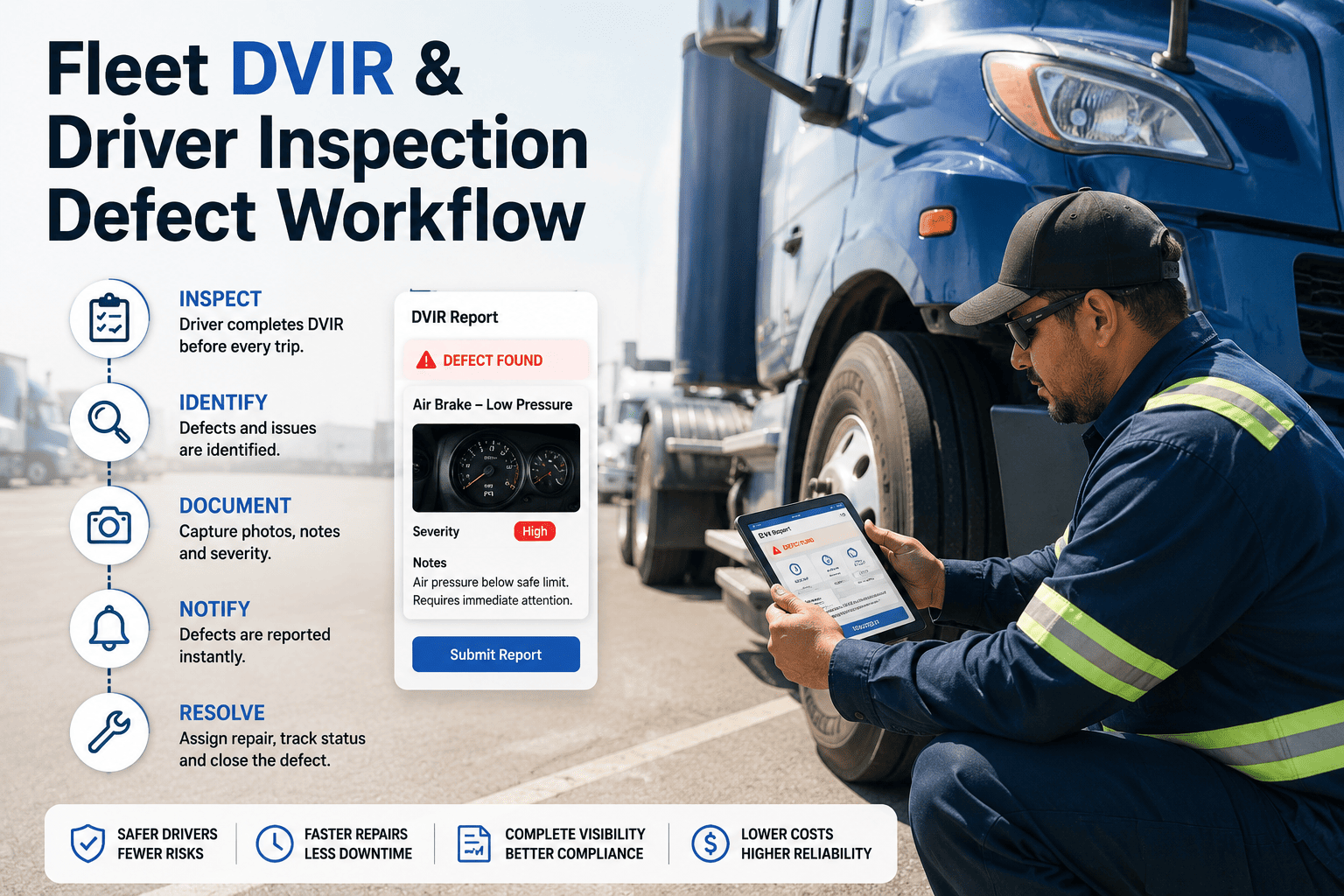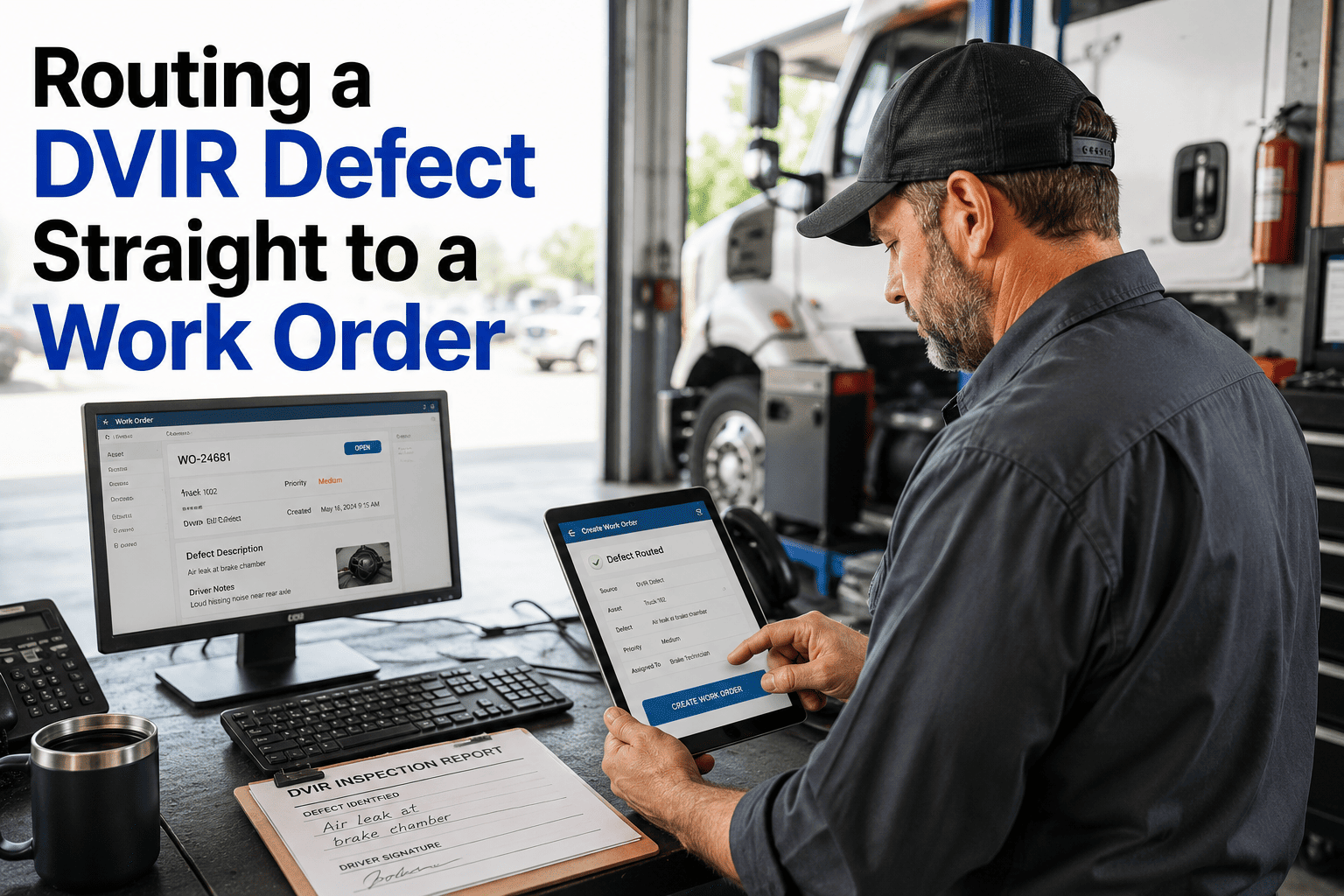
A driver notes a leaking air line on the DVIR, signs it, and drops it in a tray. By the time someone reads it, the truck is already back on the road. Paper and spreadsheet inspection reports fail at the handoff, not at the inspection. This guide walks through the full DVIR defect to work order workflow, from the driver's report to a certified repair and a clean audit record, and shows how a fleet maintenance CMMS automates each step.
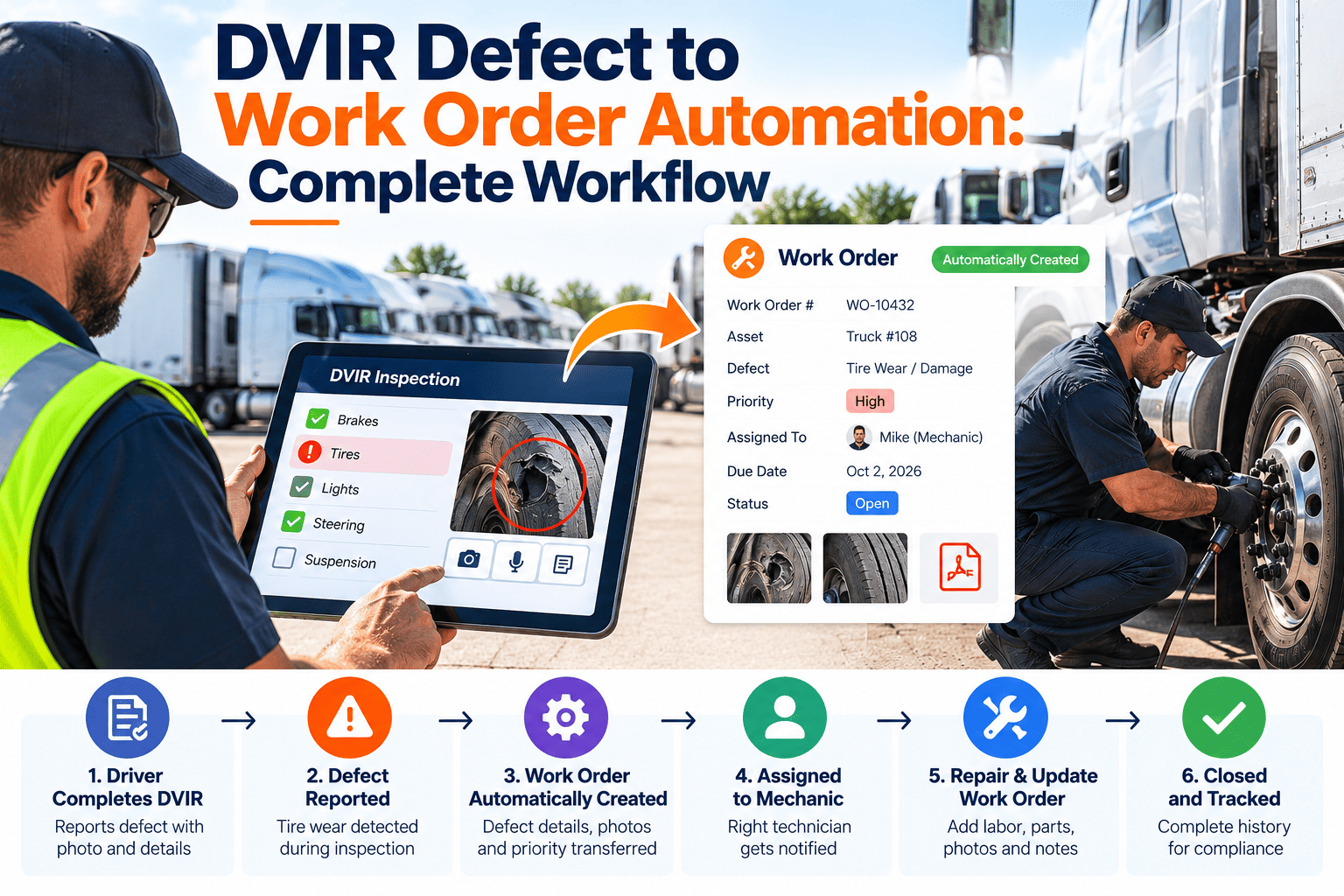
DVIR Defect to Work Order Automation: Complete Workflow
Every reported defect should reach the shop, get a priority, and close with a record. Oxmaint connects driver inspections to work orders, parts and repair sign-off.
Where the DVIR Process Breaks Down
Most DVIR failures are process failures. The driver did the inspection, but the information never turned into a repair.
What the Regulation Expects
In the United States, 49 CFR 396.11 and 396.13 cover driver vehicle inspection reports for commercial motor vehicles. Requirements differ by country, vehicle class and operation, so confirm the current rules that apply to your fleet.
- Drivers report defects that could affect safe operation or lead to breakdown.
- The carrier must have defects repaired, or certify that repair is unnecessary, before the vehicle is driven again when the defect affects safe operation.
- The next driver must review the previous report and the certification.
- Reports and certifications must be retained for the period the rule requires, currently three months in the US.
- Pre-trip and post-trip inspection items should match the vehicle type.
The Complete Defect-to-Work-Order Workflow
Stop Chasing Paper DVIRs
Move inspections to mobile and let every defect become an assigned, tracked and certified repair.
Defect Triage Rules That Keep the Shop Focused
Automation works only if severity is clear. Define the rules once, review them with your safety lead, and let the system apply them consistently.
| Defect type | Typical examples | Suggested action | Vehicle status |
|---|---|---|---|
| Safety-critical | Brake defects, steering play, tire damage, coupling faults, air leaks | Immediate work order, supervisor alert | Hold from dispatch until certified |
| Compliance-related | Lights, reflectors, mirrors, horn, wipers, emergency equipment | Priority work order with due time | Depends on rule and severity |
| Reliability risk | Fluid seeps, belt noise, warning lights, minor leaks | Work order scheduled at next service window | Monitor and re-inspect |
| Cosmetic or comfort | Seat wear, interior trim, minor body damage | Low priority or batch | In service |
Your safety manager should set the final out-of-service rules. The system applies them, but it does not replace regulatory judgment.
Paper DVIR vs Automated DVIR Workflow
- Handwritten, hard to read
- Reviewed hours or days later
- Defects retyped into a work order
- Repairs and certifications not linked
- Audit prep means digging through files
- Structured checklist with photos
- Defect appears in the shop queue at once
- Work order created from the report
- Repair, parts and certification on one record
- Reports retrievable by vehicle, date or driver
Rules That Make Automation Reliable
- Duplicate detection: Merge repeat reports of the same defect on one vehicle into the open work order.
- Meter capture: Record odometer or engine hours with each report so repairs line up with usage.
- Required photos: Ask for a photo on safety-critical items to speed shop diagnosis.
- Escalation timers: Alert a supervisor when a high-priority defect has no assignee after a set time.
- Parts linkage: Connect common defects to standard parts and labor so work orders are pre-filled.
- Closed-loop review: Show the next driver the open or closed status before they depart.
Records an Auditor Will Ask For
- Driver identity, date, time and vehicle number for each inspection
- Defects reported with notes and photos
- Work order showing repair actions, parts and labor
- Certification of repair or statement that repair was unnecessary
- Next driver review where required
- Retention period applied and retrieval by date range
- Repeat defect history for the asset
Measures to Track
How Oxmaint Supports the Workflow
Oxmaint treats the DVIR as the start of a maintenance record, not a separate form.
- Mobile inspections: Build vehicle-type checklists with defect fields and photo capture.
- Work orders: Create, assign and track repair work from reported defects.
- Asset history: Keep every inspection, defect and repair against the vehicle.
- Preventive maintenance: Pull recurring defects into the service schedule.
- Inventory: Track parts used on defect repairs and reorder common items.
- Reporting: Review defect trends, close times and compliance records.
Frequently Asked Questions
Close the Loop from Driver Report to Certified Repair
Give your drivers, dispatchers and technicians one workflow for defects, work orders and compliance records.