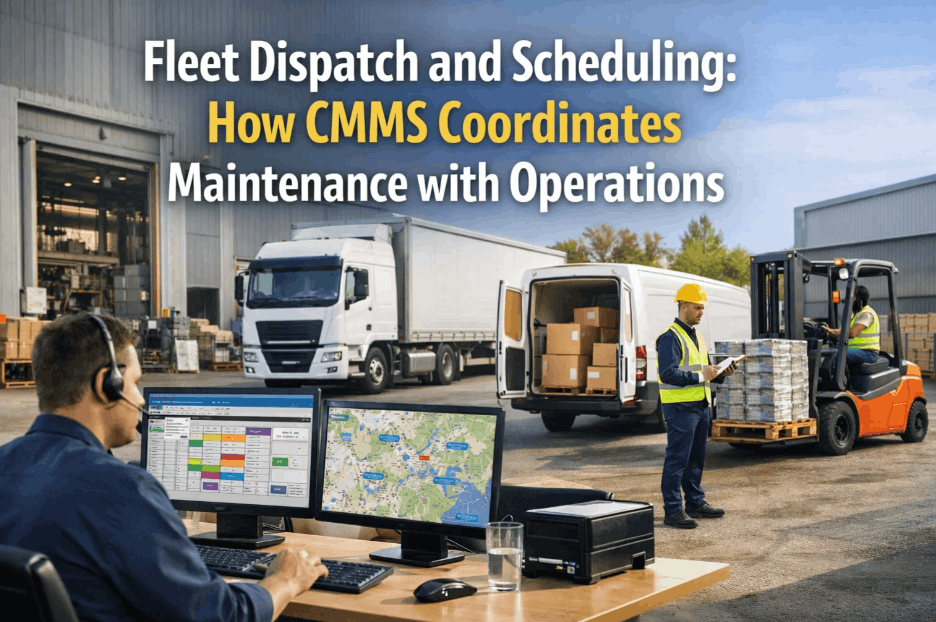
Fleet Operations Automation: AI Workflows That Save Hours
By Alex Jordan on April 2, 2026
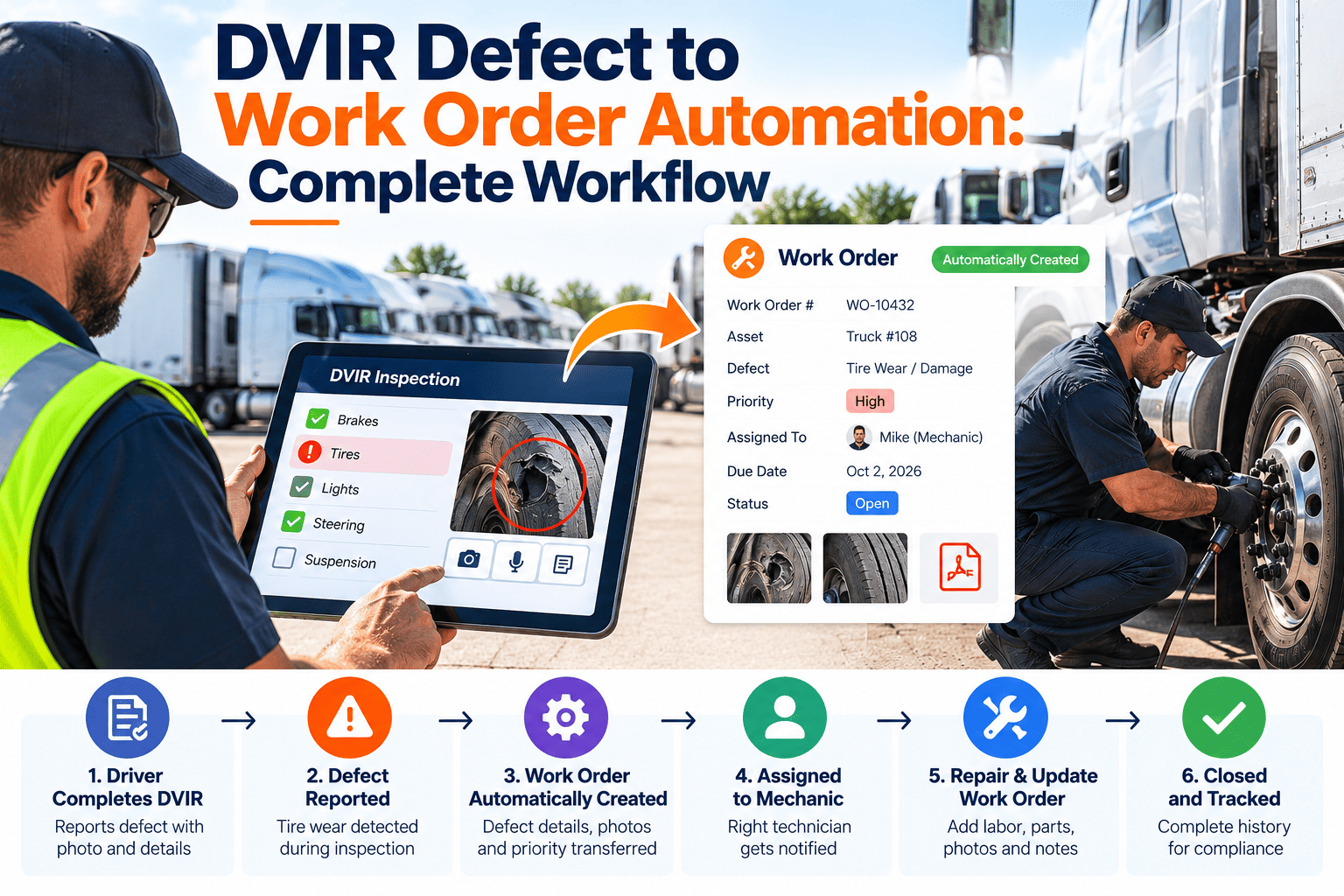
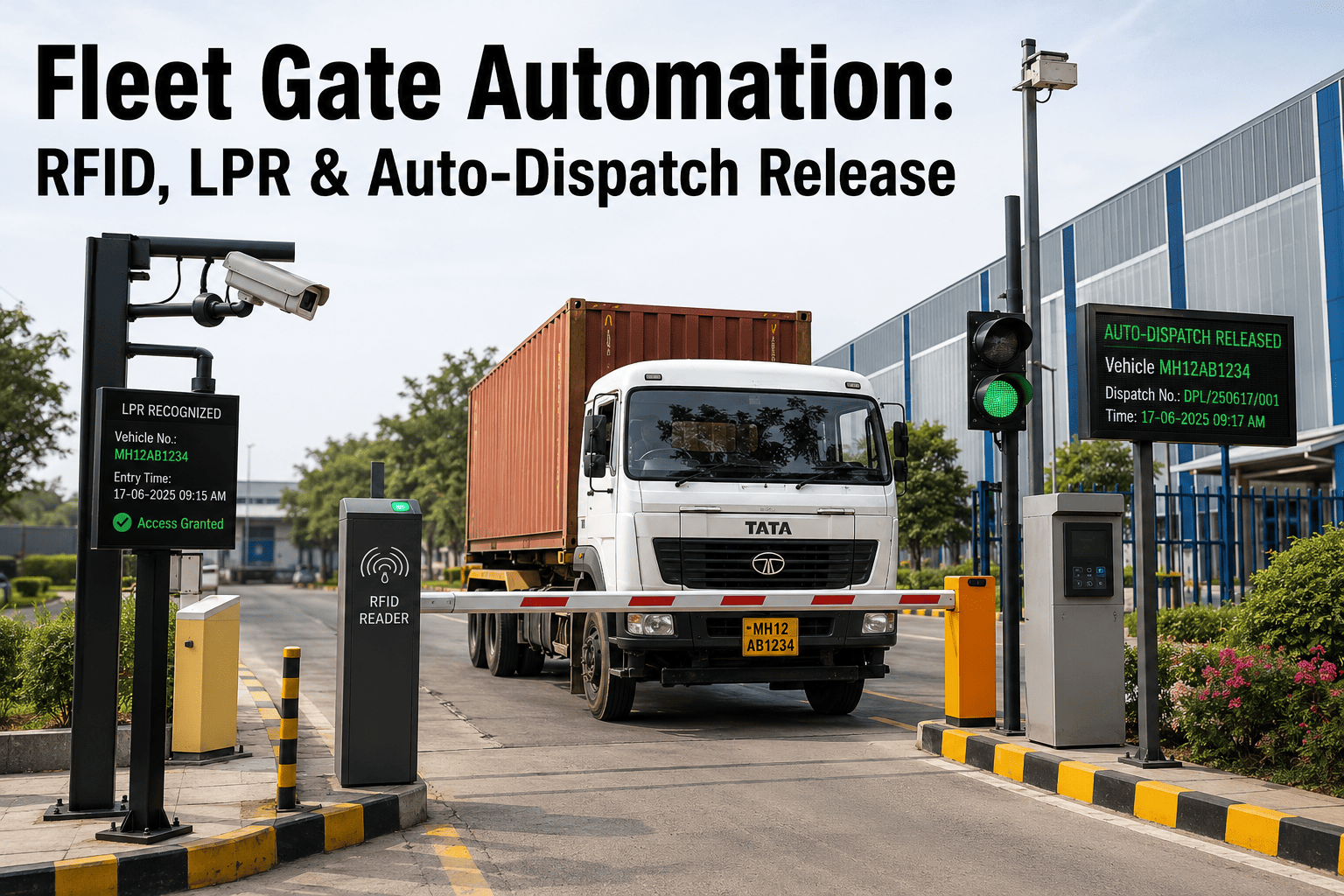
Fleet operations automation in 2026 is no longer about replacing one paper process with a digital form. It is about eliminating the entire category of manual coordination — the phone calls between dispatch and shop, the email chains to get a work order approved, the spreadsheet that tracks which technician is assigned to which truck, the manual purchase order raised every time a part runs out. AI workflow automation handles all of it: generating work orders from sensor alerts, routing them to the right technician based on skill and availability, triggering parts orders before stock runs out, and producing compliance documentation the moment a service is completed. This guide covers the specific workflows AI automation replaces in daily fleet operations, how Oxmaint's AI workflow engine integrates with SAP, OBD-II, and PLC systems to deliver end-to-end automation, and what the measurable output looks like for fleet managers who have already made the transition.
FLEET OPERATIONS AUTOMATION · ARTICLE · 2026
Fleet Operations Automation: AI Workflows That Eliminate Manual Coordination
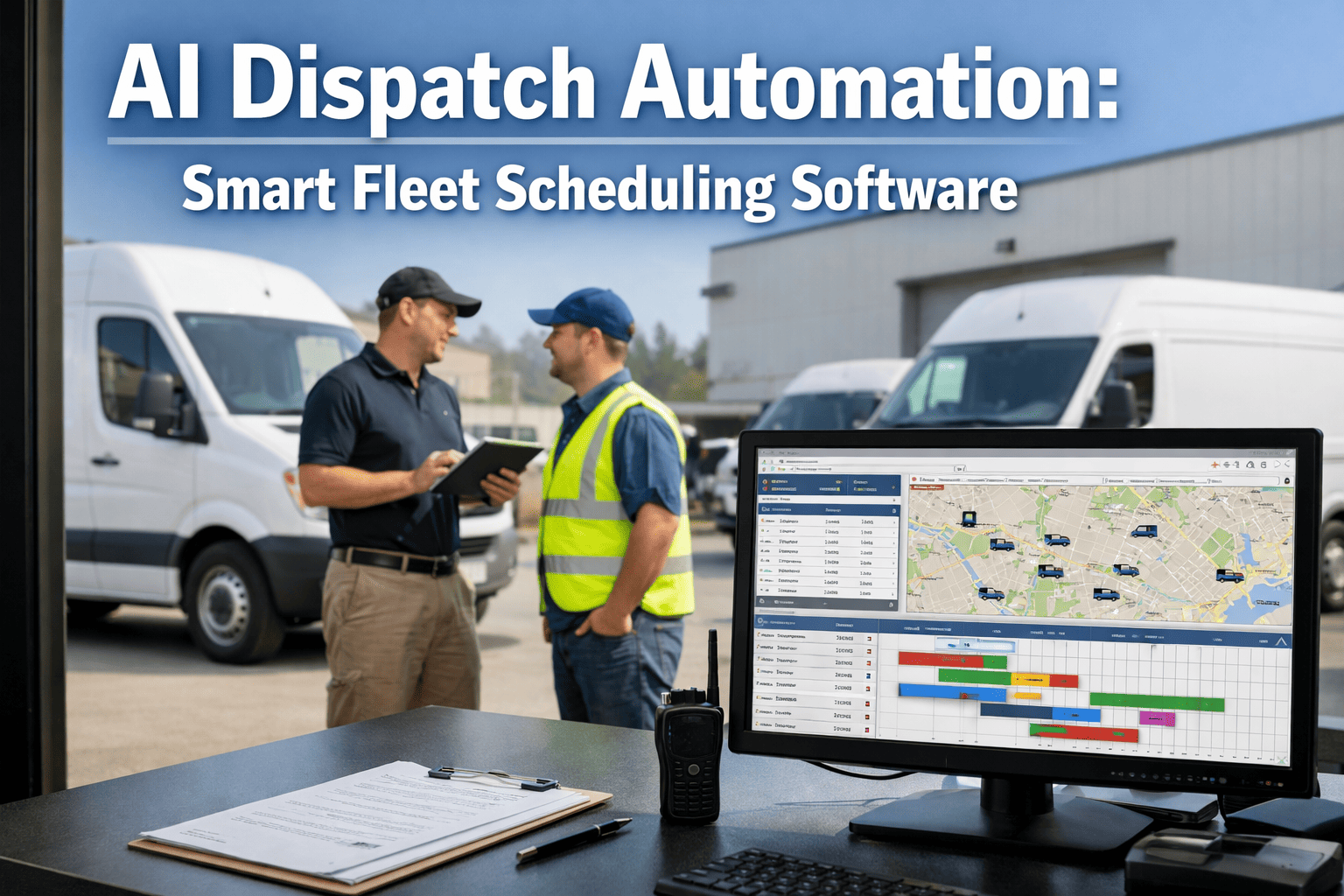
Oxmaint AI handles work order generation, technician routing, parts ordering, compliance documentation, and dispatch scheduling automatically — so your fleet managers spend time on decisions, not administration.
What AI Automation Does vs What It Doesn't — Plain Language
The most common objection to fleet automation is the fear that it removes human judgement from critical decisions. It does not. AI workflow automation removes the administrative overhead that consumes human time before and after those decisions — so the decisions themselves get better attention. Oxmaint is built on this principle: automate the repeatable, amplify the judgement-based.
What AI Automation Does
Creates, assigns, tracks, and closes work orders with full history
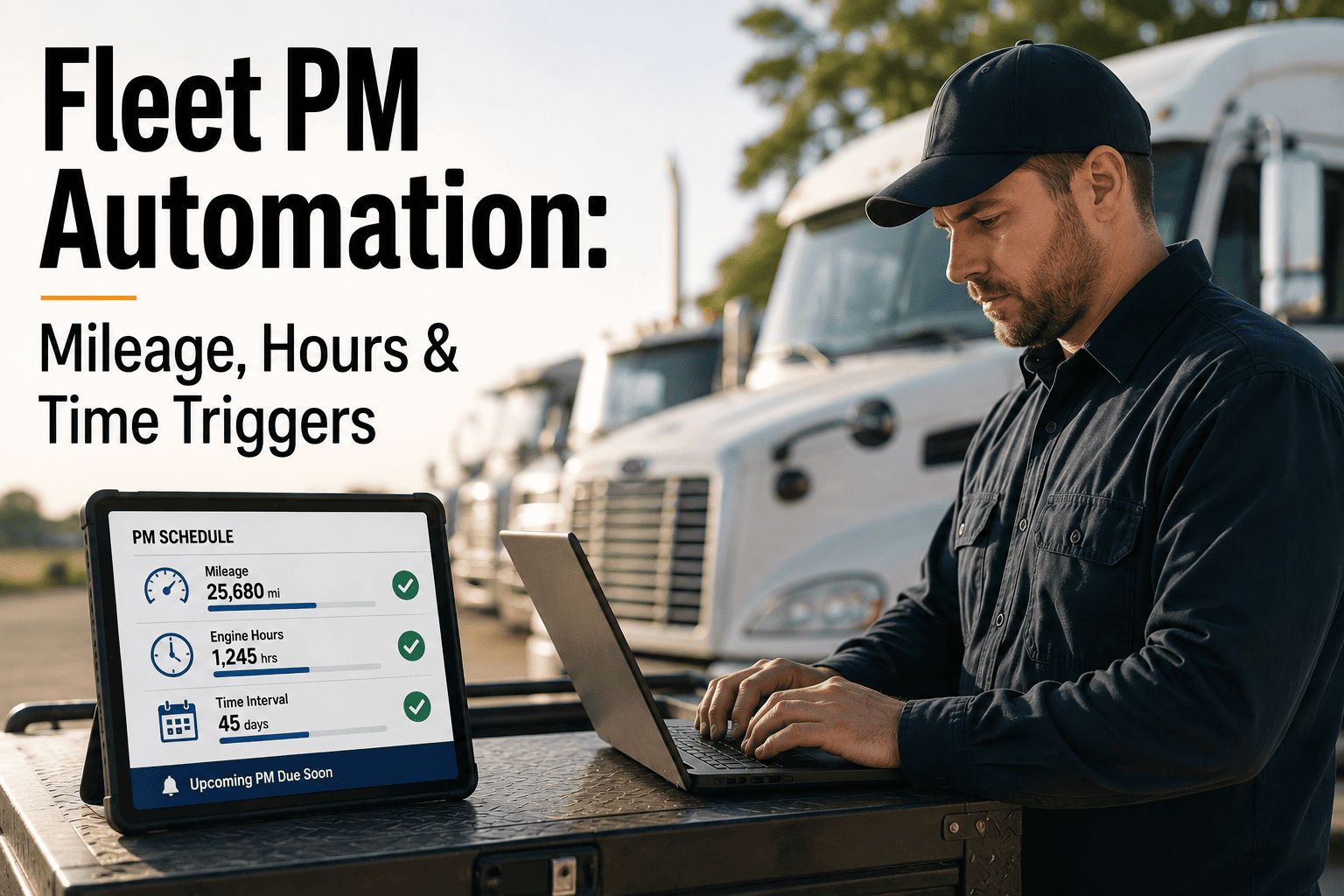
Schedules preventive maintenance by mileage, runtime hours, or calendar
Maintains complete asset records — specs, manuals, history, cost data
Manages spare parts inventory with reorder automation and BOM linking
Generates compliance documentation and audit trails automatically
Data flows in → AI processes → Actions trigger automatically
AI Camera Vision
AI Digital Twin
OBD-II / ECM
PLC / SCADA
SAP / ERP
IoT Sensors
Oxmaint AI Engine
Work Orders Generated
Technician Dispatched
Parts Ordered
Compliance Logged
KPIs Updated
"Before Oxmaint, my fleet manager spent Monday mornings for three hours generating the weekly report. Now it's on his screen when he arrives. That time goes into depot walks and driver conversations — which is where it should have been all along."
— General Manager, Transport & Logistics, Sydney Australia · 2025
Live Cost Analytics KPI Dashboard — 50-Vehicle Fleet
The output of fleet operations automation is visible in your KPI dashboard from day one. Oxmaint's live analytics dashboard gives every stakeholder — fleet manager, CFO, depot manager — a real-time view of operational performance without a single manual report being produced.
LIVE COST ANALYTICS KPI DASHBOARD — 50-VEHICLE FLEET
How long does it take to see automation benefits after deploying Oxmaint?
Most fleet managers report measurable time savings within the first two weeks as work order generation and PM scheduling become fully automated. Full workflow automation — including parts ordering and KPI reporting — is typically operational within 30 days.
Does Oxmaint automation work without OBD-II telematics?
Yes. Manual odometer input and driver DVIRs can trigger PM scheduling without telematics. Adding OBD-II or IoT sensors extends automation to condition-based triggers — improving accuracy but not required to start.
How does Oxmaint integrate with our SAP system for parts procurement?
Oxmaint's pre-built SAP PM connector creates purchase requisitions automatically when parts fall below reorder point — syncing to SAP for approval workflow without any manual data entry from your team.
What happens if a technician is not available when a work order is generated?
The work order is queued and escalated based on your configured SLA rules. Urgent items trigger immediate manager notification. Non-urgent items are auto-scheduled for the next available technician with the required skill set.
Can automation handle multi-depot fleets with different maintenance requirements?
Yes. Oxmaint supports multi-depot configurations with depot-specific PM schedules, technician pools, parts inventories, and compliance rules — all managed from a single dashboard with configurable depot-level permissions.
How many hours per week does fleet automation typically recover?
Across deployed Oxmaint fleets, fleet managers report recovering 8–14 hours per week from eliminated manual coordination tasks — work order creation, report generation, parts tracking, and compliance documentation combined.
Automate Your Fleet Operations — Starting Today
Join 10,000+ fleet operators using Oxmaint to eliminate manual coordination — free trial, no credit card required.