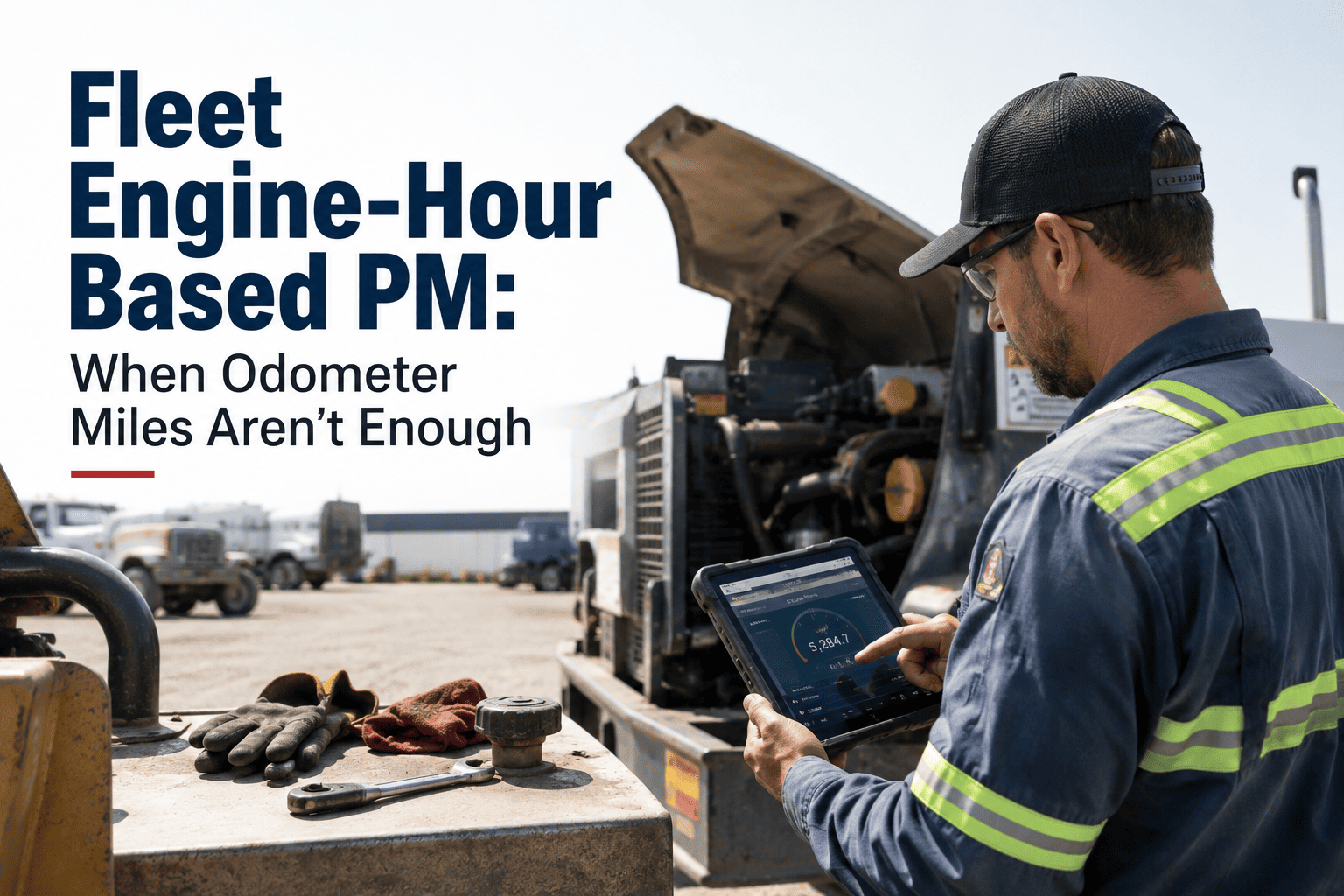
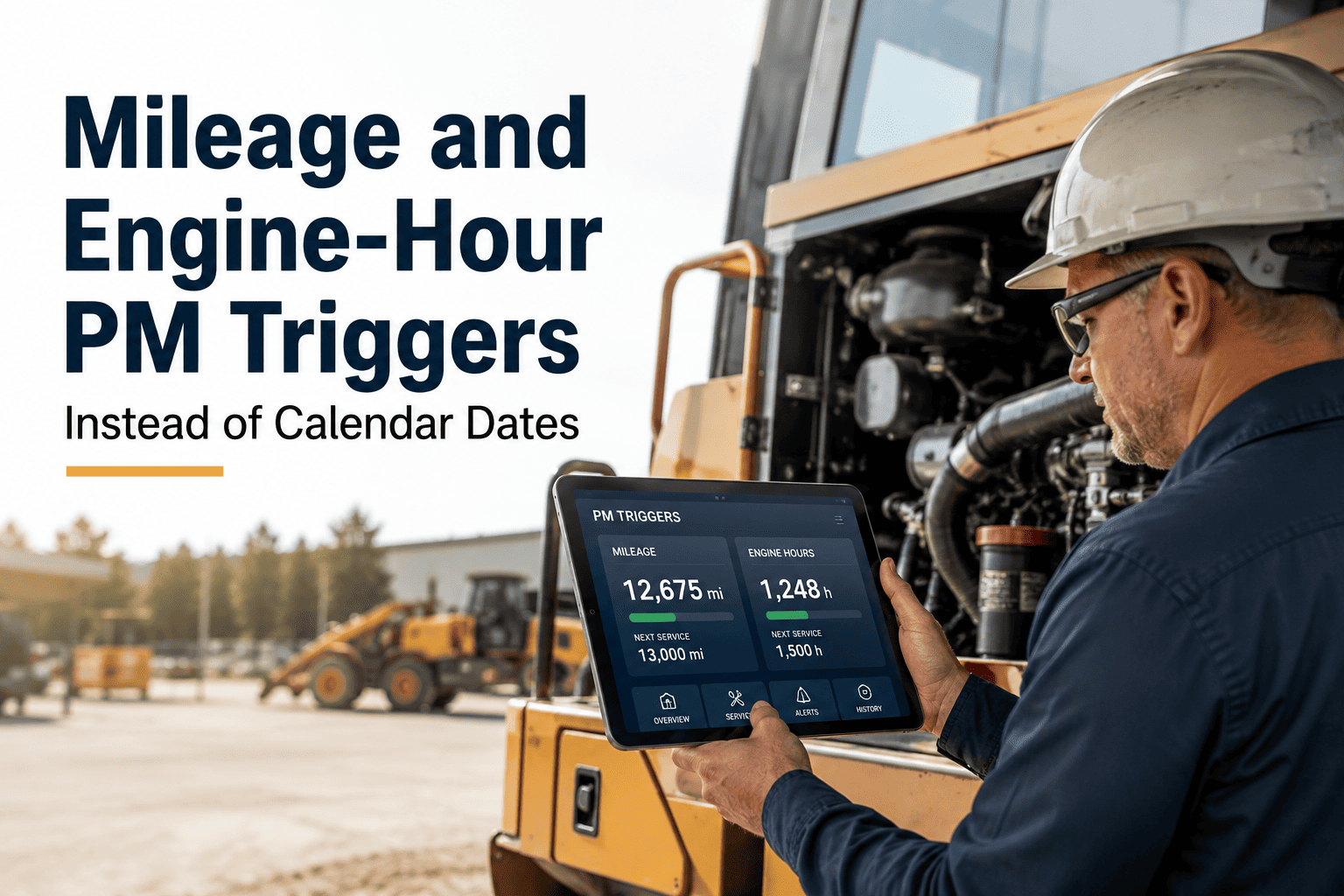
Two trucks can roll off the yard with the exact same odometer reading and be nowhere close to the same maintenance risk. One spent its day covering steady highway miles; the other idled at a dock, ran PTO equipment, or crawled through a job site barely moving at all. The odometer cannot tell those two vehicles apart, but the engine can — every hour it runs, whether the wheels turn or not, it burns fuel, circulates oil, and accumulates wear. Fleets that schedule preventive maintenance on mileage alone routinely under-service exactly the vehicles that need it most: yard tractors, reefers, construction equipment, and anything that idles for a living. This page breaks down when engine hours should drive your PM schedule instead of miles, and you can start a free trial to see hour-based triggers running against your own fleet.
Fleet Engine-Hour Based PM: When Odometer Miles Aren't Enough
Idle-heavy vehicles rack up real engine wear without ever adding a mile. Here are the hour-based triggers that catch what the odometer hides.
The Wear Gap Between Miles and Hours
Mileage measures distance traveled. Engine hours measure how long the engine has actually been running — and those are two very different numbers on any vehicle that idles, runs auxiliary equipment, or works a low-speed duty cycle. A truck sitting at a loading dock for six hours adds nothing to the odometer, but its oil is degrading, its bearings are turning, and its cooling system is working the entire time. That gap is where unplanned downtime quietly builds.
Match the Trigger to the Duty Cycle
Not every vehicle in your fleet wears the same way, which is why one PM trigger rarely fits an entire mixed fleet. The strongest 2026 programs assign the right primary trigger to each vehicle type based on how it actually spends its day, then let a calendar backstop catch everything else.
The "Whichever Fires First" Rule
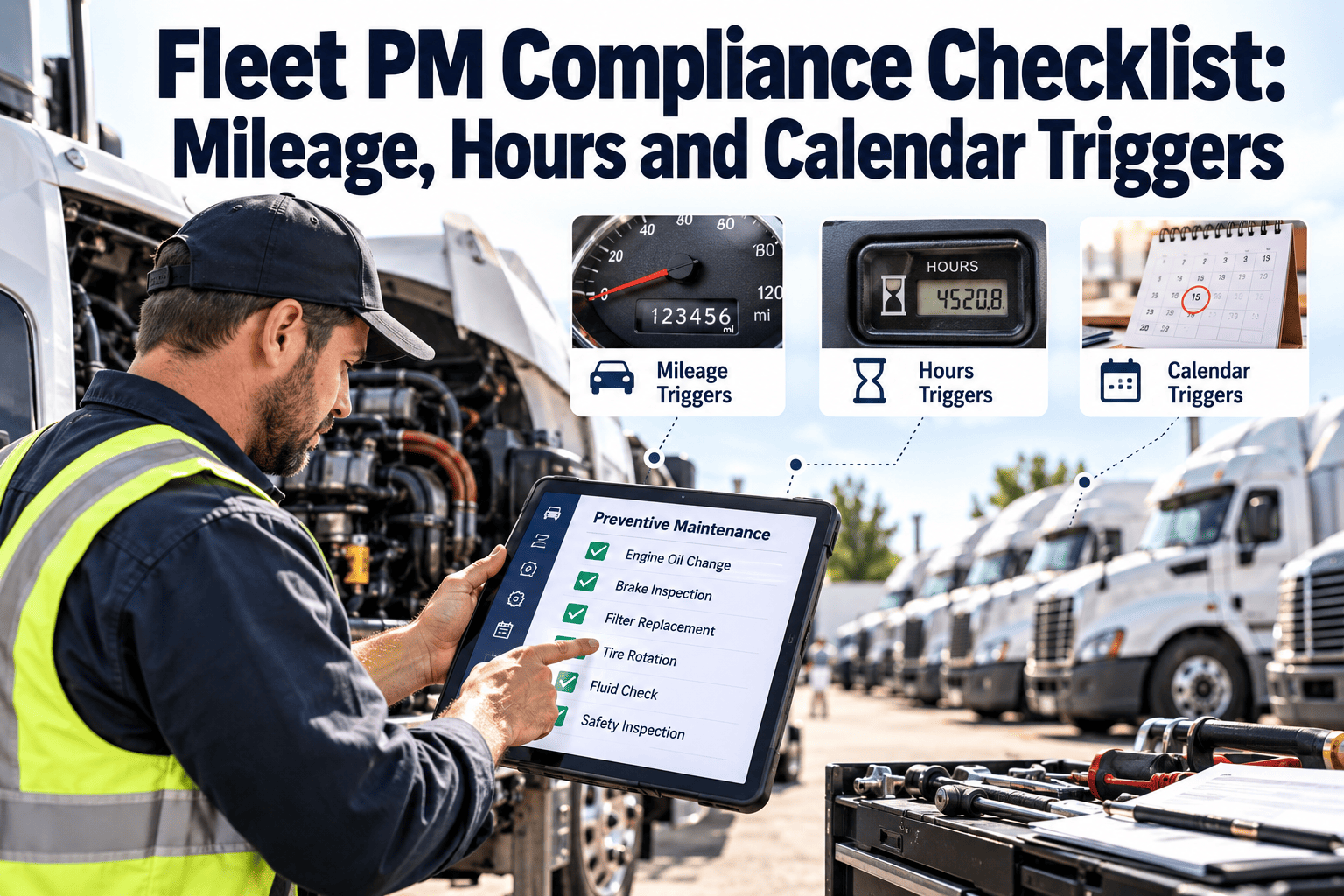
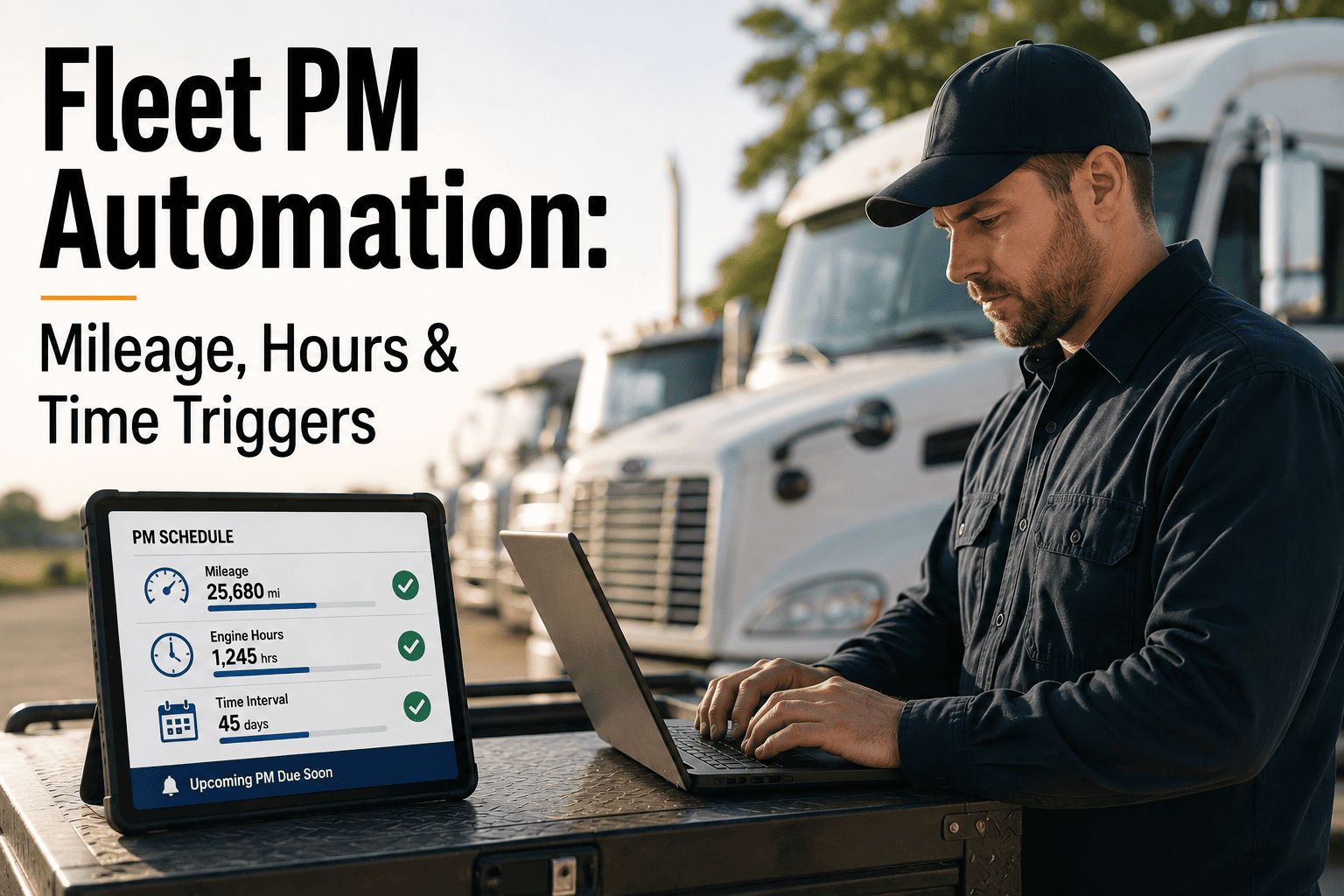
Instead of choosing one trigger and hoping it fits every vehicle, the fleets with the strongest uptime numbers track all three signals at once and service the moment any one of them hits its threshold. It removes the guesswork of picking a single number for a mixed fleet.
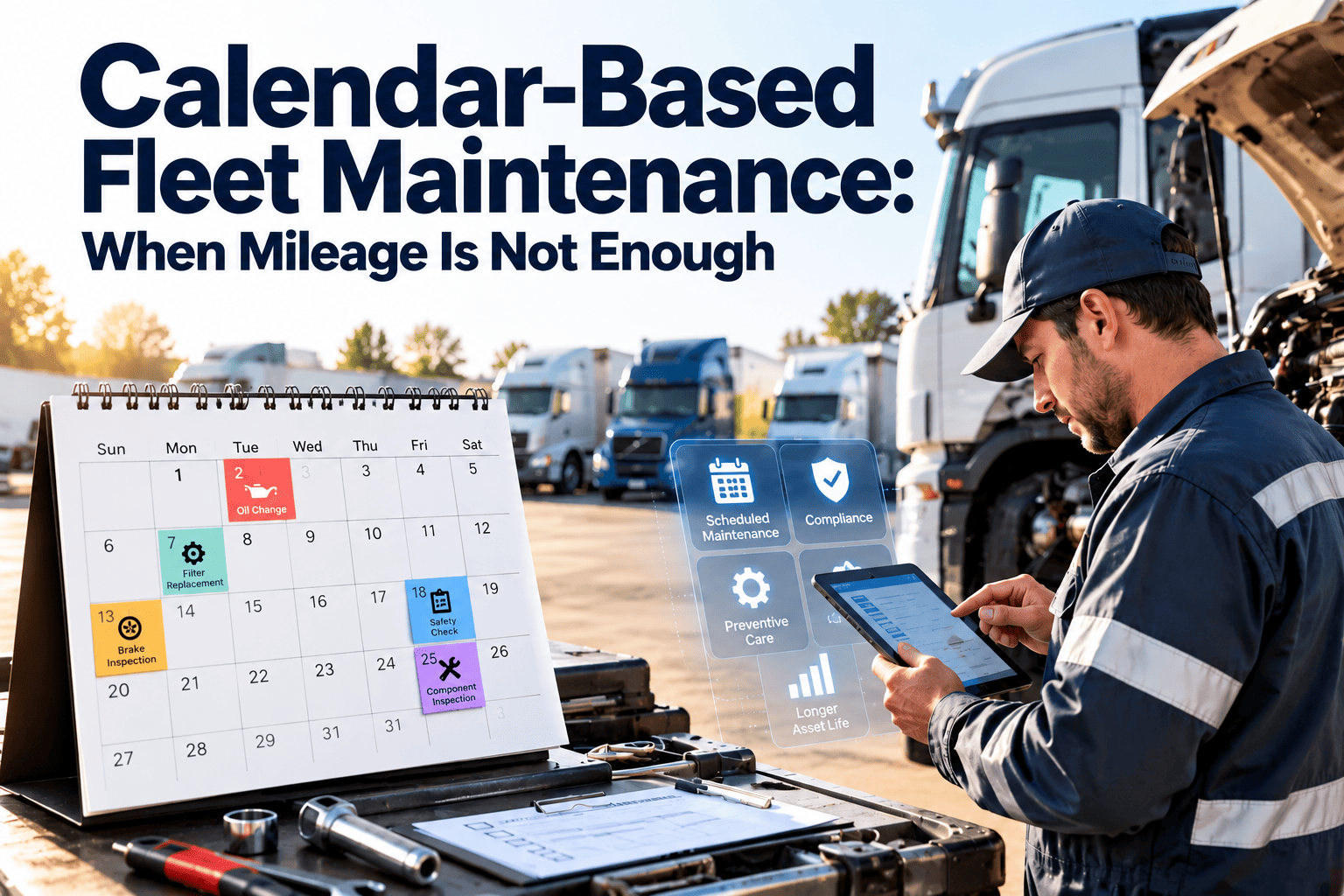
Track Miles, Hours, and Calendar Time in One Schedule
Oxmaint pulls engine-hour data directly from your telematics feed and triggers work orders the moment any threshold fires — mileage, hours, or calendar — so no idle-heavy vehicle slips through on a low odometer reading again.
Signs Your Fleet Needs Hour-Based PM
Most fleets do not decide to add engine-hour tracking all at once — they get pulled into it after a pattern of failures that mileage-only scheduling could not explain. These are the signals worth watching for.
Sample Hour-Based Intervals by Service Item
These are general planning benchmarks, not a replacement for your manufacturer's published schedule — always confirm exact intervals against the OEM manual and your own oil analysis trends before finalizing a program.
| Service Item | Typical Hour Interval | Best Fit |
|---|---|---|
| Engine oil and filter | 250-400 hours | Yard tractors, generators, off-road |
| Hydraulic system service | 500-1,000 hours | Excavators, loaders, backhoes |
| Transmission service | 1,200-2,000 hours | Vocational and PTO-heavy trucks |
| Coolant system check | Every 500 hours or 6 months | All idle-heavy and mixed-duty units |
Frequently Asked Questions
How many miles does one engine hour actually represent?
Should I replace mileage-based PM entirely with hour-based PM?
Which vehicles are most at risk from mileage-only scheduling?
Do I need telematics hardware to track engine hours?
What happens if I ignore hour-based triggers on idle-heavy vehicles?
Never Let a Low Odometer Reading Hide Real Wear Again
Oxmaint tracks mileage, engine hours, and calendar time on every vehicle in one place, and automatically generates work orders the moment any threshold fires. Explore the platform yourself, or walk through your own fleet's duty cycles with our team live.


-compliance-eld-rules-and-fleet-management-best-practices.png)