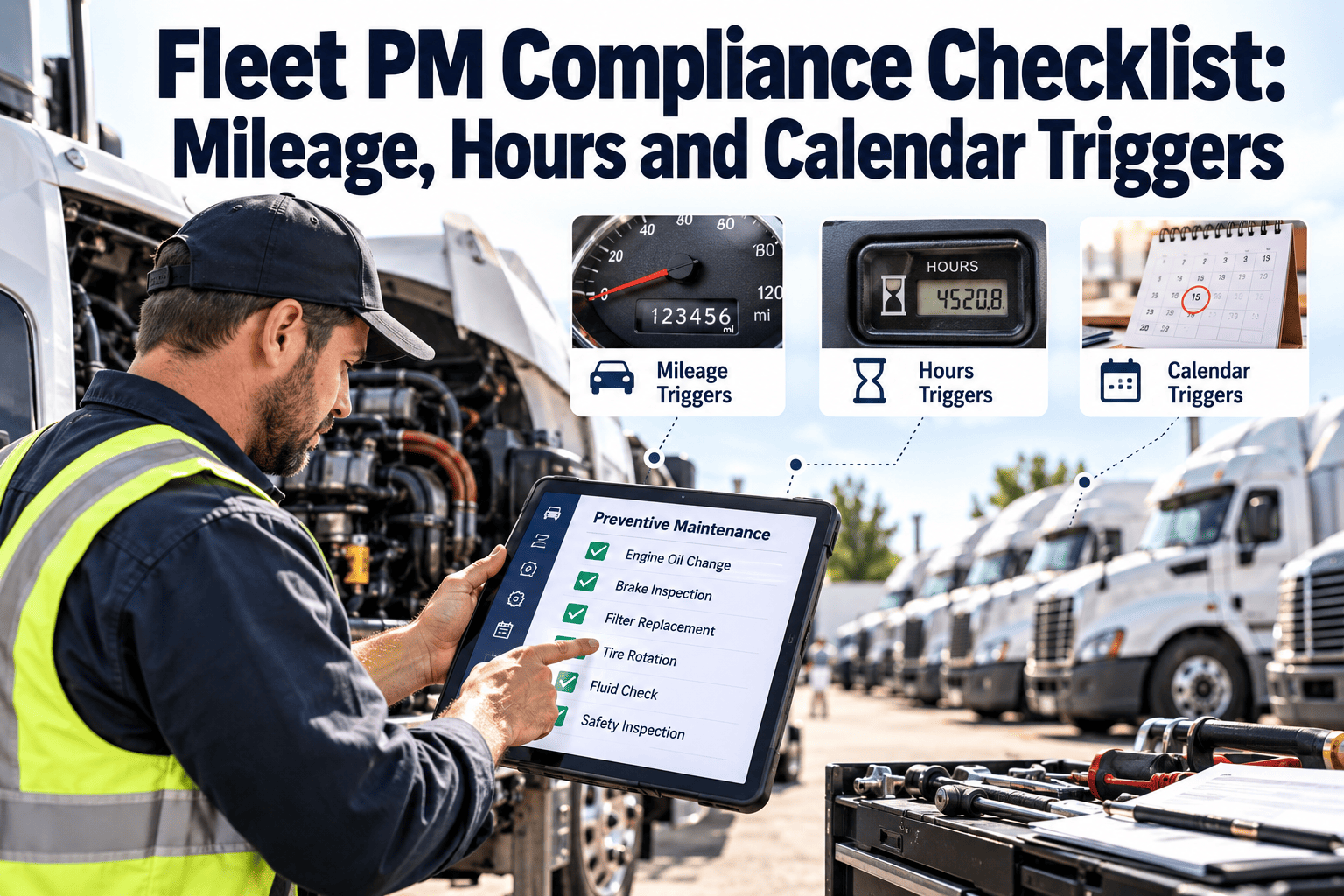
Most fleets do not miss preventive maintenance because nobody cares. They miss it because the trigger was wrong. A tractor that idles for hours may be overdue on engine hours while its odometer looks fine, and a low-use service van may age past its calendar interval long before it reaches its mileage target. This checklist helps fleet managers set the right triggers, schedule services early enough and keep records that stand up to an audit, using fleet maintenance software to hold every interval in one place.
Fleet Inspections and Compliance
Fleet PM Compliance Checklist: Mileage, Hours and Calendar Triggers
A practical checklist for setting mileage, engine hour and calendar PM triggers, so every vehicle is serviced on the interval that actually applies to it.
MileageRoad use and distance driven
First to reach its limit triggers the PM
Engine hoursIdle, PTO and stop-start duty
First to reach its limit triggers the PM
CalendarAge, low use and regulatory dates
Choose the Trigger
Which Trigger Fits Which Vehicle
Set actual intervals from the manufacturer's schedule, your duty cycle and your compliance obligations. The table shows which trigger usually matters most.
| Vehicle or asset | Primary trigger | Backup trigger | Why |
|---|---|---|---|
| Long-haul tractors | Mileage | Calendar | Distance drives most wear |
| Vocational trucks with PTO | Engine hours | Mileage | Engine runs while the wheels are stopped |
| Local delivery vehicles | Mileage or hours | Calendar | Stop-start duty adds engine hours |
| Trailers | Calendar | Mileage where tracked | Brakes, lights and structure need routine checks |
| Refrigeration units and generators | Engine hours | Calendar | Run time is separate from distance |
| Low-use and standby vehicles | Calendar | Hours | Fluids, batteries and tyres age while parked |
Check frequency key
DDaily
WWeekly
MMonthly
AAnnual or per interval
Section 01
Trigger Data Accuracy
Every vehicle has a current odometer and engine hour reading in the asset record, from telematics or driver entry.
Escalate if: a reading is older than your update window. Correct it before the next PM forecast.
Meter jumps, resets and gaps investigated. A replaced instrument cluster or ECU can make a vehicle look newer than it is.
Escalate if: readings go backwards or stall. Verify against the last service record.
Each asset has the correct trigger type assigned, using the table above, with the reason recorded.
Escalate if: a vehicle has only one trigger. Add a calendar backup.
Last completed PM date and meter value stored, so the next due point counts from actual service, not from the planned date.
Escalate if: a service was done but not logged. Backfill before it falls overdue.
Section 02
Interval Setup and Scheduling
1
Start from the manufacturer's schedule and adjust for duty, climate and load.
2
Create service tiers, such as A, B and C, so basic and major services stack correctly.
3
Set a lead window that raises the work order before the due point, not on it.
4
Book the bay, technician and parts against the due vehicle before it arrives.
PM intervals reviewed against manufacturer advice and warranty terms, with any change approved and dated.
Escalate if: intervals differ from warranty terms. Confirm before the next service.
Upcoming PMs forecast for the next period by vehicle, location and service tier, so workshop capacity can be planned.
Escalate if: forecast hours exceed bay capacity. Shift work or use a vendor.
Vehicles approaching due are flagged to dispatch, so downtime is planned around routes and not discovered on the day.
Escalate if: a vehicle is dispatched past its due point. Record the reason and set a date.
Stop Tracking PM Due Dates in Spreadsheets
Oxmaint supports mileage, hours and calendar triggers on one asset record, and raises work orders when the first limit is reached.
Section 03
PM Inspection Content and Defect Handling
Each PM uses a checklist for that vehicle class, covering brakes, tyres, lights, steering, suspension, fluids, coupling and safety equipment.
Escalate if: a checklist item is skipped. Return the work order to the technician.
Measurements recorded as numbers where they matter, such as brake lining, tyre tread and stroke, not only pass or fail.
Escalate if: a value is near its limit. Schedule the repair before the next interval.
Driver inspection reports reviewed, and each defect matched to a work order before the vehicle is released.
Escalate if: a safety defect is open. Keep the vehicle out of service until repaired.
Defects found during PM raised as separate corrective work orders with priority, so they do not vanish into the service note.
Escalate if: findings have no follow-up job. Create one at once.
Section 04
Compliance Records and Audit Readiness
For US operations, 49 CFR Part 396 covers inspection, repair and maintenance records, driver reports and annual inspections. Confirm requirements and retention periods for your jurisdiction and operation type.
Each vehicle has a record showing identification, service dates, work done, who did it and the meter at the time.
Escalate if: a record is incomplete. Complete it while details are fresh.
Annual and periodic inspection dates tracked with advance reminders and evidence of who performed them.
Escalate if: an inspection is within its warning window. Book it now.
Records can be retrieved by vehicle in minutes, and retention rules are applied, including when a vehicle leaves the fleet.
Escalate if: records are on paper or unsearchable. Digitise and index them.
Overdue PMs reported with reason and approval when a vehicle keeps running past due, so exceptions are visible.
Escalate if: exceptions repeat on the same vehicle. Review the trigger or capacity.
Section 05
Parts, Vendors and Cost Control
PM kits for each service tier kept in stock, so filters, fluids and consumables are ready when the vehicle arrives.
Escalate if: a kit is short. Order before the forecast date.
External vendor PMs entered into the same system with invoice, work performed and meter reading.
Escalate if: vendor paperwork is missing. Request it before payment.
Cost per vehicle compared for PM and repair work, to see whether intervals are too tight or too loose.
Escalate if: a class costs more in repairs than PM predicts. Review the interval.
Measure It
PM Compliance KPIs
| KPI | How to measure | Direction |
|---|---|---|
| PM compliance rate | PMs done within interval and grace window against PMs due | Aim for complete |
| Overdue PM count | Vehicles past due by trigger type | Trending down |
| Days overdue at completion | Average lateness when a PM is finally done | Trending down |
| Defects found per PM | Corrective jobs raised at PM time | Watch for trend |
| Breakdowns after skipped PM | Failures on vehicles that were overdue | Trending down |
Oxmaint capabilities for fleet PM
- Mileage, hours and calendar PM schedules on each asset.
- Automatic work orders with checklists, photos and technician sign-off.
- Asset history, parts tracking and vendor records.
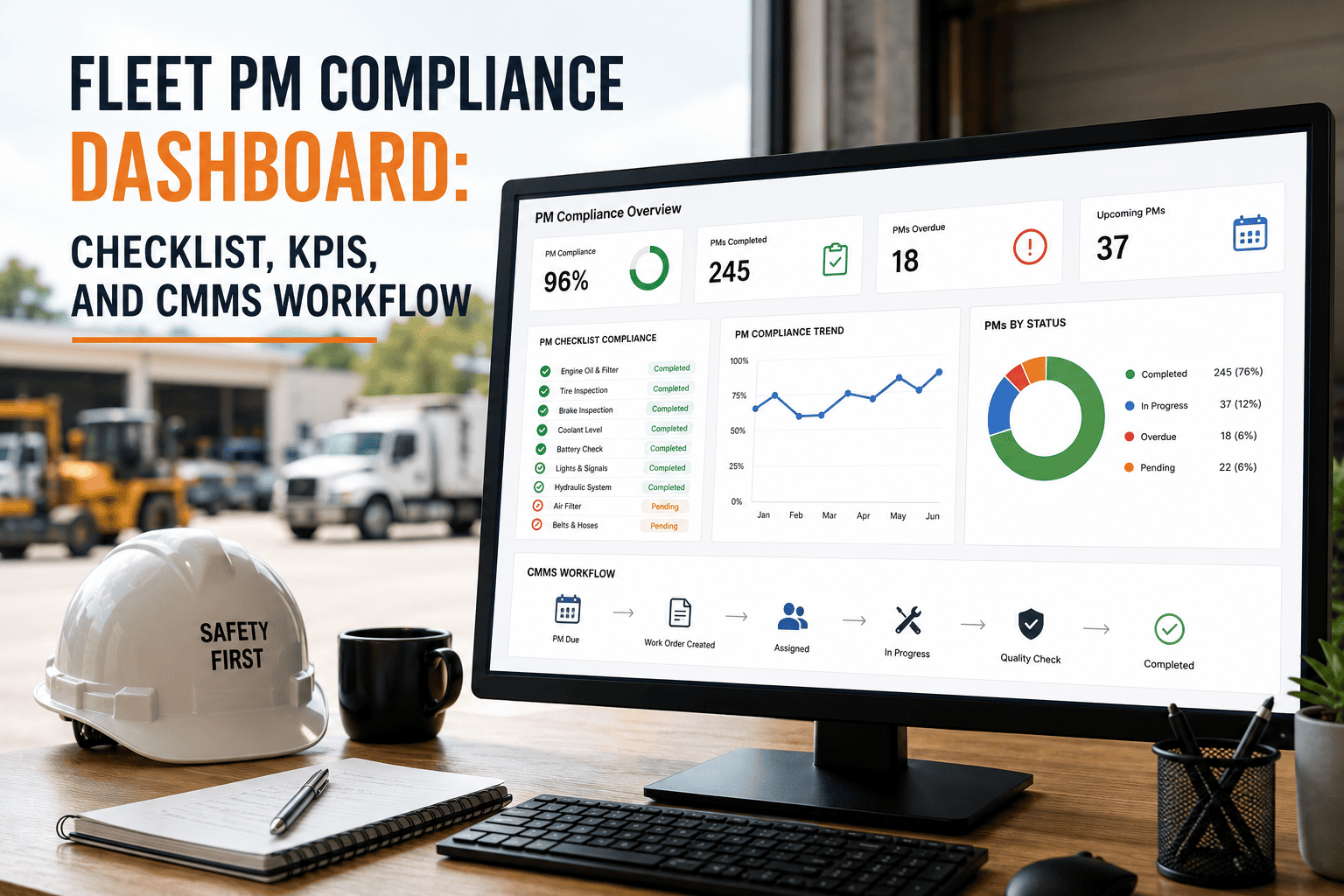
- Dashboards for overdue PMs, compliance records and maintenance cost.
Frequently Asked Questions
What is the best PM trigger for a fleet?
There is no single best one. Use mileage, hours or calendar per vehicle, and trigger on whichever comes first.
Why use engine hours as well as mileage?
Idling, PTO and stop-start work add engine wear without adding much distance.
How early should a PM work order be created?
Set a lead window that allows booking bay, parts and dispatch cover. Book a demo to see lead-time settings.
What records support a PM audit?
Service dates, work done, meter readings, technician and inspection evidence for each vehicle.
Can fleet PM be managed on mobile?
Yes. Try Oxmaint for mobile checklists, work orders and photo capture.
Service Every Vehicle on the Trigger That Fits It
Use Oxmaint to set mileage, hours and calendar PM rules, plan workshop capacity and keep compliance records ready for audit.