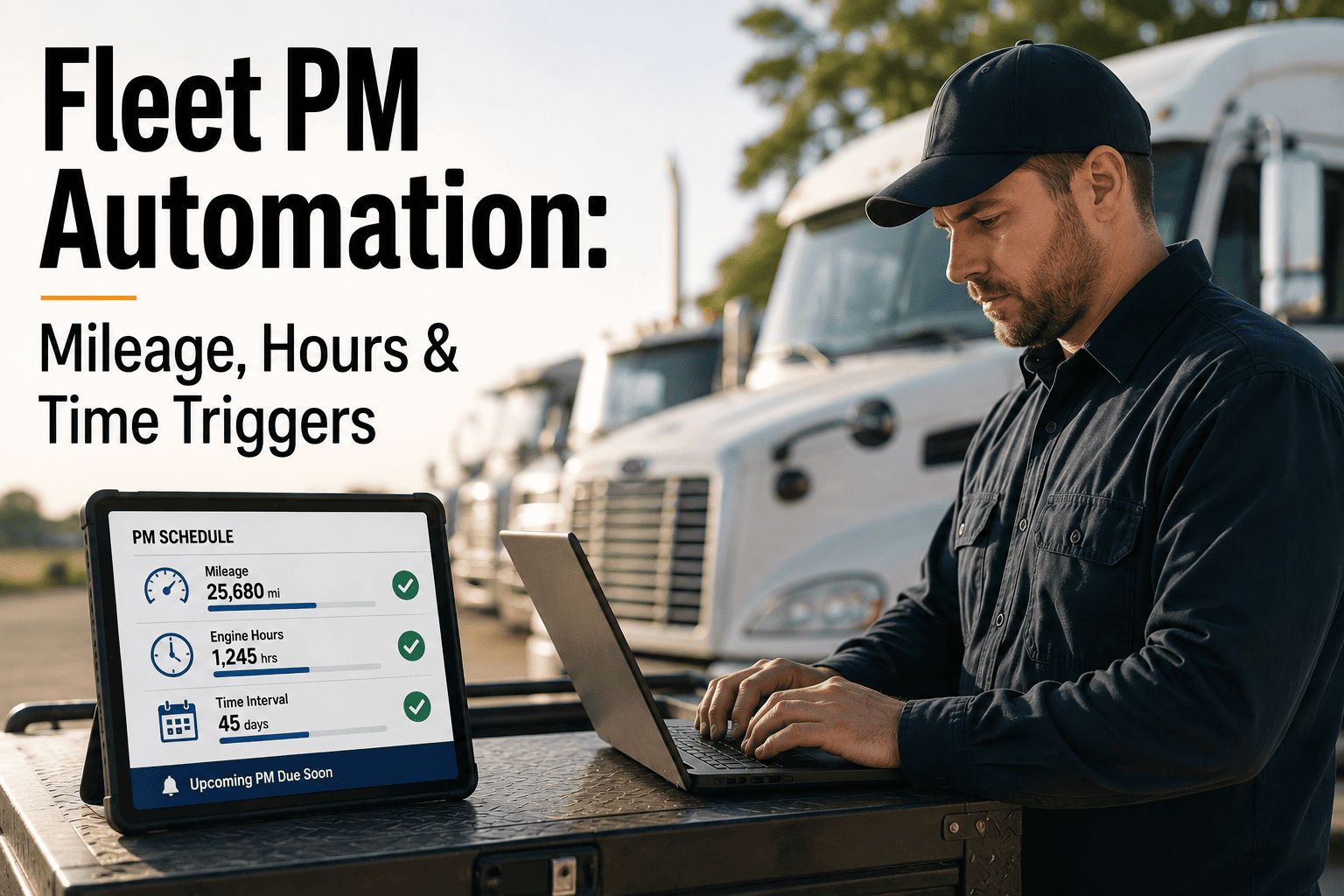
Most fleets do not lose PM compliance because nobody cares — they lose it because mileage, engine hours, and calendar dates all move at once and no spreadsheet can watch three clocks per vehicle at the same time. A truck can be current on mileage and still be 400 engine hours overdue from idling in stop-and-go routes, and a dispatcher checking one number sees a healthy vehicle instead of a due one. Automated PM triggers close that gap by reading all three signals continuously and opening the work order the moment any threshold is crossed, without waiting for someone to notice. This page breaks down how mileage, hours, and time triggers actually work, when each one should lead, and how to automate the whole stack. See it running on your own fleet with a free trial.
PM AUTOMATION · TRIGGER LOGIC · TELEMATICS · COMPLIANCE
Fleet PM Automation: Mileage, Hours & Time Triggers
Manual PM scheduling misses intervals because it can only watch one clock at a time. Automated triggers watch all three — mileage, engine hours, and calendar time — and never forget which one fires next.
The Manual Tracking Math
10 vehicles · 8 PM items · 3 triggers
240 points
50 vehicles · same PM structure
1,200 points
Fleets with no documented PM schedule
54%
No manual system holds that many tracking points at the accuracy a PM program needs.
Where Manual Scheduling Breaks
Three Failure Points That Show Up Long Before A Breakdown Does
Missed PMs rarely fail loudly. They fail quietly, at the exact tracking points a spreadsheet or wall calendar was never built to hold once the fleet grows past a handful of vehicles.
01
Interval Inaccuracy
Odometer entries logged by hand lag real usage by days or weeks, so the "next service" date is already wrong by the time anyone reads it off a spreadsheet.
02
Single-Trigger Blind Spots
A vehicle tracked on mileage alone can rack up hundreds of idle engine hours in stop-and-go work without the odometer moving enough to flag it as due.
03
Fragmented Visibility
Mileage sits in one system, engine hours in another, and calendar reminders live in someone's inbox — so no single view ever shows which vehicle is actually overdue.
The Three Trigger Types
Mileage, Engine Hours, And Time — What Each One Is Actually Measuring
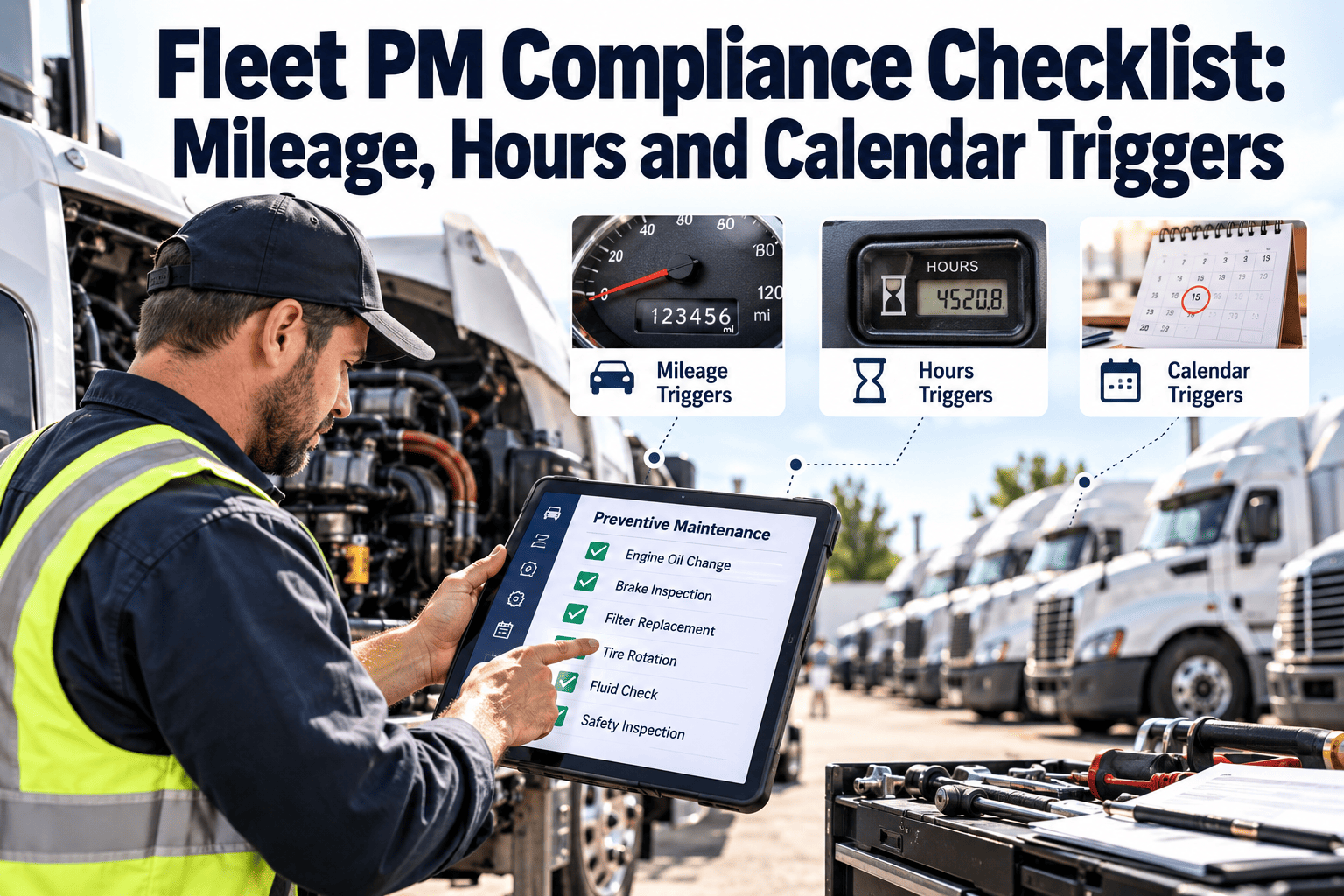
None of the three triggers is universally correct. Each one measures a different kind of wear, and a well-run PM program assigns the right trigger — sometimes two at once — to every vehicle based on how it is actually driven.
Trigger 1
Mileage-Based
Fires on distance traveled — every 5,000 or 10,000 miles, read straight from the odometer or GPS. It is the standard for over-the-road and highway-heavy vehicles where distance is the dominant wear driver.
Best for: OTR tractors, highway delivery routes
Trigger 2
Engine Hours
Fires on runtime — every 250 hours, pulled from the ECU or hour meter. It catches wear that mileage cannot see, like stop-and-go idling, PTO use, or equipment that barely moves but runs all day.
Best for: Urban delivery, refuse, off-road equipment
Trigger 3
Time / Calendar
Fires on elapsed days regardless of use — every 90 days, for example. It exists to catch seasonal fluids, rubber, and battery degradation that keeps happening even when a vehicle is parked.
Best for: Seasonal, low-use, and backup vehicles
One Engine, All Three Triggers, Every Vehicle
Oxmaint reads mileage, engine hours, and calendar dates side by side for every vehicle in the fleet and opens the work order the moment any one threshold is crossed — no manual odometer entry, no missed intervals, no single system left watching only one clock.
Trigger Assignment
Which Trigger Should Lead, By Duty Cycle
Mixed fleets need per-vehicle trigger assignment, not one fleet-wide rule. This is the matrix most maintenance directors converge on once they have run all three triggers side by side.
The Automation Loop
How An Automated PM Trigger Actually Fires
From live sensor data to a technician standing at the vehicle — this is the loop that replaces a dispatcher remembering to check a spreadsheet.
Step 1
Live Data Feed
Telematics streams odometer reading, ECU engine hours, and system date into the CMMS continuously — no manual entry, no driver self-reporting.
Step 2
Threshold Monitoring
Every vehicle's mileage, hours, and calendar position is checked against its assigned PM intervals in real time, per trigger type.
Step 3
Lead-Time Alert
A configurable 3–14 day warning fires as the vehicle approaches its interval, giving parts and scheduling time to prepare in advance.
Step 4
Auto Work Order
When the threshold is reached, the work order is generated automatically and routed to the maintenance queue, independent of dispatch activity.
Step 5
Technician Dispatch
The work order lands on a technician's device with the vehicle's full history, so the service happens without anyone chasing a paper trail.
What Automated Triggers Change
The Numbers Behind A Fully Triggered PM Program
These are the outcomes fleets report once mileage, hour, and calendar triggers are running together instead of being tracked separately, or not at all.
45%
Fewer breakdowns vs. reactive maintenance
28%
Lower repair costs on average
67%
Higher vehicle availability
35%
Reduction in unplanned downtime
60%
Fewer roadside breakdowns after OBD integration
20%
Lower Mean Time To Repair
Trigger Automation FAQ
Common Questions About Mileage, Hours & Time Triggers
Can a vehicle run on more than one trigger at the same time?+
Yes — most well-run fleets assign a primary and a secondary trigger per vehicle, and the PM fires on whichever one reaches its threshold first.
Start a free trial to configure hybrid triggers per vehicle.
What happens if telematics data drops out temporarily?+
The system holds the last known reading and calendar triggers keep running in the background, so a short connectivity gap does not silently cancel a due PM.
How early should the lead-time alert fire before the service is due?+
Most fleets set a 3–14 day window, long enough to pre-order parts and schedule a bay slot without pulling the vehicle off its route too early.
Do we need telematics hardware installed to automate triggers?
Mileage and engine hours automate fully with a connected telematics or OBD-II feed; calendar triggers run regardless, so a program can start on time-based triggers and add live data feeds as hardware rolls out.
How do we decide the right trigger for a new vehicle class?+
Start from duty cycle, not vehicle type — high-idle, low-mileage routes lean on engine hours, highway routes lean on mileage.
Book a demo to map triggers to your fleet mix.
Stop Watching One Clock When Three Are Running
Mileage, engine hours, and calendar time all drive wear differently, and a PM program that tracks only one of them is guessing on the other two. Oxmaint reads all three automatically, per vehicle, and opens the work order the moment any threshold is crossed.