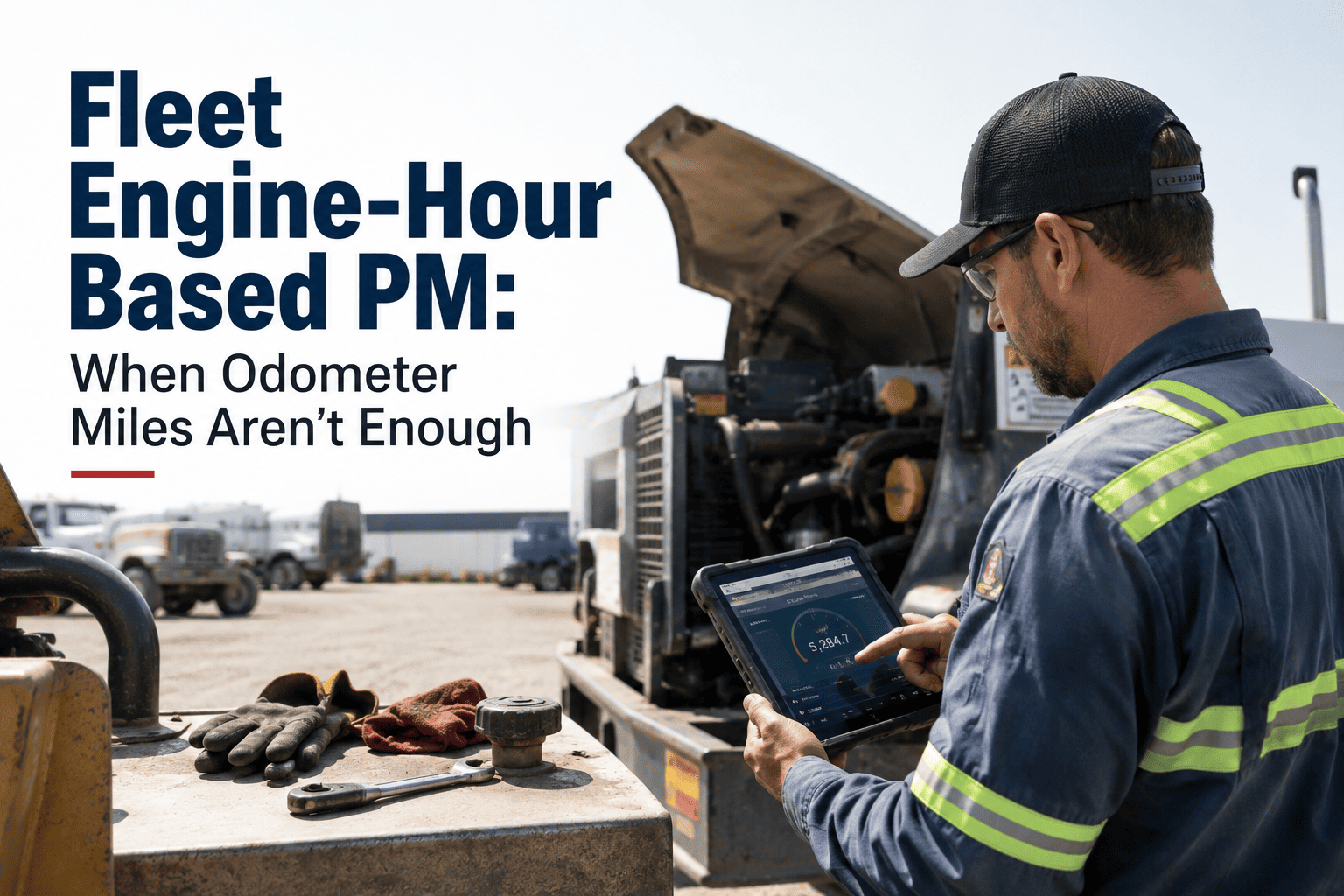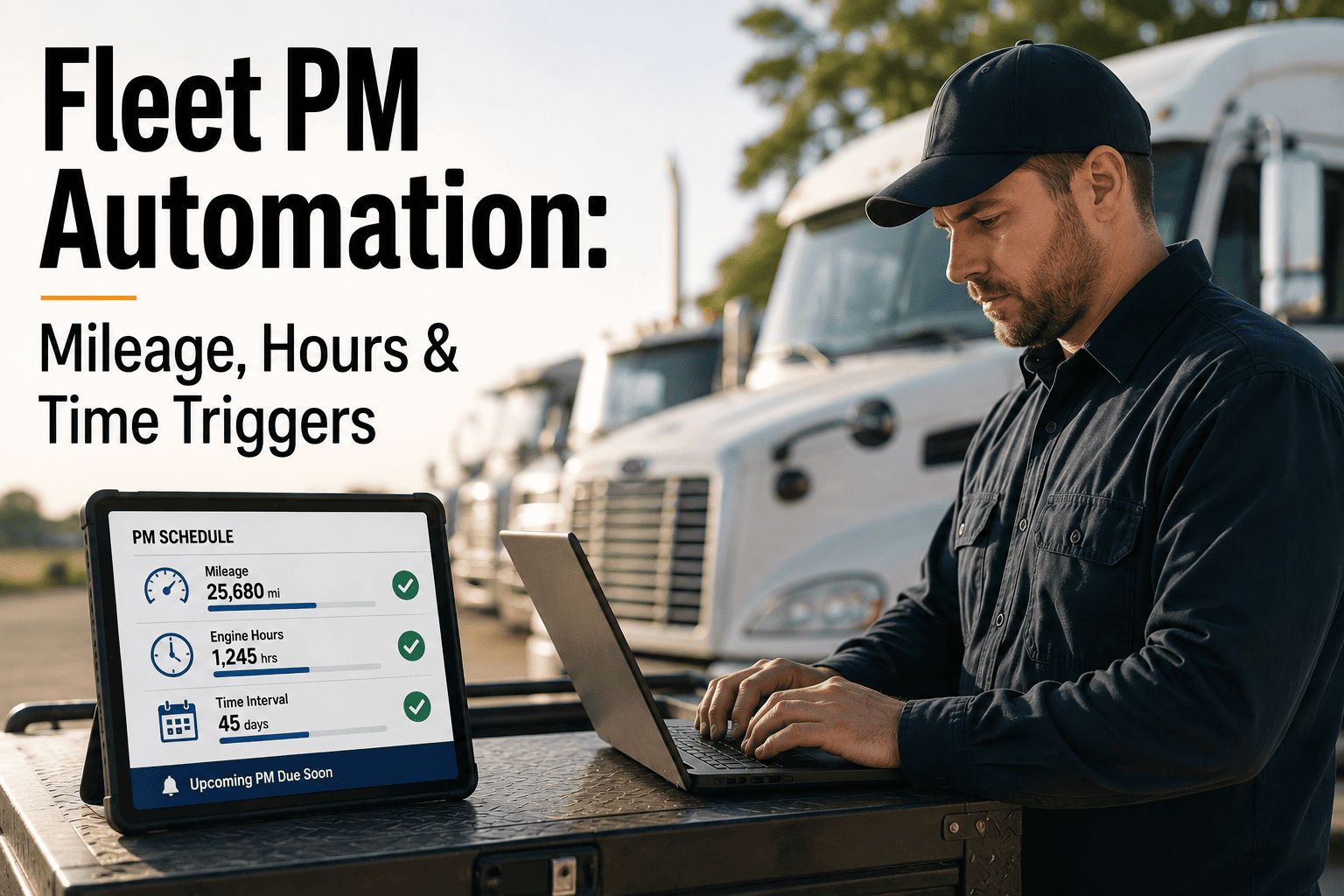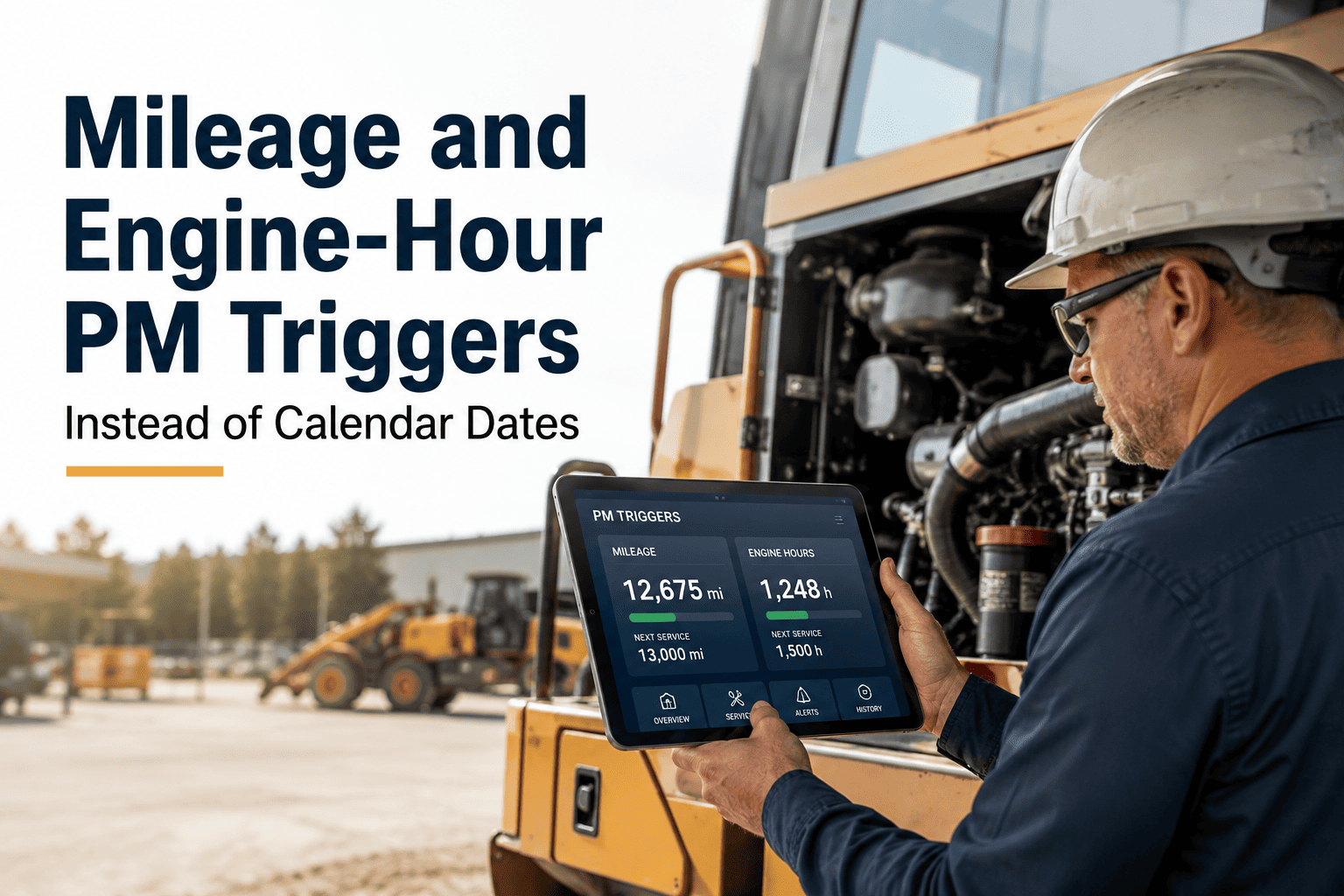
A truck running 10,000 miles a month and a delivery van running 800 miles a month cannot share the same oil change date. Yet most fleets still print a maintenance calendar in January and expect every vehicle to fall in line with it, no matter how hard each one actually works. Calendar-only scheduling either over-services the vehicles that barely move, wasting labor and parts, or lets the high-mileage units run straight past the point where oil, filters, and brakes should have been changed. The fix isn't a better calendar — it's a trigger system built on what actually causes wear: mileage, engine hours, and calendar time, working together and firing whichever comes first. See how usage-based triggers run automatically by starting a free trial or booking a demo.
Stop Scheduling Maintenance By the Calendar. Start Scheduling It By the Odometer.
Two trucks. Same fleet. Wildly different mileage. A fixed calendar date serves neither one correctly — a mileage and engine-hour trigger serves both, automatically.
One Vehicle, One Calendar — But Not One Duty Cycle
Picture two vehicles on the same fleet roster, both due for PM on the same printed date. Their actual wear tells a completely different story.
Neither vehicle is served correctly by a shared calendar date. The tractor risks a breakdown from delayed service. The van burns labor hours and parts on oil that still has plenty of life left. A mileage and engine-hour trigger, tracked per vehicle, closes both gaps at once.
Every Vehicle Wears at a Different Rate — Your Schedule Should Reflect That
OxMaint tracks live odometer and engine-hour data per vehicle and fires the correct PM trigger automatically, whichever threshold hits first. No more shared calendar dates forcing a one-size-fits-all schedule onto a fleet that doesn't drive one-size-fits-all miles.
The Four Triggers Every Usage-Based PM Program Needs
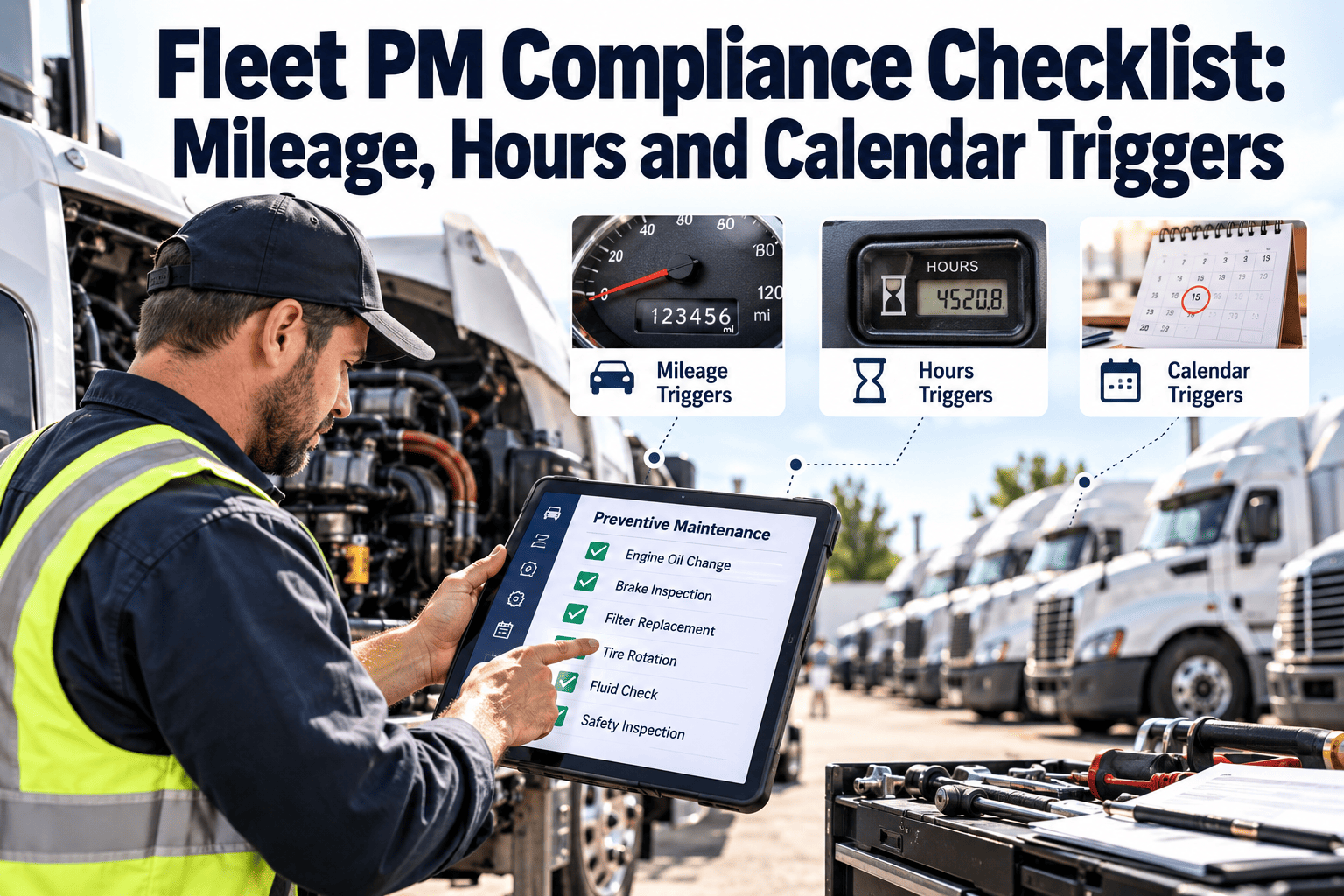
No single trigger covers every vehicle in a mixed fleet. Strong programs run all four and service on whichever fires first.
Best for over-the-road tractors, regional delivery, and any vehicle with steady, measurable road distance. Oil, tires, and drivetrain components wear in direct proportion to distance covered.
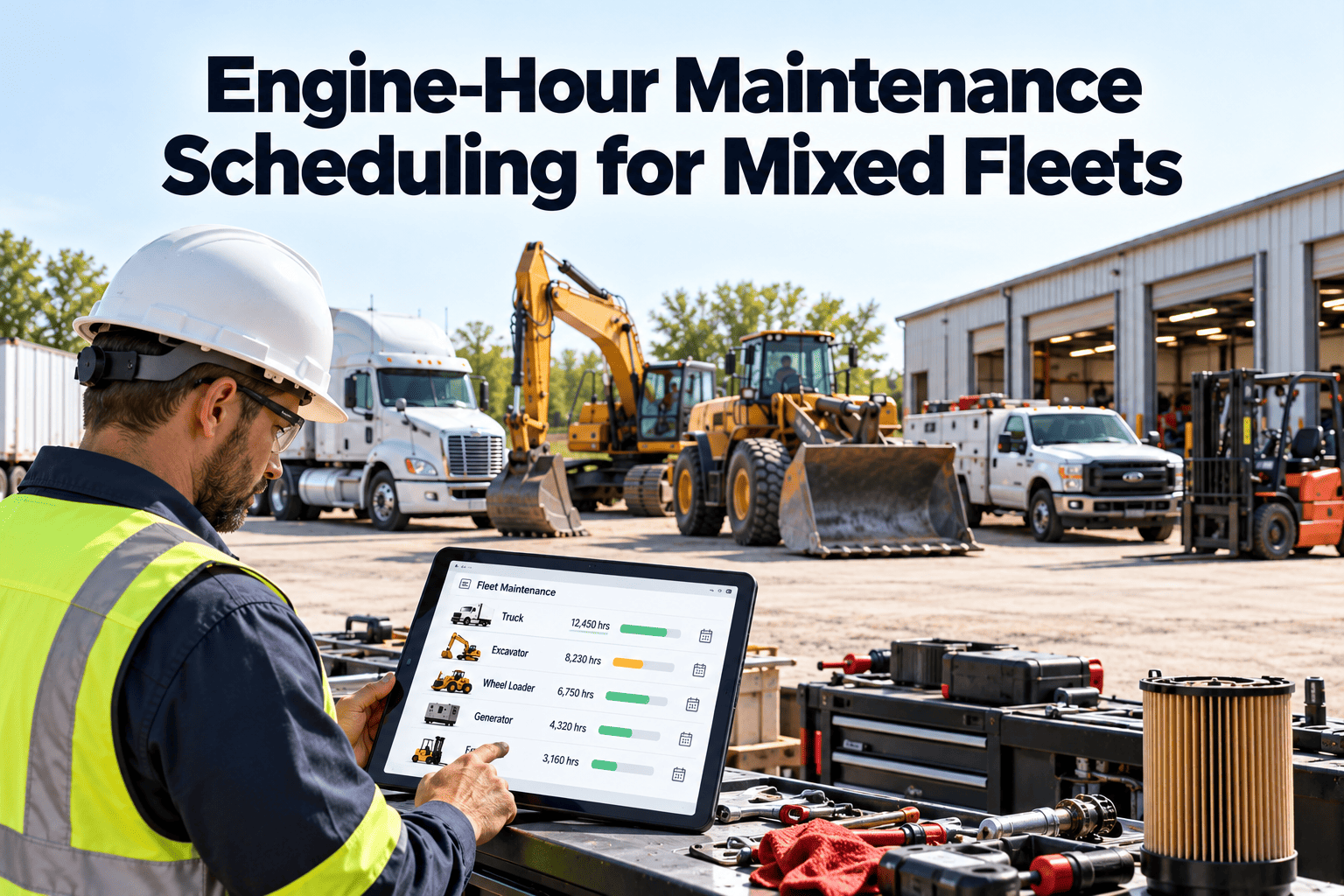
Essential for yard trucks, PTO equipment, and vehicles that idle heavily without covering distance. One engine hour is roughly equal to 25-33 miles of equivalent wear.
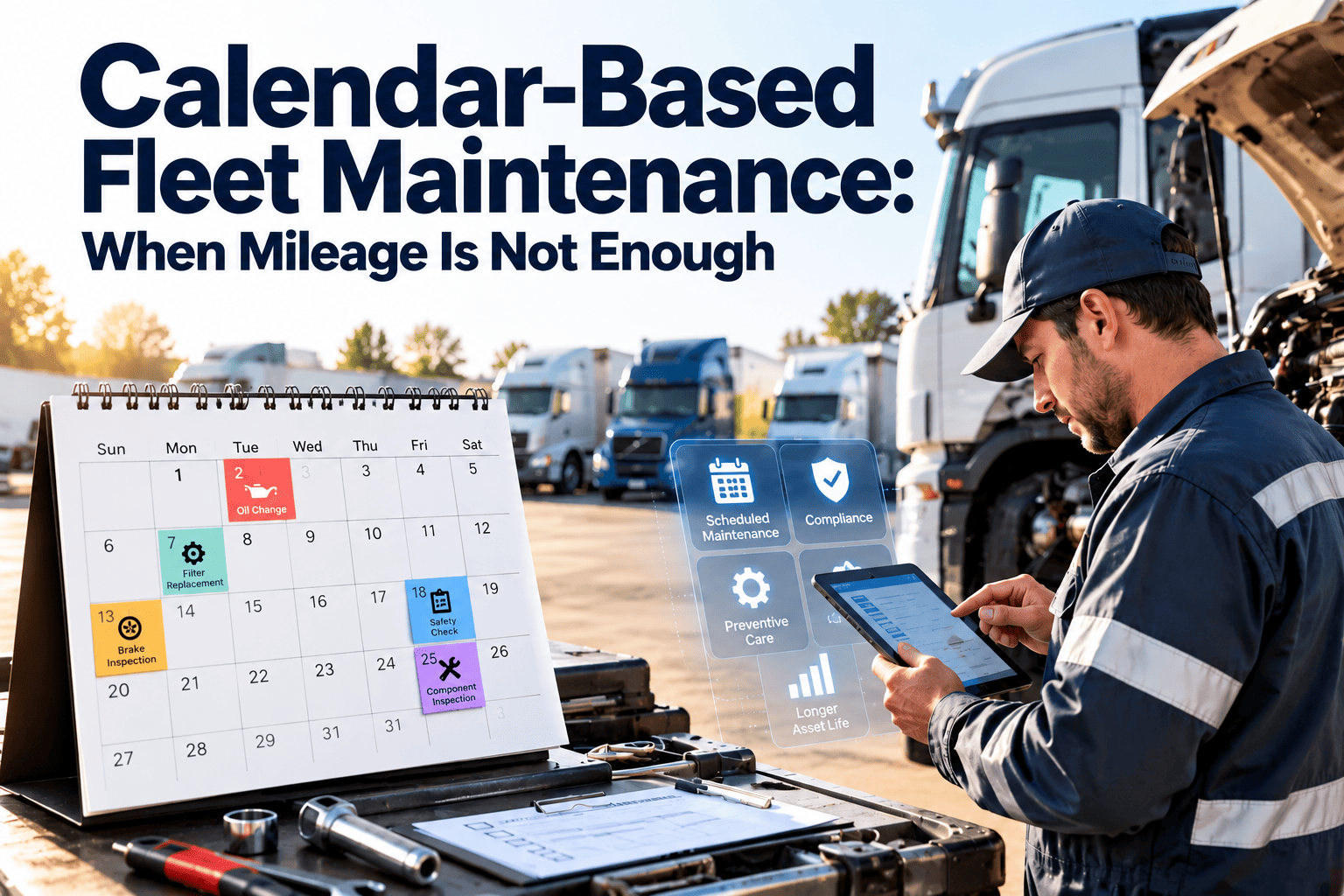
A safety net for low-mileage or seasonal vehicles. Fluids, seals, and rubber degrade with time even when a vehicle barely moves — typically serviced every 90 days minimum.
Triggered by telematics fault codes, oil analysis results, or inspection defect patterns. Catches component degradation developing between fixed intervals.
First-To-Occur Scheduling, Step By Step
This is the logic that makes usage-based PM actually work in practice — every trigger runs at once, and the first one to reach threshold wins.
Common Mistakes When Fleets Move to Usage-Based PM
Applying the same 15,000-mile interval to a yard truck and a linehaul tractor either over-services the yard truck or under-services the tractor. Interval numbers need to be set per vehicle class, not fleet-wide.
A backup vehicle sitting for eight months without reaching its mileage trigger still needs fluid and seal service. Skipping the calendar safety net leaves these vehicles chronically under-serviced.
Hand-logged mileage is routinely off by hundreds or thousands of miles, which pushes triggers late. Telematics-fed odometer data removes the manual entry step entirely.
A lift gate or hydraulic pump run off a PTO accumulates real wear hours that never show up on the odometer. Without a dedicated hour trigger, these components fail without warning.
How OxMaint Runs Usage-Based Triggers Automatically
OxMaint tracks mileage, engine hours, and calendar time per vehicle in one dashboard and fires the correct work order the moment any threshold is reached. Ready to see it running against your own fleet mix? Start a free trial or book a demo.
Configure mileage, engine-hour, and calendar thresholds together per vehicle type, then apply the template fleet-wide in one step.
Live mileage feeds remove manual logging errors and keep every trigger counter accurate to the mile.
PTO-driven equipment and idle-heavy vehicles get their own hour-based interval, independent of odometer mileage.
The moment any trigger reaches threshold, a work order is created and routed to the assigned technician with no manual check required.
See PM compliance by vehicle, trigger type, and location in one view, and catch drift before it becomes a breakdown.
Oil analysis results and inspection defects can shorten a scheduled interval automatically when data shows a component wearing faster than expected.
Calendar-Only Scheduling vs Multi-Trigger Automation
| Scheduling Factor | Calendar-Only | OxMaint Multi-Trigger |
|---|---|---|
| High-mileage tractor service timing | Runs past due between calendar dates | Fires the moment mileage threshold hits |
| Low-mileage van service timing | Serviced needlessly every quarter | Serviced only when mileage or calendar cap is reached |
| PTO and idle-heavy equipment | No visibility into actual run hours | Tracked on a dedicated engine-hour trigger |
| Odometer data source | Manual entry, error-prone | Telematics-fed, continuously accurate |
| Work order creation | Manual check against a spreadsheet | Generated automatically at threshold |
What Usage-Based Triggers Actually Return
Mileage and Engine-Hour Trigger Questions
What's the difference between mileage-based and engine-hour-based PM triggers?
How do I calculate engine hours if my vehicles don't have hour meters?
Why do low-mileage vehicles still need a calendar-based service trigger?
What is "first-to-occur" scheduling and how does it work?
Can OxMaint track multiple trigger types for the same vehicle?
Your Fleet Isn't Driving on One Calendar — Your PM Schedule Shouldn't Run on One Either
Set mileage, engine-hour, and calendar triggers once per vehicle type, and OxMaint handles the rest — live usage data, automatic work orders, and a compliance dashboard that shows exactly which vehicles are on track. Most fleets have their first automated triggers running within a week of setup.