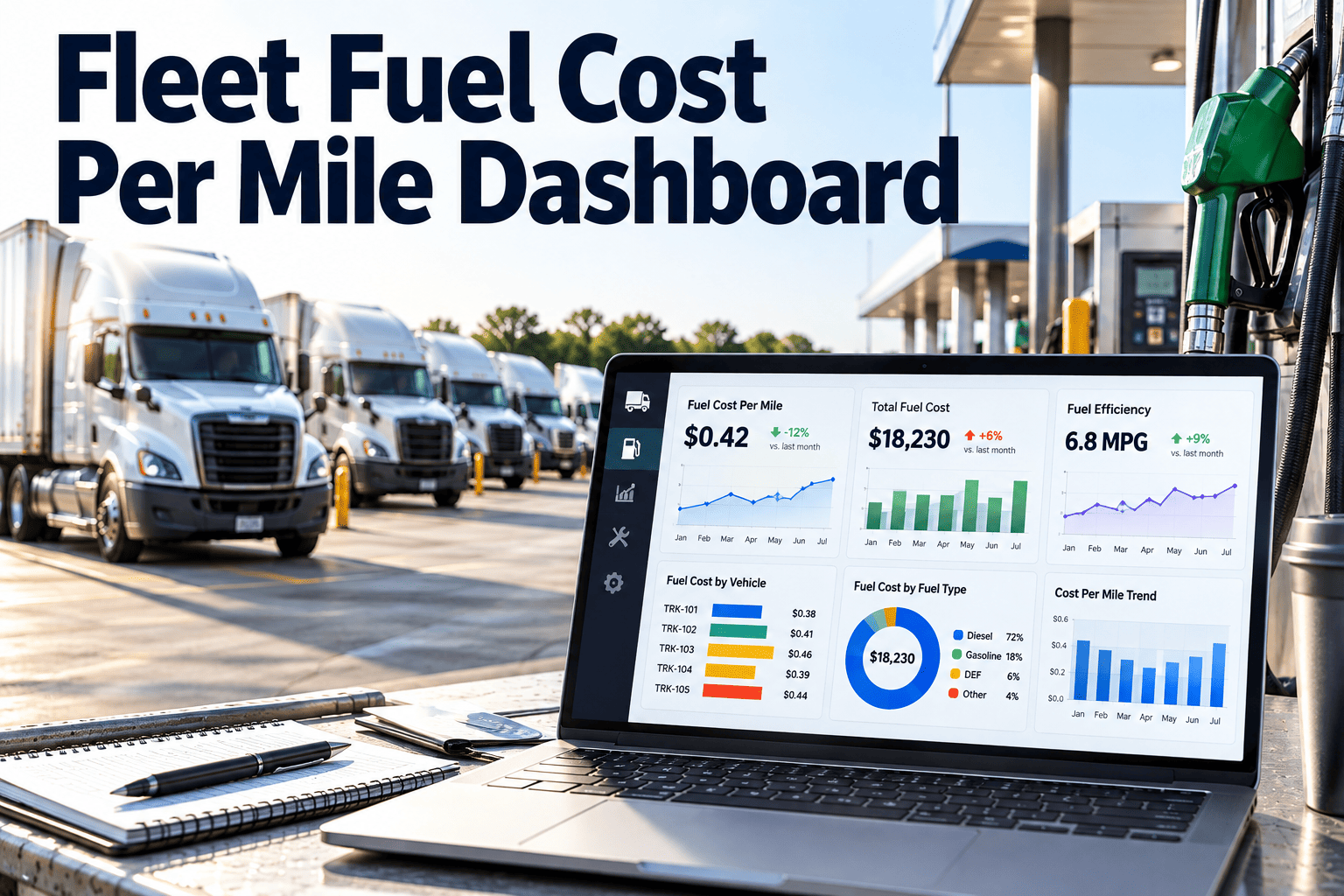
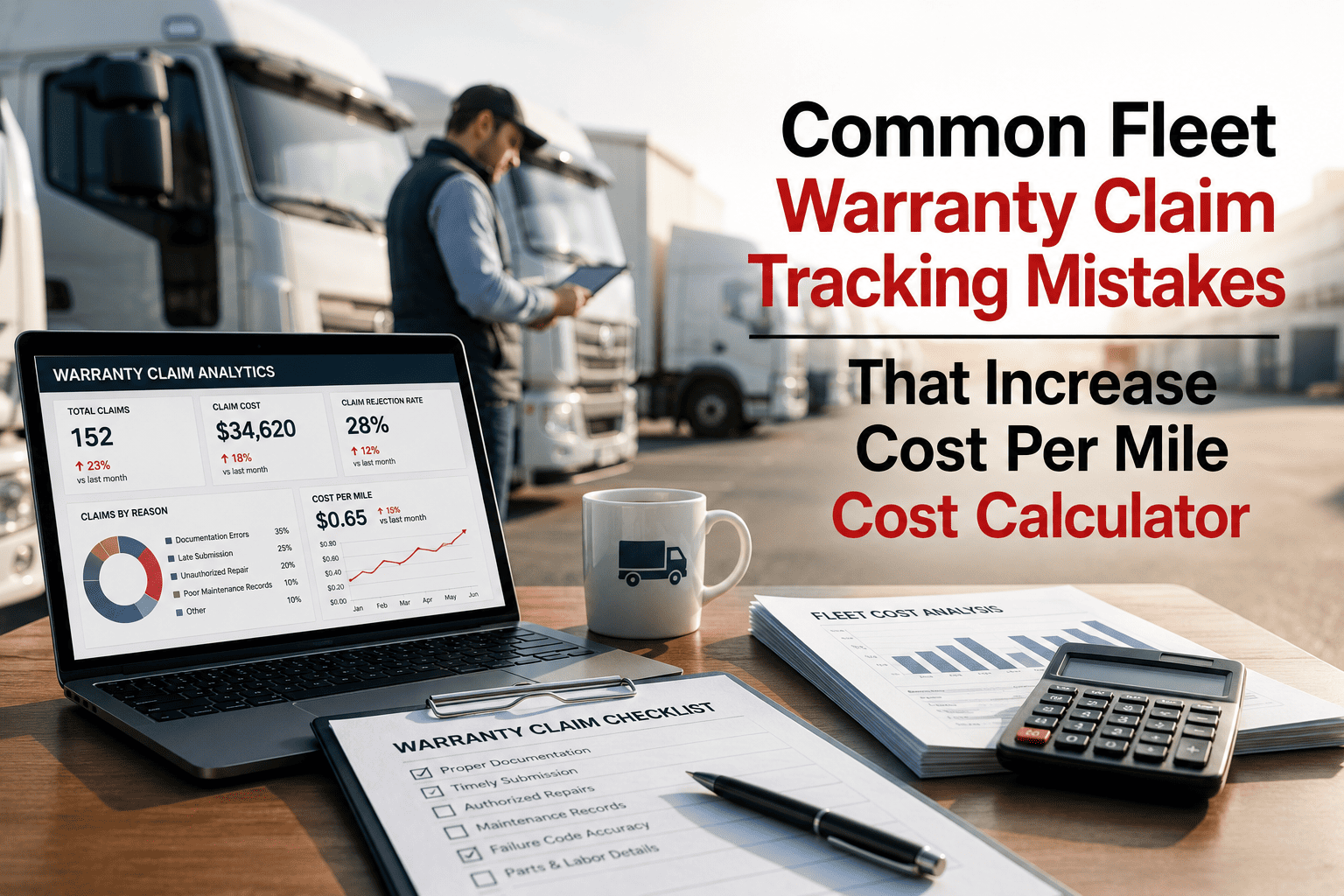
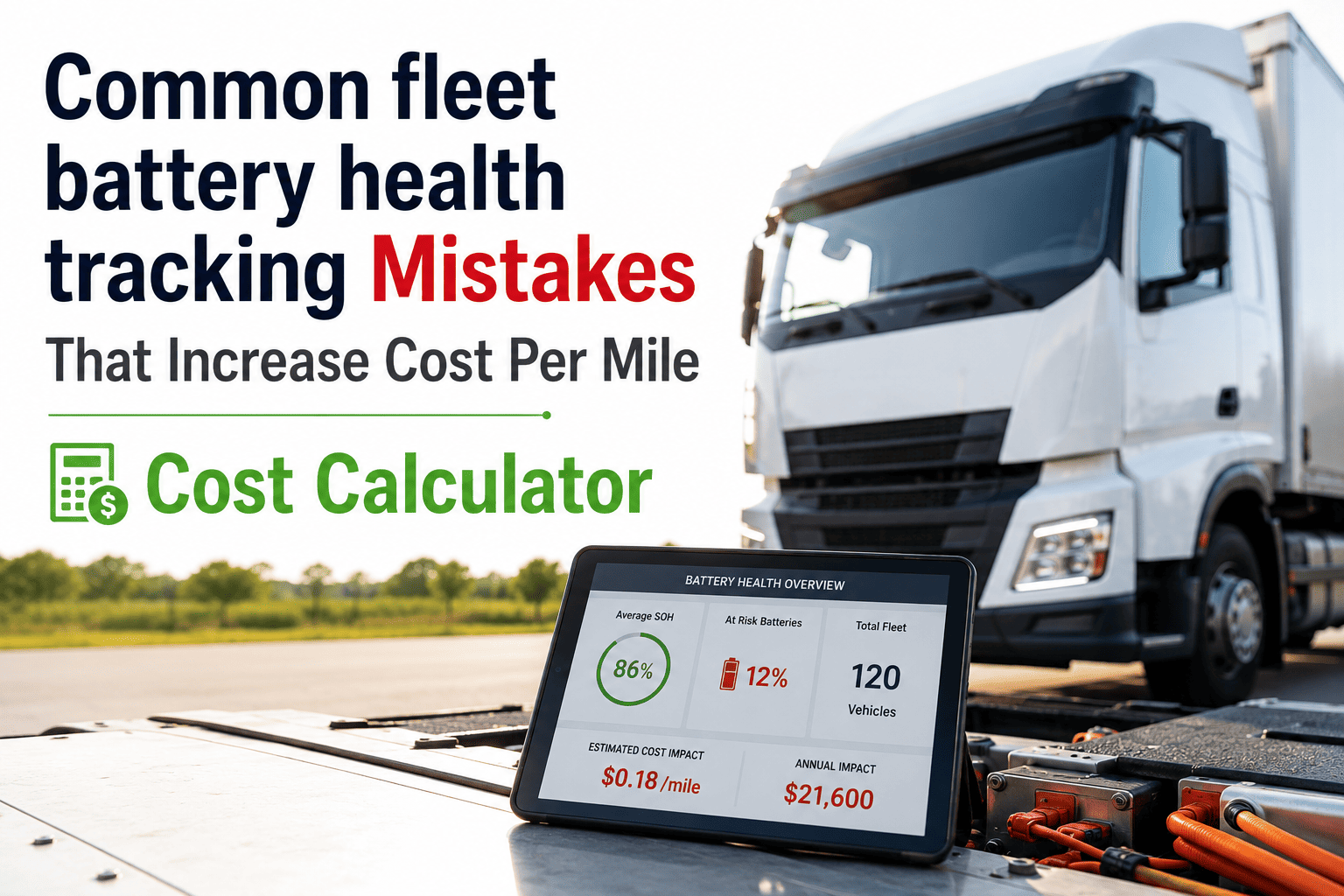
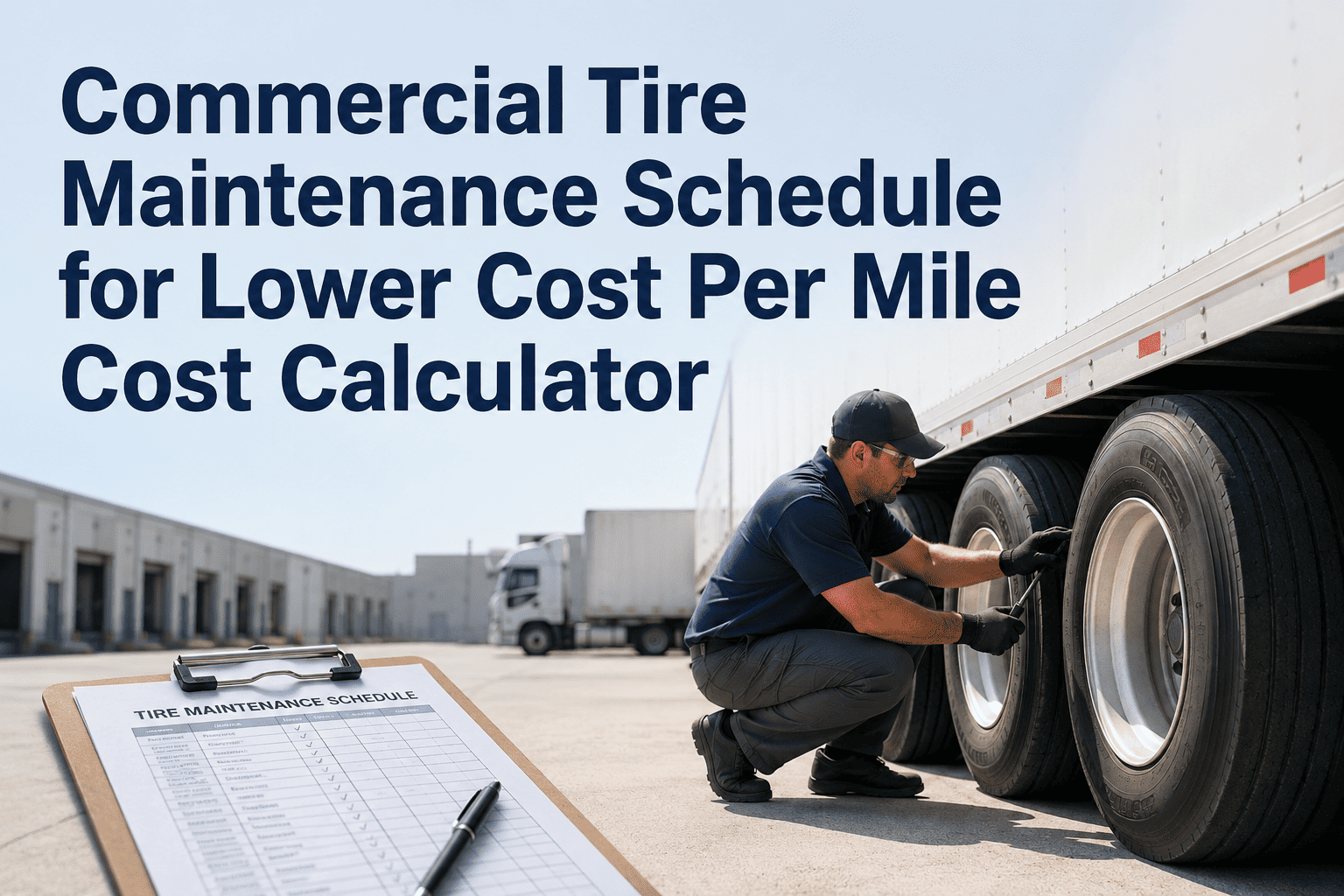
Fuel represents 28% of total fleet operating costs — the second largest expense after depreciation. Yet 61% of fleet managers cannot tell you the actual fuel efficiency of individual vehicles in their fleet, relying instead on fleet-wide averages that hide the worst performers and mask problems until they become expensive. A vehicle with a 15% decline in MPG costs an extra $2,400 annually in fuel — and that decline often signals maintenance issues that will become repair costs if not addressed. This fuel log template provides the structure to track fuel consumption, cost per mile, and mileage per vehicle with automated calculations that identify efficiency problems. Download it for immediate fuel tracking, or connect with Oxmaint's fleet CMMS to integrate fuel data with maintenance records and automatically flag vehicles with efficiency declines that warrant inspection. When MPG drops, the platform triggers a work order — not just a report you might notice next quarter. Book a demo or start a free trial to see integrated fuel and maintenance tracking.
Fleet Fuel Log Template: Tracking Consumption, Cost, and Mileage Per Vehicle
Track fuel purchases, calculate MPG by vehicle, monitor cost per mile, and identify efficiency problems before they become expensive. Excel format with automated calculations. Integrates with fleet fuel card data.
Download the Fuel Log or Track Automatically
The Excel template calculates MPG and cost per mile from your fuel purchase entries. For automatic fuel card integration, real-time efficiency monitoring, and maintenance alerts when fuel economy declines, Oxmaint connects fuel data to maintenance action.
What This Fuel Log Template Tracks
Every fuel purchase captures data that, when analyzed properly, reveals efficiency trends, identifies problem vehicles, and supports maintenance decisions. This template captures all critical data points and calculates the metrics that drive action.
Date, vehicle ID, odometer reading, gallons purchased, price per gallon, total cost, fuel type, and location. Complete transaction record for each fill-up. Supports both full-tank and partial-fill tracking methods.
Auto-calculated MPG for each fill-up based on miles traveled since last fill. Rolling average MPG by vehicle. Comparison to baseline MPG for each vehicle class. Identifies vehicles underperforming their expected efficiency.
Fuel cost per mile by vehicle and by fleet average. Trending analysis shows cost changes over time. Separates fuel price fluctuations from efficiency changes. Critical metric for TCO calculations.
Rolling 90-day MPG trend by vehicle. Flags vehicles with declining efficiency exceeding threshold (default 10% decline). Early warning system for maintenance issues affecting fuel consumption.
When driver is recorded with fuel purchase, template calculates efficiency by driver for same vehicle type. Identifies drivers whose fuel consumption differs significantly from peers — opportunity for coaching or route optimization.
Import format compatible with major fleet fuel card exports (Fleetcor, Fuelman). Match fuel purchases to vehicle records. Identify discrepancies between card transactions and logged fill-ups. Detect potential fuel theft or misuse.
Fuel Efficiency Decline: What It Signals
A vehicle experiencing declining fuel efficiency is communicating a maintenance need. The fuel log identifies the problem — but connecting fuel data to maintenance action is where Oxmaint transforms data into action. Here are the common causes of MPG decline and the maintenance response each requires. Want to see automatic alerts when efficiency drops? Book a demo or start a free trial.
| MPG Decline Cause | Typical Impact | Maintenance Action |
|---|---|---|
| Underinflated Tires | 3-5% MPG loss | Tire pressure check and adjustment |
| Dirty Air Filter | 5-10% MPG loss | Air filter replacement |
| Oxygen Sensor Failure | 10-15% MPG loss | O2 sensor diagnosis and replacement |
| Fuel Injector Issues | 5-12% MPG loss | Injector cleaning or replacement |
| Dragging Brakes | 3-8% MPG loss | Brake inspection and service |
| Alignment Problems | 2-5% MPG loss | Wheel alignment service |
| Engine Misfires | 10-20% MPG loss | Spark plug/coil replacement |
| Transmission Slippage | 5-15% MPG loss | Transmission service or repair |
The fuel log shows you declining MPG. Oxmaint automatically generates a maintenance work order when a vehicle crosses efficiency thresholds — before the fuel waste compounds and before a minor issue becomes a major repair. Fleets using integrated fuel-maintenance tracking reduce fuel costs by 12% on average.
How to Use This Fuel Log Template
Follow these steps to establish fuel tracking and begin identifying efficiency opportunities in your fleet.
Enter expected MPG for each vehicle based on manufacturer specs and historical performance. This baseline is used to identify vehicles underperforming expectations. Adjust baselines after collecting 3 months of actual data.
Record date, vehicle, odometer, gallons, price, and total cost for each fill-up. Consistent full-tank fills provide most accurate MPG calculations. Partial fills can be tracked but reduce calculation accuracy.
Check the efficiency dashboard weekly. Identify vehicles with MPG below baseline or declining trends. Flag underperformers for maintenance inspection. A 10%+ decline from baseline warrants immediate attention.
When efficiency problems are identified, schedule maintenance inspection focused on common fuel-efficiency causes — tire pressure, air filter, brakes, alignment. Document the issue and resolution. Track whether efficiency improves after service.
Frequently Asked Questions
Can I import fuel card transaction data into this template?
How accurate is MPG calculation from fuel logs?
What MPG decline threshold should trigger maintenance?
Should I track fuel separately from my maintenance system?
Stop Losing Money to Hidden Fuel Waste
Every vehicle with declining efficiency is costing you money — and likely signaling a maintenance issue that will become more expensive if ignored. The fuel log template identifies the problem. Oxmaint connects fuel tracking to maintenance action and ensures efficiency problems trigger inspection before they compound. Download the template to start tracking, or go digital for integrated fuel-maintenance management.