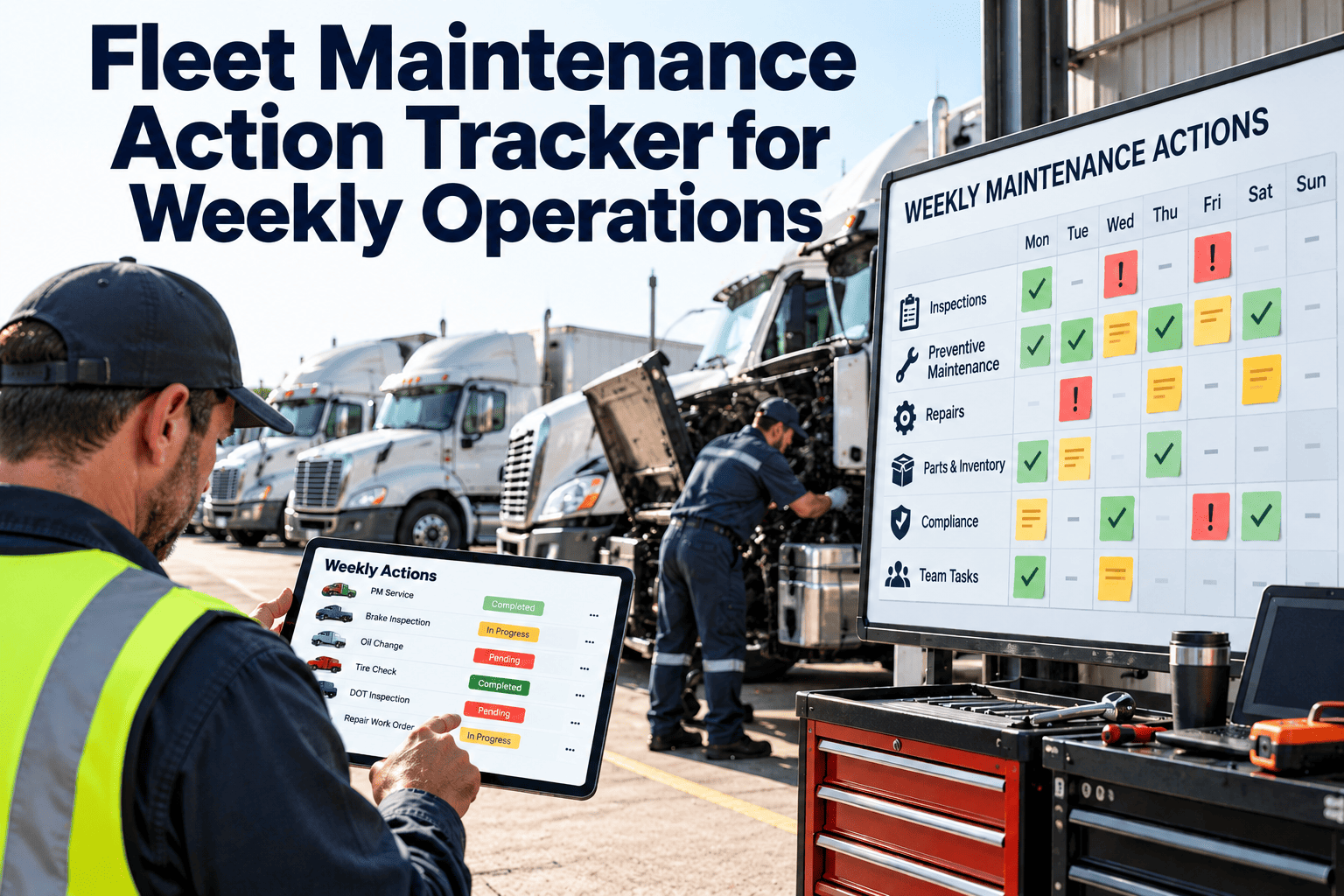
Weekly fleet maintenance meetings often end with good intentions and no owner. A defect is discussed on Monday, a part is "being checked," and by the next Monday nobody remembers who promised what. An action tracker turns every discussion point into a dated, owned, visible task. This guide lays out a checklist-driven tracker for weekly operations, from intake to verified closure, and shows how teams that manage work orders in a maintenance system can keep the list live instead of buried in a spreadsheet.
Fleet Maintenance Action Tracker for Weekly Operations
One shared list of every open defect, due PM, parts hold, and compliance item, with an owner and a deadline on each line. Run a weekly rhythm that closes actions instead of rediscovering them.
Where Weekly Maintenance Actions Come From
If actions arrive from six places and live in six places, something will be missed. The tracker is the one destination for all of them.
Anatomy of a Good Tracker Line
A line that lacks an owner or a date is a note, not an action. Require every field below before an item can enter the list.
| Field | What to record | Rule |
|---|---|---|
| Action ID | Unique number tied to the work order | Never reuse or renumber |
| Vehicle or asset | Unit number, class, and location | Link to the asset record |
| Source | Inspection, PM, road call, audit, or request | Pick from a fixed list |
| Description | The defect or task in plain words | One issue per line |
| Priority | Safety, compliance, operational, or routine | Set at triage, reviewed weekly |
| Owner | One named person, not a team | Shared ownership is no ownership |
| Due date | Date the action must be finished | Changes need a recorded reason |
| Blocker | Part, vendor, bay, driver, or approval | Required when status is waiting |
| Closure proof | Completed work order, photo, or test result | Required before closing |
The Weekly Rhythm, Day by Day
Monday: Intake
- Collect weekend defects and road calls
- Pull PMs due in the next seven days
- Add every new item to the tracker
Tuesday: Triage
- Set priority for each new action
- Assign owners and due dates
- Order parts for anything blocked
Wednesday: Execute
- Schedule bays around dispatch needs
- Complete safety items first
- Update status as work finishes
Thursday: Verify
- Check closure proof on finished items
- Reopen anything repeated or incomplete
- Chase items still waiting
Friday: Review
- Run the weekly review meeting
- Escalate aging items
- Plan next week's PM load
Status Board: Six Columns, Clear Exit Rules
Each status needs a rule for leaving it. Without exit rules, cards sit in "in progress" for weeks.
Priority Matrix for Weekly Triage
Rank by consequence, not by who shouted loudest. Two questions decide placement.
Do now
Safety or compliance risk and the unit is dispatched or about to be. Examples: brake defect, expired inspection.Schedule this week
Safety or compliance risk but the unit is parked, or a high-impact fault on a key unit.Plan
Operational impact without safety risk. Examples: HVAC, liftgate wear, cosmetic damage affecting use.Monitor
Low risk and low impact. Bundle with the next PM visit and review monthly.Make Every Weekly Action Visible and Owned
Oxmaint connects inspections, work orders, PM schedules, and parts so tracker lines update as the work happens, not after the meeting.
A 30-Minute Weekly Review Agenda
Safety and compliance first
Review every open safety, DOT, and registration item. Confirm no unit is dispatched with an open critical defect.Aging and overdue items
Go through the oldest lines. Each one gets a decision: finish, reassign, escalate, or close with a reason.Waiting on parts and vendors
Review every blocker. Name who is chasing it and when the answer is due.Next week's PM load
Match coming PMs to bay capacity and dispatch availability, and move units early where needed.New actions and owners
Confirm each new item has an owner and a date before anyone leaves the room.Escalation Ladder for Aging Actions
Set these thresholds from your own operation. The point is that age triggers a person, not a hope.
Weekly Tracker Checklists
Before the meeting
- All new defects entered
- PMs due next week listed
- Blockers updated by owners
- Closure proof attached where done
- Aging report printed or shared
During the meeting
- Safety items reviewed first
- Every overdue line has a decision
- Owners confirm dates aloud
- Escalations are named, not implied
- Dispatch told about held units
After the meeting
- Changes saved in the tracker
- Parts orders placed
- Vendor bookings confirmed
- Driver notices sent where needed
- Summary shared within the day
Why Weekly Trackers Fail, and the Fix
| Failure | What it looks like | Fix |
|---|---|---|
| Separate lists | Shop, dispatch, and safety each keep their own | One tracker fed by all sources |
| No named owner | Lines say "maintenance" or "shop" | Require one person per action |
| Closing without proof | Defects return a week later | Verify step with proof attached |
| Silent date changes | Due dates slide every meeting | Record a reason for each change |
| Too many low-value items | Critical defects drown in noise | Bundle routine items into PM visits |
| Meeting without data | Discussion relies on memory | Review the aging report live |
Tracker Health Metrics
Running the Tracker Inside Oxmaint
A tracker works best when it is not a separate document. In Oxmaint, each action is a work order with history behind it.
- Mobile inspections raise defects straight into the list with unit, photo, and driver
- Preventive maintenance schedules generate work orders before the due date, not after
- Parts and inventory records show whether a blocker is stock, delivery, or approval
- Dashboards show overdue, aging, and blocked work for the weekly review
- Completed work orders form the closure proof and the unit's repair history
Daily Tracker Hygiene Checklist
The weekly meeting only works if the list is kept current every day. These three short routines take minutes and prevent the Monday scramble.
Start of shift
- Open the tracker and filter by today's due date
- Check overnight defects and road calls
- Confirm safety items have an owner and a bay
- Review units scheduled to dispatch today
- List parts due for delivery today
- Flag blocked items that need a decision
During the shift
- Update status the moment work starts or stops
- Record the blocker when a job moves to waiting
- Attach photos or readings to the work order
- Add new defects as they are found, not later
- Tell dispatch when a unit status changes
- Log extra findings as separate lines
End of shift
- Close finished lines with proof attached
- Move unfinished lines to a new date with a reason
- Confirm tomorrow's priority items have owners
- Hand over open safety items to the next shift
- Check no unit leaves with an unresolved critical defect
- Save notes for the weekly review
Required Checks by Action Type
Different sources need different evidence. Use this table to decide what must be recorded and when a line may close.
| Action type | Must be recorded | Do not close until | Typical owner |
|---|---|---|---|
| Driver-reported defect | Unit, defect, driver, time, photo if visible | Repair is tested and the driver or dispatch is told | Shop supervisor |
| Preventive maintenance | Interval basis, meter reading, checklist results | All checklist items are signed and findings raised | Planner |
| Road call | Location, symptom, tow or service call, delay | Root cause is noted and repair is verified | Maintenance manager |
| Parts hold | Part number, supplier, order date, promised date | Part is fitted and the supplier record is updated | Parts coordinator |
| Compliance expiry | Document type, expiry date, renewal route | New certificate or registration is on file | Compliance officer |
| Vendor or warranty repair | Vendor, authorization, quote, return date | Invoice matched and warranty claim filed if due | Fleet manager |
Closure Verification Checklist
Closing a line is a decision. These two checks separate real closure from a status change.
Technical proof
- Repair matches the reported defect
- Test drive or functional test result recorded
- Torque, pressure, or measurement values captured
- Replaced parts logged against the unit
- Technician and completion date recorded
Record proof
- Work order linked to the tracker line
- Labor hours and parts cost entered
- Photos attached where the defect was visible
- A second person has verified the closure
- Dispatch told the unit is available
Shift Handover Checklist
Defects fall through the gap between shifts. A short, structured handover keeps ownership clear.
Information to pass on
- Open safety items and their current status
- Units held from dispatch and the reason
- Jobs part-way through with the next step
- Parts expected and who is chasing them
Confirmation to get
- Incoming lead has read the tracker
- Owners for open items are reconfirmed
- Questions on blockers are answered
- Handover time and names are recorded
Who Checks What Each Week
Assign responsibilities in writing so every review item has a person behind it.
| Role | Weekly checks | Evidence |
|---|---|---|
| Fleet manager | Escalated items, held units, vendor decisions | Escalation notes in the tracker |
| Shop supervisor | Bay plan, overdue lines, technician workload | Updated schedule and status changes |
| Planner | PMs due next week, meter readings, parts needs | PM list and linked work orders |
| Parts coordinator | Blocked lines, delivery dates, stock for planned jobs | Order records and blocker updates |
| Safety or compliance lead | Safety defects, expiries, inspection findings | Compliance list and closure proof |
Monthly Tracker Audit Checklist
Once a month, check the tracker itself, not only the vehicles in it.
Data quality
- Sample ten closed lines and check the proof
- Look for lines without owners
- Look for changed dates with no reason
- Check for duplicate lines for one defect
Process health
- Review reopened lines and common causes
- Review the oldest open lines and why they remain
- Check escalation steps were actually used
- Agree one process change for next month
Oxmaint Setup Checklist for the Weekly Tracker
Configure these once, and the tracker maintains itself from daily work.
Intake and planning
- Mobile inspection forms raise defects automatically
- PM schedules generate work orders ahead of the due date
- Priority levels defined and required on every line
- Owner and due date set as required fields
Control and review
- Blocker field required when status is waiting
- Overdue and aging dashboards shared with the team
- Closure requires completed work order and proof
- Asset history available to review repeat defects
Tracker Rollout Checklist: The First Thirty Days
Introduce the tracker in stages. A small pilot with clear rules works better than a full launch with unclear ones.
Week 1: Set up
- Agree the field list and make owner and date required
- Define the six statuses and their exit rules
- Load all open defects and overdue PMs
- Name one tracker administrator
- Share the priority matrix with every shift
- Set the day and time of the weekly review
Weeks 2 and 3: Pilot
- Run the daily routines with one shop team
- Hold the first weekly review using live data
- Record every rule that people find unclear
- Check closure proof on a sample of lines
- Review the escalation ladder against real delays
- Adjust fields that nobody uses
Week 4: Embed
- Extend the tracker to every shop and shift
- Train drivers and dispatch on how defects enter
- Publish the tracker health metrics
- Set a monthly audit date
- Confirm who covers the administrator role
- Retire parallel spreadsheets and chat lists
Red Flag Checklist for the Weekly Review
If any of these appear, stop the agenda and deal with them first.
Safety and compliance flags
- A unit dispatched with an open safety defect
- A compliance document past its expiry date
- A brake or steering item moved to waiting without a plan
- A repeat defect closed a second time without a root cause
Process flags
- Several lines with no owner
- Due dates moved more than once with no reason
- Parts blockers with no named person chasing
- Closed lines with no proof attached
Frequently Asked Questions
How long should the weekly review take?
Thirty minutes is enough when the tracker is current before the meeting starts.
Should routine PMs appear in the tracker?
Show PMs due this week as a group, and list only the overdue ones individually.
Who should own the tracker?
The shop or fleet manager owns the process. Each line still needs its own named owner.
Can a spreadsheet work to start with?
Yes, but it breaks as volume grows. See a live walkthrough of the work order approach.
How do I handle repeat defects?
Reopen the original line and flag it. Asset history then shows the pattern.
Close the Gap Between Meeting and Maintenance
Give your weekly operations review a live action list that ties every decision to a work order, an owner, and a closing record.