A new vehicle arriving at a fleet depot without a structured onboarding process is a compliance liability, a telematics blind spot, and a maintenance data gap from its very first day of service. Missing a VIN registration, skipping the telematics installation, or failing to configure the PM schedule before the vehicle enters service creates deficiencies that compound — an uninspected vehicle accumulates mileage without a service record, operates without a fuel card assignment, and runs without OBD monitoring for weeks before someone notices the setup was incomplete. A structured onboarding checklist, completed in sequence before the vehicle is dispatched, ensures every new asset enters service fully visible, fully documented, and fully compliant from day one. Oxmaint's vehicle onboarding module guides fleet administrators through every setup step — creating the asset profile, configuring PM schedules, uploading compliance documents, and triggering telematics activation in a single guided workflow.
Vehicle Onboarding Readiness — Day-by-Day Progress
A vehicle that reaches 100% onboarding readiness by end of Day 1 is dispatch-ready, compliance-documented, and telematics-visible from its first kilometre. The chart below shows what percentage of onboarding readiness is achievable at each stage — and what risks accumulate when steps are deferred beyond Day 1.
Technology That Accelerates Vehicle Onboarding
A manual vehicle onboarding process — copying VIN from the spec sheet, uploading documents one by one, manually setting PM triggers in a spreadsheet — takes 2–4 hours per vehicle and produces data entry errors that haunt the vehicle's record for years. Four technologies compress this to under 20 minutes with zero transcription errors. Oxmaint integrates all four into one vehicle onboarding workflow.
1. Vehicle Registration and Compliance Documentation Checklist
Every new vehicle must be fully registered and documented before it moves a single kilometre under fleet authority. Compliance documents uploaded at intake are retrievable during any roadside inspection or DOT audit — documents uploaded two months after intake may already be out of date. Upload all vehicle compliance documents at intake in Oxmaint.
VIN verified and CMMS asset profile created
Scan or manually enter the VIN, verify against the vehicle title, and create the asset profile in Oxmaint before any other step. The VIN is the anchor for every subsequent record. Block — no dispatch without profile
Vehicle registration certificate uploaded and expiry dated
Upload the registration document and set an expiry reminder alert 30 days before renewal. A vehicle with an expired registration is an immediate roadside citation in every jurisdiction. OOS — expired registration
Insurance certificate uploaded — liability, cargo, and physical damage
Upload all insurance certificates with expiry dates and set renewal alerts. Verify FMCSA insurance filing (BMC-91) is active for CMVs operating in interstate commerce. OOS — no active insurance filing
Annual inspection certificate — initial pre-delivery or first scheduled
For new vehicles, confirm the dealer pre-delivery inspection meets Appendix A requirements. If not, schedule and complete a full DOT annual inspection before the vehicle enters interstate commerce. Required — before first dispatch
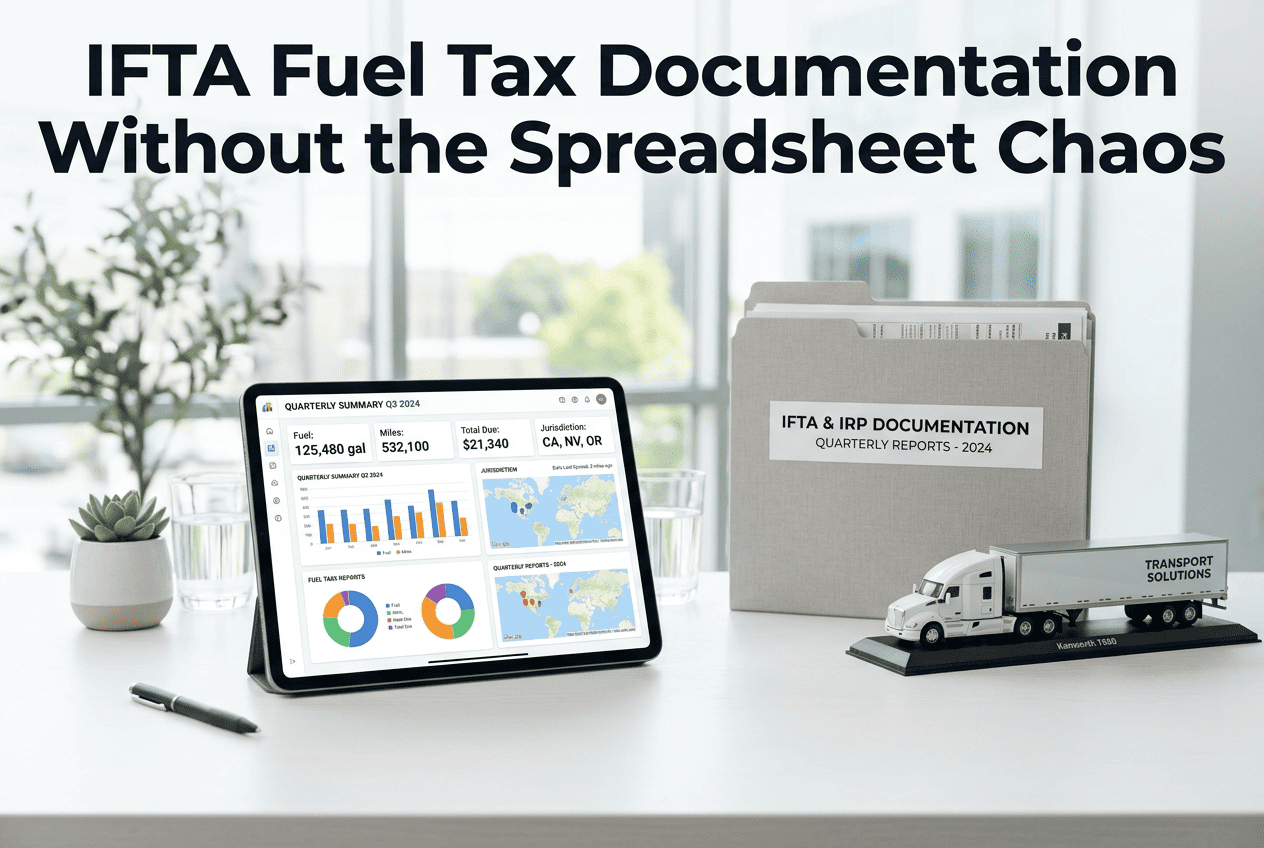
IFTA licence and decals applied — vehicles operating in 2+ jurisdictions
Verify IFTA decals are affixed to both sides of the cab before the vehicle crosses a state or province boundary. Apply for IFTA licence in the base jurisdiction if not already issued. OOS — missing decal
AI Camera tip: Oxmaint's document scanner captures registration certificates, insurance cards, and annual inspection stickers at intake using phone camera AI — extracting expiry dates automatically and setting renewal alerts without any manual date entry. See Oxmaint's AI document scanning at vehicle intake.
2. Telematics, OBD and CMMS Configuration Checklist
A new vehicle without telematics is invisible to the fleet management platform — you cannot see where it is, how it is being driven, or what fault codes it is generating. Telematics installation is not a nice-to-have that can be scheduled for next week: a week of unmonitored operation is a week of compliance blind spot, fuel card fraud risk, and OBD fault accumulation with no alert. Activate telematics and configure OBD monitoring in Oxmaint at vehicle intake.
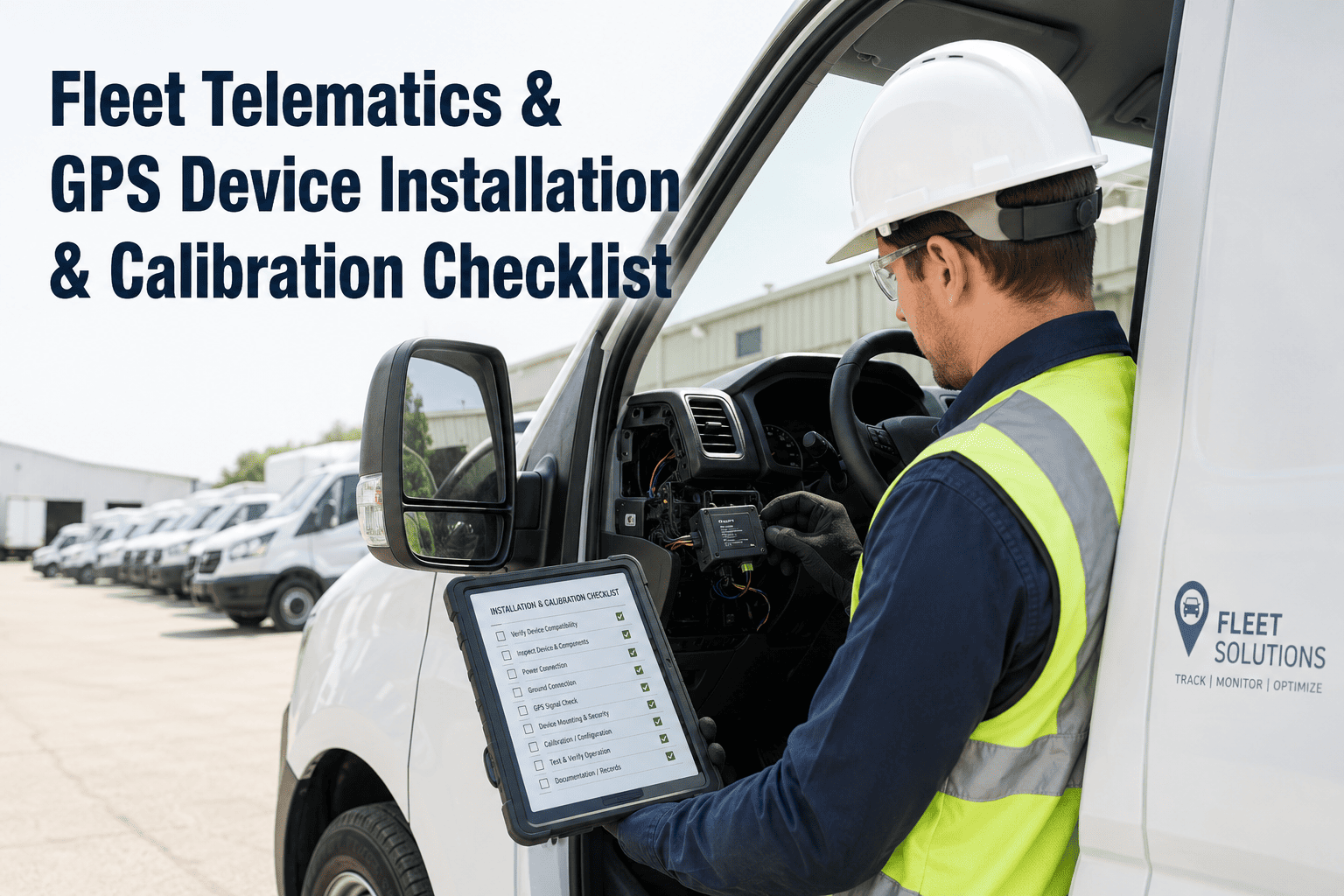
Telematics device installed and transmitting
Install the OBD or hardwired telematics unit and verify GPS position, speed, and ignition signals are transmitting correctly in the Oxmaint dashboard before the vehicle leaves the depot. Required — before first trip
Vehicle linked to ELD — HOS logging active
For CMV drivers subject to HOS regulations, verify the ELD is linked to the new vehicle's VIN and recording correctly before the first driver sign-in. An unlinked vehicle forces paper logs from day one. Violation — unlinked ELD
OBD fault code baseline captured — initial scan at intake
Perform an initial OBD scan at intake and document all active and pending fault codes. Any pre-existing fault codes must be recorded — they establish the vehicle's condition at delivery and protect the fleet from warranty disputes. Required — at intake
Geofence and alerts configured in fleet management platform
Set geofence boundaries, speed alert thresholds, and after-hours operation alerts before the vehicle's first dispatch. Alerts configured a month after intake miss the highest-risk period of a new driver's route familiarity. Configure — before dispatch
3. PM Schedule, Fuel Card and Initial Inspection Checklist
The PM schedule, fuel card, and initial inspection are the three operational readiness items that are most commonly deferred beyond Day 1 — because they feel less urgent than registration documents. They are not. A vehicle dispatched without a PM schedule accumulates mileage with no maintenance trigger. A vehicle without a fuel card assignment creates an expense tracking gap from the first fill-up. Configure PM schedules and fuel card assignments in Oxmaint at vehicle intake.
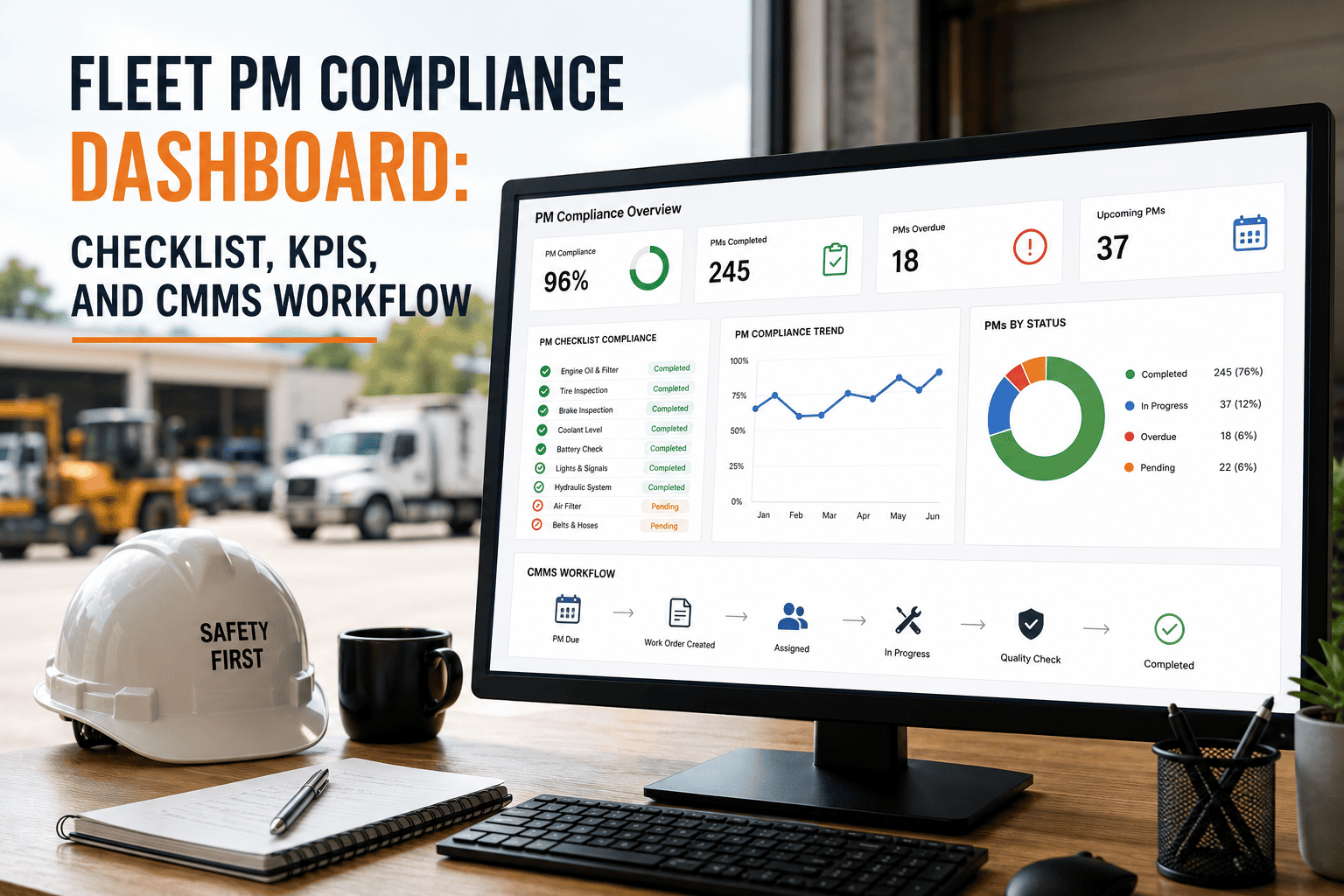
PM schedule configured — all service intervals set in CMMS
Set oil change, filter service, brake inspection, tyre rotation, and annual inspection triggers in Oxmaint based on OEM specifications and fleet standard intervals. A vehicle without PM triggers will never receive a maintenance reminder. Required — before first km
Fuel card assigned — vehicle unit number linked to card account
Assign a fuel card to the vehicle unit number and configure product restrictions (fuel type only), transaction limits, and geographic boundaries before first dispatch. An unconfigured card has no fraud controls. Required — before first fill
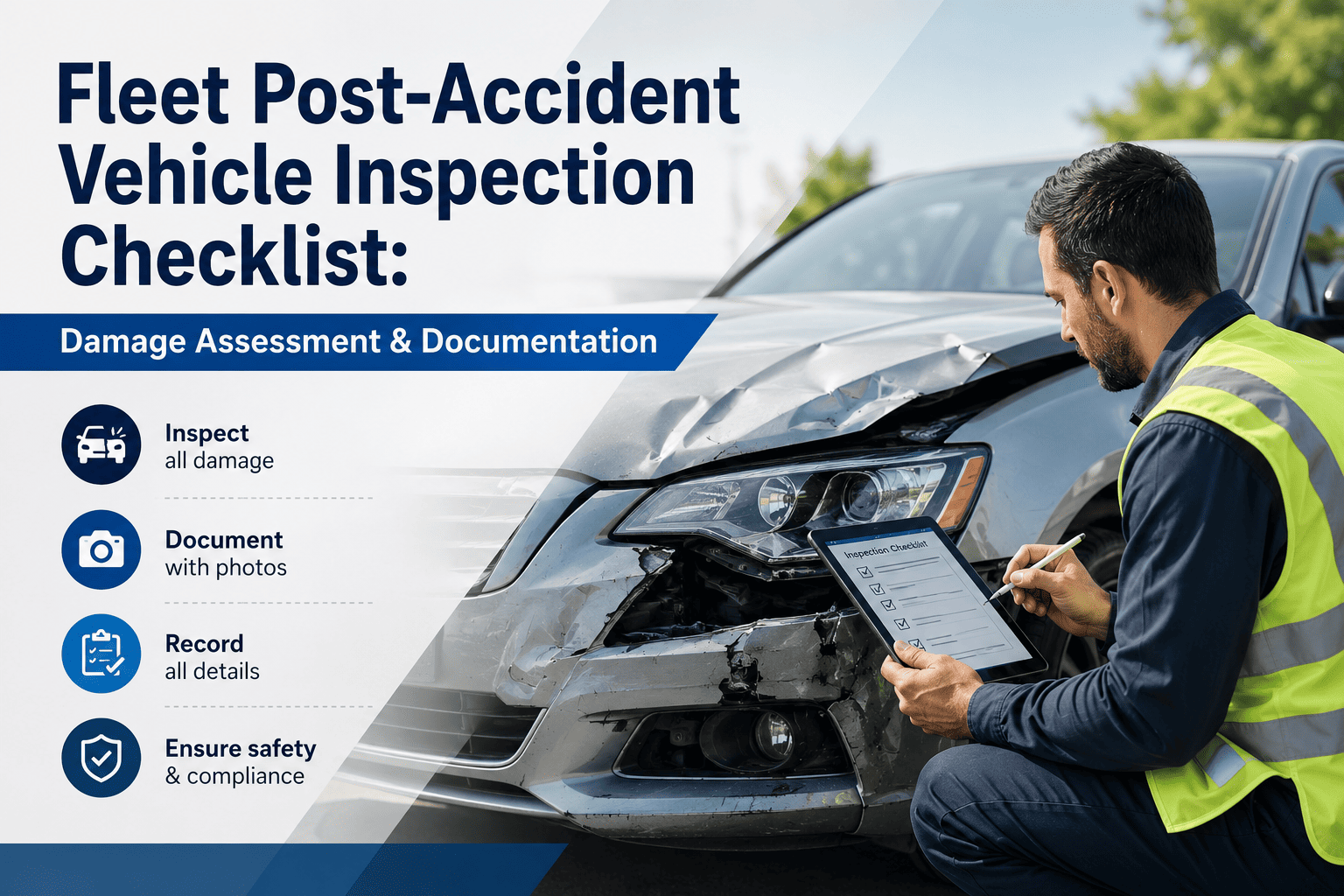
Initial pre-service inspection completed and recorded
Complete a full walk-around inspection at intake — tyres, lights, brakes, body, fluid levels — and record findings in Oxmaint. This is the vehicle's baseline condition record that all future inspections are compared against. Block — no dispatch without baseline
Driver assignment and training confirmation
Assign the primary driver (or pool assignment), verify their CDL class matches the vehicle, and confirm any vehicle-specific training required. Record assignment date — it starts the clock on driver-vehicle liability tracking. Required — before first driver
SAP asset record created — cost centre, value, and depreciation
Trigger SAP asset creation from the Oxmaint vehicle profile — vehicle acquisition cost, depreciation schedule, and fleet cost centre allocation must be posted before the first fuel or maintenance transaction is processed. Required — same day as intake
Digital Twin tip: Oxmaint creates each vehicle's digital twin at VIN registration — pre-loading OEM PM specifications, expected brake wear rates, and tyre life baselines by vehicle type. The twin starts predicting maintenance needs from the first telematics data transmission, not weeks later. Book a demo to see Oxmaint's vehicle onboarding workflow.
We were adding 8–10 new vehicles per quarter and each one took 3–4 hours to set up across our old systems. With Oxmaint's onboarding workflow, we've reduced that to 25 minutes per vehicle — VIN scanned, documents uploaded, PM schedule configured, telematics live, and fuel card assigned before the vehicle leaves the intake bay.
Frequently Asked Questions
The most common questions from fleet administrators about new vehicle onboarding, CMMS setup, and compliance documentation.
At minimum: vehicle registration current, insurance active, annual inspection certificate issued, IFTA decals affixed (if operating in 2+ jurisdictions), ELD linked to VIN, and telematics transmitting. Any one of these missing creates an immediate compliance gap or OOS risk.
Yes, if operating in interstate commerce. A dealer pre-delivery inspection does not automatically satisfy 49 CFR 396 Appendix A requirements unless performed by a qualified inspector covering all 13 categories. Verify the dealer inspection covers all Appendix A categories or schedule a separate DOT annual inspection at intake.
Manually, 3–4 hours across multiple systems. With Oxmaint's guided onboarding workflow — VIN scan, document upload, telematics activation, PM config, fuel card setup — the full process takes 20–30 minutes per vehicle with zero duplicate data entry.
The initial pre-service inspection baseline — because vehicles come "new" and technicians assume there is nothing to inspect. Missing this record means there is no documented baseline to compare future inspections against, and any damage found later cannot be definitively attributed to post-delivery operation.
At intake — before the first kilometre is driven. PM triggers based on mileage accumulate from the moment the vehicle moves. Configuring at the first service means the first PM interval has already been missed before the schedule even exists.
Yes. Oxmaint's SAP connector creates the asset record in SAP Plant Management and Finance on onboarding completion — posting vehicle value, cost centre, depreciation classification, and registration details without manual re-entry in SAP.