Fleet work order management is where maintenance strategy meets daily execution — the system that determines whether a repair gets done on time, by the right technician, with the right parts, and with a documented record that satisfies compliance auditors and cost controllers. In 2026, fleets that still manage work orders through paper forms, email threads, and spreadsheet tracking lose an average of 3.4 hours per technician per week to administrative overhead — time that produces zero wrench-time value. The 10 best practices below are not theoretical recommendations. They are the specific operational patterns used by fleet operations that achieve 94%+ PM compliance, sub-4-hour mean time to repair, and 85%+ planned-to-reactive maintenance ratios. Every practice maps directly to a CMMS capability — and to features available in Oxmaint's fleet maintenance platform. Whether you are building a work order system from scratch or optimizing an existing one, these practices represent the standard that top-performing fleets operate against. Want to see how they work in practice? Start a free trial or book a demo with our fleet operations team.
Top 10 Best Practices for Fleet Work Order Management in 2026
From digital creation to technician assignment, parts tracking, closure verification, and KPI reporting — the operational workflow that separates reactive shops from high-performance fleet maintenance.
Why Work Order Management Is the Foundation of Fleet Performance
Every fleet maintenance KPI — PM compliance, MTTR, cost per mile, planned-to-reactive ratio, first-time fix rate — is ultimately a measure of work order quality. If work orders are created inconsistently, assigned without priority logic, completed without parts documentation, or closed without verification, then every downstream metric is unreliable. Work order management is not an administrative function — it is the operational system that determines whether your fleet spends $0.08 or $0.22 per mile on maintenance, whether vehicles are available when dispatch needs them, and whether your compliance records survive an audit.
These 10 best practices are sequenced in the order they should be implemented — from foundational workflow structure to advanced analytics. Each builds on the previous. Oxmaint's CMMS supports every practice on this list natively. Start a free trial or book a demo to see how each maps to the platform.
The 10 Best Practices
Sequenced for implementation — start with #1, build through #10. Each practice includes the operational impact and how Oxmaint delivers it.
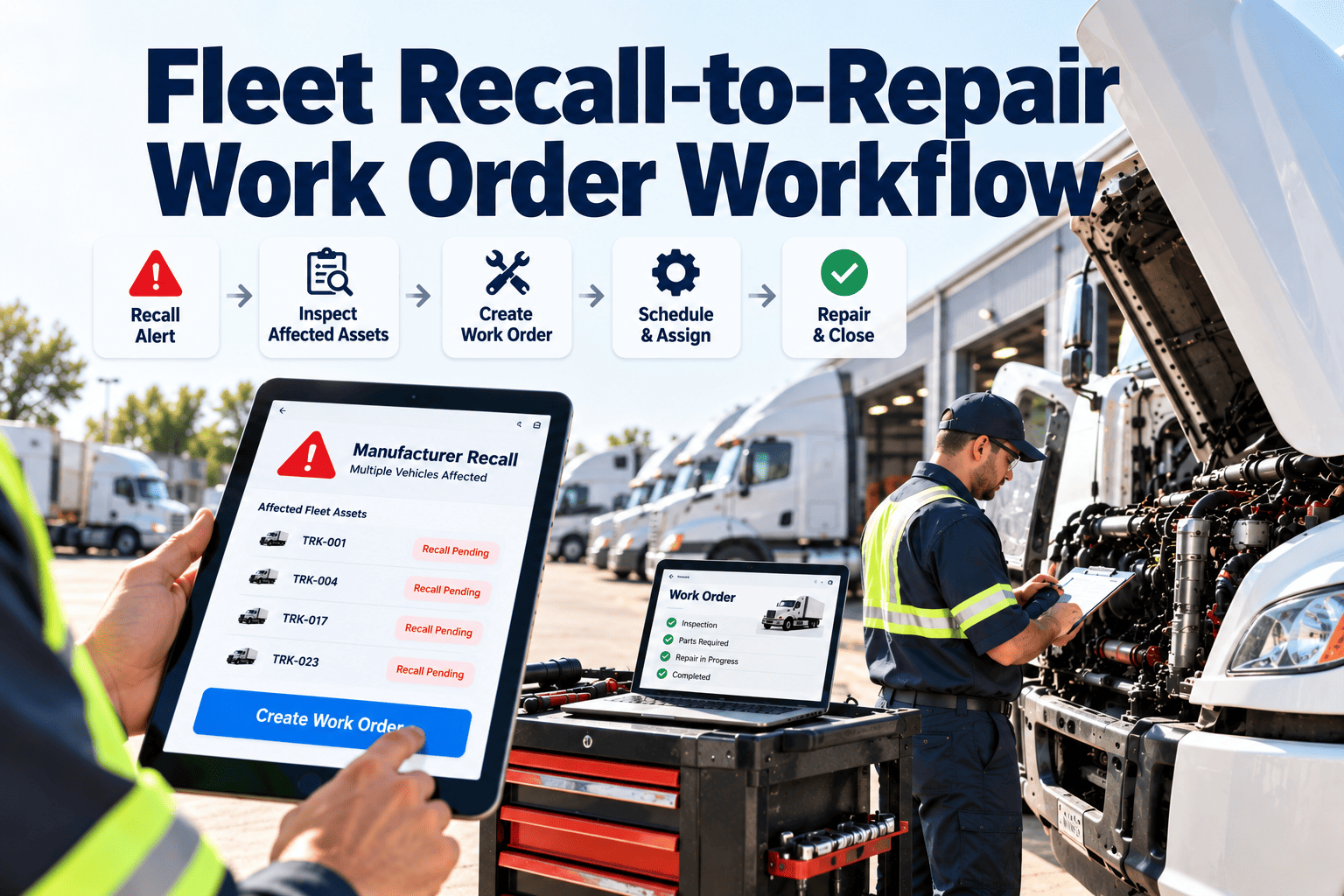
Every maintenance event — planned, reactive, inspection-generated, or driver-reported — must create a digital work order with mandatory fields: asset ID, priority level, failure mode, and requester. No phone calls. No verbal requests. No sticky notes. Standardized digital creation ensures every maintenance event enters a single system of record. Fleets that enforce digital-only work order creation see a 28% reduction in missed maintenance events within 90 days.
Not all work orders are equal — but without formal priority classification, they are treated as equal, which means safety-critical repairs compete with cosmetic fixes for the same technician's time. Implement a 4-tier priority system: Emergency (safety — 2-hour response), Urgent (operational impact — 24-hour response), Scheduled (planned PM — per schedule), and Routine (no operational impact — 5-day window). Auto-classification based on failure type eliminates the subjectivity that causes critical repairs to wait in queue behind low-priority tasks.
Work order assignment in high-performing fleets considers three factors simultaneously: technician skill certification (does this tech have the ASE brake certification for this brake job?), physical proximity (which qualified tech is closest to this vehicle?), and current workload (which tech has capacity today?). Manual assignment based on supervisor judgment averages 68% optimal allocation. System-assisted assignment based on skills, location, and backlog achieves 91% optimal allocation — meaning faster repairs, fewer re-assignments, and higher first-time fix rates.
The single largest cause of work order delays is parts unavailability discovered after the technician has already started the job. Best practice: when a work order is created for a known repair type, the system should automatically check parts availability for the expected parts list and flag shortages before assignment. If parts are available, they are reserved against the work order. If unavailable, the work order is held in "awaiting parts" status with an automatic purchase request triggered. This eliminates 1.2 wasted trips per technician per day and reduces average MTTR by 34%.
Labor cost is typically 40–55% of total fleet maintenance spend — but without work-order-level labor tracking, it is impossible to know which repair types consume the most labor, which vehicles are labor-intensive outliers, or whether actual repair times match estimated times. Best practice is clock-in/clock-out at the individual work order level, captured on mobile — not estimated post-shift. Accurate labor data drives three critical decisions: staffing level justification, outsource-vs-insource analysis for specific repair types, and identifying training gaps when actual repair times consistently exceed standards.
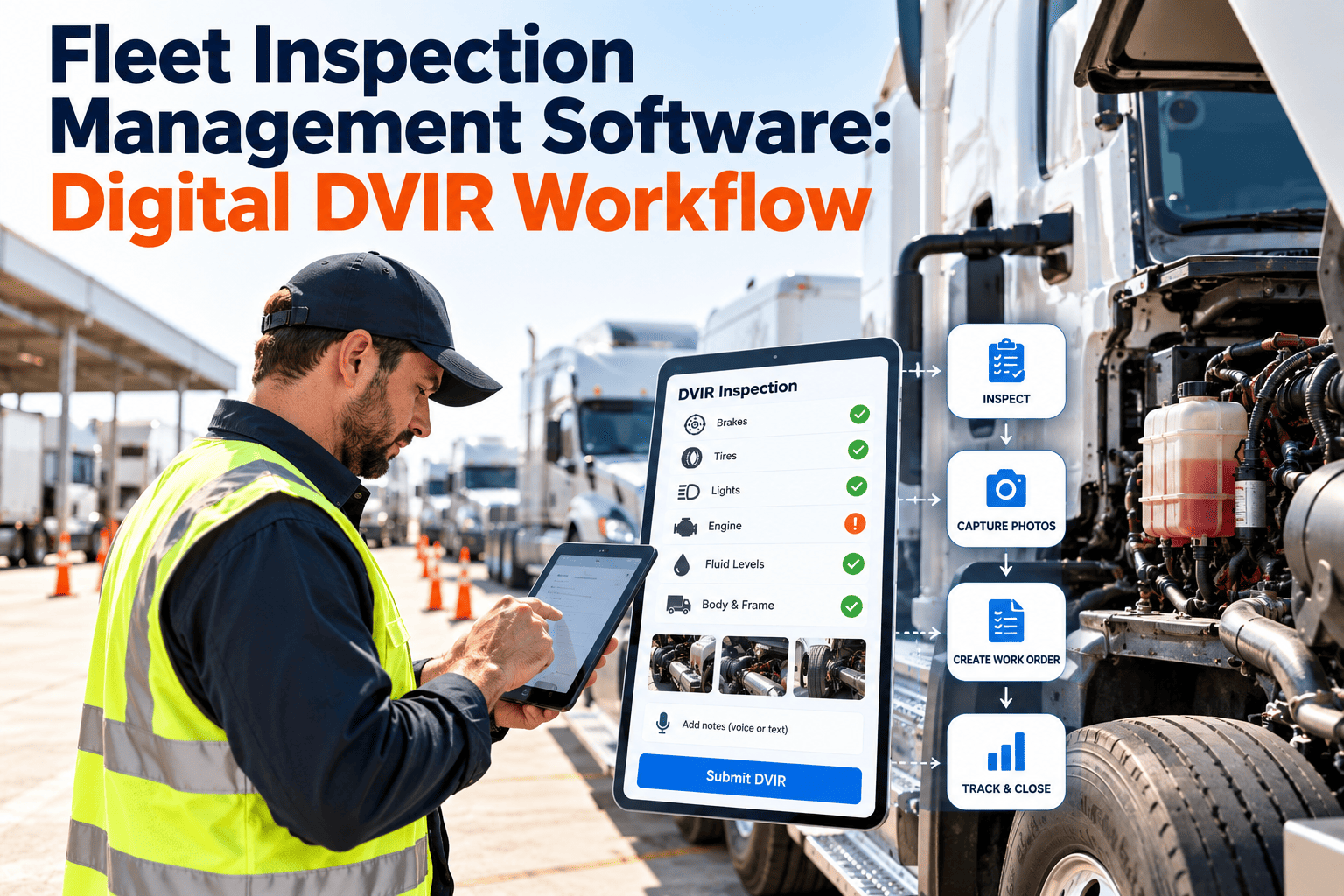
A closed work order without photo documentation is an unverifiable claim. Before-and-after photos serve four operational purposes: quality verification (supervisor can confirm repair quality without visiting the vehicle), compliance evidence (timestamped visual proof of completed safety inspections), warranty documentation (photo of defect at time of discovery supports manufacturer claims), and dispute resolution (when a driver reports an issue was not fixed, photos provide objective evidence). Fleets that require photo closure see 22% fewer re-open events and 3.6x faster warranty claim processing.
Closing a work order as "repair completed" without recording what failed and why it failed wastes the diagnostic intelligence captured during the repair. Standardized failure codes (brake wear, coolant leak, electrical fault, belt failure) and root cause categories (normal wear, operator misuse, defective part, missed PM) transform individual work orders into a fleet-wide failure pattern database. After 6–12 months of coded work orders, fleet managers can identify the 15% of failure modes causing 60% of maintenance spend — and address them systematically through PM interval adjustment, parts quality upgrades, or operator training.
Preventive maintenance work orders should generate automatically based on whichever trigger arrives first — mileage interval or calendar interval. A vehicle that hits 5,000 miles in 3 weeks should not wait for the 90-day calendar trigger, and a low-mileage vehicle should not skip its calendar-based service because it has not hit the mileage threshold. Dual-trigger PM scheduling catches 100% of service intervals. Manual PM scheduling from spreadsheets misses an average of 18% of due services — each missed PM increasing the probability of an unplanned breakdown by 12%.
A two-step closure process — technician completes and submits, supervisor reviews and approves — catches incomplete repairs, missing parts documentation, and incorrect failure coding before the work order enters the permanent record. This 60-second review step reduces work order re-opens by 31% and improves data quality for downstream analytics. Without supervisor review, work orders are closed with "completed" status regardless of actual repair quality — creating a false confidence in PM compliance rates and repair effectiveness metrics.
The five work order KPIs that every fleet manager should review weekly: PM compliance rate (% of scheduled PMs completed on time), MTTR (average hours from work order creation to completion), first-time fix rate (% of work orders closed without re-open), work order backlog age (number and age of open work orders), and planned-to-reactive ratio (% of work orders that were planned vs emergency/reactive). These five numbers tell you whether your work order system is improving or degrading — and they produce actionable insights only when reviewed weekly, not monthly or quarterly.
Paper vs Digital: The Work Order Workflow Comparison
What Optimized Work Order Management Delivers
Frequently Asked Questions
How long does it take to transition from paper work orders to digital?
What is the most common mistake fleets make with work order management?
How do we get technicians to adopt digital work orders without resistance?
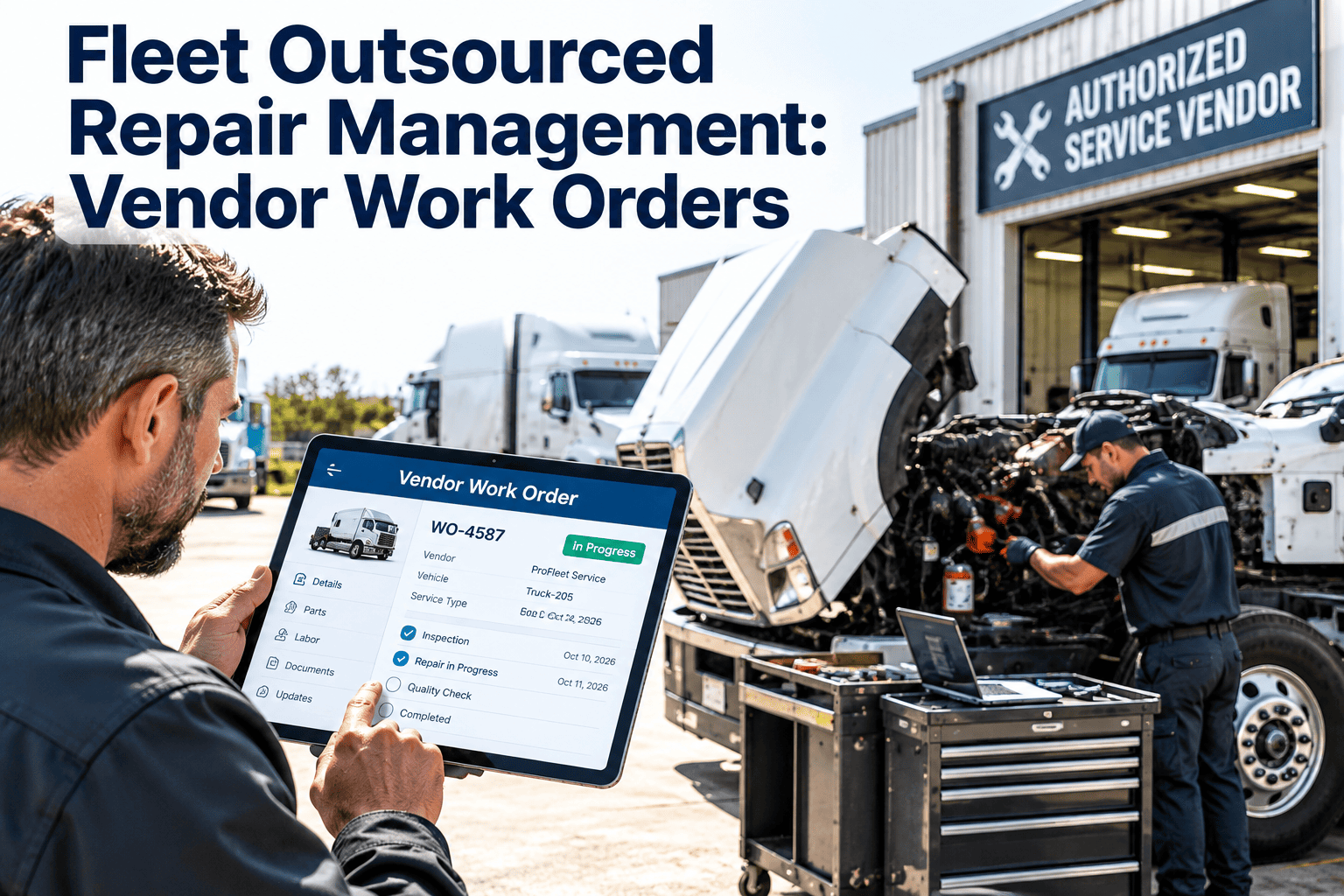
Can Oxmaint handle both in-house and outsourced repair work orders?
Every Best Practice on This List. One Platform. Live in One Week.
Digital work order creation, priority classification, skill-based assignment, parts pre-staging, labor tracking, photo documentation, failure coding, dual-trigger PM scheduling, supervisor review, and weekly KPI reporting — Oxmaint delivers all 10 best practices from a single platform. Most fleet teams are operational within their first week.