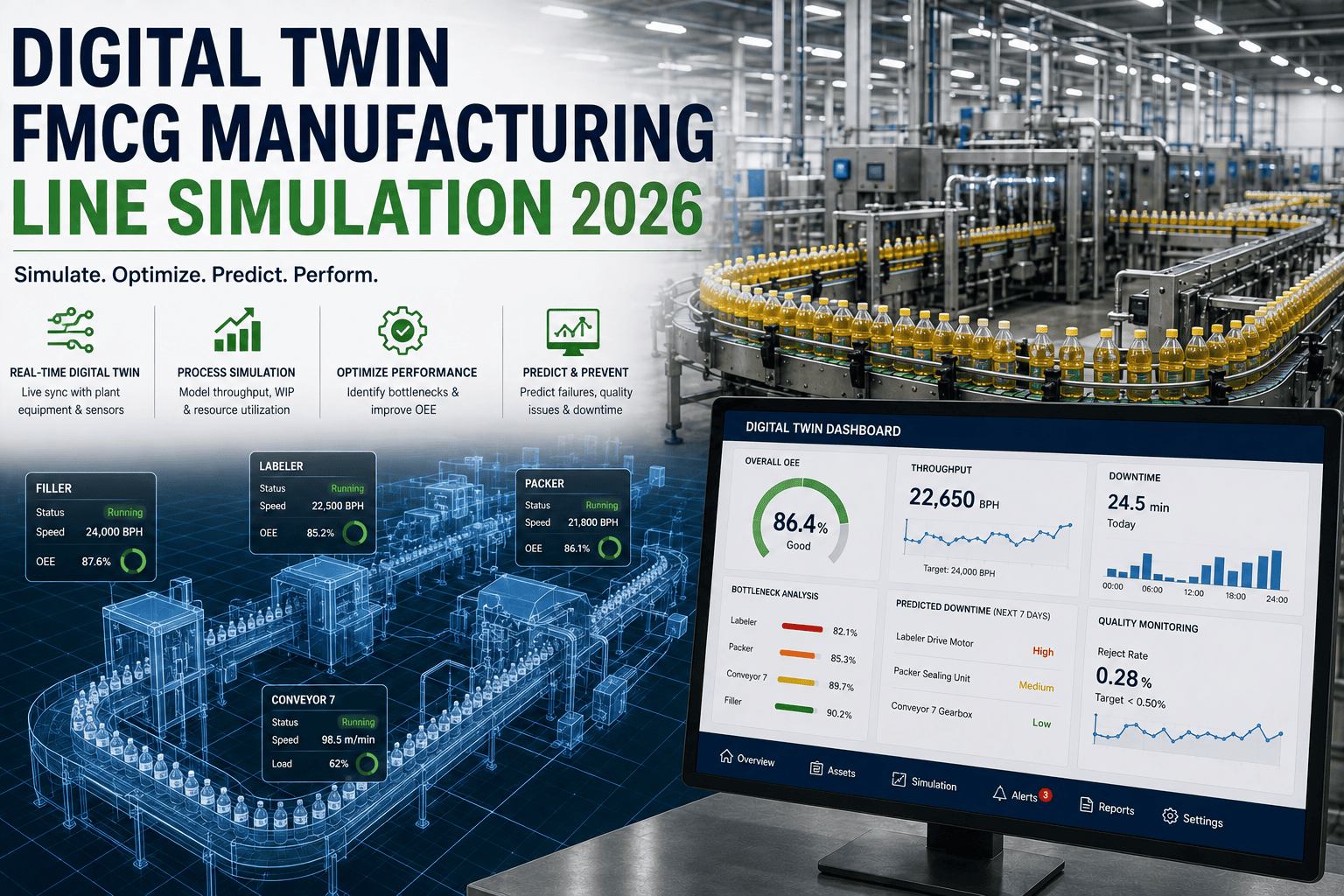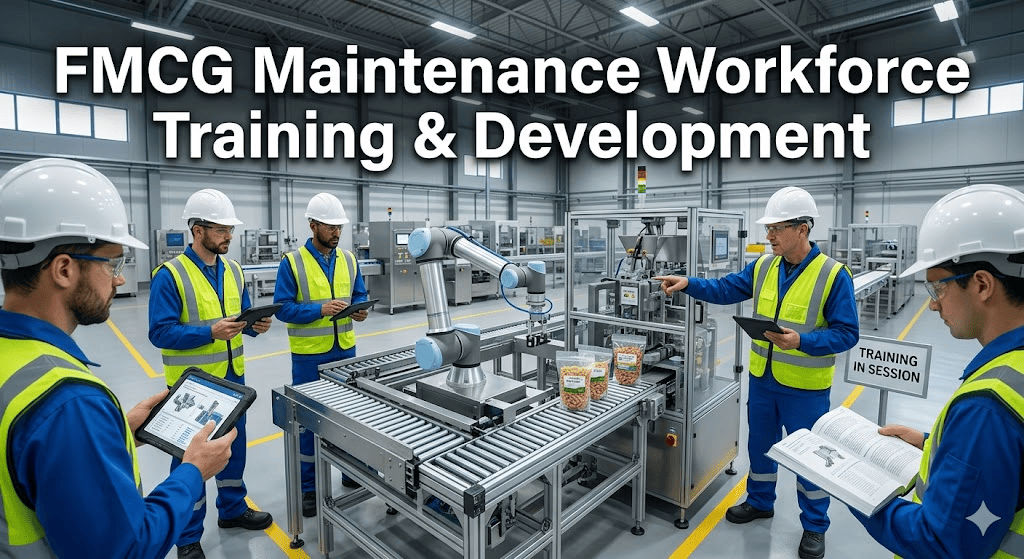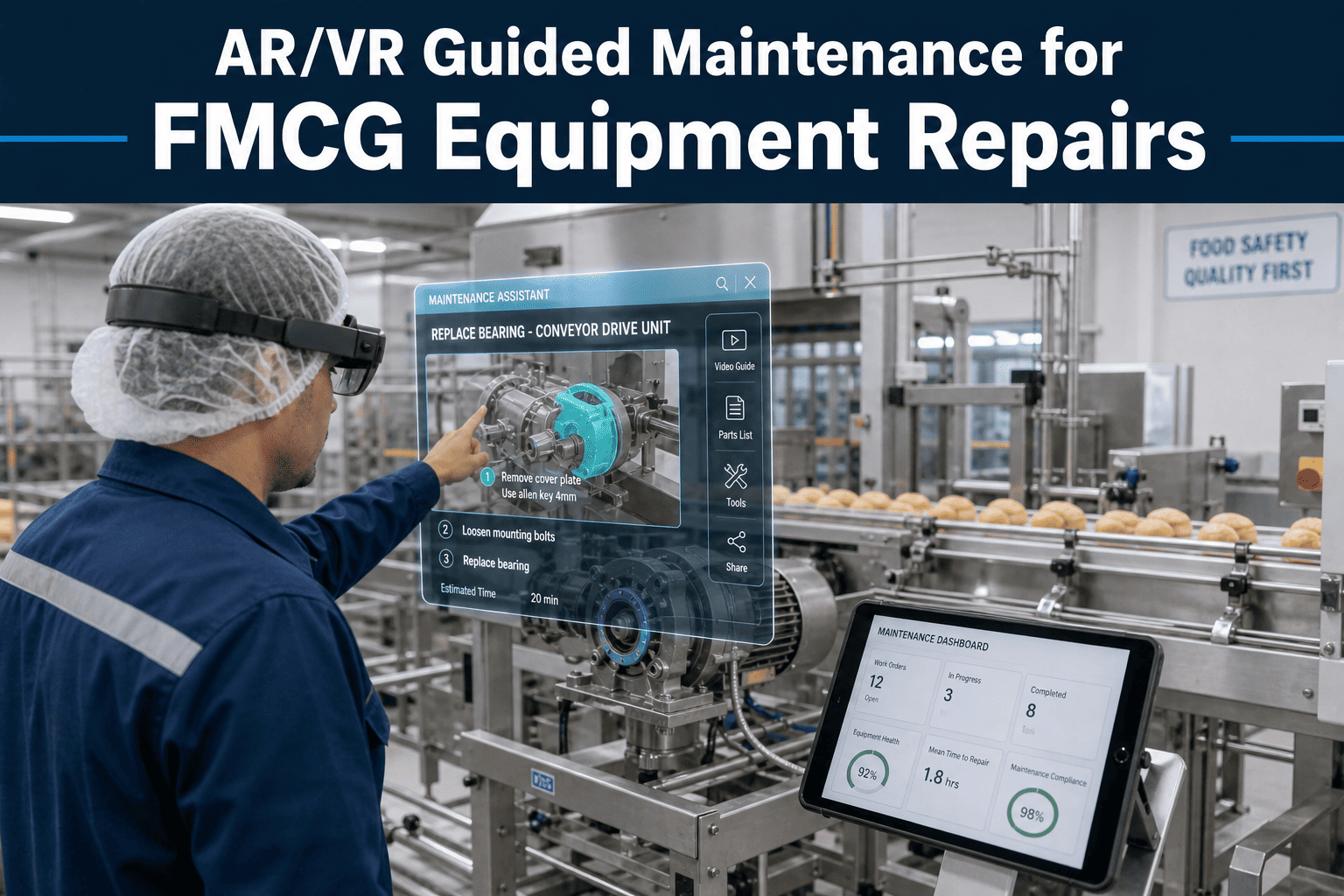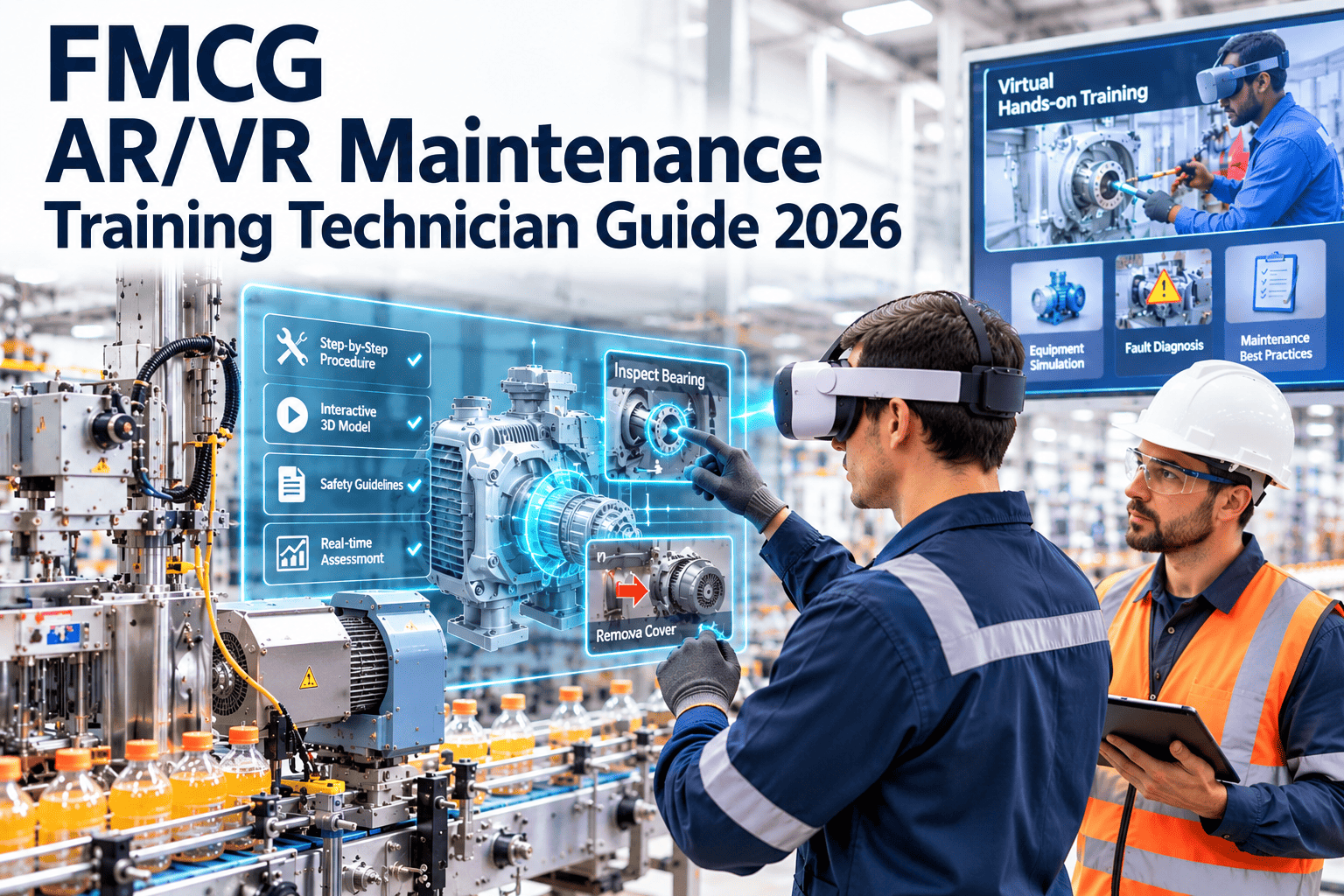
FMCG plants run fast lines, frequent changeovers, strict hygiene zones, and shift patterns that leave little room for classroom learning. A technician who has never seen a rare fault is expected to fix it quickly and safely, often with the one experienced expert on another shift or at another site. Augmented and virtual reality training closes that gap by letting people practice on virtual equipment and get guided help on the real machine. This guide covers use cases, hardware, content, rollout, and measurement, and shows how Oxmaint maintenance management software keeps the skills, procedures, and work history connected.
Train technicians in a virtual plant, support them on the real line
Use VR to build safe, repeatable skills on filling, packing, and CIP equipment, then use AR and remote experts to guide repairs when the line is down.
Why FMCG maintenance training is hard to get right
Consumer goods plants combine high speed, high variety, and high hygiene demands. Each one strains traditional training.
Traditional training reality
- Learning happens on the live line, where mistakes cost output and product
- Experienced technicians are pulled away from repairs to coach newcomers
- Rare faults are never seen until the day they occur
- Procedures live in binders or PDFs that nobody opens mid-repair
- Seasonal and agency staff arrive with little equipment knowledge
- Knowledge leaves the plant when long-serving technicians retire
With AR and VR in the mix
- Skills are rehearsed on virtual equipment without stopping production
- Experts guide several sites remotely instead of travelling
- Fault scenarios can be repeated as often as needed
- Step-by-step instructions appear in the technician's field of view
- New starters reach basic competence with less supervision
- Expert methods are captured once and reused
AR versus VR: which one does what
The two technologies solve different problems. Treat them as complementary rather than competing choices.
| Question | Virtual reality | Augmented reality |
|---|---|---|
| Where is it used? | Training room or quiet area away from the line | At the real machine during work |
| Main purpose | Build skills and confidence before touching live equipment | Guide, verify, and document actual tasks |
| Best for | Lockout procedures, changeover practice, fault diagnosis drills | Guided repairs, inspections, and remote expert support |
| Main risk | Content that does not reflect your actual machines | Hygiene, glove use, and connectivity limits on the floor |
| Content source | 3D models, simulated behavior, scripted scenarios | Work instructions, annotations, live video |
High-value use cases across the FMCG plant
Start where downtime and risk are highest. Typical candidates sit along the primary packing and filling lines.
| Equipment area | VR training scenario | AR or remote support scenario |
|---|---|---|
| Fillers and seamers | Format part changeover sequence and alignment checks | Guided valve or seal replacement with torque reminders |
| Cappers and labelers | Jam diagnosis and sensor adjustment practice | Expert overlays arrows on the exact adjustment point |
| Case packers and palletizers | Safe entry, lockout, and fault clearing routines | Step prompts for gripper and conveyor adjustment |
| CIP and sanitation systems | Cycle verification and valve sequence understanding | Checklist-driven verification with photo evidence |
| Utilities and compressors | Startup and shutdown order, leak identification | Remote vendor review of a fault in real time |
| Conveyors and drives | Belt tracking and gearbox inspection drills | Guided lubrication and vibration check routes |
How a remote expert session should run
Remote support works best as a structured process, not a video call. Define the sequence before the first emergency.
Open from the work order
The technician starts the session from the active job so the asset, fault, and history are visible to the expert immediately.Share the view
The expert sees the machine through the technician's camera and can freeze frames, zoom in, and mark components.Guide with annotations
Arrows, circles, and short notes stay anchored to the equipment while the technician works hands-free.Confirm and test
Both parties verify the fix, run the machine, and capture photos of the finished condition.Save the knowledge
Recording, notes, and parts used are attached to the work order so the next technician starts with the answer.Keep training, procedures, and work history in one place
Link skills and guided procedures to real work orders, inspections, and asset records, so what technicians learn is used on the job.
Safety and hygiene: scenarios best learned virtually
Some tasks are too risky or disruptive to practice on live equipment. VR lets technicians fail safely and learn from it.
Energy isolation
Practice lockout and tagout across electrical, pneumatic, hydraulic, and stored-energy points, including what happens when a step is skipped.Hygienic design handling
Rehearse strip-down and reassembly of food-contact parts without contaminating them, including correct tool and glove discipline.Changeover precision
Repeat format changes until the sequence is automatic, reducing the errors that appear at the first restart.Emergency response
Rehearse refrigerant, ammonia, or chemical release responses in a setting where no one can be hurt.Confined and elevated work
Learn entry permits and access routes for tanks, silos, and mezzanine equipment before the real task.Fault diagnosis
Work through rare faults using sensors, alarms, and symptoms, and compare your path with the expert path.Building content from the procedures you already have
Good training content starts with accurate procedures, not with expensive 3D graphics. Prepare the source material first.
Source material to gather
- Current SOPs and work instructions for each task
- OEM manuals and drawings for the chosen machines
- Failure history from past work orders
- Photos and short video of correct procedures
- Safety rules and permit requirements
Quality gates before release
- Senior technician validates every step
- Safety lead approves isolation and permit steps
- Quality team reviews hygiene-critical actions
- Trial run with new and experienced users
- Version control tied to machine modifications
Keep content alive
- Update scenarios when a machine is modified or a part changes
- Add new fault stories from recent breakdowns every quarter
- Retire content that no longer matches the equipment on the floor
Hardware and floor conditions to plan for
Pilots often stall on practical issues rather than software. Check these before buying devices.
| Consideration | Why it matters in FMCG | What to check |
|---|---|---|
| Hygiene zones | Devices entering food or high-care areas need to be cleanable | Cleaning protocol, covers, and approval from quality |
| Gloves and PPE | Touch controls fail with gloves, and eyewear must fit over safety glasses | Voice or gesture control and fit trials with real PPE |
| Wireless coverage | Metal structures and washdown areas create dead spots | Signal survey along actual work routes |
| Noise and lighting | Loud lines and glare reduce voice and camera quality | Test microphones, headsets, and brightness on the line |
| Battery and shifts | Devices must last through long repairs | Charging stations and spare batteries per shift |
| Data and privacy | Cameras may capture people, products, and formulations | Recording rules, access control, and retention policy |
A phased rollout that earns trust
Begin with one line and one measurable problem. Expand only after the first use case proves its value.
Select and baseline
Pick one line and three recurring faults. Record current repair time, escalation frequency, and training time as the baseline.Pilot with volunteers
Build the first scenarios and a remote support routine. Use a small group across shifts and gather candid feedback.Embed in the workflow
Attach guided procedures to work orders and add the training to onboarding and competency reviews.Scale to more lines
Reuse content patterns, train internal champions, and widen coverage to additional sites and equipment.From training hours to a competency matrix
Immersive sessions only matter if they change who is authorized to do what. Tie each scenario to a skill level and record the result.
Aware
Recognizes machine sections, hazards, and the correct lockout points. Completes VR orientation and assessment.Assisted
Performs routine tasks with AR prompts or a remote expert. Work is reviewed after completion.Independent
Completes standard repairs and changeovers alone and passes simulated fault scenarios without prompts.Coach
Diagnoses unusual faults, reviews content for accuracy, and mentors others using the same tools.Rules that keep the matrix honest
- Require a practical check on the real machine before granting independent status
- Set renewal intervals for safety-critical skills such as energy isolation
- Review the matrix whenever equipment is modified or replaced
- Use the matrix to assign jobs, so complex repairs reach qualified people first
Questions to ask any AR or VR provider
The best platform is the one your technicians will actually use on shift. Test the answers in a pilot rather than a presentation.
| Topic | Question to ask | Good sign |
|---|---|---|
| Content authoring | Can our own engineers create and edit scenarios without the vendor? | Simple tools and import of existing documents and photos |
| Integration | Can sessions be started from and recorded against a maintenance work order? | Open interfaces and a clear way to store outcomes |
| Low connectivity | What happens when the wireless signal drops mid-repair? | Offline access to instructions and later synchronization |
| Security | Who can see recordings, and where are they stored? | Role-based access, encryption, and configurable retention |
| Support and updates | How are new devices, languages, and machine changes handled? | Defined update process and multilingual support |
Winning technician buy-in
New tools fail when people feel monitored or replaced. Involve the technicians who know the machines from the first day.
What triggers resistance
- Devices introduced without explaining the purpose
- Recordings that feel like surveillance
- Content written by people who have never fixed the machine
- Extra reporting steps added to every job
What builds adoption
- Senior technicians co-author the first scenarios
- Clear rules on how recordings are used and who sees them
- Quick wins that remove a frustrating task
- Recognition for people who contribute expertise
Measuring whether it works
Outcomes differ by plant, so measure them yourself rather than relying on generic claims. Compare against the Phase 1 baseline.
Mean time to repair
Track repair duration for the targeted faults before and after guided support.First-time fix rate
Count jobs completed without a repeat visit within an agreed number of days.Time to competence
Measure how long new technicians take to perform defined tasks unsupervised.Expert travel and callouts
Compare site visits and after-hours calls before and after remote support.Safety observations
Monitor near misses and procedure deviations on tasks covered by training.Changeover quality
Check restart faults and time to stable output after format changes.Where Oxmaint fits around AR and VR
Immersive tools teach and guide. The maintenance system keeps the record of what was done, by whom, and on which asset.
| Training or support need | Oxmaint capability | Benefit |
|---|---|---|
| Link guidance to the right job | Work orders with asset and fault details | Experts and technicians see the same context |
| Standard procedures | Preventive maintenance tasks and checklists | Steps match the training content |
| Learning from past failures | Asset history and corrective records | Real faults become new training scenarios |
| Evidence of completion | Inspections with notes and photos | Audit-ready records of guided work |
| Parts for guided repairs | Inventory management | Correct parts available when the expert approves the fix |
| Tracking results | Dashboards and reports | Repair time and backlog trends visible to managers |
Mistakes that stall FMCG immersive training programs
Most failed pilots share the same few causes. Avoid them early and the program has a much better chance of lasting.
Starting too broad
Trying to cover every line at once spreads effort thin. Pick one line and a handful of recurring problems.Treating it as an IT project
Without maintenance, safety, and quality owners, content will not match how work is really done.No link to records
If guided sessions are not tied to work orders, the knowledge disappears after the call ends.Ignoring floor conditions
Noise, gloves, glare, and weak signal are common reasons technicians stop using a device.Letting content age
Outdated scenarios teach the wrong steps after a machine change. Assign an owner for every module.Skipping the baseline
Without before-and-after data, nobody can show whether the investment improved repair time or safety.A simple monthly review
- Check which scenarios were completed and which were never opened
- Review remote sessions that ran long and ask what knowledge was missing
- Turn one new breakdown story into a short training scenario
- Confirm that competency records match who is actually doing the work
Frequently asked questions
Do we need both AR and VR?
Not at the start. Use VR for skill building and AR or remote support for live repairs, then add the second as the first proves value.
Can AR devices be used in hygiene areas?
Only with approval from quality and a defined cleaning method. Many sites use them in adjacent technical areas first.
What should we train first?
Choose high-risk or high-downtime tasks such as lockout, changeovers, and recurring faults on your busiest line.
How do we link guided work to maintenance records?
Run guidance from the active job. You can manage those work orders in Oxmaint.
Can I see this for an FMCG plant?
Yes. Book a demo to review inspections, checklists, and asset history for your lines.
Build a technician team that fixes faster and learns continuously
Combine immersive training with a maintenance platform that records every job, procedure, and result across your plant.