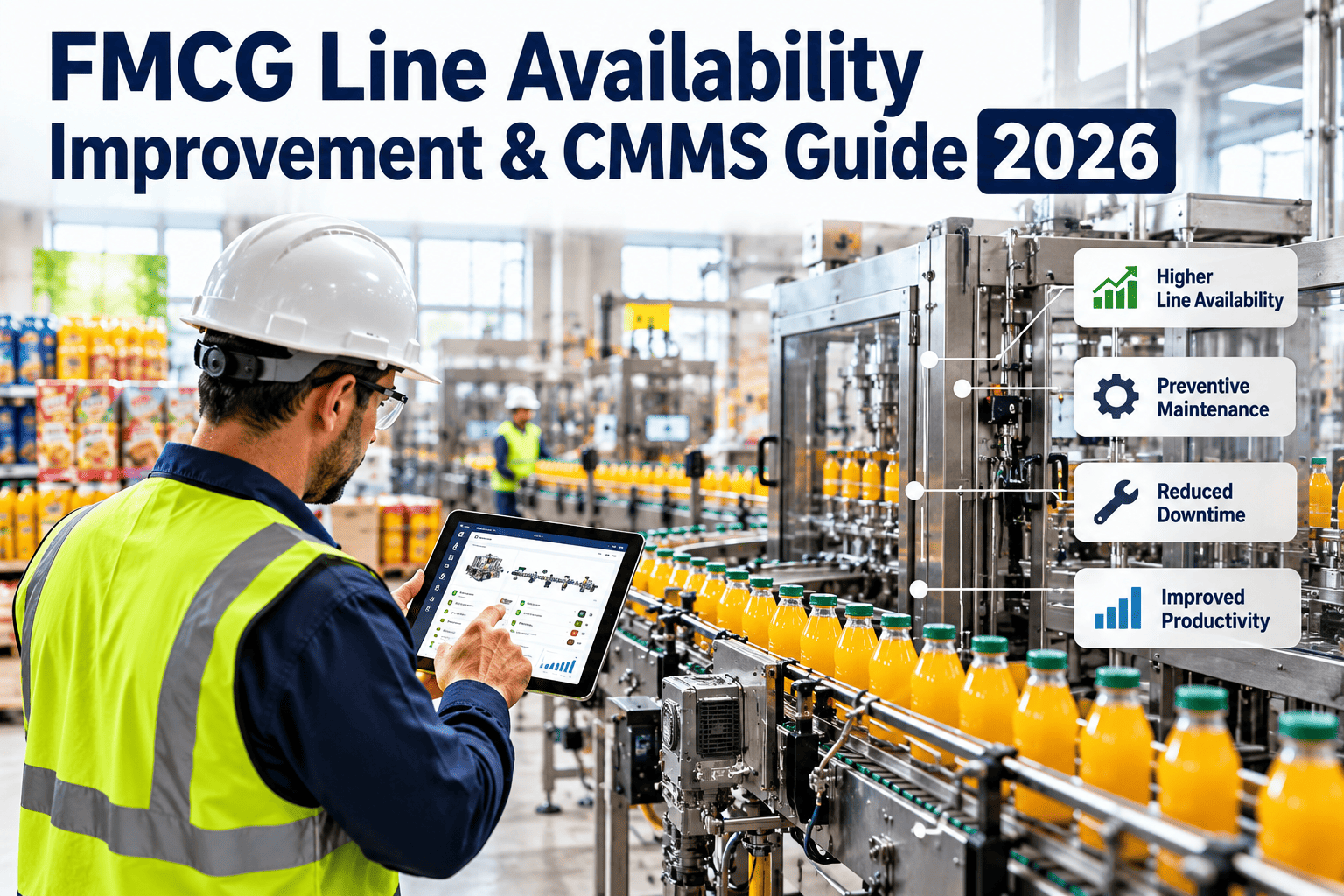
Line availability is the share of planned production time that a packaging or processing line is actually ready to run. On high-speed FMCG lines, every stoppage multiplies into lost cases, missed orders, and overtime. Breakdowns, changeovers, cleaning, and slow startups all draw from the same time budget, and maintenance influences most of them. This guide covers realistic availability targets, how PM compliance moves uptime, and how to track it all inside Oxmaint CMMS software.
FMCG Line Availability Improvement: Targets, PM Compliance, and CMMS Tracking
Line availability explained: the time budget every FMCG line shares
Availability is the first factor in OEE, which multiplies availability, performance, and quality. It answers one question: of the time we planned to produce, how long was the line able to run?
Worked example: one 8-hour shift
| Time bucket | Minutes | Share of shift | Maintenance influence |
|---|---|---|---|
| Breakdowns | 30 | 6.3% | High: PM, inspections, spares |
| Changeover | 25 | 5.2% | Medium: tooling condition, standard work |
| Cleaning and sanitation | 20 | 4.2% | Medium: seals, drains, access design |
| Startup and stabilization | 10 | 2.1% | Medium: calibration, warm-up checks |
| Run time | 395 | 82.3% | Result: availability |
Why availability matters more on fast lines
- A filler or flow wrapper running at high speed loses far more output per stopped minute than a slow line.
- Upstream and downstream equipment is often coupled, so one stopped machine can starve or block the rest.
- Short shelf-life products leave little room to recover lost volume with a later shift.
- OEE literature commonly treats roughly 90% availability as the world-class component, while many packaging plants sit well below it.
Where availability leaks: a frequency and duration matrix
Not every stop deserves the same response. Sorting losses by how often they happen and how long they last shows where maintenance effort pays back first.
Changeover and cleaning
Major component failure
Jams and sensor trips
One-off faults
Where to draw the line between availability and performance
- Many plants log stops above a set threshold, often a few minutes, as availability loss.
- Shorter stoppages are counted as performance loss, so the threshold must be written down and applied the same way on every line.
- Micro-stops still matter. Tracked separately, they often reveal worn guides, misaligned sensors, or unstable film and product flow.
How PM compliance moves availability
Preventive maintenance converts surprise failures into planned stops. The effect only appears when tasks are done on time and done well.
Schedule by usage and time
Complete inside planned windows
Find wear before it stops the line
Shift breakdown minutes to planned minutes
Availability rises and stays stable
Compliance rate alone can mislead
| Metric | What it shows | Warning sign |
|---|---|---|
| PM compliance rate | Share of scheduled PMs completed on time | High rate but breakdowns still rising |
| Overdue PM backlog | Tasks past due, by asset criticality | Critical filler or sealer tasks aging |
| Planned versus unplanned work | Balance of proactive and reactive effort | Reactive work dominating labor hours |
| Repeat failures after PM | Whether tasks actually prevent the failure | Same fault returning within weeks |
| PM-caused downtime | Run time consumed by maintenance | PM scheduled mid-run on bottleneck lines |
Setting availability targets by line type
A single plant-wide number hides the real story. Targets should reflect what actually limits each type of line.
| Line type | Dominant availability loss | Maintenance focus |
|---|---|---|
| Beverage and liquid filling | CIP cleaning and filler faults | Valves, seals, nozzles, conveyor drives |
| Snack and flow wrap | Jams, film changes, sealing issues | Jaws, heaters, knives, sensors |
| High-SKU packaging | Changeover time | Format parts, tooling kits, alignment |
| Personal care and home care | Capping, labeling, viscosity-related stops | Cappers, labelers, pumps, vision systems |
| Case packing and palletizing | Mechanical wear and robot or conveyor faults | Grippers, belts, guarding, controls |
A practical way to set the target
- Measure at least four to eight weeks of real availability by line and shift.
- Identify the top three stop reasons using a Pareto of lost minutes.
- Set a first-year goal that closes part of the gap to your best demonstrated shift, not an industry headline.
- Review the target every quarter as new data arrives.
Tracking availability inside a CMMS
Availability improves when downtime is recorded at the moment it happens and linked to the asset, the cause, and the repair.
A reason-code tree that works
- Equipment failure: mechanical, electrical, controls, pneumatic
- Changeover and format change
- Cleaning and sanitation
- Startup and stabilization
- Material and utility shortages
- Operator and process stops
Records every stop should carry
- Line, machine, and component
- Start time, end time, and duration
- Reason code and short description
- Linked work order and parts used
- Shift, crew, and product or SKU
How Oxmaint supports the workflow
- Asset management organizes each line into machines and critical components, so downtime rolls up correctly.
- Preventive maintenance scheduling supports calendar and meter-based triggers, with tasks aligned to planned stops.
- Work orders connect every breakdown to its cause, labor, and spare parts, which makes repeat failures visible.
- Mobile workflows let technicians and operators log stops and complete checklists at the machine.
- Inventory tracking helps keep critical spares on hand for components that cause the longest stops.
- Reports and dashboards show downtime by line, shift, and reason, plus PM compliance and overdue work.
Six availability killers on FMCG lines and the maintenance response
| Availability killer | Typical cause | Maintenance response |
|---|---|---|
| Seal and jaw faults on wrappers | Worn sealing surfaces, heater drift, contaminated film path | Replace wear parts by usage, check temperature controllers, log the film type with each fault |
| Filler valve and nozzle drips | Worn seals, product build-up, unstable air pressure | Seal kits on running hours, cleaning verification, pressure checks at start-up |
| Conveyor jams and transfer stops | Worn guides, misaligned transfers, product spillage | Guide wear checks, alignment standards, spillage cleaning in the shift checklist |
| Sensor and vision false trips | Dirty lenses, loose brackets, vibration | Lens cleaning on the checklist, bracket torque checks, replacement history by sensor |
| Drive and motor faults | Overheating, contamination, loose connections | Thermal imaging rounds, current trending, panel cleaning and tightening |
| Compressed air and utility faults | Leaks, clogged filters, pressure drop | Filter service by schedule, leak surveys, pressure alarms with work order triggers |
Reading the availability trend
Patterns that point to maintenance causes
- A sawtooth shape, with availability falling until each PM and recovering after it, suggests intervals are too long.
- A slow, steady decline suggests wear that PM is not catching.
- Dips on the same weekday or shift point to procedure or staffing gaps.
Patterns that point to other causes
- Dips tied to one SKU or pack format often come from changeover or setup.
- Dips after raw material changes may come from material quality, not equipment.
- A sudden drop after a modification suggests a design or commissioning issue.
Planning PM around production windows
- Group tasks by machine so a single stop covers every due item, instead of three short stops across the week.
- Use changeover and cleaning windows for quick inspections and lubrication, when access is already open.
- Reserve longer tasks for planned shutdowns, weekends, or low-demand periods agreed with production planning.
- Stage parts and tools before the window opens, so no minute is lost searching for a seal kit.
- Give planners a weekly look-ahead of production schedules, so PM dates move when the schedule moves.
Shift handover that protects uptime
- Record open faults, temporary fixes, and parts on order in the work order, not in a verbal message.
- Flag any machine running with a known defect, along with the limit that triggers a stop.
- Review overdue PM on critical assets at the start of every shift meeting.
Using availability data to justify spend
- Convert lost minutes into lost output using the line rate, so engineers and finance read the same number.
- Compare repair cost with the downtime cost for the top five failures before choosing repair or replace.
- Track results after each improvement so the next budget request is backed by evidence.
How availability connects to performance and quality
- Restarting a line after a stop often produces unstable speed and scrap, so every avoided stop also protects performance and quality.
- Slowing a worn machine to keep it running can hide a developing fault, so record reduced-speed running as a maintenance signal.
- Rushing a repair to restart quickly can cause a repeat failure, so require a short verification run before a job is closed.
- Tracking availability by SKU shows whether certain products stress equipment more than others.
See line downtime and PM compliance on one screen
A 90-day availability improvement plan
Start with one bottleneck line. A focused pilot builds credible data and gives the team a method they can repeat plant-wide.
Baseline
Analyze
Act
Verify
Before and after: spreadsheet logs versus CMMS-linked downtime
Before
- Downtime written on shift sheets and typed up later
- Reasons recorded as free text that cannot be grouped
- PM schedules tracked separately from breakdown history
- Availability calculated monthly, after the losses are gone
After
- Stops logged at the line with standard reason codes
- Every breakdown linked to a work order and asset
- PM history and failures reviewed together
- Availability reviewed weekly, with clear loss ranking
Weekly availability review checklist
Review the data
- Availability by line and shift against target
- Top five stop reasons by lost minutes
- Assets with repeat failures in the last 30 days
- Overdue PM tasks on critical equipment
Decide the actions
- Assign root cause work for the top loss
- Move PM tasks into the next planned stop
- Confirm spares for components due to fail soon
- Update task lists when inspections find new wear modes

.png)