Mobile CMMS for FMCG: Empowering Technicians with AI Copilots on the Production Floor
By Jason on March 9, 2026
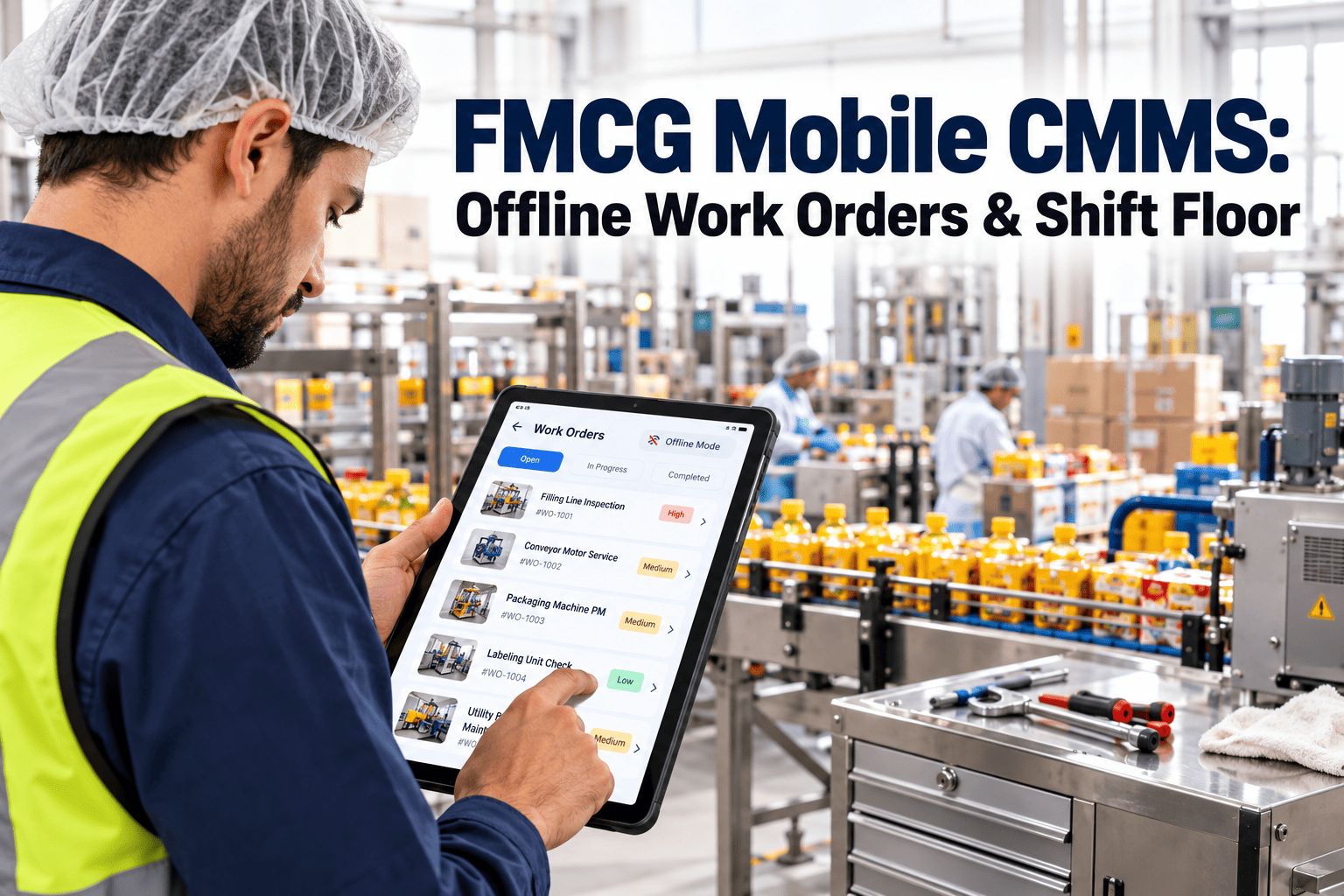
A maintenance technician at a biscuit plant in Pune used to start every shift the same way: walk to the supervisor's desk, collect a stack of handwritten work orders, manually look up the equipment history in a binder, and return to the floor — a 25-minute process before touching a single wrench. After deploying a mobile CMMS with an AI copilot, that same technician receives work orders on his phone before he reaches the equipment, scans a barcode to pull up the full service history, and asks the AI assistant what the most likely failure cause is before opening the panel. His wrench time — the percentage of his shift actually spent on maintenance work rather than administration — went from 31% to 58% in three months. Wrench time is the single most underestimated productivity lever in FMCG maintenance. Industry benchmarks put average FMCG technician wrench time at 25–35% of their working hours. The rest is consumed by paperwork, information hunting, parts procurement, travel, and waiting. Mobile CMMS platforms with AI copilots attack every one of those time thieves directly.
Traditional CMMS vs. Mobile CMMS with AI Copilot — Technician Reality
How the same maintenance task looks for a technician before and after mobile AI deployment
Traditional / Desktop CMMS
Work Order Access
Return to office/terminal — 15–25 min round trip per task
Equipment History
Manual search in binder or desktop — often incomplete
Troubleshooting Support
Call supervisor or search paper manual
Job Documentation
Handwritten notes — transcribed later, often lost
Avg Technician Wrench Time
25–35% of working hours
Mobile CMMS + AI Copilot (Oxmaint)
Work Order Access
Push notification to phone — zero travel time
Equipment History
Barcode scan → full history in under 8 seconds
Troubleshooting Support
AI copilot answers in plain language, on the floor
Job Documentation
Photo + voice capture, auto-synced — zero transcription
Avg Technician Wrench Time
52–62% of working hours (+28 percentage points)
Mobile CMMS + AI Copilot Recovers: 2.2–3.1 Hours of Productive Wrench Time Per Technician Per Day
Why FMCG Technician Wrench Time Is So Low — and Why It Matters
The 25–35% wrench time figure shocks most FMCG plant managers when they first measure it. A team of 12 technicians working 8-hour shifts is effectively delivering the productive output of 3–4 people. The other 8–9 people's equivalent time is being consumed by activities that add no maintenance value whatsoever. Understanding what specifically consumes that lost time — before you can fix it — reveals exactly why mobile CMMS with AI copilot is the highest-leverage investment a maintenance manager can make. The breakdown is remarkably consistent across FMCG plants regardless of size, geography, or product category.
Where FMCG Technician Time Goes — Industry Benchmark Breakdown
Average time allocation for FMCG maintenance technicians without mobile CMMS — per 8-hour shift
Actual Hands-On Maintenance Work
Wrench time — the only activity that directly reduces downtime and extends asset life
28–32% (2.2–2.6 hrs)
Travel & Walking to/from Jobs
Office to floor, floor to parts room, back to office for documentation
18–22% (1.4–1.8 hrs)
Waiting — Parts, Instructions, Access
Waiting for parts to be issued, permits to be signed, line to stop for access
14–18% (1.1–1.4 hrs)
Paperwork & Manual Documentation
Writing work orders, filling maintenance logs, transcribing notes from the floor
12–16% (1.0–1.3 hrs)
Information Hunting
Searching for manuals, schematics, spare part numbers, historical failure data
10–14% (0.8–1.1 hrs)
Supervision, Handovers & Meetings
Shift handovers, morning meetings, work planning discussions
8–12% (0.6–1.0 hrs)
Travel, paperwork, and information hunting together consume 40–52% of a technician's shift — and all three are directly addressable with a mobile CMMS. These are not efficiency problems requiring cultural change or major capital investment. They are friction problems that disappear when the right information is delivered to the right person at the right place, on a phone, in real time.
Mobile Work Orders: Eliminating the Office Round-Trip
The most immediate productivity gain from mobile CMMS deployment comes from eliminating the office round-trip entirely. In a traditional CMMS, a work order is created on a desktop system, printed or written down, carried to the floor, executed, and then the technician returns to the office to update the system and close the order. In a plant where technicians manage 8–15 work orders per shift across assets spread over 20,000 square metres of production floor, this round-trip pattern consumes 90–120 minutes of every shift — before a single spanner has been picked up. Mobile work orders push the entire workflow to the technician's phone: new jobs appear as notifications, the technician accepts and starts them on-screen, documents completion with photos and voice notes, and closes the order from the floor. The CMMS is updated in real time. The office trip is eliminated entirely.
Six Ways Mobile Work Orders Transform FMCG Maintenance Productivity
Instant Push Notifications
Zero Lag
New work orders reach the technician's phone within seconds of creation — no waiting for the shift meeting, no paper handoff, no missed jobs
Priority Ranking on Screen
Smart Queue
AI automatically ranks open work orders by production impact, safety risk, and asset criticality — the technician always works the highest-value task first
On-Floor Closure
No Return Trip
Technician closes the work order from the asset location — photos, readings, parts used, and time logged directly from the phone before moving to the next job
Real-Time CMMS Sync
Live Data
Every action on the mobile app syncs instantly to the CMMS — supervisors see job status, parts usage, and completion times live without chasing technicians
Shift Handover in Seconds
Auto-Summary
Outgoing shift's completed and open jobs visible to incoming technician in one screen — verbal handovers reduced to 3 minutes from 20
Performance Metrics Captured
Auto-Logged
Mean time to respond, mean time to repair, and first-time fix rate calculated automatically from mobile job data — no manual KPI tracking needed
The AI Copilot: A Senior Technician in Every Pocket
The AI copilot is the feature that most transforms what a junior or mid-level technician can accomplish independently on the production floor. In a typical FMCG plant, there are one or two senior technicians whose experience spans 15–20 years of working on specific equipment. When they retire, that knowledge walks out the door. When they are on a different shift, their colleagues lose access to their diagnostic instinct. The AI copilot in Oxmaint captures and delivers that expertise at scale — available to every technician, on every shift, at every asset, through a conversational interface on their phone. A technician facing an unfamiliar fault on a VFFS packaging machine can ask the AI copilot "servo motor alarm 42 on Ishida RV weigher" and receive, in plain language, the three most likely causes ranked by frequency in this plant's history, the diagnostic steps to isolate the fault, the part numbers likely required, and a link to the relevant section of the service manual — all before the machine panel is open.
What the Oxmaint AI Copilot Does for a Technician on the Production Floor
AI Fault Diagnosis
Conversational Troubleshooting
Technician describes the fault or error code in plain language. The AI cross-references the equipment's failure history, similar fault patterns across the asset fleet, and the manufacturer's fault tree to deliver a ranked diagnosis with confidence scores. No manual searching. No waiting for the senior tech. Average diagnostic time reduced from 35 minutes to under 4 minutes.
Contextual SOP Delivery
Right Procedure, Right Asset
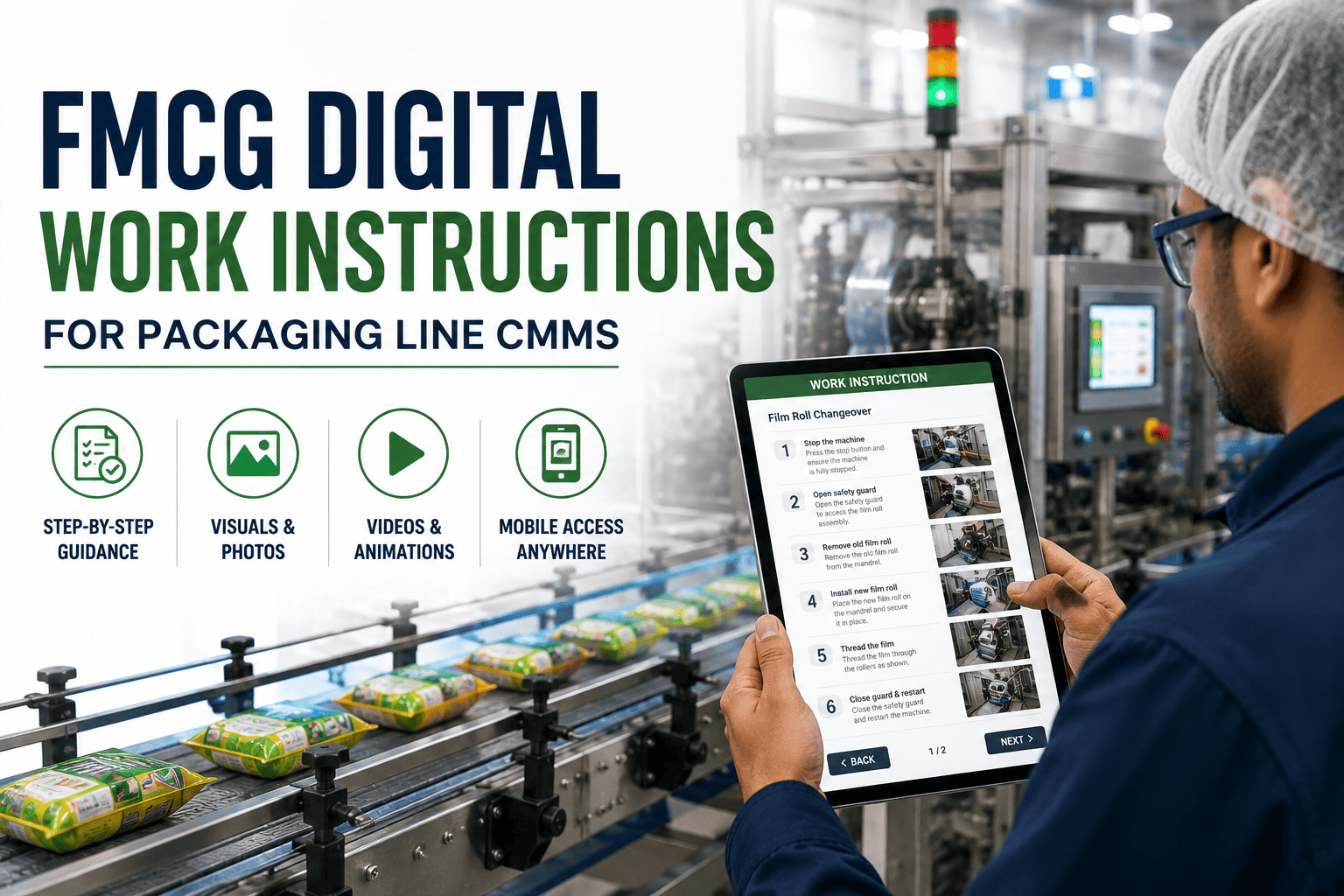
The AI automatically serves the correct step-by-step procedure for the specific asset, specific fault, and specific repair type — pulling from the plant's uploaded SOPs, OEM manuals, and historical work order notes. Technicians no longer search folders or binders. The right procedure arrives in the work order the moment the job is accepted.
Predictive Next Actions
Prevent the Follow-On Failure
When a technician completes a repair, the AI copilot analyses the fault pattern and suggests related components that commonly fail within 30–90 days of the primary fault — preventing the follow-on failure that would bring the machine down again before the next scheduled PM. One repair visit becomes two failures prevented.
AI Copilot — Live on Your Production Floor
Give Every Technician a Senior Expert in Their Pocket
Oxmaint's AI copilot diagnoses faults, serves the right SOP, and predicts follow-on failures — all from a phone, at the asset, in seconds. No manuals. No waiting for the senior tech.
Barcode and QR Scanning: Eight Seconds to Full Asset Context
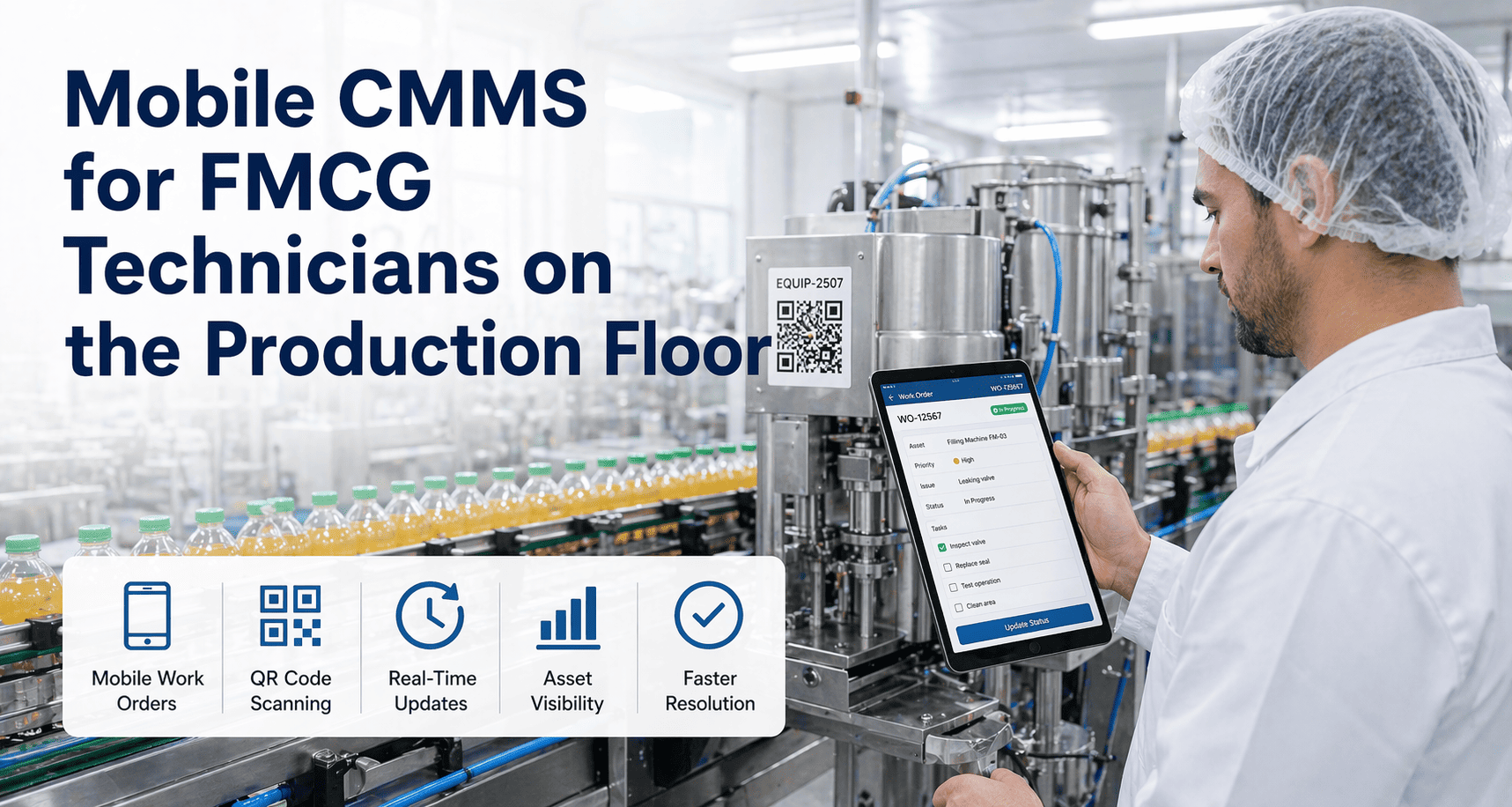
Information hunting — searching for the right manual, the right part number, the right service history — consumes 10–14% of a technician's shift in plants without mobile CMMS. The reason is simple: there are hundreds or thousands of individual assets across the production floor, and retrieving the specific history and documentation for any single asset from a desktop system or paper filing requires either an office trip or a phone call. Barcode and QR code scanning eliminates this friction completely. Every asset in an Oxmaint-managed plant carries a QR code label. The technician scans the code with their phone camera. Within 8 seconds, the screen shows: the asset's complete maintenance history, all open and closed work orders, the current PM schedule and overdue status, all uploaded manuals and schematics, the AI copilot pre-loaded with context for that specific asset, and a one-tap button to create a new work order. Eight seconds from scan to full situational awareness.
What a Barcode Scan Delivers — Oxmaint Mobile QR Asset Access
Everything a technician needs for a job, available within 8 seconds of scanning the asset QR code
Complete Maintenance History
Every work order ever completed on this asset — with technician names, parts used, and time taken
Instant
Open & Overdue Work Orders
All outstanding jobs on this asset — including jobs assigned to other technicians or pending parts
Instant
PM Schedule & Compliance Status
Next PM due date, days overdue if applicable, and the full PM task checklist for this asset
Instant
Manuals, Schematics & SOPs
All uploaded OEM documentation and plant SOPs linked to this specific asset — searchable and readable on screen
Instant
Spare Parts List with Stock Status
Associated spare parts with current stock levels, bin locations, and reorder status — live from the parts store
Live Stock
AI Copilot — Asset Pre-Loaded
AI copilot launches with full context for this asset — ready to answer fault questions without background explanation
Context-Aware
The 8-second figure is not a marketing claim — it is the median asset context load time measured across Oxmaint deployments on standard Android and iOS devices on plant floor WiFi or 4G. The information that previously required an office trip, a phone call to a colleague, or a 20-minute manual search is now a single camera tap away from wherever the technician is standing.
Photo Documentation: The End of "We Don't Know What It Looked Like Before"
Photo and video documentation is the most undervalued capability in mobile CMMS, and the one that delivers the most disproportionate value per minute of technician time invested. A photograph attached to a work order before a repair begins — showing the fault condition, the cable routing, the wear pattern, the fluid level, or the setting position — eliminates the single most common cause of repeat failures in FMCG maintenance: doing a repair without understanding the failure mode, and doing the same repair again six weeks later for the same reason. Mobile CMMS photo documentation creates a visual institutional memory that survives technician turnover, shift changes, and contractor gaps. It also dramatically accelerates the AI copilot's diagnostic accuracy: when fault photographs are consistently captured and uploaded, the AI can detect recurring visual patterns that predict failures before symptoms appear on sensors.
Four Ways Photo Documentation Changes FMCG Maintenance Outcomes
01
Before/After Fault Capture
Photo taken of fault condition before any work begins
Photo taken after repair showing completed condition
Available instantly for any audit or inspection request
Result: Zero Documentation Gaps in Audits
03
AI Training Data
Fault photos labelled by technicians train the visual AI model
AI learns to recognise wear patterns from asset-specific images
Predictive alerts triggered by visual condition changes over time
System gets smarter with every photo uploaded — compounding value
Result: AI Diagnostic Accuracy +22%
04
Contractor Accountability
Contractors document work with photos in the same CMMS
Before/after photos linked to contractor work order record
Disputes resolved with timestamped photographic evidence
Warranty claims supported with documented fault conditions
Result: Contractor Disputes Down 78%
Offline Access: Because Production Floors Do Not Have Perfect WiFi
Every CMMS vendor promises mobile functionality. The question that separates real mobile CMMS from mobile-adjacent desktop software is a simple one: what happens when the WiFi drops? FMCG production floors have notoriously patchy wireless coverage — large metal structures, refrigerated rooms, subfloor cable trays, high-interference motor drives, and the fundamental physics of RF propagation through dense industrial equipment all create dead zones. A mobile CMMS that requires constant connectivity becomes a liability on the floor: technicians lose access to work orders mid-job, photos fail to upload, completed records disappear. Oxmaint's offline-first architecture solves this structurally. The app caches all active work orders, asset histories, manuals, and the AI copilot's knowledge base locally on the device. The technician works exactly as if they had perfect connectivity. When the device reconnects — whether in 2 minutes or 8 hours — everything syncs automatically with zero data loss and a complete offline audit trail.
Offline-First Mobile CMMS — Three Capabilities That Cannot Be Compromised
Full Work Order Access
No Signal Required
All assigned work orders, job checklists, asset histories, and SOPs cached on the device at shift start. Technicians can open, execute, document, and close jobs in completely disconnected environments — cold stores, basement cable rooms, RF-shielded areas, and plant perimeter assets. Zero functionality loss regardless of signal strength.
Photo & Voice Capture Queue
Captured Offline, Synced on Reconnect
Photos, video clips, voice notes, and digital signatures captured offline are stored in an encrypted local queue. When the device reconnects, all media uploads automatically with the correct timestamp, work order association, and user attribution intact. The CMMS record is identical to a fully connected capture — compliance evidence is never compromised by network conditions.
AI Copilot Local Model
Diagnostics Without Internet
A compressed version of the AI diagnostic model and the plant's asset knowledge base runs locally on the device. Offline AI copilot queries access the plant's historical fault data and procedure library without any server connection. Connectivity enhances the AI's capability with live cross-fleet data — but the core diagnostic function never disappears when signal does.
Mobile CMMS ROI: The Numbers Behind the Wrench Time Improvement
The business case for mobile CMMS with AI copilot in FMCG plants is straightforward to model because the inputs are quantifiable and the outcomes are consistent. The primary value driver is wrench time recovery — converting non-productive technician hours into maintenance work that reduces downtime, extends asset life, and prevents production losses. At scale across a typical FMCG maintenance team, the annual value of that time recovery is substantial — and it arrives before any improvement in maintenance quality, predictive capability, or spare parts efficiency is factored in.
Mobile CMMS ROI Model — Mid-Size FMCG Plant (12 Technicians)
Conservative estimate based on published FMCG industry benchmarks and Oxmaint deployment data
Wrench Time Recovery
28 percentage points × 12 technicians × 250 working days × 8 hours = 6,720 productive hours recovered annually
6,720 hrs/yr
Downtime Reduction Value
Each recovered hour averages 0.4 breakdowns prevented at $542–$1,446 production loss per breakdown event
$145K–$386K/yr
Emergency Repair Cost Reduction
Better diagnostics and faster response reduces emergency maintenance spend by 35–45% vs. reactive baseline
Accurate mobile parts consumption tracking reduces over-ordering and obsolete stock by 18–28%
$14K–$34K/yr
Total Annual Value — 12-Technician FMCG Plant
$193K–$506K/yr
Oxmaint mobile CMMS deployments in FMCG plants typically achieve payback within 3–5 months. The wrench time improvement alone — before accounting for any quality improvement in maintenance outcomes — generates 4–8x annual return on the software investment. The AI copilot and barcode scanning features compound this return by accelerating every individual repair job from the moment the technician arrives at the asset.
$193K–$506K Annual Value — 3–5 Month Payback
See the ROI for Your Plant Size in 30 Minutes
Book a personalised demo and we'll model the wrench time recovery, downtime reduction, and parts savings for your specific team size and production environment — before you commit to anything.
Why FMCG Plants Fail to Get Mobile CMMS Working — and How to Avoid It
Mobile CMMS deployments fail in FMCG plants for predictable reasons that have nothing to do with the software and everything to do with implementation approach. The plants that achieve 28%+ wrench time improvement within 90 days all avoided the same set of common failure patterns. Understanding these barriers before deployment is the difference between a mobile CMMS that transforms the maintenance team and one that gets used by two enthusiasts and ignored by everyone else.
Eight Reasons Mobile CMMS Deployments Fail in FMCG Plants
Supervisor Resistance
Most Common
Supervisors who built authority around being information gatekeepers resist tools that make technicians self-sufficient. Fix: frame mobile CMMS as giving supervisors better visibility, not removing their role — real-time dashboards replace chasing updates.
Wrong Device Strategy
Technical Failure
Deploying on personal phones creates data security and equity issues. Shared floor devices get lost or hoarded. Fix: issue one rugged, plant-owned Android device per shift team — assign it to the shift role, not the individual.
Training Too Short
Adoption Failure
One-hour training sessions before go-live produce 20% adoption rates. Fix: 3-day floor-based onboarding where technicians use the mobile app for real jobs alongside a champion — not classroom training on simulated data.
Poor Asset Data Quality
System Failure
A mobile CMMS with missing asset records, incomplete histories, and no uploaded manuals delivers no value. Fix: dedicate 2–3 weeks before go-live to auditing and cleaning asset master data — mobile tools amplify data quality, good or bad.
Keeping Paper in Parallel
Adoption Killer
Running paper work orders alongside the mobile system creates double data entry and gives technicians a low-resistance path back to the old way. Fix: set a hard cutover date — paper work orders are invalid from day one of mobile go-live.
No AI Copilot Champion
Underutilisation
AI copilot adoption is driven by visible success stories shared across the team. Fix: identify the two most curious technicians on each shift, give them early access and coaching, and have them share AI-assisted diagnostic wins in the morning meeting.
WiFi Infrastructure Not Ready
Technical Failure
Attempting mobile deployment on a plant with three access points and 40% floor coverage creates daily frustration and erodes trust in the system. Fix: wireless infrastructure audit and upgrade (or confirm offline-first capability) before mobile go-live.
Measuring the Wrong Metrics
Management Gap
Tracking work order volume instead of wrench time, MTTR, and first-time fix rate means the real gains are invisible. Fix: establish wrench time baseline measurement before go-live and track it weekly for the first 90 days — the data drives continued adoption.
90-Day Mobile CMMS Deployment Roadmap for FMCG Plants
The FMCG plants achieving 28%+ wrench time improvement within 90 days of Oxmaint deployment follow a consistent implementation sequence. The roadmap is deliberately front-loaded with data preparation and infrastructure work, because the mobile app only delivers its full value when the underlying data — asset records, work order history, uploaded manuals, and QR code labelling — is complete before technicians start using it.
90-Day Mobile CMMS + AI Copilot Deployment Roadmap
01
Weeks 1–2: Data & Infrastructure
Audit and clean asset master data — every asset into the CMMS
Upload OEM manuals and SOPs for all critical equipment
Print and attach QR code labels to all assets
Assess WiFi coverage and provision plant devices
Output: Floor-Ready Asset Database
02
Weeks 3–5: Champion Training
Select 2 champion technicians per shift — high engagement, respected peers
3-day intensive floor-based training on real jobs
Champions learn AI copilot, barcode scan, photo documentation
Champions begin using Oxmaint exclusively — paper eliminated for them
Output: 6–8 Trained Champions
03
Weeks 6–9: Full Team Rollout
Champions train remaining team in pairs on the floor
Hard cutover — paper work orders officially retired
Daily 10-min stand-up to share AI copilot wins and address friction
Supervisor dashboard training — live wrench time and MTTR tracking
Output: 100% Team on Mobile
04
Weeks 10–13: Optimise & Measure
Measure wrench time vs. baseline — share results with the team
Review AI copilot usage and accuracy — refine asset knowledge base
Activate predictive recommendations from AI fault pattern data
Present 90-day ROI to plant management with documented evidence
Output: 28%+ Wrench Time Gain Proven
Frequently Asked Questions
In Oxmaint FMCG deployments, the majority of wrench time improvement is visible within the first 4–6 weeks of full team adoption — not at the end of the 90-day roadmap. The reason is that the three biggest time consumers — office round-trips, manual documentation, and information hunting — are eliminated immediately when mobile work orders and barcode scanning go live. The AI copilot's diagnostic contribution builds over 6–12 weeks as the system learns the plant's specific failure patterns. Plants that complete the data preparation phase thoroughly before go-live see faster gains because the barcode scan delivers full asset context from day one rather than partial history.
No — and designing for non-technical users is the most important UX principle in FMCG mobile CMMS design. The Oxmaint mobile app is built around three interactions that any smartphone user can master in under 30 minutes: scan a barcode, take a photo, and check a task off a list. The AI copilot uses conversational plain language — technicians type or speak fault descriptions the same way they'd describe a problem to a colleague. No technical vocabulary required. The most successful deployments are in plants where a significant portion of the maintenance team has limited smartphone experience prior to go-live — the simplicity of the interface is precisely why adoption rates are high. Floor-based training with real jobs, rather than classroom training on simulated scenarios, is the implementation factor that determines ease of adoption far more than the technicians' prior technical comfort.
The difference is context specificity and knowledge accumulation. Google returns generic results from across the internet — the same fault code on the same machine model may have eight different causes depending on the specific plant environment, maintenance history, and operating conditions. The Oxmaint AI copilot draws on three layers of context unavailable to a generic search: first, the specific asset's full maintenance history in this plant, including every previous fault, part used, and repair outcome; second, the cross-asset pattern library from every other similar machine in the plant, identifying fault correlations unique to this facility's conditions; and third, the accumulated diagnostic notes from every technician who has worked on this equipment type, capturing institutional knowledge that exists nowhere on the internet. The result is a diagnosis ranked by probability for this specific machine in this specific plant — not a generic troubleshooting tree from the OEM manual that may not reflect how the equipment has actually been maintained.
Yes, with appropriate hardware specification. Standard consumer smartphones have significant limitations in cold environments — battery drain accelerates sharply below 5°C, touchscreens respond poorly with gloves, and condensation affects barcode scanning on transition from cold to ambient. Oxmaint's mobile app runs on all Android and iOS devices but is tested and recommended on rugged devices from Zebra and Honeywell that are cold-rated to -20°C, glove-operable, and have dedicated barcode scan engines that function at any temperature. The offline-first architecture is particularly valuable in refrigerated environments because cellular and WiFi signal penetration through insulated panel walls is typically poor — all work order data is cached locally and syncs on exit. This is a device specification and infrastructure challenge, not a software limitation, and the solution is straightforward with the right hardware procurement guidance at deployment.
Mobile photo documentation creates a timestamped, user-attributed visual record of maintenance activities that satisfies GMP documentation requirements in ways paper records structurally cannot. For food contact equipment maintenance, the most valuable compliance applications are: cleaning validation photographs showing equipment in clean condition before and after maintenance access, which are automatically timestamped and linked to the work order with the technician's identity; reassembly photographs confirming that food-safe gaskets, seals, and fasteners have been correctly installed following any equipment opening; and pre-startup inspection photographs confirming no foreign material has been left inside equipment before production restart. All photographs captured through Oxmaint are automatically associated with the work order, stored with an immutable timestamp, and retrievable in under 2 minutes during any GMP audit or inspection.
AI Copilot + Mobile CMMS — Purpose-Built for FMCG Production Floors
Turn Every Technician Into Your Best Technician
Oxmaint's mobile CMMS with AI copilot delivers the full maintenance picture to your technicians at every asset — work orders, history, manuals, diagnostics, and parts availability — from a single barcode scan. Wrench time up 28%. Breakdowns down. Every repair documented and audit-ready from the floor.
AI Copilot — Fault Diagnosis in Plain Language, On the Floor