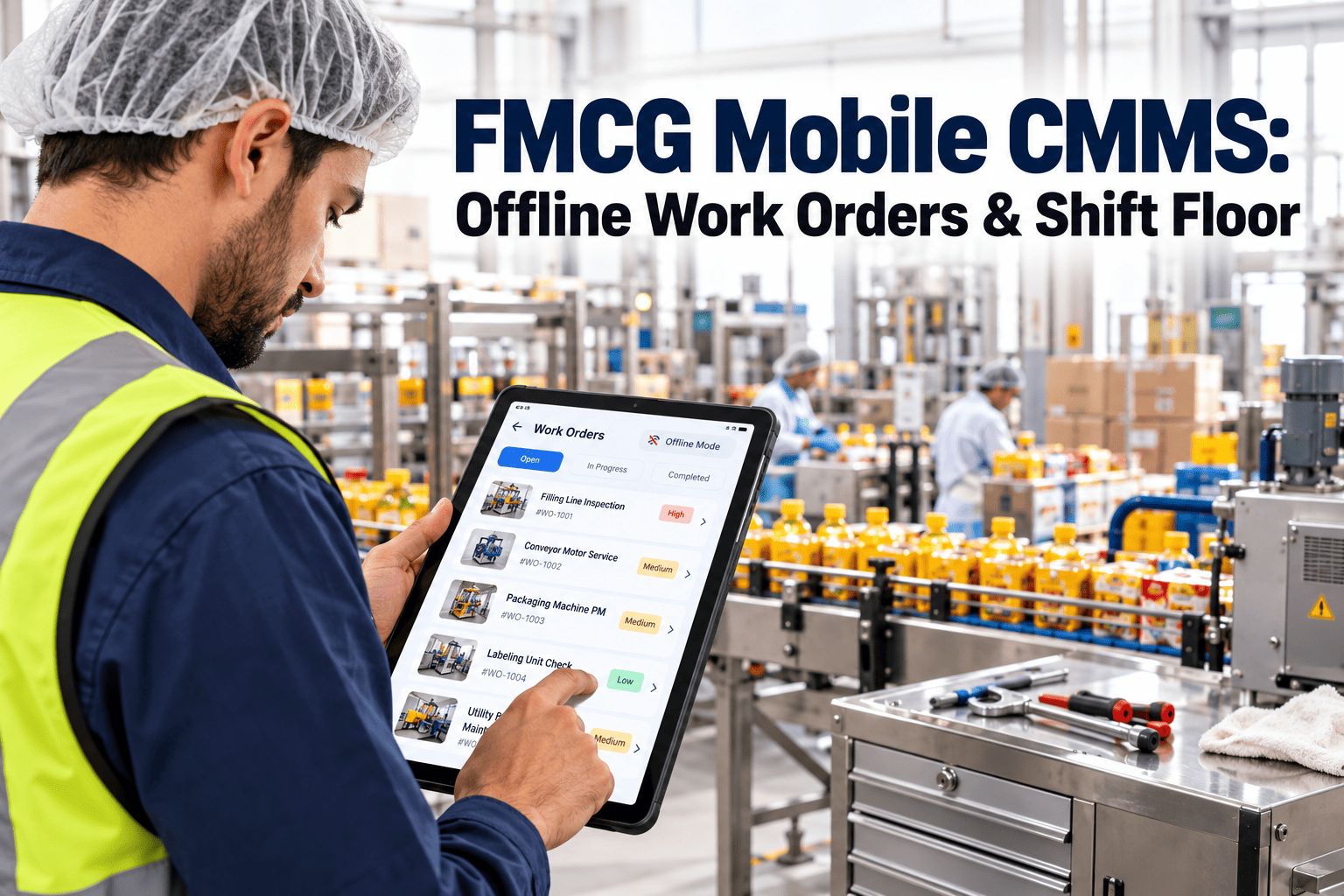
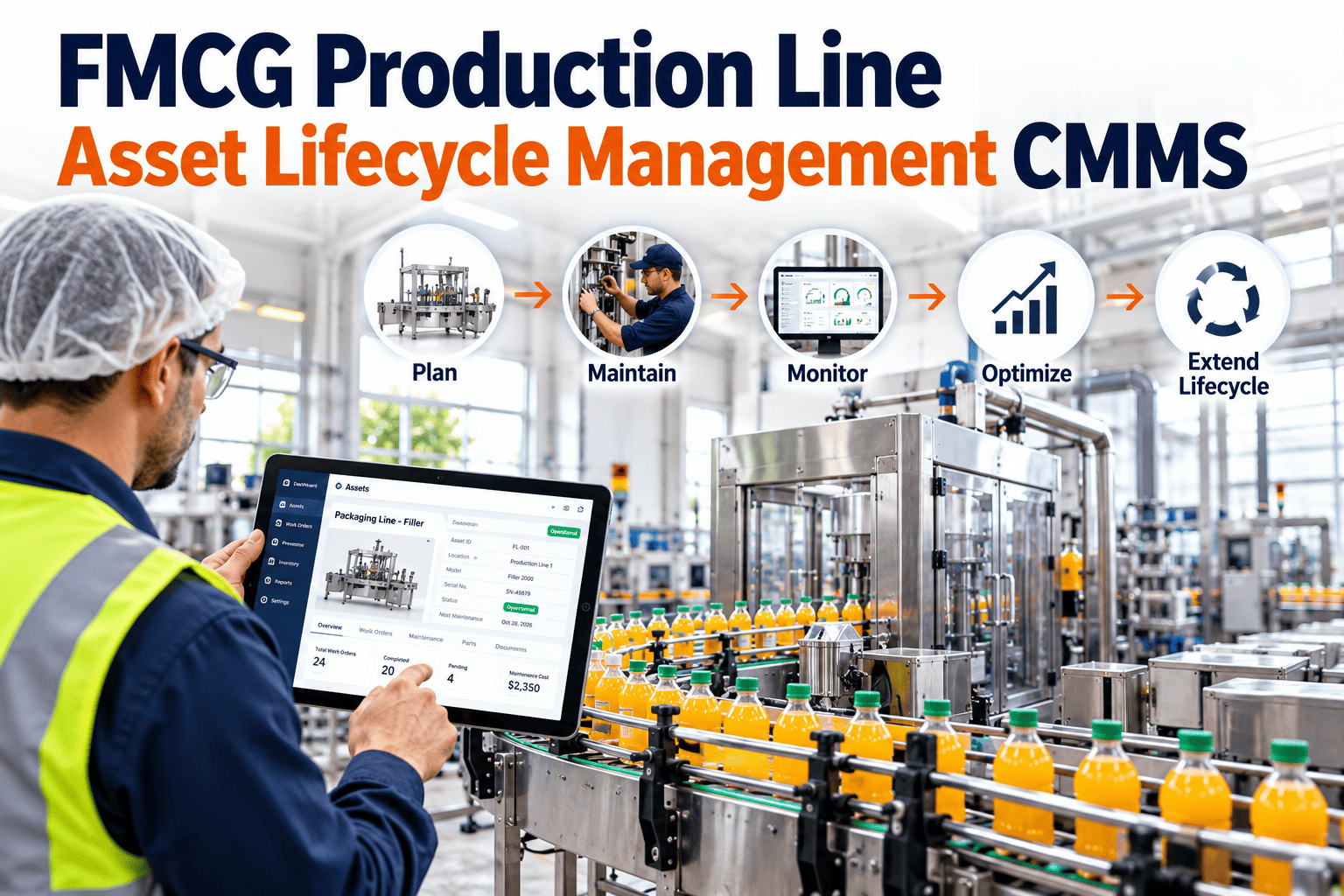
The single biggest reason CMMS implementations fail in FMCG plants is technician adoption. The system can be technically perfect with every asset registered, every PM scheduled, every work order properly priced and still produce nothing useful if technicians do not actually open it on the plant floor. Industry data consistently shows that mobile-first CMMS lifts PM compliance by 40+ percentage points compared to desktop-only deployments, but only when technicians use it for real work in real time. The difference between a plant that hits 90%+ adoption in 90 days and one that languishes at 30% after a year is not the software it is the rollout pattern. Offline mode that actually works, QR tags on every asset, and a focused first-30-days plan are the structural differences. To see the OxMaint mobile app and offline workflow on your own equipment start a free trial or book a demo with our team.
Mobile-First CMMS · Offline Mode · QR Tags · 90% Adoption
Mobile-First CMMS in FMCG: Offline Mode, QR Tags, and Adoption Patterns
Mobile CMMS lifts PM compliance 40+ points if technicians actually use it. See the offline-mode mechanics, QR tag conventions, and 90-day rollout pattern that drive 90%+ technician adoption the structural difference between a working system and shelfware.
Adoption Curve Days to 90% Use
Mobile-first + QR
90 days
40+ pts
PM compliance lift with mobile-first CMMS
90 days
Time to 90%+ technician adoption (mobile + QR)
75%
Faster work order completion vs paper or desktop
35%
MTTR reduction with at-the-asset documentation
Understanding Mobile-First
What Is Mobile-First CMMS and Why Does FMCG Need It?
Mobile-first CMMS means the platform is designed for the phone or tablet a technician carries on the plant floor not adapted from a desktop interface. The distinction matters because plant-floor work happens at the asset, not at a desk. A technician inspecting a filler at 2:47 AM during a changeover needs to scan an asset tag, see the last three work orders, attach a photo, log a measurement, and close the ticket all without walking to a desktop computer that may not even exist in the production zone.
FMCG plants are uniquely suited to mobile-first because of the operational profile: distributed assets, fast-moving shifts, multiple buildings, and high regulatory documentation requirements. A mobile-first CMMS captures the data at the point of work, which is also the point where data quality is highest. Add offline mode for the inevitable plant-floor RF dead zones and QR tags for instant asset access, and the structural barriers to adoption disappear. Start a free trial to see the OxMaint mobile workflow, or book a demo with our team.
Eight Mobile-First Features That Matter
Eight Features That Separate Mobile-First CMMS From Desktop-Adapted
Most CMMS vendors claim mobile support. Most actually deliver a stripped-down browser view that breaks on the plant floor. The eight features below are the structural differences the things that make technicians actually open the app instead of avoiding it. Each one is non-negotiable in FMCG environments.
Feature 01
True Offline Mode
Full work order capability without network. Auto-sync when connectivity returns. Plant-floor RF dead zones must not stop work or lose data.
Feature 02
QR Tag Scanning
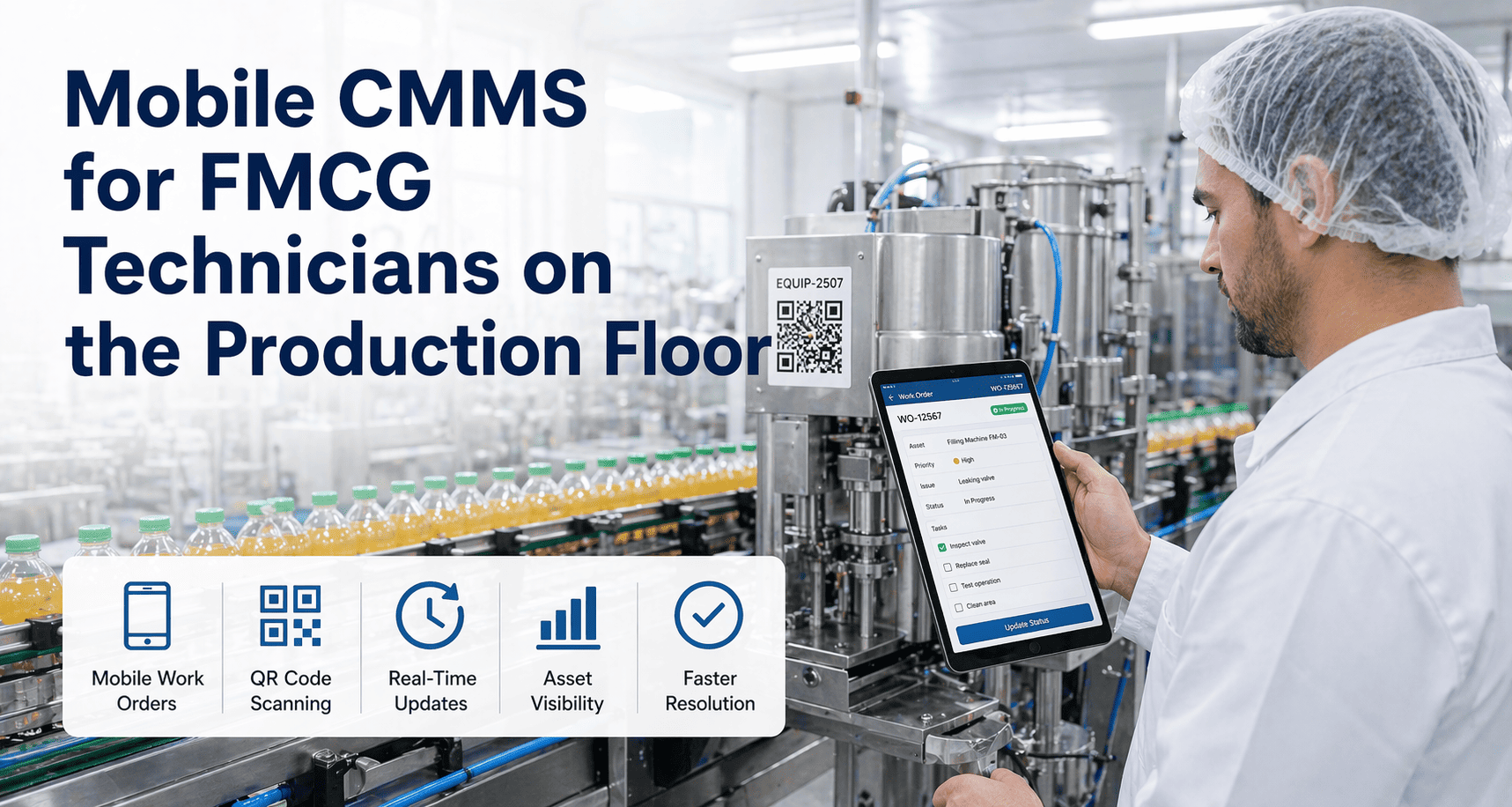
Every asset, every spare part, every PM location has a QR tag. Scan to open the asset record in 2 seconds without typing or searching.
Feature 03
Photo and Video Capture
Direct camera integration. Photos auto-attach to work orders with timestamp and GPS. Visual evidence becomes the new documentation standard.
Feature 04
Voice-to-Text Notes
Technicians dictate notes while their hands are dirty. AI transcription beats typing on a phone wearing nitrile gloves every single time.
Feature 05
One-Tap Status Updates
Standard responses pre-configured. "Complete no parts used", "In progress waiting on spare", "Escalate to maintenance lead." Tap, done.
Feature 06
Embedded SOPs and Drawings
Asset record contains procedures, electrical drawings, P&IDs, and vendor manuals. Technicians find documentation at the asset, never at a desk.
Feature 07
Push Notifications
New work orders, escalations, and PM due dates push to the technician's phone. No need to check the system the system reaches the technician.
Feature 08
Ruggedized App Performance
Works on the cheapest Android phone with a cracked screen and a glove on. No high-end device requirement. No iPad-only luxury features.
Industry Pain Points
Why Most FMCG CMMS Adoption Programs Fail
Most FMCG plants implementing CMMS hit the same adoption wall around month four. Technicians stop using the system, PM compliance returns to pre-implementation levels, and the platform becomes shelfware. The failure pattern is consistent and structural. If your last implementation stalled, start a free trial to see the mobile-first rollout pattern, or book a demo.
01
Desktop-Only or Bad Mobile Adaptation
CMMS designed for desk use. Mobile is a stripped-down browser view that breaks on plant Wi-Fi. Technicians give up after week two and revert to paper.
02
No Offline Mode (Or Broken Offline)
App requires network. Plant-floor RF dead zones block use. Or the offline mode exists but sync conflicts lose data. Technicians stop trusting the system.
03
No Asset QR Tags
Finding the right asset requires typing the asset number on a phone keyboard wearing gloves. Friction is high enough that technicians stop bothering.
04
Too Much Required Data
Closing a work order requires 14 fields. Technicians close it with the minimum and the rest sits incomplete. Data quality collapses.
05
No Champion in the First 30 Days
Implementation handed to maintenance leadership without a floor-level champion. Technicians have no one to ask for help. The system feels imposed.
06
No Measurement of Adoption
Plant managers see compliance reports that look fine. Behind them, half the technicians have not opened the app in three weeks. Nobody is watching the right number.
How Oxmaint Solves It
How OxMaint Drives 90%+ Mobile Adoption in 90 Days
OxMaint is built mobile-first from the data model up. Offline mode actually works in plant-floor RF dead zones. QR tags integrate with the cheapest label printer. The 90-day rollout pattern is structured around behavior change, not feature training. Start a free trial or book a demo to see the rollout playbook.
Offline-First
Plant-Floor Survival Mode
Full work order, asset, and PM functionality with zero network. Auto-sync on reconnect. Conflict resolution that does not lose data. Tested on cheap Android phones.
QR Workflow
Scan-to-Asset in 2 Seconds
QR labels print on any standard label printer. Scan opens the asset with last 3 work orders, current PMs, attached drawings, and spare parts. No typing required.
Voice and Photo
Documentation Without Typing
Voice-to-text notes, camera photos, video clips. Technicians document what they see without removing gloves or finding clean surface to type on.
90-Day Rollout
Behavior-First Implementation
Structured 90-day plan: week 1-2 QR labeling, week 3-4 champion training, weeks 5-8 expand to all technicians, weeks 9-12 measure adoption and reinforce.
Adoption Dashboards
Real Adoption Visibility
Plant managers see actual app open rate, work orders closed on mobile vs desktop, photos attached per work order. Adoption becomes visible and measurable.
Multi-Site
Portfolio Adoption Patterns
Cross-site rankings expose adoption outliers. Best-practice plants share their patterns with struggling plants. Adoption becomes a portfolio operating metric.
Before vs After Mobile-First
Desktop-Only CMMS vs OxMaint Mobile-First: Side-by-Side
| Workflow Step | Desktop-Only CMMS | OxMaint Mobile-First |
| Find the asset |
Walk to desk, search by ID |
QR scan at asset, 2 seconds |
| Open a PM |
Multiple clicks through menus |
Push notification, one tap |
| Document findings |
Type at desk after returning |
Voice and photo at the asset |
| Attach evidence |
Phone, transfer, upload rarely happens |
Direct camera, auto-attached |
| Reference SOPs |
Find paper binder |
Embedded on asset record |
| Close the work order |
Hours later at desk |
Immediately at the asset |
| Plant-floor RF dead zones |
Stop work, walk to signal |
Offline mode, continue working |
| Technician adoption |
30-50% within 12 months |
90%+ within 90 days |
ROI and Adoption Outcomes
What Mobile-First CMMS Adoption Actually Delivers
40+ pts
PM Compliance Lift
Plants moving from desktop-only to mobile-first CMMS routinely lift PM compliance from 45-55% to 85-95% within 6 months driven entirely by technician adoption.
75%
Faster Work Order Closure
Work orders documented at the asset close 75% faster than those documented later at a desk. The documentation gap collapses from hours to minutes.
35%
MTTR Reduction
Mean Time to Repair drops 35% on average because technicians can pull asset history, SOPs, and drawings at the asset rather than walking back to a desk.
3-5x
More Photos Per Work Order
Mobile-first plants attach 3-5x more photos and videos per work order. Visual documentation becomes the new evidence standard and supports cross-shift handoffs.
Frequently Asked Questions
Mobile-First CMMS Common Questions
What devices do technicians need for mobile-first CMMS?
A standard Android or iOS smartphone is sufficient. OxMaint is tested on entry-level devices because plant floors are hard on phones ruggedized cases plus cheap devices is the right strategy. iPad and tablet support is available but not required. Plants can equip technicians with company devices or use BYOD policies.
Book a demo to discuss device strategy.How does offline mode actually work without losing data?
The mobile app maintains a complete local copy of relevant work orders, assets, and PMs. Changes are timestamped and queued. On reconnect, the app syncs with the server using last-write-wins for non-conflicting changes and explicit conflict resolution for the rare overlapping edits. In FMCG environments where dead zones are common, this is the difference between a working system and a broken one.
Start a free trial to test offline mode on your plant floor.Are QR tags or RFID tags better for FMCG asset identification?
QR tags are the right starting point for most FMCG plants cheap, printable in-house, scannable by any phone, and resistant to washdown when applied with proper labels and protective covers. RFID adds value for high-volume asset cycling (mobile pallets, returnable equipment) but the upfront cost rarely justifies the gain on fixed plant assets.
What does the 90-day adoption rollout actually look like?
Weeks 1-2: print and apply QR tags to top-priority assets, configure offline mode, identify floor-level champions. Weeks 3-4: champion training and pilot with 4-6 technicians on a single line. Weeks 5-8: expand to all technicians with daily check-ins from champions. Weeks 9-12: measure adoption, reinforce successes, address resisters. The structure matters more than the timeline.
Mobile-First CMMS · Offline Mode · QR Tags · Free to Start
Stop Buying CMMS Software That Technicians Refuse to Use
The structural difference between 90% adoption in 90 days and shelfware after 12 months is mobile-first design plus QR tags plus offline mode plus a behavior-first rollout. OxMaint gives you all four. Plus the adoption dashboards that let plant managers actually see whether the system is being used. Live in days, not months. Tested on real plant-floor phones.