Mobile CMMS for FMCG Technicians | Production Floor App
By Jack Edwards on April 25, 2026
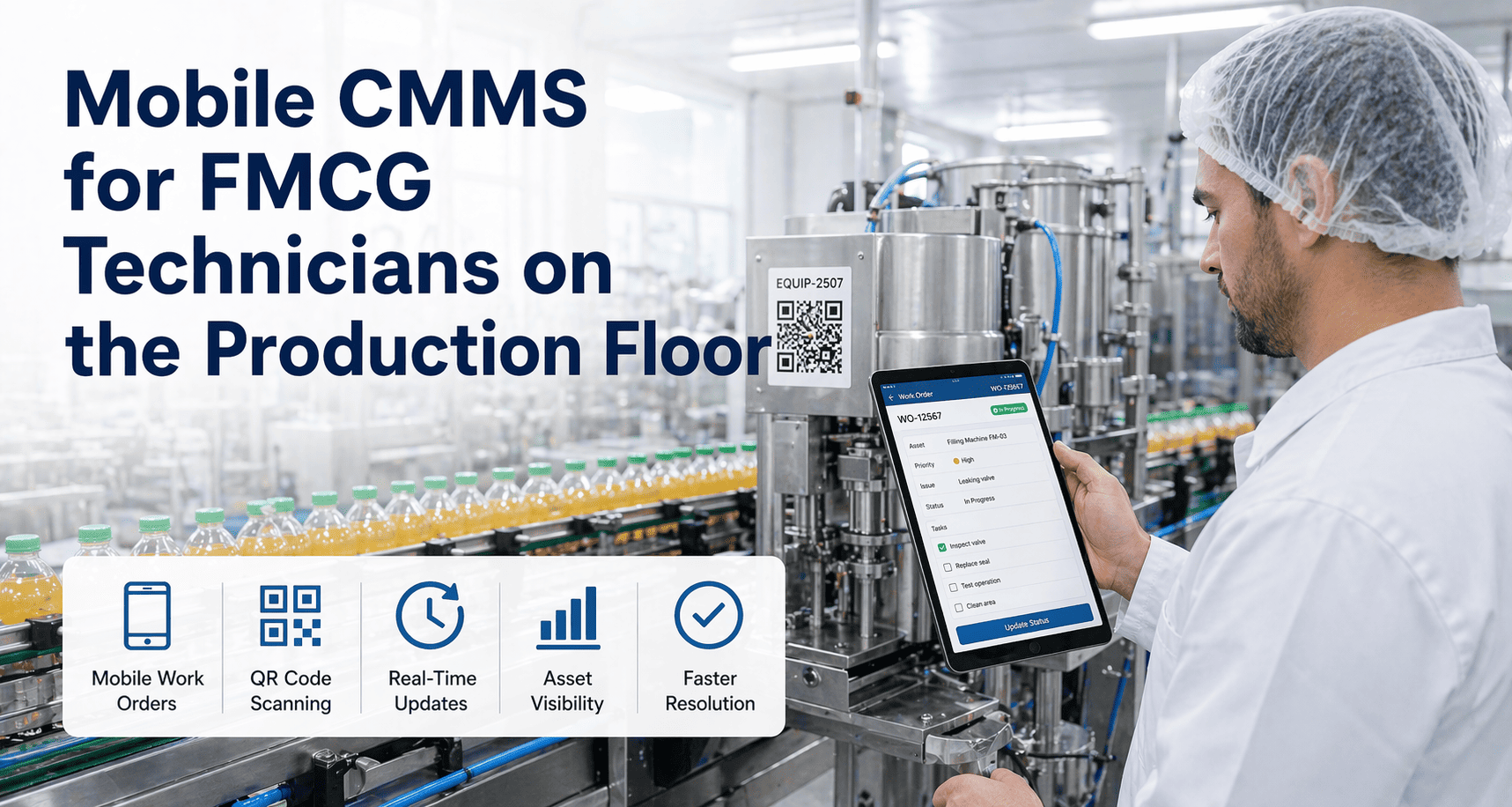
FMCG production floors run at speed — filling lines at 600 units per minute, packaging lines with zero tolerance for downtime, cold storage areas where a single compressor failure can put millions in product at risk. Yet in most plants, maintenance teams are still fighting the floor with clipboards, paper work orders, and manual logs entered hours after the fact. The result: maintenance teams react late, repair times stretch, and production managers make decisions on stale data. Mobile CMMS changes that equation fundamentally — putting every work order, every asset record, and every checklist directly on the technician's phone, working offline on the production floor. If your team is still walking back to the maintenance office to log work orders, start a free trial with Oxmaint and run your first mobile work order in under five minutes — or book a demo to see how FMCG teams are using mobile CMMS across their production floors today.
Mobile CMMS — FMCG Production Floor
Put Maintenance Control in Every Technician's Pocket
Oxmaint's mobile-first CMMS gives FMCG maintenance teams offline work orders, QR equipment scanning, photo capture, and digital checklists — all from a smartphone. No WiFi required on the production floor.
Faster work order completion with mobile CMMS vs paper-based systems
42 min
Daily time lost per technician without mobile tools — logging, retrieval, travel
28%
Reduction in MTTR when technicians use mobile CMMS on the production floor
73%
FMCG maintenance teams cite real-time work order access as their top mobile need
What Is Mobile CMMS — and Why Does FMCG Need It?
A mobile CMMS is a computerised maintenance management system designed to work natively on smartphones and tablets — not just a desktop system squeezed onto a small screen. In FMCG environments, mobile CMMS is a necessity, not a nice-to-have. Production floors have poor WiFi coverage, technicians operate in cold rooms, wet areas, and noisy lines where desktop access is impossible. The mobile CMMS must work offline, sync automatically when back in range, and present information at a glance — not through seven menu layers. Oxmaint is built exactly this way. Every FMCG-specific workflow — GMP checklists, CIP logging, equipment sign-off — is available on the device, offline, with one tap. Ready to remove paper from your maintenance workflow? start a free trial today or book a 30-minute demo with our team.
8 Mobile CMMS Capabilities Your FMCG Floor Cannot Afford to Miss
Offline-First Architecture
Full functionality in cold rooms, high-RF areas, and low-signal production floors. Data syncs automatically when WiFi is restored.
QR & Barcode Scanning
Scan any equipment tag to instantly pull up asset history, open work orders, and maintenance schedules — no manual searching.
Photo & Video Capture
Capture fault photos, annotate images, and attach to work orders directly from the device. Evidence stays with the asset record permanently.
Digital GMP Checklists
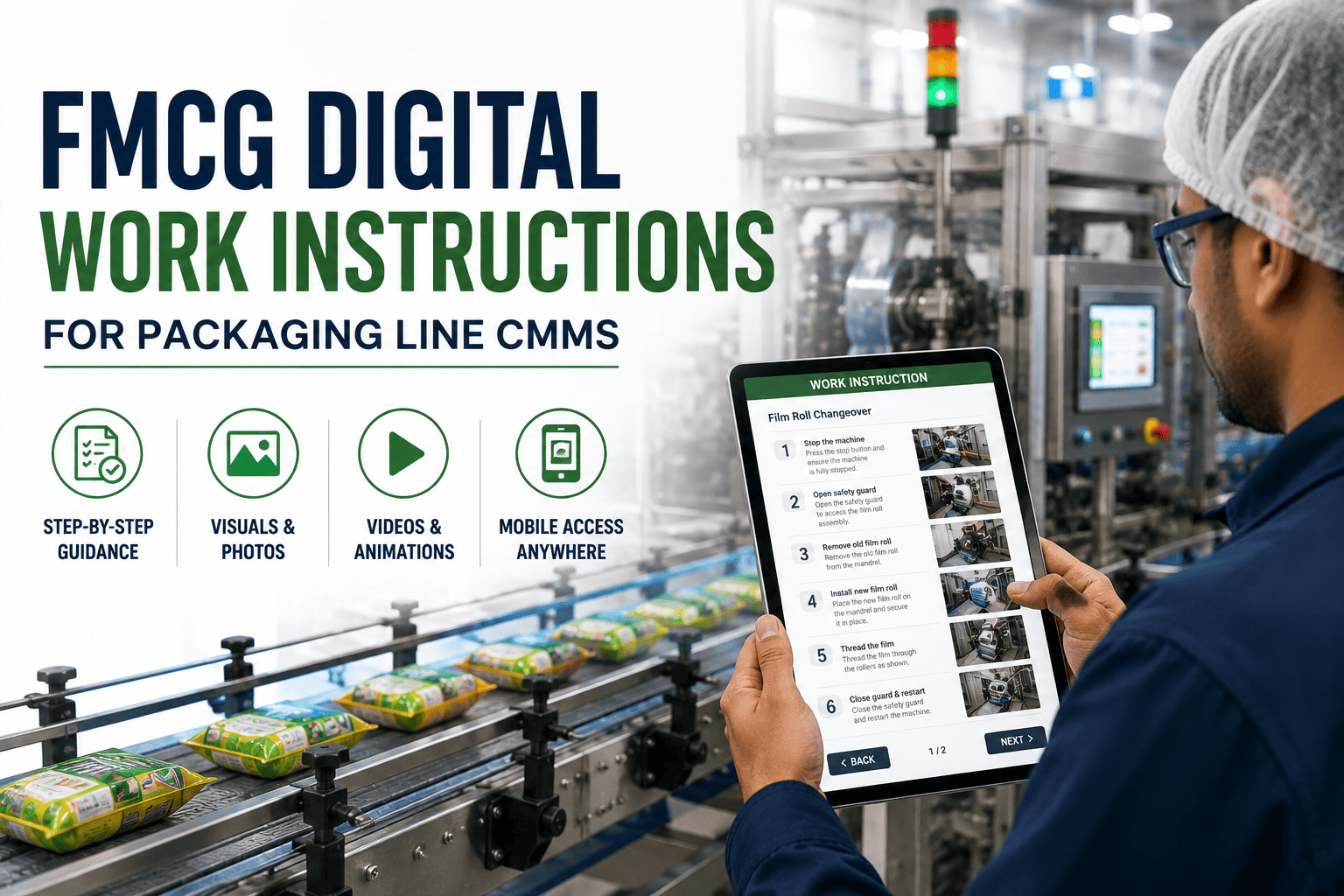
Pre-built and custom checklists for HACCP, CIP verification, allergen changeover, and hygiene checks — with mandatory sign-off fields.
Real-Time Work Order Updates
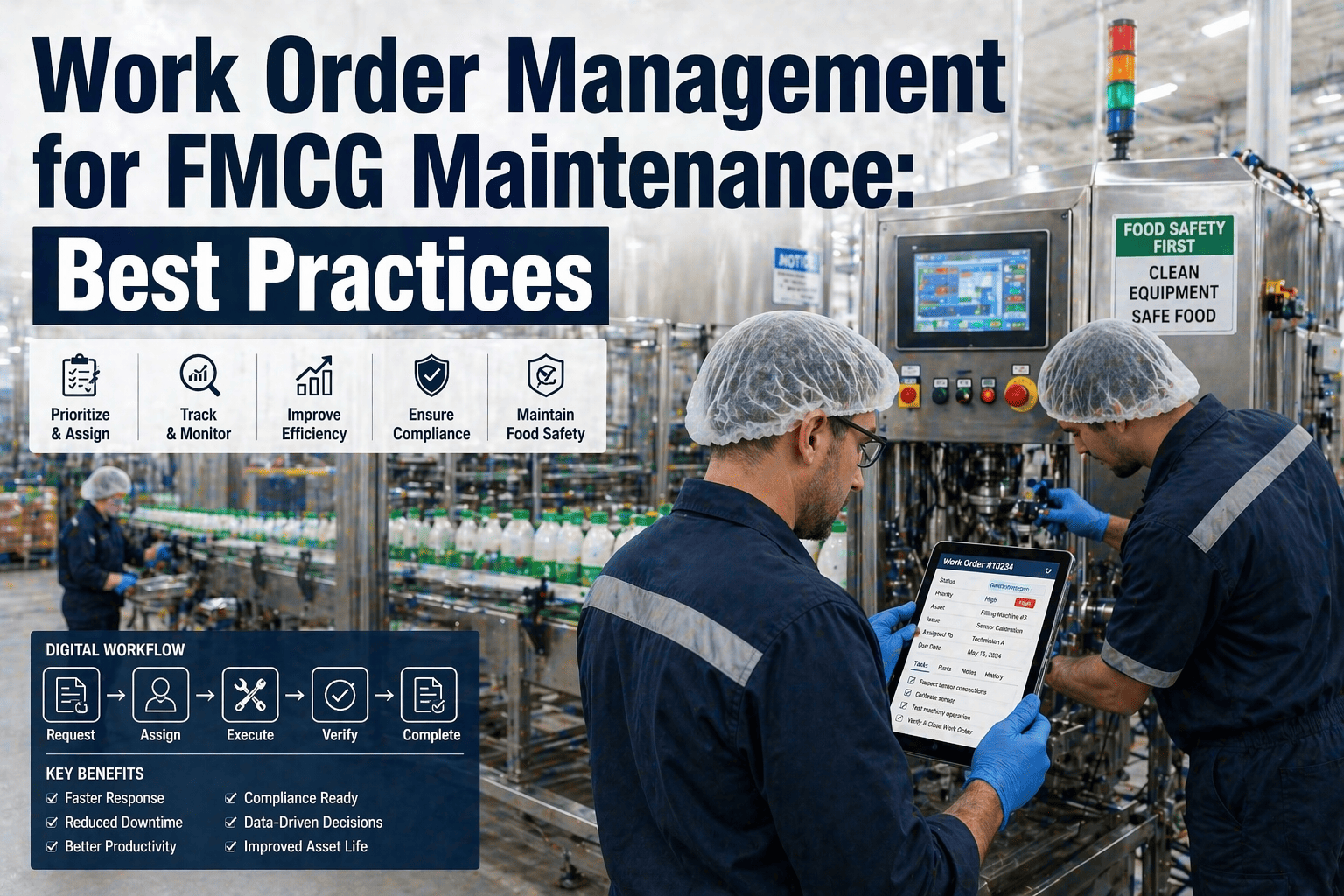
Supervisors see work order status update live as technicians complete tasks — no radio calls, no status meetings, no lag.
Spare Parts Lookup
Technicians check parts availability, reserve stock, and raise MRO requests from the floor — reducing parts-related delays by up to 40%.
Multi-Technician Collaboration
Assign tasks to multiple technicians on a single work order. Each completes their section with individual timestamps and sign-off.
Production-Linked PM Triggers
Maintenance schedules triggered by units produced, run hours, or cycles — not just calendar date. Oxmaint sends the PM to the technician's app automatically.
Why FMCG Maintenance Teams Are Still Stuck in Paper
01
Delayed Work Order Logging
Technicians log repairs 2–4 hours after completing them. Asset history is incomplete, MTTR calculations are wrong, and repeat failures go undetected.
02
No Equipment History at the Point of Repair
Technicians diagnose by memory or call the office. Previous fault patterns, last replacement dates, and OEM specs are not accessible on the floor.
03
Cloud Apps Fail in Production Environments
Cold rooms, high-noise RF environments, and metal-clad production floors create dead zones. Cloud-only apps become useless exactly where you need them most.
04
GMP Compliance Gaps in Paper Records
Illegible handwriting, missed sign-offs, and lost paper checklists create audit failures. In FMCG, a compliance gap is not an inconvenience — it is a production halt.
How Oxmaint Mobile Solves Each Problem on the FMCG Floor
Instant Logging
Work Orders Completed on the Spot
Technicians open, update, and close work orders from their phone the moment the repair is done. No backlog. Asset history is accurate and real-time.
Asset Intelligence
Full History in One QR Scan
Scan the equipment tag to see every repair, every PM, every fault code, and OEM documentation — everything the technician needs to diagnose faster and fix right the first time.
Offline Mode
Works Where WiFi Does Not
Oxmaint stores all active work orders and asset data locally. Technicians work fully offline in freezers, RF zones, and dead spots — data syncs the moment connection returns.
Compliance Ready
Audit-Ready Digital Records
Every checklist, every sign-off, every photo is time-stamped and stored digitally. GMP and HACCP audits are answered with a report export — not a search through filing cabinets.
Smart Scheduling
PM Alerts Sent to the Right Technician
Preventive maintenance jobs appear on the assigned technician's mobile queue with checklist attached. No supervisor intervention needed to push planned maintenance into action.
Visibility
Live Floor Status Without Radio Calls
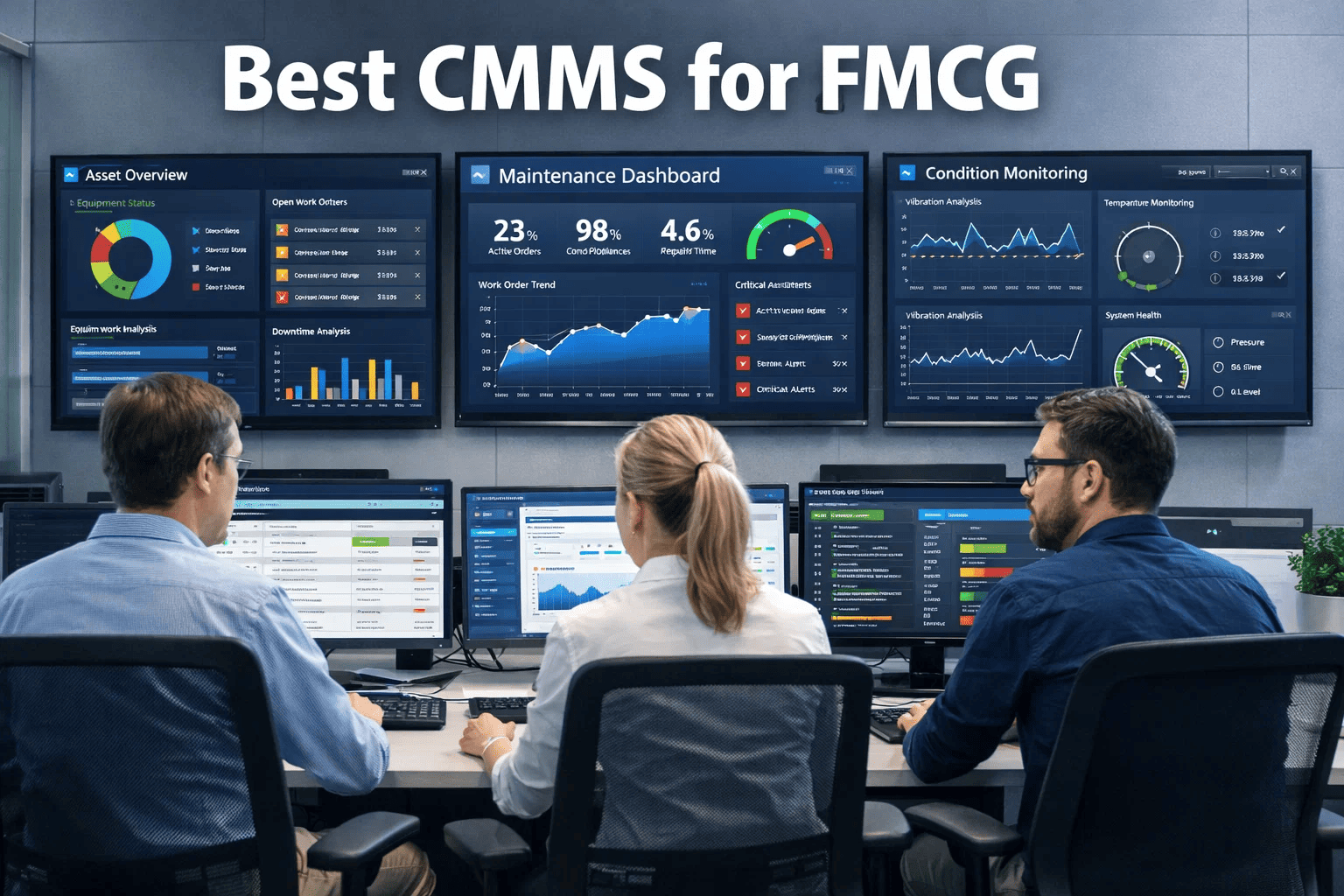
Maintenance supervisors see every open work order status live on their dashboard. Which jobs are in progress, who is working on what, and which lines are at risk — all in real time.
Your FMCG Floor Needs Maintenance Tools That Work Where Your Team Works
Oxmaint is built for production environments — offline-capable, GMP-ready, and designed for technicians who work with their hands. Switch from paper to digital in days, not months.
Before Mobile CMMS vs After — What Changes on the Floor
Scenario
Paper-Based / Desktop CMMS
Oxmaint Mobile CMMS
Work order logging
2–4 hours after repair
On the spot, from the floor
Equipment history access
Back at the office terminal
One QR scan, any device
GMP checklist completion
Paper, risk of missing sign-offs
Digital, mandatory sign-off enforced
Offline capability
None — requires live connection
Full offline, auto-sync on reconnect
Fault photo evidence
Personal phone, often lost
Captured and attached to asset record
PM job dispatch
Supervisor manually assigns each morning
Auto-pushed to technician's queue
Audit preparation
2–3 days of manual record retrieval
One-click compliance report export
Supervisor visibility
Radio calls and morning meetings
Live status dashboard, zero chase
The Numbers Behind Mobile CMMS ROI in FMCG
3.5 hrs
Saved per technician per week by eliminating paper-to-system data entry
18%
Increase in planned maintenance compliance when PMs are pushed to mobile queues
94%
Reduction in paper-related compliance gaps in food manufacturing audits
6 weeks
Typical time to full Oxmaint mobile adoption for a 30-person FMCG maintenance team
Frequently Asked Questions
Does Oxmaint mobile CMMS work without internet on the production floor?
Yes — Oxmaint uses an offline-first architecture. All active work orders, asset records, and checklists are stored on the device. Technicians can create, update, and close work orders, complete checklists, and capture photos with zero connectivity. Data syncs automatically when WiFi or mobile data is restored. This is critical for cold rooms, high-RF production environments, and basement plant rooms where connectivity is consistently poor.
How long does it take to deploy Oxmaint mobile for an FMCG plant?
Most FMCG plants are live with Oxmaint mobile within 2–6 weeks, depending on the number of assets to be loaded and the complexity of existing PM schedules. Oxmaint provides a guided onboarding process — asset import from spreadsheets, QR label generation, and technician training are all included. For plants with fewer than 500 assets, a 2-week go-live is standard. There are no heavy implementation fees or multi-month professional services engagements.
Can Oxmaint handle GMP and HACCP documentation requirements for food plants?
Oxmaint is built with food and FMCG compliance in mind. Digital checklists can include mandatory fields, photo evidence requirements, and individual technician sign-off — all time-stamped and tamper-evident. CIP cycle logging, allergen changeover verification, and hygiene inspection records are all stored digitally and retrievable for any audit window. The system supports custom checklist templates that match your existing GMP procedures exactly, so compliance behaviour does not change — only the medium changes from paper to digital.
Can mobile CMMS work across multiple FMCG plants in different locations?
Oxmaint is fully multi-site. Technicians are assigned to their plant and see only their site's work orders and assets by default. Maintenance managers can be given cross-site visibility. Corporate maintenance leads can view KPIs, PM compliance, and reactive work percentages across all plants in a single dashboard. Work order templates, PM schedules, and checklists can be standardised across sites from a central account — reducing setup time for new plants significantly.
Mobile CMMS for FMCG
Stop Managing Maintenance With Clipboards. Your Team Is Ready for Mobile.
Oxmaint's mobile-first CMMS is built for the FMCG production environment — offline-capable, GMP-compliant, and live in weeks, not months. Give your technicians the tool that meets them where they work.