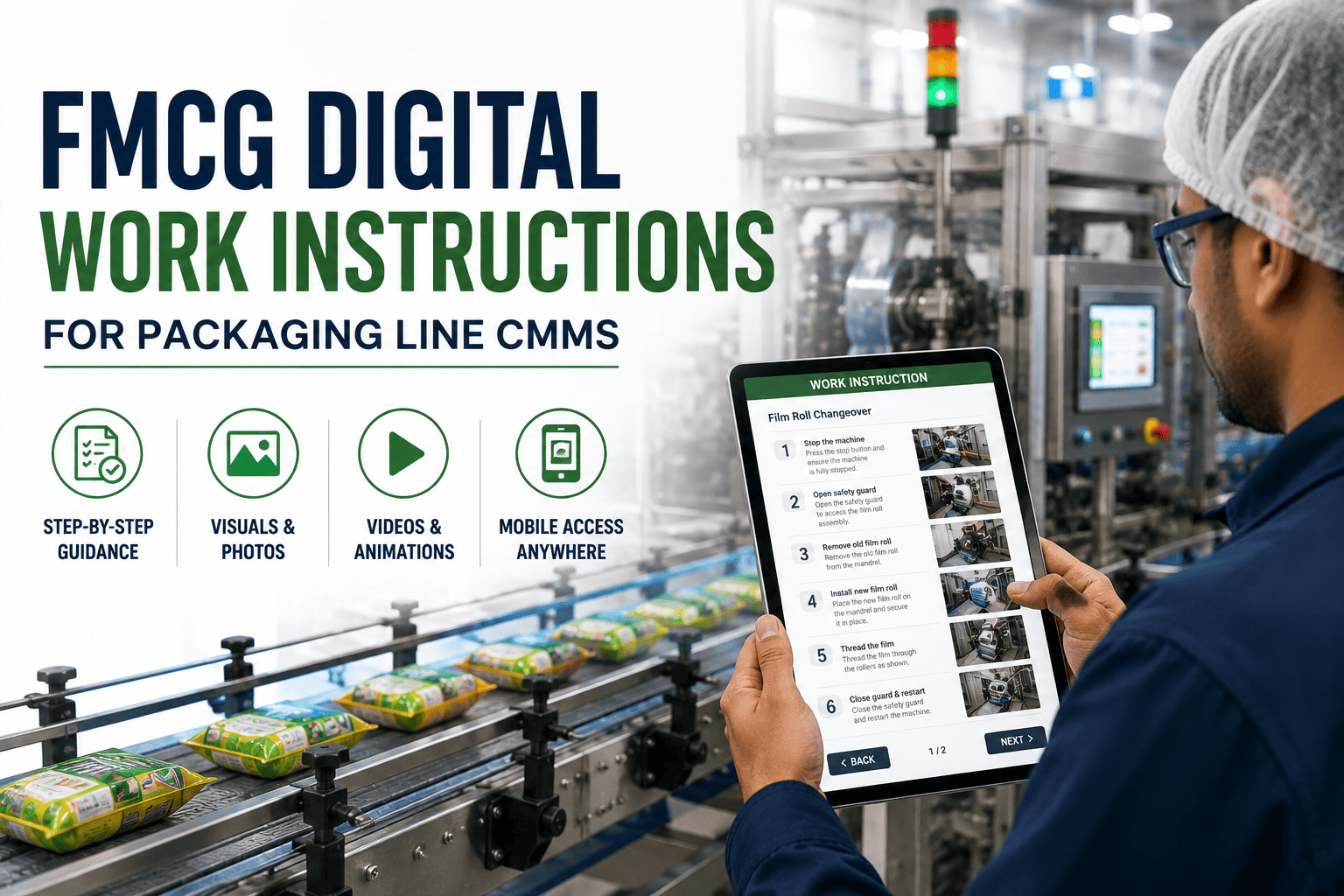
On a fast-moving consumer goods packaging line running 320+ units per minute, the gap between a written SOP and executed reality is where 60–80% of changeover variability lives. Digital work instructions embedded inside a CMMS collapse that gap by putting verified, version-controlled procedures directly into the operator's hands on the floor — at the exact asset, at the exact step. Plants that replace PDF binders with mobile-accessible, CMMS-linked work instructions typically cut changeover time 15–35% and first-pass quality losses by a fifth within two quarters. This guide walks through the design, delivery, and CMMS setup that turns static documents into consistently executed operational standards. Start Free Trial and configure your first packaging-line procedure in under a day.
Are your operators reading the right revision — at 2 AM, mid-changeover, with 40 minutes of target downtime?
A packaging line running 12-hour shifts loses consistency the moment a PDF binder goes stale, a printed SOP walks off the floor, or the night crew improvises around a jam they have never seen. Digital work instructions inside your CMMS close that loop — correct revision, correct asset, correct step, every time.
Why PDF binders quietly drain 7–12% of line capacity every quarter
A mid-tier FMCG plant running three packaging lines typically maintains 180–240 active SOPs across changeover, cleaning, start-up, and troubleshooting. When those procedures live in three-ring binders, the hidden tax shows up in four places — and compounds across shifts.
A 1,200-employee snacks plant in the Midwest replaced 312 printed SOPs with CMMS-embedded digital instructions across four packaging lines. Within 90 days, changeover standard deviation dropped from 19 minutes to 6, and unplanned downtime attributed to "operator error" fell 41%.
Five design rules that separate a digital SOP from a digitized PDF
Most teams fail at digital work instructions because they upload a PDF and call it done. A true digital SOP is engineered for a 5-inch screen, read under fluorescent light, by someone wearing gloves, with a line alarm going off. These five rules govern whether it gets used or ignored.
Break every procedure into single-action steps. A step that says "perform cleaning and inspection" is two steps. Cognitive load on a packaging floor is already at 70% — split compound instructions or they will be skipped.
Replace 200-word descriptions with a labeled photo of the actual asset, an annotated diagram, or a 10-second video clip. Operators process a visual in 0.4 seconds versus 8 seconds for a paragraph — and recall it three times better.
The SOP should appear on the operator's device when the CMMS detects the asset enters the relevant state — changeover, fault, or scheduled PM. Push beats pull by a factor of six in measured execution rates.
For safety-critical and quality-critical steps (LOTO, allergen changeover, seal integrity check), require a checkbox or photo confirmation before the next step unlocks. This single design choice reduces skipped steps by 88%.
Let operators flag a step as unclear, outdated, or impossible in two taps. That signal feeds your continuous-improvement loop and tells you which SOPs to revise before they cause a defect — not after.
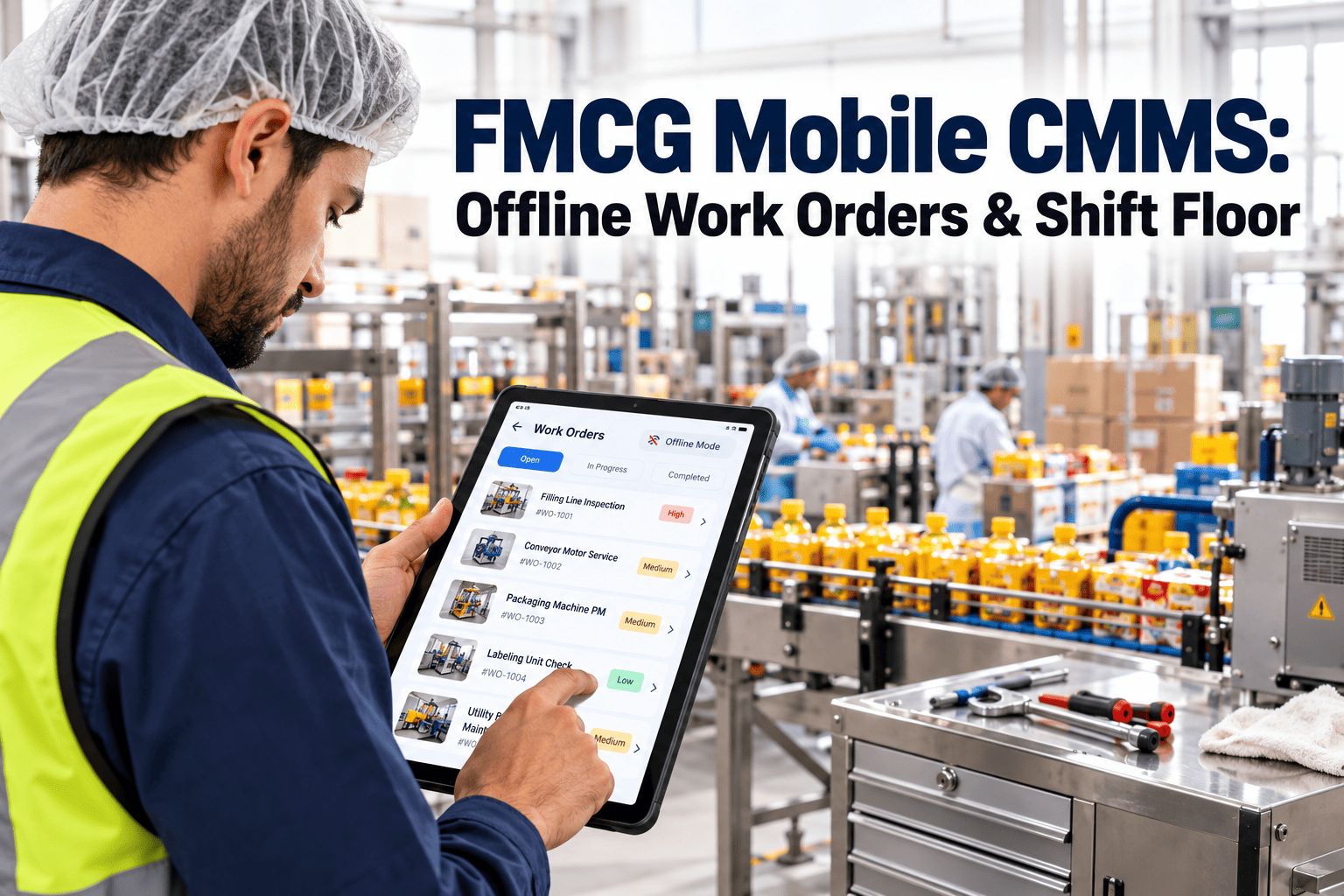
Packaging lines run through dead zones — cold storage, aseptic tunnels, mezzanines. Digital SOPs must cache on-device and sync when connectivity returns. A spinning loader mid-fault is worse than a paper binder.
A 90-day path from PDF binders to consistently executed digital SOPs
Plants that succeed do not boil the ocean. They pilot one line, prove the metric, then scale. This is the cadence used by the snacks plant referenced above — and it works because each phase has a hard exit gate.
Map every active SOP on one pilot line. Score each by failure frequency, safety risk, and revision age. The top 20% of procedures typically drive 80% of variability — start there. Exit gate: 15 priority procedures identified.
Rewrite the 15 priority SOPs using the five design rules. Photograph the actual assets. Record 10-second clips for the three most-misunderstood steps. Load them into the CMMS and link each to its asset and trigger state.
Deploy to one shift on the pilot line only. Measure changeover time, first-pass yield, and step-completion rate against the binder baseline for 20 days. Capture operator feedback daily. Exit gate: changeover time down ≥10%.
Roll out to all three shifts on the pilot line, then to lines 2 and 3. Train shift leads as SOP owners. Set a quarterly review cadence. By day 90, the snacks plant had 312 procedures live and 96% step-completion across all shifts.
Your next changeover should run on the correct revision — automatically.
Configure one packaging line in OxMaint, load your top 15 SOPs, and measure the difference in 20 days.
What actually changes when work instructions live inside the CMMS
The comparison below is drawn from the same snacks plant before and after rollout, normalized across four lines and three shifts over a 90-day measurement window. The numbers are representative of what a mid-tier FMCG operation can expect when the rollout follows the timeline above.
| Operational Metric | PDF Binder Baseline | CMMS Digital SOP | Delta |
|---|---|---|---|
| Avg. changeover time (line 1) | 47 min | 31 min | -34% |
| Changeover std. deviation | 19 min | 6 min | -68% |
| SOP revision accuracy (audit) | 62% | 100% | +38 pts |
| Time to locate SOP mid-fault | 14 min | 0 min (pushed) | -100% |
| Step-completion confirmation | Not tracked | 96% logged | New visibility |
| Downtime attributed to operator error | 11.2 hrs/mo | 6.6 hrs/mo | -41% |
| First-pass quality yield | 94.1% | 96.8% | +2.7 pts |
The five configurations that make or break digital SOP adoption
A CMMS can host digital work instructions perfectly on paper and still fail on the floor. The difference is configuration. These five settings — verified across the rollout — determine whether the system gets used or worked around.
Every SOP edit creates a new revision; the old one auto-archives the moment the new one is published. Operators never see a stale version — and auditors see a complete revision history with timestamps, authors, and approval signatures. This is the single biggest compliance win.
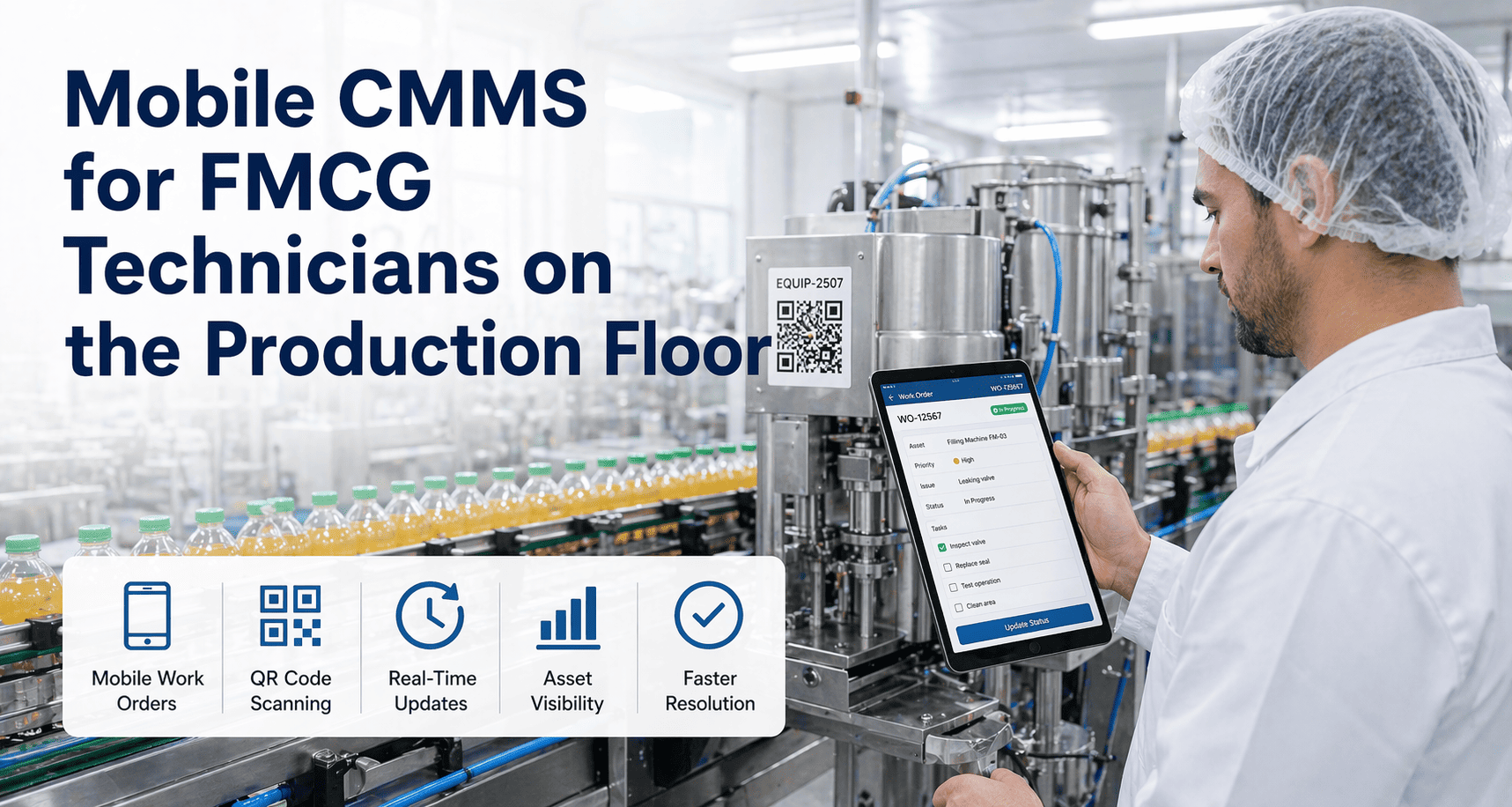
Procedures are not filed in folders — they are linked to the asset record in the CMMS. When an operator scans a QR code on a filler head, the system serves the SOPs relevant to that exact machine, its current state, and its maintenance history. Generic procedures disappear.
Configure the CMMS to push the relevant SOP to the operator's tablet when the asset enters a defined state — changeover initiated, fault code raised, or scheduled PM due. Pushed instructions have a 94% open rate; instructions operators must search for sit at 31%.
Every step checkbox, photo confirmation, and skip is timestamped and tied to the work order. This gives you two things: audit-grade traceability and a dwell-time heatmap that shows which steps take longest — the single best input for your next SOP revision.
Every step has a flag button. Tapping it opens a 2-field form: "unclear," "outdated," "impossible," or "other," plus an optional photo. Submissions route to the designated SOP owner within 24 hours. This is how you find the broken procedure before it breaks the line.
What a 180-asset, three-line FMCG plant recovers in year one
The figures below use the snacks-plant baseline scaled to a representative 180-asset, three-line operation running two product families with an average of 8 changeovers per line per day. Your numbers will vary — but the structure of the return is consistent across FMCG packaging operations.
Five questions plant managers ask before going live
A focused team of two SOP authors plus one shift lead can rebuild 300 procedures in 4–6 weeks — but only if you resist the urge to upload PDFs verbatim. Rebuilding for the screen (single-action steps, photos, 10-second clips) is what drives the adoption and time-savings numbers. Start with the 20% of SOPs that drive 80% of variability and migrate the rest in quarterly waves. Book a Demo to see the migration tooling in action.
Yes — with the right hardware. IP65-rated 8-inch tablets with glove-compatible touchscreens and lanyard mounts survive washdown environments. The key is mounting them at the point of use (on the filler, the capper, the case packer) rather than expecting operators to carry a device. Fixed-mount tablets see 3× the engagement of personal phones.
Digital SOPs must cache on-device and sync when connectivity returns — this is non-negotiable. The CMMS downloads the operator's assigned procedures at shift start, so they are available offline for the full 12 hours. Step completions queue locally and upload when the device reconnects. A spinning loader mid-fault is a failure of configuration, not of the concept.
Digital work instructions inside a CMMS are auditable by design: every revision is timestamped, authored, and electronically signed; every step completion is logged to the work order with operator ID and timestamp; and version history is immutable. Most auditors treat this as a upgrade over paper because the chain-of-custody is automatic. Export the audit trail as a PDF in two clicks. Start Free Trial to test the audit export on your own procedures.
A modern CMMS connects to ERP (SAP, Oracle, Dynamics) for work-order generation and to SCADA / MES for real-time asset state. The integration that matters most for SOPs is the SCADA link: when the filler raises fault code F-204, the CMMS pushes the F-204 troubleshooting flowchart to the operator's tablet automatically. That trigger is what turns a document library into an execution system.
Stop paying for revision drift. Start executing the correct SOP, every shift, every step.
OxMaint turns 300 binder SOPs into CMMS-embedded, mobile-delivered, audit-ready work instructions — live on your first packaging line in under 30 days.
Free 14-day trial · No credit card