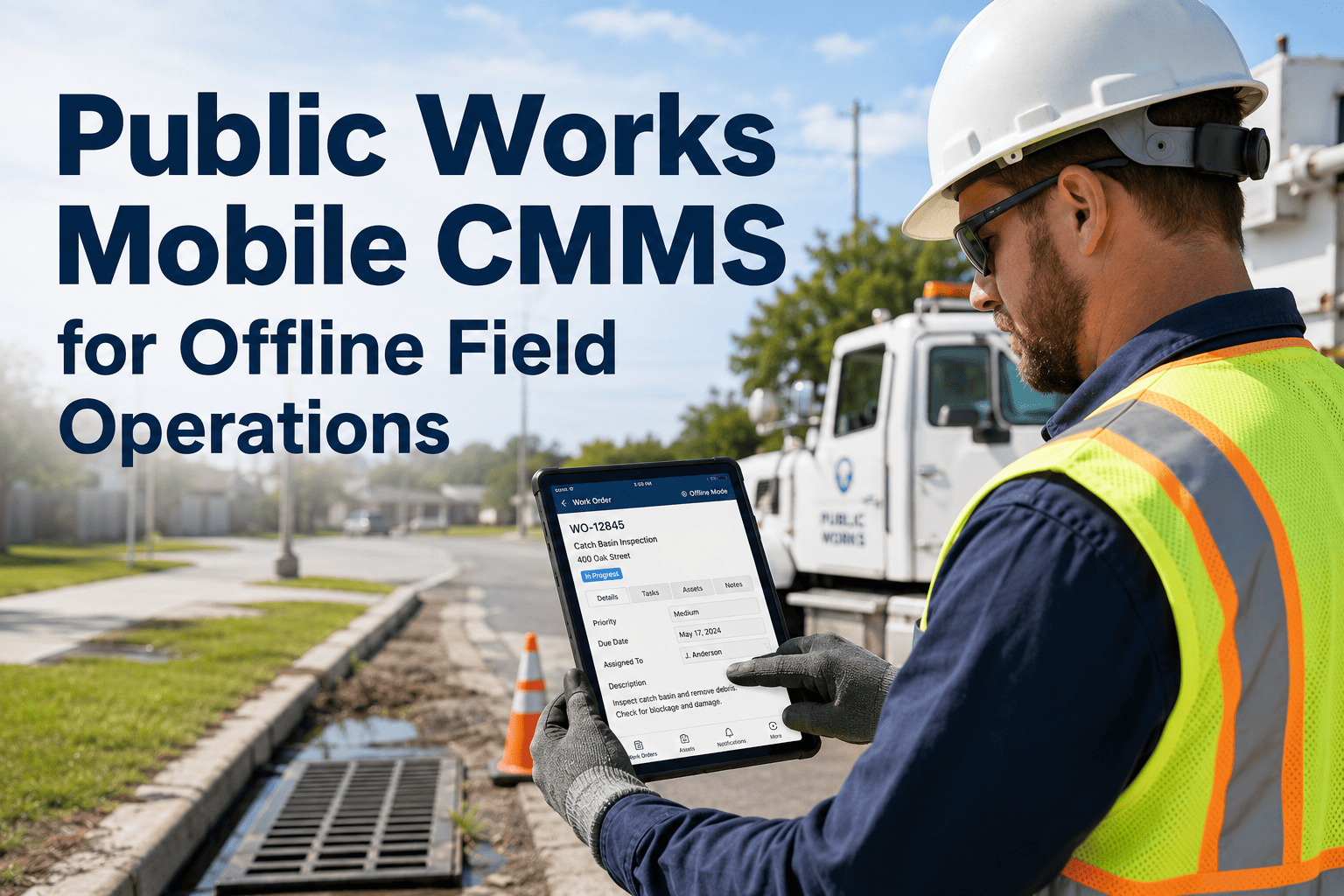
Government facility inspectors spend hours every week filling out paper checklists, transcribing findings into desktop systems, and chasing supervisors for sign-off — time that could be spent on actual inspection work. When a roof leak, fire safety deficiency, or ADA compliance gap goes unrecorded because a form was lost or a clipboard left in a truck, the liability exposure falls on the department. OxMaint's mobile inspection app gives government inspectors a structured digital workflow that captures findings, photos, signatures, and corrective actions from the field in real time — with no paper, no transcription, and no lost records. Start a free OxMaint trial or book a 30-minute demo to see how government facility inspections run on a mobile-first platform.
Government · Facilities · Audit & Compliance
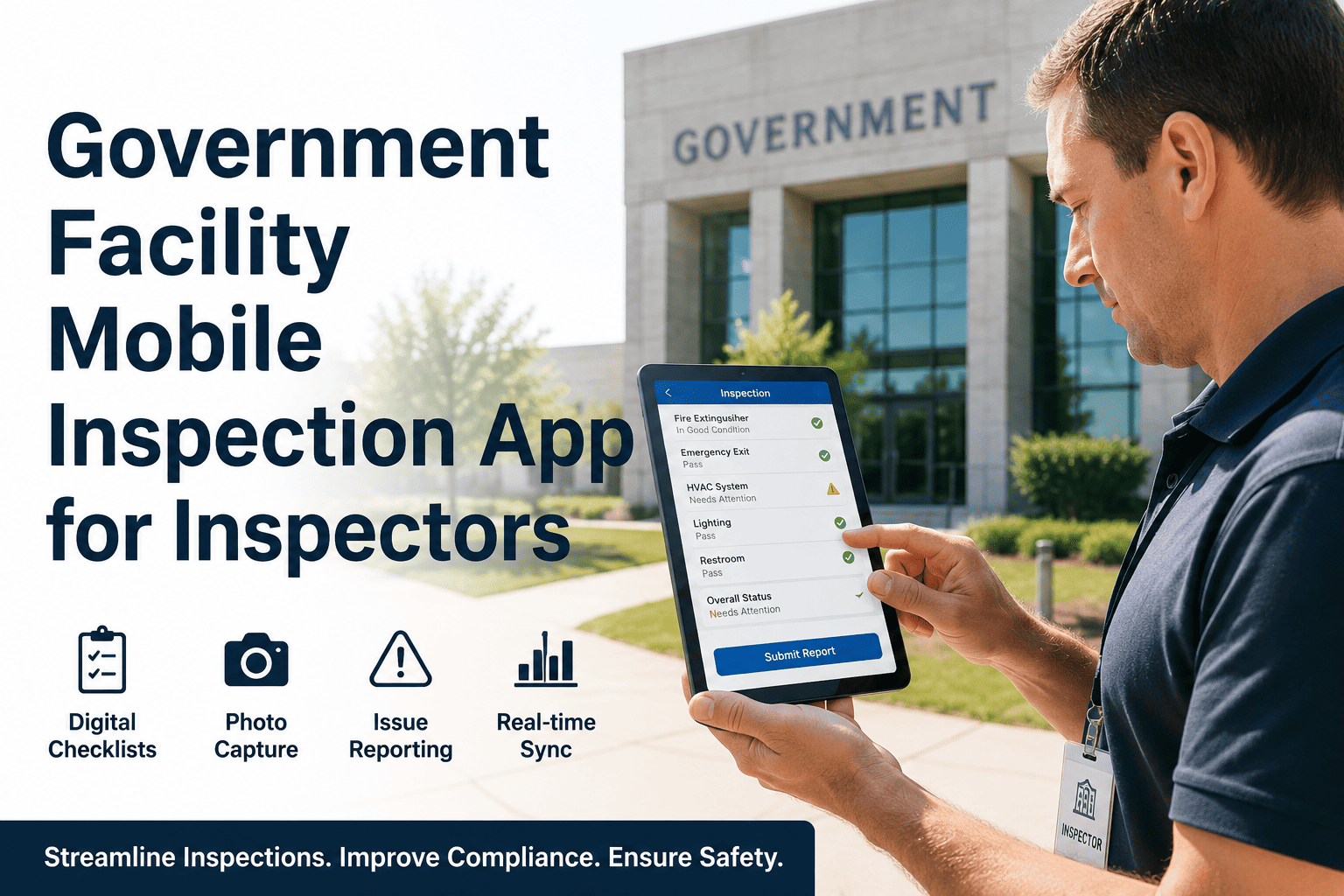
Government Facility Mobile Inspection App for Inspectors
Replace clipboards and paper checklists with a mobile inspection workflow that captures findings, photos, and corrective actions on-site — and feeds every record directly into your compliance audit trail.
78%
of government inspectors still use paper or spreadsheet-based checklists
5x
faster audit response when inspection records are digital and searchable
91%
compliance rate improvement reported in first year of digital inspection adoption
Field Reality
What Paper Inspection Workflows Actually Cost Government Departments
!
Lost and Incomplete Records
Paper inspection sheets get damaged, misplaced, or filed incorrectly. Findings that never make it into a system cannot trigger corrective action — and cannot defend the department in a liability claim.
!
No Real-Time Visibility
Supervisors have no way to see inspection progress until paper is collected. Critical deficiencies found in the field sit unaddressed for days while paperwork travels through the building.
~
Duplicate Data Entry
Inspectors write findings on paper, then re-enter them into a desktop system. Every transfer is an opportunity for error, omission, and wasted time that adds nothing to safety outcomes.
~
Audit Preparation Takes Days
When a state or federal audit arrives, staff spend days pulling binders and scanning documents. Digital inspection records are searchable and exportable in minutes — not binders.
Mobile Workflow
How a Digital Government Facility Inspection Works with OxMaint
1
Inspector Opens Scheduled Checklist on Mobile
Assigned inspections appear automatically on the inspector's device. Checklists are pre-configured for facility type — fire safety, ADA compliance, HVAC, structural, or custom templates your department defines.
2
Findings Captured with Photo and Location
Each checklist item accepts a pass/fail/observation result, an attached photo, and a written note. GPS location and timestamp are captured automatically — no manual entry required.
3
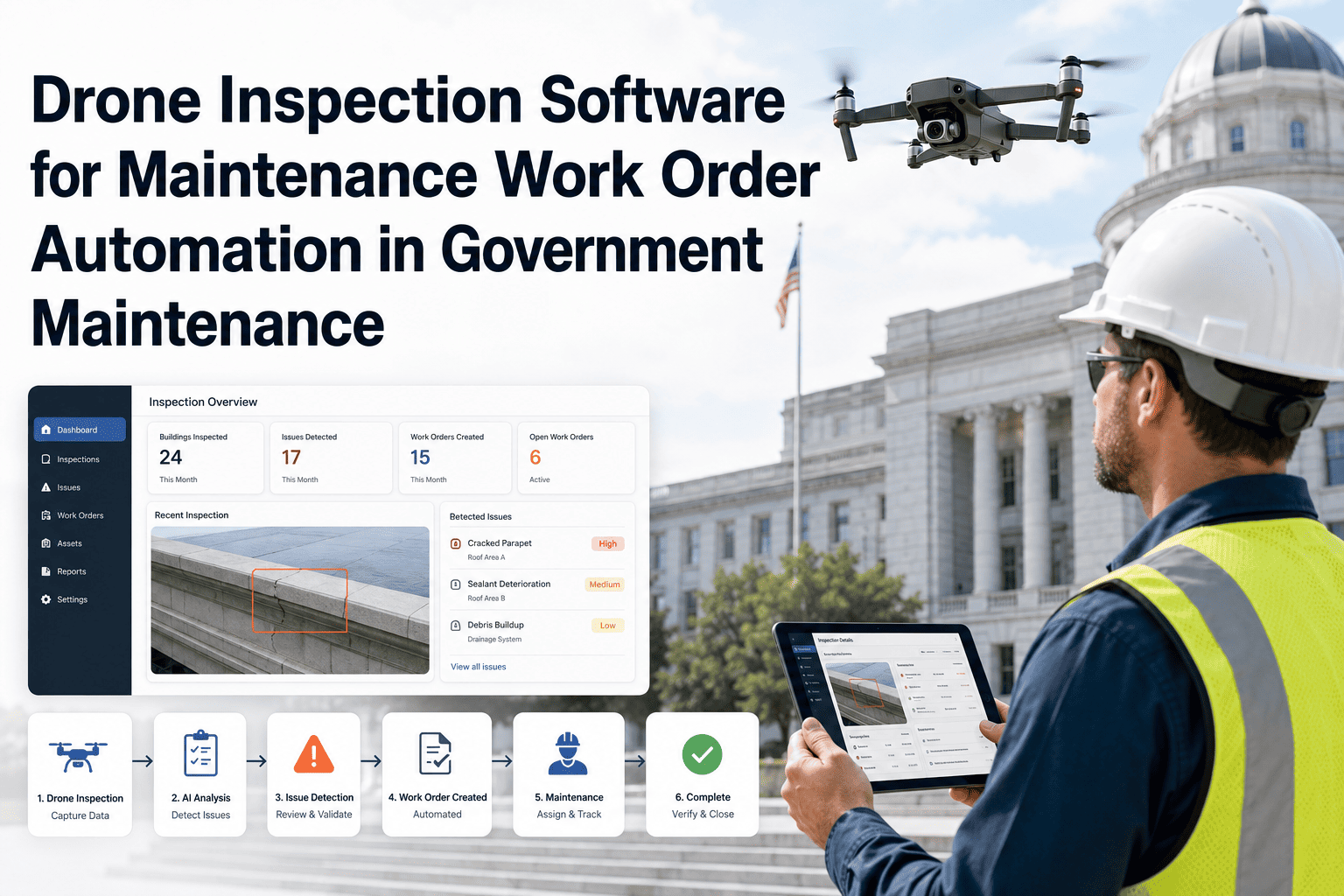
Deficiency Triggers Immediate Work Order
Any failed item automatically generates a corrective work order assigned to the relevant maintenance crew. The supervisor sees it in real time. No gap between finding and action.
4
Completed Inspection Becomes an Audit Record
Every completed inspection is stored as a searchable, exportable compliance record — with inspector signature, timestamp, findings, photos, and linked corrective actions — permanently attached to the facility asset record.
Ready to Replace Clipboards with a Compliant Digital Workflow?
OxMaint's mobile inspection app is built for government facility inspectors — structured, offline-capable, and fully auditable from day one.
Inspection Types
Checklist Templates Built for Government Facilities
OxMaint comes with pre-built inspection templates for the most common government facility audit types — all customizable to your department's standards and regulatory requirements.
Fire Safety
Extinguisher condition, exit signage, sprinkler systems, fire door integrity, suppression panel status
ADA Compliance
Accessible entry, ramp gradient, restroom clearances, elevator certification, parking designation
HVAC & Mechanical
Filter condition, belt wear, refrigerant log, coil cleanliness, control calibration, vibration check
Structural & Exterior
Roof condition, facade inspection, drainage, window seals, foundation cracking, pavement condition
Electrical Systems
Panel labeling, breaker condition, ground fault protection, emergency lighting, generator test log
Plumbing & Water
Backflow preventer, water heater certification, leak indicators, pressure readings, fixture condition
Audit & Compliance
How OxMaint Protects Government Departments at Audit Time
| Audit Requirement |
Paper-Based Response |
OxMaint Response |
| Inspection history for specific facility |
Manual search through binders and files |
Filtered export in under 2 minutes |
| Evidence of deficiency correction |
Cross-reference paper logs with work orders |
Linked corrective work order attached to finding |
| Inspector identity and timestamp |
Handwritten signature, often illegible |
Digital signature with GPS timestamp |
| Photo documentation of conditions |
Separate folder of printed or unsorted photos |
Photos embedded in inspection record by item |
| Recurring inspection compliance rate |
Manually calculated from filing dates |
Automated compliance rate by facility and type |
Frequently Asked Questions
Government Facility Mobile Inspections — Common Questions
Does the mobile inspection app work without internet connectivity in the field?
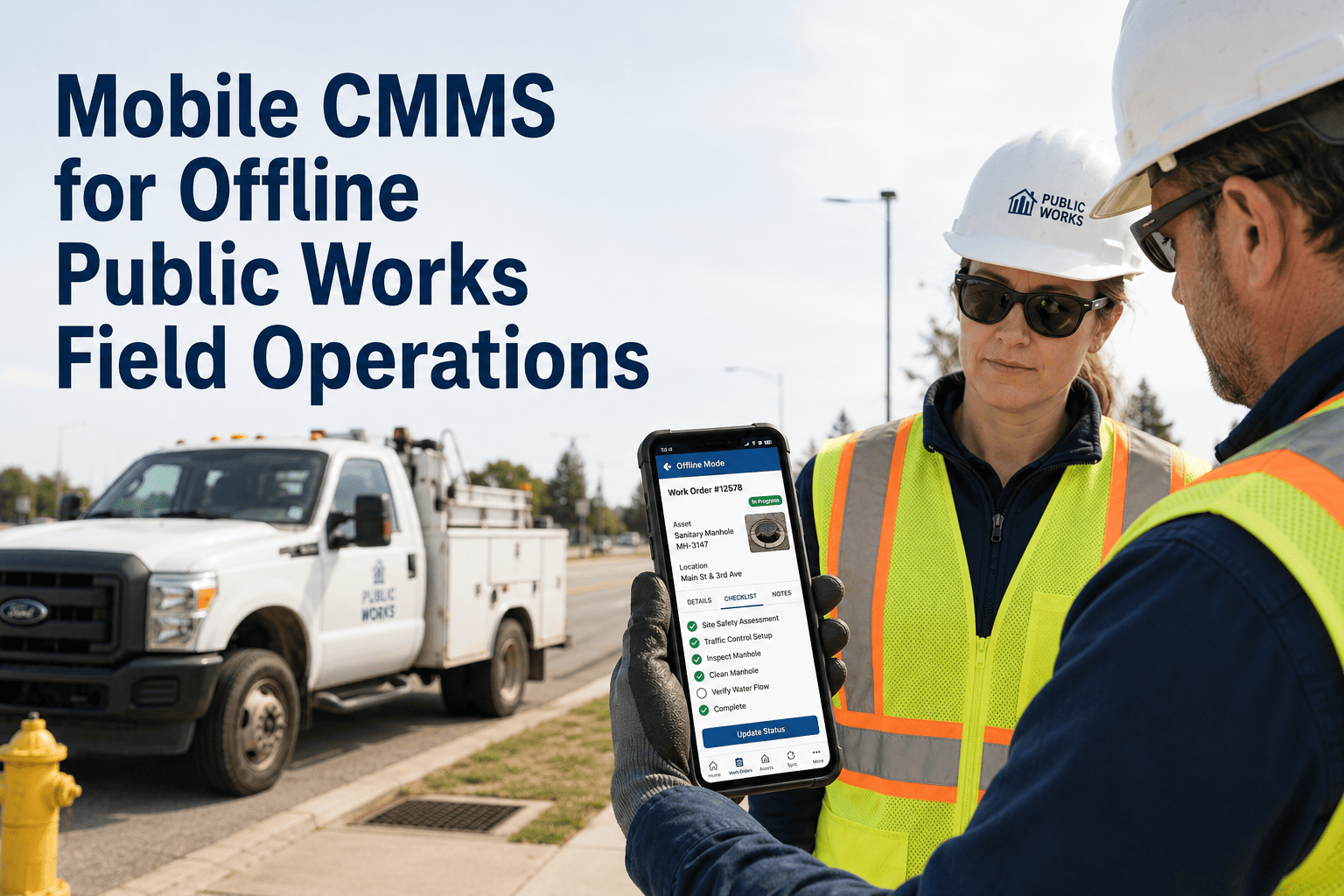
Yes. OxMaint's mobile app supports offline inspection completion. Findings, photos, and checklist results are stored locally and synced automatically when connectivity is restored — no data loss from poor signal areas common in large facilities or remote sites.
Try it free and test offline mode yourself.
Can we build custom inspection checklists for our department's specific requirements?
Yes. OxMaint includes a checklist builder that lets facility managers define custom inspection templates with department-specific items, pass/fail criteria, required photos, and signature checkpoints. Pre-built government templates are included as starting points.
See the checklist builder in a live demo.
How do inspection findings connect to corrective maintenance work orders?
Any checklist item marked as a deficiency automatically creates a corrective work order in OxMaint, assigned to the appropriate crew or contractor. The work order is linked to the inspection finding and tracked to closure — creating an end-to-end compliance chain from discovery to resolution.
Is inspection data exportable for state or federal reporting requirements?
Yes. OxMaint inspection records export to PDF and CSV formats with full detail including inspector identity, timestamps, photos, findings, and corrective action status. Reports can be filtered by facility, date range, inspection type, or compliance status for any audit requirement.
Put Compliant Digital Inspections in Every Inspector's Pocket
OxMaint eliminates paper inspection risk, speeds up audit response, and connects every finding to a corrective action — from the field, in real time, on any mobile device.