Public works field crews operate where connectivity is unreliable by definition — inside concrete pump stations, along rural road corridors, in underground utility vaults, and at remote parks facilities where cellular coverage is nonexistent. A CMMS that requires a live internet connection fails at exactly the moments field crews need it most: when they are standing in front of an unfamiliar asset and need its service history, when they finish an inspection and need to close a work order, or when they find a fault condition and need to attach a photo before moving to the next site. OxMaint's mobile CMMS works fully offline — field crews complete inspections, view asset history, update work orders, and attach photos with no connectivity — and all data syncs automatically when a signal is detected. Book a demo to see the offline capability demonstrated live on a mobile device.
Mobile CMMS for Offline Public Works Field Operations
Full CMMS functionality in the field — with or without a signal. Sync when you're back in range.
Where Public Works Crews Lose Time Every Day
What Field Crews Can Do With No Signal
Asset records — maintenance history, inspection results, parts list, photos — are cached on the device before the crew leaves the yard. Technicians arrive at the site with full context, not just a work order number.
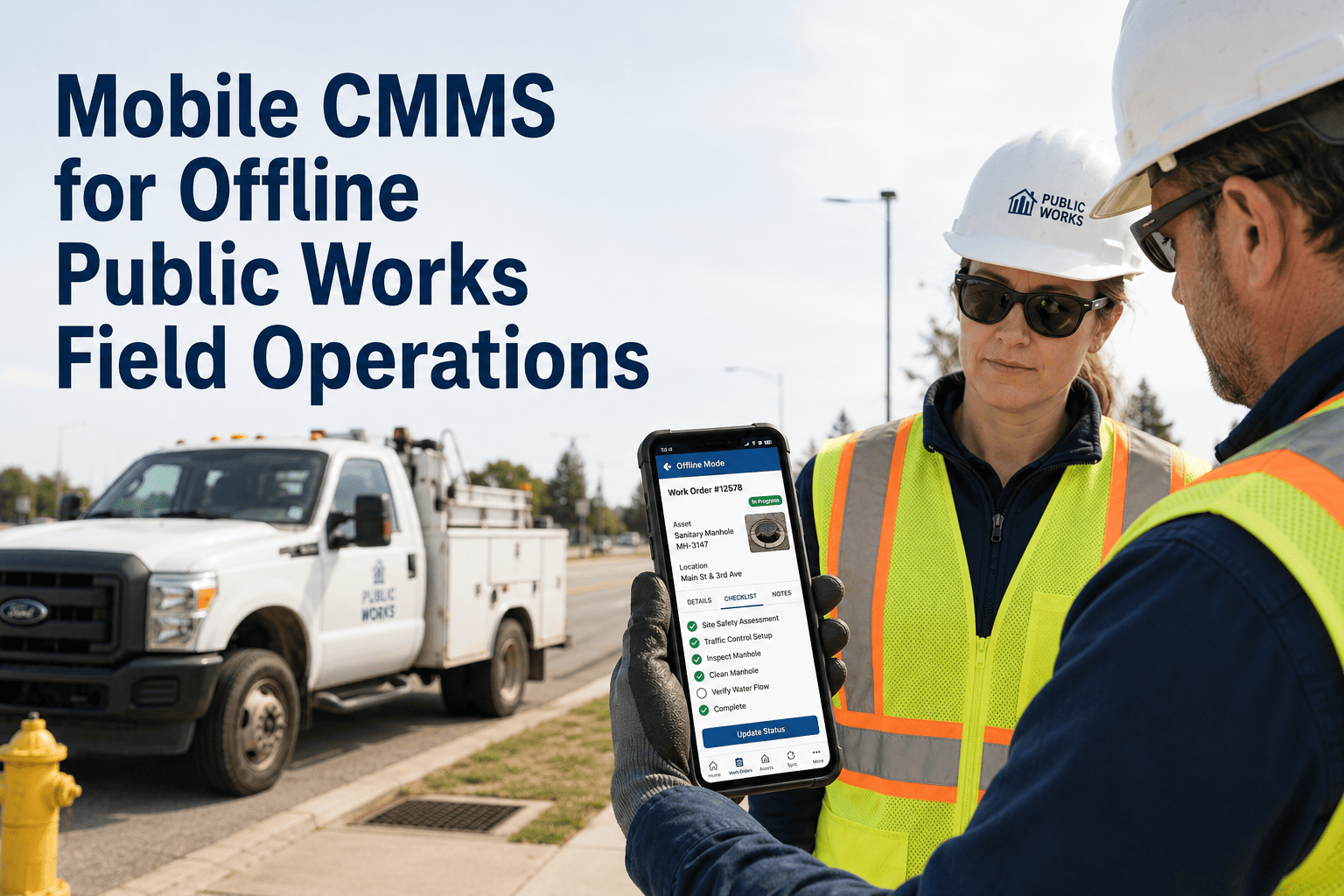
Inspection forms with pass/fail fields, measurement inputs, and photo requirements complete on the device. Results are stored locally and sync to the central CMMS when a signal becomes available.
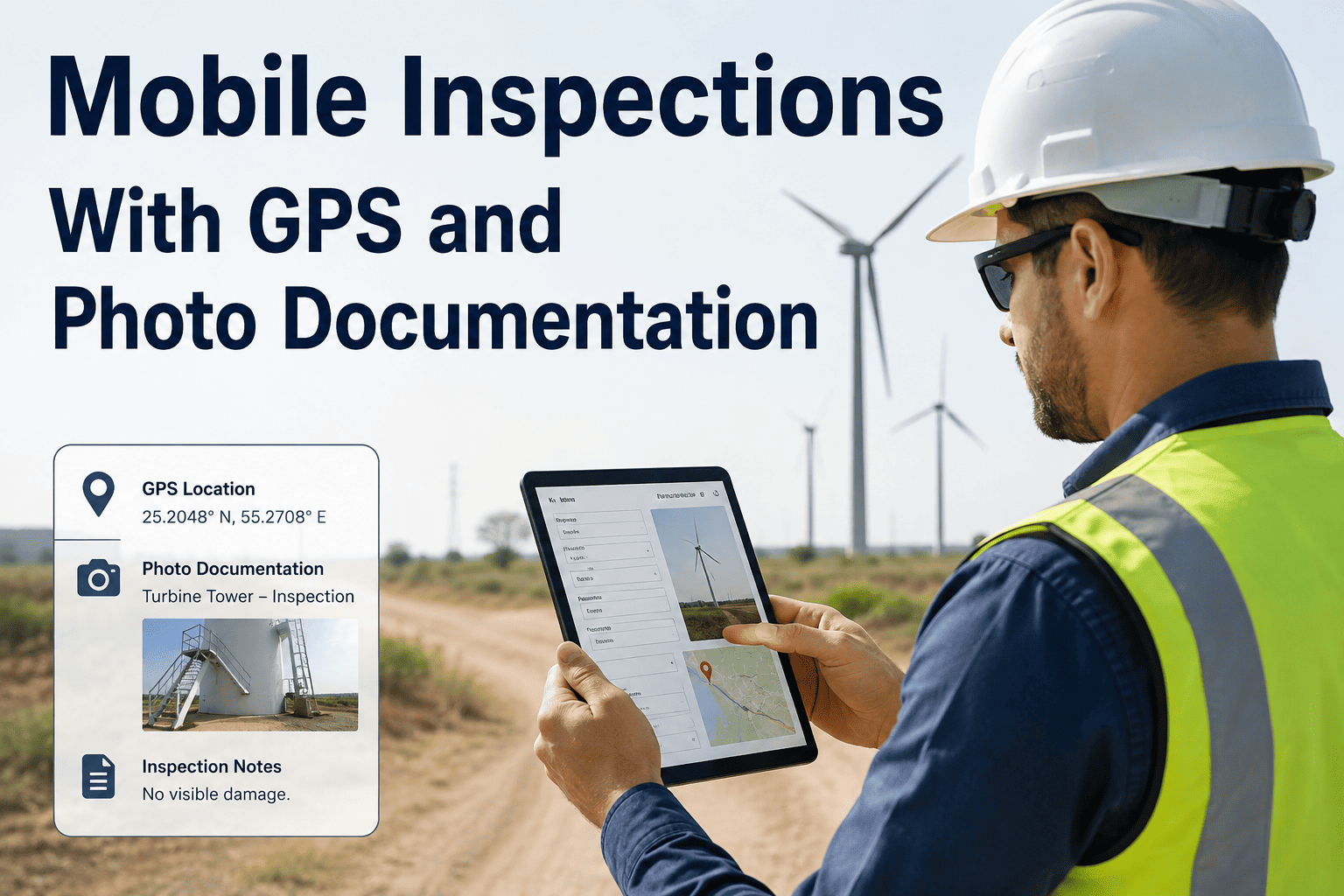
Photos taken offline are saved to the work order with GPS coordinates and timestamp. When synced, they appear in the record exactly as if they were uploaded in real time — no re-upload or file management needed.
Parts consumed and labor time logged in the field accumulate against the work order's cost record offline. Inventory counts and labor totals update in the central system at the next sync.
When a crew finds an issue beyond the scope of the current job, they create a new work order on the spot — with asset, symptom, photo, and priority captured offline. It enters the planner's queue at next sync.
Let Your Crews Work Anywhere — And Sync Everything Automatically
OxMaint's mobile app works in zero-signal environments and syncs all field data — inspections, photos, parts, labor — the moment connectivity is detected. No data lost. No transcription required.
Why Paper Field Logs Are a Liability
| Field Task | Paper Process | Mobile CMMS | Time Saved |
|---|---|---|---|
| Inspection completion | Paper checklist → transcribed at yard → supervisor reviews printed copy | Digital checklist on device → syncs directly to CMMS → immediate visibility | 45–60 min per crew per day |
| Asset history lookup | Call dispatcher → search file cabinet → wait for fax or radio response | Asset record cached on device — history available in seconds without signal | 20–30 min per job |
| Fault photo documentation | Personal phone photo → email to office → manually attached to record | Photo taken in app → auto-attached to work order with GPS and timestamp | 15 min + zero errors |
| Parts recording | Paper parts slip → submitted at yard → entered by admin next day | Parts selected from asset parts list on device → inventory updated at sync | 1–2 day lag eliminated |
| New fault work order | Verbal report to supervisor → re-dispatched next day with asset info | Work order created on device at the fault location — in queue immediately | 8–24 hour response delay eliminated |
The biggest operational lie in public works is "we'll enter it when we get back to the yard." That never happens cleanly. The crew comes back, there are six new priorities, and the field log from yesterday sits in a pile until someone has time. With offline mobile CMMS, the data is captured at the moment the technician is standing at the asset — before the next job pushes it out of memory. I stopped getting incomplete work orders and started getting auditable field records that held up in contract disputes and insurance claims.
Give Your Field Crews a CMMS That Works Where They Work
OxMaint's offline-capable mobile app eliminates paper logs, same-day transcription delays, and data gaps in field operations. Every inspection, every part, every photo — captured at the asset and synced to your CMMS automatically.
Frequently Asked Questions
How does OxMaint decide what data to cache for offline use before the crew goes to the field?
OxMaint pre-downloads the work orders assigned to each technician for the day, along with the asset records, inspection forms, parts lists, and history for each scheduled job. Supervisors can also manually mark specific assets for offline caching when field conditions are likely to limit connectivity. All cached data updates at the next sync so technicians always start the day with current information. Set up your crew's daily cache in your OxMaint trial account.
What happens if two technicians are working the same asset offline at the same time?
OxMaint uses a conflict resolution protocol when simultaneous offline edits sync — the system preserves both records and flags the conflict for supervisor review rather than silently overwriting data. In practice, work order assignments prevent most concurrent-edit scenarios before they occur, since each job is dispatched to one primary technician. Book a demo to walk through how OxMaint handles crew-level assignment and conflict resolution in your specific field operation model.
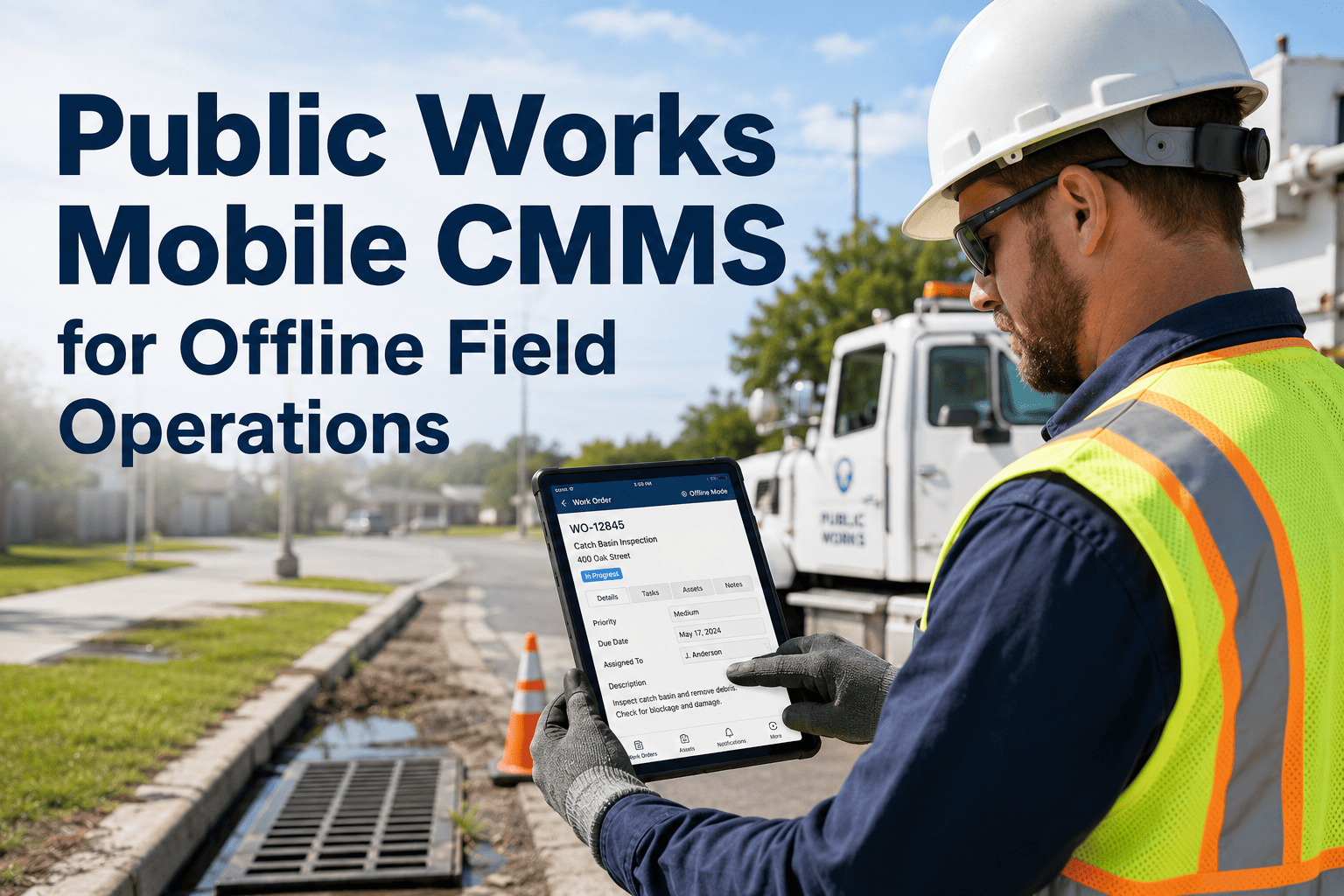
Can field crews access and use OxMaint on agency-issued tablets, not just smartphones?
Yes. OxMaint's mobile app works on both iOS and Android smartphones and tablets, including ruggedized devices commonly used by public works crews. The tablet interface provides larger inspection form fields and easier photo review, which many crews prefer for asset-intensive inspections. Both form factors support full offline capability. Download the app and test it on your crew's existing devices during your free trial.
How long can a crew operate offline before data is at risk of being lost?
Data entered in OxMaint's mobile app is stored locally on the device and is not lost if the app is closed, the device restarts, or the field session runs for multiple days. The sync happens whenever connectivity is detected — at the yard, at a municipal building, or in a coverage area while driving between sites. There is no time limit on offline operation as long as the device itself remains functional. Ask your demo consultant about long-duration offline use cases for remote infrastructure operations.
Can supervisors see field progress in real time when the crew is offline?
While a crew is fully offline, the supervisor's dashboard shows their last known status from the previous sync. As soon as the crew enters a coverage area — even briefly — OxMaint pushes a sync and the supervisor sees updated work order status, inspection progress, and any new fault reports. For missions where real-time supervisor visibility is critical, OxMaint also supports satellite-connected devices for remote locations. See the supervisor dashboard and understand how field status updates flow from crew to operations center.