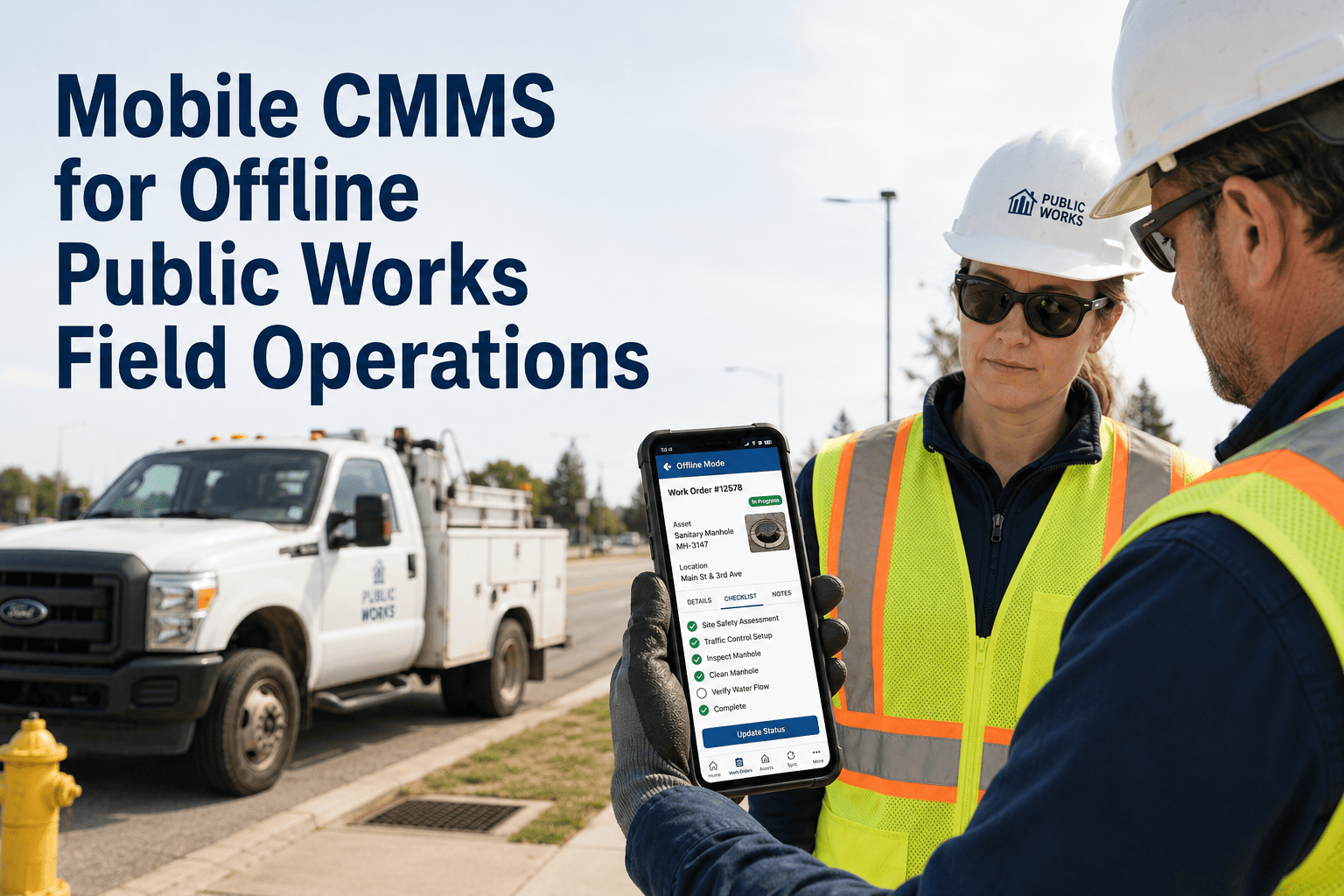
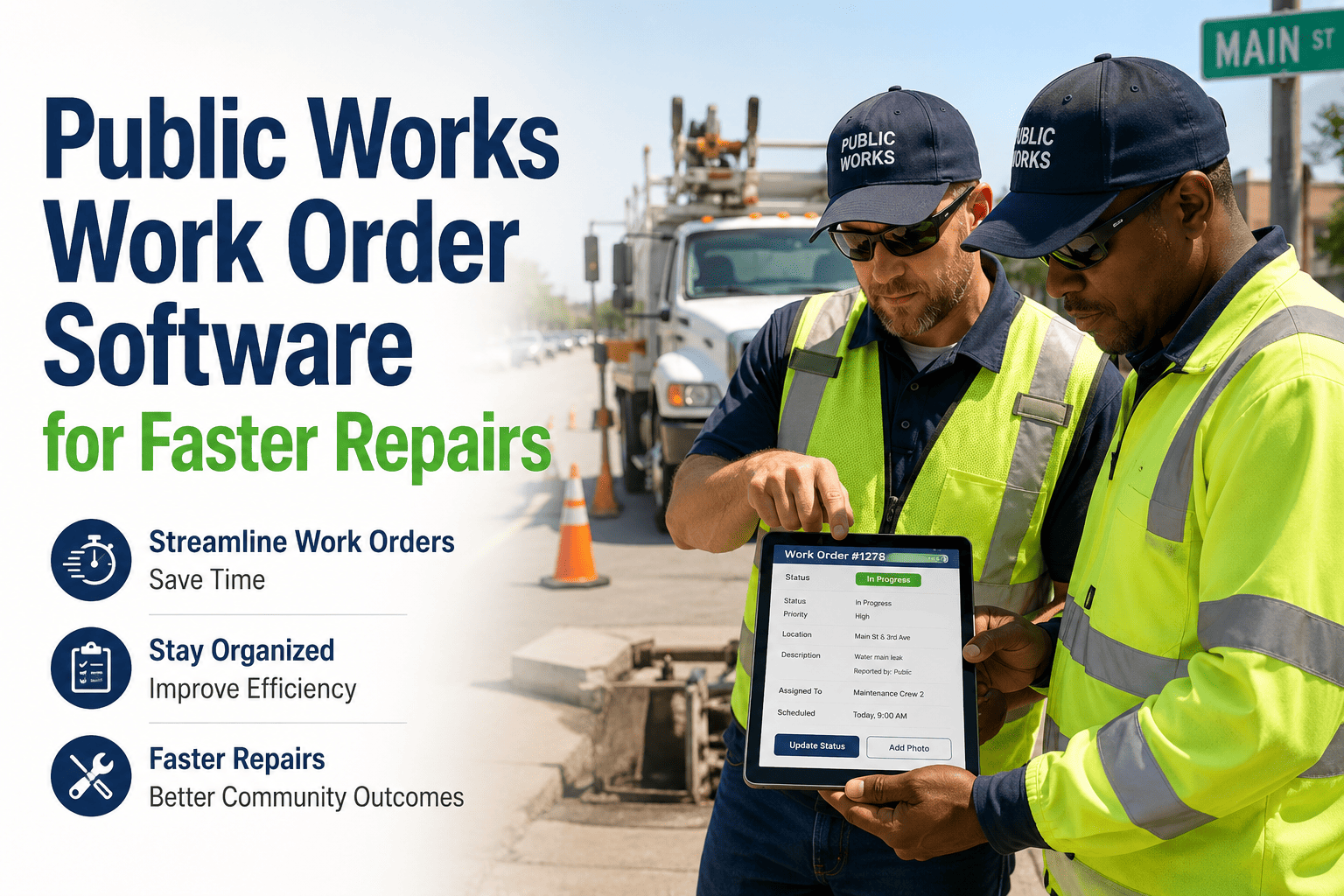
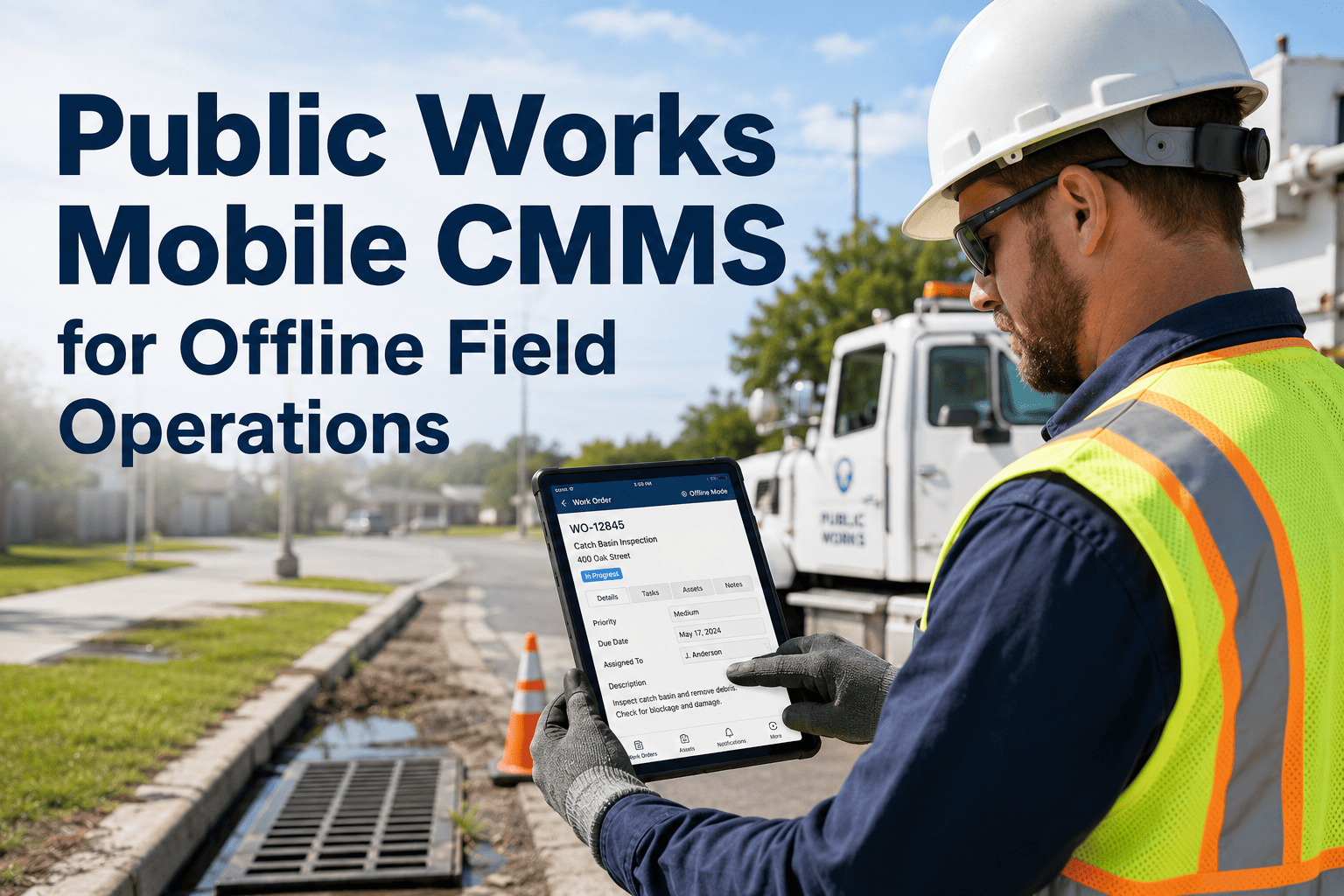
The pothole repair crew arrived at the intersection of Oak Street and 4th Avenue at 7:15 AM on a Tuesday morning. The work order — handwritten on a carbon-copy form the previous afternoon — listed thelocation but not the pipe depth, not the utility markings, and not the fact that a water main replacement had been scheduled for the same block by a different department later that week. The crew spent 45 minutes driving back to the public works yard to confirm details, then another 30 minutes on hold with the water department. By the time they returned to the site with the correct information, they had burned two hours of productive time, consumed 14 gallons of diesel, and still had a full day of work orders — seven more locations spread across 22 miles of municipal territory — sitting on paper forms in the cab of the truck.
This is the daily reality for government field maintenance teams operating without mobile technology. Industry data from the American Public Works Association (APWA) indicates that field crews in paper-based municipalities lose an average of 2.5 hours per day to windshield time, return trips, phone calls for missing information, and manual paperwork — representing approximately 30% of available productive capacity. For a department with 20 field technicians, that translates to 50 lost hours per day, 13,000 lost hours per year, and roughly $650,000 in wasted labor costs annually — before accounting for delayed repairs, missed inspections, and the citizen complaints that follow.
This operations guide provides the systematic frameworks used by leading municipal field operations to deploy mobile CMMS across public works, parks, fleet, and utility departments — transforming paper-dependent crews into GPS-tracked, photo-documenting, real-time-connected field teams that complete more work orders per day with better documentation and zero return trips. Explore how mobile CMMS platforms transform government field operations →
2.5 hrs
lost per technician daily to paper-based workflows
40%
more work orders completed with mobile dispatch
Zero
return trips needed with complete mobile job data
100%
photo-documented completion proof for every task
Critical Mobile Capabilities for Government Field Teams
Government field maintenance spans public works roads and bridges, parks trails and playgrounds, fleet vehicles and heavy equipment, water and sewer infrastructure, and remote facilities — often in areas with limited or no cellular connectivity. A mobile CMMS must deliver far more than a digital work order form. It must function as the field technician's complete operational hub: GPS-routed dispatching, offline-capable data capture, photo and barcode asset identification, parts inventory lookup, and real-time status updates that keep supervisors and citizens informed without a single phone call back to the office.
Function
Auto-route nearest crew
Data Captured
Location/time/travel path
Critical Factor
Real-time crew visibility
Without GPS: Dispatchers assign work by memory. Crews drive past closer jobs. No proof of arrival time for SLA tracking.
Function
Full operation without signal
Data Captured
WOs/photos/notes queued
Critical Factor
Auto-sync on reconnect
Without Offline: Crews in rural parks, underground vaults, and remote pump stations cannot access or update work orders.
Function
Before/after with GPS tag
Data Captured
Images/barcodes/QR scans
Critical Factor
Liability & audit proof
Without Photos: No proof of work completed. Citizen complaints become he-said-she-said disputes. Audit trail gaps.
Field Team Workflow: Paper vs. Mobile CMMS — Complete Comparison
The difference between paper-based and mobile-enabled field operations is not incremental — it is transformational. Every step of the field workflow changes: how work is assigned, how crews navigate to sites, how they access asset history, how they document completion, and how supervisors track progress. Below is the step-by-step comparison that quantifies the productivity gap municipalities are closing with mobile CMMS deployment.
Morning Dispatch
Drive to yard, pick up paper WOs
30-45 min
WOs pushed to phone overnight
100% eliminated
Route Planning
Driver decides order from memory
Varies widely
GPS-optimized route auto-generated
25-40% less drive time
Asset Information
Call office, wait for file lookup
15-30 min per call
Full history on screen at job site
100% eliminated
Parts Verification
Return to yard if wrong parts
45-90 min round trip
Parts list attached to WO, verified before dispatch
Zero return trips
Work Documentation
Handwritten notes end-of-day
Details forgotten/lost
Real-time notes, photos, timestamps
100% capture rate
Completion Reporting
Paper forms collected next day
24-48 hour delay
Instant digital close-out
Real-time visibility
Emergency Re-Priority
Radio call, verbal redirect
Miscommunication risk
Push notification with new WO details
Instant redirect
Supervisor Oversight
Check-in calls, end-of-day review
Blind until debrief
Live dashboard: crew location, WO status
100% real-time visibility
Citizen Response
Manual call-back after paperwork processed
Days to weeks
Auto status updates on completion
Same-day closure
Monthly Reporting
Manual data entry from paper forms
40+ staff hours
Auto-generated from completed WOs
One-click export
Swipe to see more →
Schedule a mobile CMMS assessment for your government field operations →
Department-Specific Mobile Deployment: Decision Framework
Different government departments have different field conditions, connectivity challenges, and documentation requirements. A one-size-fits-all mobile deployment fails because public works crews on highways have different needs than parks crews in remote trail systems or fleet mechanics in service bays. This framework helps operations directors determine deployment priorities based on each department's specific field reality.
Which Department Deploys Mobile CMMS First?
Does the department have crews operating in the field daily across multiple locations?
YES — HIGH FIELD VOLUME
Priority 1: Deploy Mobile Immediately
1. Public Works — roads, drainage, signals, bridges
2. Parks & Recreation — trails, playgrounds, fields
3. Water/Sewer — mains, hydrants, lift stations
4. Fleet — mobile mechanics, vehicle inspections
NO — FACILITY-BASED
Priority 2: Deploy After Field Teams
1. Facilities — building HVAC, electrical, plumbing
2. IT — network equipment, server rooms
3. Admin — custodial, event setup crews
4. Benefit: indoor WiFi eliminates offline needs
Put Your Entire Field Operation on One Screen
Oxmaint mobile CMMS gives every field technician GPS-dispatched work orders, offline capability for remote sites, photo documentation with timestamps, parts lookup, and real-time status updates — while giving supervisors live dashboards showing crew locations, work order progress, and completion rates across every department.
Top 5 Mobile Deployment Failures & Fixes
Understanding why mobile CMMS deployments fail in government field teams is essential for building an adoption strategy that survives first contact with crews who have used paper work orders for decades. Technology is rarely the problem — change management, device policy, and workflow design determine success or failure.
01
Crew Resistance & Low Adoption
Symptom: Technicians carry the device but continue writing paper notes. Work orders completed on paper then entered digitally by admin staff — doubling the workload.
Fix: Involve field crews in app selection. Start with the simplest workflow (receive WO → take photo → close). Eliminate paper option completely after training. Show crews how mobile saves them windshield time.
02
No Offline Capability in Remote Areas
Symptom: App crashes or shows blank screens at remote parks, underground vaults, and rural road sites. Crews revert to paper because the app is unusable where they actually work.
Fix: Select a CMMS with true offline mode — full work order access, photo capture, notes, and checklist completion without any signal. Auto-sync when connectivity returns. Test in your worst-signal locations before rollout.
03
Device Durability & Battery Failure
Symptom: Consumer-grade phones crack on first drop. Batteries die by 2:00 PM. Screen unreadable in direct sunlight. Crews abandon devices in the truck.
Fix: Issue ruggedized devices (IP68/MIL-STD-810) with extended batteries and high-brightness screens. Provide vehicle charging mounts. Budget for protective cases and screen protectors on standard phones.
04
Overcomplicated Mobile Forms
Symptom: The mobile work order form has 35 required fields, three dropdown menus, and a mandatory equipment code lookup. Completing one WO takes longer on the app than on paper.
Fix: Design mobile forms for gloved hands and bright sunlight. Maximum 5-7 fields for standard close-out. Use dropdowns and photo capture instead of text entry. Pre-populate everything possible from the asset record.
05
GPS Tracking Backlash from Union Crews
Symptom: Union grievances filed over GPS location tracking. Crews feel surveilled. Morale drops. The mobile CMMS becomes associated with "management watching" rather than a productivity tool.
Fix: Communicate GPS purpose transparently: routing efficiency and safety, not surveillance. Involve union leadership in policy development. Show how GPS data protects crews (proves arrival times, documents hazardous conditions). Limit tracking to work hours only.
Build mobile field workflows that your crews will actually adopt →
Digital CMMS Integration: From Paper Trucks to Connected Field Teams
The transformation from paper-based field operations to mobile-connected crews is the single highest-ROI technology investment a government maintenance department can make. It is also the investment most likely to fail if treated as a simple app deployment rather than a complete workflow redesign. The comparison below illustrates why the gap between paper and mobile operations is not marginal — it is structural.
Paper-Based Field Ops
X
Morning yard trips to pick up paper work orders
X
No asset history available at the job site
X
Completion notes written hours later from memory
X
Supervisors blind until end-of-day paper review
Mobile CMMS Field Ops
✓
GPS-dispatched WOs pushed to phone overnight
✓
Full asset history, photos, and manuals on screen
✓
Real-time notes, timestamped photos at job site
✓
Live dashboard: crew location & WO status
01
Smart Dispatch & Routing
Auto-assign work orders to the nearest available crew based on GPS location, skill match, and priority level. Route optimization reduces windshield time 25-40%.
02
Offline-First Architecture
Full work order access, photo capture, checklist completion, and notes entry without cellular signal. Encrypted data syncs automatically when connectivity returns — zero data loss.
03
Photo & Barcode Asset ID
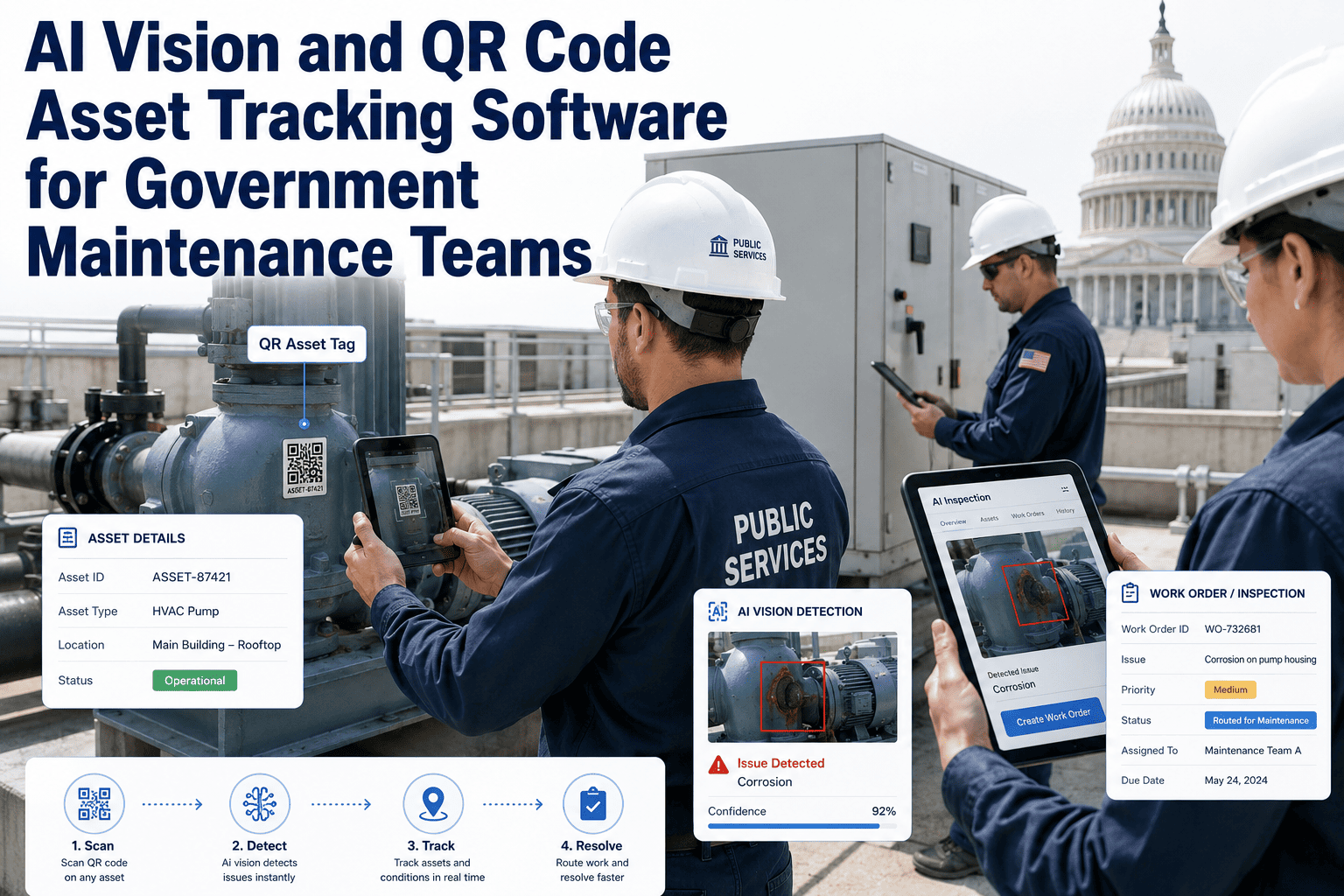
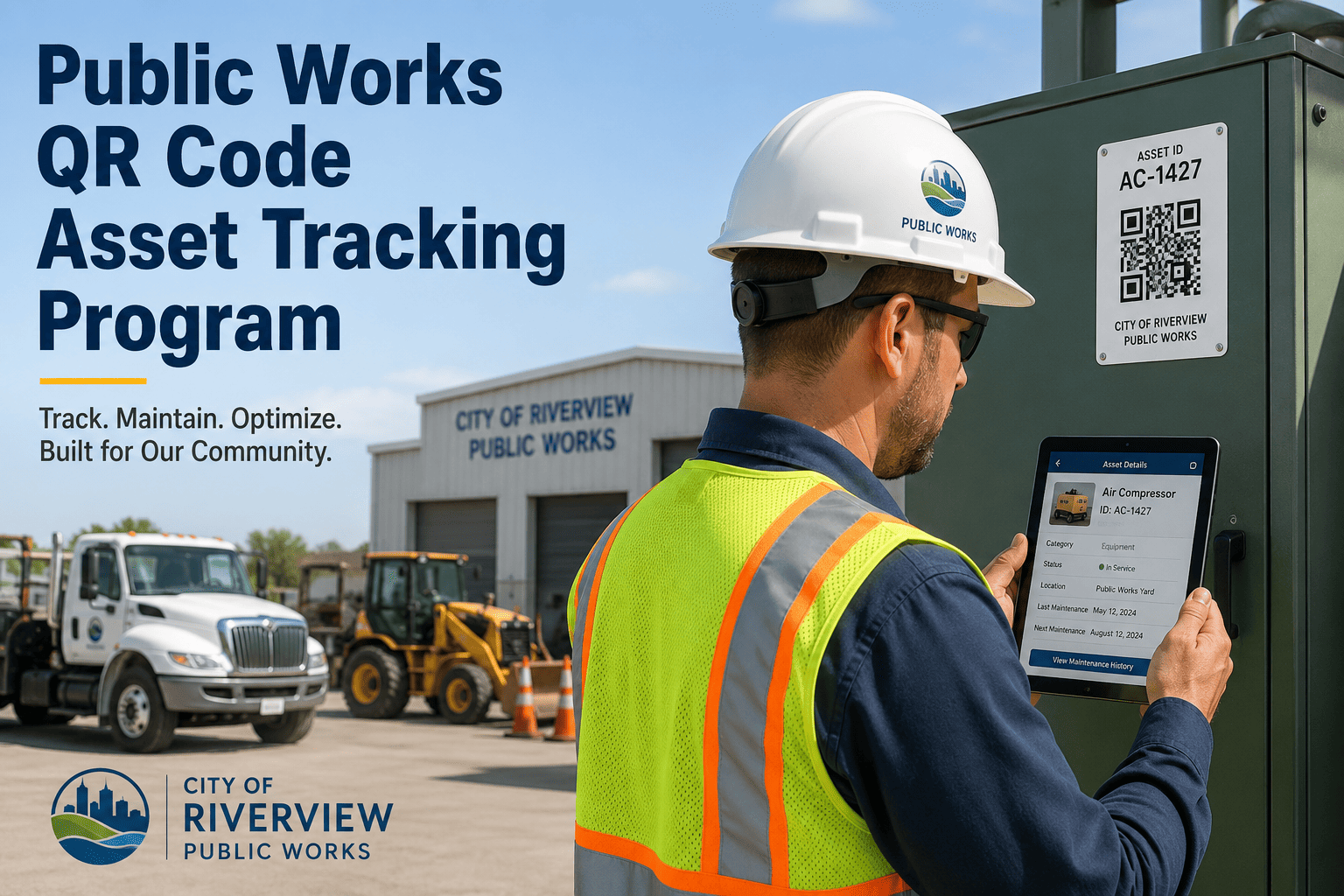
GPS-tagged before/after photos attached to every work order. QR code and barcode scanning for instant asset identification, history lookup, and parts verification in the field.
04
Real-Time Supervisor Dashboard
Live map view showing every crew's location, current work order, completion status, and estimated time to next assignment. Reassign priorities with a single tap.
40%
more work orders completed per crew per day
100%
photo-documented completion for audit trail
Zero
return trips to yard for missing information
Request a mobile CMMS platform walkthrough for your field teams →
Expert Perspective
Government field maintenance is the last major category of public-sector operations that remains predominantly paper-based. While police departments have had mobile dispatch for decades and fire departments run on digital CAD systems, the crews who maintain the roads, parks, water systems, and buildings that citizens use every day still operate with carbon-copy work orders, verbal radio dispatch, and handwritten completion notes that get transcribed by administrative staff days after the work is done — if they get transcribed at all.
The productivity data is unambiguous: municipalities that deploy mobile CMMS to field crews see 30-40% increases in work orders completed per day, primarily from eliminating morning yard trips, reducing windshield time through GPS routing, and removing the information gaps that cause return trips. But the documentation improvement is equally significant. When every work order includes timestamped GPS arrival, before/after photos, and real-time completion notes, the municipality builds an audit trail that protects against liability claims, proves SLA compliance, and gives elected officials the operational transparency they need to defend public works budgets.
Conclusion
Mobile CMMS deployment for government field teams is not a technology upgrade — it is an operational transformation that determines whether maintenance departments can meet rising citizen expectations with flat or shrinking budgets. Every hour a technician spends driving back to the yard for information, every work order completed from memory at the end of the day, every citizen complaint that takes days to close because paper forms are still in the truck cab — these are the costs of operating without mobile field technology in 2026.
The municipalities that have made this transition report the same results consistently: 40% more work orders completed per day, zero return trips for missing information, 100% photo-documented completions, and real-time visibility for supervisors who previously had no idea where their crews were or what they had accomplished until the end of the day. The technology exists. The ROI is proven. The only variable is whether your municipality deploys it this year or continues paying the cost of paper.
Start building your mobile field operations program today →
Ready to Mobilize Your Field Teams?
Connect every public works crew, parks technician, fleet mechanic, and utility operator to a mobile CMMS built for government field conditions. GPS dispatch, offline mode, photo documentation, barcode scanning, and real-time supervisor dashboards — all from one platform.
Frequently Asked Questions
Does mobile CMMS work without cellular signal in remote areas?
Yes — this is a critical requirement for government field teams. Oxmaint's mobile app operates in full offline mode, allowing technicians to view assigned work orders, complete checklists, capture photos, record notes, and scan asset barcodes without any cellular or WiFi connection. All data is encrypted and stored locally on the device, then automatically syncs to the cloud when connectivity returns. This is essential for crews working in remote parks, underground utility vaults, rural road sites, and pump stations where signal is unavailable. The key is that the app must be truly offline-first, not just "reduced functionality" — the technician's complete workflow must function identically whether connected or not.
How do we get veteran field crews to adopt mobile technology?
Crew adoption is the single most important factor in mobile CMMS success — and the most common failure point. The proven approach involves three steps: First, involve field crews in app selection by letting them test the interface with gloves on and in direct sunlight. Second, start with the simplest possible workflow — receive work order, navigate to site, take before photo, complete work, take after photo, close — and expand functionality only after the basics are comfortable. Third, eliminate the paper option completely after a two-week transition period. Crews who are allowed to keep paper will always default to paper. The most effective motivator is showing crews that mobile dispatch eliminates morning yard trips and return trips for information — saving them time, not adding work.
What devices should we issue to field technicians?
Device selection depends on field conditions and budget. For crews in harsh environments (public works, water/sewer), ruggedized smartphones or tablets rated IP68 (dust/waterproof) and MIL-STD-810G (drop/vibration/temperature) are recommended — brands like Samsung Galaxy XCover or Kyocera DuraForce are commonly deployed. For less demanding environments (parks, facilities), standard smartphones with heavy-duty protective cases work well. Critical specifications include: minimum 5,000mAh battery for full-day operation, high-brightness screen readable in direct sunlight, and camera quality sufficient for documentation photos. Provide vehicle-mounted charging cradles and consider issuing portable battery packs for extended field days.
How does GPS tracking work, and how do we address union concerns?
GPS tracking in mobile CMMS serves two purposes: routing efficiency (assigning the nearest crew to incoming work orders) and documentation (proving arrival and departure times for SLA compliance and liability protection). Addressing union concerns requires transparency and policy clarity: GPS tracks the municipal vehicle during work hours only, tracking stops at shift end, data is used for routing and SLA compliance not for individual performance discipline, and union leadership is involved in developing the tracking policy. The most effective approach is demonstrating that GPS protects crews — proving they arrived on time when citizens dispute response, documenting that they were at a hazardous site for safety records, and optimizing routes so they drive less and complete more.
Book a demo to see how the GPS dashboard works in practice.
What is the ROI of mobile CMMS for government field teams?
The ROI operates on multiple levels. Productivity: eliminating morning yard trips, reducing windshield time through GPS routing, and removing return trips typically yields a 30-40% increase in work orders completed per day per technician. For a 20-person field crew at $32/hour average loaded cost, recovering 2.5 hours per technician per day equals approximately $650,000 in annual labor savings. Documentation: photo-documented completions with GPS timestamps reduce liability claims and eliminate he-said-she-said disputes. Administrative efficiency: eliminating paper transcription saves 20-40 administrative hours per month. Citizen satisfaction: same-day work order closure and automated status updates reduce repeat calls and complaints. Most municipalities achieve full ROI within the first 90-120 days of deployment.