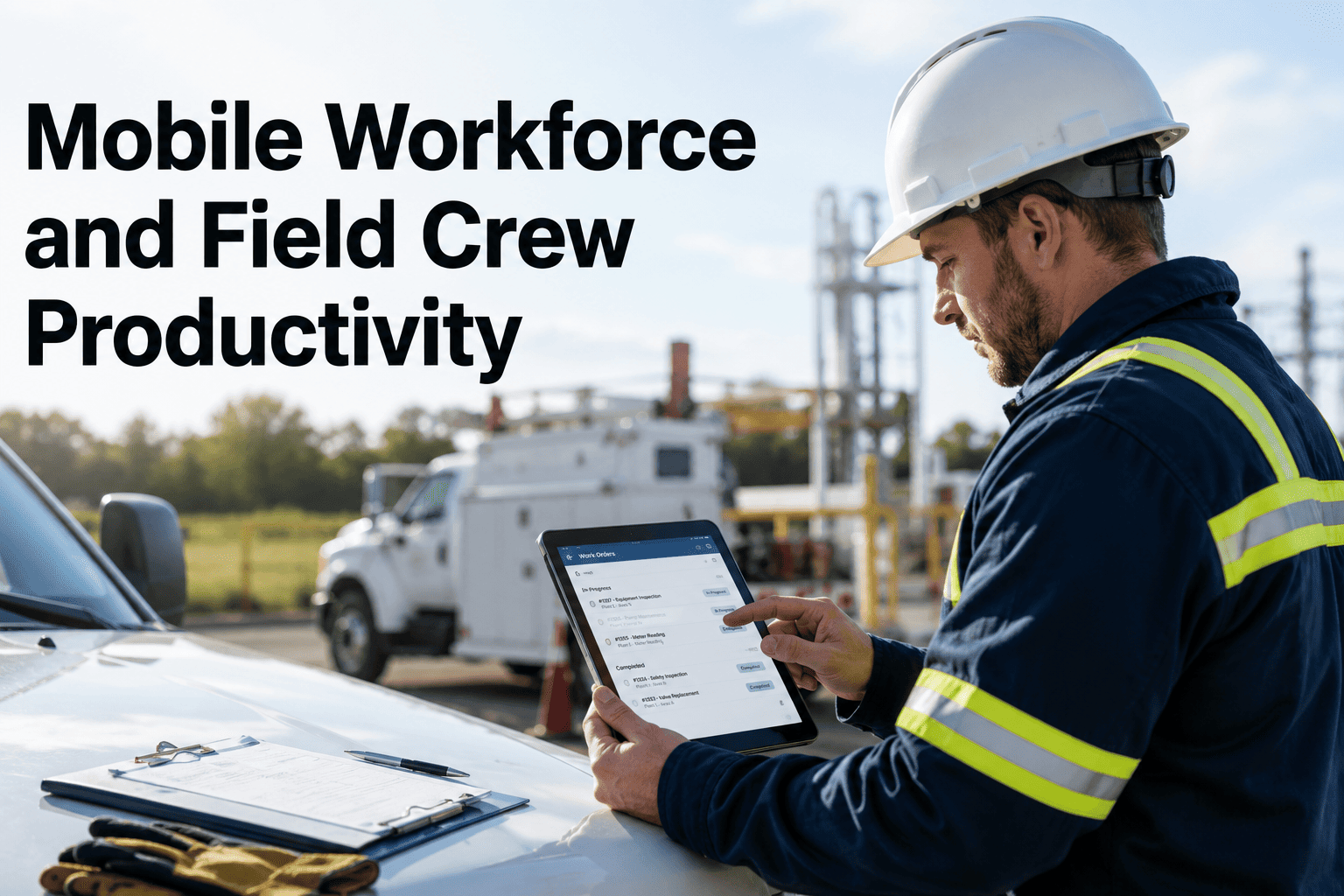
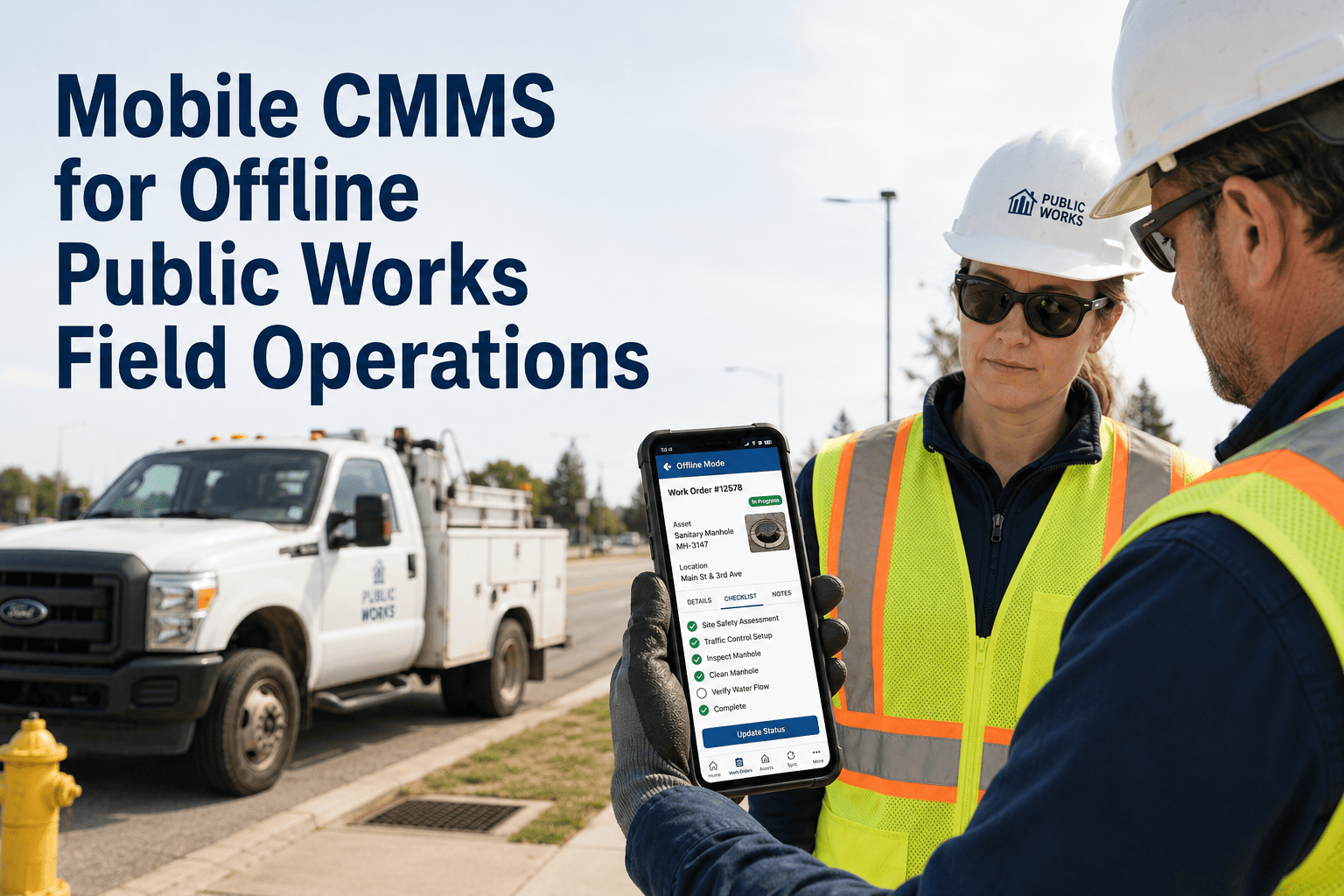
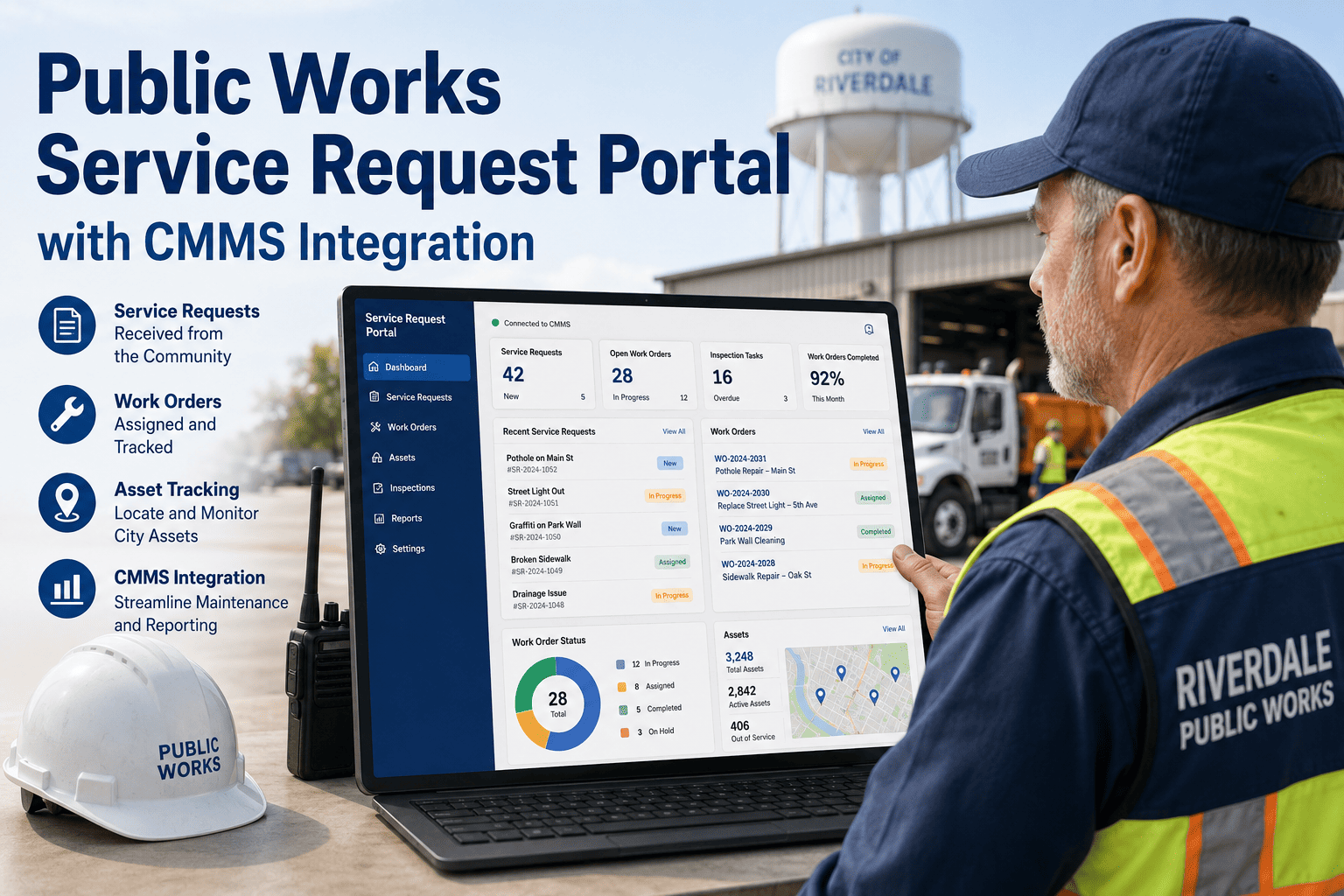
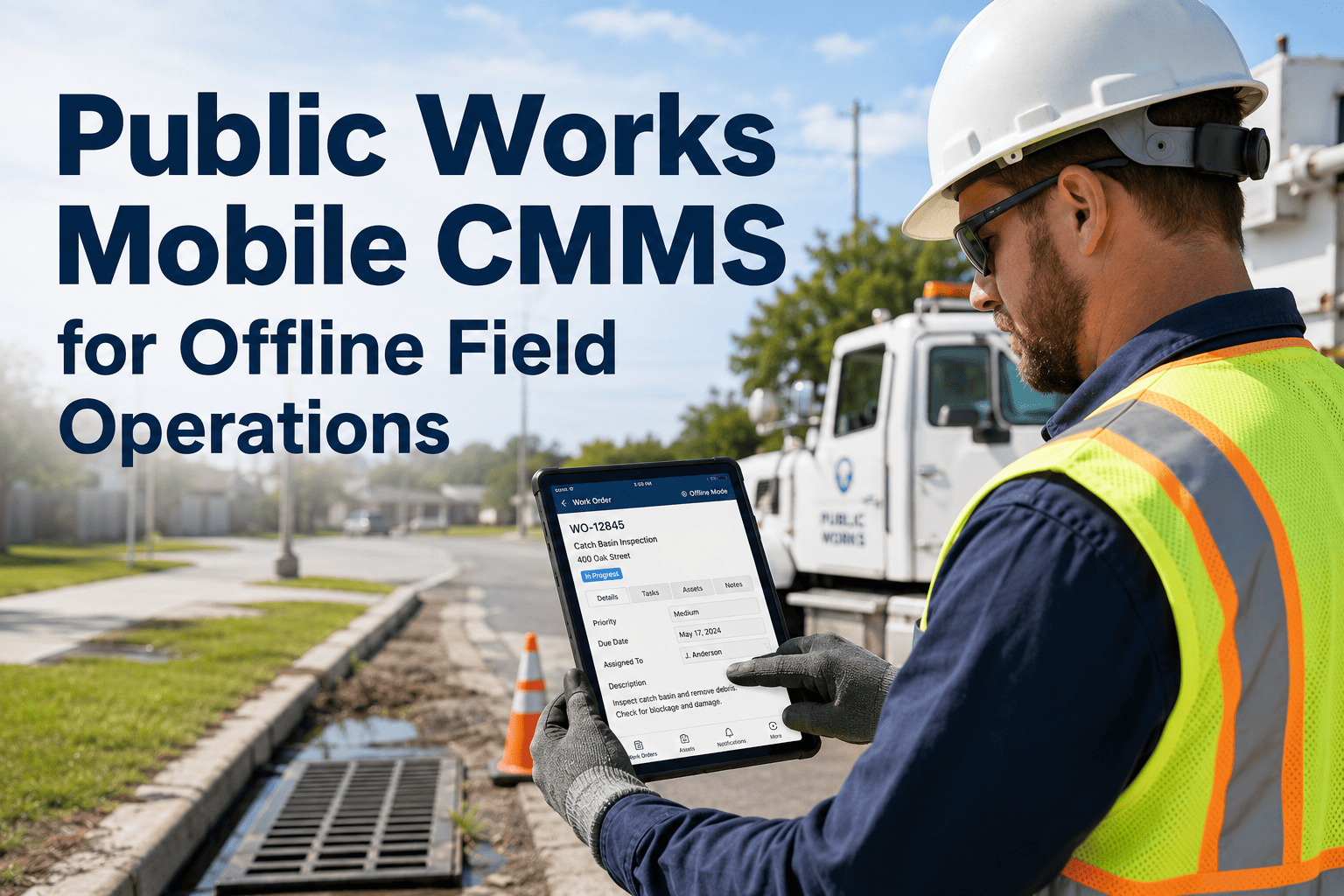
Government field crews — public works technicians, water utility operators, parks maintenance staff, and facility inspectors — spend 60% of their working hours outside of any office, yet most municipal CMMS platforms are built for desktop workflows. The result: paper work orders lost in truck cabs, phone-camera photos never attached to asset records, and inspection results called in to dispatchers who re-enter them manually. A mobile-first CMMS eliminates this entire layer of transcription error, documentation loss, and accountability gap — giving field technicians the same asset data, work order routing, and compliance documentation capability in the field that supervisors have at the office. Book a demo to see how Oxmaint's mobile app works for government field crews in your department.
A mobile CMMS for government field crews is a smartphone and tablet application that delivers work orders, asset records, inspection checklists, and compliance documentation to technicians in the field — with GPS check-in, QR asset scanning, photo capture, offline mode, and real-time status updates. It eliminates paper work orders, manual re-entry, and documentation gaps that expose public agencies to audit findings, compliance penalties, and liability risk.
Why Desktop-Only CMMS Fails Public Works Departments
A road maintenance crew patching potholes, a water utility technician servicing lift stations, and a parks inspector checking playground equipment all share the same problem: their work happens in the field, but their CMMS assumes they are at a desk. The documentation gap this creates is not a minor inconvenience — it is the root cause of missed compliance deadlines, lost work order histories, and federal grant documentation failures. Book a demo to see Oxmaint's mobile field app configured for your department's asset hierarchy.
Field technicians complete work but documentation never reaches the system. Compliance audits and legal reviews find no record — creating significant agency liability exposure.
Before and after documentation requires a phone, a separate upload, and manual attachment. Most field crews skip it. Without photo evidence, defect records and repair quality are unverifiable in dispute or audit situations.
Field status updates called in via radio or phone create a transcription bottleneck. Work orders show as open for days after completion — supervisors have no real-time visibility into field crew progress.
Without GPS check-in, there is no verifiable record that a field inspection actually occurred at the asset location. FHWA bridge inspections, EPA site visits, and OSHA safety checks all require location-verified attendance records.
Put Full Work Order Capability in Every Field Technician's Pocket
Oxmaint's mobile app gives government field crews GPS check-in, QR asset scanning, photo capture, and offline work order completion — all synced automatically to the central asset registry. Book a demo to see the mobile field app for your department.
Oxmaint Mobile Capabilities for Government Field Operations
Every capability below is designed for the specific constraints of government field work — intermittent connectivity in remote areas, union workforce protocols, multi-department routing, and public records audit requirements.
Field technicians receive assigned work orders on their phone or tablet with full asset context — location, maintenance history, required parts, and compliance checklists. Work order status updates from Dispatched through In Progress to Completed in the field. Supervisors see real-time crew status without radio check-ins. Response time tracking and close rate metrics update automatically for citizen service accountability dashboards.
QR tags affixed to pumps, valves, bridge inspection points, fleet vehicles, HVAC units, and any other physical asset pull up the complete asset record instantly on the technician's phone. No manual asset lookup, no misidentification errors. Field crews register new assets during inspection rounds by scanning and photographing — eliminating the data entry backlog that delays asset registry completeness at most agencies. Coverage across 1,200-asset utility portfolios reaches full registration in 3 weeks using mobile scanning alone.
Every work order completion, inspection event, and asset interaction is GPS-stamped at the moment of action. FHWA National Bridge Inspection Standards require location-verified inspection records. OSHA confined space entries require documented attendant location. EPA field sampling events require timestamped site attendance records. Oxmaint's GPS check-in satisfies all three from the same mobile workflow — producing audit-ready documentation without secondary record-keeping systems.
Field technicians capture before, during, and after photos directly in the work order workflow — photos attach automatically to the asset record with timestamp, GPS location, and technician attribution. No separate upload step, no lost attachments. Photo evidence is the primary defense against liability claims on public assets — from pothole repairs on contested road sections to pool safety inspections at municipal aquatic facilities. Every Oxmaint work order is a complete, defensible public record.
Offline Mode and Connectivity for Remote Field Operations
Government field crews do not work exclusively in urban areas with strong cellular signal. Bridge inspectors work under highway spans with zero signal. Water utility technicians enter underground pump stations. Parks maintenance crews work in remote trail sections. Oxmaint's offline mode downloads work orders, asset records, and inspection checklists to the device before deployment — field crews complete full inspections offline, and all data syncs automatically when connectivity is restored. No data loss, no incomplete records, no second trip to the asset to capture documentation that was missed. Book a demo to see how offline mode handles your department's most challenging field environments.
Download inspection checklists before deployment. Complete FHWA sufficiency rating assessments offline. GPS-stamped records sync on return to coverage area.
Full OSHA confined space entry checklist and pump PM completion logged offline. SCADA alarm-to-work-order records attach automatically on sync.
Trail condition ratings, safety hazard flags, and ADA accessibility audits completed offline on routes without cell coverage. Full photo documentation syncs on exit.
Vehicle PM completion, DOT inspection records, and fault documentation logged from the field on any device. Fleet availability and PM compliance update in real time for dispatch and supervisor dashboards.
Emergency work orders dispatched to field crews with full asset context. Response time from dispatch to on-site documented automatically for public accountability reporting.
EPA, OSHA, and FHWA inspection checklists completed in the field on mobile with photo evidence and digital signature — exportable as compliance packages without any post-processing.
Field Crew Mobile Workflow — Four Steps
Technicians open their Oxmaint app to see all assigned work orders for the shift — sorted by priority, route, or asset type. Each work order includes asset location, maintenance history, required materials, safety protocols, and compliance checklist. No dispatcher call required to understand the job scope.
On arrival at the asset, the technician scans the QR tag. GPS location is captured and the work order transitions to In Progress. The asset record displays full maintenance history, last inspection outcome, and any open deficiencies from prior visits. Asset identification errors are eliminated. Book a demo to see QR scanning and GPS check-in live in the field app.
The technician completes the inspection or repair checklist item by item, photographs deficiencies and completed work, logs parts used, and enters labor hours — all within the work order workflow on the mobile app. Offline mode maintains full functionality where connectivity is absent.
Work order closure triggers automatic updates to the asset condition record, PM compliance log, and compliance documentation module. Supervisors see completion in real time. The work order becomes an audit-ready public record — timestamped, GPS-located, photo-evidenced, and digitally signed — without any back-office data entry. Book a demo to see the full mobile-to-asset-record workflow for your department.
Mobile CMMS Outcomes — Government Field Operations
Mobile CMMS for Specific Government Field Crew Types
| Field Crew Type | Mobile App Use Case | Compliance Documentation Generated |
|---|---|---|
| Public Works Road Crew | Pothole repair work orders, pavement condition rating updates, sign and signal repair documentation | FHWA pavement condition records, citizen request close-out documentation, GPS-verified repair location records |
| Water Utility Technician | Pump station PM completion, SCADA alarm response, valve exercise program, leak repair documentation | EPA Safe Drinking Water Act inspection records, OSHA confined space entry logs, AWWA valve exercise program records |
| Bridge Inspection Crew | FHWA sufficiency rating assessments, element-level condition logging, deficiency photo documentation | National Bridge Inspection Standards records, FHWA federal aid eligibility documentation, structural deficiency audit trails |
| Fleet Maintenance Technician | Vehicle PM completion, DOT inspection records, fault documentation, parts consumption logging | DOT inspection compliance records, fleet availability logs, preventive maintenance history per vehicle for resale and insurance |
| Parks and Recreation Inspector | Playground safety inspections, ADA path accessibility audits, facility condition assessments, equipment PM | CPSC compliance inspection records, ADA audit trails, ASTM equipment safety documentation, liability defense records |
Frequently Asked Questions
Continue Reading
Give Every Field Technician a Full CMMS in Their Pocket
GPS check-in, QR asset scanning, offline mode, photo documentation, and instant work order closure — live across your entire field crew operation in 2 to 3 weeks, no hardware replacement, no IT project.