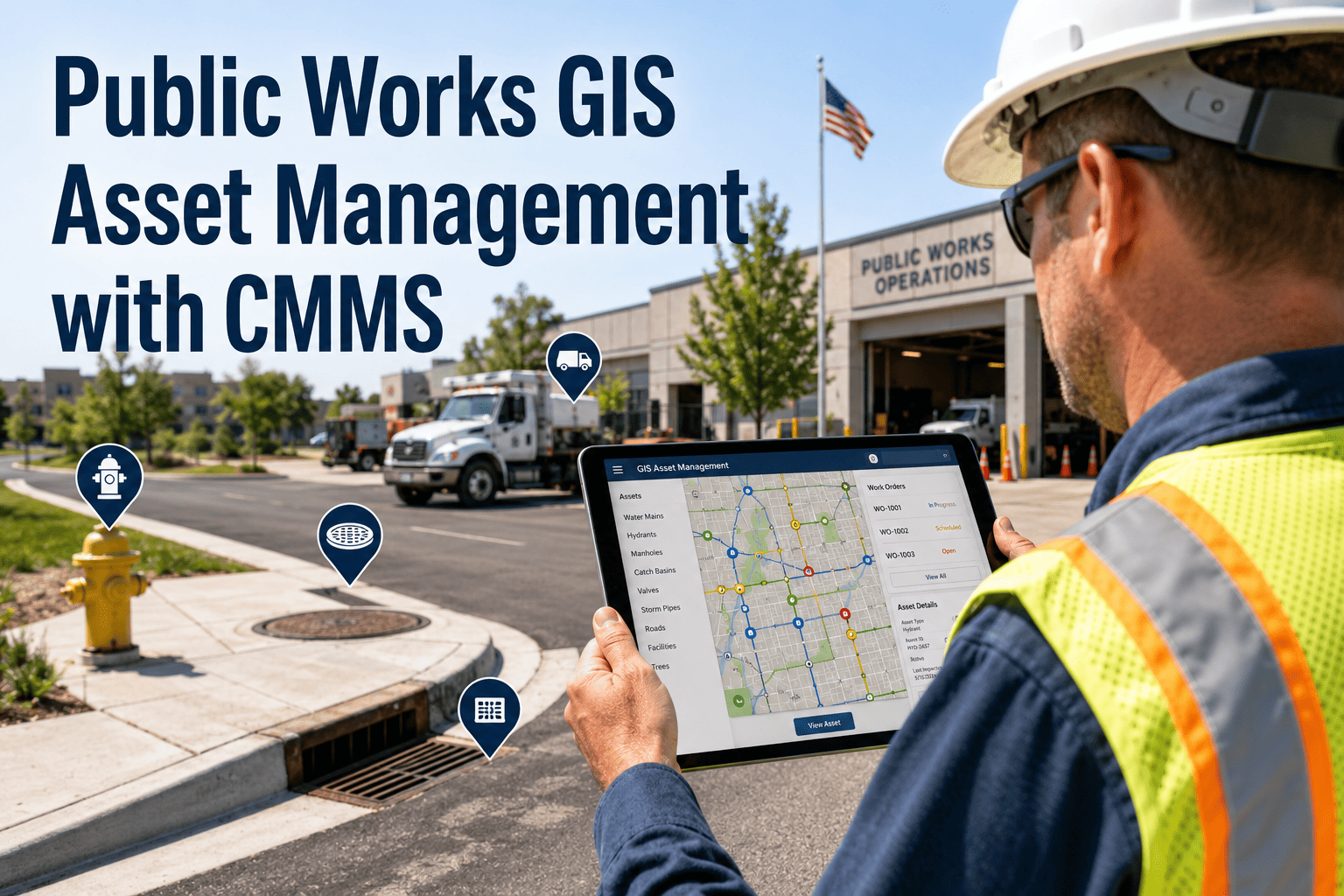
Public works departments manage thousands of assets distributed across entire cities — roads, bridges, culverts, streetlights, utility corridors — without a reliable map of where each asset is, what condition it's in, or when it was last serviced. That gap between physical infrastructure and digital records costs cities in emergency repairs, missed inspections, and audit failures. OxMaint's Asset Lifecycle Management integrates directly with GIS platforms to close that gap — bringing maintenance history, condition data, and predictive alerts onto the map where field crews actually work. Book a demo to see live GIS-CMMS integration for your department.
GIS & Asset Mapping · P1 Critical
Public Works GIS Asset Management with CMMS
Connect your asset map to your maintenance system — and stop managing public infrastructure from spreadsheets and paper logs.
93%
Asset location accuracy after GIS-CMMS sync
-58%
Reduction in missed inspection events
3.2x
Faster field crew response with geo-routed work orders
$2.1M
Avg capital deferral per city through condition-based scheduling
The GIS-CMMS Disconnect: What It Actually Costs
Most public works departments run GIS and maintenance management as separate systems. Field crews use paper or spreadsheets. GIS maps are updated quarterly. The result is a city that cannot answer basic questions — what condition is that bridge in, when was that culvert last cleaned, which assets are overdue for inspection — without a days-long data reconciliation effort.
01
Duplicate Asset Records
Cities typically have 15–30% asset record duplication across GIS, CMMS, and finance systems. Each duplicate represents a maintenance history split across systems — and inspection data that can't be audited.
02
Unlocatable Field Assets
Without precise GIS coordinates tied to work orders, field crews spend 20–40 minutes locating assets per job. At 15 jobs per crew per week, that's 5–10 hours of productivity lost weekly per crew.
03
Capital Planning Blind Spots
Infrastructure replacement decisions made without lifecycle data from maintenance history systematically underestimate remaining useful life — or miss end-of-life assets until failure forces emergency replacement.
04
Audit and Compliance Gaps
Federal and state infrastructure grants increasingly require documented maintenance histories tied to asset locations. Departments without integrated GIS-CMMS records face disqualification from funding rounds.
GIS Integration Capability Comparison
| Capability |
Spreadsheet + Paper |
Standalone CMMS |
OxMaint GIS-CMMS |
| Asset geo-location on map |
Manual entry only |
Basic coordinates |
Live GIS layer sync |
| Maintenance history by location |
None |
Table view only |
Map-overlay timeline |
| Field crew geo-routing |
None |
Address-based only |
GPS route optimization |
| Condition-based alerts on map |
None |
None |
Real-time heat map |
| Capital planning data export |
Manual compilation |
CMMS data only |
GIS + lifecycle data |
| Audit-ready documentation |
Manual, weeks |
Partial records |
Automated, days |
See Your City's Asset Map in OxMaint
OxMaint's GIS integration team runs a live mapping demo using your department's asset data before any procurement decision. Book a 30-minute session to see what integrated GIS-CMMS looks like for your specific asset portfolio.
How OxMaint Connects GIS to Maintenance Operations
1
GIS Data Import
OxMaint ingests asset layers from ArcGIS, QGIS, or any WFS-compliant GIS platform. Asset polygons, line segments, and point features are mapped to CMMS asset records — with maintenance history linked to geographic location.
2
Asset Condition Scoring
Inspection data, sensor readings, and maintenance history combine into a condition score for each mapped asset. The GIS map displays condition heat maps — so supervisors see which infrastructure zones need attention at a glance.
3
Geo-Routed Work Orders
Work orders include GPS coordinates and map-based navigation links. Field crews receive location-aware assignments on mobile devices — with asset history, maintenance procedures, and parts requirements pre-loaded.
4
Capital Planning Dashboards
Remaining useful life estimates from AI models feed directly into capital planning dashboards. Budget officers see which assets need replacement funding in the next 1, 3, and 5-year windows — tied to real location and condition data.
Expert Review
"The biggest capital planning mistake in public works is making replacement decisions without a maintenance history tied to a specific asset location. We've seen cities schedule bridge deck replacements on 20-year cycles and miss structures that failed in year 12 — not because the money wasn't there, but because nobody had a system linking inspection results to geographic asset records. GIS-integrated CMMS platforms change this fundamentally. When a supervisor can see a map overlaid with condition scores, inspection dates, and repair history, they make better decisions — and they can defend those decisions to elected officials with data that holds up to scrutiny."
Public Infrastructure Asset Manager · Metropolitan Transit Authority · 14 Years Field Experience
Frequently Asked Questions
Which GIS platforms does OxMaint integrate with?
OxMaint integrates natively with Esri ArcGIS (Online and Enterprise), QGIS, and any platform supporting WFS or REST API data export. For departments using older GIS systems, OxMaint's implementation team performs manual shapefile ingestion during onboarding. Most integrations are live within 2–3 weeks of project kickoff.
Book a demo to confirm compatibility with your GIS environment.
Can OxMaint handle both linear (roads, pipes) and point (signs, lights) asset types?
Yes. OxMaint's asset management layer supports point assets (manholes, valves, streetlights, signs), linear assets (roads, pipelines, utility corridors), and polygon assets (facilities, drainage basins, maintenance zones). Each type supports inspection checklists, condition scoring, maintenance history, and lifecycle tracking — all linked to GIS coordinates. Work orders and inspection routes are generated based on asset geometry and location clusters for field crew efficiency.
How does OxMaint support federal and state infrastructure grant reporting?
OxMaint's Asset Lifecycle Management module generates documentation packages that meet the asset management requirements of FHWA, EPA, and state DOT programs. Reports include asset inventory with GIS coordinates, maintenance history by asset, condition scores with inspection dates, and capital planning projections. Packages export in PDF and structured data formats accepted by major grant programs.
Start a free trial to explore the reporting templates available for your grant program.
What happens to existing CMMS data when integrating OxMaint with our GIS system?
OxMaint's data migration team imports historical work order, inspection, and asset records from existing CMMS platforms during onboarding. This historical data is then geo-referenced against your GIS layers — so the integrated platform starts with a complete maintenance history, not a blank slate. The migration process typically takes 2–4 weeks depending on data volume and existing system structure.
Your City's Infrastructure Deserves a Single Source of Truth
GIS maps and maintenance records belong in the same system — not in separate silos that require manual reconciliation before every budget cycle or grant application. OxMaint brings them together, and the impact shows in planning accuracy, crew efficiency, and audit confidence.