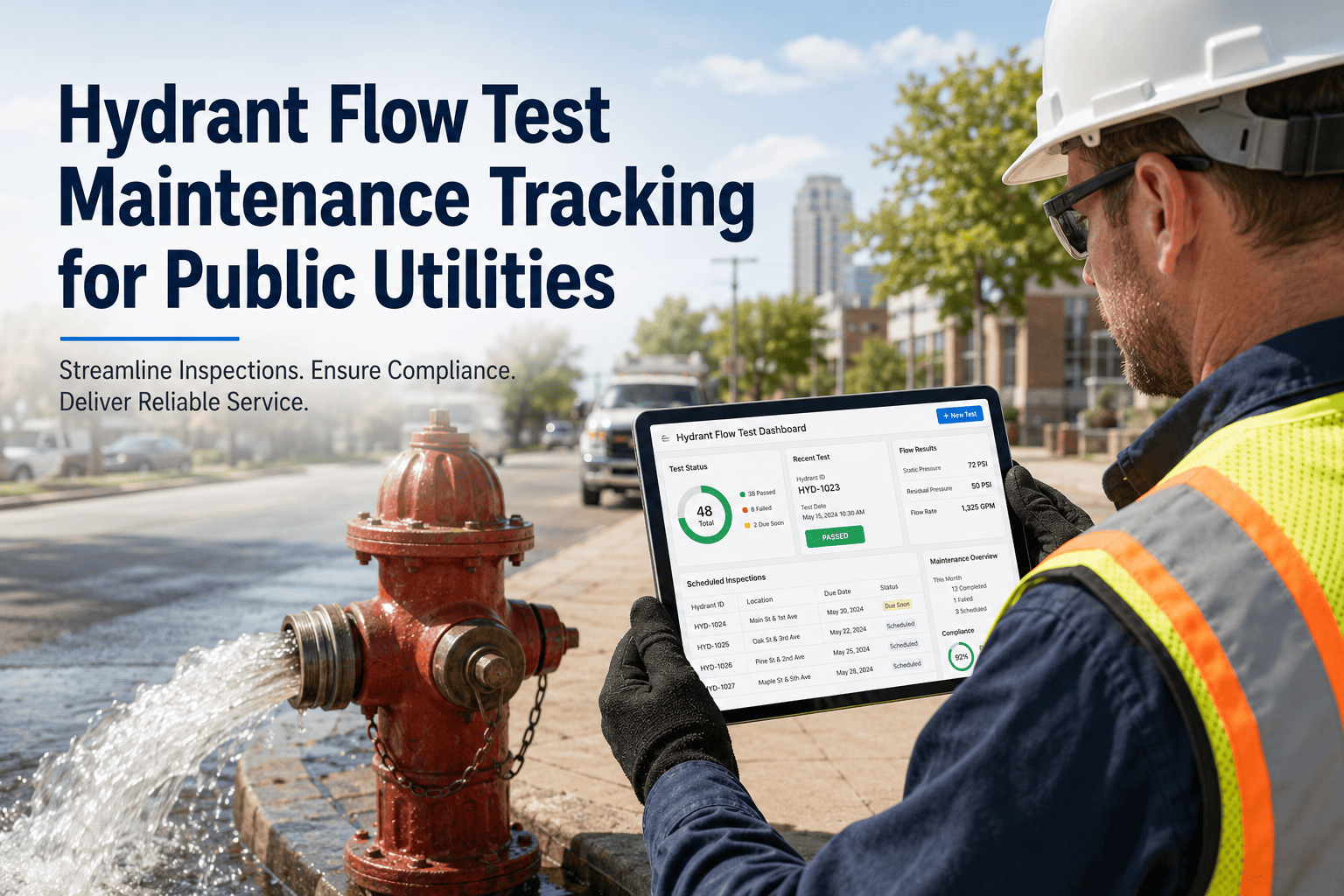
Fire hydrant flow testing is one of the most compliance-critical maintenance activities a public water utility conducts — yet in most municipalities, the flow test data is recorded on a paper form, filed in a binder, and effectively lost to the organisation the moment the technician drives away from the hydrant. When the local fire authority needs residual pressure data to plan suppression operations, when an insurance carrier requests fire flow documentation for a commercial property, or when an EPA inspection surfaces a gap in your asset maintenance records, the paper-based hydrant programme fails visibly and expensively. NFPA 291 recommends annual flow testing for all public fire hydrants, and AWWA M17 sets the procedural standard — but meeting the letter of these requirements is different from building a municipal-grade flow test record that serves your utility, your fire department, and your regulators simultaneously. OxMaint's Inspection Management module digitises the full hydrant flow test workflow — from pre-test checklist to pressure readings to GPS-tagged hydrant record — so that every test generates an immediate, searchable, shareable data record with zero paper. The US fire hydrant testing market exceeds $180 million annually, driven largely by utilities replacing manual field processes with mobile-first digital inspection platforms. Book a demo to see how OxMaint makes your hydrant maintenance programme audit-ready and fire department-ready at the same time.
100%
NFPA 291 recommends annual testing for all public fire hydrants
20%
Average hydrant defect rate found when systematic digital inspection programmes are deployed
3 mins
Time to locate hydrant record and export flow data with OxMaint vs. hours searching paper binders
Fire Hydrant Flow Test Maintenance Checklist
Aligned with NFPA 291 and AWWA M17 — each item is a digital task captured on OxMaint mobile with technician ID and GPS stamp
Pre-Test Inspection
Locate hydrant via OxMaint GPS and confirm asset ID against register
Note any discrepancy between physical marker and digital record — update asset location if required
Photograph hydrant exterior condition — upload to OxMaint asset record
Capture: paint condition, visible rust, cap lugs, barrel damage, any vehicle strike evidence
Inspect and clear hydrant break-off flange area and drainage port
Blocked drainage indicates standing water in barrel — a winter freeze hazard in cold climates
Check and lubricate operating nut — record turns required to full open
Sticky or non-rotating nut requires corrective WO before flow test proceeds
Confirm diffuser, cap thread condition, and cap wrench security
Damaged outlet threads must be documented — tag hydrant out-of-service and notify fire authority
Flow Test Data Recording
Record static pressure at test hydrant (psi) before flow is opened
Use calibrated pressure gauge — record reading to nearest 0.5 psi in OxMaint flow test field
Open flow hydrant fully and allow flow to stabilise — record residual pressure
Minimum residual pressure per NFPA 291 is 20 psi at maximum daily demand — flag any reading below
Measure and record flow rate (gpm) using pitot gauge or flow meter
OxMaint auto-calculates available fire flow at 20 psi residual from your static, residual, and flow readings
Photograph flow colour and record turbidity observation
Discoloured flow indicates main sediment disturbance — document and initiate flushing programme
Close flow hydrant slowly and confirm return to static pressure within 60 seconds
Slow return to static indicates main blockage or zone pressure problem upstream — flag for investigation
Post-Test Documentation
Complete OxMaint inspection sign-off — test data locked to asset record automatically
Static pressure, residual, flow rate, and available fire flow stored with technician ID and timestamp
Confirm any defect-triggered corrective work orders are assigned
OxMaint auto-generates WOs for out-of-service flags, lubrication requirements, or out-of-spec pressure readings
Flush and drain hydrant barrel fully before replacing caps
Confirm drainage port is clear — standing water in barrel must be blown clear in freeze-risk climates
Paint hydrant per colour code if flow result changes classification
NFPA 291 colour coding: Blue (1,500+ gpm) · Green (1,000–1,499) · Orange (500–999) · Red (below 500 gpm)
Share flow test report with fire authority directly from OxMaint
Export hydrant flow data by address, zone, or date range — share as PDF or structured data export instantly
NFPA 291 Hydrant Flow Colour Classification — Tracked in OxMaint
Class AA
1,500+ gpm
Blue cap
Class A
1,000–1,499 gpm
Green cap
Class B
500–999 gpm
Orange cap
Class C
Below 500 gpm
Red cap · Notify fire authority
OxMaint captures every reading, every photo, and every sign-off on mobile — and delivers a fire-authority-ready flow test report the moment the technician closes the inspection.
Expert Review
Adriana Torres — Water Distribution Superintendent, 14 years, serving a 120,000-customer municipal utility
Hydrant flow test data is one of the most requested records we get — from fire departments, from insurance companies, from developers checking fire flow for building permits. When that data lives in a paper binder, every request turns into a two-hour search. With OxMaint, I can pull up any hydrant's complete flow test history, filter by date or pressure classification, and send a PDF to the fire marshal in about three minutes. Beyond the time saving, the data quality is dramatically better — technicians enter readings directly on their phone at the hydrant, so there are no transcription errors, no missing gauge readings, and no uncertainty about which technician performed which test. When NFPA 291 compliance comes up in an audit, I have every test for every hydrant in the past five years exportable in one report.
Frequently Asked Questions
Does OxMaint automatically calculate available fire flow from the test readings?
Yes. OxMaint's flow test template automatically calculates available fire flow at 20 psi residual pressure using your recorded static pressure, flowing residual pressure, and measured flow rate — and applies the NFPA 291 colour classification automatically based on the calculated result. Technicians see the calculated flow and classification in the field the moment they enter the last reading.
Book a demo to see the flow test calculation and classification workflow in action and configure it for your utility's specific pressure zone parameters.
Can we share hydrant flow test results directly with our fire department?
OxMaint exports hydrant flow test data as structured PDF reports, CSV data files, or via direct web link — in a format your fire authority can use without requiring OxMaint access. You can export all hydrant records for a given zone, address range, or date period in a single action.
Sign in to OxMaint to explore the hydrant report export formats and confirm the layout meets your fire department's data requirements before rolling out the programme.
How does OxMaint flag hydrants that are due for their annual test?
OxMaint tracks the last-tested date for every hydrant in your asset register and generates automatic scheduled work orders when a hydrant approaches or passes its next due date — based on NFPA 291 annual frequency or your utility's custom testing interval. Supervisors see a compliance dashboard showing the percentage of the network tested current vs. overdue at any point in time.
Book a demo to configure your hydrant testing schedule and see how OxMaint tracks programme completion across your full network in real time.
OxMaint · Inspection Management · Fire Hydrant Programme
Your hydrant flow test data belongs in a searchable, shareable digital record — not a paper binder. OxMaint makes every test audit-ready and fire-authority-ready instantly.
NFPA 291 Compliance · AWWA M17 · Digital Flow Records · Auto WO Generation · Fire Authority Export · Offline Mobile