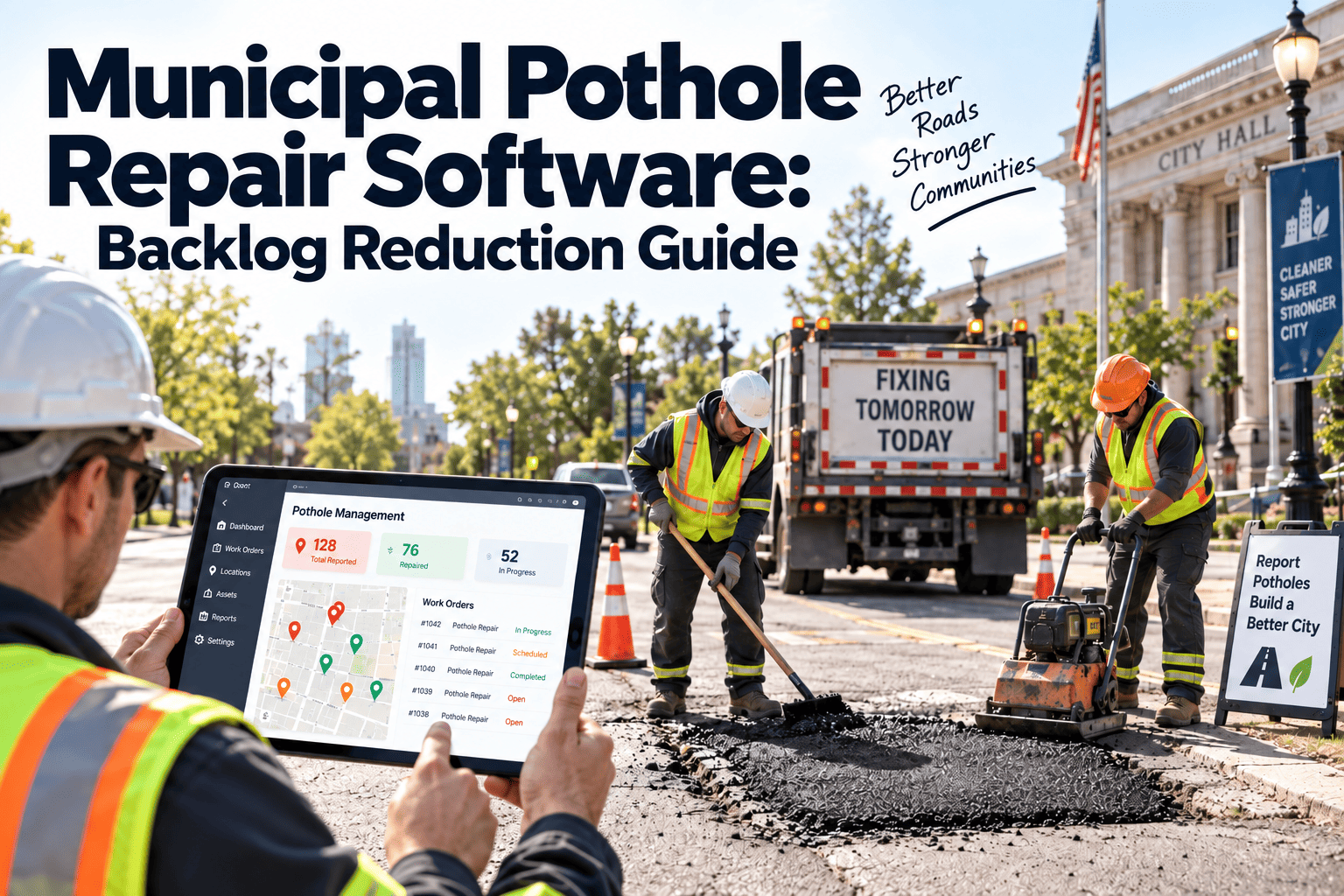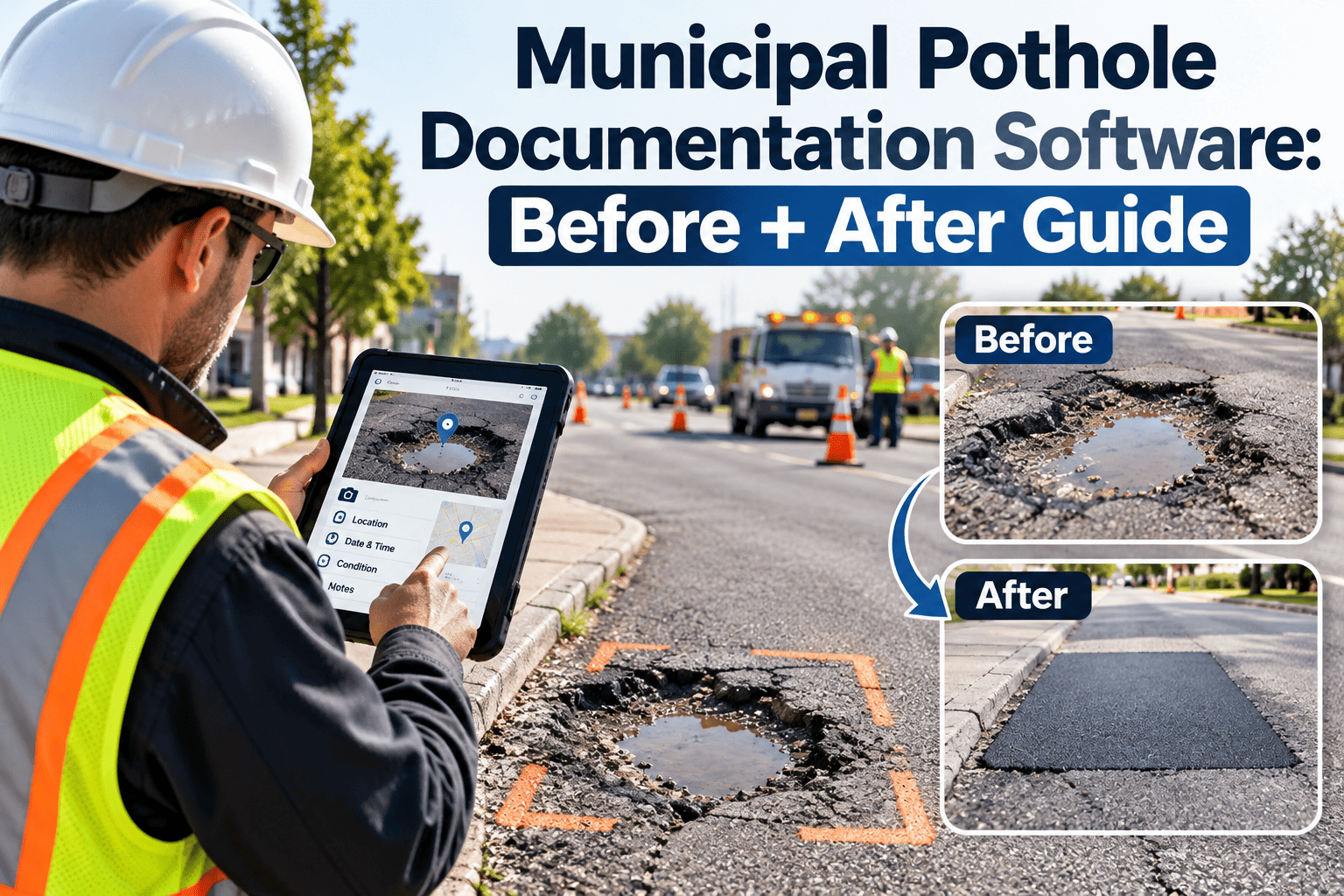
A pothole repair that is not documented is hard to defend. When a driver or cyclist files a claim for vehicle damage or injury, the city is often asked what it knew, when it knew it and what it did about it. Crews may have filled the hole correctly, yet a missing photo, a vague note or a lost paper ticket can undo that effort. This guide explains how before and after records protect public works teams, and you can see how Oxmaint captures repair documentation in the field.
Public Works · Street Maintenance · Liability Defense
Municipal Pothole Documentation Software: A Before and After Guide
Capture the complaint, the pre-repair condition, the materials used and the finished patch in one time-stamped work order, so every repair can answer a claim.
Before
Photo, GPS, time, size
Work order
After
Photo, material, crew, time
Why Pothole Records Matter More Than the Repair Itself
Potholes form when water enters cracked pavement, freezes, thaws and weakens the base under traffic. They are common, fast-moving and expensive for drivers. For a city, each one is also a potential claim.
- Complaints arrive through phone calls, apps, social media and council offices.
- Crews repair dozens of locations in a day, often in poor weather.
- Paper tickets and text messages are easily lost or entered days later.
- Claims can arrive weeks or months after the event.
Rules on municipal liability, notice requirements and claim deadlines vary by state, so work with your city attorney to learn what applies to you. In general, though, strong records help show a reasonable inspection and response process. This article is operational guidance, not legal advice.
The Claim Clock: What Happens After a Complaint
Report received
The location, date and reporter details are logged as a request. This is the first proof of when the city became aware.
Inspection and priority
An inspector confirms size, depth, lane position and road class, then assigns a priority based on your policy.
Crew dispatch
A work order is scheduled with the right truck, material and traffic control for the location.
Repair completed
The crew records materials, quantity, weather, time on site and finished-condition photos.
Claim or closure
If a claim arrives, the complete record is retrieved by location and date in minutes.
The gap between the first and fourth steps is what a claimant, adjuster or attorney will examine. A CMMS records each timestamp automatically, which removes reliance on memory.
Anatomy of a Defensible Pothole Work Order
Repair record fields
Location
Street address, nearest cross street, GPS point and lane or wheel path
Source
Citizen report, patrol inspection, council referral or scheduled survey
Condition
Length, width, depth, edge condition and any nearby pavement failure
Before photos
Wide shot for location, close shot with a measuring reference
Material
Hot mix, cold patch or spray injection, with batch or supplier details
Method
Cleaning, tack coat, compaction and any temporary versus permanent status
Crew and time
Names, equipment, arrival, departure and traffic control used
After photos
Finished patch from the same angle as the before photo
Photo standards that hold up
- Take every photo inside the work order so the timestamp and location are attached automatically.
- Use the same angle before and after so differences are obvious.
- Place a tape or reference object in the close shot to show depth.
- Photograph signage, cones or barricades when they were placed.
- Never edit or relabel images after capture.
Turn Every Patch Into Proof
Oxmaint gives street crews a mobile work order with photos, materials and timestamps, so the record is complete before the truck leaves the site.
Paper and Text Messages Versus a CMMS Record
| Question a claim raises | Paper or messages | CMMS work order |
|---|---|---|
| When was the city notified? | Search call logs and emails | Request timestamp on the work order |
| Was the site inspected? | Inspector memory or a loose note | Inspection record with photos and measurements |
| How fast did the crew respond? | Compare tickets by hand | Created, scheduled and completed times |
| What material was used? | Daily sheet, if filled in | Material and quantity captured on the order |
| What did the repair look like? | Photos on personal phones | Photos stored against location and date |
| Has this spot failed before? | Unknown | Repair history for the location |
Material, Weather and Temporary Versus Permanent Repairs
A winter patch is not the same as a summer repair, and records should say so. Cold patch is often used when hot mix is not available. Hot mix generally offers a longer-lasting result when conditions allow.
Temporary repair
Used to make a hazard safe quickly. Record the reason, the material and a follow-up task to make a permanent repair when conditions improve.
Permanent repair
Used when weather and scheduling allow proper preparation. Record the method, compaction and any warranty terms for contracted work.
If a contractor performs the work, the same record should capture the contractor name, scope, completion date and warranty period. That lets staff identify whether a failed patch is covered, and when to request a return visit.
Repeat failures tell a story
A location that has been patched three times in one season points to drainage, base failure or utility cuts rather than a simple hole. Repair history by location helps engineers recommend a larger fix, and it helps the city show that it did not ignore a known problem.
Building the Defense File: An Evidence Ladder
Level 1
Basic closure note
States the hole was filled. Easy to write, hard to rely on.
Level 2
Timed record
Adds the request, response and completion times.
Level 3
Photo record
Adds matching before and after images with location data.
Level 4
Full defense file
Adds material, crew, weather, inspection routine and location history.
Most agencies sit between levels one and two. Moving to level four does not require extra paperwork if the data is captured on a mobile device while the crew works.
Common Documentation Gaps That Weaken a Defense
Late data entry
Details typed at the end of the day or the following week can contradict the photos and the crew's recollection. Capture facts at the site.
Generic closure notes
Entries such as "filled" or "done" say nothing about size, material or method. Structured fields prompt crews for specifics.
Photos stored elsewhere
Images on personal phones or shared drives become hard to find and hard to authenticate. Keep them inside the work order.
No link to the original complaint
When the repair record cannot be tied to the first report, response time cannot be shown. Connect intake to the order.
Missing declined requests
Reports that were not repaired, for example because the road is private or the defect was below threshold, still need a recorded reason.
What a claims reviewer usually wants to see
- The exact location and the date and time of the alleged incident.
- Whether the city had received a prior report for that spot.
- The last inspection or patrol that covered the street.
- The repair completed after the incident, if any, and how quickly it followed.
- Weather and traffic conditions on the day of the event.
A CMMS search by street, date range or asset ID can pull these items together quickly. That saves staff time and gives risk managers and attorneys a consistent starting file for every claim.
Reducing Rework With Better Repair Data
Documentation also improves the quality of the repair program. When material, method, crew and weather are recorded on every job, patterns appear that no one could see from memory.
- Compare how long patches last by material type and season.
- Find streets where repeat failures suggest drainage or base problems.
- See which crews and routes need more equipment or training.
- Estimate patching material needs before winter ends, not after supplies run out.
- Build capital resurfacing requests with real repair counts and costs.
Budget discussions with the council are easier when staff can show how many repairs were made, what they cost and where the same location kept returning. Instead of asking for more money in general, the department can point to the specific corridors where permanent fixes would reduce repeat work.
Proactive Inspection Is Part of the Record
Documenting repairs is only half of the picture. A city that can show regular patrols, seasonal surveys and a consistent priority policy has a stronger story than one that only reacts to complaints.
- Schedule recurring road patrols by route and road class.
- Use inspection checklists with defect size thresholds and response targets.
- Link every defect found on patrol to a work order automatically.
- Review routes with the highest repair counts each quarter.
- Keep records of public reports that were declined, merged or referred, with reasons.
Oxmaint supports recurring inspection schedules, mobile checklists, work orders, asset and location history, material tracking and reporting. Public works teams can book a demo to see how a patrol finding becomes a closed repair record.
Measures Public Works Leaders Can Track
Response time
Hours or days from report to completed repair, by priority class.
Photo completeness
Share of closed orders with both before and after images.
Repeat repairs
Locations patched more than once within a defined period.
Material use
Quantity and cost per repair, compared by crew or season.
Claim retrieval time
Minutes needed to assemble the file when a claim is received.
Set a baseline for one quarter before setting targets. A city with heavy freeze-thaw cycles will see very different numbers than a mild-climate city, so compare against your own history first.
Rolling Out Documentation Without Slowing Crews
01
Define the minimum record
Choose the few fields and photos every pothole order must have before it can close.
02
Pilot with one crew
Test phones, gloves, glare and signal on real routes, then adjust the forms.
03
Connect intake
Route citizen reports and patrol findings into work orders instead of retyping them.
04
Review and coach
Check a sample of closed orders weekly and share examples of good records.
Training tips that stick
- Show crews a real claim file and explain how their photos and notes were used.
- Keep the mobile form short, with pick lists instead of typing wherever possible.
- Test the workflow in cold, wet and bright conditions before a full rollout.
- Give supervisors a simple weekly view of orders missing photos or materials.
- Recognize crews whose records are consistently complete.
Crew acceptance usually depends on speed. A form that takes under two minutes and replaces the end-of-day paperwork is easier to adopt than one that adds work.
A Two-Minute Field Checklist for Every Pothole
Arrive
- Open the work order and confirm the location.
- Set out signs, cones or a traffic control plan.
- Take the wide and close before photos.
- Measure length, width and depth.
Repair
- Clean debris and standing water from the hole.
- Select the material and record the quantity.
- Compact the patch to the standard in your procedure.
- Note if the repair is temporary or permanent.
Close
- Take the after photos from the same angle.
- Record time on site and the crew present.
- Flag drainage, edge or base problems found nearby.
- Submit the order before moving to the next site.
Supervisors can spot-check a handful of completed orders each week against this list, which keeps quality high without adding reports. Printing this list is unnecessary when the mobile form already follows the same order. The goal is to make the right steps the easiest steps for a crew working in traffic, rain or cold.
Records Governance: Retention, Access and Public Requests
Repair records are often subject to public records laws and local retention schedules. Decide early who can view, edit and export them, and how long they are kept.
- Limit edit rights so closed work orders and photos cannot be changed without an audit trail.
- Give risk management and legal staff read access to repair history by location.
- Define a standard export package for claims, so every request gets the same complete file.
- Remove or protect personal data about reporters where policy requires.
- Review retention rules with your clerk and city attorney each year.
Consistency matters as much as completeness. When every claim file is assembled the same way, staff do not have to improvise under deadline pressure, and the city can explain its process clearly to adjusters or a court.
Pothole Documentation FAQs
How many photos should each repair have?
At least one wide and one close photo before and after. Your city attorney can confirm any extra requirements.
Does documentation prevent claims?
No, but it helps show inspection, response and repair history. Legal outcomes depend on state law and the facts of each case.
Can crews use personal phones?
Many agencies allow it, subject to policy. Photos taken inside the work order keep time and location attached. You can start a free account to test it.
How long should records be kept?
Follow your local retention schedule and attorney guidance, since claim deadlines and rules differ by jurisdiction.
Can we track contractor warranties?
Yes. Store contractor, scope and warranty dates on the work order, then schedule a demo to see warranty follow-up.
Be Ready for the Claim Before It Arrives
Give your street crews a faster way to document every pothole, from the first complaint to the final photo, and keep the proof where your team can find it.