A resident reports a pothole on Monday. A driver files a damage or injury claim the following month. The city's defense then depends on one question: what does the record show between the report and the repair? Risk managers and public works directors often find that answers are split across email, phone logs, and crew notes. A CMMS such as Oxmaint builds that timeline automatically as work happens.
Municipal Pothole Liability Software: A Claim Defense Guide
Document every step from report to repair, so city risk management, legal counsel, and insurers can defend pothole claims with a clear, timestamped record.
Report received
Inspected
Work order issued
Crew dispatched
Repaired and photographed
Why Pothole Claims Turn on Documentation
Rules differ by state. Many jurisdictions limit municipal liability through notice requirements, immunity provisions, or reasonable response standards. In those settings, the city's records of when it learned of a defect and what it did next often matter a great deal.
This guide is general information, not legal advice. Confirm the standards in your state with city attorneys and your risk pool or insurer.
Whatever the legal test, vague or missing records leave the city arguing from memory.
What a Defensible Record Typically Contains
| Evidence Item | Question It Answers | Where It Often Fails |
|---|---|---|
| Report date and source | When did the city first learn of the defect? | Calls and emails never logged |
| Location data | Is this the same pothole in the claim? | Descriptions like "near the corner" |
| Inspection record | Was severity assessed and prioritized? | No documented assessment |
| Work order and priority | Did the city act under its own policy? | Verbal assignments only |
| Crew completion time | How long from report to repair? | Completion entered days later |
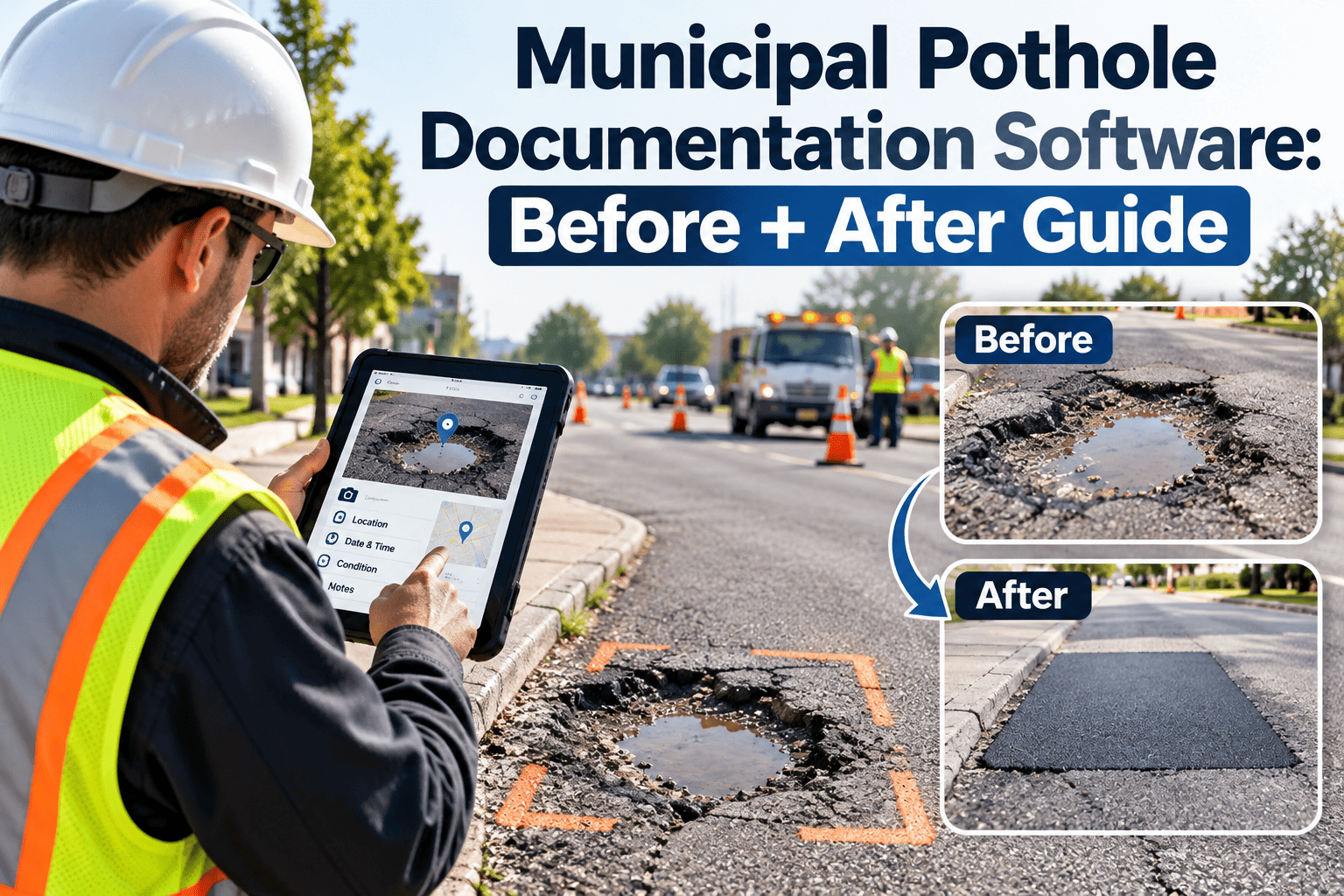
| Before and after photos | What was the condition, and what was done? | Photos stored on personal phones |
| Patrol and inspection history | Did routine inspections cover this street? | Paper logs hard to retrieve |
Where Claims Defense Breaks Down in Practice
Intake is scattered
Reports arrive by phone, app, email, council offices, and social media. If they do not land in one system, notice dates become uncertain.
Policy and practice differ
A written response standard that crews cannot meet becomes a liability when claims reveal missed targets.
Duplicate reports vanish
Multiple reports on the same defect are rarely linked, which hides how long the issue was known.
Retrieval takes weeks
Adjusters and counsel wait while staff search files for records that should take minutes to pull.
Turn Every Pothole Report Into a Documented Timeline
Capture intake, inspection, and repair data in one system, so claim files assemble themselves.
Risk Matrix: Prioritizing Which Defects Get Fixed First
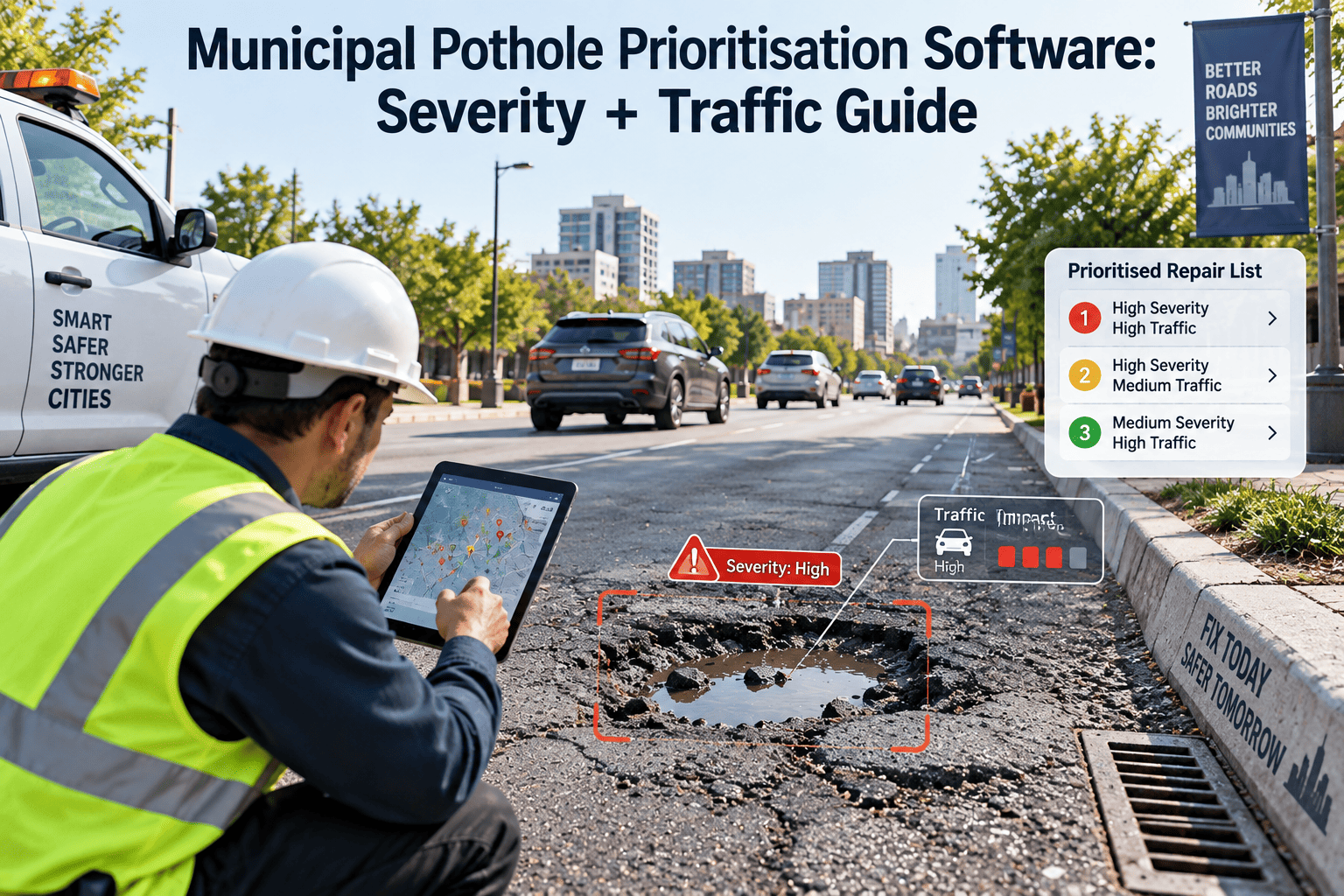
A written, consistently applied priority scheme helps crews and defenders alike. The sample below shows the idea; each city sets its own thresholds.
Low traffic
High traffic
Shallow, small
Routine schedule
Short window
Deep, large
Short window
Immediate response
Add factors such as bike lanes, school zones, and bus routes where your policy requires them.
From Report to Repair: The Workflow in Oxmaint
1
Log every report
Create a request with date, time, source, and location for each report, and link duplicates to the same asset or location.
2
Inspect and prioritize
Use a mobile inspection form with photos and severity, so priority follows the written policy.
3
Issue the work order
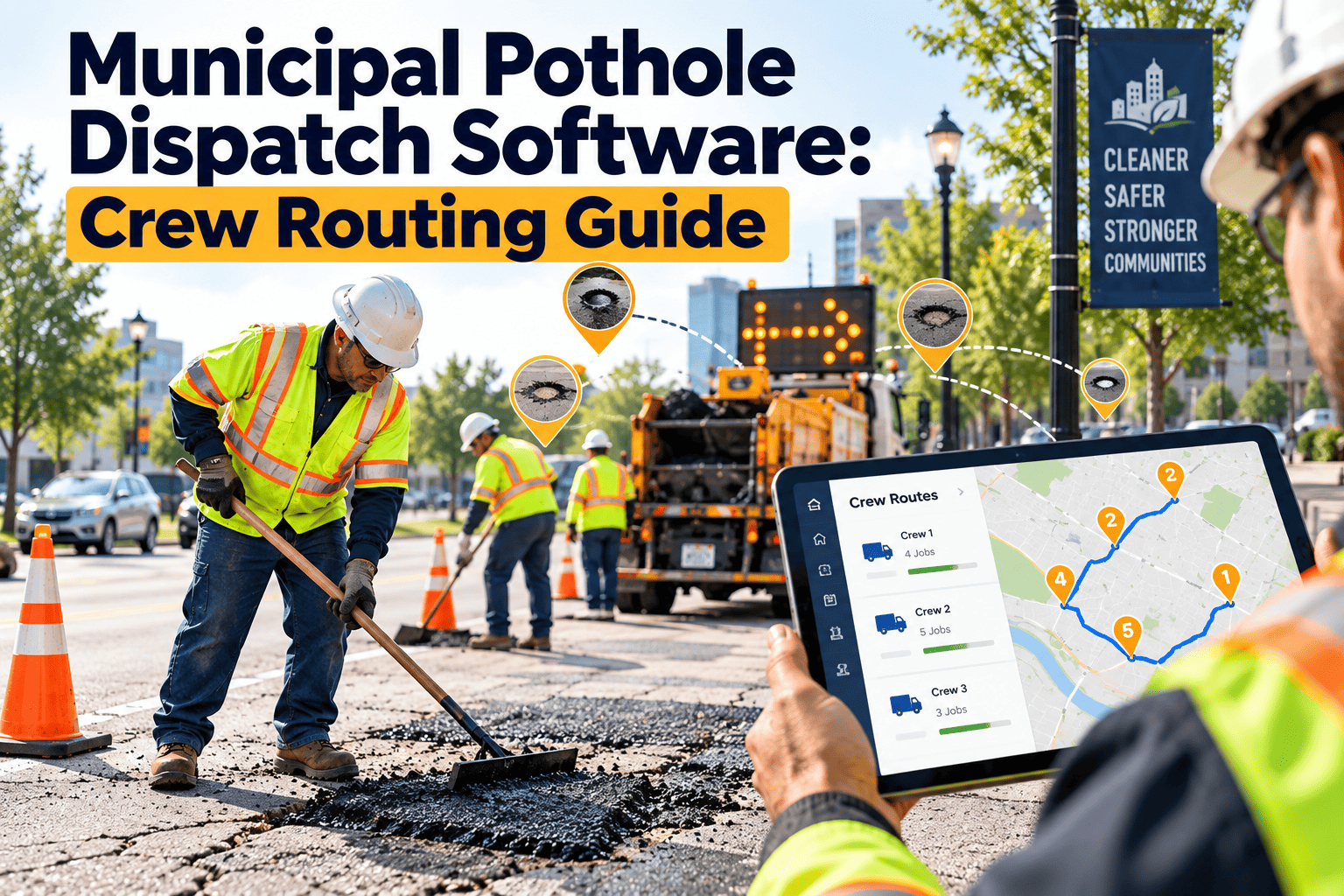
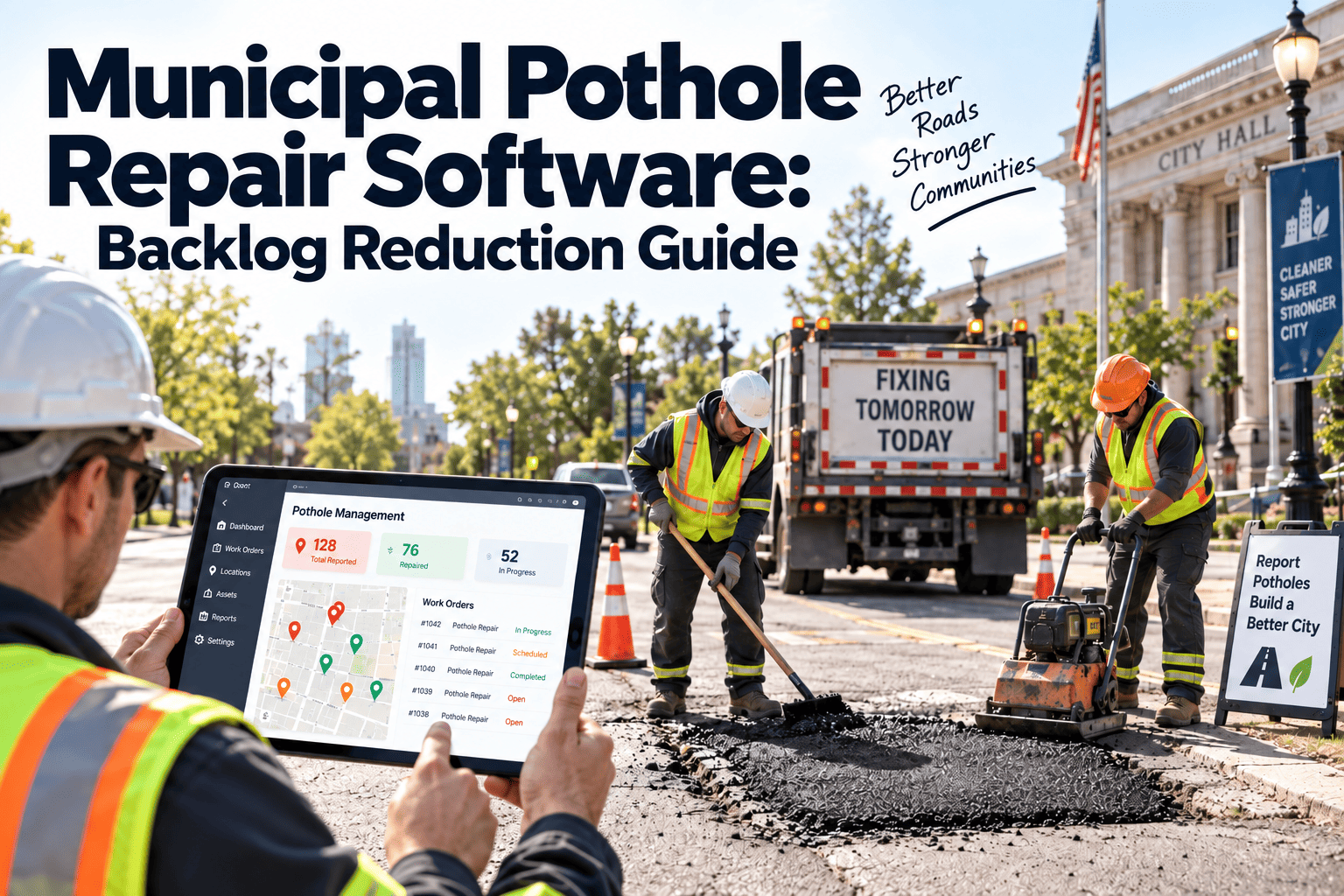
Assign crews, set target dates, and track status changes with timestamps.
4
Close with evidence
Record repair method, materials, labor, and after photos from the field.
5
Retrieve on demand
Pull a complete history by street segment or date range when a claim arrives.
Before and After: Claim File Assembly
Without a CMMS
- Staff hunt through email and paper logs
- Completion dates reconstructed from memory
- Photos missing or undated
- Counsel waits for records
With Oxmaint
- Searchable history by location and date
- System timestamps on each status change
- Photos attached to the work order
- Reports ready for risk management
Beyond Individual Claims: Insurance Renewal and Risk Pools
Risk managers and insurers increasingly look at how a city manages hazards, not only at claim totals.
- Show response times by priority across the full year.
- Demonstrate that routine street inspections happen on schedule.
- Track repeat locations that suggest base failure instead of surface wear.
- Report backlog trends before and after funding changes.
This evidence supports renewal discussions and helps justify resurfacing and reconstruction budgets.
Metrics Risk Managers and Public Works Should Share
Report-to-repair timeBy priority level and district.
Inspection coverageStreet miles inspected on schedule.
Open defect backlogCount and age of unrepaired reports.
Repeat repair locationsSites fixed more than once.
Record completenessWork orders with photos and times.
Readiness Checklist for City Risk and Public Works Teams
- All report channels feed one intake log with date and time.
- Written response standards match what crews can deliver.
- Inspection forms capture location, size, and photos.
- Work orders cannot close without completion date and repair notes.
- Routine patrol and inspection schedules are recorded.
- Record retention follows city and state requirements.
- Counsel and adjusters know how to request a history report.
How Notice Concepts Shape Record-Keeping
Many jurisdictions distinguish between actual notice, where the city knew of a defect, and constructive notice, where it should have known through reasonable inspection. Statutes and case law vary widely.
Ask your city attorney how notice, written-notice requirements, and immunity rules apply in your state before setting any internal policy.
- Records of reports show when the city had actual notice.
- Patrol and inspection records show what the city did to find hazards on its own.
- Repair records show whether the response matched written policy.
- Gaps in any of the three make the story harder to tell.
Sample Response Standards and the Records That Prove Them
The figures below are examples only. Each city sets targets that its crews, budget, and legal advisors can support.
| Priority | Example Trigger | Illustrative Response | Record to Keep |
|---|---|---|---|
| Emergency | Large, deep defect on arterial road | Same-day make-safe | Dispatch time, crew arrival, barricade photo |
| High | Moderate defect on busy collector | Within a few working days | Inspection form and completion timestamp |
| Routine | Small defect on low-volume street | Scheduled with area patching | Work order and batch repair record |
| Monitor | Surface wear below threshold | Re-inspect at set interval | Inspection note and next review date |
What matters most is that the written standard reflects reality, and the records show it being followed or explain why it was not.
Routine Inspection and Patrol Records
1
Define street segments
Assign every street to a segment or route with a set inspection frequency based on classification and traffic.
2
Schedule recurring inspections
Create recurring tasks so inspections occur at the planned interval and overdue ones are visible.
3
Record what inspectors find
Log defects found, and also log inspections that found nothing, since both show the city looked.
4
Convert findings to work
Turn each defect into a work order with the same priority scheme used for resident reports.
Handling Duplicate and Repeat Reports
Link, do not delete
Tie later reports to the original request. Each report still shows when the city was reminded of the same defect.
Use consistent location data
Capture an address, intersection, and map point, so staff can match reports to the right defect.
Watch for repeat sites
Locations patched several times may need base repair, and the history supports that case.
Acknowledge the reporter
Confirmation and closure messages are part of the record and improve public confidence.
Photo and Measurement Standards for Crews
Photos help only when they are consistent. A short field standard keeps them useful.
- Take a wide photo showing the defect and nearby landmarks.
- Take a close photo with a scale reference, such as a tape or marker.
- Record approximate length, width, and depth in the work order.
- Take an after photo showing the finished repair.
- Upload from the field so the system timestamp matches the work.
Surge Events: Freeze-Thaw Cycles and Storm Seasons
Pothole volume rises sharply after winter freeze-thaw cycles and heavy rain. Reports can multiply faster than crews can respond, and gaps in documentation widen when teams are stretched.
1
Plan before the surge
Stock patch material, schedule crews, and confirm the priority rules for the season.
2
Triage by risk
Address high-risk locations first and record the reason for each sequence decision.
3
Keep records lean but complete
Use short mobile forms so crews can document quickly without losing time stamps and photos.
Working With Legal Counsel, Adjusters, and Insurers
City attorney
Needs a complete history for a location and date range, plus any policy documents in effect at the time.
Claims adjuster
Needs a prompt, factual summary of reports, inspections, and repairs without staff reconstructing events.
Risk pool or insurer
Looks at how the city manages hazards over time, including inspection frequency and response performance.
Public works leadership
Uses the same data to adjust crews, budgets, and resurfacing priorities.
Records Retention and Access
Retention rules for claims-related records differ by state, and a litigation hold may extend them. Confirm requirements with your city attorney and records officer.
- Keep work orders, photos, and inspection records for the full retention period.
- Limit editing rights so completed records stay reliable.
- Restrict who can delete or alter closed work orders.
- Test report exports before you need them for a claim.
- Document who requested records and when they were provided.
A system that stores history by street segment and date turns a multi-week search into a short report request.
Communicating With Residents Without Creating New Risk
Clear, consistent communication builds trust and creates a record of what the city said and when.
- Confirm each report with a reference number and an expected review path.
- Avoid promising specific repair dates unless crews can meet them.
- Send closure notices that state what was done and when.
- Log phone and email contacts as notes on the original request.
- Route claim-related inquiries to the proper claims contact, not to field crews.
Have your city attorney review standard messages, so staff use approved language.
A Monthly Review Agenda for Public Works and Risk Management
1
Review open defects by age
Look first at high-priority items that have passed their target dates.
2
Check inspection coverage
Confirm scheduled patrols happened and investigate any missed routes.
3
Examine repeat locations
Decide whether recurring defects need permanent repair rather than another patch.
4
Compare claims with records
Check whether recent claims reveal documentation gaps that can be closed.
Applying the Same Approach to Other Street Hazards
Pothole claims are common, but similar documentation questions arise for other defects in the right of way.
| Hazard | Typical Record Needed | Workflow Note |
|---|---|---|
| Sidewalk trip hazards | Location, height of displacement, photos | Use a measurement field and inspection cycle |
| Damaged or missing signs | Report date, sign type, replacement date | Track by sign asset with install date |
| Drainage inlets and grates | Blockage reports and cleaning history | Schedule cleaning before storm season |
| Streetlight outages | Report time, repair time, cause | Group repairs by circuit and track delays |
Using Records to Justify Street Maintenance Budgets
The same data that supports a defense can support a funding request. It shows how much reactive patching the city performs, and where a lasting fix would reduce it.
- Compare patching hours and material cost by district.
- Identify streets with repeated repairs, as candidates for resurfacing.
- Show seasonal workload peaks to support staffing and equipment requests.
- Report response performance to elected officials with clear definitions.
Elected officials and budget committees respond well to specific local evidence, and consistent records provide it.
Choosing Software That Supports Claim Defense
Not every work order tool serves risk management well. Look for features that protect the integrity and accessibility of records.
- Automatic timestamps on creation, assignment, and completion.
- Location capture by address, map point, or street segment.
- Photo attachments from mobile devices.
- Audit history showing who changed a record and when.
- Reports filtered by location, date range, and priority.
- Permissions that limit who can edit closed records.
Common Documentation Mistakes to Correct Early
- Closing work orders in batches days after the crew finished.
- Recording only repaired defects, not inspections that found none.
- Storing photos on personal phones outside the official record.
- Using free-text locations that cannot be matched to a street segment.
- Writing response standards that crews cannot realistically meet.
Each of these is fixable with simple field rules and routine supervisor review. Correcting them before a claim arrives is far easier than explaining them afterward.
Frequently Asked Questions
Does a CMMS prevent liability?
No. It creates accurate records that support the city's position. Legal outcomes depend on state law and facts.
Can it track notice dates?
Yes. Each request keeps a timestamp and source. Ask for an example in a demo.
Can crews add photos from the field?
Yes. Mobile workflows attach photos and notes directly to the work order.
Does it help with insurance renewal?
Reports on response times and inspection coverage support risk discussions. Create an account to explore.
Does it cover other street defects?
Yes. Sidewalks, signs, and drainage can follow the same report-to-repair workflow.
Be Ready With the Record Before the Claim Arrives
See how Oxmaint helps city risk managers and public works teams document every report, inspection, and repair.