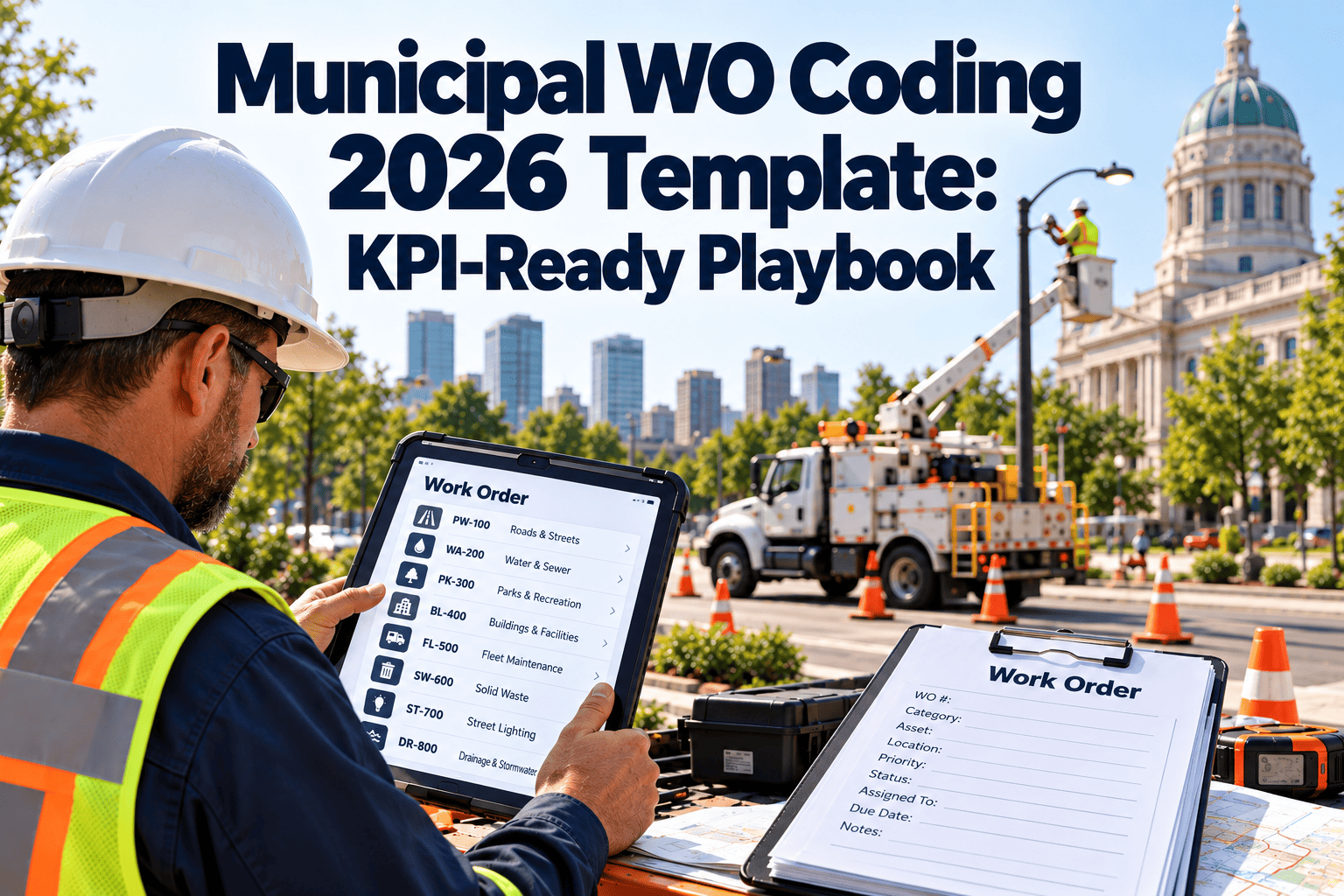
City work order data is only as good as the codes behind it. When each department uses its own asset names, priorities set by habit and free-text descriptions, public works leaders cannot measure preventive maintenance compliance, backlog or response times with confidence. This municipal WO coding 2026 checklist gives you standard categories, priority levels and KPI-ready fields as items to set up, check and enforce, from building the code scheme to reviewing coded work orders each month. Work through it with department leads, then run it across roads, water, sewer, fleet, facilities and parks in Oxmaint municipal CMMS.
Municipal WO Coding 2026 Checklist: KPI-Ready Template
A step-by-step checklist for city and public works teams to standardise work order codes, apply priority levels consistently and capture every field that KPIs depend on.
WTR
HYD
CM
P2
LEAK
Service area
Asset class
Work type
Priority
Problem
Example: a leaking hydrant logged as corrective work at urgent priority
How This Checklist Is Organised
The checklist follows the life of a work order. Stages 1 to 3 are set up once before rollout, stages 4 and 5 apply to every work order, and stages 6 to 8 are reviewed on a schedule.
1Scheme setup7 items
2Categories and work types6 items
3Priority levels5 items
4Work order intake7 items
5Execution and close-out7 items
6KPI-ready fields7 items
7Monthly data review6 items
8Code governance4 items
RequiredField must be completed before the work order can move on
OnceEvery WOMonthlyHow often the item is checked
1
Code Scheme Setup Checklist
Complete these items with department leads before any new codes go live. Start from a sample of recent work orders so the scheme reflects real work rather than an ideal list nobody uses.
Export a sample of recent work orders from each department and list the descriptions, priorities and asset names in use.Check: the sample covers every service area and both planned and reactive work.Once
Agree which code fields are shared city-wide: work type, priority, status and source.Check: every department signs off on the shared lists.Once
Agree which fields vary by service area: asset class and problem codes.Check: each service area has its own list in the same format.Once
Write a one-line definition and one example for every code.Check: two supervisors given the same job choose the same code.Once
Limit each list so it can be picked from on a phone without long scrolling.Check: detail is added through a second field, not longer lists.Once
Remove catch-all options such as "Other" or "General", or require a comment when used.Check: no catch-all code is selectable without explanation.Once
Name one code owner who approves every new or changed code.Check: the owner and the change process are published in the field guide.Once
2
Standard Categories and Work Type Checklist
Categories tell you where the work happened; work type tells you what kind of work it was. Adapt the names below to your organisation chart, and keep the codes short enough to read at a glance on a crew tablet or phone.
Reference: service area codes
- RDSStreets and roads
- WTRWater
- SWRWastewater
- STMStormwater
- TRFTraffic and streetlights
- FLTFleet
- FACFacilities
- PRKParks
Reference: work type codes
Service area codes set for every department that creates work orders.Check: every active work order can be assigned to one service area.Once
Asset classes defined within each service area and matched to the asset register.Check: every asset in the register has one asset class.Once
Work type list identical across all departments.Check: no department has added its own work type.Once
Planned work types (PM, INS, PRJ) clearly separated from reactive ones (CM, EM).Check: a planned versus reactive report can be run without manual mapping.Once
Problem, cause and action code lists written for each service area.Check: examples such as leak, blockage, no power, damaged; wear, corrosion, roots, impact; repaired, replaced, cleared.Once
Status codes set, with on-hold reasons split into parts, other agency, contractor and utility locates.Check: backlog reports show why work is waiting, not just that it is.Once
3
Priority Levels Checklist
Priority should come from impact and urgency, not from who reported the problem. Set response targets locally; the matrix defines how the level is chosen, so a pothole reported by a council office and one reported by a resident receive the same priority.
Impact / Urgency
Immediate
Within days
Can be scheduled
Life safety or critical service
P1
P2
P2
Service degraded or property risk
P2
P3
P3
Minor or cosmetic
P3
P4
P4
Four priority levels defined: P1 emergency, P2 urgent, P3 routine and P4 planned or deferred.Check: each level has a written definition and examples from several departments.Once
Response and completion targets set for each level by the city.Check: targets are approved and published, not assumed.Once
P1 examples agreed, such as a main break, a dark signal at a major intersection or a sinkhole.Check: after-hours dispatch uses the same list.Once
Rule set that only triage staff or supervisors can raise a work order to P1 or P2.Check: request intake cannot set emergency priority by default.Once
Priority changes recorded with a reason when a work order is upgraded or downgraded.Check: response-time reports use the final agreed priority.Every WO
Turn the Coding Checklist Into Required Fields
Set up service areas, work types, priorities and failure codes in Oxmaint as pick lists, make KPI-critical fields required and let crews code work orders correctly from mobile devices.
4
Work Order Intake Checklist
Check these items on every new work order, whether it comes from 311, a PM schedule, an inspection or a crew in the field. Intake is where most coding errors start, because the person creating the job is often not the person who will do it.
Source recorded: resident request, staff observation, inspection finding, PM schedule, emergency dispatch or another department.Check: source is set before the work order is saved.Every WORequired
Linked to a specific asset or location, not only a street name.Check: an asset ID or mapped location is attached.Every WORequired
Service area and asset class filled from the asset record where possible.Check: codes match the linked asset.Every WORequired
Problem code selected from the list, with any detail in the description.Check: description adds detail rather than replacing the code.Every WORequired
Priority set using the impact and urgency matrix.Check: priority is not left at a default value.Every WORequired
Service requests converted to their final work type once triaged.Check: no work order is completed while still coded as SR.Every WO
Duplicate reports checked and linked to one work order.Check: repeat resident calls about the same issue do not create extra jobs.Every WO
Reference: check intake coding against these examples
5
Execution and Close-Out Checklist
Most KPI fields are filled in during and after the work. A supervisor can use this checklist at review, or the CMMS can enforce it with required fields.
Arrival or start time recorded, separate from the creation time.Check: response time can be calculated for every P1 and P2 job.Every WORequired
Labor hours entered by crew member or crew.Check: hours are not left at zero on completed work.Every WORequired
Parts, materials and equipment usage recorded against the work order.Check: inventory issues are linked to the job.Every WO
Cause code selected at close.Check: cause is chosen by the crew that did the work.Every WORequired
Action code selected at close, including temporary fix where applicable.Check: every temporary fix has a follow-up work order.Every WORequired
Completion date and time recorded when work actually finished.Check: completion is not backdated or left at the close date.Every WORequired
Photos attached for damage, safety issues and finished repairs where the department requires them.Check: resident-facing and claims-related jobs have evidence.Every WO
6
KPI-Ready Fields Checklist
Tick each KPI only when every field it needs is captured reliably. If one field is missing or often left blank, the KPI is not ready to report, and publishing it early can undermine trust in the whole dashboard.
PM complianceWork typeDue dateCompletion date
Planned versus reactive ratioWork typeLabor hoursService area
Response time by priorityPriorityCreated timeArrival time
Backlog in crew weeksStatusEstimated hoursCrew
Repeat work by assetAsset IDProblem codeCompletion date
Cost per asset classAsset classLabor costParts costEquipment cost
Service request closureSourceCreated timeClosed time
Consistent cost coding by asset class also supports infrastructure reporting under GASB Statement 34. Governments using the modified approach must document condition assessments and show assets are maintained at an established level, and coded work order history supports that evidence.
7
Monthly Data Quality Review Checklist
Run these checks each month for the first year after rollout, then quarterly once coding is stable. Share findings as coaching points, not as blame, so crews keep reporting honestly.
Work orders closed without cause or action codes listed and returned to supervisors.Check: the count falls month on month.Monthly
P1 and P2 counts compared across departments to spot priority creep.Check: outliers are reviewed with the department lead.Monthly
Work orders without a linked asset or location reviewed.Check: missing assets are added to the register where needed.Monthly
Jobs still coded as service requests after completion corrected.Check: no completed work remains as SR.Monthly
Unused codes and heavily used codes reviewed for overlap or misuse.Check: findings go to the code owner.Monthly
KPI dashboards shared with crews and supervisors.Check: field staff see the results their coding produces.Monthly
8
Code Governance Checklist
Code lists drift back to free text unless changes are controlled. Keep governance light but consistent, so departments can still request codes they genuinely need.
New or changed code requests submitted with a reason and example.
Code owner checks each request for overlap before approval.
Approved codes added to the CMMS and field guide with an effective date.
Full code list reviewed every year before budget preparation.
Running the Checklist in Oxmaint
Oxmaint is a maintenance management platform used to plan, record and report maintenance work. These capabilities support each stage of the checklist, from setting up pick lists to reporting the KPIs they feed.
Asset managementAssets organised by service area and class, so work orders inherit the right codes.
Work ordersWork type, priority, status and failure codes captured on every job.
Preventive maintenancePM work generated on schedule and coded as planned work from the start.
Mobile workflowsCrews select codes, log hours and attach photos in the field.
InventoryParts issued to work orders for cost by asset class.
Dashboards and reportsPM compliance, backlog, response time and cost reported by department.
Frequently Asked Questions
What should a municipal WO coding checklist include?
Setup of shared and department codes, work types, priority levels, required fields at intake and close, KPI field checks, monthly data reviews and change control for the code list.
How many priority levels should a city use?
Four levels, from emergency to planned, work for most cities. More levels usually lead to inconsistent choices and weaker response-time reporting.
Which fields should be mandatory on city work orders?
At minimum: source, asset or location, service area, problem code and priority at intake, then start time, hours, cause, action and completion time at close.
How do we stop crews using catch-all codes?
Remove them or require a comment, review their use monthly and add missing codes through the owner. Oxmaint pick lists make the right choice the easy one.
Can a CMMS enforce this checklist automatically?
Yes, through pick lists and required fields at each stage. Book a demo to see how coding rules work in Oxmaint.
Code Every City Work Order the Same Way in 2026
Standard codes turn daily field work into KPIs your council, finance team and department leads can trust. Set up your municipal WO coding checklist in Oxmaint today.