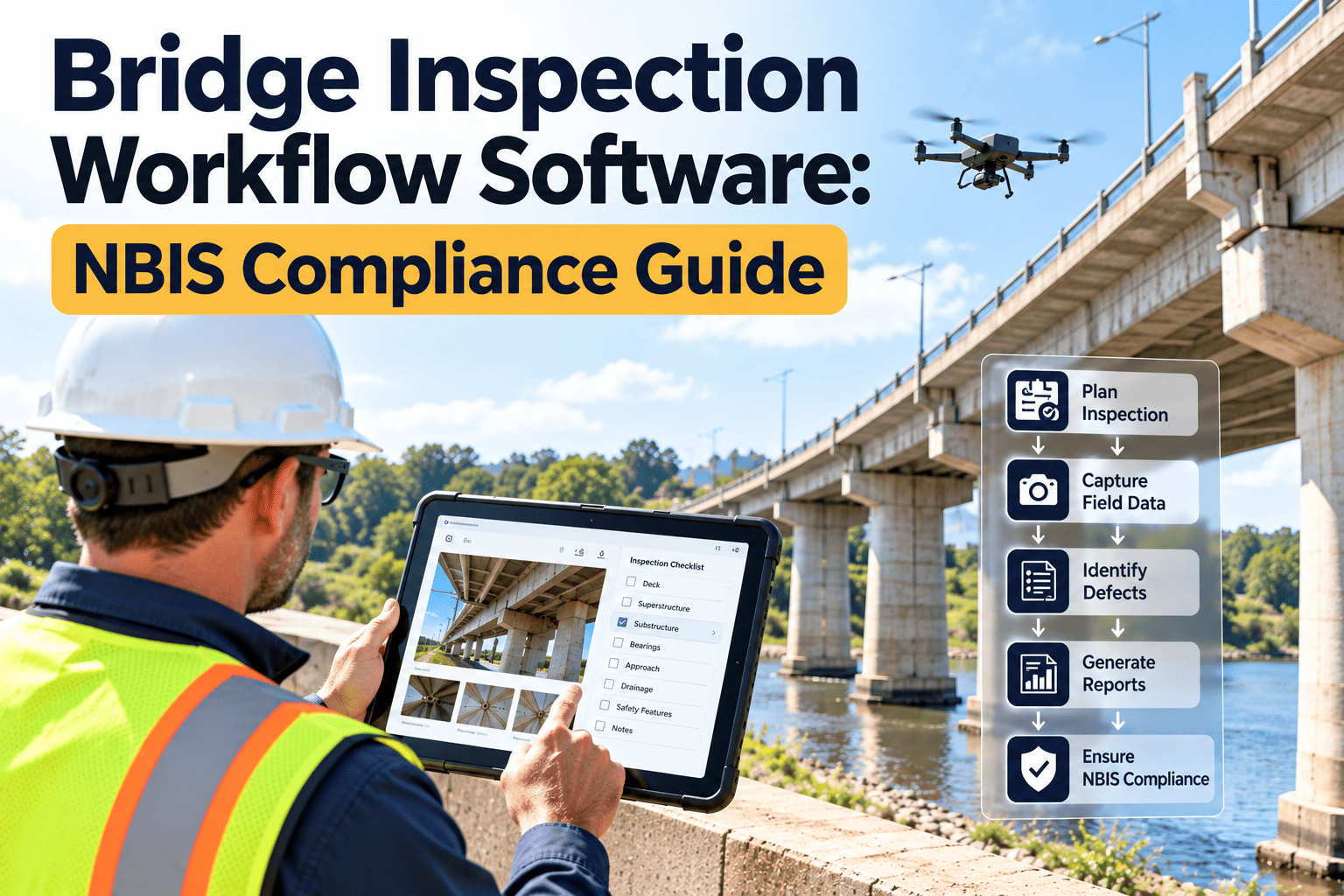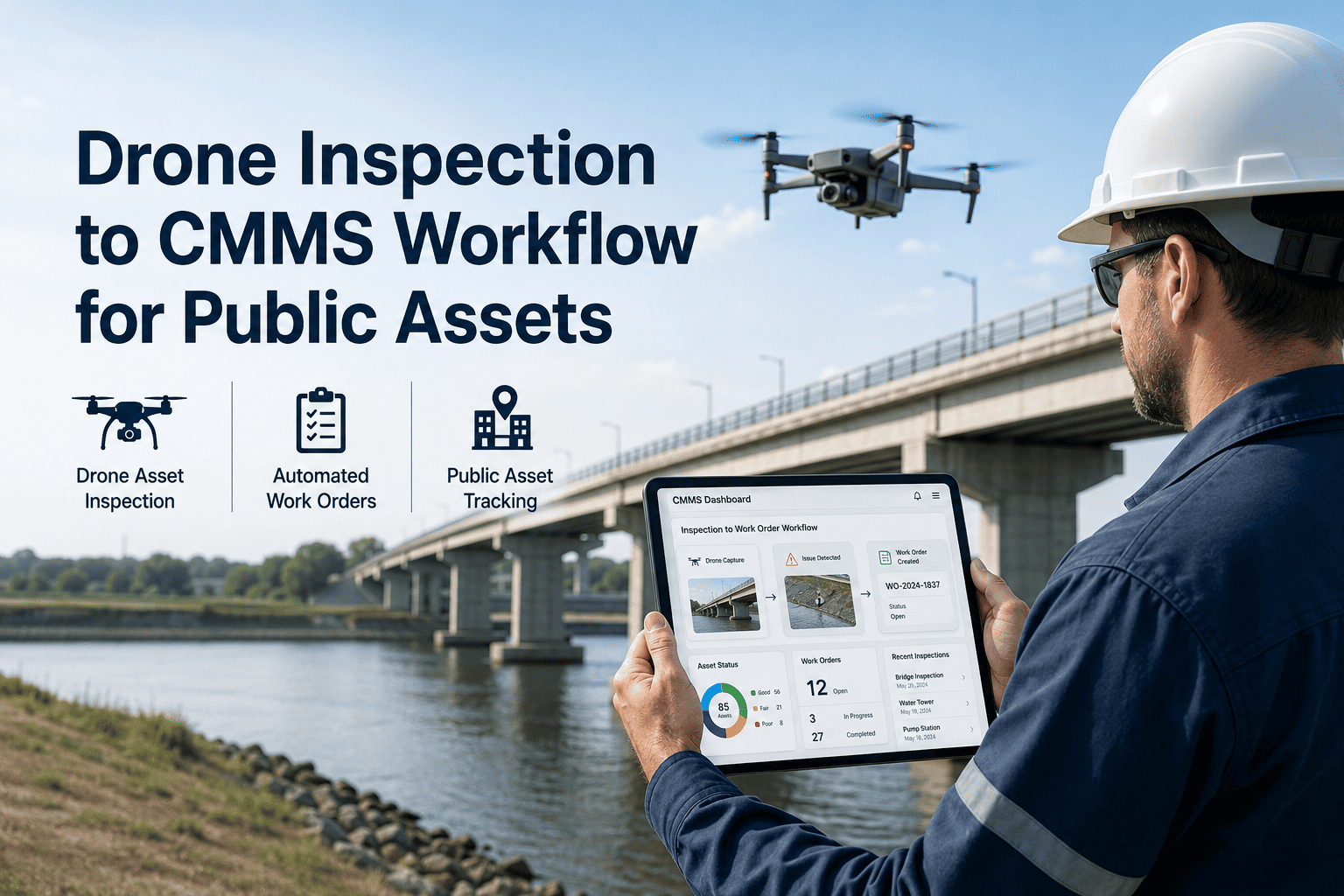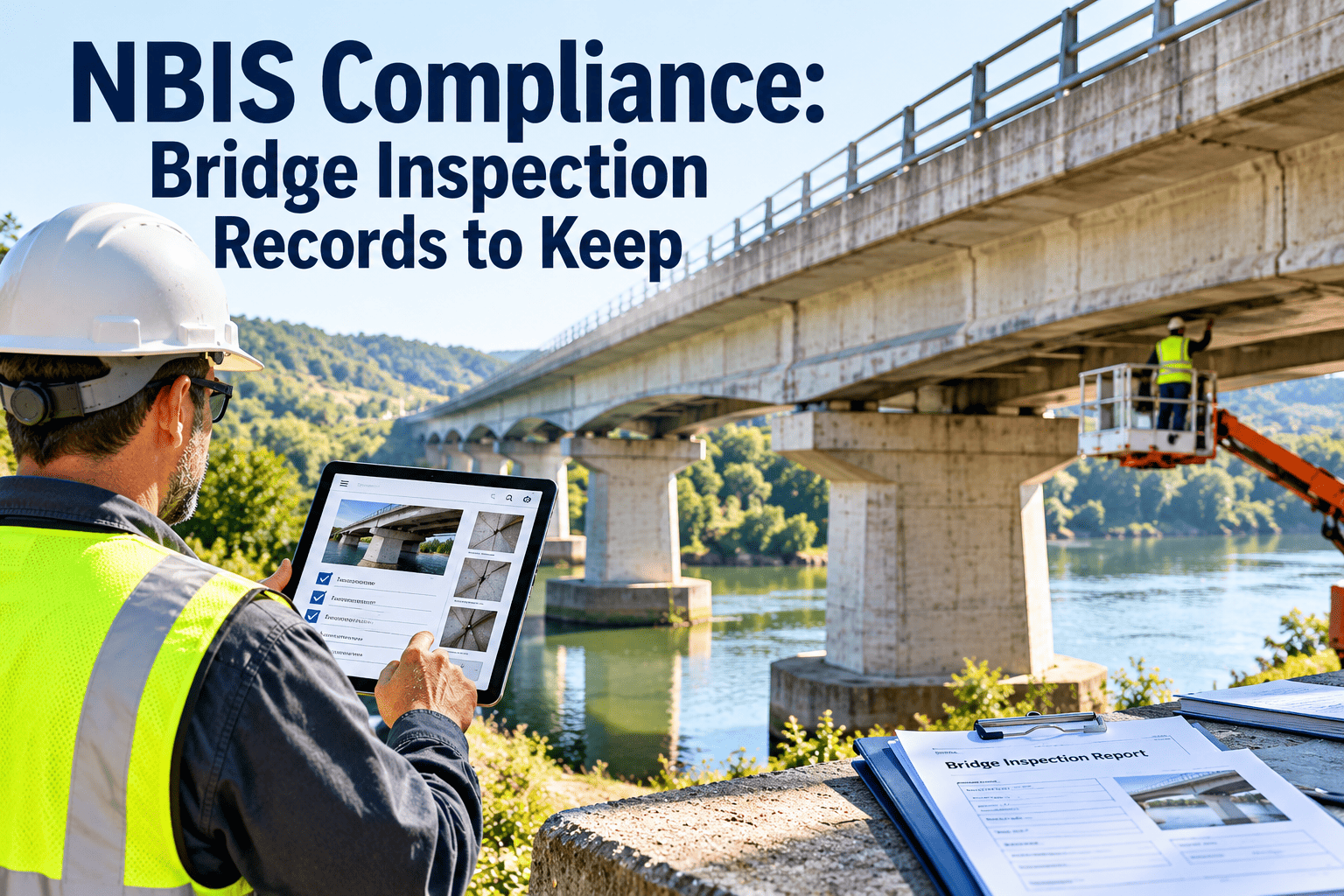
Most local bridge owners do not fail on the bridge itself. They struggle when someone asks for the inspection report, the load rating, the scour plan and proof that a critical finding was closed, and the answers live in four different places. The National Bridge Inspection Standards, found in 23 CFR 650 Subpart C, set the federal expectations for how public bridges are inspected, rated and documented. This guide explains the records a local agency should keep and how to organize them. To see how those records can be linked to maintenance work, book a short demo.
NBIS compliance: the bridge inspection records local agencies should keep ready
From inventory data to critical finding follow-up, build a bridge record set that holds up to a state DOT review, an audit or a claim.
What the NBIS covers and who carries the responsibility
The NBIS apply to publicly owned highway bridges longer than 20 feet on public roads. The state DOT usually runs the program, but local owners often supply the field work and the records.
- Program manager
- Each state or federal agency designates a program manager who oversees bridge inspection, rating and inventory work.
- Local bridge owner
- Counties, cities and towns need to coordinate inspections, supply access and keep accurate structure information current.
- Inspection team leader
- A qualified team leader must be on site for each inspection and is accountable for the findings.
- Reviewing agency
- The state DOT and FHWA review program performance, so records should be easy to retrieve on request.
Inspection types and how often they come due
Each inspection type has its own interval and its own record. The bars below show common maximum intervals, in months, under the standard rules. Approved risk-based programs can change some of them.
- Interval dates should be calculated from the last completed inspection and visible in a schedule.
- Any approved change in frequency should be stored with its approval and supporting criteria.
- Inspections triggered by a flood, impact or other event should be recorded as separate events.
NBIS recordkeeping: what to keep for each bridge
Think of every bridge as a file with defined contents. The table lists the core records that reviewers and engineers usually expect to find.
| Record | What it should show | Typical source |
|---|---|---|
| Structure inventory | Location, type, materials, dimensions, year built, owner and route carried | Owner and state inventory |
| Inspection report | Condition ratings, element findings, defects, notes and recommended actions | Inspection team leader |
| Photographs | Dated images of the structure, key defects and any changes since the last cycle | Inspection team |
| Load rating | Calculation basis, rating results and any posting or restriction decision | Qualified engineer |
| Scour assessment and plan of action | Scour vulnerability, monitoring needs and response steps for scour critical bridges | Hydraulic engineer |
| Fracture critical and special inspection procedures | Member locations, methods, frequency and results | Owner and inspector |
| Critical finding records | Date found, who was notified, interim action and verified closure | Team leader and owner |
| Personnel qualifications | Evidence that team leaders and engineers meet required qualifications | Program or consultant |
| Maintenance and repair history | Work performed, dates, costs and results tied back to inspection findings | Maintenance department |
A defensible path for every critical finding
A critical finding is a structural or safety deficiency that needs prompt action. Reviewers will look closely at what happened after it was reported, not just that it was noted.
- 1
Identify and document
Record the defect, location and photos while the team is still on site.
- 2
Notify
Alert the owner and program contacts quickly and keep the date and time of the notice.
- 3
Mitigate
Apply interim steps such as lane closure, load posting or monitoring until repair.
- 4
Repair
Create a work order or project, assign responsibility and track progress to completion.
- 5
Verify and close
Confirm the fix by reinspection, attach evidence and record the closure date.
Binder, shared drive or CMMS: how each holds up
Bridge records are often scattered across consultant PDFs, email, file cabinets and spreadsheets. The comparison below shows where each approach tends to succeed or fail.
| Need | Paper binder | Shared drive | CMMS |
|---|---|---|---|
| Find a report fast | Depends on who filed it | Depends on folder naming | Open the bridge asset record |
| Track due dates | Manual calendar | Separate spreadsheet | Automatic schedule and reminders |
| Link findings to repairs | Handwritten notes | Cross-referencing by hand | Finding generates a work order |
| Show who changed what | Difficult | Limited | Timestamped history |
| Support multiple staff and consultants | One copy at a time | Version confusion | Shared record with permissions |
Keep every bridge report, schedule and repair in one traceable record
Explore how inspection records and follow-up work can be managed together for your bridge inventory.
Quality control, qualifications and the program-level paper trail
The NBIS expect more than individual reports. Agencies also need evidence that the program is run consistently.
Documents that show the program works
- Written inspection procedures or manuals followed by the agency
- Quality control and quality assurance reviews, with dates and findings
- Team leader and engineer qualification records
- Training and refresher records for field staff
- Agreements with consultants or other agencies who inspect on the owner's behalf
Signs the program is slipping
- Reports arrive weeks after the field visit with no review notes
- Inspection dates cluster at the end of the allowed interval
- Photos are missing or cannot be tied to a specific element
- Posted load limits differ between systems
- Nobody can say which critical findings are still open
A bridge record readiness checklist
Run this list on a sample of bridges each year. Anything you cannot answer quickly is a gap to fix before a review does it for you.
- Every bridge has a current, accurate inventory entry with owner and location.
- The last inspection date and next due date are visible without searching.
- The latest report and photos are attached to the bridge record.
- A current load rating exists and matches any posted limit.
- Scour critical bridges have a plan of action stored with the record.
- Every critical finding shows notification, interim action and closure.
- Repairs reference the finding that caused them.
- Inspector qualifications are on file for the team leader named in each report.
Turning inspection findings into scheduled maintenance
Inspection reports are only useful when they change what the crew does. These examples show how typical findings can become tracked work.
Where bridge data management is heading
The federal program is moving toward more structured, element-level data. Owners who organize records well now will adapt more easily.
- Structured national data: FHWA's Specifications for the National Bridge Inventory introduce a revised data format, so clean structure-level records help with submission.
- Digital field capture: tablets and mobile forms reduce re-keying and keep photos linked to elements.
- Remote tools: drones and other assessment tools can support access to hard-to-reach areas, but findings still need to be documented in the record.
- Risk-informed planning: condition, load rating and repair history together help prioritize limited funds.
Keeping records straight when consultants and the state are involved
Many local owners rely on a consultant or state-run program to perform inspections. That arrangement works well only when the handoff of records is clear.
What the owner should receive
- The complete report in a readable format, not just a summary of ratings
- All photographs with captions that identify the element and location
- Updated load rating results and any recommended posting changes
- A clear list of recommended actions with priorities
- Notice of any critical finding on the day it was identified
What the owner should confirm
- Who is the named team leader and where their qualifications are documented
- How long the consultant retains field notes and original files
- Which agency enters inventory data and who corrects errors
- How and when the owner receives updates after state review
- Where the final record of each bridge is permanently stored
A consistent way to name and store bridge documents
A reviewer should not need a guide to find a record. A simple standard for naming and filing makes every bridge file look the same.
| Document group | Suggested naming pattern | Why it helps |
|---|---|---|
| Inspection reports | Bridge ID, inspection type, inspection date | Sorts chronologically and shows the inspection type at a glance |
| Photographs | Bridge ID, date, element, short description | Allows comparison of the same element across cycles |
| Load ratings | Bridge ID, rating date, revision number | Makes the current rating obvious and preserves earlier versions |
| Plans and special procedures | Bridge ID, plan type, revision date | Keeps scour plans and fracture critical procedures easy to find |
| Findings and follow-up | Bridge ID, finding reference, status | Connects each finding to its work order and closure |
Gaps that program reviews commonly look for
Review practices differ by state, but these are the kinds of weaknesses that tend to draw questions when records are examined.
- Overdue inspections: a bridge past its interval with no explanation or approved exception in the file.
- Missing or outdated load ratings: ratings that predate a change in the structure, loading rules or condition.
- Unclear scour status: bridges over water with no documented vulnerability assessment or plan.
- Open critical findings: items reported but not tied to a repair, a restriction or a verified closure.
- Inconsistent data: different dimensions, ratings or ownership in different systems.
- Weak qualification evidence: reports that name a team leader with no supporting credential on file.
- Unlinked maintenance: repairs done by crews that never appear in the bridge record.
Measures that show whether the bridge record program is healthy
A few simple numbers, reviewed regularly, reveal problems before an outside review does.
Keeping bridge records available for as long as the structure stands
A bridge can remain in service for many decades, so its history needs a home that outlasts staff turnover, consultant contracts and software changes.
- Keep the full life of the structure: earlier reports, photos and rating revisions help engineers see how a defect has progressed over time.
- Store originals in open formats: reports, photos and calculations should remain readable even if a particular program is retired.
- Control who can change records: inspectors and engineers may add documents, while edits to approved records should be tracked.
- Back up the record set: copies should exist outside the system or building where the primary files are kept.
- Document ownership changes: when a bridge changes hands, the complete file should move with it.
Answering a records request in five steps
- Identify the bridge by its inventory identifier and confirm the request scope.
- Open the bridge file and confirm the latest report, photos and load rating are present.
- Check the status of every critical finding and attach evidence of closure.
- Compile the maintenance history that relates to the findings.
- Send the package, note who prepared it and keep a copy of what was sent.
How Oxmaint supports bridge inspection recordkeeping
Oxmaint maintenance management software is not an engineering rating tool, but it keeps the surrounding records organized.
NBIS compliance questions from local bridge owners
What does NBIS compliance require?
It requires qualified inspections at set intervals, load ratings, defined procedures and records. Check your state DOT for specifics.
Who keeps the inspection records?
Responsibility is shared between the state program and the owner. Local owners should hold their own complete copy.
Can a CMMS replace the state inventory system?
No. It complements it by tracking schedules and work. You can book a demo to see how.
How should critical findings be tracked?
Record notification, interim action, repair and verified closure in one trail linked to the bridge.
How do we start organizing bridge files?
Begin with your highest-risk bridges. You can start with Oxmaint and add the rest.
Make your next bridge records request a five-minute task
Organize inspections, findings and repairs by structure so the right file is always one click away.