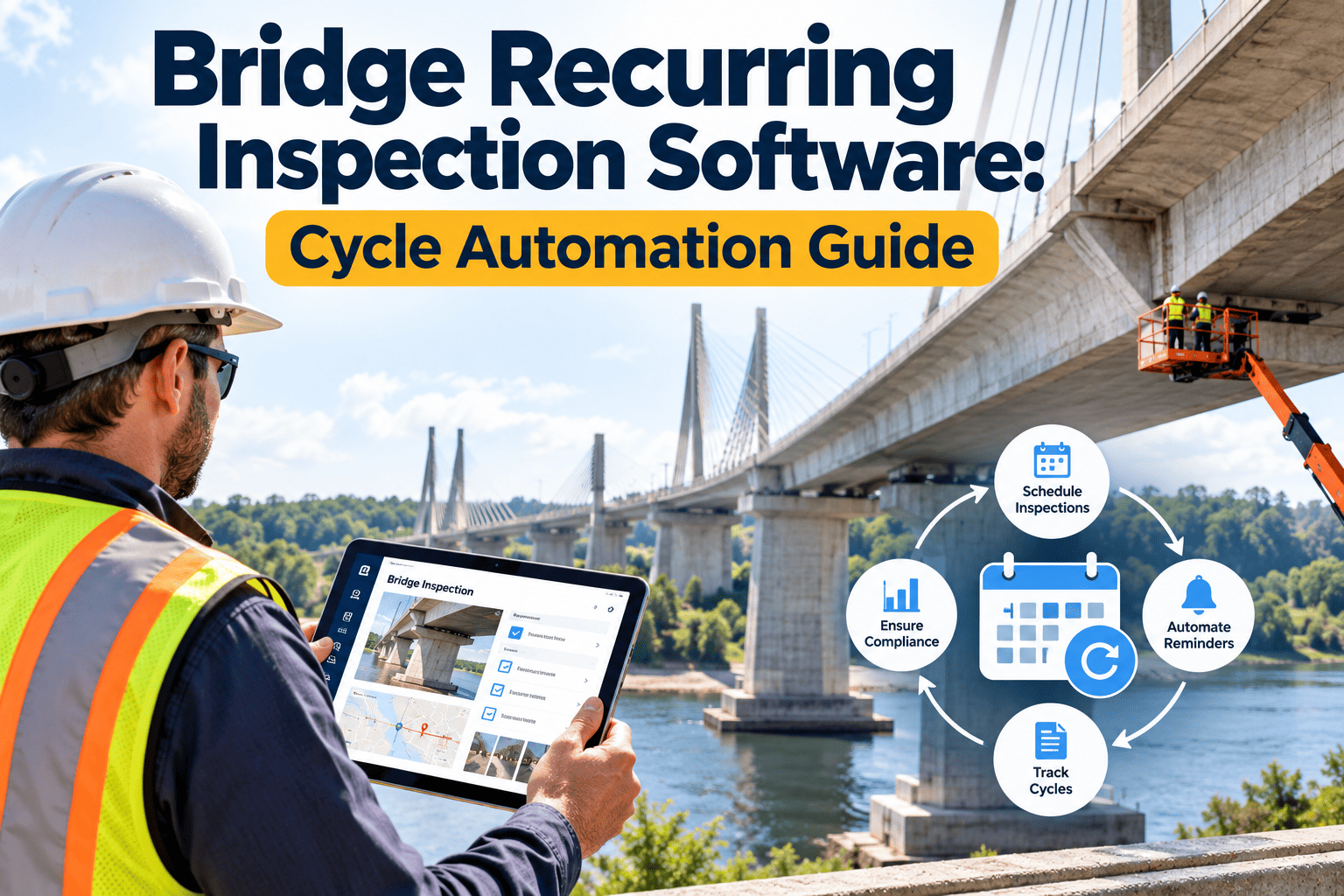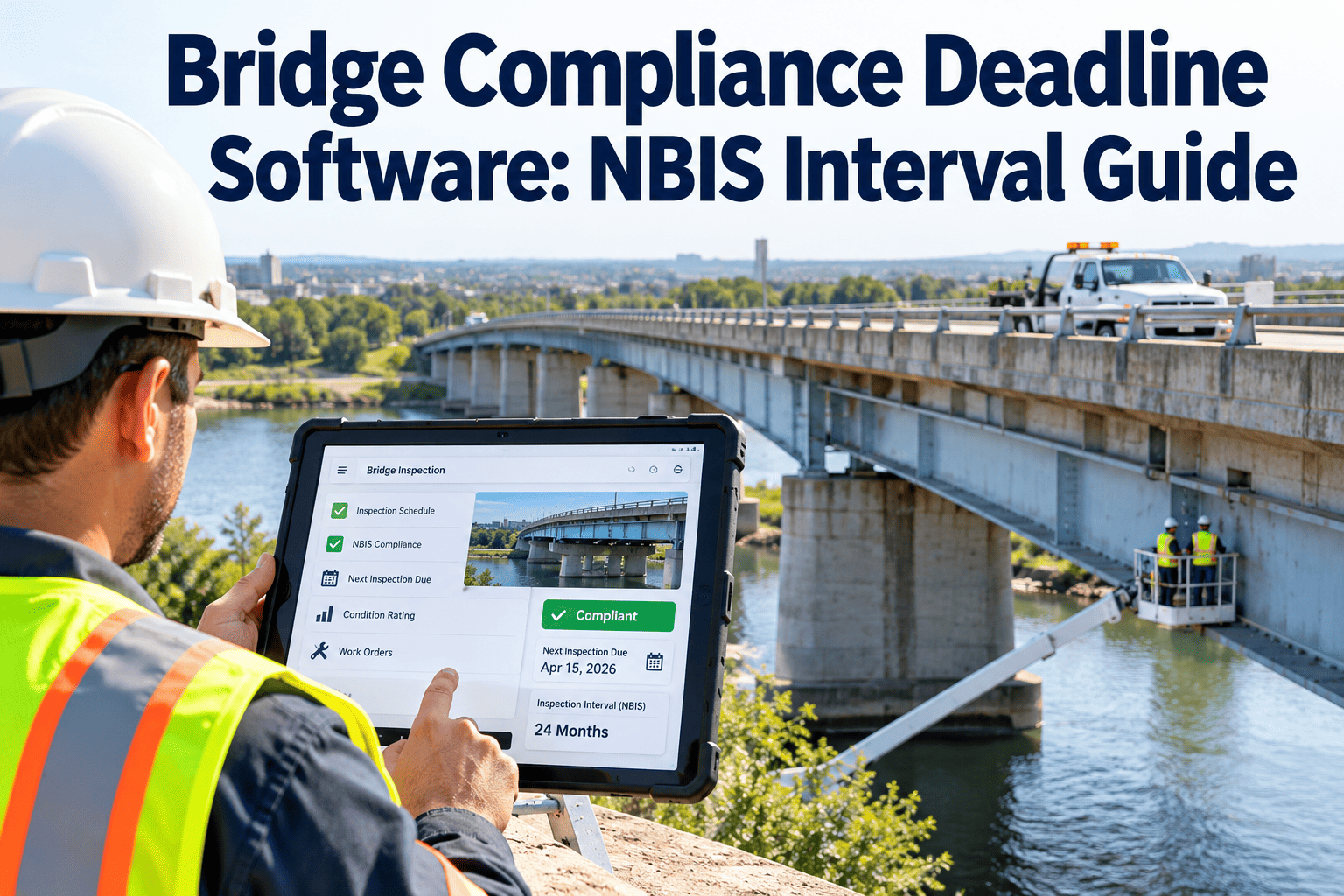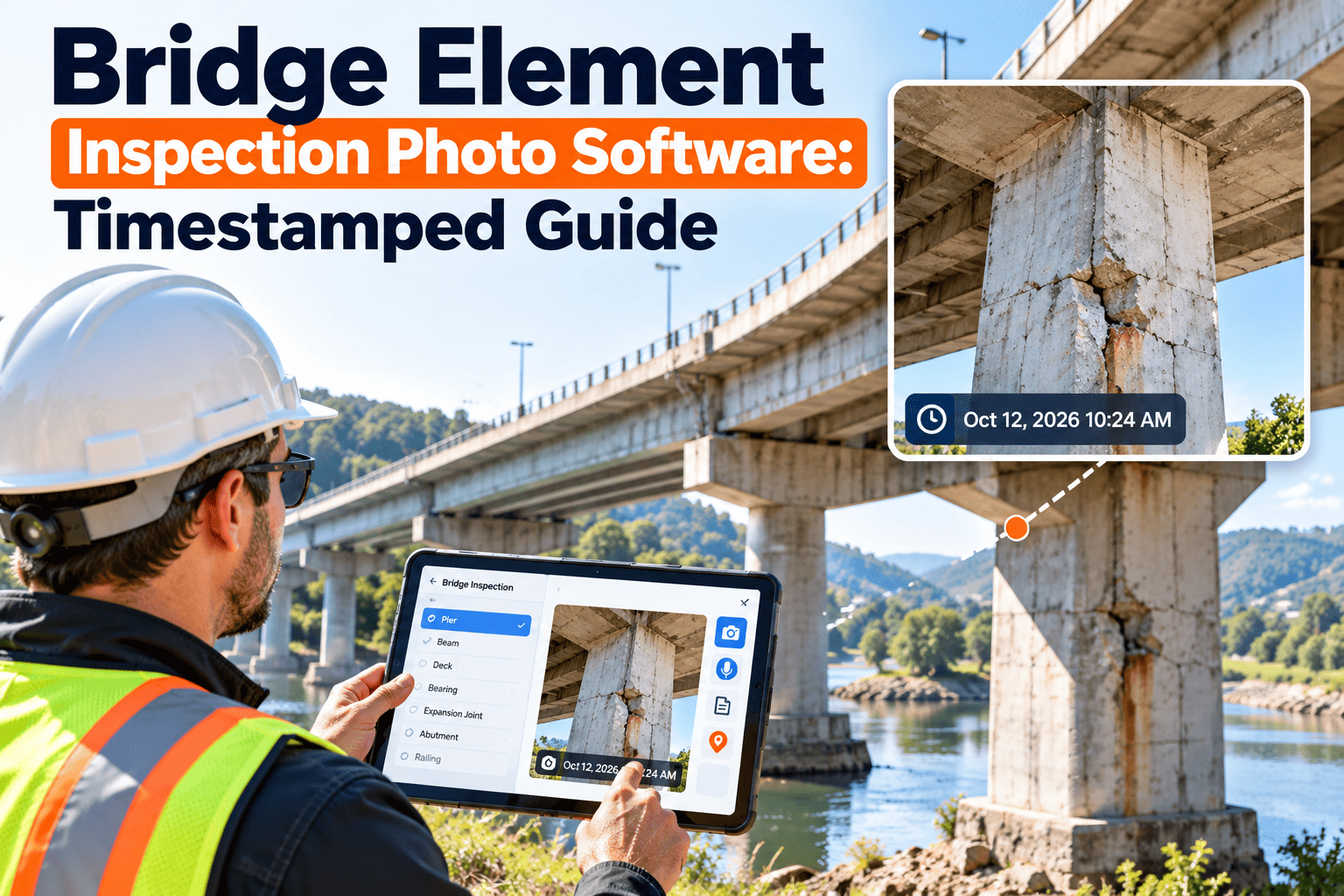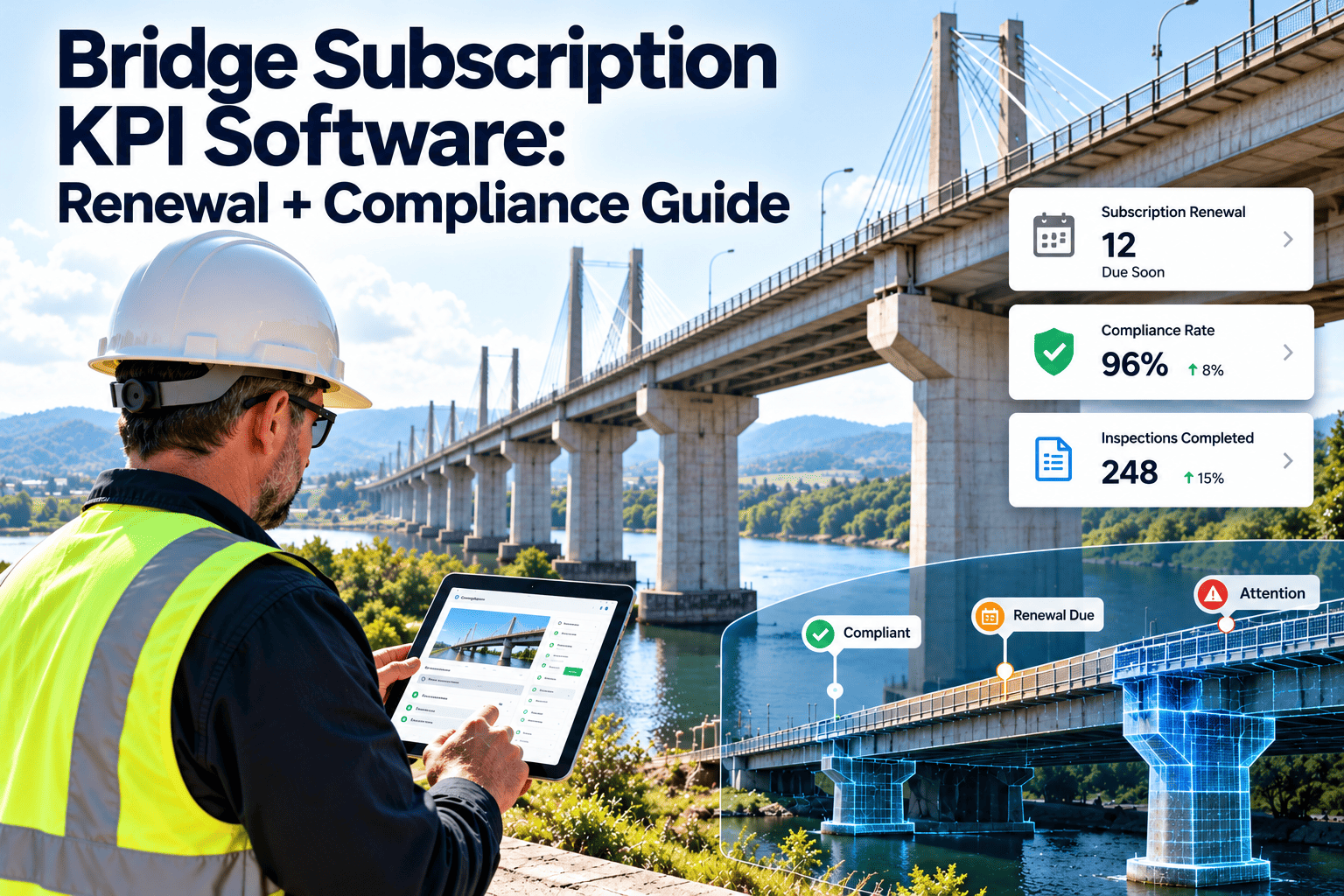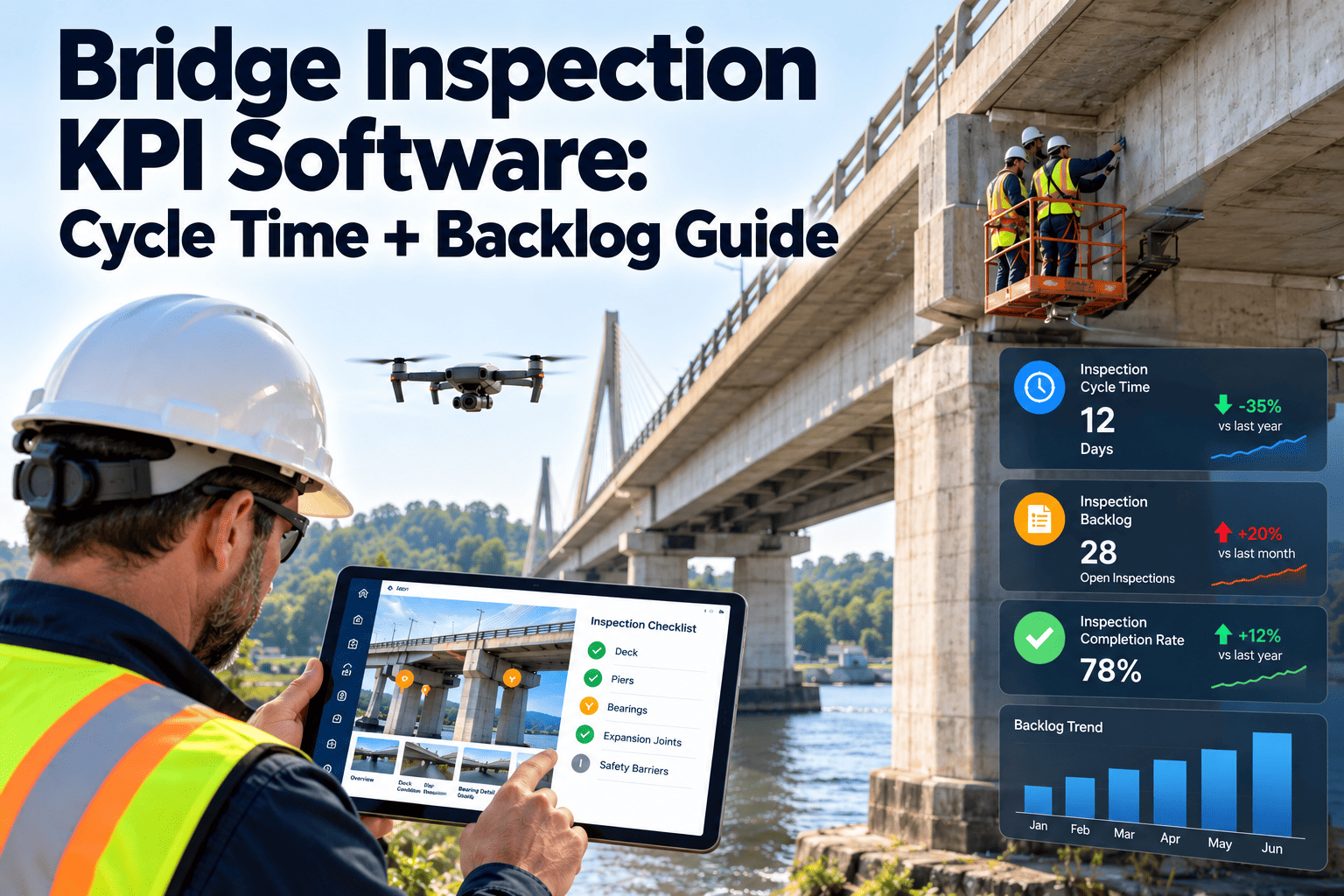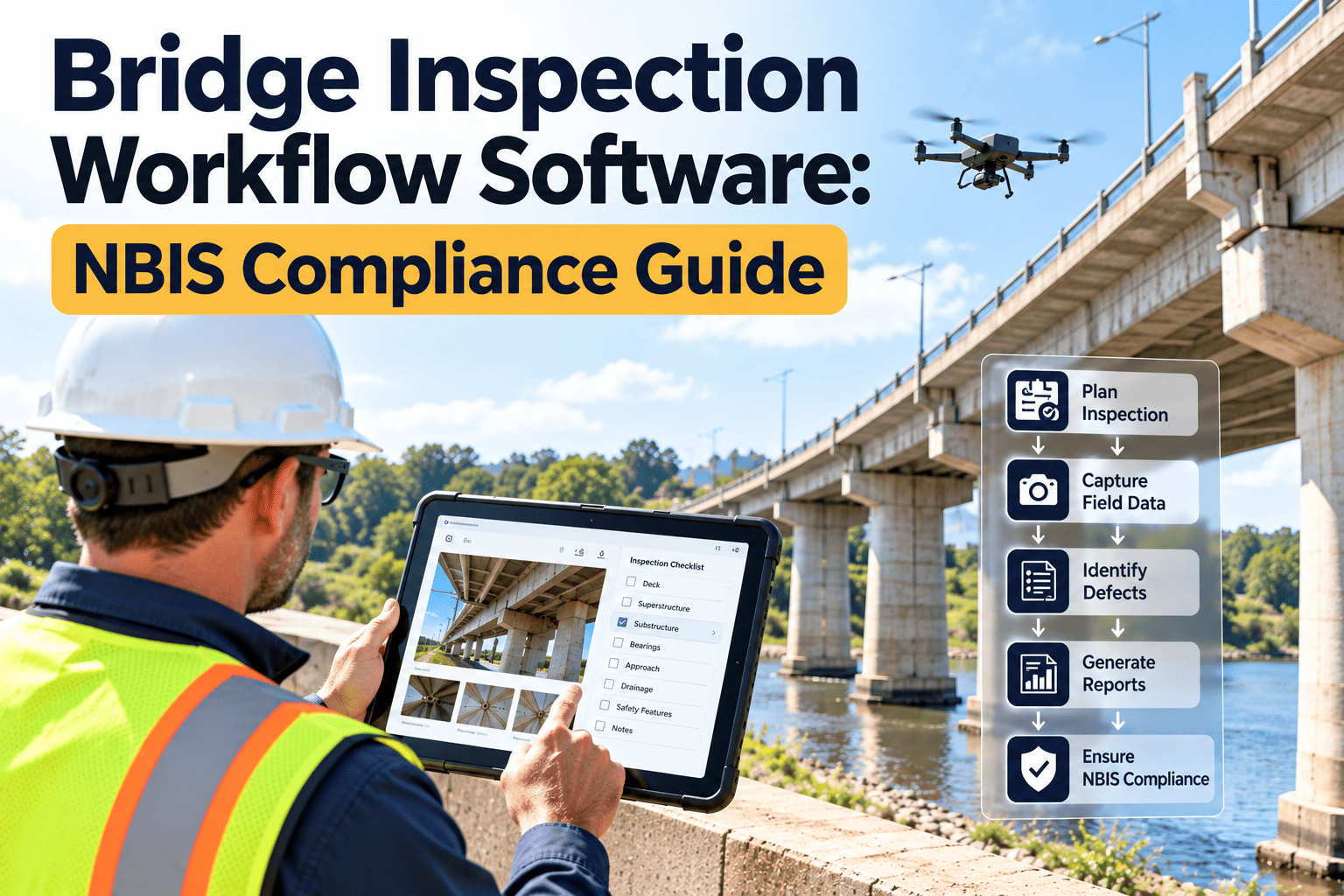
A single bridge can generate routine, fracture critical, underwater, damage and special inspections, each with its own interval, team and report. Across a state DOT or county portfolio, keeping that schedule, the element data and the review trail consistent is a heavy administrative load. Bridge inspection workflow software organises it in one place. Explore a CMMS for bridge inspection workflow and NBIS records built around that work.
NBIS Compliance Workflow
Bridge Inspections Scheduled, Coded, Reviewed and Traceable
Manage the National Bridge Inspection Standards workflow, from inspection scheduling and element coding to QC/QA review, for state DOT, local agency and tribal bridge programmes.
1
Schedule due inspections2
Assign qualified team3
Inspect and code elements4
QC and QA review5
Submit data, plan follow-upWhat NBIS Requires, in Workflow Terms
The National Bridge Inspection Standards are codified in 23 CFR 650, Subpart C. FHWA revised them in 2022, so confirm current wording with your division office before finalising procedures.
| Requirement area | Workflow implication |
|---|---|
| Inspection frequency | Routine inspections are generally on a 24-month cycle, with provisions for shorter or, with approval, longer intervals |
| Specialised inspections | Fracture critical, underwater and special inspections need their own schedules and procedures |
| Personnel qualifications | Program manager, team leader and inspector roles carry defined qualifications that must be verified and recorded |
| Quality control and assurance | Agencies need documented QC/QA procedures, with periodic review of reports and field work |
| Load rating and postings | Ratings and postings must be kept current when inspection findings change bridge capacity |
| Critical findings | Procedures are needed to identify, notify, act on and close critical findings promptly |
| Inventory data | Inspection results and bridge data are submitted to FHWA under required formats and timelines |
Inspection Types a Workflow Must Track
Routine
Regularly scheduled review of condition, with element and inventory data updated at each visit.
Fracture critical member
Hands-on review of steel tension members whose failure could cause collapse, on its own interval.
Underwater
Diver or other methods for submerged substructure, planned around access and season.
Damage
Unscheduled inspection after impact, flood, fire or other events that may affect safety.
In-depth and special
Closer study of a specific concern, sometimes with testing or monitoring.
Scour and posted-bridge checks
Follow-up tied to scour plans of action, load postings and flood events.
Each type needs its own due date, assigned qualifications and report template. A shared calendar built on one asset record avoids missed intervals.
The End-to-End Bridge Inspection Workflow
01
Forecast and schedule
Generate upcoming inspections by bridge, type and due date. Balance workload across teams and seasons, and flag bridges approaching an interval limit.
02
Prepare the package
Assemble prior reports, plans, load rating, open findings, scour notes and access requirements before the crew leaves the office.
03
Perform and record in the field
Capture element condition states, defects, photographs and quantities on mobile devices, working offline where coverage is poor.
04
Review and approve
Team leader and reviewer check coding, ratings and narrative for consistency with the previous inspection and field evidence.
05
Trigger actions
Critical findings, rating changes and maintenance needs create tracked actions with owners and due dates.
06
Report and retain
Prepare inventory and element data for submission and keep the full record for later audit.
Element-Level Coding and NBI Data
Element data describes each component's quantity and condition state. Consistency is the hard part, especially across many inspectors.
Where coding goes wrong
- Different inspectors apply condition states differently
- Quantities carried forward without field verification
- Defect notes not linked to specific elements
- Photos stored apart from the element they support
- Inventory fields updated late or not at all
What structure provides
- Standard element lists and condition state guidance in the form
- Prior values shown for comparison during the inspection
- Defects, photos and notes tied to each element
- Validation rules that catch impossible or unusual entries
- Inventory updates prompted by inspection results
The AASHTO Manual for Bridge Element Inspection defines the element framework many agencies use. FHWA is also moving states toward the Specifications for the National Bridge Inventory, so check the reporting format your agency must follow.
Bring the Whole Bridge Inspection Cycle into One Record
See how scheduling, field capture, review and follow-up connect around a single asset history for every bridge.
Why Bridge Inspection Programmes Fall Behind
Compliance problems rarely come from a lack of effort. They come from information that sits in too many places.
Intervals are tracked separately
Routine, fracture critical and underwater dates live in different lists, so one type is easily overlooked while another is on schedule.
Prior reports are hard to find
Inspectors arrive without the last report, open findings or scour notes, and spend field time rediscovering known issues.
Review depends on individuals
Quality checks vary by reviewer and workload, and there is little evidence of what was actually checked.
Findings stop at the report
Recommendations sit in a report appendix until the next inspection, when the same defect is recorded again.
Oversight is retrospective
Program managers learn about overdue work or repeat corrections only when an audit or data submission exposes it.
What Belongs in an Inspection Package
A consistent package makes field time productive and reduces repeated questions. Attach it to the bridge record so it is ready at every visit.
History
Prior inspection reports, element data, photographs and any change in condition noted by earlier teams.
Structure information
Plans, span and material details, fracture critical member locations and known fatigue-prone details.
Open items
Unresolved findings, pending repairs, load rating notes, posting status and scour plan of action.
Access and safety
Traffic control needs, access equipment, confined-space notes, waterway conditions and permits.
Linking Inspection Results to Load Rating and Scour
Inspection findings can change what a bridge is safe to carry. The workflow should treat that change as a task, not an observation.
A
Detect a capacity-relevant finding
Section loss, cracking, bearing problems or foundation movement are flagged for engineering review at the time of approval.
B
Request a rating review
A tracked task goes to the load rating engineer, with the relevant photos, measurements and element data attached.
C
Update posting and restrictions
If the rating changes, posting, permit and routing actions are assigned and closed with dates.
D
Revisit scour risk after floods
Flood events trigger checks on bridges with scour concerns, guided by each bridge's plan of action.
From Inspection Finding to Maintenance Action
Report-only approach
- Recommendations sit in the report
- No owner or due date for repair
- Same defect rediscovered next cycle
- Maintenance teams work from separate lists
Connected approach
- Each finding creates a work order or review task
- Owners, priorities and dates are recorded
- Next inspection sees what was fixed and what was not
- Maintenance history stays with the bridge
This link between inspection and maintenance is what turns compliance records into a working preservation programme.
QC/QA as a Closed Loop
Quality control checks the work as it is produced. Quality assurance checks that the control process itself is effective. Both need evidence.
Plan
Define review rules, sample sizes and reviewer qualifications for each inspection type.
Check
Reviewers compare reports with photos, prior data and field notes. Comments stay attached to the report.
Correct
Inspectors respond to comments, and changes are logged with who made them and when.
Assure
Program managers sample completed work, spot repeat issues and adjust training or procedures.
Useful QC/QA measures to track
- Share of reports returned for correction, by inspector and by reviewer
- Average days from field visit to approved report
- Element condition changes flagged as unusual and their outcomes
- Field verification visits completed against plan
- Overdue inspections by type and owning agency
People and Qualifications
NBIS ties defined responsibilities to specific roles. A workflow should confirm the right person is assigned before work starts.
| Role | Typical responsibility | What to record |
|---|---|---|
| Program manager | Overall responsibility for the inspection programme and its compliance | Qualification evidence and assignment date |
| Team leader | On site during each inspection and accountable for the field work | Credentials, training currency, assignments |
| Inspector | Records condition and defects under the team leader | Training, experience, and specialty certifications |
| Load rater | Calculates ratings and recommends postings | Licensure and rating dates |
| Diver or specialist | Underwater or specialised tasks | Certifications and site safety approvals |
| QC and QA reviewers | Independent review of reports and field work | Review outcomes and comments |
State DOT, Local and Tribal Bridge Programmes
Bridge ownership is split. State DOTs, counties, cities and tribal governments all inspect bridges under the same standards, with different resources.
State DOT
Large inventories, many inspection teams, and a need for statewide consistency and oversight.
Local agencies
Smaller staffs that rely on consultants and need clear schedules, packages and simple review steps.
Tribal and BIA bridges
Inventories where inspection coordination, records and follow-up may involve several agencies.
A common workflow lets an oversight office see due dates and review status across owners without chasing spreadsheets.
Manual Tracking vs a Managed Workflow
| Area | Spreadsheets and paper | Managed CMMS workflow |
|---|---|---|
| Due-date tracking | Manual lists that lag reality | Automatic schedule by bridge and inspection type |
| Field data | Paper forms typed in later | Mobile entry with prior values on screen |
| Review trail | Emails and file versions | Comments, edits and approvals logged |
| Credentials | Held in separate files | Checked against each assignment |
| Follow-up actions | Notes in a report appendix | Work orders with owners and status |
| Audit readiness | Assembled when requested | Available from the bridge record |
Oxmaint Capabilities for Bridge Inspection Programmes
- Asset management records for each bridge, with structure data, drawings, load rating and history
- Preventive maintenance and inspection scheduling that generates due inspections by type and interval
- Configurable inspection forms and mobile workflows for field capture of elements, defects and photos
- Work orders that convert findings into assigned, tracked corrective and preservation actions
- Compliance records that keep reports, approvals and qualification evidence in one place
- Dashboards for overdue inspections, open findings and review backlog
- Inventory and cost tracking for materials and crews used on bridge repairs
Configure forms and rules to match your agency's manuals rather than the other way round.
Implementation Checklist for a Bridge Programme
Bridge inventory loaded with owner, type and inspection interval
Inspection types and due-date rules configured
Element lists and condition state guidance built into forms
Roles and qualification records assigned to users
QC and QA review steps defined and tested
Critical finding notification path documented
Load rating and posting records linked to each bridge
Offline field capture tested at remote sites
Data export mapped to the required FHWA format
Historic reports imported or linked for continuity
Reporting Views Programme Managers Actually Use
| View | Question it answers | Typical filter |
|---|---|---|
| Inspections due | What must be completed in the next 30, 60 and 90 days? | Type, district, owner |
| Overdue inspections | Which bridges are past their interval, and why? | Type, team, reason code |
| Review status | Which reports await QC or QA review? | Reviewer, age, inspector |
| Open critical findings | What is unresolved and who owns it? | Priority, age, action status |
| Condition trend | Which bridges are deteriorating faster than expected? | Element, material, route |
| Data submission readiness | Are approved inspections complete and valid for export? | Format, validation errors |
Views like these replace ad hoc reports and give oversight staff a routine way to see problems early.
Preparing for FHWA Review and Audit
FHWA oversees state programmes against defined measures. Being ready is easier when records are organised as you work.
- Keep approved reports, comments and approvals accessible from each bridge record
- Show that personnel assigned to each inspection held the required qualifications on that date
- Demonstrate that intervals were met, or that any approved interval changes are documented
- Retain evidence of QC and QA activity, including corrections and follow-up
- Show how critical findings were reported, actioned and closed
- Prove that submitted data matches the approved inspection record
Ask your FHWA division office how it applies the current metrics, so your reports show the evidence it expects.
Trends Affecting Bridge Inspection Practice
- Risk-based inspection intervals, where approved, put more weight on good data about condition and performance
- Drones, sensors and other tools supplement access-limited inspections, adding images and data to manage
- Agencies are updating data processes as element-level and SNBI reporting expectations evolve
- Workforce turnover makes documented procedures and reusable forms more valuable
- Preservation programmes depend on accurate findings to target work before deterioration accelerates
Starting Small and Scaling Across the Portfolio
A full rollout does not need to begin with every bridge. Pick a district or owner group and prove the workflow first.
- Load the pilot inventory with intervals, owners and specialised inspection flags
- Run one complete cycle from scheduling through review and follow-up
- Ask inspectors and reviewers which fields slowed them down and simplify the forms
- Expand to other districts, local owners and consultants once the process is stable
Bridge Inspection Workflow FAQs
Does software replace NBIS compliance work?
No. It organises schedules, records and reviews so your agency can demonstrate compliance consistently.
Can inspectors work without connectivity?
Mobile capture supports field use, including remote sites. Book a demo to review offline options.
How are critical findings handled?
They create tracked work orders with owners, deadlines and closure records that fit your agency's procedure.
Can it support element-level data?
Forms can follow your element structure and condition states. Start a trial to test with sample bridges.
Is it suitable for local and tribal owners?
Yes. Smaller programmes benefit from clear schedules, packages and review steps without heavy administration.
Keep Every Bridge Inspection On Time and On Record
Build an NBIS-aligned workflow that covers scheduling, element data, QC/QA and the follow-up work that inspections generate.